How we make this list: we compare pricing pages, product documentation and public user reviews. Ratings come from G2, Capterra or Trustpilot, with the date we checked them.
Key takeaways
- Google Earth is hard to beat for casual globe browsing, but it is not the best tool for GIS analysis, fresh satellite data, or custom map products.
- QGIS and ArcGIS Earth cover the professional end, with QGIS free and open source and ArcGIS Earth suited to teams already in the Esri system.
- Zoom Earth, Bing Maps, and NASA Worldview are the simplest free routes to satellite views, weather layers, and daily imagery.
- OpenStreetMap and Mapbox serve builders, since one provides open map data and the other provides the platform to turn that data into a product.
- Maptitude and Sentinel Hub fill narrow jobs well, with Maptitude for territory and demographic mapping and Sentinel Hub for satellite data access.
Quick comparison
| Tool | Best for | Starting price | Free plan |
|---|
 QGIS QGIS | Free GIS analysis and map making | $0 per user/month | Yes |
 ArcGIS Earth ArcGIS Earth | 3D globe viewing in Esri workflows | $0 per user/month | Yes |
 Zoom Earth Zoom Earth | Live weather and satellite viewing | $0 per user/month | Yes |
 Bing Maps Bing Maps | Everyday browsing and directions | $0 per user/month | Yes |
 OpenStreetMap OpenStreetMap | Open map data and community maps | $0 per user/month | Yes |
 Mapbox Mapbox | Custom maps inside apps and sites | See website | Yes |
 NASA Worldview NASA Worldview | Daily satellite imagery browsing | $0 per user/month | Yes |
 Sentinel Hub Sentinel Hub | Satellite data for analysis projects | See website | Free trial |
 Maptitude Maptitude | Territory and demographic mapping | See website | Free trial |
Is your product missing or out of date?
We review this list regularly. Vendors can request a listing, send updated pricing or ask about featured placement.
The best alternatives to Google Earth
A globe you can spin is only one kind of map tool. Some readers want to measure land, check a storm, or compare satellite images from two dates. Others want to build a map into an app, analyze census data by area, or print a clean map for a report. Google Earth does the first job well, and it can feel thin for the rest. The nine tools below split into three groups, and naming the group first makes the choice much easier.
The first group is for viewing. Zoom Earth, Bing Maps, and NASA Worldview let a person open a map and look, with little learning time. The second group is for analysis. QGIS, ArcGIS Earth, Maptitude, and Sentinel Hub help a user work with data, layers, and measurements. The third group is for building. OpenStreetMap supplies the underlying map data, and Mapbox supplies the tools to style and serve a custom map. Start with the group that matches the task, then compare tools inside it.
#1QGIS
Best for: Free GIS analysis and map making4.5/5 on
G2 (154 reviews, checked Oct 2026)
Visit qgis.org
Starting price$0 per user/month
Free planYes
QGIS is a desktop GIS application that covers the work Google Earth cannot do, such as joining a spreadsheet to a map, running spatial analysis, editing shapes, and producing a print ready layout. It runs on Windows, Mac, and Linux, and it reads common formats for points, lines, polygons, rasters, and web map services. A student, a researcher, or a small planning team can do professional grade mapping without a license fee.
The cost is time, not money. A new user must learn concepts such as layers, projections, and attribute tables, and the menus hold far more options than a casual browser needs. Documentation and community tutorials help a lot, but the first project will take longer than opening Google Earth. For anyone who needs real analysis rather than a pretty globe, QGIS is the clear starting point, and its open source license means the work is not locked to a vendor.
What we like- Full GIS analysis, editing, and print layouts at no cost
- Huge plugin library
- Reads many data formats
Watch out for- Learning curve is steep for beginners
- Interface can feel crowded on first use
#2
ArcGIS Earth
Best for: 3D globe viewing in Esri workflows
Visit esri.com
Starting price$0 per user/month
Free planYes
ArcGIS Earth is Esri's free globe viewer, and it is the closest direct replacement for Google Earth Pro in feel. A user can fly to a place, tilt the view, load KML files, measure distances, and view Esri web services in 3D. It is a good fit for a team that already uses ArcGIS Online or ArcGIS Pro and wants a simple viewer for colleagues who do not need full GIS software.
The limit is scope. ArcGIS Earth is a viewer with light analysis, not a full GIS desktop, so complex modeling, geoprocessing, and large data editing still belong in ArcGIS Pro or QGIS. Users outside the Esri system may also find less reason to choose it over QGIS, since both are free. Pick ArcGIS Earth when the team already lives in Esri services and needs a clean 3D viewer, not when the job is heavy analysis.
What we like- Smooth 3D globe viewing
- Works with Esri services and KML data
- Offline data support for field work
Watch out for- Analysis depth is far below ArcGIS Pro
- Best value depends on other Esri tools
Starting price$0 per user/month
Free planYes
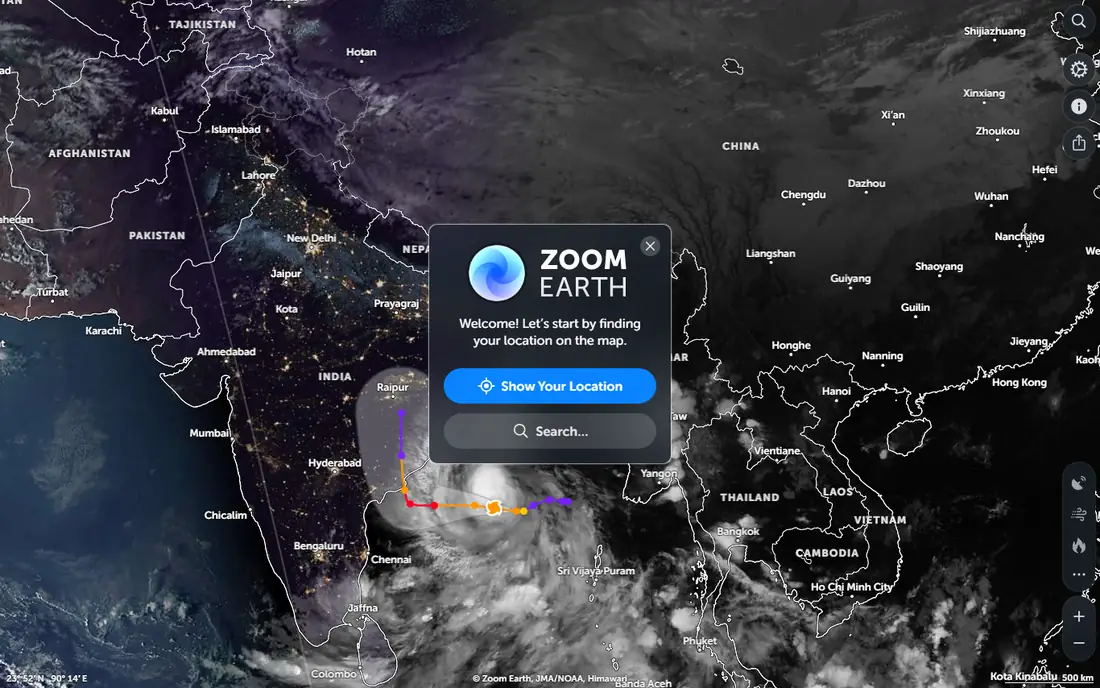
Zoom Earth is a web map built for looking at the planet right now. It shows satellite imagery, rain radar, wind, temperature, and storm tracks, and it lets a user measure distance and area on the map. For checking a hurricane path, a wildfire area, or weather over a travel route, it is faster and more current than a static globe view. There is nothing to install, and the interface stays simple.
The trade off is that Zoom Earth does not try to be an analysis platform. A user cannot run GIS models, join large datasets, or build a complex print map inside it. That is fine for its purpose, since most visitors want a current view, not a project file. Use Zoom Earth for live earth observation, and move to QGIS or Sentinel Hub when the task turns into analysis.
What we like- Fast satellite and weather layers in a browser
- Storm tracking and fire data
- No install needed
Watch out for- Not a GIS tool
- Limited measurement and data export options
Starting price$0 per user/month
Free planYes
Bing Maps is the everyday alternative for people who mainly want to find a place, check an aerial view, and get directions. Its road maps are clear, its aerial imagery covers many cities well, and streetside views help a user confirm what a street actually looks like. Search is direct, and sharing a location takes a few clicks. For routine browsing, it replaces Google Earth without any learning time.
The gaps appear in specialist use. Bird's eye aerial views and 3D coverage vary by city, and Bing Maps does not offer the same depth of historical imagery or globe tools as Google Earth Pro. It is also a consumer map, not a GIS or satellite analysis tool. Choose Bing Maps for daily place finding and route checks, and keep a separate tool for analysis or fresh satellite work.
What we like- Clear road maps, aerial views, and directions
- Streetside imagery in many places
- Simple search
Watch out for- 3D and imagery depth varies by place
- Fewer specialist layers than Google Earth
Starting price$0 per user/month
Free planYes
OpenStreetMap is a map built by volunteers, and its real value is the data behind the map. Anyone can use that data under an open license to build an app, print a map, or run analysis, which is why so many delivery apps, hiking apps, and research projects rely on it. The main website lets a user browse the map, search for places, and export a small area, and the data itself covers roads, paths, buildings, and points of interest in remarkable detail in many regions.
The main site is not trying to match Google Earth as a visual experience. It has no rich 3D globe, no historical imagery slider, and no built in tour tools. Coverage and detail also vary, since volunteer mapping is stronger in some places than others. Treat OpenStreetMap as a data source and a community map first, and pair it with QGIS or Mapbox when a polished view or a custom product is needed.
What we like- Open data under an open license
- Strong coverage in many areas
- Base for countless apps
Watch out for- The main site is a data viewer, not a polished consumer globe
- Quality varies by region
#6Mapbox
Best for: Custom maps inside apps and sites4.3/5 on
G2 (41 reviews, checked Oct 2026)
Visit mapbox.com
Starting priceSee website
Free planYes
Mapbox is a platform for developers who need maps inside their own product. A team can style a map to match a brand, add satellite layers, build navigation, and serve maps at scale through APIs and software kits. Companies in delivery, travel, real estate, and media use Mapbox because the map becomes part of the product, not a separate website a user must visit. The free tier lets a small project start without a large upfront cost.
The catch is that Mapbox is not a product a casual user opens to explore the planet. It needs development work, and usage based pricing means a popular app can generate costs that need tracking. A non technical user will get little from the homepage alone. Choose Mapbox when the goal is to build a map feature, and choose Zoom Earth or Bing Maps when the goal is simply to look at a place.
What we like- Flexible map styling and APIs
- Satellite and navigation tools
- Large developer community
Watch out for- Pricing is usage based and needs monitoring
- Not a casual globe browser
Starting price$0 per user/month
Free planYes
NASA Worldview lets anyone browse satellite imagery from NASA missions, often with new images each day. Layers cover true color imagery, fires, floods, sea ice, air quality, and more, and a user can step through dates to see change over time. For a teacher, a journalist, or a researcher who wants to see a recent event from space, it is one of the most direct free sources available.
The interface reflects its science roots. It is less polished than a consumer globe, and it does not offer street maps, directions, or 3D city models. A first time visitor may need a few minutes to find the right layer and date. Use Worldview for recent earth observation and change over time, and use Google Earth or Bing Maps for place finding and street level context.
What we like- Daily global satellite imagery
- Many science layers for fires, floods, and air quality
- Date comparison tools
Watch out for- Interface is built for science data, not casual browsing
- Imagery is not a street level globe
Starting priceSee website
Free planFree trial
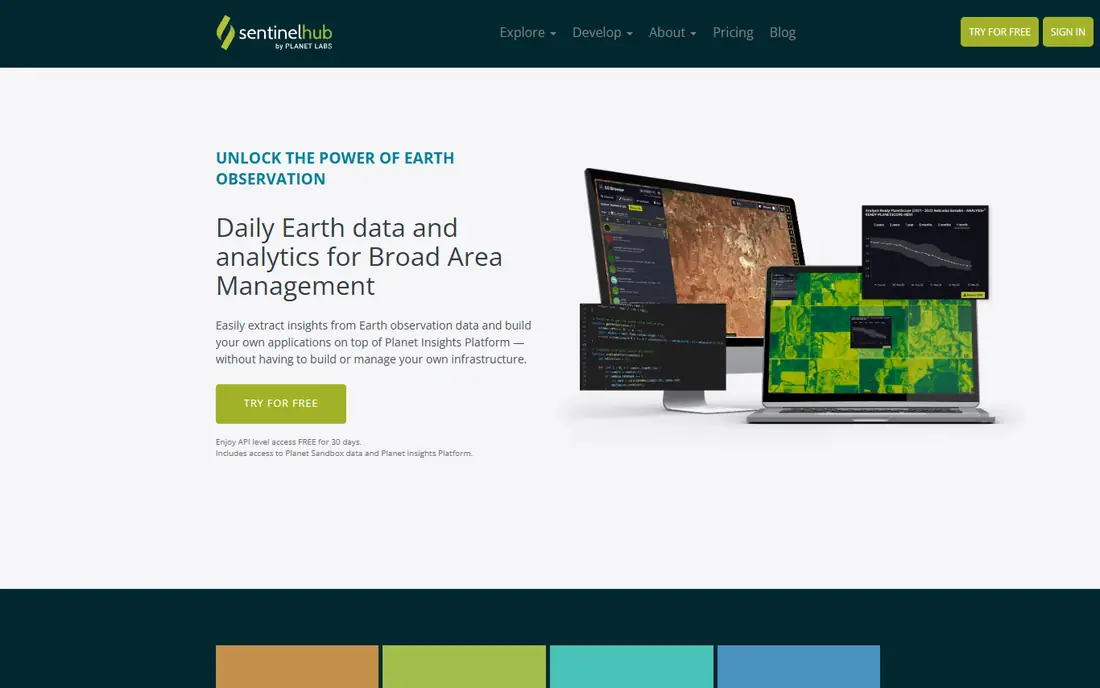
Sentinel Hub is a service for people who need satellite data as an input, not just as a picture. It provides access to data from the Copernicus Sentinel missions and Landsat, with APIs, processing tools, and a browser for quick visual checks. A researcher, an agriculture analyst, or an environmental team can request imagery for a specific area and date, run indices such as vegetation health, and feed results into their own analysis pipeline.
The barrier is skill. Sentinel Hub assumes a user knows something about satellite bands, cloud masking, and data processing, and its pricing depends on usage, so a large project needs a budget check. Casual users will find Worldview simpler for a quick look. Pick Sentinel Hub when satellite data must flow into analysis or a product, and pick Worldview when a visual check is enough.
What we like- Access to Sentinel and Landsat data through APIs
- Tools for time series and custom scripts
- Browser for quick checks
Watch out for- Needs technical skill to use well
- Costs rise with processing and data volume
#9Maptitude
Best for: Territory and demographic mapping4.7/5 on
G2 (150 reviews, checked Oct 2026)
Visit caliper.com
Starting priceSee website
Free planFree trial
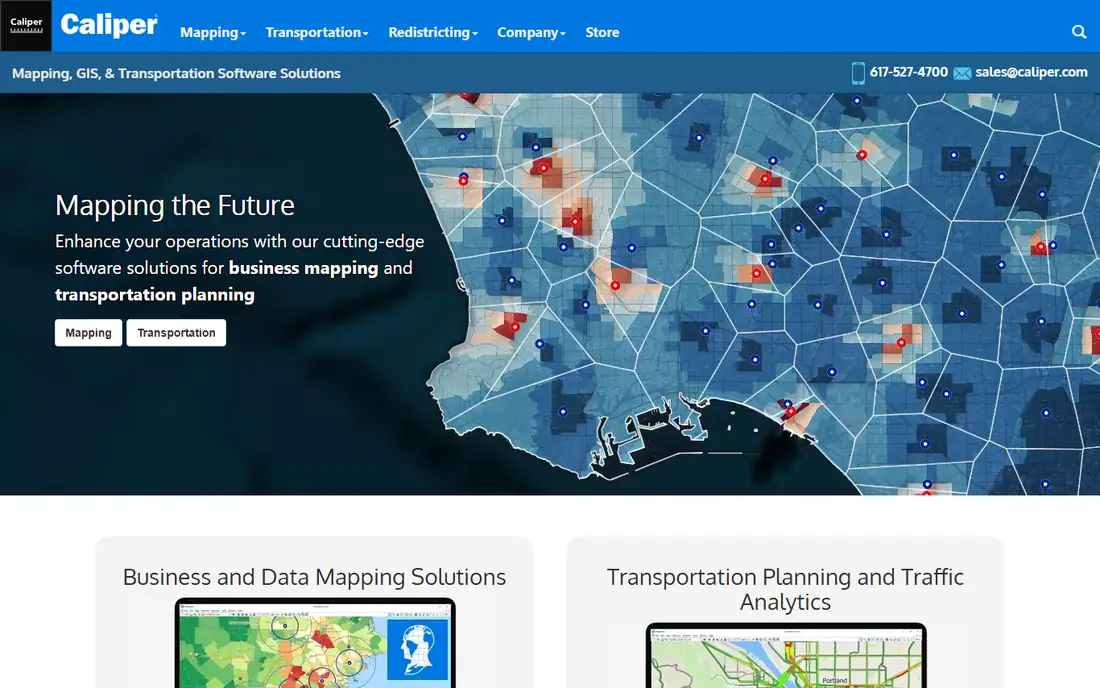
Maptitude is a desktop mapping tool built for business geography. It ships with demographic and geographic data for the United States, and it covers territory design, site selection, drive time analysis, routing, and customer mapping. A sales manager, a franchise planner, or a nonprofit planning service areas can build territories and reports without assembling datasets from many sources first.
The limits are platform and price. Maptitude is a Windows desktop product, so Mac only teams need a workaround, and the license is a one time purchase whose current price should be confirmed on the vendor site. It also lacks the open plugin world of QGIS. For a business mapping job where bundled data and territory tools matter more than open source flexibility, Maptitude is a focused and practical choice.
What we like- Built in demographic and geographic data
- Territory, routing, and drive time tools
- Desktop GIS for business mapping
Watch out for- Windows focused desktop software
- Price is a one time license that needs checking before purchase
A good shortlist starts with a single sentence about the job. If the sentence is "I want to see a storm today," Zoom Earth or NASA Worldview wins. If it is "I want to analyze land use change," QGIS or Sentinel Hub wins. If it is "I want a map inside my app," Mapbox wins, with OpenStreetMap as a data source. Writing that sentence first avoids comparing a viewer with a GIS platform as if they were the same product.
Check imagery dates and coverage for your area
Satellite and aerial imagery ages at different rates by place. A city may have recent high resolution imagery, while a rural area may show older images. Before committing to a tool for a specific project, open your area of interest, check the image date where the tool shows it, and confirm that streets, buildings, or land features match what you expect. A tool with beautiful imagery for one region can be weak for another.
Confirm data rights before publishing a map
Free to view does not always mean free to publish. OpenStreetMap data carries an open license with attribution duties, NASA imagery is generally public, and commercial map platforms have terms that depend on the plan. If a map will appear in a report, a website, or a product, read the license or terms for that source and keep a note of the attribution required. This step takes minutes and avoids a costly redo later.
How we chose
We reviewed vendor pricing pages, product documentation, and public reviews on G2, Capterra, and Reddit, and we grouped tools by job rather than by brand size. We included free viewers, open data, developer platforms, and professional GIS tools, so the list covers browsing, analysis, and building. We did not claim hands on lab results, and prices are shown as See website where the vendor uses usage based or tiered pricing that can change.
Frequently asked questions
Is Google Earth Pro still free?
Google Earth Pro is free to download and use for viewing, measuring, and creating simple maps. The alternatives in this guide are useful when a user needs fresher satellite data, deeper GIS analysis, or a custom map product that Google Earth Pro does not offer.
Which alternative is best for GIS work?
QGIS is the best free choice for full GIS work, including analysis, editing, and print layouts. ArcGIS Earth is better as a viewer inside Esri workflows, while ArcGIS Pro, which is a separate paid product, covers deeper Esri analysis. For business territory mapping, Maptitude is a strong desktop option.
Which alternative shows the freshest satellite imagery?
NASA Worldview and Zoom Earth are good free options for recent imagery and weather layers, while Sentinel Hub serves users who need satellite data for analysis. Freshness varies by satellite, cloud cover, and region, so check the date shown for your area before relying on an image.
Can I use OpenStreetMap data in my own app?
Yes, OpenStreetMap data is available under an open license, and many apps build on it. Attribution and license terms apply, and the exact duties depend on how the data is used and shared. Read the license on the OpenStreetMap site before launching a product.
Is Mapbox free?
Mapbox offers a free tier for small usage, and paid plans are usage based. A hobby project may stay inside the free tier, while a popular app needs budget monitoring. Check the current pricing page and set usage alerts if the map will serve many visitors.
Do I need to install software to replace Google Earth?
No, Zoom Earth, Bing Maps, NASA Worldview, and OpenStreetMap all run in a browser. QGIS, ArcGIS Earth, and Maptitude are desktop tools for deeper work, and Mapbox and Sentinel Hub are platforms that developers connect to through code or a web console.
Sources we checked (9)
- https://qgis.org
- https://www.esri.com/en-us/arcgis/earth/overview
- https://zoom.earth
- https://www.bing.com/maps
- https://www.openstreetmap.org
- https://www.mapbox.com
- https://worldview.earthdata.nasa.gov
- https://www.sentinel-hub.com
- https://www.caliper.com
Is your product missing or out of date?
We review this list regularly. Vendors can request a listing, send updated pricing or ask about featured placement.

Shihab Mia · Founder, Rankite
Shihab has 5+ years in B2B and SaaS SEO. He writes Rankite's software buying guides from pricing pages, documentation and public user reviews. More about Shihab.