How we make this list: we compare pricing pages, product documentation and public user reviews. Ratings come from G2, Capterra or Trustpilot, with the date we checked them.
Key takeaways
The best mobile SEO tools in 2026 fall into four jobs: testing speed and Core Web Vitals, checking mobile-friendliness, crawling a site for mobile-first indexing gaps, and tracking mobile rankings separately from desktop. Free tools from Google cover most of it; Screaming Frog, Semrush, Ahrefs, and Nightwatch add depth as a site or agency grows.
Quick comparison
| Tool | Best for | Starting price | Free plan |
|---|
 Google PageSpeed Insights Google PageSpeed Insights | A fast, authoritative first check on any URL, including a competitor's page | Free | Yes, no signup |
 Google Search Console Google Search Console | Tracking real mobile performance trends on your own site over time | Free | Yes, free once you verify a property |
 GTmetrix GTmetrix | Teams that want to monitor the same pages on a schedule | Under $10/mo (paid tiers up to roughly $60) | Yes, capped at 30 tests a week |
 WebPageTest WebPageTest | Developers debugging exactly why a page is slow on mobile | Free | Yes, free and open source |
 Rankite Core Web Vitals Checker Rankite Core Web Vitals Checker | A quick pass or fail read without digging through a full Lighthouse report | Free | Yes, no signup |
 Lighthouse mobile usability audit Lighthouse mobile usability audit | The direct successor to Google's old mobile-friendly test | Free | Yes, built into Chrome |
 SE Ranking Mobile-Friendly Test SE Ranking Mobile-Friendly Test | A quick usability check on a page or a competitor's page you do not own | Free | Yes, free |
 Screaming Frog SEO Spider Screaming Frog SEO Spider | A thorough technical crawl of a small-to-mid-size site, or scheduled crawls with a license | About $259-280/yr (single-user license) | Yes, up to 500 URLs |
 Ahrefs Ahrefs | Teams that already use Ahrefs and want mobile checks without another subscription | $29/mo (Starter) | Yes, Ahrefs Webmaster Tools for verified site owners |
 Semrush Semrush | Agencies running an entire SEO workflow in one subscription | About $140/mo (Pro) | See website |
 Nightwatch Nightwatch | Teams whose main need is precise, high-frequency mobile rank tracking | See website (paid plans) | No |
Is your product missing or out of date?
We review this list regularly. Vendors can request a listing, send updated pricing or ask about featured placement.
Most "best mobile SEO tools" lists are just a flat ranking of ten logos. That misses the point: testing whether a page loads fast on a phone is a different job from testing whether Google can find your mobile page in the first place, and tracking where you rank on mobile search results is a third job entirely. This list groups the eleven tools worth using by the job each one actually does, so you can build a stack instead of picking one tool and hoping it covers everything.
What is the best free tool to test mobile SEO?
Google PageSpeed Insights is the best free tool to test mobile SEO, because it runs the same Lighthouse engine Google uses internally and reports both lab data and real Chrome user data for the mobile version of a page. Pair it with Google Search Console for your own site's field data over time, and WebPageTest when you need a deeper, real-device breakdown of what is actually slow.
Does Google still use a separate mobile-friendly test?
No. Google retired its standalone Mobile-Friendly Test tool and the Mobile Usability report in Google Search Console in December 2023. Google folded that functionality into Lighthouse, which now covers viewport configuration, tap target sizing, and font legibility as part of its broader mobile audit, according to Google Search Central and reporting from Search Engine Land.
Which crawler should you use for a mobile SEO audit?
Screaming Frog is the standard choice for crawling a site for mobile SEO issues, because it can render pages as Googlebot Smartphone does and flag missing viewport tags, mismatched mobile and desktop content, or broken redirects at scale. Ahrefs and Semrush offer similar site-wide crawls bundled inside broader SEO platforms, which is useful if you already pay for one of them.
How do you track mobile rankings separately from desktop?
Use a rank tracker that lets you filter or segment by device: Semrush's Position Tracking and Ahrefs' Rank Tracker both do this inside tools you may already own, while Nightwatch is a dedicated rank tracker built around daily, device-segmented tracking. Without device segmentation, a rank tracker blends mobile and desktop positions together and hides exactly the gap mobile SEO work is trying to close.
#1
Google PageSpeed Insights
Best for: A fast, authoritative first check on any URL, including a competitor's page
Visit pagespeed.web.dev
Starting priceFree
Free planYes, no signup
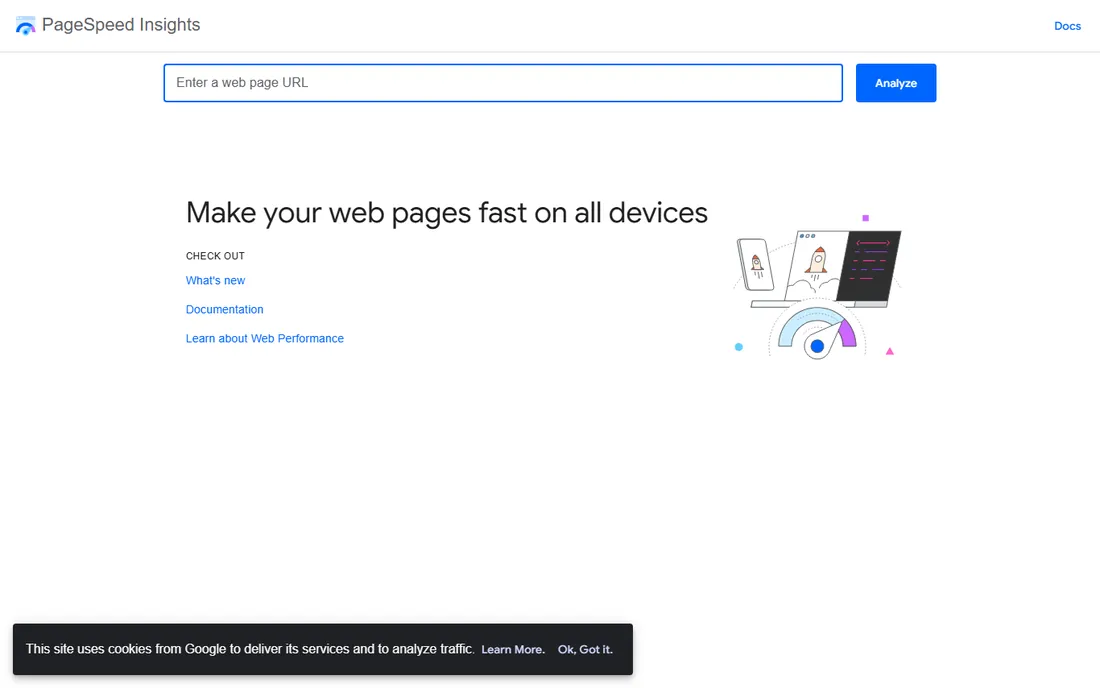
PageSpeed Insights runs a full Lighthouse audit on any public URL and separates the results into a mobile score and a desktop score. On mobile, it flags the exact issues that hurt Core Web Vitals, oversized images, render-blocking scripts, missing width and height on media, alongside real-world field data pulled from the Chrome User Experience Report when enough traffic exists for that page. It is completely free with no signup. Best for: a fast, authoritative first check on any URL, including a competitor's page.
What we like- Runs the same Lighthouse engine Google uses internally
- Separate mobile and desktop scores
- Real Chrome user field data when a page has enough traffic
Watch out for- Field data only appears when a page has enough traffic
#2Google Search Console
Best for: Tracking real mobile performance trends on your own site over time4.7/5 on
G2 (513 reviews, checked Oct 2026)
Visit search.google.com
Starting priceFree
Free planYes, free once you verify a property
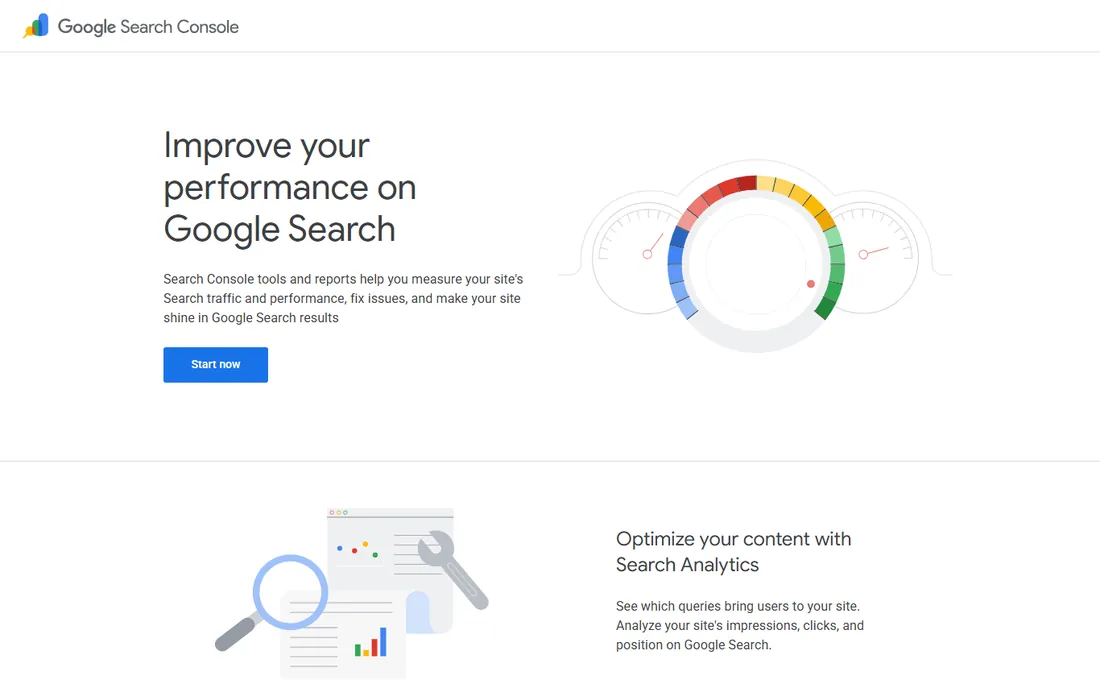
Search Console is free once you verify a property, and it is the only tool on this list that shows how Google itself is treating your mobile pages: its Core Web Vitals report segments field data by device, so you can see mobile LCP, INP, and CLS trends separately from desktop across your whole site. Google retired the standalone Mobile Usability report in December 2023 and folded that functionality into Lighthouse, so Search Console today is best used for ongoing field-data monitoring rather than one-off usability checks. Best for: tracking real mobile performance trends on your own site over time.
What we like- Shows how Google itself treats your mobile pages
- Core Web Vitals report segments field data by device across the whole site
Watch out for- Needs a verified property
- The standalone Mobile Usability report was retired in December 2023, so it is not for one-off usability checks
#3
GTmetrix
Best for: Teams that want to monitor the same pages on a schedule
Visit gtmetrix.com
Starting priceUnder $10/mo (paid tiers up to roughly $60)
Free planYes, capped at 30 tests a week
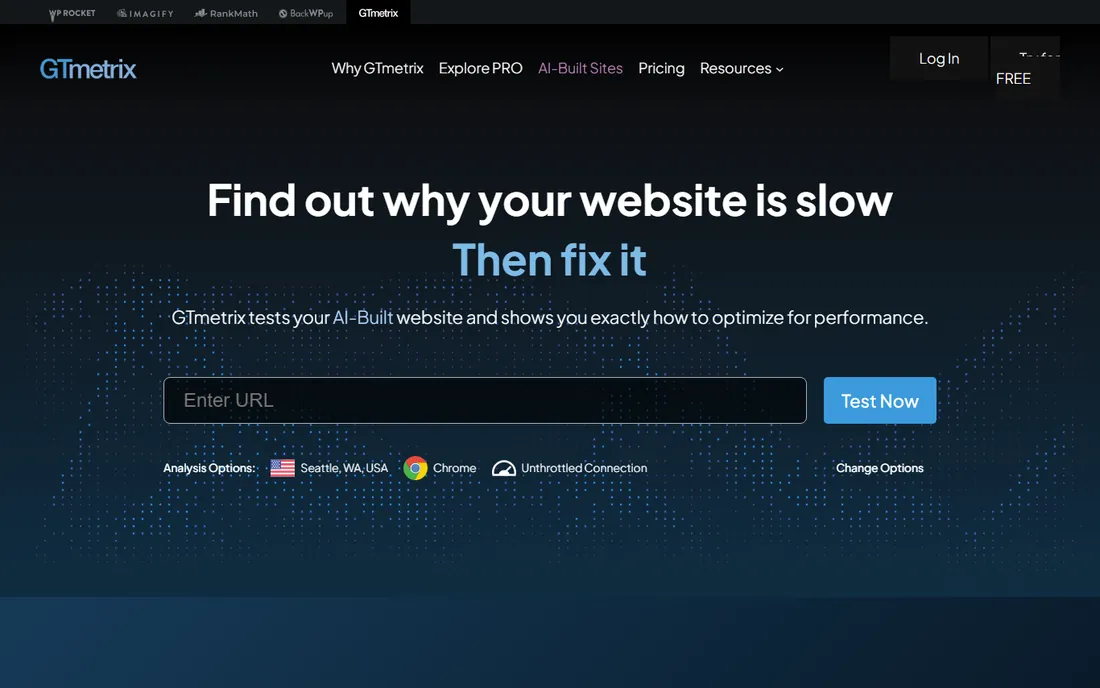
GTmetrix tests a URL from real server locations around the world and returns a detailed waterfall of every request, plus a performance score. Its free plan covers basic testing, though free accounts are currently capped at 30 tests a week, and mobile device and network simulation sit behind the paid tiers, which start under $10 a month and scale up to roughly $60 for the top plan. Best for: teams that want to monitor the same pages on a schedule and see exactly which request is slow.
What we like- Tests from real server locations around the world
- Detailed waterfall of every request plus a performance score
Watch out for- Mobile device and network simulation only on paid tiers
- Free accounts capped at 30 tests a week
Starting priceFree
Free planYes, free and open source
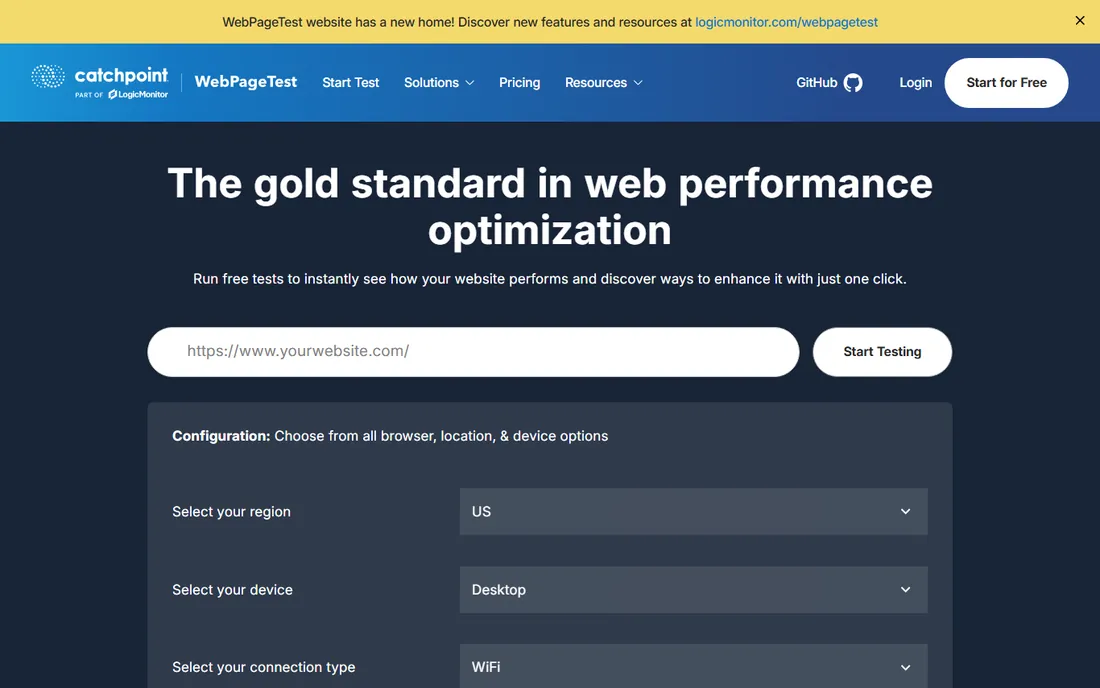
WebPageTest is free and open source, and it is the most technically detailed option here: it runs tests from real browsers on real devices in data centers worldwide, throttles the connection to simulate real mobile networks, and returns a full Core Web Vitals breakdown plus an opportunities report. There is no polished dashboard like the paid tools offer, but nothing on this list gets closer to how an actual phone on an actual network experiences your page. Best for: developers debugging exactly why a page is slow on mobile.
What we like- Real browsers on real devices in data centers worldwide
- Throttles the connection to simulate mobile networks
- Full Core Web Vitals breakdown plus an opportunities report
Watch out for- No polished dashboard like the paid tools
#5
Rankite Core Web Vitals Checker
Best for: A quick pass or fail read without digging through a full Lighthouse report
Visit rankite.com
Starting priceFree
Free planYes, no signup
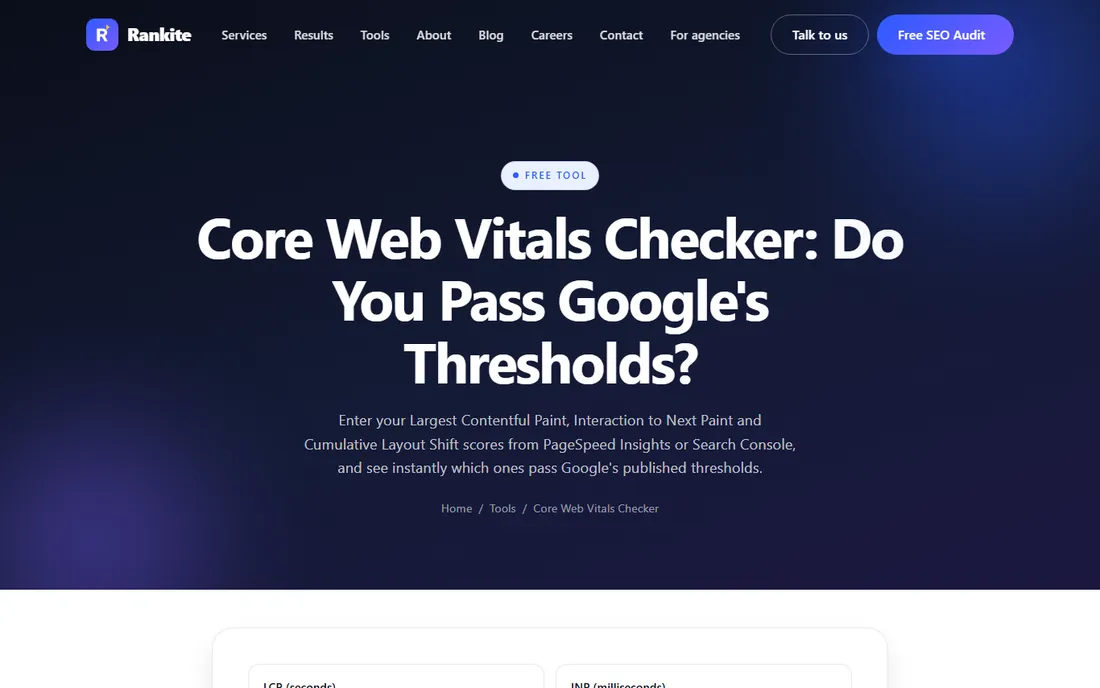
Rankite's own Core Web Vitals checker is a free, no-signup tool: enter the LCP, INP, and CLS numbers you already pulled from PageSpeed Insights or Search Console, and it instantly shows which ones pass Google's thresholds. It does not crawl or measure your site itself, so it is not a replacement for PageSpeed Insights or Search Console, it is the fast sanity check you run once you already have the numbers in hand. Best for: a quick pass or fail read without digging through a full Lighthouse report.
What we like- Instantly shows whether your LCP, INP and CLS pass Google's thresholds
- Free with no signup
Watch out for- Does not crawl or measure your site
- You enter numbers from PageSpeed Insights or Search Console
#6
Lighthouse mobile usability audit
Best for: The direct successor to Google's old mobile-friendly test
Visit developer.chrome.com
Starting priceFree
Free planYes, built into Chrome
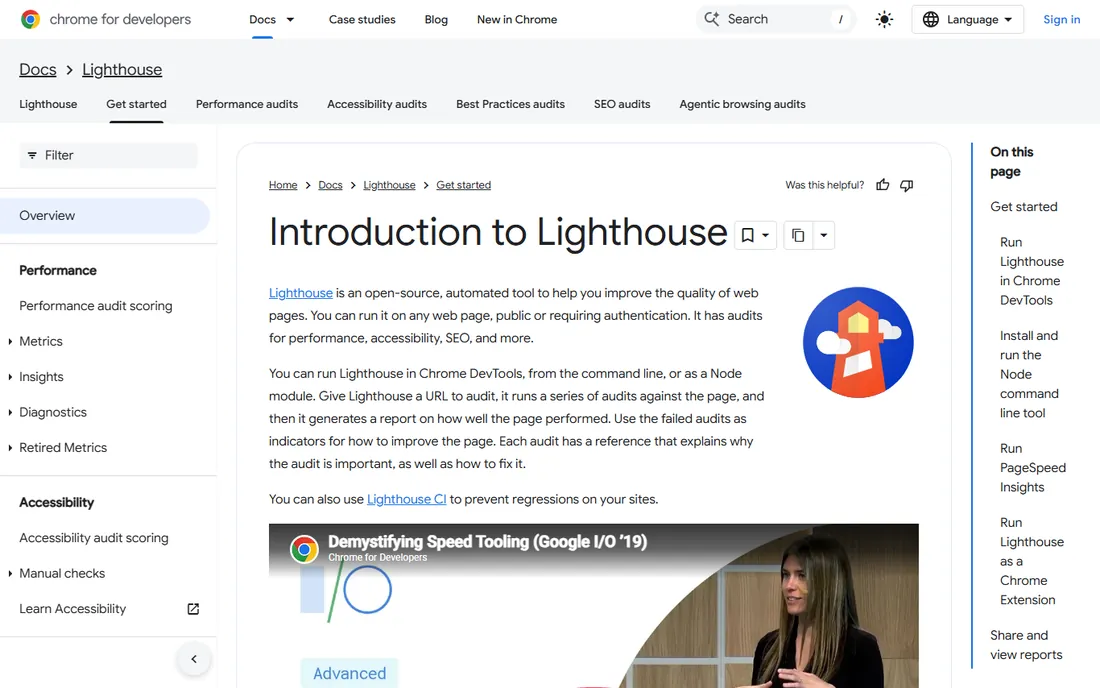
Lighthouse, built into Chrome DevTools and reachable through PageSpeed Insights, is now the closest thing Google offers to the old mobile-friendly test. Its mobile audit checks the viewport meta tag, whether tap targets are sized and spaced correctly, whether text is legible without zooming, and whether content fits the screen without horizontal scrolling. It is free and runs directly in Chrome, no account required. Best for: the direct successor to Google's old mobile-friendly test, now bundled into a tool most developers already have open.
What we like- Checks the viewport tag, tap target size and spacing, legible text and horizontal scrolling
- Built into Chrome DevTools with no account required
Watch out for- Lab audit only
- PageSpeed Insights adds the real-user field data layer
#7
SE Ranking Mobile-Friendly Test
Best for: A quick usability check on a page or a competitor's page you do not own
Visit seranking.com
Starting priceFree
Free planYes, free
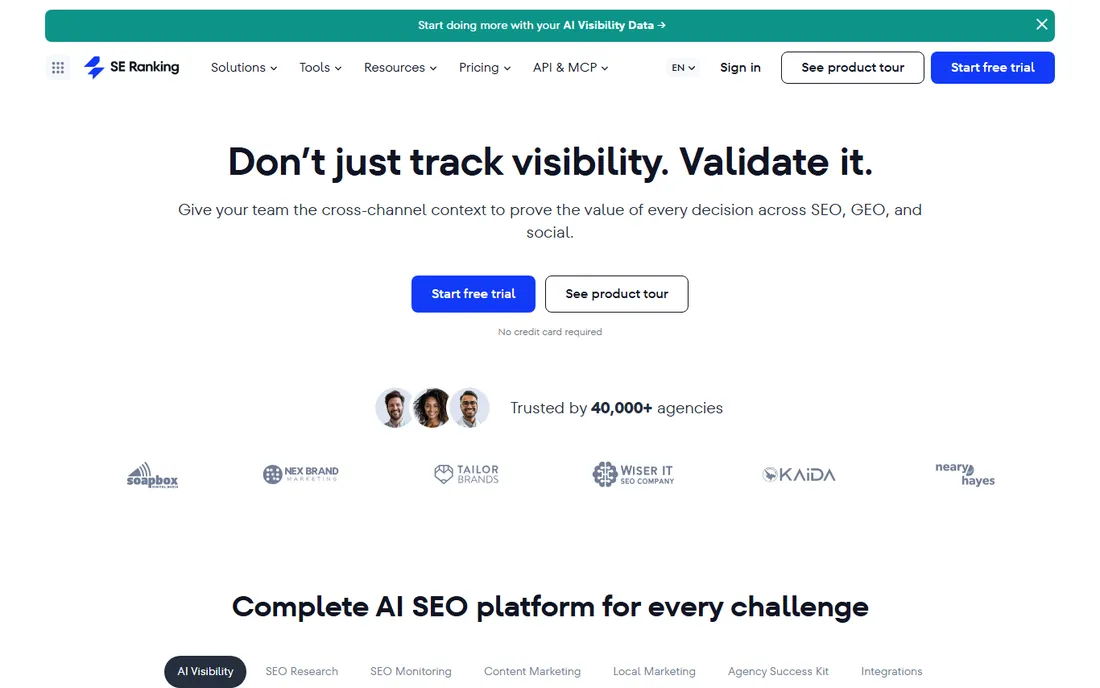
SE Ranking publishes a free mobile-friendliness checker that fills the specific gap Google left: point it at a URL and it reports on the same category of usability issues, viewport setup, tap target spacing, readable font size, without needing a Search Console property or DevTools open. Best for: a quick usability check on a page or a competitor's page you do not own.
What we like- Reports viewport setup, tap target spacing and readable font size
- No Search Console property or DevTools needed
Watch out for- Covers usability issues only, not speed, crawling or rankings
#8Screaming Frog SEO Spider
Best for: A thorough technical crawl of a small-to-mid-size site, or scheduled crawls with a license4.9/5 on
Capterra (134 reviews, checked Oct 2026)
Visit screamingfrog.co.uk
Starting priceAbout $259-280/yr (single-user license)
Free planYes, up to 500 URLs
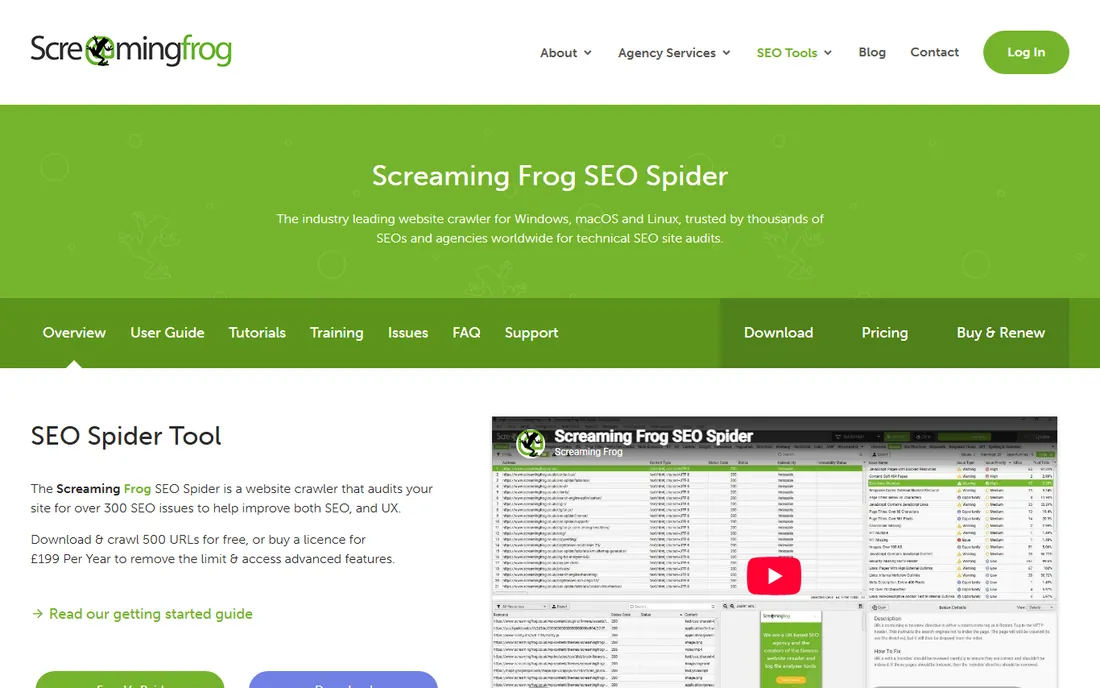
Screaming Frog crawls a website the way a search engine does and can be configured to render pages as Googlebot Smartphone, which surfaces mobile-first indexing gaps a desktop-only crawl would miss: content that only exists in the desktop template, structured data missing from the mobile version, or an orphaned m-dot subdomain left over from an old migration. The free version crawls up to 500 URLs but disables saving, scheduling, and JavaScript rendering; a single-user license removes those limits and currently costs around $259 to $280 a year depending on the vendor page. Best for: a thorough, one-time technical crawl of a small-to-mid-size site, or scheduled crawls once you buy a license.
What we like- Can render pages as Googlebot Smartphone
- Surfaces mobile-first indexing gaps a desktop-only crawl misses, such as desktop-only content or missing mobile structured data
Watch out for- Free version disables saving, scheduling and JavaScript rendering
- Free version capped at 500 URLs
#9Ahrefs
Best for: Teams that already use Ahrefs and want mobile checks without another subscription4.5/5 on
G2 (717 reviews, checked Oct 2026)
Visit ahrefs.com
Starting price$29/mo (Starter)
Free planYes, Ahrefs Webmaster Tools for verified site owners
Ahrefs' Site Audit crawls a whole domain and flags technical issues, including mobile-specific ones like slow mobile page speed and missing mobile viewport configuration, inside the same platform used for backlink and keyword research. Ahrefs also offers a free tier, Ahrefs Webmaster Tools, for verified site owners, while the paid plans that unlock full Site Audit and Rank Tracker access start at $29 a month on the Starter plan. Its Rank Tracker also segments keyword positions by device, so mobile rankings can be watched alongside desktop. Best for: teams that already use Ahrefs and want mobile checks without adding another subscription.
What we like- Site Audit flags slow mobile page speed and missing viewport configuration
- Rank Tracker segments positions by device
- Same platform as backlink and keyword research
Watch out for- Full Site Audit and Rank Tracker access needs a paid plan
#10Semrush
Best for: Agencies running an entire SEO workflow in one subscription4.4/5 on
G2 (4,035 reviews, checked Oct 2026)
Visit semrush.com
Starting priceAbout $140/mo (Pro)
Free planSee website
Semrush's Site Audit runs a similar full-domain crawl and reports on mobile usability and Core Web Vitals issues page by page, with results organized by severity so a large site's mobile problems do not get buried. Paid plans start at around $140 a month for the Pro tier, which includes both Site Audit and Position Tracking. Best for: agencies running an entire SEO workflow, keyword research through reporting, in one subscription.
What we like- Site Audit reports mobile usability and Core Web Vitals issues page by page
- Results organized by severity
- Pro includes Position Tracking
Watch out for- Highest entry price among the tools on this list
#11Nightwatch
Best for: Teams whose main need is precise, high-frequency mobile rank tracking4.7/5 on
G2 (64 reviews, checked Oct 2026)
Visit nightwatch.io
Starting priceSee website (paid plans)
Free planNo
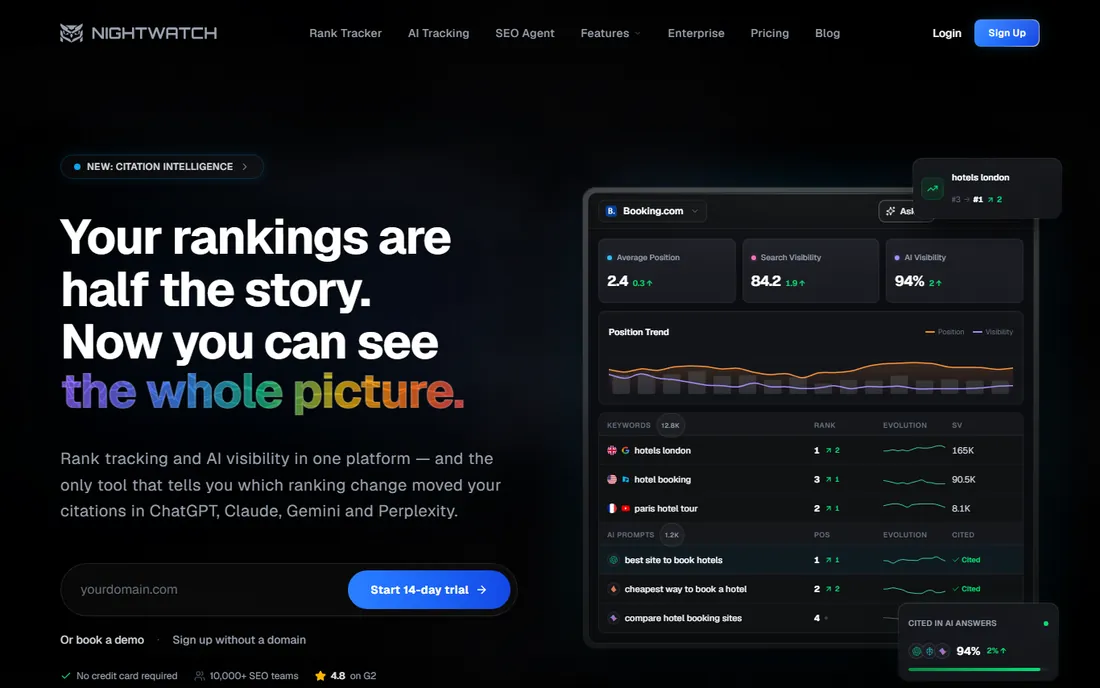
Nightwatch is a dedicated rank tracking tool that checks keyword positions daily, segmented by device, and supports a very large number of tracked locations for local and multi-market mobile tracking. It also tracks visibility across Google, Bing, and AI-powered search surfaces alongside traditional rankings. Nightwatch publishes paid plans rather than a free tier; check its current pricing page for exact tier costs, since they can change independently of this list. Best for: teams whose main need is precise, high-frequency mobile rank tracking rather than a full audit suite.
What we like- Daily keyword positions segmented by device
- Very large number of tracked locations
- Tracks Google, Bing and AI-powered search surfaces
Watch out for- No free tier
- A rank tracker rather than a full audit suite
Every tool on this list is real, currently available, and does something a mobile-focused audit actually needs: measuring speed, checking usability, crawling for indexing gaps, or tracking rankings by device. We left off general all-purpose SEO suites that do not offer meaningful mobile-specific reporting, and we did not force a single winner across all eleven, because the right pick depends on which job you are doing and whether you already pay for a platform that covers it. Pricing figures reflect each vendor's published plans as of 2026 and can change; always confirm the current rate on the vendor's own pricing page before buying.
Frequently asked questions
What is the best free tool to test mobile SEO?
Google PageSpeed Insights is the best starting point, since it runs Google's own Lighthouse engine and reports both lab and real-user mobile data for free. Pair it with Google Search Console for ongoing field data on your own site.
Does Google still have a separate mobile-friendly test tool?
No. Google retired the standalone Mobile-Friendly Test and the Mobile Usability report in Search Console in December 2023 and folded that functionality into Lighthouse.
What is the best tool to check mobile Core Web Vitals?
Google Search Console gives the most authoritative field data because it is the same data Google uses for ranking. PageSpeed Insights is the fastest way to check a single URL, and Rankite's free Core Web Vitals checker gives an instant pass or fail read once you already have the numbers.
Is Screaming Frog useful for mobile SEO audits?
Yes. Configured to crawl as Googlebot Smartphone, it flags mobile-first indexing gaps a desktop-only crawl misses, like content or structured data that only exists on the desktop template. The free version covers up to 500 URLs.
Can I track mobile rankings separately from desktop rankings?
Yes. Semrush's Position Tracking and Ahrefs' Rank Tracker both segment by device, and dedicated tools like Nightwatch build device segmentation into daily tracking by default.
What is the difference between PageSpeed Insights and Lighthouse?
Lighthouse is the underlying audit engine; PageSpeed Insights is Google's hosted version of it that also adds real-user Chrome data on top of the lab test. Running Lighthouse directly in Chrome DevTools gives you the same lab audit without the field data layer.
Do I need paid tools for mobile SEO, or are free tools enough?
For a single site, the free stack, PageSpeed Insights, Search Console, WebPageTest, and Screaming Frog's free tier, covers most needs. Paid tools like Semrush, Ahrefs, or Nightwatch earn their cost once you are managing multiple sites, need scheduled crawls, or need device-segmented rank tracking at scale.
How often should I run a mobile SEO audit?
Check Core Web Vitals field data monthly in Search Console, since Google reports a rolling 28-day average, and run a full crawl audit after any redesign, migration, or major template change, when mobile-first indexing gaps are most likely to appear.
Are mobile SEO tools the same as app store optimization (ASO) tools?
No. Mobile SEO tools rank a website's mobile pages in Google search. ASO tools rank a native app inside the App Store or Google Play, using different signals like install rates and app store keyword fields. Our guide to mobile app SEO tools covers the ASO side separately.
Does GTmetrix test mobile page speed?
Yes, though mobile device and network simulation are part of GTmetrix's paid tiers, while the free plan covers basic performance testing with a weekly test limit.
Is your product missing or out of date?
We review this list regularly. Vendors can request a listing, send updated pricing or ask about featured placement.

Shihab Mia · Founder, Rankite
Shihab has 5+ years in B2B and SaaS SEO. He writes Rankite's software buying guides from pricing pages, documentation and public user reviews. More about Shihab.