How we make this list: we compare pricing pages, product documentation and public user reviews. Ratings come from G2, Capterra or Trustpilot, with the date we checked them.
Key takeaways
The best YouTube SEO tools in 2026 split into two groups: what YouTube already gives you for free, and what you pay for once you outgrow it. YouTube Studio's native analytics cover the basics for any channel at no cost. TubeBuddy and vidIQ add keyword research, thumbnail testing, and AI-assisted optimization once you are actually competing for search rankings, not just publishing and hoping.
This guide covers 10 tools, free and paid, picked for what they actually do rather than how long their feature list reads. Every price below comes from the vendor's own pricing page or a named, dated third-party pricing breakdown, checked in July 2026, so you are comparing real numbers instead of marketing copy.
Discovery on YouTube runs on the same fundamentals as web search: the platform has to understand what your video is about before it can show it to anyone searching for it, and that means titles, descriptions, and tags still do real work.
Quick comparison
| Tool | Best for | Starting price | Free plan |
|---|
 YouTube Studio YouTube Studio | Every channel, as the starting point before any paid tool | Free | Yes, fully free |
 TubeBuddy TubeBuddy | Frequent uploaders who want bulk editing and real A/B testing | From $4.99/mo (Pro, billed annually) | Yes, limited keyword searches and basic tag suggestions |
 vidIQ vidIQ | Creators who want AI-assisted ideation alongside optimization | From $19/mo (Boost, billed annually) | Yes, 150 AI credits a month |
 Ahrefs Ahrefs | Teams already paying for Ahrefs for website SEO | From $29/mo (Starter) | Free YouTube Keyword Tool (limited) |
 Google Trends Google Trends | Validating topic demand before filming | Free | Yes, fully free |
 Google Keyword Planner Google Keyword Planner | Connecting a video topic to wider Google search demand | Free (Google Ads account required) | Yes, fully free |
 Keyword Tool Keyword Tool | Fast long-tail keyword lists straight from autocomplete | Pro from about $68/mo | Yes, limited volume data, no account required |
 Social Blade Social Blade | Competitor and channel-growth benchmarking | From $3.99/mo (Bronze) up to $99.99/mo (Platinum) | Yes, free public stats pages |
 MorningFame MorningFame | Beginners who want a guided process instead of a feature-heavy dashboard | Basic from about $3.90/mo (billed annually) | Invite-only trial |
 Rankite free YouTube SEO tools Rankite free YouTube SEO tools | Quick, single-task jobs without signing up for another platform | Free | Yes, fully free, no account required |
Is your product missing or out of date?
We review this list regularly. Vendors can request a listing, send updated pricing or ask about featured placement.
YouTube Studio is the best free YouTube SEO tool. It reports audience retention, traffic sources, and the exact search terms that led viewers to your video, using YouTube's own internal data rather than an estimate from a third party. Google Trends is the strongest free companion for validating topic demand before you film. Both cost nothing and come directly from Google.
TubeBuddy and vidIQ lead the paid category, and the better pick depends on your workflow rather than which one is objectively stronger. TubeBuddy's entry Pro plan starts around $4.99 a month billed annually and leads on bulk editing and A/B thumbnail testing, per TubeBuddy's published plan structure. vidIQ's Boost plan runs $19 a month billed annually and leans harder into AI-generated ideas and coaching, per vidiq.com/plans.
Do you need both TubeBuddy and vidIQ?
No, you do not need both. The two tools cover overlapping ground: keyword research, tag suggestions, and channel analytics show up in each. Pick TubeBuddy if you publish often and want bulk editing plus A/B testing; pick vidIQ if you want more AI-assisted ideation and structured coaching calls. Run the free tier of each for a week before you pay for either.
Can Ahrefs be used for YouTube keyword research?
Yes, Ahrefs works for YouTube keyword research. Its Keywords Explorer lets you set YouTube as the search engine and returns search volume by country, pulled from YouTube's own search data rather than a modeled guess. This mainly makes sense if you already pay for Ahrefs for website SEO, since its cheapest paid plan, Starter, runs $29 a month per ahrefs.com/pricing.
Most "best YouTube SEO tools" roundups stack ten names in a row without saying what each one is actually for. The 10 tools below sort into five practical jobs: native analytics, keyword research, all-in-one optimization suites, competitor benchmarking, and free single-task utilities.
#1
YouTube Studio
Best for: Every channel, as the starting point before any paid tool
Visit youtube.com
Starting priceFree
Free planYes, fully free
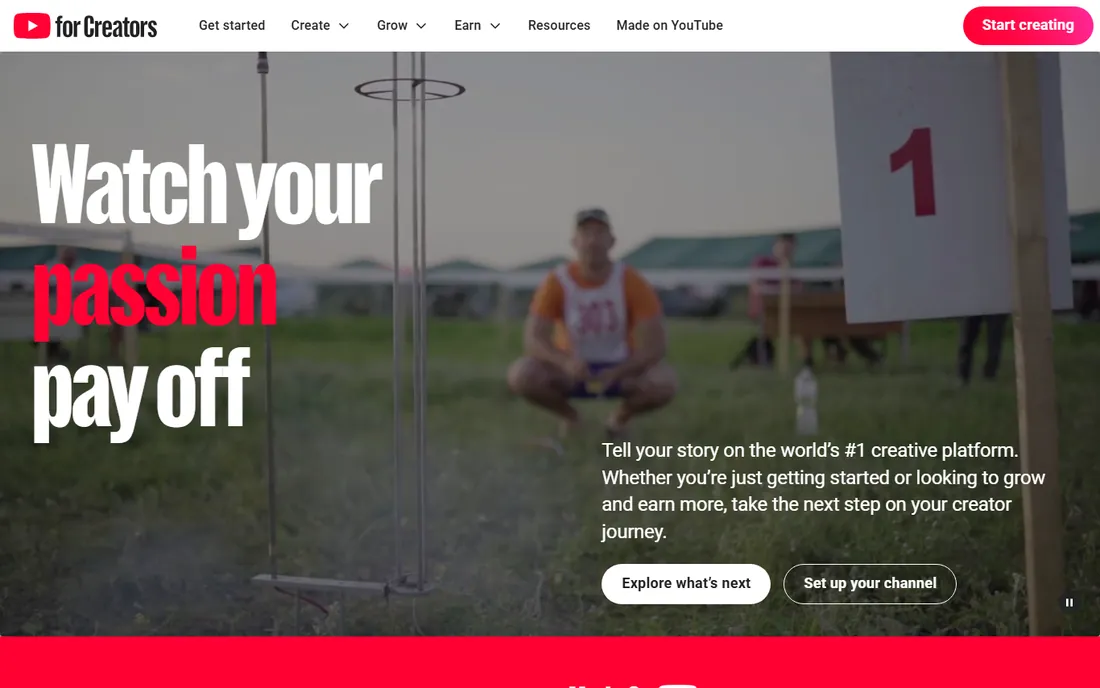
YouTube Studio is the free dashboard built into every channel, and it is the only tool on this list with access to YouTube's actual internal search data rather than a third-party estimate. The Analytics tab shows exactly which search terms sent viewers to a video, how long they stayed, and where they clicked away, which is the single best signal for what to fix next. It will not suggest new keywords or track competitors, but for confirming what is already working, nothing else comes close.
What we like- Real search terms and retention data straight from YouTube itself
- Shows which search terms sent viewers, how long they stayed and where they clicked away
- Built into every channel at no cost
Watch out for- Will not suggest new keywords or track competitors
#2TubeBuddy
Best for: Frequent uploaders who want bulk editing and real A/B testing4.6/5 on
Capterra (114 reviews, checked Oct 2026)
Visit tubebuddy.com
Starting priceFrom $4.99/mo (Pro, billed annually)
Free planYes, limited keyword searches and basic tag suggestions
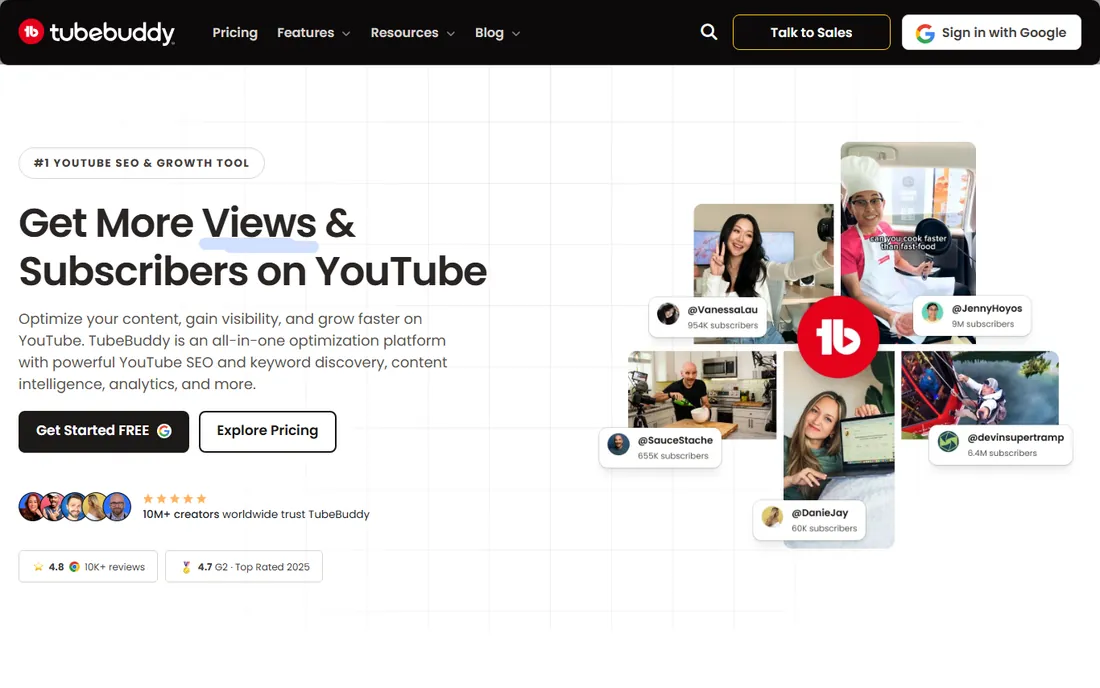
TubeBuddy is a browser extension and mobile app that sits inside YouTube Studio and adds bulk tag editing, an SEO Studio checklist for titles and descriptions, and A/B testing for thumbnails, titles, and tags against watch time and click-through rate. The free plan gives limited keyword searches and basic tag suggestions. Paid tiers, per a 2026 TubeBuddy pricing breakdown from LensPOV, run roughly Pro at $4.99 a month, Star at $11.99 a month, and Legend at $29.99 a month, all billed annually, with monthly billing costing more. Legend adds bulk processing across many videos at once and multi-channel discounts, which suits agencies managing several channels.
What we like- A/B testing for thumbnails, titles and tags measured against watch time and click-through rate
- Bulk tag editing and an SEO Studio checklist for titles and descriptions
- Legend plan adds bulk processing and multi-channel discounts for agencies
Watch out for- Monthly billing costs more than the annual prices
- Overlaps heavily with vidIQ, so paying for both rarely earns back the second subscription
#3vidIQ
Best for: Creators who want AI-assisted ideation alongside optimization4.5/5 on
G2 (34 reviews, checked Oct 2026)
Visit vidiq.com
Starting priceFrom $19/mo (Boost, billed annually)
Free planYes, 150 AI credits a month
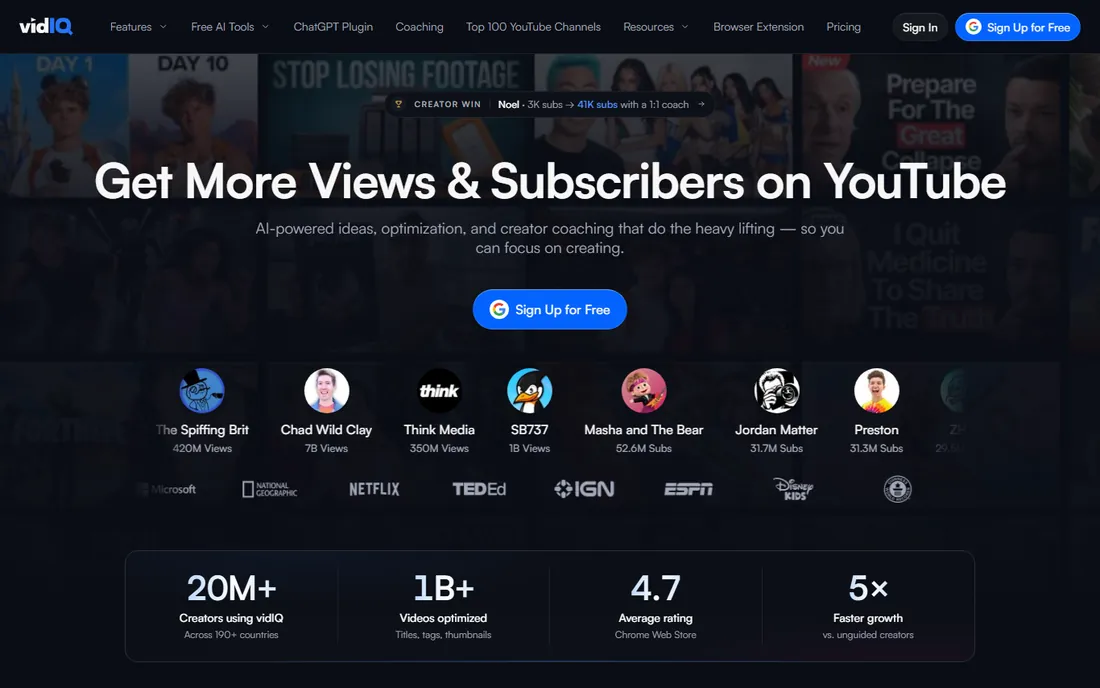
vidIQ overlaps with TubeBuddy on keyword research and tag suggestions but leans further into AI: its Boost plan generates thumbnails, content ideas, and an AI Coach that reviews a channel's performance and suggests next steps. Per vidiq.com/plans, the Free plan includes 150 monthly AI credits, Boost runs $19 a month billed annually with 2,000 AI credits, and Max runs $39 a month billed annually with 6,000 credits and deeper coaching access. An Enterprise tier with custom pricing adds team roles and cross-channel reporting for agencies.
What we like- AI Coach and trend alerts built into the core plan
- Generates thumbnails and content ideas
- Enterprise tier adds team roles and cross-channel reporting for agencies
Watch out for- Entry paid plan costs more than TubeBuddy Pro
- Overlaps with TubeBuddy on keyword research and tag suggestions
#4Ahrefs
Best for: Teams already paying for Ahrefs for website SEO4.5/5 on
G2 (717 reviews, checked Oct 2026)
Visit ahrefs.com
Starting priceFrom $29/mo (Starter)
Free planFree YouTube Keyword Tool (limited)
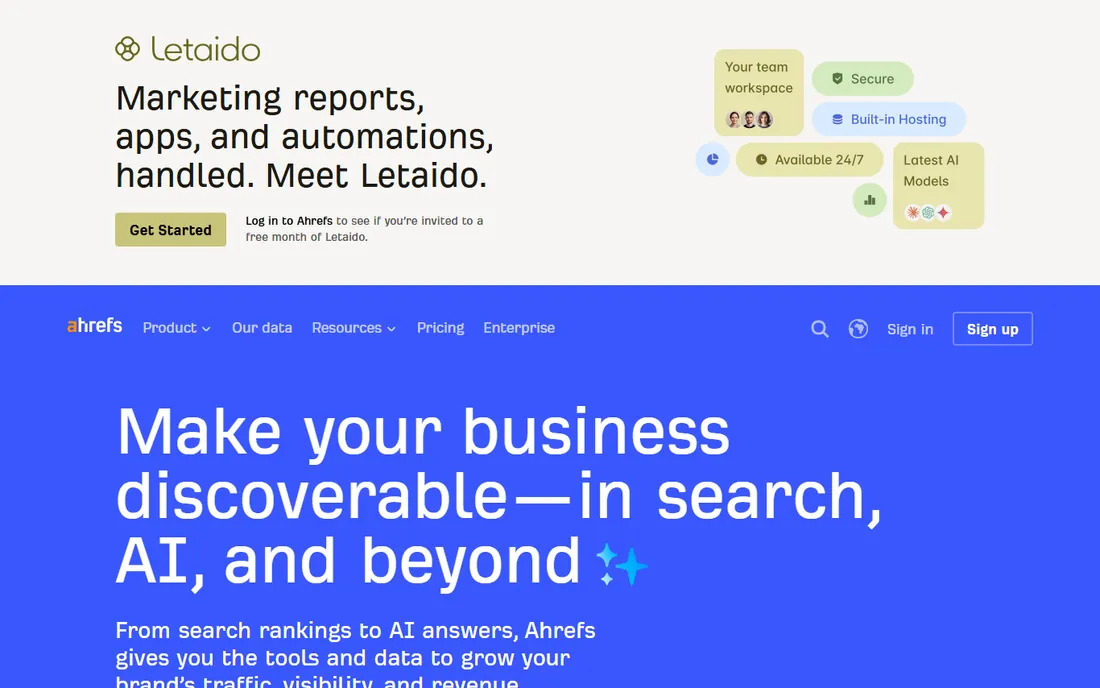
Ahrefs is a web SEO suite first, but its Keywords Explorer supports YouTube as a search engine option, returning search volume, related terms, and question-based queries pulled from real YouTube search data across 170 countries. Ahrefs also publishes a standalone free YouTube Keyword Tool, though it was intermittently under maintenance as of this writing, so check ahrefs.com directly before relying on it. Paid Ahrefs plans start at Starter ($29/month) and Lite ($129/month) per ahrefs.com/pricing. For the wider AI-driven SEO tool landscape beyond YouTube specifically, see our roundup of the best AI SEO tools.
What we like- Real YouTube search volume by country across 170 countries
- Related terms and question-based queries from real YouTube search data
- The same subscription covers website SEO
Watch out for- Makes sense mainly if you already pay for Ahrefs
- The free YouTube Keyword Tool was intermittently under maintenance at the time of writing
Starting priceFree
Free planYes, fully free
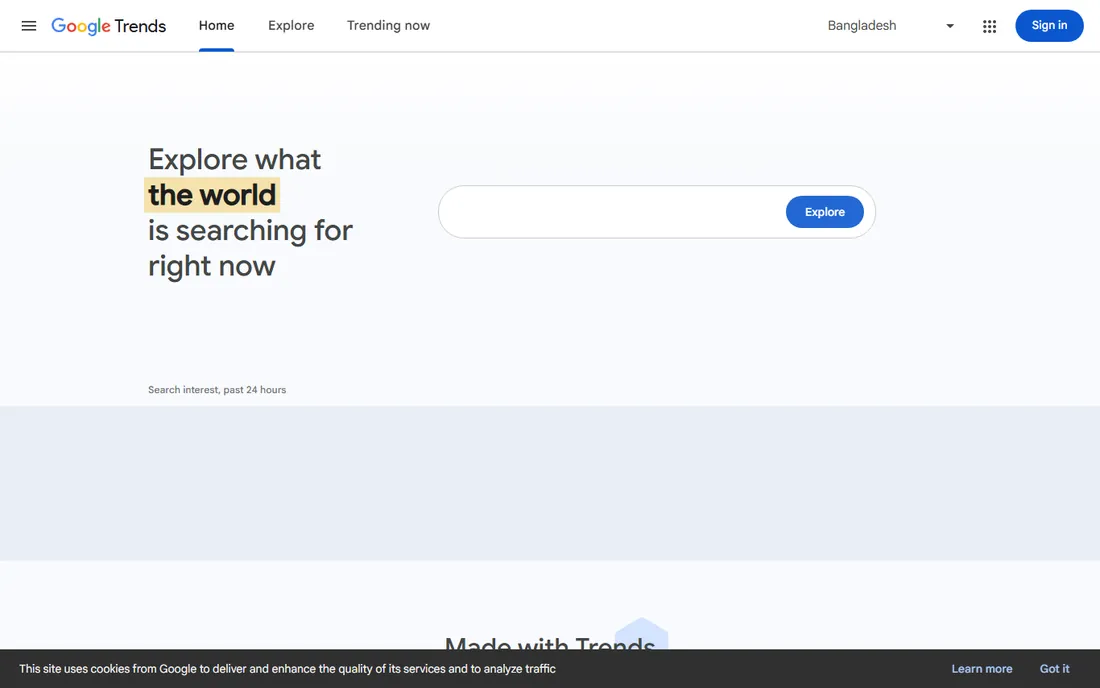
Google Trends is free and shows relative search interest over time, broken down by region, which makes it useful for checking whether a topic is rising or fading before you commit a full production to it. It is not a keyword volume tool and gives no absolute numbers, but as an early filter for what to film next, it costs nothing to check.
What we like- Free trend direction data by region, straight from Google
- Shows whether a topic is rising or fading before you commit to a production
Watch out for- Not a keyword volume tool and gives no absolute numbers
#6
Google Keyword Planner
Best for: Connecting a video topic to wider Google search demand
Visit ads.google.com
Starting priceFree (Google Ads account required)
Free planYes, fully free
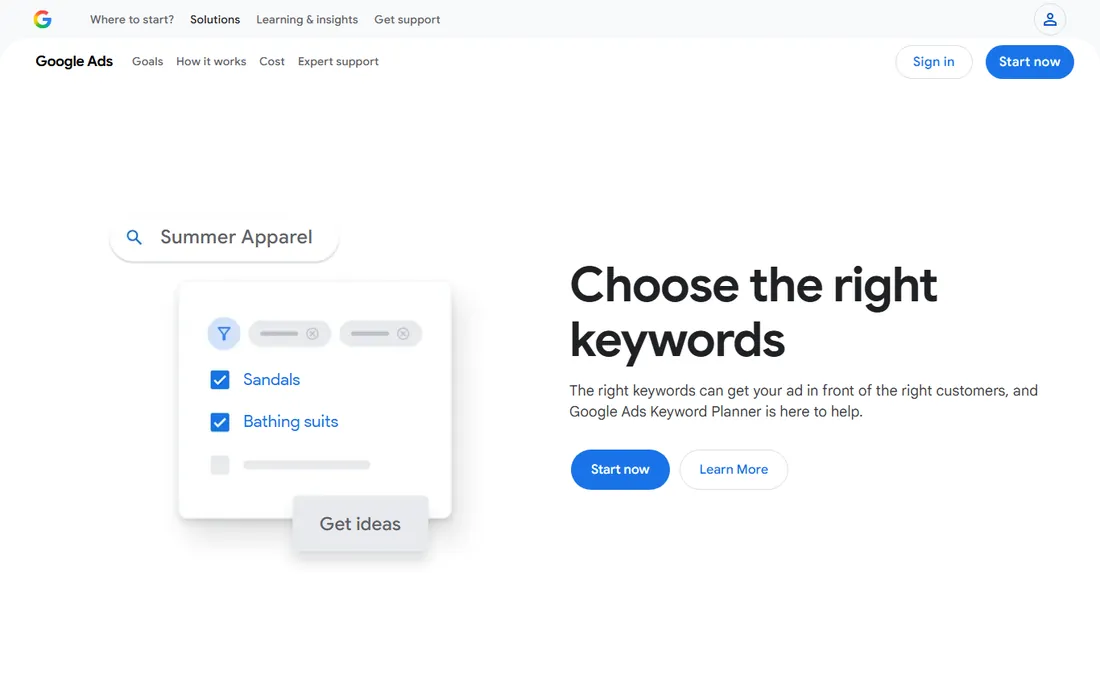
Google Keyword Planner is free with a Google Ads account and returns search volume ranges for Google web search, which is useful when a topic could serve both a YouTube video and a blog post and you want to gauge broader demand beyond YouTube alone. It is built for ad targeting, not YouTube specifically, so treat its numbers as directional context rather than a YouTube search volume figure.
What we like- Free access to Google's own advertising search data
- Gauges demand for topics that could serve both a video and a blog post
Watch out for- Built for ad targeting, not YouTube
- Its numbers are directional context, not YouTube search volume
#7Keyword Tool
Best for: Fast long-tail keyword lists straight from autocomplete4.5/5 on
G2 (19 reviews, checked Oct 2026)
Visit keywordtool.io
Starting pricePro from about $68/mo
Free planYes, limited volume data, no account required
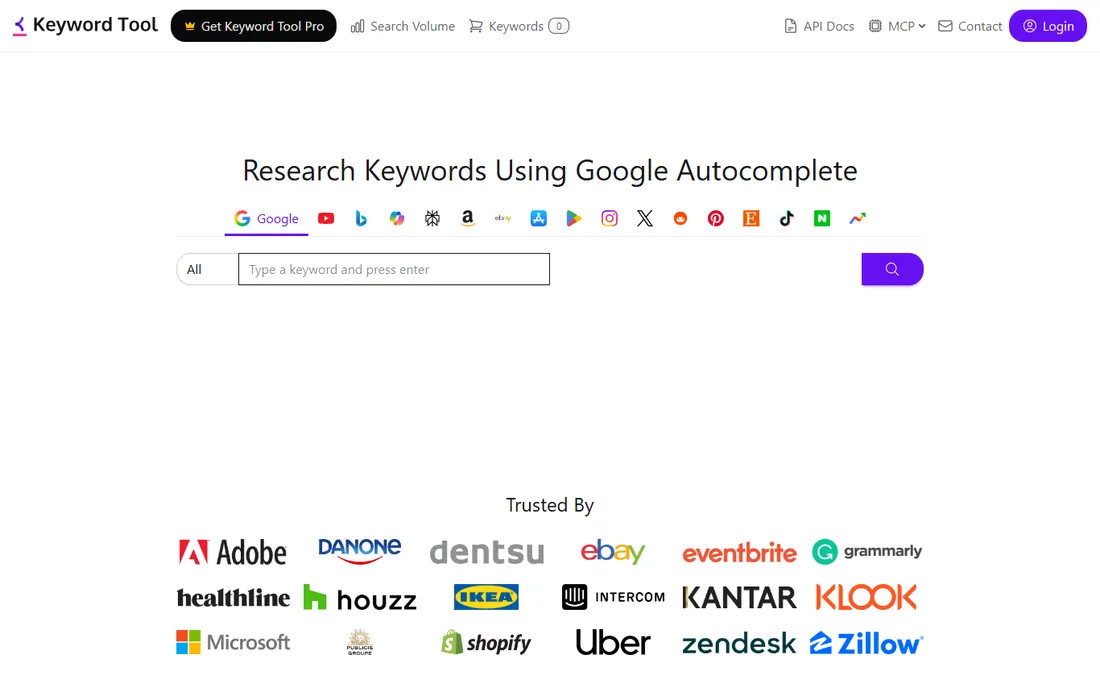
Keyword Tool (keywordtool.io) generates keyword suggestions from autocomplete data across 15-plus platforms including YouTube, Google, Bing, and Amazon. The free version returns up to 750-plus long-tail suggestions per search with limited volume data and no account required. Pro plans, which add full search volume, CPC data, historical trends, and CSV export, start around $68 a month per keywordtool.io.
What we like- Up to 750-plus long-tail suggestions per search on the free version
- Autocomplete coverage across 15-plus platforms including YouTube, Google, Bing and Amazon
- Pro adds search volume, CPC, historical trends and CSV export
Watch out for- Free version has limited volume data
- Full volume data needs Pro at around $68 a month
Starting priceFrom $3.99/mo (Bronze) up to $99.99/mo (Platinum)
Free planYes, free public stats pages
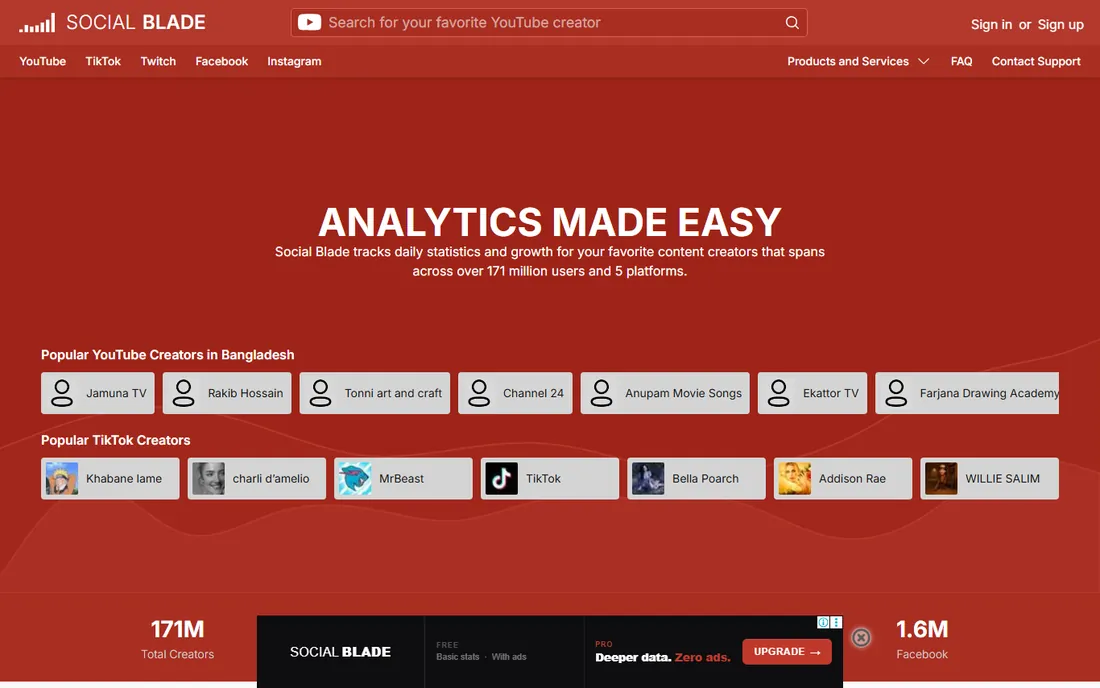
Social Blade tracks channel-level stats: subscriber and view history, growth rate, and estimated rankings against other channels in the same category. Its public per-channel stats pages are free to view. Paid tiers add deeper historical data, growth projections, and bulk exports, running from Bronze at $3.99 a month up to Platinum at $99.99 a month, both billed monthly with a lower annual rate. It benchmarks channels rather than researching keywords, so pair it with a keyword tool rather than using it alone. If you also need to track how your website ranks in Google, not just how your channel is growing, see our guide to the best rank tracking tools.
What we like- Free public historical stats for any channel, no login required
- Subscriber and view history, growth rate and category rankings
- Paid tiers add growth projections and bulk exports
Watch out for- Benchmarks channels and does not research keywords, so it needs a keyword tool alongside it
#9
MorningFame
Best for: Beginners who want a guided process instead of a feature-heavy dashboard
Visit morningfa.me
Starting priceBasic from about $3.90/mo (billed annually)
Free planInvite-only trial
MorningFame is an invite-only, beginner-focused tool that walks a creator through a guided workflow: analyze current channel performance, research a topic with its keyword tool, then optimize the video before publishing. Paid tiers run Basic from about $3.90 a month and Plus from about $9.90 a month, both billed annually with a higher month-to-month rate, per third-party 2026 pricing coverage. The structured, step-by-step format suits creators who find TubeBuddy or vidIQ's dashboards overwhelming.
What we like- A linear analyze-research-optimize workflow built into the product
- Includes its own keyword tool
- Less overwhelming than TubeBuddy or vidIQ dashboards
Watch out for- Invite-only
- Month-to-month billing costs more than the annual rate
#10
Rankite free YouTube SEO tools
Best for: Quick, single-task jobs without signing up for another platform
Visit rankite.com
Starting priceFree
Free planYes, fully free, no account required
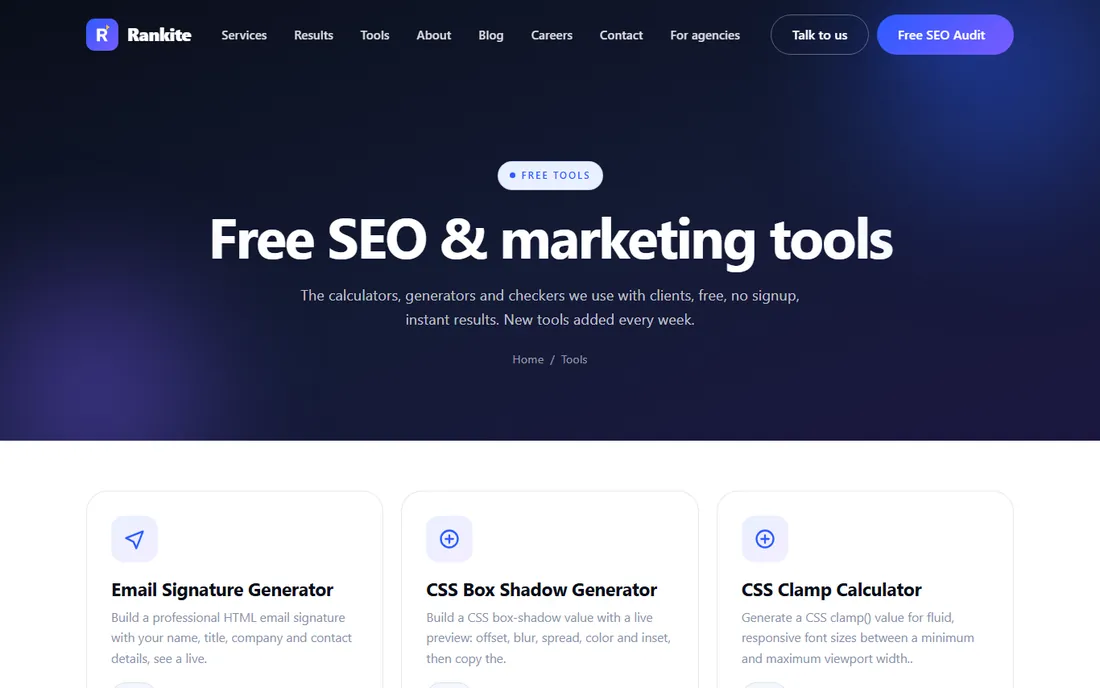
Alongside the dedicated platforms above, Rankite maintains a set of free, no-login tools for specific YouTube SEO tasks: a YouTube tag generator for pulling relevant tags from a title or topic, a YouTube description generator for SEO-formatted description templates, a YouTube engagement rate calculator for benchmarking likes, comments, and views against a video's audience size, and a video schema generator for the VideoObject JSON-LD markup that helps video content qualify for rich results. All of them, plus the rest of our free SEO tools, are usable without an account.
What we like- Free, unlimited use with no account required
- Tag generator, description generator, engagement rate calculator and video schema generator
Watch out for- Single-task utilities rather than a full optimization suite
- Built by Rankite, the publisher of this list
Tools handle execution, not strategy. If you want the complete process before you touch any of the tools above, our YouTube SEO checklist walks through all 16 steps, from channel setup to publish-day optimization. Once you know the process, work through this order to pick the right tool:
- Start with YouTube Studio. It is free and already installed. Learn what it tells you before paying for anything else.
- Add one keyword tool. Google Trends and Ahrefs' free options cost nothing; pick whichever you already have a login for.
- Choose one optimization suite, not both. TubeBuddy for bulk editing and A/B testing, vidIQ for AI ideation and coaching. Trial both free tiers first.
- Add benchmarking only once you have competitors worth tracking. Social Blade's free public pages cover most early-stage needs.
- Keep the free single-task tools bookmarked. A tag generator or schema generator solves a five-minute problem; it does not need to be part of your main stack.
- Paying for two overlapping suites. TubeBuddy and vidIQ cover most of the same ground. Running both rarely earns back the second subscription.
- Ignoring YouTube Studio. It is the only source with YouTube's actual internal search and retention data. Skipping it means optimizing blind.
- Treating Social Blade as a keyword tool. It benchmarks channels; it does not research search terms. Pair it with something else.
- Trusting a single third-party pricing page. Vendor pricing changes often and varies by billing term and subscriber count. Confirm current rates on the vendor's own site before buying.
- Skipping the keyword step entirely. AI-generated titles and descriptions are only as good as the keyword behind them. Research the term first, then let a tool help with the wording.
Frequently asked questions
What is the best free YouTube SEO tool?
YouTube Studio. It reports audience retention, traffic sources, and the exact search terms that led viewers to your video, using YouTube's own data rather than an estimate. Google Trends is the best free companion for checking topic demand before you film. Both cost nothing and come directly from Google.
What is the best paid YouTube SEO tool?
TubeBuddy and vidIQ lead the paid category, and the right pick depends on your workflow. TubeBuddy's Pro plan starts around $4.99 a month billed annually and leads on bulk editing and A/B thumbnail testing. vidIQ's Boost plan runs $19 a month billed annually and focuses more on AI-generated ideas and coaching.
Is TubeBuddy or vidIQ better for YouTube SEO?
Neither wins outright. TubeBuddy is stronger for creators who publish often and want bulk tag and description editing plus A/B thumbnail testing. vidIQ is stronger for creators who want AI-assisted content ideas and structured coaching. Both offer a free tier, so testing both before paying costs nothing but time.
Can Ahrefs be used for YouTube keyword research?
Yes. Ahrefs' Keywords Explorer lets you set YouTube as the search engine and returns real search volume by country, pulled from YouTube's own search data. It makes sense mainly if you already pay for Ahrefs for website SEO, since Ahrefs' cheapest paid plan starts at $29 a month.
Do I need a separate tool to track YouTube video rankings?
Not usually. YouTube Studio's Traffic Source report already shows how much traffic a video gets from YouTube search, which covers most creators' needs. Dedicated YouTube-specific rank trackers exist but are far less common than trackers built for Google web search.
How much do YouTube SEO tools cost?
Free options exist for every core task: YouTube Studio, Google Trends, and Google Keyword Planner cost nothing. Paid tools range from about $4 a month (TubeBuddy Pro, MorningFame Basic) to $99.99 a month for Social Blade's top Platinum tier, with most serious creators spending $5 to $40 a month on one main tool.
Is Social Blade good for YouTube SEO?
Social Blade is a benchmarking tool, not a keyword or optimization tool. It is useful for tracking your own channel's growth and comparing it against competitors, with public stats pages free to view and paid tiers from $3.99 a month for deeper data and historical exports. Pair it with a keyword tool rather than using it alone.
What is the difference between YouTube SEO and Google SEO?
Both rank content based on relevance and engagement signals, but YouTube weighs watch time, audience retention, and click-through rate on the search results page more heavily than most Google web rankings do. A strong title and description still matter for both, which is why tools like Ahrefs and Keyword Tool work across both platforms.
How do I find YouTube keywords for free?
Type a topic into the YouTube search bar and read the autocomplete suggestions, which reflect real searches. Google Trends and Ahrefs' free keyword tools add search volume context on top of that. Rankite's free YouTube tag generator and description generator also help turn a keyword into ready-to-use metadata at no cost.
Can AI tools write YouTube titles and descriptions?
Yes, and several tools on this list use AI for exactly that: vidIQ generates thumbnails and content ideas, and Rankite's free YouTube description generator produces SEO-formatted description templates. Treat AI output as a first draft. Keep the actual keyword, and rewrite the rest so it sounds like your channel, not a template.
Is your product missing or out of date?
We review this list regularly. Vendors can request a listing, send updated pricing or ask about featured placement.

Shihab Mia · Founder, Rankite
Shihab has 5+ years in B2B and SaaS SEO. He writes Rankite's software buying guides from pricing pages, documentation and public user reviews. More about Shihab.