How we make this list: we compare pricing pages, product documentation and public user reviews. Ratings come from G2, Capterra or Trustpilot, with the date we checked them.
Key takeaways
- Microsoft ended support for Xamarin on May 1, 2024, so existing Xamarin apps now carry real security and store-submission risk.
- .NET MAUI is the official successor and the most direct path for teams that already write C#.
- Flutter and React Native are the strongest choices outside the Microsoft stack, and the right one usually follows the languages your team already knows.
- Kotlin Multiplatform suits teams that want shared logic with native screens, while Ionic and Capacitor suit teams coming from web development.
- Every framework on this list is free and open source, so the real cost is developer time, hiring, and long-term maintenance.
Quick comparison
Is your product missing or out of date?
We review this list regularly. Vendors can request a listing, send updated pricing or ask about featured placement.
The best Xamarin alternatives
Starting priceFree
Free planYes
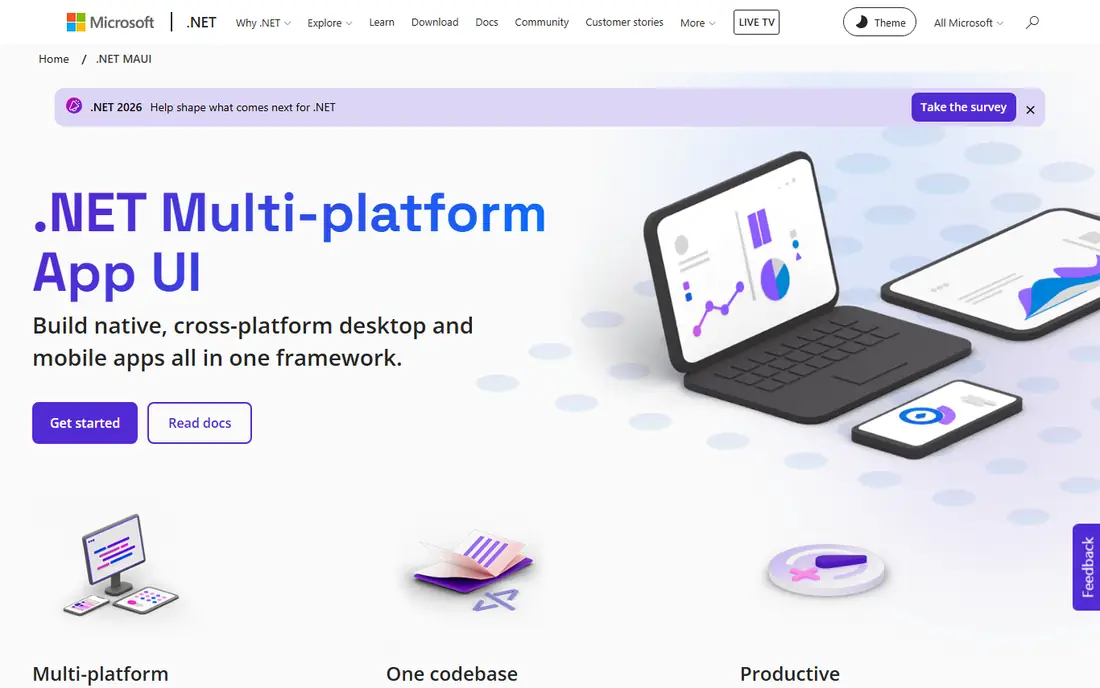
.NET MAUI is the answer Microsoft itself gives to Xamarin teams. It carries the same C# and XAML approach forward with a single project structure, replacing the older renderer system with handlers for native API access. If your app is Xamarin.Forms today, this is the shortest migration path, and Microsoft provides migration guides to help with it.
The trade-off is scope. MAUI targets mobile and desktop from one codebase, which is handy for internal tools, but its ecosystem of ready-made controls is thinner than the two big cross-platform frameworks. Budget time for testing on each platform, since a shared codebase still needs per-platform checks for navigation, permissions, and store requirements.
What we like- Official Microsoft successor to Xamarin
- Single C# project for Android, iOS, macOS, and Windows
- Strong Visual Studio tooling
Watch out for- Smaller third-party component market than Flutter or React Native
- Migration still needs refactoring for larger apps

#2Flutter
Best for: One consistent UI on every screen4.6/5 on
G2 (73 reviews, checked Oct 2026)
Visit flutter.dev
Starting priceFree
Free planYes
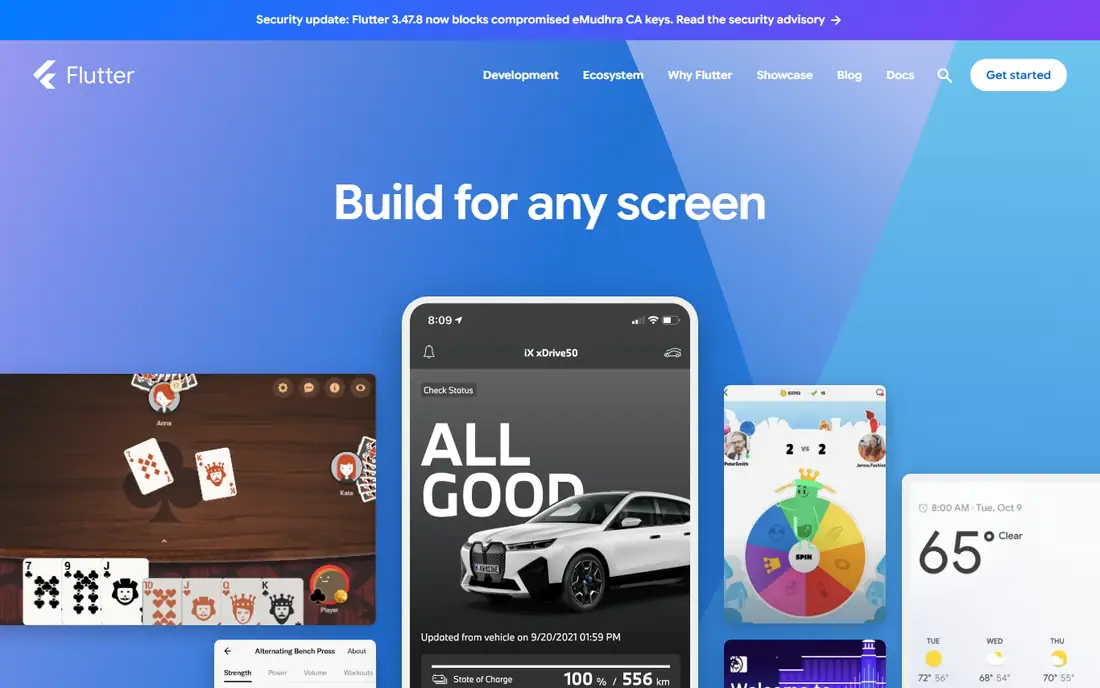
Flutter, built by Google, is the most popular Xamarin alternative for teams starting fresh. Its code compiles to ARM or Intel machine code as well as JavaScript, and its widget system gives you control over every pixel, so an app looks the same on Android and iOS. Hot Reload lets developers see changes almost instantly without losing app state.
The catch is Dart. It is a pleasant language to learn, but your team starts from zero if nobody knows it, and the hiring pool is smaller than for JavaScript or C#. Flutter also fits best when you want a custom, branded interface. Apps that must follow every platform convention closely may need extra work.
What we like- Compiles to native machine code for fast performance
- Hot Reload speeds up iteration
- One codebase reaches mobile, web, desktop, and embedded
Watch out for- Requires learning Dart
- App size can run larger than a native build
- Hiring Dart developers is harder than hiring JavaScript developers

#3React Native
Best for: JavaScript and React teams4.5/5 on
G2 (144 reviews, checked Oct 2026)
Visit reactnative.dev
Starting priceFree
Free planYes
React Native brings React to mobile development. Code written in JavaScript renders to native platform UI, so apps use the same native APIs as apps written in Swift or Kotlin. The framework site recommends starting with Expo, which adds file-based routing, over-the-air updates tooling, and a managed workflow for teams that want to move fast.
Its strength is also its shape. React Native does not prescribe routing or state management, so teams pick their own libraries, which is freedom for experienced teams and a maze for new ones. For a Xamarin team with JavaScript experience, though, this is the fastest route to a large talent pool and a deep library catalog.
What we like- Written in JavaScript and rendered with native code
- Huge community and library ecosystem
- Expo tooling speeds up new projects
Watch out for- No built-in routing or navigation, so you assemble your own stack
- Native modules still need native knowledge for advanced features
Starting priceFree
Free planYes
Kotlin Multiplatform takes a different bargain from the frameworks above. Instead of one shared UI, it shares logic, networking, and data code between Android and iOS while each platform keeps its own native screens. Teams that want to share a UI can add Compose Multiplatform, and teams migrating an Android app can start by sharing one piece, such as a data layer, rather than rewriting everything.
This approach shines for established Android teams. They keep their Kotlin skills, keep native performance and platform feel, and cut duplicated logic. The cost is that iOS work never fully goes away. You still need Swift knowledge for screens, store submissions, and platform quirks, so count that in your staffing plan.
What we like- Share business logic while keeping screens native
- Strong fit for teams already using Kotlin on Android
- Growing library catalog
Watch out for- Sharing UI needs Compose Multiplatform, which is newer
- IOS expertise still needed for the native side
- Smaller community than Flutter or React Native
Starting priceFree
Free planYes
Ionic is the web developer's route to mobile. It is an open source mobile UI toolkit that builds cross-platform apps from a single codebase in React, Vue, or Angular, with light and dark mode support and a large set of ready-made components. For content-heavy apps, forms, dashboards, and internal tools, it gets a working app into the stores quickly.
The honest limit is the WebView. Everything renders as web content, so graphics-heavy screens and complex gestures will not match a fully native app. Pair it with Capacitor for store deployment and native device access, and judge it on a prototype of your most demanding screen before committing.
What we like- Open source UI toolkit for React, Vue, and Angular
- Hardware-accelerated transitions and touch-optimized gestures
- Fast for content-driven apps
Watch out for- Runs inside a WebView, so animation-heavy apps can feel less polished
- Advanced native features need plugins or custom code
Starting priceFree
Free planYes
Capacitor is not a framework in the Flutter sense. It is an open source native runtime that takes a web app built with JavaScript, HTML, and CSS and gives it a native shell, app store presence, and access to device features. Setup is a few npm commands, and its plugin API covers camera, file system, geolocation, notifications, and more.
That narrow job is its appeal. If your team already ships a web app, Capacitor is often the cheapest path to iOS and Android, and it works with React, Vue, Svelte, Angular, or plain JavaScript. It is the wrong pick if you need a fully native interface or heavy on-device processing, since the app still runs as web content.
What we like- Drops into any existing web app with npm
- Native plugin APIs for camera, geolocation, and files
- Supports iOS, Android, and progressive web apps
Watch out for- Not a UI framework, so you still need one
- Plugin coverage varies, and unusual hardware may need a custom plugin

#7NativeScript
Best for: Truly native apps in TypeScript4.1/5 on
G2 (17 reviews, checked Oct 2026)
Visit nativescript.org
Starting priceFree
Free planYes
NativeScript promises what its homepage states plainly: native development for everyone, using shared components that map directly to each platform's native UI building blocks. Developers write TypeScript and call native APIs directly, as in the battery-level example on its homepage, which shows iOS and Android code side by side.
That direct native access is the draw for teams that found Xamarin's abstraction limiting. The price is community size. Fewer tutorials, fewer third-party plugins, and fewer developers to hire mean your team should be comfortable reading native documentation and solving problems without a large forum thread to lean on.
What we like- Builds fully native apps from shared TypeScript code
- Direct access to native iOS and Android APIs
- Supports visionOS builds
Watch out for- Smaller community and fewer learning resources than the leaders
- UI components map to native blocks, so design work needs platform awareness
Starting priceFree
Free planYes
Uno Platform is another .NET option, and it reaches further than MAUI on platform count, covering mobile, desktop, and web from one codebase. Its homepage pitches AI-assisted development and a runtime visual designer that lets developers adjust a running app's interface, which can speed up UI iteration for teams that adopt it.
For a Xamarin team, Uno Platform is worth comparing against MAUI rather than picking blindly. MAUI has Microsoft behind it and the most direct migration story, while Uno Platform offers wider targets and newer design tooling. Note that the core platform is open source, but the Studio designer is a paid product, so check current Studio pricing before budgeting.
What we like- Single .NET codebase for mobile, desktop, and web
- Visual designer and AI-assisted tooling
- Enterprise references in production
Watch out for- Paid Studio plans add cost for the visual tooling
- Smaller community than .NET MAUI itself
- Learning curve for its XAML dialect
How we chose
We started from the fact that matters most: Microsoft ended Xamarin support on May 1, 2024, and Xamarin iOS apps can no longer target current App Store SDK requirements. We compared frameworks on vendor homepages and documentation, weighing language fit, platform reach, ecosystem size, and migration effort from Xamarin. We favored frameworks with active maintenance and a clear vendor or foundation behind them, and we left out retired or maintenance-only options such as Apache Cordova for new projects.
What to check before you commit
Start with your team's language. A C# team will move fastest on .NET MAUI or Uno Platform, a JavaScript team on React Native or Ionic with Capacitor, and a Kotlin team on Kotlin Multiplatform. Language fit usually beats framework fashion, since hiring and training dominate the real cost.
Next, prototype your hardest screen. Build the most animation-heavy, hardware-dependent, or offline-critical part of your app in your top two choices and measure frame rate, startup time, and plugin availability. A week of prototyping beats months of regret, and it exposes gaps such as a missing Bluetooth plugin or a payment SDK that only ships for native code.
Finally, plan the migration as a project, not a weekend task. Audit your Xamarin dependencies, check which libraries have MAUI or cross-platform equivalents, and stage the move so the old app stays shippable while the new one is tested. For store compliance, remember that an unsupported framework can block iOS updates entirely, so the migration timeline is a business deadline, not a nice-to-have.
Frequently asked questions
Is Xamarin still usable in 2026?
It runs, but Microsoft ended support on May 1, 2024, so there are no security patches, bug fixes, or new platform APIs. Apple store requirements have also moved past what Xamarin can target, which can block iOS updates. Treat any remaining Xamarin app as a migration candidate, not a long-term platform.
What is the easiest Xamarin alternative to migrate to?
.NET MAUI, in most cases. It is Microsoft's official successor, keeps the C# and XAML approach, and ships migration guides for Xamarin.Forms projects. Larger apps still need refactoring, especially around custom renderers and third-party libraries, so audit dependencies first.
Is Flutter or React Native better for a new app?
Neither wins in general. Flutter gives a more consistent UI across platforms and strong performance, but needs Dart. React Native fits JavaScript teams and offers the largest library ecosystem, but leaves routing and navigation choices to you. Pick by team skill and UI needs, not by popularity alone.
Can I keep my C# code if I leave the Microsoft stack?
Only in part. Business logic can often be reimplemented or exposed through APIs, but UI code and Xamarin-specific libraries do not transfer to Flutter or React Native. If preserving C# matters most, stay with .NET MAUI or Uno Platform.
Do these frameworks cost anything?
All eight are free and open source at their core. Costs appear elsewhere: paid designer tooling such as Uno Platform Studio, third-party component libraries, build services, and developer time. Budget for hiring, training, and maintenance rather than license fees.
Should I rewrite or migrate my Xamarin app?
Migrate when your app is mostly standard UI and your libraries have equivalents, since .NET MAUI keeps much of your investment. Rewrite when the app needs a new design, a new language stack, or features the old architecture blocks. Either way, freeze feature work on the Xamarin codebase once the replacement project starts, so effort does not split.
Sources we checked (9)
- https://dotnet.microsoft.com/en-us/apps/maui
- https://flutter.dev
- https://reactnative.dev
- https://kotlinlang.org/docs/multiplatform.html
- https://ionicframework.com
- https://capacitorjs.com
- https://nativescript.org
- https://platform.uno
- https://app369.com/blog/titanium-phonegap-xamarin-cross-platform-frameworks-2026/
Is your product missing or out of date?
We review this list regularly. Vendors can request a listing, send updated pricing or ask about featured placement.

Shihab Mia · Founder, Rankite
Shihab has 5+ years in B2B and SaaS SEO. He writes Rankite's software buying guides from pricing pages, documentation and public user reviews. More about Shihab.
 .NET MAUI
 Kotlin Multiplatform
 Ionic
Ionic Capacitor
 Uno Platform