How we make this list: we compare pricing pages, product documentation and public user reviews. Ratings come from G2, Capterra or Trustpilot, with the date we checked them.
Key takeaways
- Wunderlist shut down in 2020, and Microsoft To Do is its official successor, free for Microsoft account holders.
- Todoist and TickTick are the closest cross-platform replacements, with fast capture and free tiers.
- Things 3 suits Apple-only users who want a one-time purchase instead of a subscription.
- Free-tier limits decide the shortlist: Todoist free covers 5 projects, TickTick free covers 9 lists.
Quick comparison
Is your product missing or out of date?
We review this list regularly. Vendors can request a listing, send updated pricing or ask about featured placement.
The best wunderlist alternatives
Starting price$0
Free planYes
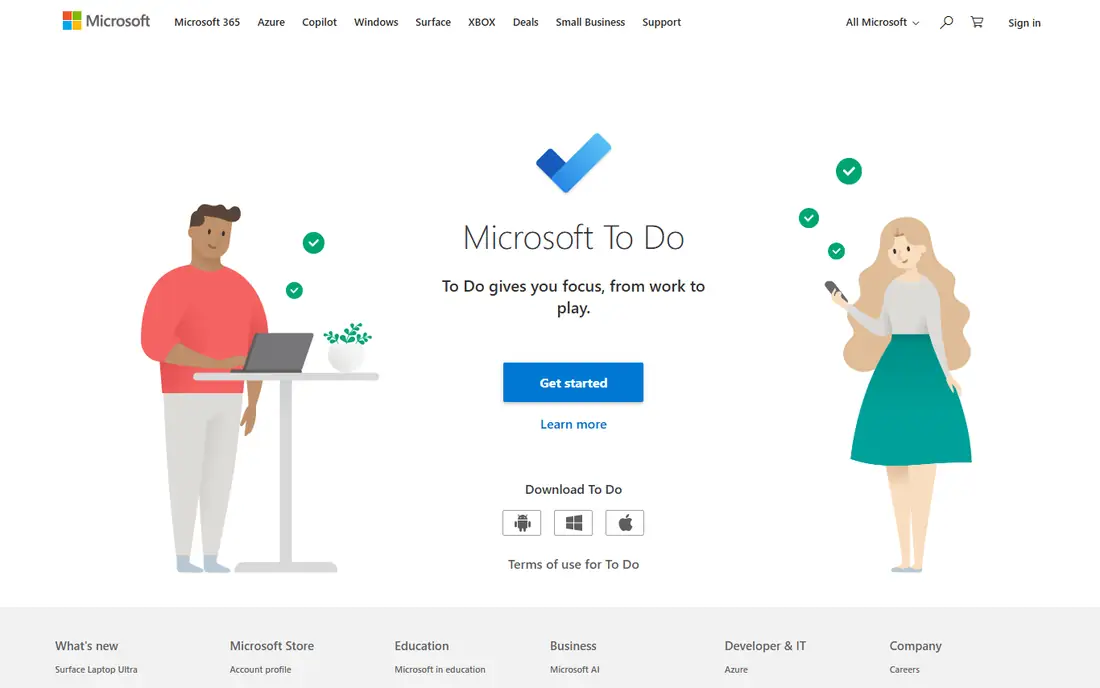
Microsoft To Do is the official successor to Wunderlist, built by Microsoft after acquiring Wunderlist, and it remains free for anyone with a Microsoft account. Lists, tasks, due dates, reminders, and shared lists all carry over in spirit, and integration with Outlook and Teams suits Microsoft 365 users. For Wunderlist refugees who want the closest free continuation, this is the natural first stop.
It is simpler than Todoist or TickTick, with no habit tracking, no Pomodoro timer, and a Microsoft-centric ecosystem. For a free, simple list inside a Microsoft account, Microsoft To Do wins.
What we like- Official Wunderlist successor
- Free with a Microsoft account
- Outlook and Teams integration
Watch out for- Simpler than Todoist or TickTick
- No habit tracking or Pomodoro
- Windows and Microsoft focus

#2Todoist
Best for: Fast cross-platform capture4.5/5 on
G2 (832 reviews, checked Oct 2026)
Visit todoist.com
Starting price$4/month
Free planYes
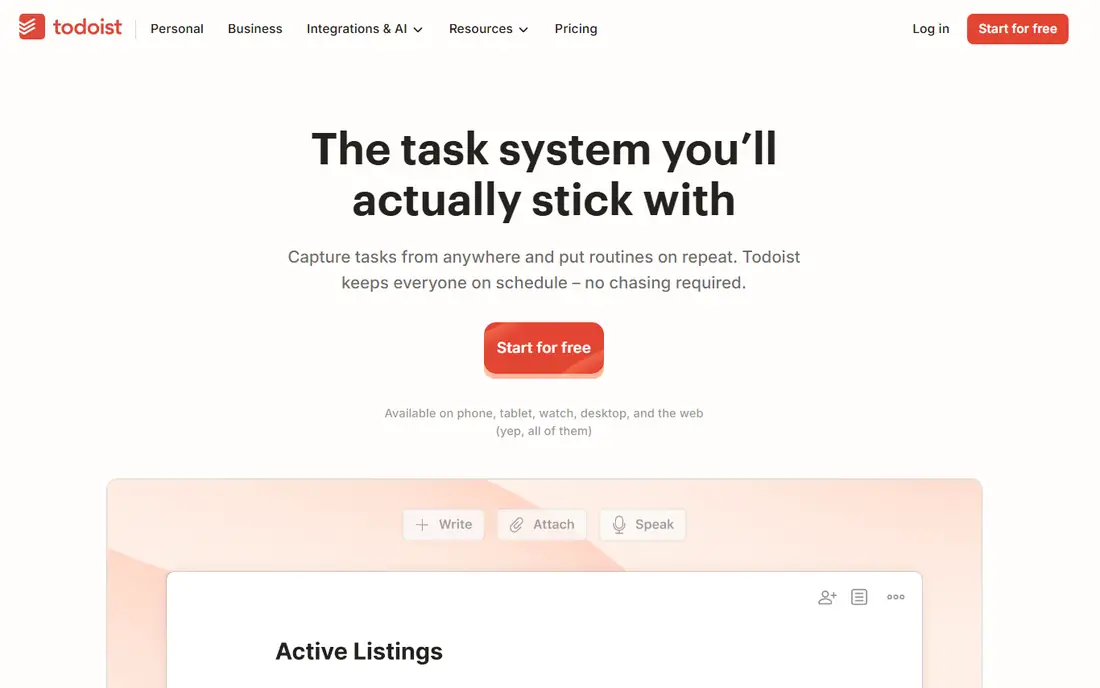
Todoist is the cleanest cross-platform replacement for Wunderlist, running on Mac, Windows, iOS, Android, web, and browser extensions, with natural-language date parsing that turns "pick up dry cleaning tomorrow at 4" into a dated task. The free tier covers 5 active projects, while Pro adds reminders, labels, filters, and productivity stats, with integrations through Zapier, IFTTT, and native apps. For users who capture tasks all day, Todoist input is the fastest here.
Pro pricing varies by source, with $4 per month billed annually cited in several comparisons and higher app-store figures elsewhere, so confirm the current pricing page. For fast capture everywhere, Todoist is the top pick.
What we like- Fastest natural-language capture
- Runs on every platform
- Huge integration library
Watch out for- Free tier limited to 5 projects
- Pro price varies by source
- Reminders and labels need Pro

#3TickTick
Best for: Tasks, habits, and timer4.5/5 on
G2 (113 reviews, checked Oct 2026)
Visit ticktick.com
Starting price$3/month
Free planYes
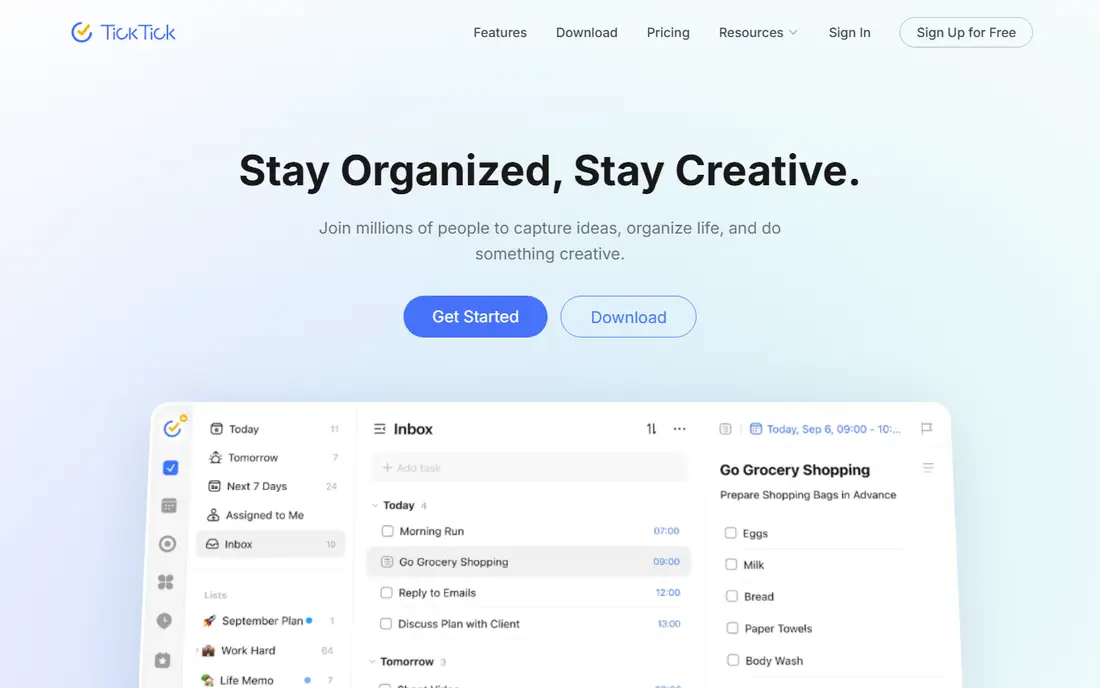
TickTick bundles a task manager, habit tracker, Pomodoro timer, and calendar into one app, so users who want tasks, habits, and focus sessions in one place pay one low price. The free tier covers 9 lists, 99 tasks per list, calendar view, habits, and the Pomodoro timer, while Premium lists at $49.99 per year, about $3 per month at current discounts. For the best overall value in to-do apps, TickTick leads.
The interface feels busier than Todoist, there is no real team plan, and free checklist items cap at 19 per task. For tasks plus habits plus timer in one app, TickTick wins.
What we like- Tasks plus calendar, habits, and Pomodoro in one app
- Generous free tier
- Low yearly price
Watch out for- Denser interface than Todoist
- No real team plan
- Checklist items capped on free
Starting price$49.99
Free planNo
Things 3 is the design-led, pay-once option for Apple-only users, with Today and Upcoming views, clean project organization, and no subscription. Mac costs $49.99 one time, iPhone and Apple Watch cost $9.99, and iPad costs $19.99. For users who refuse subscriptions and live entirely on Apple devices, Things 3 is the best experience here.
It runs on Apple devices only, offers no Android or Windows version, and includes no collaboration features, while buying every device adds up. For Apple-only users who pay once, Things 3 is unmatched.
What we like- Best design in this group
- Pay once per device, no subscription
- Today and Upcoming views
Watch out for- Apple only
- No Android or Windows
- No collaboration features
- Per-device pricing adds up
Starting price$0
Free planYes
Google Tasks is the free list inside Google accounts, with drag-and-drop task ordering, priorities, and task creation straight from Gmail. For users who already live in Gmail and Google Calendar, it adds zero cost and zero new apps. For simple Google-native lists, it fits.
The feature set is basic, with no project depth, labels, or habit tracking, and it only makes sense inside Google. For free Google lists, Google Tasks works.
What we like- Free inside Google accounts
- Task creation from Gmail
- Drag-and-drop priorities
Watch out for- Basic feature set
- No projects or labels depth
- Google ecosystem only
Starting price$0
Free planYes
Apple Reminders received a substantial upgrade in 2024, adding smart lists, grocery shopping lists with section grouping, early reminders, and reliable Siri integration. For iPhone and Mac users who want a capable, friction-free task manager already on the device, it is genuinely good at zero cost. For free Apple lists, it is the simplest pick.
It runs on Apple devices only, with no Android or Windows version and no collaboration depth. For Apple users who want free and built in, Apple Reminders wins.
What we like- Free and built in
- Smart lists and grocery section grouping
- Reliable Siri integration
Watch out for- Apple only
- No Android or Windows
- No collaboration depth

#7Any.do
Best for: Boards and WhatsApp4.2/5 on
G2 (197 reviews, checked Oct 2026)
Visit any.do
Starting priceSee website
Free planYes
Any.do stands out for unlimited boards and auto task assignment, plus WhatsApp integration that lets users capture tasks from chat. Teams and families use boards for shared work, while individuals use the calendar and reminder views. For board-style organization with messaging capture, Any.do fits.
Pricing sits behind the website, so confirm current tiers before budgeting, and deeper collaboration features need paid plans. For boards plus WhatsApp capture, Any.do is the pick.
What we like- Unlimited boards
- Auto task assignment
- WhatsApp integration
Watch out for- Pricing behind the website
- Collaboration features need paid tiers
- Less minimal than Todoist

#8ClickUp
Best for: Teams scaling beyond lists4.6/5 on
G2 (14,878 reviews, checked Oct 2026)
Visit clickup.com
Starting price$7/user/month
Free planYes
ClickUp suits users whose lists outgrow personal apps: the free tier covers unlimited tasks and members with 60 MB storage and 5 Spaces, while paid plans from $7 per user per month billed annually add unlimited storage, integrations, and advanced views. Teams moving from Wunderlist-style lists to full project work get one workspace for tasks, docs, and goals. For scaling beyond simple lists, ClickUp leads.
It is heavier than a simple list, free storage runs out fast, and setup time is real. For teams outgrowing personal lists, ClickUp is the natural step up.
What we like- Unlimited tasks and members on free
- Customizable views and templates
- Scales to full projects
Watch out for- Heavier than a simple list
- 60 MB free storage
- Setup time before it feels helpful
How we chose
We compared capture speed, cross-platform support, free-tier limits, sharing, and pricing for each tool, then checked them against recent to-do app comparisons with data verified in 2026. Tools made the list only if users can manage personal or shared task lists today with a published or widely reported offering. Where pricing sits behind a quote or varies by listing, we used See website rather than printing a contested figure. We also weighed the Wunderlist migration path separately, since Microsoft To Do is the official successor and the closest free continuation. We also checked reminder reliability, since a list app that misses reminders fails its core job: test location reminders, recurring reminders, and notification delivery on your phone during the first week.
Migrate, then simplify your lists
Wunderlist users often import years of lists and then recreate the clutter that made the old app feel heavy. Export from Wunderlist-era backups or Microsoft To Do, then prune before importing: archive completed projects, merge duplicate lists, and keep active projects under the free-tier limits of your new tool. Todoist free covers 5 projects and TickTick free covers 9 lists, so organizing by life area rather than by client keeps you inside the free tier longer.
Also confirm platform coverage before committing. Things 3 and Apple Reminders are Apple-only, Google Tasks is Google-only, and Microsoft To Do favors Microsoft accounts. Todoist, TickTick, Any.do, and ClickUp run everywhere, so cross-platform households should start there. Test capture speed on your phone for a week, since the fastest desktop app means little if phone capture feels slow. Start with the free tier, then pay only when a limit actually blocks you in practice. Also check recurring-task handling, since daily, weekly, and custom repeats differ across tools: Todoist handles natural-language repeats well, TickTick pairs repeats with habits, and simpler lists may only support basic daily or weekly repeats. A tool that cannot repeat your actual routines will frustrate you within a month.
Frequently asked questions
What happened to Wunderlist?
Wunderlist shut down in 2020 after Microsoft acquired it, and Microsoft To Do is its official successor. Microsoft To Do remains free for Microsoft account holders and carries the same simple list model forward, with Outlook and Teams integration. Users still on Wunderlist data should migrate through Microsoft To Do or export lists before choosing a new tool.
Which Wunderlist alternative is closest to the original?
Microsoft To Do is the closest continuation, since Microsoft built it as the Wunderlist successor with the same simple list model. Todoist is the closest cross-platform match for fast capture and projects, while TickTick adds habits and a timer. For the original Wunderlist feel at zero cost, start with Microsoft To Do. Also note that Wunderlist lists shared with others need re-sharing in the new tool, since shared-list permissions do not always carry over automatically during migration.
Which Wunderlist alternative is best for free?
Microsoft To Do, Google Tasks, and Apple Reminders are all free, but each locks into one ecosystem. TickTick free is the most generous cross-platform free tier, with 9 lists, 99 tasks per list, calendar view, habits, and a Pomodoro timer. Todoist free covers 5 projects with fast capture. For free and cross-platform, TickTick leads.
Which Wunderlist alternative has no subscription?
Things 3 charges once per device instead of a subscription, at $49.99 for Mac, $9.99 for iPhone and Apple Watch, and $19.99 for iPad, but it is Apple-only. Every other tool here uses subscriptions for paid tiers, though several offer strong free tiers. For pay-once on Apple devices, Things 3 is the only pick.
Can I share lists with family or a team?
Yes, with limits: Microsoft To Do, Todoist, TickTick, Any.do, and ClickUp all support shared lists or projects, while Apple Reminders supports basic sharing on Apple devices. Things 3 and Google Tasks offer little or no collaboration depth. For team projects with timelines and reporting, ClickUp or Asana fits better than a personal list app. Also confirm export options before committing, since switching list apps later is painful without a clean export: check whether tasks, dates, and notes export to a standard format, or only as a flat list that loses structure.
Sources we checked (8)
- https://todo.microsoft.com
- https://todoist.com
- https://ticktick.com
- https://culturedcode.com/things/
- https://tasks.google.com
- https://www.apple.com/reminders/
- https://www.any.do
- https://clickup.com
Is your product missing or out of date?
We review this list regularly. Vendors can request a listing, send updated pricing or ask about featured placement.

Shihab Mia · Founder, Rankite
Shihab has 5+ years in B2B and SaaS SEO. He writes Rankite's software buying guides from pricing pages, documentation and public user reviews. More about Shihab.
 Microsoft To Do
 Things 3
 Google Tasks
 Apple Reminders