How we make this list: we compare pricing pages, product documentation and public user reviews. Ratings come from G2, Capterra or Trustpilot, with the date we checked them.
Wrike is the better pick for a department or agency that needs intake forms, proofing, approvals and resource planning in one place. Asana is the better pick for a team that wants a clean, fast workspace with timelines, dashboards and simple portfolio views. ClickUp is the closest low cost alternative for a team that wants docs, chat and tasks in one app.
Key takeaways:
- Wrike Team costs $10 per user per month and Business costs $25, both billed annually, with Pinnacle and Apex quoted.
- Asana Starter costs $10.99 per user per month and Advanced costs $24.99, both billed annually, with a free Personal plan for up to two users.
- ClickUp has replaced its old Unlimited $7 and Business $12 line with Core $9 and Business $17 for new workspaces.
- Jira prices rose on 13 Oct 2026, so older Standard and Premium figures in many guides are now stale.
How Do Wrike and Asana Compare on Price?
Wrike and Asana cost almost the same at the working tier, so price alone rarely settles the choice. Wrike Team is $10 per user per month billed annually for 2 to 15 users, and Business is $25 per user per month billed annually for 5 to 200 users. Asana Starter is $10.99 per user per month billed annually, or $13.49 billed monthly, and Advanced is $24.99 billed annually, or $30.49 billed monthly. The gap widens on the higher tier, because Wrike puts request forms, proofing and approvals, time tracking and resource management on Business, while Asana puts portfolios, goals, workload and native time tracking on Advanced.
Wrike is the stronger choice for large, process heavy work, while Asana is the stronger choice for large teams that value simple portfolio reporting. Wrike Business adds custom workflows, request forms, proofing and approvals, time tracking and resource management, and its higher tiers add deeper security and portfolio controls. Asana Advanced adds unlimited portfolios, goals, workload views, approvals and proofing, and time tracking, plus connections to Salesforce, Tableau and Power BI.
Asana is easier for a small team to start with, and Trello is easier still for a team that only needs boards and cards. Asana Personal is free for up to two users, and Starter adds Timeline and Gantt views, dashboards, forms, custom fields and unlimited automations, which is enough for most small teams. Wrike has a free plan too, but its Team plan is built for 2 to 15 users and its real strength shows on Business, which is a bigger step in price and setup. Trello Standard at $5 per user per month is the simplest paid step here, with unlimited boards and 1,000 automation runs a month.
Check seat rules, automation limits, AI costs and migration effort before you switch, because the headline price is only part of the bill. monday Work Management requires at least three seats and sells seats in fixed blocks, Wrike Team covers 2 to 15 users and Business covers 5 to 200, and Smartsheet Pro is capped at 10 members. monday Standard caps automation and integration actions at 250 a month each, while Pro raises both to 25,000, and Wrike Team allows 50 automation actions per user per month against 200 on Business. Asana includes a set number of AI requests and AI Studio credits on Starter and Advanced, ClickUp now bundles AI credits into Core and Business, and Notion puts full AI on Business at $20 per member per month.
We picked tools that compete directly with Wrike and Asana for project and work management, with published pricing, a free plan or trial, and a track record with teams of five to 200 people. We checked each starting price against the vendor pricing page and recent pricing reports on 17 Nov 2026, and we flagged conflicts where the vendor page and older guides disagree. Last verified: 17 Nov 2026.
Quick comparison
| Tool | Best for | Starting price | Free plan |
|---|
 Wrike | Departments, agencies and PMOs that need intake forms, proofing, approvals and resource planning | Team $10 per user per month, Business $25 per user per month, both billed annually; Pinnacle and Apex are quote only | Yes, with task and project management, board and table views, and web, desktop and mobile apps |
 Asana | Teams that want clean task ownership, timelines and portfolio reporting without a long setup | Starter $10.99 per user per month billed annually ($13.49 monthly), Advanced $24.99 billed annually ($30.49 monthly); Enterprise is quote only | Yes, Personal is free for up to 2 users |
 monday Work Management | Teams that want colourful visual boards, fast adoption and simple status tracking | Basic $9 per seat per month, Standard $12, Pro $19, all billed annually; Enterprise is quote only | Yes, free for up to 2 seats, with up to 3 boards and 3 docs |
 ClickUp | Teams that want tasks, docs, chat, goals and time tracking in one app at a low entry price | Core $9 per user per month billed annually ($12 monthly), Business $17 billed annually ($25 monthly), Max $100; Enterprise is quote only | Yes, Free Forever with 5 Spaces and 60 MB storage |
 Trello | Small teams and simple projects that work best on visual boards and cards | Standard $5 per user per month billed annually ($6 monthly), Premium $10 billed annually ($12.50 monthly), Enterprise $17.50 billed annually only | Yes, free for up to 10 collaborators per Workspace and up to 10 boards |
 Jira | Software and product teams that need issue tracking, sprints, releases and cross team planning | Standard $9.70 per user per month for 1 to 100 users on monthly billing, Premium $19.60; annual tiers are sold in user bands | Yes, free for up to 10 users |
 Smartsheet | Teams that plan in grids and sheets and need baselines, workload tracking and formal reporting | Pro $9 per member per month billed annually ($12 monthly), Business $19 billed annually ($24 monthly); Enterprise and Advanced Work Management are quote only | No free plan for new signups; a 30 day free trial is offered instead |
 Notion | Teams that want docs, a wiki, databases and light project tracking in one workspace | Plus $10 per member per month billed annually ($12 monthly), Business $20 billed annually ($24 monthly); Enterprise is quote only | Yes, free for solo users and small teams with limits |
Is your product missing or out of date?
We review this list regularly. Vendors can request a listing, send updated pricing or ask about featured placement.
Use the table to narrow the list to two or three options, then trial those with a real project before you pay.
| Tool |
Starting paid price |
Free plan |
Best for |
| Wrike |
$10 per user per month, billed annually |
Yes |
Departments, agencies, approvals and intake |
| Asana |
$10.99 per user per month, billed annually |
Yes, up to 2 users |
Clean task and portfolio management |
| monday Work Management |
$9 per seat per month, billed annually |
Yes, up to 2 seats |
Visual boards and fast team adoption |
| ClickUp |
$9 per user per month, billed annually |
Yes |
All in one tasks, docs and chat |
| Trello |
$5 per user per month, billed annually |
Yes, up to 10 collaborators |
Simple boards and light project tracking |
| Jira |
$9.70 per user per month, monthly billing, 1 to 100 users |
Yes, up to 10 users |
Software teams and cross team planning |
| Smartsheet |
$9 per member per month, billed annually |
No, 30 day trial only |
Grid plans, baselines and reporting |
| Notion |
$10 per member per month, billed annually |
Yes |
Docs, wiki and light project tracking |
#1Wrike
Best for: Departments, agencies and PMOs that need intake forms, proofing, approvals and resource planning4.2/5 on
G2 (4,540 reviews, checked Oct 2026)
Visit wrike.com
Starting priceTeam $10 per user per month, Business $25 per user per month, both billed annually; Pinnacle and Apex are quote only
Free planYes, with task and project management, board and table views, and web, desktop and mobile apps
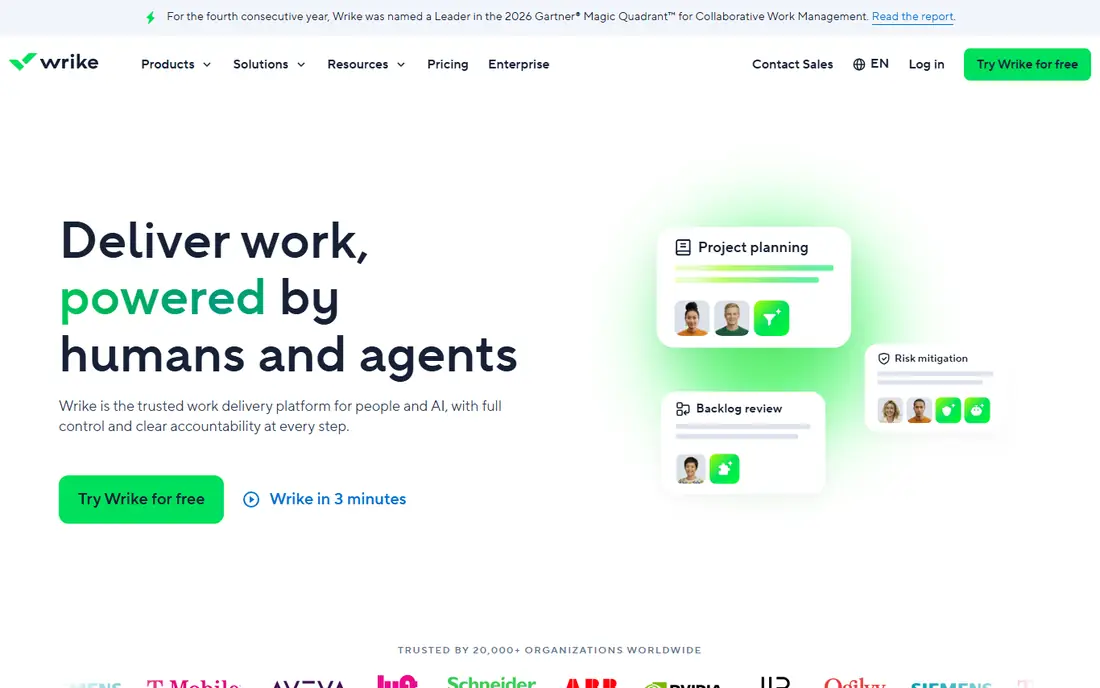
Wrike is built for teams that run work as a controlled process, from a request form through review to delivery. Team suits 2 to 15 users that need Gantt charts, shareable dashboards and light automation, with 50 automation actions per user per month. Business is the plan most departments need, because it adds proofing and approvals, request forms, time tracking and resource management, with 200 automation actions per user per month. Older $9.80 and $24.80 figures are rounding of the same $10 and $25 line after the Jan 2026 restructure, so use $10 and $25 as the current list prices.
What we like- Proofing and approvals, request forms, Gantt charts, dashboards, time tracking and resource management on Business
Watch out for- Business costs two and a half times Team, seats are sold in bands, and setup takes longer than simpler tools
#2Asana
Best for: Teams that want clean task ownership, timelines and portfolio reporting without a long setup4.4/5 on
G2 (13,930 reviews, checked Oct 2026)
Visit asana.com
Starting priceStarter $10.99 per user per month billed annually ($13.49 monthly), Advanced $24.99 billed annually ($30.49 monthly); Enterprise is quote only
Free planYes, Personal is free for up to 2 users
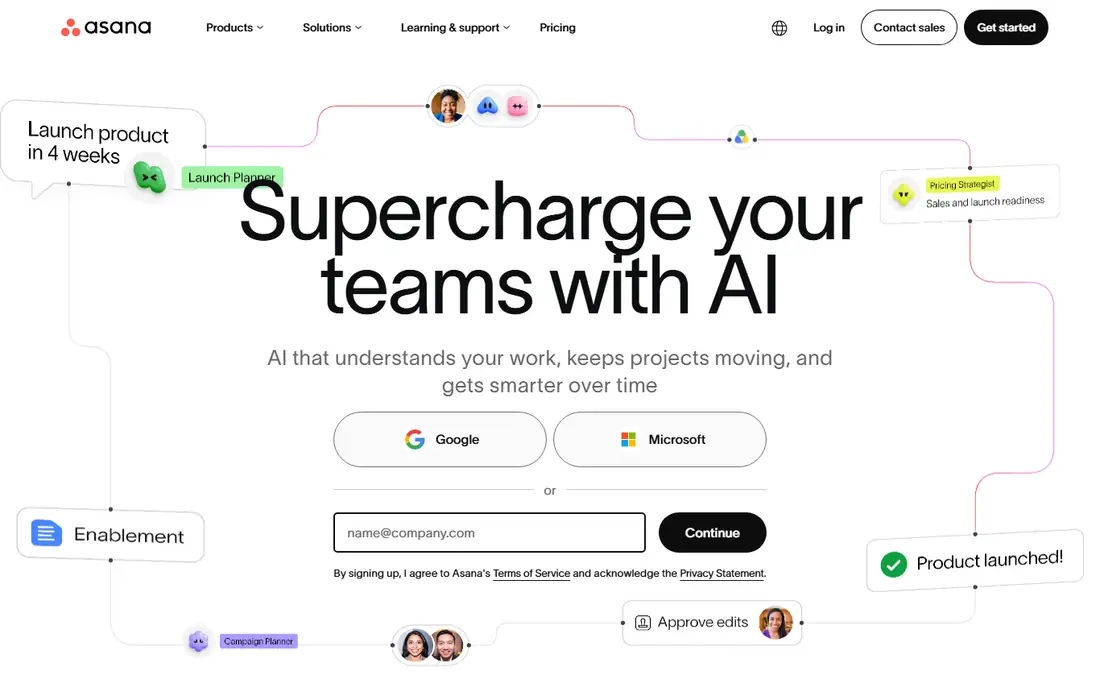
Asana is the easiest tool in this list for a new team to adopt, and it scales well when the team grows. Starter adds Timeline and Gantt views, reporting dashboards, forms, custom fields and templates, plus AI Teammates and Asana Dash with a limited number of requests per user per month and 50,000 AI Studio credits per billing account per month. Advanced adds unlimited portfolios, goals, resource management within one portfolio, approvals and proofing, time tracking and scaled security, plus 75,000 AI Studio credits per month.
What we like- Clear interface, Timeline and Gantt views, unlimited automations on Starter, unlimited free guests, strong portfolio views on Advanced
Watch out for- Portfolios, goals, workload and time tracking sit on Advanced, so reporting costs more than double Starter, and AI use is metered
#3
monday Work Management
Best for: Teams that want colourful visual boards, fast adoption and simple status tracking
Visit monday.com
Starting priceBasic $9 per seat per month, Standard $12, Pro $19, all billed annually; Enterprise is quote only
Free planYes, free for up to 2 seats, with up to 3 boards and 3 docs
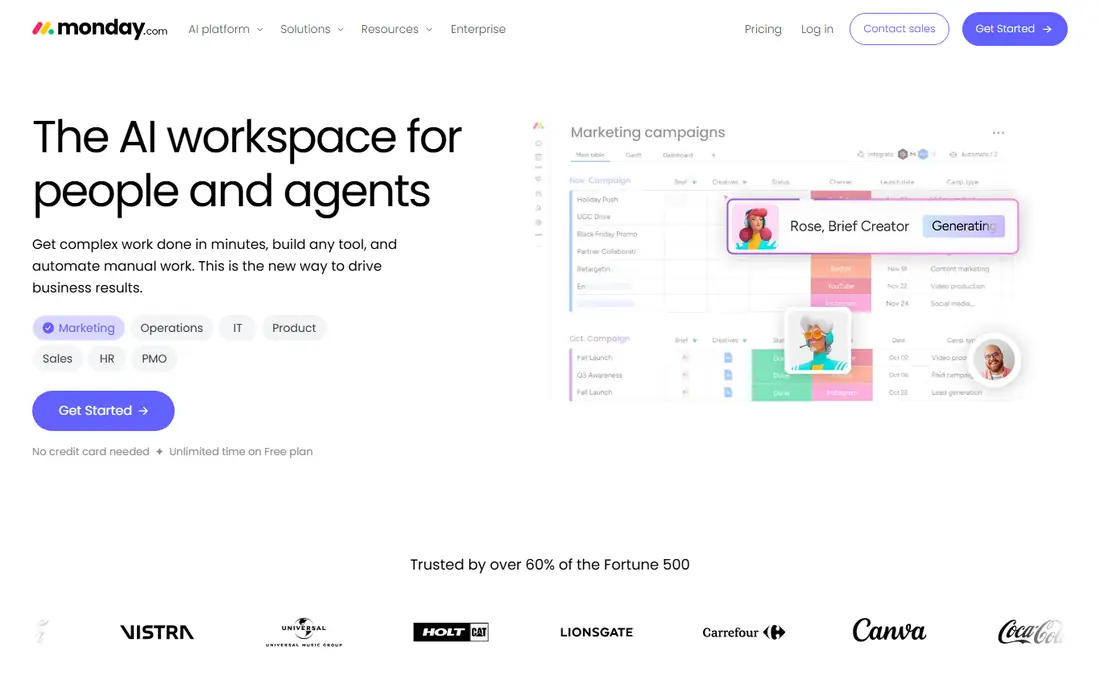
monday Work Management is the most visual tool in this list, and non technical teams often adopt it faster than Wrike or Jira. Basic at $9 per seat per month billed annually covers unlimited items and viewers, with 1,000 AI credits a month, but it has no automations and no Gantt view. Standard at $12 adds Timeline, Gantt and Calendar views, guest access, and 250 automation and 250 integration actions a month, with 2,000 AI credits. Pro at $19 adds private boards, time tracking, formula columns, 20 workflows, and 25,000 automation and 25,000 integration actions a month, with 3,000 AI credits.
What we like- Very fast to learn, strong board views, Timeline and Gantt on Standard, 25,000 automation and integration actions a month on Pro
Watch out for- Paid plans need at least 3 seats in fixed blocks, so a team of 6 often pays for 10 seats, and Standard caps automation at 250 a month
#4ClickUp
Best for: Teams that want tasks, docs, chat, goals and time tracking in one app at a low entry price4.6/5 on
G2 (14,878 reviews, checked Oct 2026)
Visit clickup.com
Starting priceCore $9 per user per month billed annually ($12 monthly), Business $17 billed annually ($25 monthly), Max $100; Enterprise is quote only
Free planYes, Free Forever with 5 Spaces and 60 MB storage
ClickUp is the best value option in this list for a team that wants one app instead of three. Core at $9 per user per month billed annually adds unlimited storage, Gantt charts, custom fields, time tracking, 1,000 automations and 1,000 AI credits per user per month. Business at $17 adds advanced dashboards, timesheets, resource management, Google SSO, 10,000 automations and 1,500 AI credits per user per month. Price conflict flagged: ClickUp sold a legacy line of Unlimited $7 and Business $12 per user per month billed annually, with AI as a paid add on, and it rolled out a new Core $9 and Business $17 line during 2026.
What we like- Wide feature set for the price, Gantt charts and time tracking on Core, 10,000 automations a month on Business, AI credits bundled
Watch out for- The feature set can feel busy and takes time to learn, and older guides still quote the old $7 and $12 line
#5Trello
Best for: Small teams and simple projects that work best on visual boards and cards4.4/5 on
G2 (14,064 reviews, checked Oct 2026)
Visit trello.com
Starting priceStandard $5 per user per month billed annually ($6 monthly), Premium $10 billed annually ($12.50 monthly), Enterprise $17.50 billed annually only
Free planYes, free for up to 10 collaborators per Workspace and up to 10 boards
Trello is the simplest tool here, and that is its strength for small teams. Free covers up to 10 collaborators per Workspace and up to 10 boards, with unlimited cards and 250 automation runs a month. Standard at $5 per user per month billed annually adds unlimited boards, custom fields, advanced checklists, card mirroring, 1,000 automation runs a month and AI features. Premium at $10 adds Calendar, Timeline, Table, Dashboard and Map views, plus unlimited automation runs and admin controls.
What we like- Cheapest paid plan in this list, very easy to learn, unlimited boards on Standard, Calendar, Timeline, Table and Dashboard views on Premium
Watch out for- No native time tracking, no workload view and limited reporting, so a team that outgrows boards must move on
#6Jira
Best for: Software and product teams that need issue tracking, sprints, releases and cross team planning4.3/5 on
G2 (7,984 reviews, checked Oct 2026)
Visit atlassian.com
Starting priceStandard $9.70 per user per month for 1 to 100 users on monthly billing, Premium $19.60; annual tiers are sold in user bands
Free planYes, free for up to 10 users
Standard at $9.70 per user per month for the first 100 users on monthly billing adds user roles and permissions, 250 GB of storage, 400 automation steps and 25 Rovo credits per user per month. Premium at $19.60 adds unlimited storage, cross team planning, dependency and capacity management, custom approvals, 750 automation steps and 70 Rovo credits per user, with 24/7 support for critical issues. Price conflict flagged: Atlassian raised Jira Cloud list prices on 13 Oct 2026, with Standard rising from $9.05 to $9.70 and Premium from $18.30 to $19.60, so older $7.53 and $13.53 annual figures are stale.
What we like- Strong agile boards, roadmaps and release tracking, cross team planning on Premium, 400 automation steps on Standard and 750 on Premium
Watch out for- The pricing page and list price tables disagree in places, the interface is heavier than Asana or Trello, and Rovo AI use is metered from 3 Dec 2026
#7Smartsheet
Best for: Teams that plan in grids and sheets and need baselines, workload tracking and formal reporting4.4/5 on
G2 (22,767 reviews, checked Oct 2026)
Visit smartsheet.com
Starting pricePro $9 per member per month billed annually ($12 monthly), Business $19 billed annually ($24 monthly); Enterprise and Advanced Work Management are quote only
Free planNo free plan for new signups; a 30 day free trial is offered instead
Smartsheet suits a team that thinks in rows, dates and formulas rather than in cards or boards. Pro at $9 per member per month billed annually covers 1 to 10 members, with unlimited sheets, forms and reports, Gantt, table, board and calendar views, and 250 automations a month. Business at $19 covers 3 or more members, with Timeline view, workload tracking, admin controls, unlimited automations, unlimited free Guests and 1 TB of attachment storage. The free plan has not been available to new signups since 28 Aug 2024, so a buyer must use the 30 day trial.
What we like- Familiar spreadsheet style grid, strong Gantt and Timeline views, unlimited automations on Business, 1 TB of storage, unlimited free Contributors
Watch out for- Pro is capped at 10 members for new customers only, Resource Management is a paid add on, and there is no free plan
#8Notion
Best for: Teams that want docs, a wiki, databases and light project tracking in one workspace4.6/5 on
G2 (13,834 reviews, checked Oct 2026)
Visit notion.com
Starting pricePlus $10 per member per month billed annually ($12 monthly), Business $20 billed annually ($24 monthly); Enterprise is quote only
Free planYes, free for solo users and small teams with limits
Plus at $10 per member per month billed annually adds unlimited file uploads, 30 day page history, unlimited guests, custom forms and sites, and a trial of Notion AI. Business at $20 adds full Notion AI, including Notion Agent, AI Meeting Notes, Ask Notion and Enterprise Search, plus 90 day page history, SAML SSO and private teamspaces. Price conflict flagged: older guides still quote pre Aug 2025 figures of $8 for Plus and $15 for Business, which are stale. Notion retired the standalone AI add on in Aug 2025 and folded full AI into Business, and on 19 Oct 2026 it moved Business and Enterprise AI use onto monthly credits, at 1,500 Standard and 500 Select credits per member per month.
What we like- Flexible pages, databases and templates, good for docs and knowledge, full AI on Business with Notion Agent and AI Meeting Notes
Watch out for- Project views are lighter than Wrike, Asana or Jira, full AI needs Business at double the Plus price, and AI use is metered
Frequently asked questions
Is Wrike better than Asana for a marketing team?
Wrike is usually better for a marketing team that runs intake, review and approval as a formal flow, because Business adds request forms, proofing and approvals, time tracking and resource management in one place. Asana is better when the team values a clean interface, simple timelines and portfolio reporting over deep workflow control.
How much does Wrike cost compared with Asana for 10 users?
A 10 person team pays about $1,200 a year on Wrike Team at $10 per user per month, or about $3,000 a year on Wrike Business at $25, both billed annually. The same team pays about $1,319 a year on Asana Starter at $10.99, or about $2,999 a year on Asana Advanced at $24.99, both billed annually.
Does ClickUp still cost $7 per user per month?
No, not for a new workspace. ClickUp replaced its legacy Unlimited $7 and Business $12 line with Core $9 and Business $17 per user per month billed annually, and pricing trackers dated the change to 29 Oct 2026. By 10 to 13 Nov 2026 the old plans were no longer listed for new workspaces.
Is Jira too complex for a non technical team?
Jira can feel heavy for a non technical team, because it is built for software delivery, sprints and releases, and its setup takes more time than Asana or Trello. A non technical team that only needs tasks, dates and status tracking will move faster on Asana, monday Work Management or Trello.
Which tool in this list is cheapest to start with?
Trello is the cheapest paid step, at $5 per user per month billed annually on Standard, with a free plan for up to 10 collaborators per Workspace. ClickUp Free, Asana Personal and Notion Free also cost nothing to start, with limits on seats, spaces or features. Smartsheet has no free plan for new signups, only a 30 day trial.
Sources we checked (8)
- https://www.wrike.com/pricing/
- https://asana.com/pricing
- https://monday.com/pricing/
- https://clickup.com/pricing
- https://trello.com/pricing
- https://www.atlassian.com/software/jira/pricing
- https://www.smartsheet.com/pricing
- https://www.notion.com/pricing
Is your product missing or out of date?
We review this list regularly. Vendors can request a listing, send updated pricing or ask about featured placement.

Shihab Mia · Founder, Rankite
Shihab has 5+ years in B2B and SaaS SEO. He writes Rankite's software buying guides from pricing pages, documentation and public user reviews. More about Shihab.