How we make this list: we compare pricing pages, product documentation and public user reviews. Ratings come from G2, Capterra or Trustpilot, with the date we checked them.
Key takeaways
- Asana and Monday.com suit most teams leaving Workfront, since they balance structured project tracking with an interface that new users learn quickly.
- Smartsheet and Wrike suit teams that need enterprise controls, approvals, and reporting depth closer to what Workfront provides.
- ClickUp suits budget-conscious teams that want many features in one plan, while Jira suits software teams that already live in an agile workflow.
- Notion and Airtable suit teams that want flexible docs and databases more than strict project timelines, so they fit looser, content-heavy work best.
Quick comparison
| Tool | Best for | Starting price | Free plan |
|---|
 Asana Asana | Structured team projects | $13.49 per user/month | Yes |
 Monday.com Monday.com | Visual team workflows | $12 per user/month | Yes |
 ClickUp ClickUp | All-in-one value | $10 per user/month | Yes |
 Smartsheet Smartsheet | Enterprise reporting depth | $12 per user/month | Yes |
 Wrike Wrike | Approvals and enterprise control | $10 per user/month | Yes |
 Jira Jira | Software and agile teams | $7.75 per user/month | Yes |
 Notion Notion | Docs plus light projects | $10 per user/month | Yes |
 Airtable Airtable | Flexible database projects | $20 per user/month | Yes |
Is your product missing or out of date?
We review this list regularly. Vendors can request a listing, send updated pricing or ask about featured placement.
The best Workfront alternatives
#1Asana
Best for: Structured team projects4.4/5 on
G2 (13,930 reviews, checked Oct 2026)
Visit asana.com
Starting price$13.49 per user/month
Free planYes
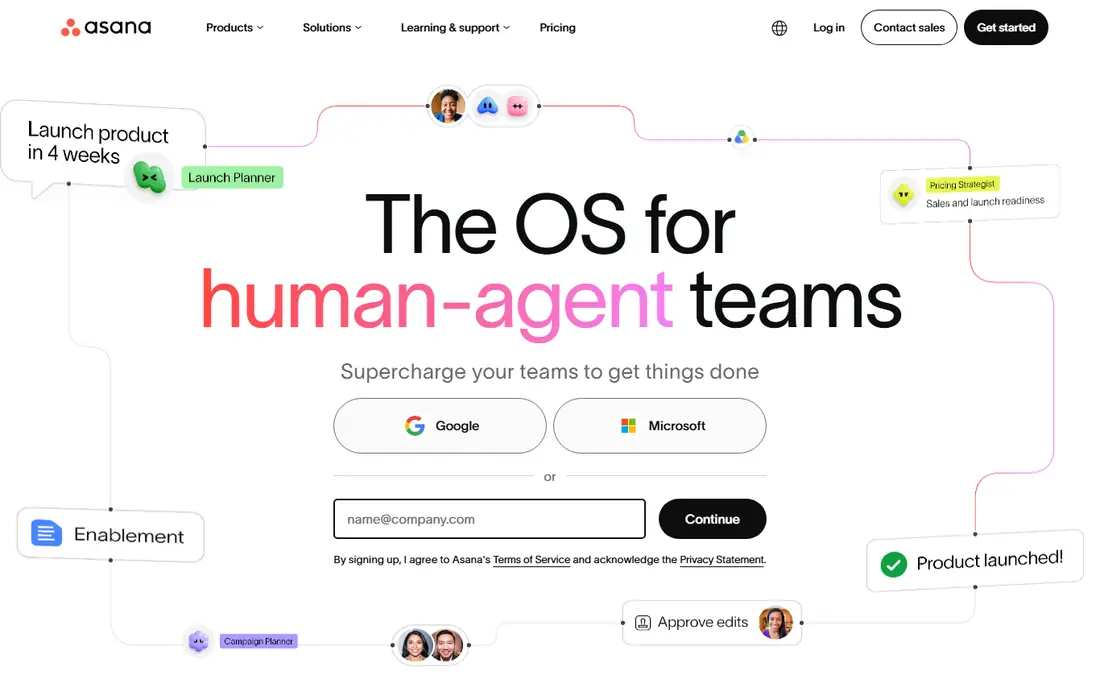
Asana is the most natural landing spot for teams that liked Workfront structure but want a gentler learning curve. Projects can run as lists, boards, timelines, or calendars, and templates cover marketing campaigns, product launches, and intake requests without a consultant to set them up. Goals and portfolios give managers a roll-up view, while individual contributors see only their tasks, due dates, and dependencies. That split keeps daily work simple while leadership still gets the big picture.
The limits show up in reporting and cost. Deeper dashboards, advanced workload views, and some automation rules sit on higher tiers, so a team that needs Workfront-level reporting may need the more expensive plan. Per-user pricing also adds up on large teams, especially when occasional collaborators need paid seats. For mid-size teams that want structure without enterprise weight, Asana remains the safest first pick.
What we like- Clear lists, boards, and timelines
- Strong templates
- Good goal tracking
Watch out for- Advanced reporting sits on higher tiers
- Per-user cost grows with large teams
#2Monday.com
Best for: Visual team workflows4.7/5 on
G2 (17,182 reviews, checked Oct 2026)
Visit monday.com
Starting price$12 per user/month
Free planYes
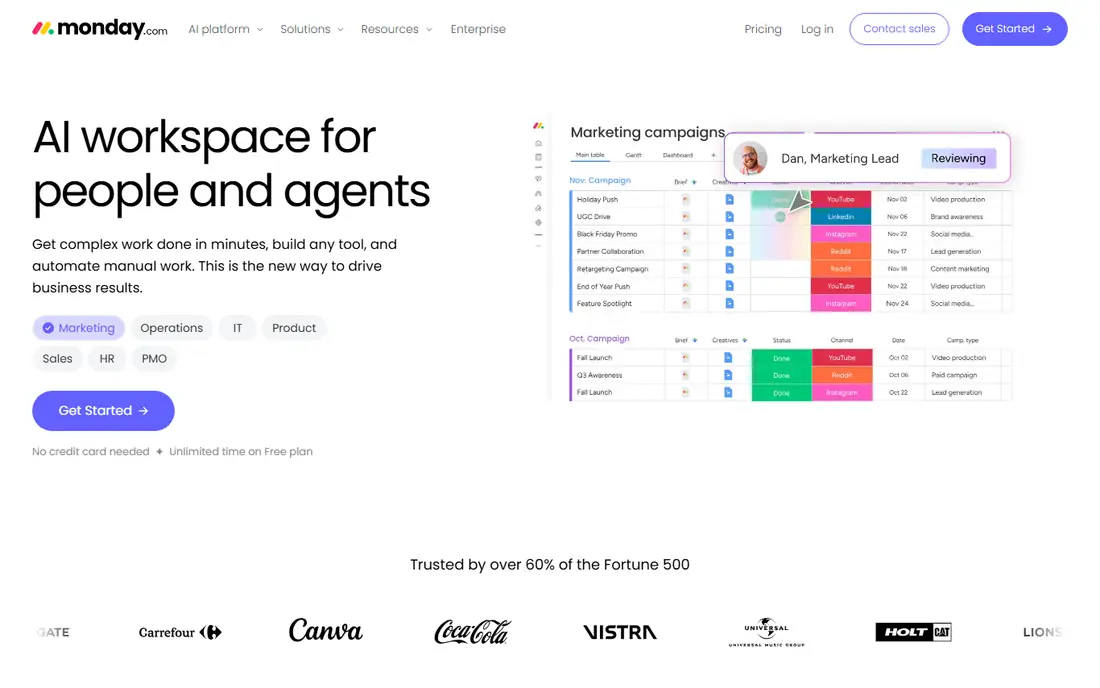
Monday.com suits teams that think in boards and colors rather than in Gantt charts. Work is organized on visual boards with status columns, owners, and dates, and automations move items, send alerts, and update statuses without manual chasing. The template library covers marketing, sales, HR, and operations, so most teams start from something close to their workflow instead of a blank board. Dashboards pull several boards into one view for managers who need a quick status read.
Cost and depth are the trade-offs. As boards, users, and automations grow, the bill grows with them, and some advanced views and integrations sit on higher plans. Monday.com also favors flexible workflows over rigid project controls, so teams that need strict approvals and audit trails may find it lighter than Workfront. For visual teams that want speed and clarity, it is a strong choice.
What we like- Highly visual boards
- Easy automations
- Broad template library
Watch out for- Pricing climbs with scale
- Some views need higher tiers
#3ClickUp
Best for: All-in-one value4.6/5 on
G2 (14,878 reviews, checked Oct 2026)
Visit clickup.com
Starting price$10 per user/month
Free planYes
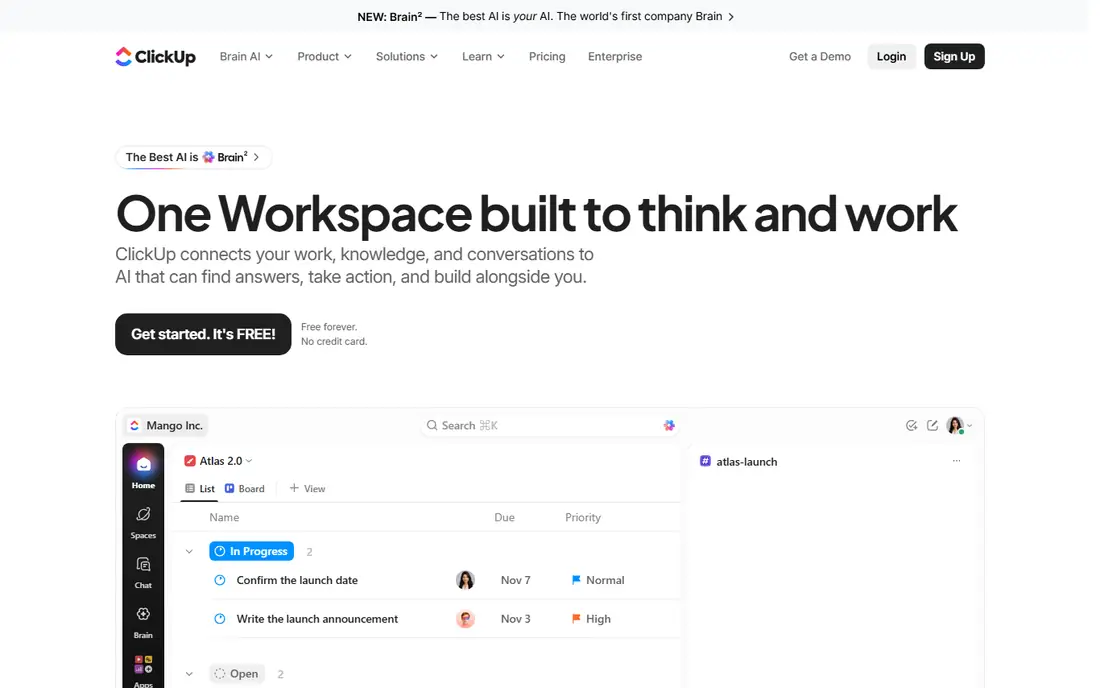
ClickUp appeals to teams that want one tool instead of several, since it bundles tasks, docs, goals, whiteboards, and chat in a single workspace. That breadth lets a small team replace a project tracker, a docs tool, and a goal tracker with one subscription, and the free tier is generous enough for tiny teams to start without paying. Views range from lists and boards to timelines and calendars, so different roles can look at the same work in their preferred shape.
Breadth brings clutter. New users often find the interface busy, and teams that skip setup time end up with messy workspaces that nobody trusts. ClickUp rewards a week of careful setup with a system that covers almost everything, but teams that want a tool that works perfectly on day one may prefer Asana. For value and feature depth, ClickUp is hard to match.
What we like- Many features in one plan
- Docs, goals, and chat included
- Generous free tier
Watch out for- Interface can feel crowded
- Setup takes time to get right
#4Smartsheet
Best for: Enterprise reporting depth4.4/5 on
G2 (22,767 reviews, checked Oct 2026)
Visit smartsheet.com
Starting price$12 per user/month
Free planYes
Smartsheet is the closest feel to Workfront for teams that live in spreadsheets. Work is organized in grid sheets that look familiar to anyone who has managed a project in Excel, with Gantt views, card views, and calendars layered on top. Reporting is a real strength: sheet summaries, roll-up reports, and dashboards give executives the cross-project view that Workfront users expect, and enterprise plans add controls, audit logs, and resource management.
The dated feel is the main complaint. Smartsheet looks and behaves more like a business application than a modern collaboration tool, which can slow adoption with younger teams. Premium features for resource management and advanced reporting also add cost beyond the base plan. For spreadsheet-comfortable teams that need enterprise reporting, Smartsheet is the most faithful Workfront replacement.
What we like- Spreadsheet-style grid teams already know
- Strong reporting
- Enterprise controls
Watch out for- Interface feels dated to some users
- Costs rise with premium features
#5Wrike
Best for: Approvals and enterprise control4.2/5 on
G2 (4,540 reviews, checked Oct 2026)
Visit wrike.com
Starting price$10 per user/month
Free planYes
Wrike suits larger teams that need Workfront-style governance without Workfront itself. Approval workflows route creative and document reviews through defined steps, time tracking and workload views show who is overloaded, and reporting covers project health across departments. Enterprise plans add security controls, single sign-on, and audit features that regulated teams require, which puts Wrike in the same class as Workfront for control.
Complexity is the price. Wrike setup takes longer than Asana or Monday.com, and new users need training to use its full structure well. Small teams may find it heavier than they need, and the cost of higher tiers reflects its enterprise focus. For marketing, creative, and operations teams that need approvals done properly, Wrike is a serious contender.
What we like- Strong approval workflows
- Detailed reporting
- Enterprise security options
Watch out for- Setup is complex
- Interface has a learning curve
#6Jira
Best for: Software and agile teams4.3/5 on
G2 (7,984 reviews, checked Oct 2026)
Visit atlassian.com
Starting price$7.75 per user/month
Free planYes
Jira is the default for software teams, and it fits any team that runs sprints, backlogs, and releases. Scrum and Kanban boards, sprint planning, and release tracking are built in rather than bolted on, and the Atlassian marketplace adds thousands of integrations for code, testing, and documentation. Issue tracking is detailed enough for bug triage, support escalations, and product planning in one place.
Non-software teams often find Jira heavy. Its vocabulary of epics, stories, and sprints assumes agile habits, and configuration can swallow admin time if nobody owns it. Marketing or operations teams without agile experience may prefer Asana or Monday.com. For engineering-led organizations, though, Jira is usually the right answer, and its price undercuts most enterprise rivals.
What we like- Deep agile support
- Huge integration library
- Strong issue tracking
Watch out for- Overkill for non-software teams
- Configuration is complex
#7Notion
Best for: Docs plus light projects4.6/5 on
G2 (13,834 reviews, checked Oct 2026)
Visit notion.so
Starting price$10 per user/month
Free planYes
Notion fits teams whose work is mostly content, research, and documentation with projects attached. Pages, databases, and templates let a team build a wiki, a content calendar, and a lightweight tracker in one place, and the clean interface encourages people to actually use it. Content teams, startups, and small agencies often find Notion covers their planning without a separate project tool.
Strict project management is where Notion falls short. Timelines, workload views, and dependency handling are thinner than in Asana or Wrike, and there is no native time tracking. Teams with hard deadlines, complex dependencies, or resource planning needs should treat Notion as a docs hub with project features, not as a full Workfront replacement. For content-heavy work, it is an elegant pick.
What we like- Flexible docs and databases
- Clean interface
- Good for content teams
Watch out for- Weak timeline and workload tools
- No native time tracking
#8Airtable
Best for: Flexible database projects4.6/5 on
G2 (3,300 reviews, checked Oct 2026)
Visit airtable.com
Starting price$20 per user/month
Free planYes
Airtable suits teams that think in records, fields, and linked tables rather than in task lists. A marketing team can track campaigns, assets, budgets, and vendors in one base, with grid, Kanban, calendar, and gallery views for different roles. Automations move records between stages, send alerts, and sync with other tools, which removes manual status work. That database flexibility is why operations and content teams adopt it so readily.
Price and reporting are the limits. The paid starting price sits above most rivals on this list, and reporting across many bases is lighter than Smartsheet dashboards. Airtable also needs thoughtful base design, since a poorly planned base becomes hard to fix later. For teams that want database power with a friendly face, Airtable earns its premium.
What we like- Database power with spreadsheet ease
- Many views
- Strong automations
Watch out for- Higher starting price
- Reporting is lighter than Smartsheet
How we chose
We compared work management tools on project structure, reporting depth, approval support, and pricing, using vendor pricing pages, documentation, and public reviews. Workfront users were treated as the reference buyer: teams that need structure, reporting, and scale, not just a task list. Where a tool is lighter on governance, we said so, so readers do not mistake a docs tool for an enterprise tracker.
How to pick the right replacement
Start from your approval and reporting needs
If approvals, audit trails, and cross-project reporting are central, shortlist Smartsheet and Wrike first. If daily task clarity matters more, Asana and Monday.com will satisfy most teams at lower effort.
Test with a real project, not a demo board
Import one live project, including its dependencies and reviewers, and run it for two weeks. That test exposes reporting gaps, permission problems, and adoption friction that a vendor demo hides.
Count the true seat cost
Free viewers, guests, and collaborators are priced differently across vendors, and a tool that looks cheap per user can grow expensive when every stakeholder needs a seat. Model the cost at your real headcount before signing.
Frequently asked questions
What is the closest alternative to Workfront?
Smartsheet and Wrike come closest on enterprise reporting, approvals, and controls. Asana is the closest on overall balance for mid-size teams, with easier adoption and enough structure for most work.
Is Asana cheaper than Workfront?
Asana paid plans start lower than typical Workfront enterprise pricing, but the comparison depends on your seat count and plan tier. Model both at your real user count, since per-user costs diverge as teams grow.
Can I migrate projects from Workfront to Asana or Monday.com?
Yes, both support imports from spreadsheets and CSV files, and migration tools can carry tasks, dates, and owners across. Complex dependencies, custom fields, and approval histories usually need manual cleanup after import.
Does Jira work for non-software teams?
Jira can work for any team, but its agile vocabulary and configuration overhead suit software teams best. Marketing and operations teams without agile habits usually adopt Asana or Monday.com faster.
Which tool is best for a small team on a budget?
ClickUp offers the most features per dollar, with a generous free tier for tiny teams. Asana and Monday.com free tiers also cover basic projects, so small teams can start free and upgrade only when reporting needs grow.
Sources we checked (8)
- https://asana.com
- https://monday.com
- https://clickup.com
- https://www.smartsheet.com
- https://www.wrike.com
- https://www.atlassian.com/software/jira
- https://www.notion.so
- https://www.airtable.com
Is your product missing or out of date?
We review this list regularly. Vendors can request a listing, send updated pricing or ask about featured placement.

Shihab Mia · Founder, Rankite
Shihab has 5+ years in B2B and SaaS SEO. He writes Rankite's software buying guides from pricing pages, documentation and public user reviews. More about Shihab.