How we make this list: we compare pricing pages, product documentation and public user reviews. Ratings come from G2, Capterra or Trustpilot, with the date we checked them.
Key takeaways
- PDFsam Basic is the best free offline choice for page removal, because it runs on your computer, adds no watermark, and sets no file size limit.
- PDF24 Tools and Sejda are the strongest free online choices, with PDF24 offering broad free use and Sejda offering clear page selection and a desktop option.
- Adobe Acrobat and Foxit PDF Editor suit work where page removal is one part of a larger editing, signing, and review workflow.
- Smallpdf and iLovePDF are convenient for occasional online jobs, but free daily task limits mean heavy users should check paid plans first.
Quick comparison
| Tool | Best for | Starting price | Free plan |
|---|
 PDFsam Basic PDFsam Basic | Free offline page removal with no limits | Free | Yes |
 PDF24 Tools PDF24 Tools | Free online removal with no account | Free | Yes |
 Sejda Sejda | Online page selection plus an offline desktop app | See website | Yes |
 Adobe Acrobat Adobe Acrobat | Full PDF editing for professional work | $12.99 per month | Free trial |
 Foxit PDF Editor Foxit PDF Editor | A lower cost desktop alternative to Acrobat | See website | Free trial |
 Smallpdf Smallpdf | Polished online tools for occasional jobs | $12 per month | Yes |
 iLovePDF iLovePDF | Simple online page organizing | See website | Yes |
 Soda PDF Soda PDF | Desktop and online editing in one account | See website | Yes |
 PDF Candy PDF Candy | A large online toolkit with a desktop option | See website | Yes |
Is your product missing or out of date?
We review this list regularly. Vendors can request a listing, send updated pricing or ask about featured placement.
The best software for PDF page removal
#1PDFsam Basic
Best for: Free offline page removal with no limits4.2/5 on
G2 (48 reviews, checked Oct 2026)
Visit pdfsam.org
Starting priceFree
Free planYes
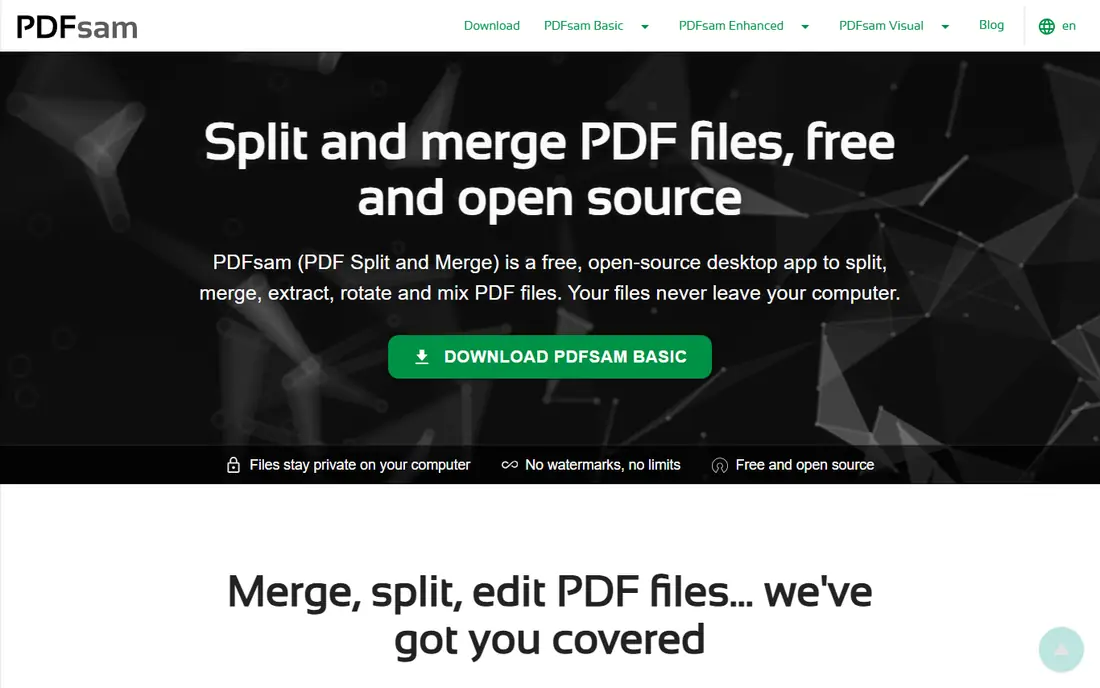
PDFsam Basic answers the search question in the simplest way. You install it on Windows, macOS, or Linux, open the split or extract tool, type the pages you want to keep, and save a new file. Because nothing is uploaded, it is the right choice for contracts, medical forms, financial statements, and any document you would rather not send to a server. It also has no daily task cap, so a long report with many removals costs nothing extra.
The trade-off is the interface. PDFsam Basic asks for page numbers and ranges rather than letting you click thumbnails to delete pages, which can feel slow when you need to remove scattered pages from a long file. Its paid sibling, PDFsam Visual, adds that visual view. For a straightforward job, though, Basic is hard to fault, and it remains the first tool to try before paying for anything.
What we like- Free and open source
- Works offline with no uploads
- No watermarks or file size limits
Watch out for- Page selection is number based, not visual thumbnails
- No full text editing
Starting priceFree
Free planYes
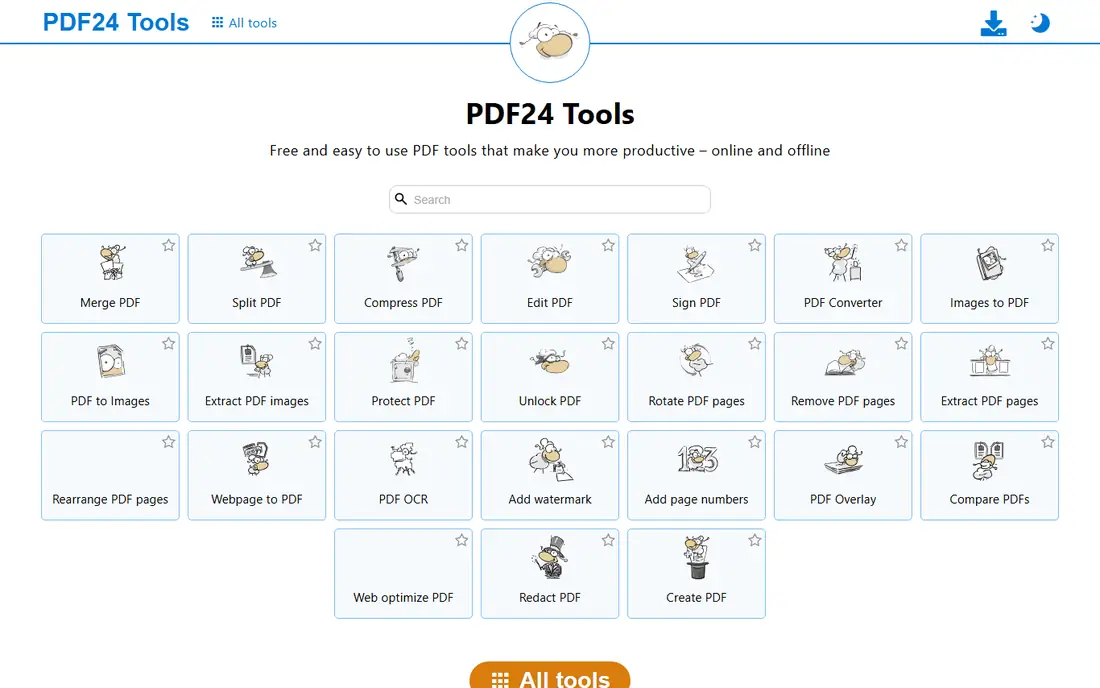
PDF24 Tools is the easiest online answer when you need to remove pages once and move on. Open the delete pages tool in a browser, upload the file, click the pages to remove, and download the result. There is no account step for most tools, and the site states that files are removed from its servers after a short time. That low friction matters for students, job seekers, and office staff who do not want another subscription for a two minute job.
Privacy is the main point to weigh. Online processing means your file leaves your computer, even briefly, so sensitive documents belong in an offline tool such as PDFsam Basic or the PDF24 Creator desktop app. For routine documents, though, PDF24 is fast, free, and clear about its limits, which is more than many online tools offer.
What we like- Free online tools with no account for most jobs
- Simple page selection
- Desktop Creator app for offline work
Watch out for- Files are processed on PDF24 servers
- Pages carry advertising on the free site
#3Sejda
Best for: Online page selection plus an offline desktop app4.5/5 on
G2 (42 reviews, checked Oct 2026)
Visit sejda.com
Starting priceSee website
Free planYes
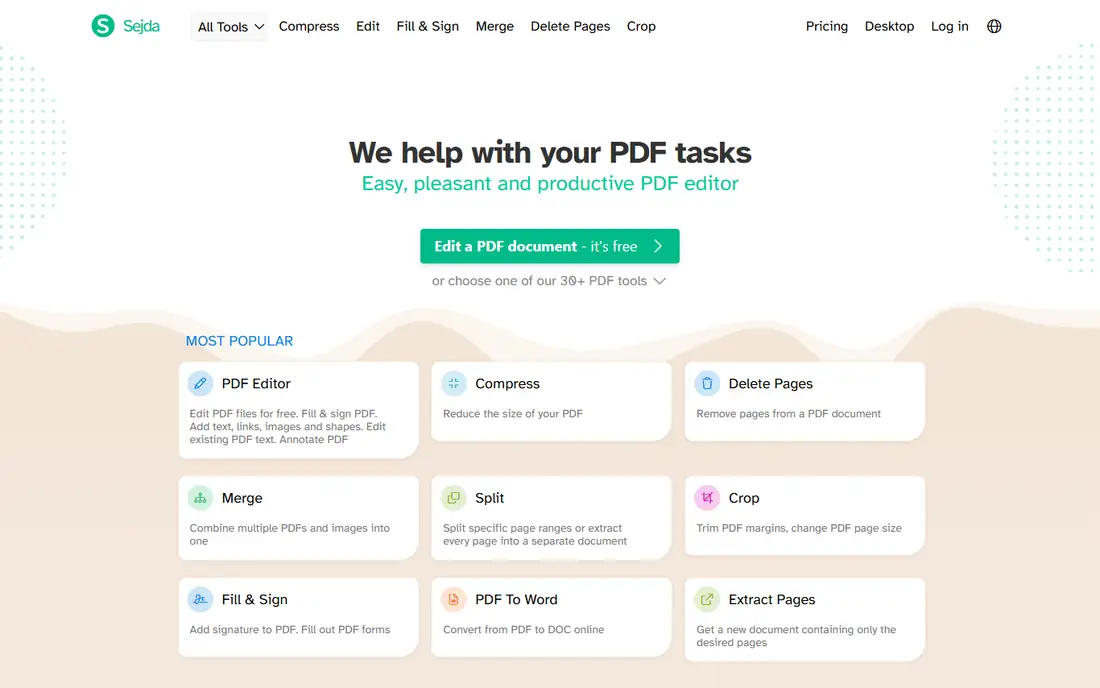
Sejda gives you two ways to remove pages, and that choice is its strength. The web tool lets you click pages to delete and download a cleaned file in a browser, with no install. The desktop app offers the same features offline, so files never leave your computer. That pair suits people who start a job on a shared computer and finish sensitive work at home.
The free tier is generous for occasional use but not unlimited. Sejda limits free tasks per hour and per day, and larger files or frequent use will push you toward a paid plan. Check the current free limits on the pricing page before you rely on Sejda for a bulk cleanup, and use the desktop app when privacy matters more than speed.
What we like- Clear delete pages tool
- Desktop app keeps files local
- Split, extract, and organize tools in the same place
Watch out for- Free online use has hourly and daily limits
- Some features need a paid plan
#4Adobe Acrobat
Best for: Full PDF editing for professional work4.7/5 on
Capterra (4,264 reviews, checked Oct 2026)
Visit adobe.com
Starting price$12.99 per month
Free planFree trial
Adobe Acrobat is the standard many offices already use, and page removal inside it is simple: open the organize pages view, select pages, delete them, and save. The value is everything around that action. You can edit text, add signatures, redact sensitive content, compare versions, and share for review without leaving the product. For legal, publishing, and corporate teams, that depth justifies the cost.
For page removal alone, Acrobat is more than most people need. The subscription price makes sense only when you use editing, signing, or compliance features often. If you only delete pages a few times a year, a free tool will do the same job for less. Acrobat wins when PDF work is a daily task, not a rare chore.
What we like- Page organizing, editing, signing, and redaction in one product
- Strong mobile and cloud access
- Trusted for legal and publishing work
Watch out for- Highest price in this list
- Many features sit behind a subscription
#5Foxit PDF Editor
Best for: A lower cost desktop alternative to Acrobat4.6/5 on
G2 (3,783 reviews, checked Oct 2026)
Visit foxit.com
Starting priceSee website
Free planFree trial
Foxit PDF Editor is the practical desktop alternative for teams that want Acrobat-style control without Acrobat pricing. Page deletion, reordering, rotation, and extraction sit inside a full editor, alongside text editing, annotation, forms, and e-signatures. It runs on Windows, macOS, iOS, and Android, and it connects to common cloud storage services, so a file started on a desktop can be finished on a phone.
The catch is edition choice. Foxit sells more than one edition, and the exact feature set depends on the edition and region, so confirm page organizing and batch tools are included in the edition you buy. For most office and professional use, the standard editor covers page removal well, and its speed on large files is a real plus over browser tools.
What we like- Full desktop editing with page organizing
- Fast performance
- Integrations with Microsoft 365 and cloud storage
Watch out for- Pricing varies by edition and region
- Some advanced features need higher editions
#6Smallpdf
Best for: Polished online tools for occasional jobs4.5/5 on
G2 (306 reviews, checked Oct 2026)
Visit smallpdf.com
Starting price$12 per month
Free planYes
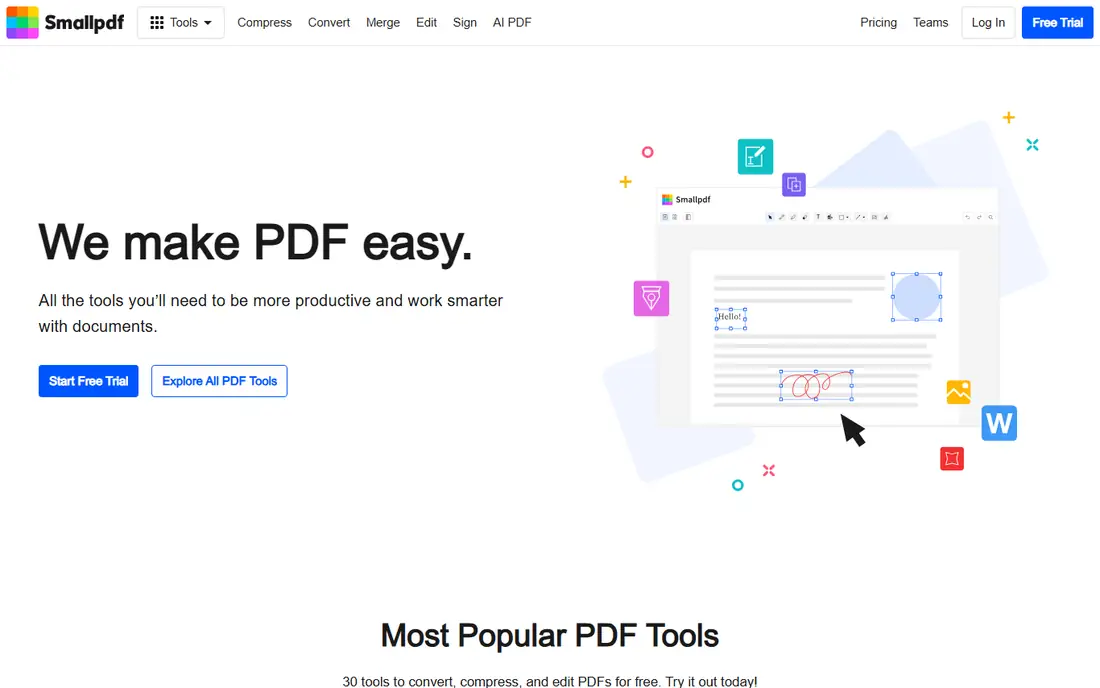
Smallpdf has one of the clearest interfaces in this category. Upload a file, remove pages, and download the result, with merge, compress, and sign tools close at hand. That polish helps people who are not comfortable with desktop software and who want a guided, browser-based workflow. The mobile app extends the same tools to a phone, which is useful for quick fixes away from a desk.
The free plan is the limit. Smallpdf allows only a small number of free tasks per day, so a person who needs to clean several files in one afternoon will hit the cap fast. Paid plans remove that cap and add team features. Smallpdf fits occasional users who value design and ease, and regular users who are willing to pay for unlimited access.
What we like- Clean interface
- Merge, split, compress, and sign tools together
- Mobile app available
Watch out for- Free plan allows very few tasks per day
- Paid plan is needed for regular use
#7iLovePDF
Best for: Simple online page organizing4.6/5 on
G2 (583 reviews, checked Oct 2026)
Visit ilovepdf.com
Starting priceSee website
Free planYes
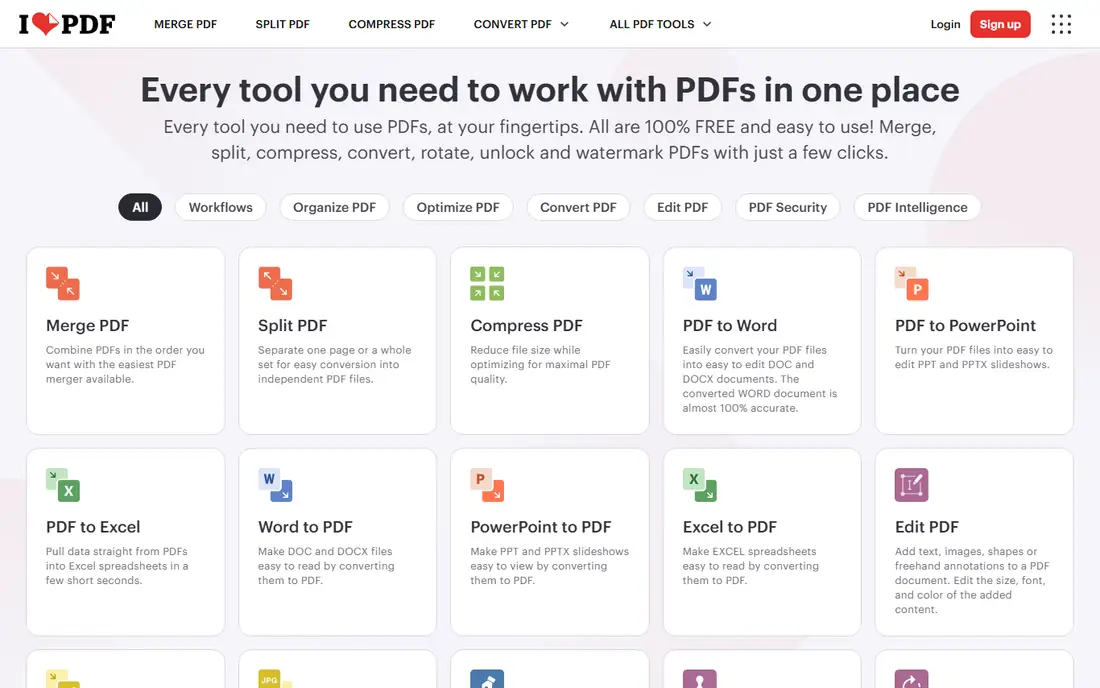
iLovePDF is a broad online toolkit, and its organize tool is the one to use for page removal. You can delete pages, reorder them, and add pages from another file, all in a browser view. The site also offers split, merge, compress, convert, and sign tools, so a file that needs more than page removal can be finished in the same place. A desktop app adds offline work for premium users.
Free use is limited by tasks and file size, and some deeper editing features need a paid plan. That makes iLovePDF a good choice for students and office staff who remove pages now and then, and a weaker choice for bulk work. Check the current free limits before starting a large job, and keep a copy of the original file until you have checked the output.
What we like- Large toolkit in one site
- Organize tool deletes and reorders pages
- Desktop app for offline work
Watch out for- Free plan has task and file limits
- Editing text needs a premium plan
#8Soda PDF
Best for: Desktop and online editing in one account4.4/5 on
G2 (70 reviews, checked Oct 2026)
Visit sodapdf.com
Starting priceSee website
Free planYes
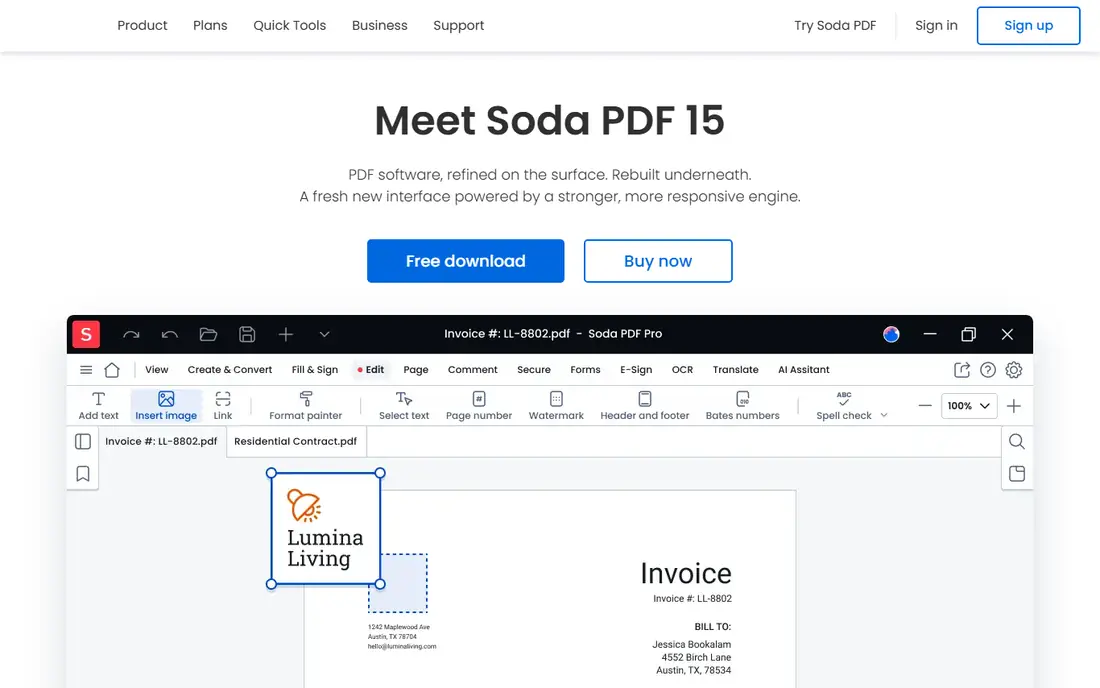
Soda PDF covers page removal from two directions. The online tools handle a quick deletion in a browser, while the desktop app handles offline work, larger files, and batch jobs. Beyond page removal, it offers text editing, OCR for scanned pages, forms, and e-signatures, so it can serve as a general PDF editor for a small office.
The plan structure needs a careful read. Free online tools carry size and daily usage limits, and full desktop features sit on paid plans. Soda PDF suits users who want one account for both browser and desktop work, and who will use editing or OCR often enough to justify a paid plan. For page removal alone, the free tools are enough for occasional jobs.
What we like- Desktop and online versions
- Page deletion plus editing, OCR, and e-signatures
- Batch conversion tools
Watch out for- Pricing and plan details vary
- Free online tools have size and daily limits
#9PDF Candy
Best for: A large online toolkit with a desktop option3.8/5 on
G2 (18 reviews, checked Oct 2026)
Visit pdfcandy.com
Starting priceSee website
Free planYes
PDF Candy is a wide online toolkit, and its delete pages tool follows the same simple pattern: upload, click pages, download. The breadth helps when a job needs several steps, such as deleting pages, compressing the result, and converting it to another format. A desktop app is available for users who want offline work or larger files without hourly web limits.
Free web use is limited per hour, which can interrupt a long cleanup session. Paid plans remove those limits and raise file size caps. PDF Candy fits users who like having many tools in one place and who do not mind paying when use becomes regular. For a single quick deletion, it works well, but check the hourly limit before starting a batch.
What we like- More than 90 online tools
- Delete pages tool is simple
- Desktop app for offline and larger jobs
Watch out for- Free web use has hourly limits
- Paid pricing is shown in local currency and varies
How we chose
We compared vendor pricing pages, product documentation, and public reviews on G2 and Capterra, focusing on the exact task in the search: removing pages from a PDF, not general PDF editing. A tool earned a place when it offered a clear delete, split, extract, or organize function that a reader could use without a workaround. We included offline tools for privacy, free online tools for occasional use, and full editors for professional work, so the list covers different budgets and file sensitivities. Prices shown are starting prices where a vendor publishes a clear figure, and See website means pricing varies by plan, edition, or region.
How to pick the right page removal tool
Start with privacy, then with volume. If the document contains personal, financial, or client data, use an offline tool such as PDFsam Basic, Sejda Desktop, or a desktop editor. The extra install step is worth it when a file should never leave your computer. If the document is routine, such as a public report or a school handout, an online tool saves time and needs no install.
Match the tool to how often you do this
Occasional users should favor free tools with no account, such as PDF24 Tools, and keep a backup of the original file. Weekly users should check free task limits before committing, because a cap that looks generous on paper can block a real afternoon of work. Daily users, especially in an office, should price a paid plan or a desktop editor, and confirm batch processing is included.
Check the output before you share it
Page removal can shift page numbers, bookmarks, and form fields. After deleting pages, open the new file, check the page count, scroll through the remaining pages, and confirm that links, bookmarks, and signatures still behave as expected. For legal or client documents, save the original separately, so you can redo the job if a page is removed by mistake.
Watch for hidden limits
Free tools differ in file size caps, daily task caps, and whether they add a watermark. Paid tools differ in whether batch work, OCR, and editing are included. Read the pricing page and the free plan terms before a deadline job, and run a test file first when the document matters. A short test avoids a failed download at the worst moment.
Frequently asked questions
How do I delete pages from a PDF for free?
Use PDFsam Basic for offline free removal, or PDF24 Tools for free online removal. In both cases, open the delete or split tool, select the pages to remove or keep, and download the new file. Keep the original file until you have checked the output.
Does deleting pages from a PDF change the file quality?
No, when done with a proper PDF tool. Deleting pages removes those pages and keeps the rest of the document as it was. Quality problems usually come from reprinting or converting a PDF to an image and back, not from page deletion itself.
Can I delete pages from a PDF on my phone?
Yes. Smallpdf, iLovePDF, Sejda, and Soda PDF offer mobile or browser tools that work on a phone. For sensitive files, a desktop offline tool is safer, because phone browsers still upload the file to a server for online tools.
What is the difference between deleting pages and splitting a PDF?
Deleting pages removes selected pages and leaves one shorter file. Splitting divides a file into two or more separate files at chosen page breaks. Extracting pages is a third option: it saves only the pages you select as a new file.
Is it safe to use a free online PDF tool for private documents?
It depends on the document. Reputable online tools use encrypted transfer and delete files after processing, but the file still leaves your computer. For private, financial, or client documents, use an offline desktop tool instead, where the file never leaves your machine.
Which tool is best for removing many pages from a long PDF?
PDFsam Basic or a desktop editor such as Foxit PDF Editor or Adobe Acrobat, because they handle large files without daily web caps. Online tools can work for long files too, but file size and task limits may slow a bulk job.
Sources we checked (9)
- https://www.adobe.com/acrobat/pricing
- https://smallpdf.com/pricing
- https://www.ilovepdf.com/pricing
- https://pdfsam.org/pricing
- https://www.sejda.com/pricing
- https://tools.pdf24.org/en/
- https://www.foxit.com/pricing
- https://www.sodapdf.com/pricing
- https://pdfcandy.com/pricing
Is your product missing or out of date?
We review this list regularly. Vendors can request a listing, send updated pricing or ask about featured placement.

Shihab Mia · Founder, Rankite
Shihab has 5+ years in B2B and SaaS SEO. He writes Rankite's software buying guides from pricing pages, documentation and public user reviews. More about Shihab.