How we make this list: we compare pricing pages, product documentation and public user reviews. Ratings come from G2, Capterra or Trustpilot, with the date we checked them.
Key takeaways
- Rossum fits high-volume invoice teams that need a strong validation screen, but its entry price puts it out of reach for small firms.
- Nanonets fits smaller teams that want custom extraction and workflows without an enterprise contract, though per-run pricing needs tracking.
- ABBYY Vantage and Hyperscience fit regulated enterprises where accuracy, audit trails, and deployment control matter more than a low entry price.
- UiPath and Automation Anywhere fit teams that already run robotic automation and want documents to feed robots and approvals in one flow.
- Google Document AI and similar APIs fit developers who will build their own review screen, while packaged tools fit teams that want that screen ready to use.
Quick comparison
Is your product missing or out of date?
We review this list regularly. Vendors can request a listing, send updated pricing or ask about featured placement.

#1Rossum
Best for: High-volume invoice automation4.5/5 on
G2 (127 reviews, checked Oct 2026)
Visit rossum.ai
Starting priceSee website
Free planFree trial
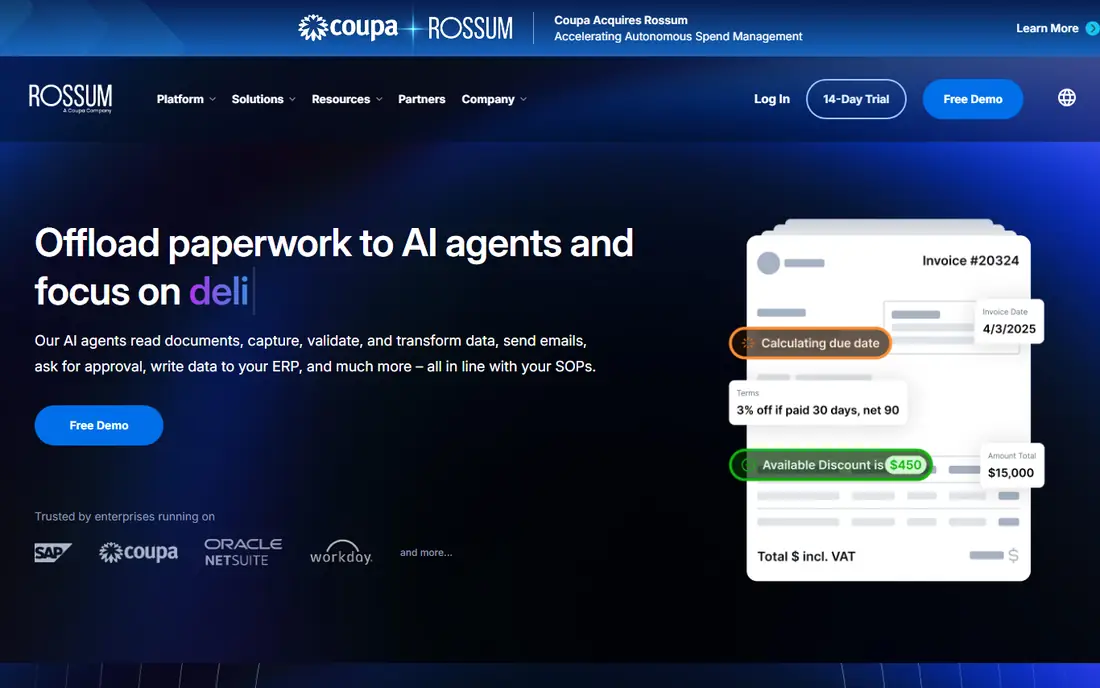
Rossum reads invoices, purchase orders, delivery notes, and similar transactional documents without requiring a template for every supplier layout. When confidence is low, it flags the field for a person, highlights the source region on the document, and learns from the correction. That review loop is the reason finance teams report high straight-through rates after a few weeks, since the system improves on the layouts it sees most often. Integrations with common ERP and accounting systems then move approved data without retyping.
Cost is the main filter. Starter pricing starts at $18,000 a year with a one-year minimum, sized by pages or documents, which rules out small firms and bookkeeping practices with modest volume. Setup also takes planning around validation rules, approval routing, and ERP mapping, so expect weeks rather than days to reach steady production. If your team processes thousands of invoices a month and accuracy directly affects payment timing, Rossum is a serious contender. If volume is low, a cheaper tool will do the same core job for far less.
What we like- Strong validation interface
- Learns from corrections
- Solid ERP integrations
Watch out for- Entry price is enterprise-level
- One-year minimum on Starter
- Narrower focus outside transactional documents

#2Nanonets
Best for: Custom extraction for small teams4.7/5 on
G2 (97 reviews, checked Oct 2026)
Visit nanonets.com
Starting price$100 per user/month
Free planYes
Nanonets gives smaller teams a route that enterprise tools often close off: train a model on your own document types. You upload samples, label the fields you need, and build a workflow with extraction, validation, and approvals in a visual builder. Pre-trained models cover invoices, receipts, purchase orders, bank statements, and identity documents, so many teams start with a ready model and only train custom work for unusual forms. The API also lets developers embed extraction into another product without buying a full platform.
Pricing changed over time, and the current entry point is $100 a month for 100 credits after a free $50 credit start, with workflow blocks priced per run. That model rewards careful workflow design and punishes long, multi-step flows on multi-page documents. Training also needs 20 to 50 good samples for a new layout, so a team with only a handful of examples should test a pre-trained model first. For a growing operations team that needs flexibility without an enterprise sales cycle, Nanonets remains one of the most practical choices.
What we like- Trainable models for unusual layouts
- Visual workflow builder
- Strong API for developers
Watch out for- Per-run pricing can be hard to forecast
- Custom models need labeled samples

#3ABBYY Vantage
Best for: Regulated enterprise documents4.3/5 on
G2 (2 reviews, checked Oct 2026)
Visit abbyy.com
Starting priceSee website
Free planNo
ABBYY Vantage suits organizations that process many document types under strict control. Its low-code designer offers pre-trained skills for invoices, receipts, purchase orders, delivery notes, and identity documents, and teams can build new skills for their own forms. Language coverage helps global operations, and deployment options include cloud and on-premises containers for teams with data residency rules. Governance, audit trails, and role controls fit regulated industries better than a simple extraction API.
The price and process reflect that enterprise position. Pricing is custom, based on annual subscription and page volume, and reaching production usually involves an implementation plan rather than a self-serve signup. Small teams will find the sales cycle slow and the total cost high for a single use case. For a large insurer, bank, or logistics firm that needs consistent accuracy across departments, Vantage is built for that scale and control.
What we like- Long OCR history plus modern models
- Low-code skill builder
- Broad language coverage
Watch out for- Custom pricing and enterprise sales process
- Setup needs skilled staff or a partner

#4Hyperscience
Best for: High-accuracy enterprise processing4.6/5 on
G2 (54 reviews, checked Oct 2026)
Visit hyperscience.com
Starting priceSee website
Free planNo
Hyperscience earns its place when a wrong field carries real cost. Government agencies, insurers, and large financial firms use it for claims, applications, and forms where handwriting, poor scans, and varied layouts are common. Human review sits inside the workflow, so uncertain fields reach a person with context instead of passing silently into a downstream system. Deployment flexibility, including SaaS, private cloud, and on-premises, helps teams with strict security reviews.
That accuracy comes with enterprise pricing and a longer setup. Annual licenses are sized by page volume and often reach six figures, and the ready-made catalog covers fewer document types out of the box than a broader low-code platform. Teams should budget for model tuning and review staffing, since high accuracy still depends on good validation rules. If your documents are clean invoices only, a cheaper tool will serve you well. If your documents are messy, handwritten, or high-stakes, Hyperscience is worth a formal evaluation.
What we like- Strong handwriting recognition
- Human review built into the flow
- On-premises and private cloud options
Watch out for- High entry cost
- Narrower ready-made document catalog than some rivals

#5UiPath Document Understanding
Best for: RPA teams4.6/5 on
G2 (22 reviews, checked Oct 2026)
Visit uipath.com
Starting priceSee website
Free planFree trial

UiPath Document Understanding makes most sense inside a team that already automates work with robots. It extracts fields from invoices, receipts, purchase orders, and identity documents, validates them with confidence rules, and passes clean data to a robot that posts, approves, or routes the result. That end-to-end flow removes the gap that appears when extraction sits in one tool and action sits in another. The partner ecosystem also helps when a deployment needs industry-specific models.
Buying UiPath only for extraction rarely makes sense. Pricing is tied to UiPath consumption and licensing, and building reliable robots needs developers or trained automation staff. A team that only needs data from PDFs should choose a packaged extractor or an API instead. A team that already runs UiPath, or plans a broader automation program, gets far more value, since document work becomes one step in a larger process rather than a separate project.
What we like- Prebuilt models for common documents
- Feeds directly into robots and approvals
- Large partner ecosystem
Watch out for- Requires a UiPath license and RPA skills
- Overkill for extraction alone
Starting priceSee website
Free planYes
Automation Anywhere takes a similar path to UiPath, with document automation feeding its RPA platform. Prebuilt models cover invoices and common business documents, and generative extraction helps with layouts that do not match a template. The Community Edition allows up to 100 pages a month for testing, which is useful for a proof of concept before any purchase. For teams already running Automation Anywhere robots, adding documents avoids a second vendor and a second integration project.
The catch mirrors UiPath: enterprise pricing is quote-based, and the full benefit depends on RPA skills and a clear automation roadmap. A finance team that only wants invoice data in an ERP will find a packaged AP tool simpler and cheaper. An operations team that already automates approvals, data entry, and reporting will find document automation a natural extension, since the robot can act on extracted data without manual handoffs.
What we like- Community Edition for testing
- Generative extraction for varied layouts
- Fits existing RPA estates
Watch out for- Enterprise pricing is quote-based
- Best value requires RPA expertise

#7Docsumo
Best for: Mid-market finance teams4.7/5 on
G2 (67 reviews, checked Oct 2026)
Visit docsumo.com
Starting priceSee website
Free planFree trial
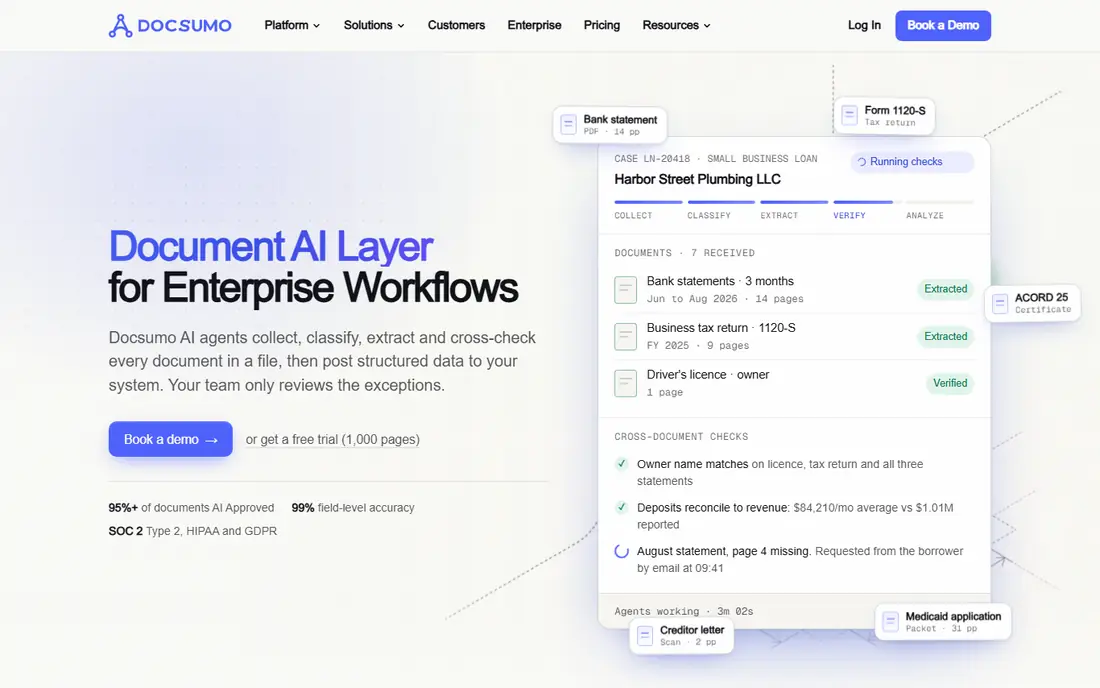
Docsumo targets mid-market finance teams that process invoices, statements, and similar documents at steady volume. Its models are tuned for financial layouts, and the API lets developers send documents and receive structured data for posting to accounting systems. That focus helps AP teams reach production faster than a general enterprise platform, since fewer custom models are needed for standard finance documents. A free trial lets a team test accuracy on its own invoices before committing.
Sales-gated pricing makes budgeting harder, since the entry cost is not published on a simple pricing page. Teams should request a quote based on real monthly page counts, not an estimate, and confirm what happens when a document has many pages or line items. Docsumo also fits finance work better than general document types such as contracts or HR forms, so a team with broad document needs should test those types early. For AP-led automation, it is a strong mid-market option.
What we like- Finance-focused models
- API for developers
- Faster start than enterprise platforms
Watch out for- Pricing is sales-gated
- Less suited to non-finance document types

#8Veryfi
Best for: Receipts and expenses by API4.6/5 on
G2 (58 reviews, checked Oct 2026)
Visit veryfi.com
Starting priceSee website
Free planYes
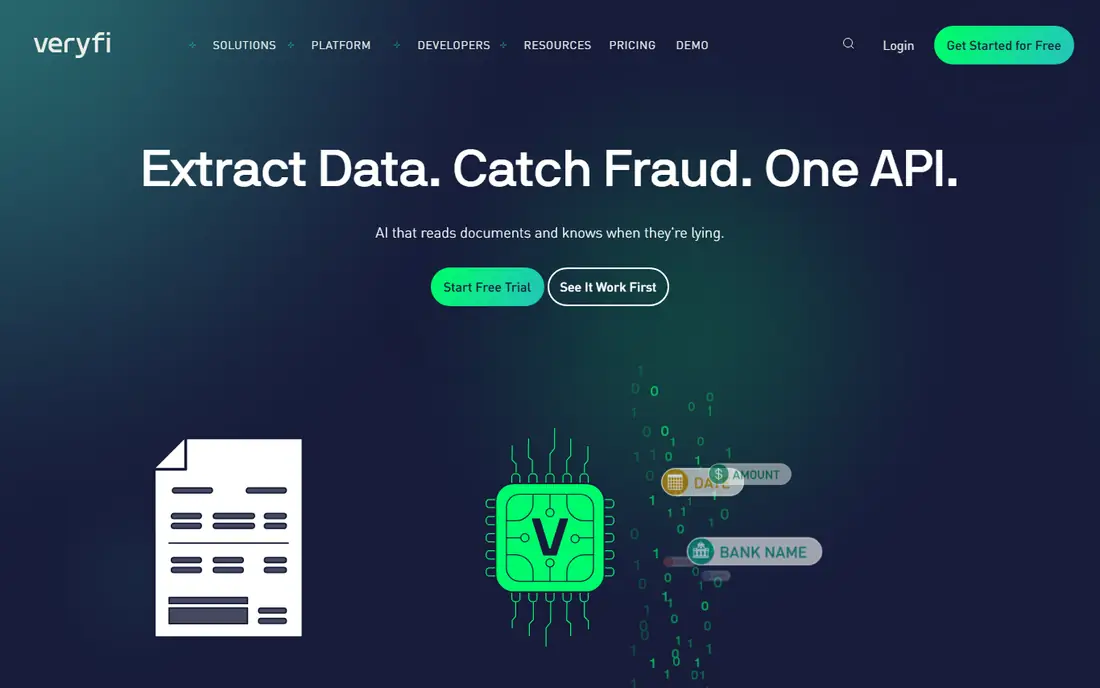
Veryfi is an API-first choice for teams building receipt and expense capture into their own product. It processes invoices and receipts in real time, returns structured line items, and offers a mobile capture SDK for apps that scan on a phone. That design suits expense platforms, accounting apps, and internal tools that need fast, programmatic extraction rather than a ready-made review screen. A free tier up to 100 documents a month lets developers prototype before paying.
The first paid tier starts at $0.16 per document on Starter with a $500 a month minimum, which makes it costly for very low volume. Teams also need to build their own review, approval, and posting logic, since Veryfi supplies extraction, not a full AP workflow. If you are a developer team with a product to ship, that trade is often welcome. If you are a finance team that wants a finished workflow, a packaged tool such as Rossum or Docsumo will save months of building.
What we like- Real-time extraction
- Strong mobile capture SDK
- Good fit for expense apps
Watch out for- First paid tier carries a monthly minimum
- You build the app around the API

#9Google Document AI
Best for: Developers building extraction4.2/5 on
G2 (37 reviews, checked Oct 2026)
Visit cloud.google.com
Starting priceSee website
Free planYes
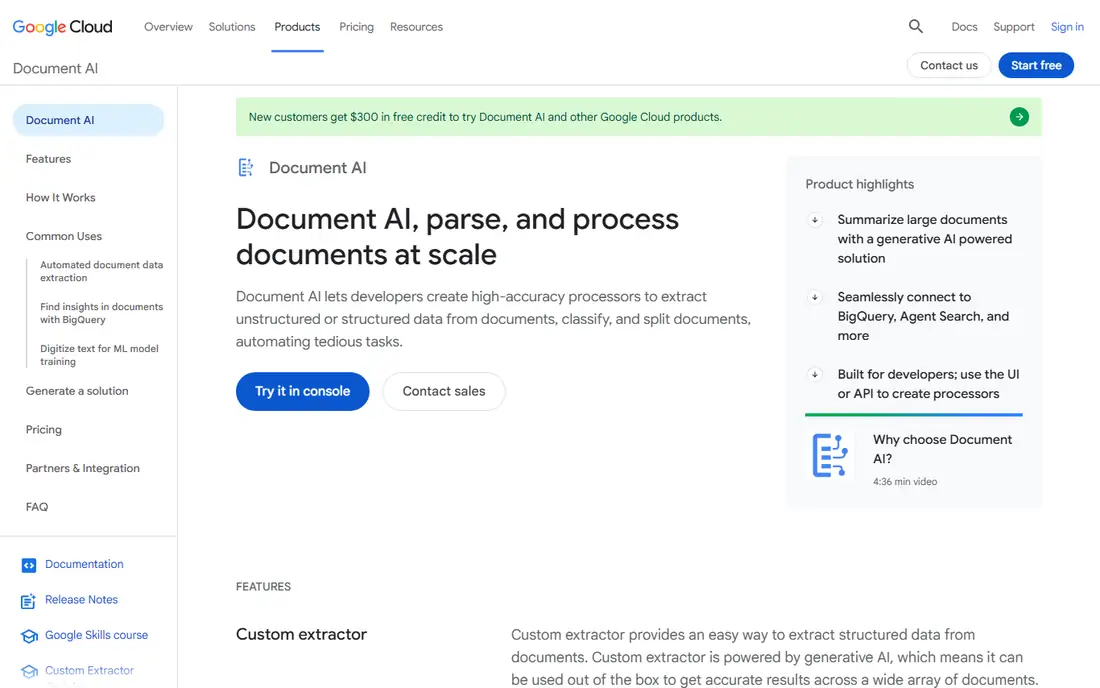
Google Document AI gives developers flexible building blocks rather than a finished application. Prebuilt processors cover invoices, receipts, identity documents, US tax forms, and contracts, and custom processors handle layouts that need training. Pricing is pay-as-you-go, with basic text reading at a low per-page rate and higher rates for prebuilt and custom extraction, plus a free allowance of 500 pages a month. Teams already on Google Cloud can connect storage, workflows, and data tools with less integration work.
The gap is the human layer. You must build validation, review, approvals, and ERP posting yourself, or buy another tool for that part. That makes Document AI a poor fit for a finance team that wants to start next week with no developers. For a product or platform team with engineering capacity, it offers control, scale, and a pricing model that grows with use rather than a large annual contract up front.
What we like- Pay-as-you-go pricing
- Prebuilt models for invoices, receipts, and tax forms
- Strong cloud integration
Watch out for- No ready-made review workflow
- Costs rise with custom extraction and document complexity
Starting priceSee website
Free planNo
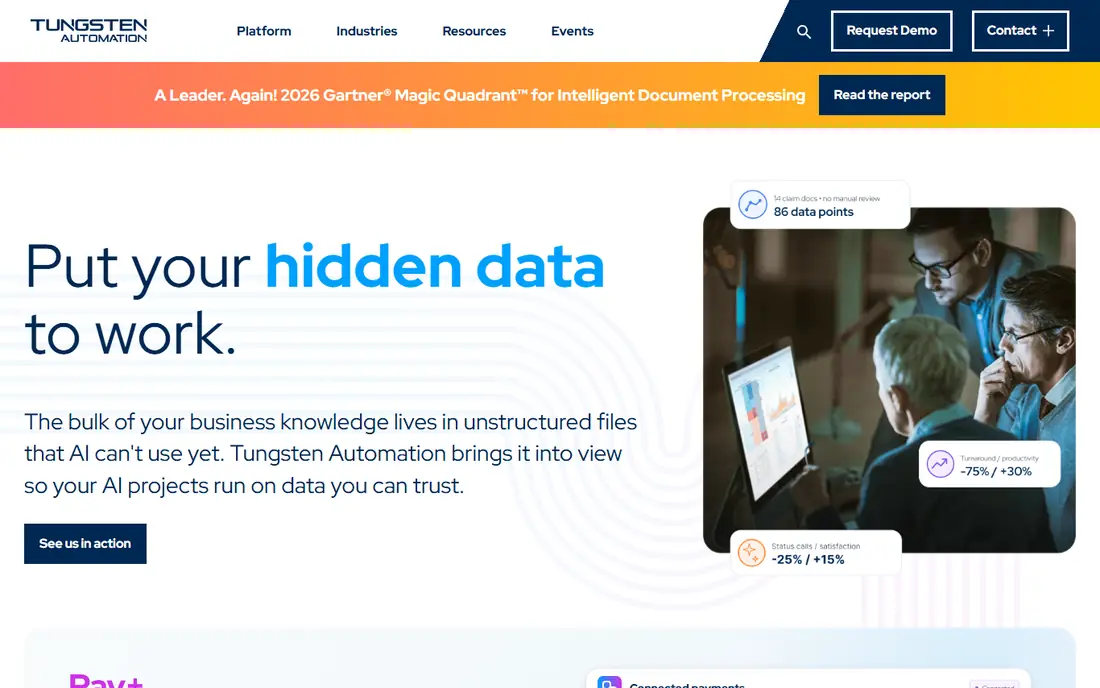
Tungsten Automation, formerly Kofax, covers content-heavy workflows where documents arrive from many channels and need classification, extraction, routing, and archiving. Its TotalAgility platform suits enterprises that already manage large document estates and need workflow, case handling, and integration in one system. Invoices and common business documents work from prebuilt models, while other types can be configured for specific processes.
Pricing is subscription-based and sized by modules, users, and volume, so a quote depends on scope rather than a single published rate. Implementation often involves a partner, which adds time and cost but helps when the workflow spans departments. Smaller teams will find the platform heavy for a single extraction job. Larger organizations with complex, multi-step document processes get a system that covers more of the lifecycle than a narrow extractor.
What we like- Broad content and workflow heritage
- Handles complex enterprise document flows
- Azure cloud and on-premises options
Watch out for- Subscription sized by modules, users, and volume
- Implementation often needs a partner
How we chose
We compared vendor pricing pages, product documentation, and public reviews on G2, Capterra, and Reddit, with a focus on document types, validation workflows, ERP integrations, and deployment options. A tool stayed on the list only if it extracts structured data from business documents today and supports at least part of the process after extraction, such as review, approval, or system posting. We weighted accuracy needs, company size, existing RPA or cloud estates, and total cost, including per-page charges, minimums, and implementation effort. No single accuracy figure was treated as comparable across vendors, since test sets and document types differ.
A practical way to pick
Start with the document, not the vendor list. Gather 50 real documents that reflect your worst cases, including poor scans, handwritten notes, multi-page forms, and varied supplier layouts. Run the same set through two shortlisted tools, measure how many fields pass without correction, and time how long review takes. That pilot gives you a real per-document cost.
Separate extraction from workflow
Some tools only extract data, while others also handle review, approvals, and posting. If your team already has an ERP approval flow, an API may be enough. If approvals currently happen by email and spreadsheet, a packaged workflow saves more time than a slightly more accurate extractor. Map who reviews exceptions, who approves payments, and where the final record must land before you sign.
Price the whole year, not the first month
Add per-page charges, minimums, review labor, and implementation time to the subscription price. A low monthly rate with high per-page costs can exceed an enterprise plan at high volume, while an enterprise minimum can waste money at low volume. Ask each vendor for a quote based on your pilot counts, including multi-page documents, and confirm contract length before you commit.
Frequently asked questions
Which document process automation tool is best for invoices?
Rossum fits high-volume invoice teams that need a strong validation screen and ERP posting, while Nanonets and Docsumo fit smaller and mid-market finance teams at lower entry costs. The best pick depends on monthly invoice volume, layout variety, and whether approvals must live inside the same tool. Run a pilot on your own invoices before deciding, since layout mix changes accuracy more than marketing claims suggest.
Do I need RPA to automate documents?
No. Packaged extractors and APIs handle extraction, review, and posting without robots, and many finance teams stop there. RPA helps when the next step involves several systems, screen-based data entry, or complex approvals that no single app covers. If your process ends in one ERP with a clean API, RPA adds cost without clear benefit.
How accurate is document automation?
Accuracy varies by document quality, layout variety, and field type. Clean printed invoices usually extract well, while handwritten forms, poor scans, and unusual layouts need more review. Treat vendor accuracy figures as directional only, and measure straight-through rates on your own documents during a pilot, including the time spent fixing exceptions.
What does implementation usually involve?
Implementation covers document intake, field mapping, validation rules, approval routing, and ERP or accounting integration. Simple API projects can start in days, while enterprise workflows with review teams and compliance checks can take weeks or months. Budget for sample collection, model tuning, and training for the staff who will handle exceptions.
Can small businesses use these tools?
Yes, through Nanonets, Veryfi free tiers, Google Document AI pay-as-you-go pricing, and Automation Anywhere Community Edition for testing. Small teams should favor published pricing, short contracts, and prebuilt models for invoices and receipts. Enterprise tools such as Rossum, ABBYY, and Hyperscience usually cost too much until volume justifies the minimums.
How should I handle sensitive documents?
Check data residency, retention, encryption, and compliance certifications before uploading contracts, identity documents, or financial records. Some vendors offer private cloud or on-premises deployment, while cloud-only tools may still meet your needs with the right contract terms. Avoid sending sensitive documents to a free trial without reading the vendor privacy and retention terms first.
Sources we checked (10)
- https://rossum.ai/pricing
- https://www.nanonets.com/pricing
- https://www.abbyy.com/pricing
- https://www.hyperscience.com/pricing
- https://www.uipath.com/pricing
- https://www.automationanywhere.com/pricing
- https://www.docsumo.com/pricing
- https://www.veryfi.com/pricing
- https://cloud.google.com/document-ai/pricing
- https://www.tungstenautomation.com/pricing
Is your product missing or out of date?
We review this list regularly. Vendors can request a listing, send updated pricing or ask about featured placement.

Shihab Mia · Founder, Rankite
Shihab has 5+ years in B2B and SaaS SEO. He writes Rankite's software buying guides from pricing pages, documentation and public user reviews. More about Shihab.
 Automation Anywhere Document Automation
 Tungsten Automation