How we make this list: we compare pricing pages, product documentation and public user reviews. Ratings come from G2, Capterra or Trustpilot, with the date we checked them.
Key takeaways
- Pricing units differ more than sticker prices. Zapier charges per task, Make per operation, n8n per execution, Bardeen per credit per row, and the RPA vendors per bot. Compare your workflow volume, not the monthly number.
- The SMB sweet spot is Zapier, Make, n8n and Pipedream. They publish real prices and free tiers. The RPA platforms (UiPath, Automation Anywhere, Power Automate, Nintex, Workato) are quote-first and built for bigger operations.
- UiPath Basic starts at $25/month, which undercuts the idea that RPA is enterprise-only. It is capped at 2 robots and 1 tenant, so treat it as a pilot tier, not a fleet.
- Browser-based automation is its own category. Bardeen runs inside Chrome and charges $10/month Basic with 100 credits always free, a different fit from cloud workflow tools.
- Two pages would not cooperate during research: Make's pricing page returned a server error twice and Microsoft's pricing renders dynamically. Their entries show "See website" rather than estimated figures.
Quick comparison
| Tool | Best for | Starting price | Free plan |
|---|
 Zapier Zapier | The default cloud automation tool for SMBs | $19.99/month (Professional, starting from; scales by task tier) | Yes (Free $0/month, 100 tasks; 14-day Professional trial on signup) |
 Make Make | Visual, complex workflows on a budget | See website (pricing page returned a server error during research) | Yes (free plan with no time limit, per Make's homepage) |
 n8n n8n | Developers and self-hosters who want full control | See website (cloud prices render dynamically; billed in EUR) | Yes (self-hosted Community edition) |
 Microsoft Power Automate Microsoft Power Automate | Microsoft 365 shops adding automation and RPA | See website (per-user and per-bot plans; verify current list prices) | Free trial |
 UiPath UiPath | Enterprise RPA with an affordable pilot tier | $25/month (Basic, Automation Cloud; capped at 2 robots and 1 tenant) | No |
 Automation Anywhere Automation Anywhere | Cloud-native enterprise RPA with AI agents | See website (no public price list) | No |
 Workato Workato | Enterprise iPaaS for IT-led automation | See website (quote-based enterprise pricing) | No |
 Nintex Nintex | Process-first automation with forms and documents | See website (quote-based) | Free trial |
 Pipedream Pipedream | Developers wiring APIs and AI agents together | $29/month (Basic; $348 billed annually; 2,000 credits/month) | Yes (Free $0/month: 100 credits, 3 active workflows, 3 connected accounts) |
 Bardeen Bardeen | Browser-based scraping and enrichment for GTM teams | $10/month (Basic, billed monthly; annual saves 20%) | Yes (100 credits free every month, permanently) |
Is your product missing or out of date?
We review this list regularly. Vendors can request a listing, send updated pricing or ask about featured placement.
Picture the Monday morning routine at a 20-person company: someone copies new form responses into the CRM, another person moves approved invoices into accounting, a third chases signatures by email. None of it is hard. All of it is expensive in aggregate. Process automation tools exist to delete that work. The ten below cover the full spectrum, from the Zapier-style cloud connectors most SMBs know to the RPA bots that click through legacy software the way a human would.
Starting price$19.99/month (Professional, starting from; scales by task tier)
Free planYes (Free $0/month, 100 tasks; 14-day Professional trial on signup)
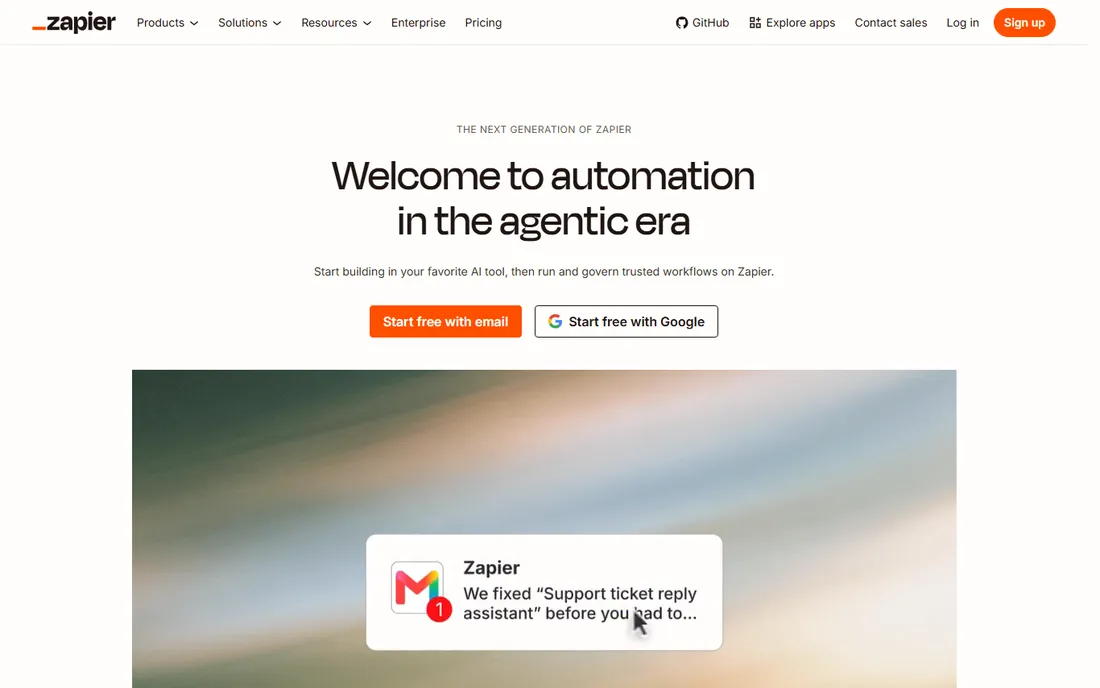
Zapier remains the tool people mean when they say "automation." You describe a trigger, add actions, and data moves between apps. The 2026 platform has grown around that core: one task-based pricing model now covers Zap workflows, AI steps, code, the MCP server that lets Claude or ChatGPT act through your apps, and an SDK. Eplan includes Tables and Forms, so light data storage and intake forms ride along for free.
The honest catch is the billing unit. Esuccessful action step consumes tasks, and the free tier caps at 100 tasks a month with two-step Zaps. A busy five-step workflow running hundreds of times a month will push you past Professional fast. Zapier is the right pick when integration breadth matters most and your workflows are linear. If your automations look like flowcharts with branches and loops, compare Make or n8n first.
What we like- 9,000+ app integrations, the widest catalog in the category
- Task-based pricing now unified across Zaps, AI steps, code, MCP and SDK
- Tables and Forms included in eplan
Watch out for- Costs climb fast at volume since eaction step is a task
- Complex branching is clunkier than Make's visual canvas
- Per-task overage billing can surprise new users
Starting priceSee website (pricing page returned a server error during research)
Free planYes (free plan with no time limit, per Make's homepage)
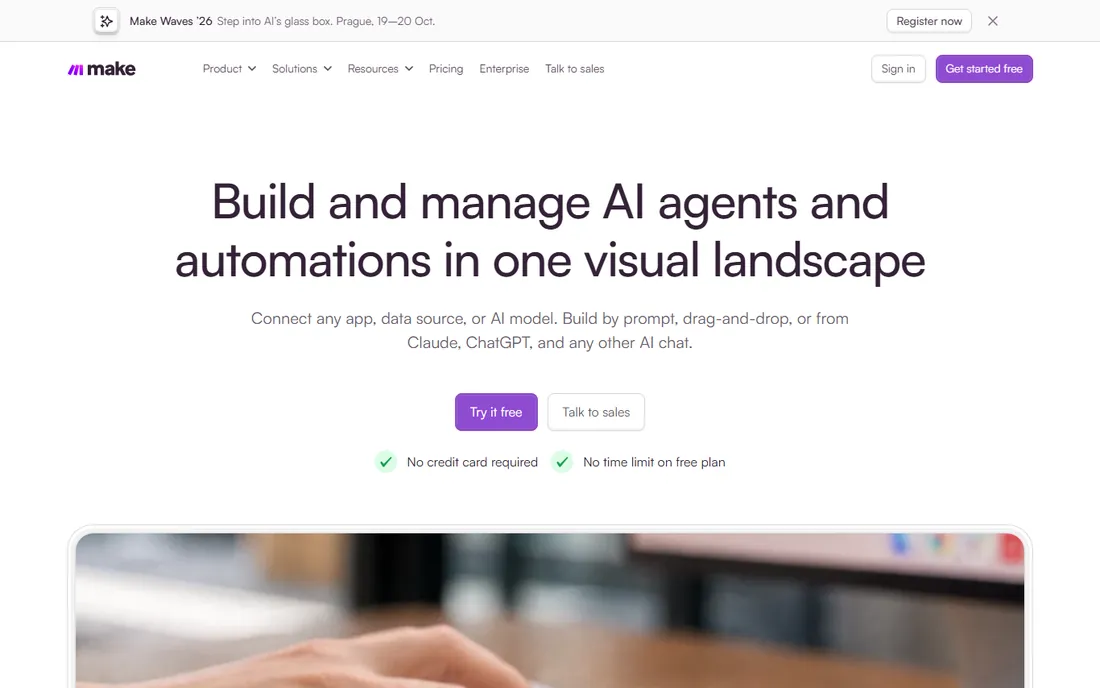
Make is what power users graduate to when Zapier gets expensive or limiting. Scenarios are built on a visual canvas where modules connect like a flowchart, with routers, filters, iterators and error-handling paths that linear tools struggle with. The per-operation pricing has historically made it three to five times cheaper than Zapier at equivalent complexity, though I could not re-verify current figures because Make's pricing page kept returning a 500 error on the vendor's side.
That outage is also the caveat: check the numbers yourself before budgeting. The free plan has no time limit, so you can build real scenarios before paying. Choose Make when your automations have conditions, loops or parallel paths, and you want the cheapest capable cloud option. Choose something else if your team will not learn flowchart thinking.
What we like- Visual canvas handles branching, routers and error handling better than linear tools
- 3,500+ app connections plus any API
- GDPR and SOC 2 Type II certified
Watch out for- Steeper learning curve for people used to trigger-action simplicity
- Make's own pricing page was unreachable twice during research, which is worth noting
- AI modules consume operations like everything else
#3
n8n
Best for: Developers and self-hosters who want full control
Visit n8n.io
Starting priceSee website (cloud prices render dynamically; billed in EUR)
Free planYes (self-hosted Community edition)
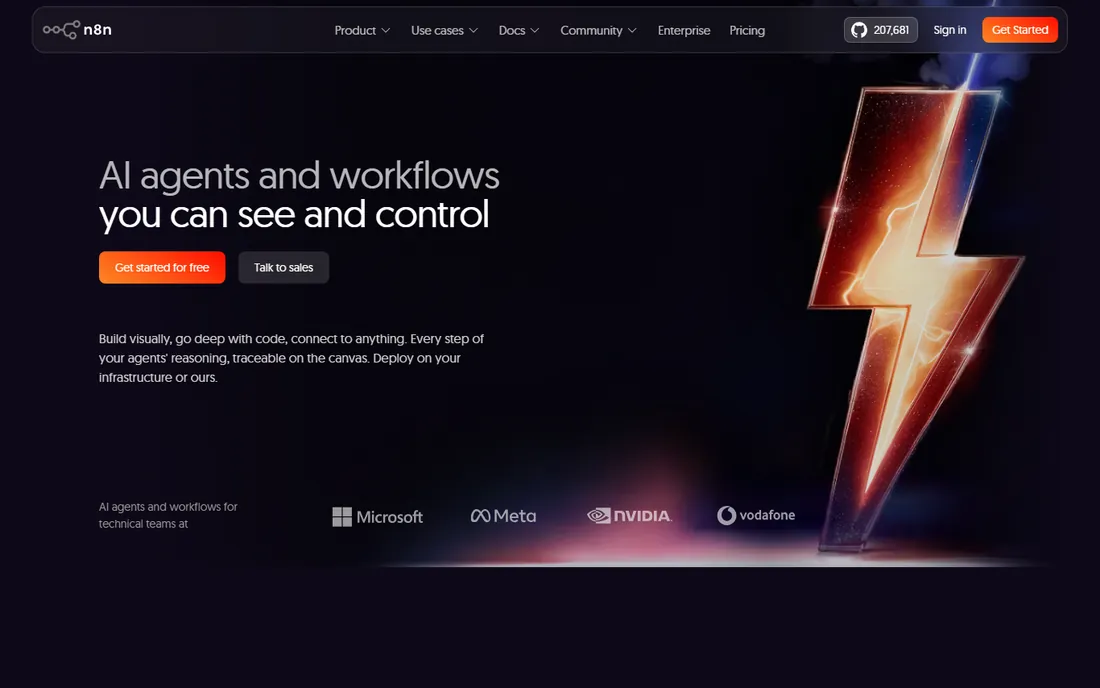
n8n is the developer's answer to automation pricing anxiety. The defining feature is self-hosting: run the fair-code Community edition on your own server and there is no execution meter at all, which no cloud-only competitor can match. Cloud plans bill per workflow execution regardless of step count, so a 20-step workflow costs the same as a 2-step one, a structural advantage over per-action pricing.
The tradeoff is operational. Self-hosting puts reliability on you, and the platform assumes comfort with APIs and occasional code. n8n's current push is AI agent workflows with native nodes for models and RAG pipelines, which suits teams automating with AI rather than around it. Shortlist n8n when you have technical people, care about data staying on your infrastructure, or run high-volume long workflows that per-action pricing would punish.
What we like- Self-hosting means unlimited executions on your own server
- Real JavaScript and Python code nodes anywhere in a workflow
- Billed per execution, not per step, so long workflows stay cheap
Watch out for- No official dollar prices were readable on the pricing page during research
- The learning curve is steeper than Zapier or Make
- You own uptime, backups and updates when self-hosting
#4
Microsoft Power Automate
Best for: Microsoft 365 shops adding automation and RPA
Visit microsoft.com
Starting priceSee website (per-user and per-bot plans; verify current list prices)
Free planFree trial
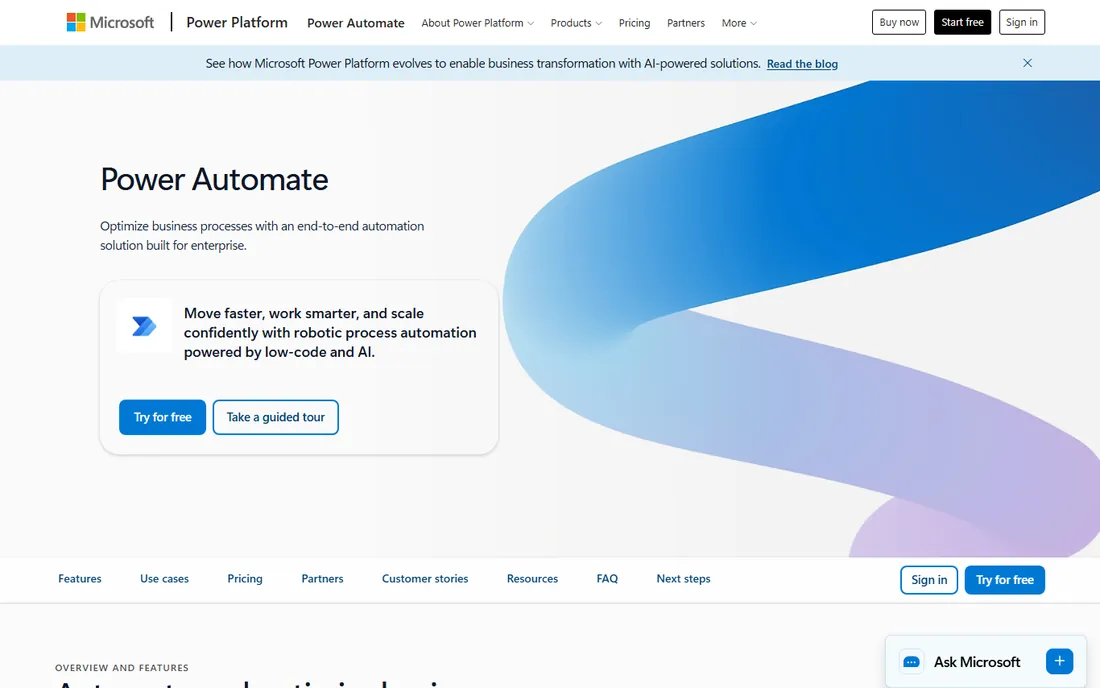
If your company lives in Microsoft 365, Power Automate is the path of least resistance. Cloud flows handle the API-based automation, desktop flows drive the mouse and keyboard for legacy systems with no API, and the on-premises data gateway connects both to servers behind your firewall. More than 1,400 connectors are available, and attended RPA runs on the user's own machine.
The catch is everything around the license. Per-user plans, per-bot plans, hosted process plans, AI Builder credits and Dataverse entitlements combine into a matrix most buyers need a Microsoft rep to decode. It also only makes sense inside the Microsoft ecosystem; outside it, the generic tools are better and cheaper. Buy it when you are already paying for Microsoft 365 and want automation governed under the same tenant.
What we like- Native to the Microsoft stack, so Teams, SharePoint, Outlook and Dynamics connect without middleware
- Desktop flows bring RPA to legacy apps
- On-premises data gateway reaches systems behind your firewall
Watch out for- Licensing is the hardest to reason about in this list
- Premium connectors gate the useful integrations behind paid plans
- Microsoft's pricing page renders dynamically and would not show figures during research
#5
UiPath
Best for: Enterprise RPA with an affordable pilot tier
Visit uipath.com
Starting price$25/month (Basic, Automation Cloud; capped at 2 robots and 1 tenant)
Free planNo
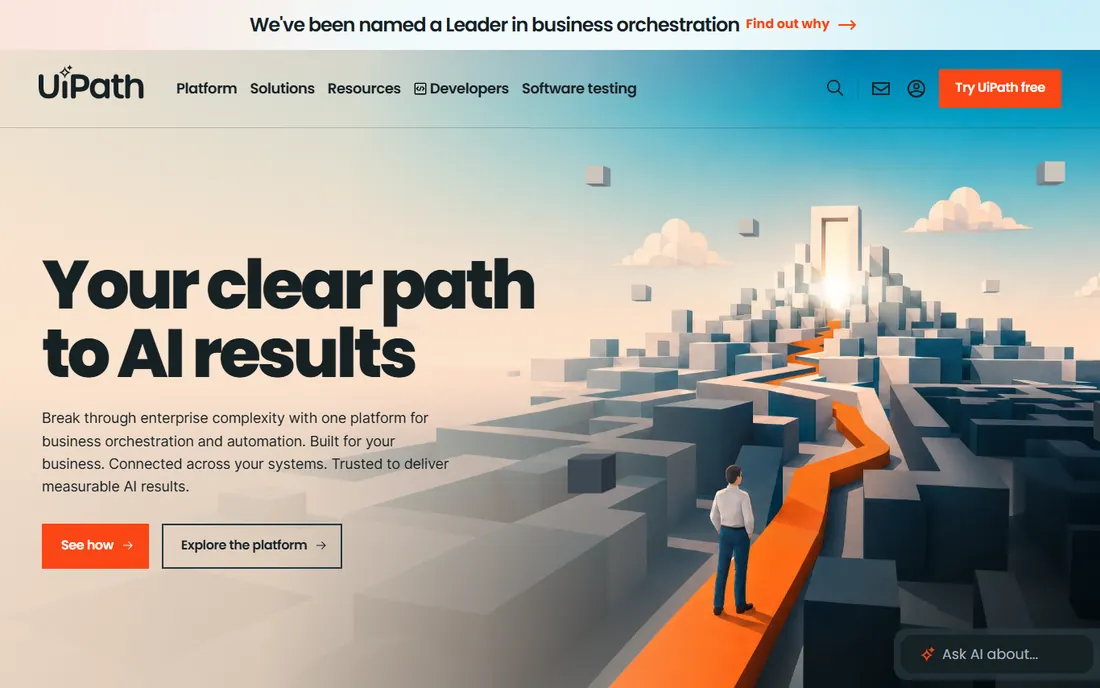
UiPath dominates RPA mindshare for a reason: when the job is driving real applications through their user interfaces, at scale, with audit trails and governance, nobody does it more completely. The 2026 platform layers AI agents and orchestration over the classic robot fleet, with document understanding, process mining and human-in-the-loop approvals in one place. The surprise is the entry price: Basic starts at $25 a month on Automation Cloud.
Read the cap before celebrating. Basic allows limited users and 2 robots on a single tenant in the European region, which is a pilot, not a production fleet. Standard and Enterprise are negotiated deals where robot counts, environments and add-ons like self-healing and test cloud drive the real number. Shortlist UiPath when you have processes that must run through applications with no API, and the budget and staff of an enterprise automation program.
What we like- The deepest RPA capability here, now extended into agentic automation with agents, robots and people on one canvas
- Basic tier at $25/month makes piloting cheap
- Strong governance, audit and self-healing automation
Watch out for- Standard and Enterprise are quote-only and priced for large programs
- The Basic tier's 2-robot, 1-tenant cap means real deployments cost far more
- Complexity demands dedicated automation staff
Starting priceSee website (no public price list)
Free planNo
Automation Anywhere positions itself as the cloud-native alternative to legacy RPA: born in the cloud rather than migrated to it, with AI agents now a first-class citizen alongside classic bots. The platform covers process discovery, document automation, orchestration and analytics, and the vendor keeps buying agentic capability, most recently Aisera for IT and HR service agents. Compliance credentials run deep, which matters in finance and healthcare.
The honest catch is access. There is no public price list and no self-serve tier; you engage through sales and the deal is scoped to your bot count and use cases. That is normal for enterprise RPA, but it means no casual evaluation. Consider it alongside UiPath when you are running a formal RPA program and want a cloud-native vendor; skip it if you are automating one department.
What we like- Cloud-native platform combining RPA, AI agents, document processing and process orchestration
- Strong compliance posture with ISO, SOC and HIPAA credentials
- Aggressive agentic roadmap including the Aisera acquisition for IT service automation
Watch out for- No published pricing at all, so every deal starts with sales
- Built for enterprise programs, not small teams
- Implementation typically needs professional services
Starting priceSee website (quote-based enterprise pricing)
Free planNo
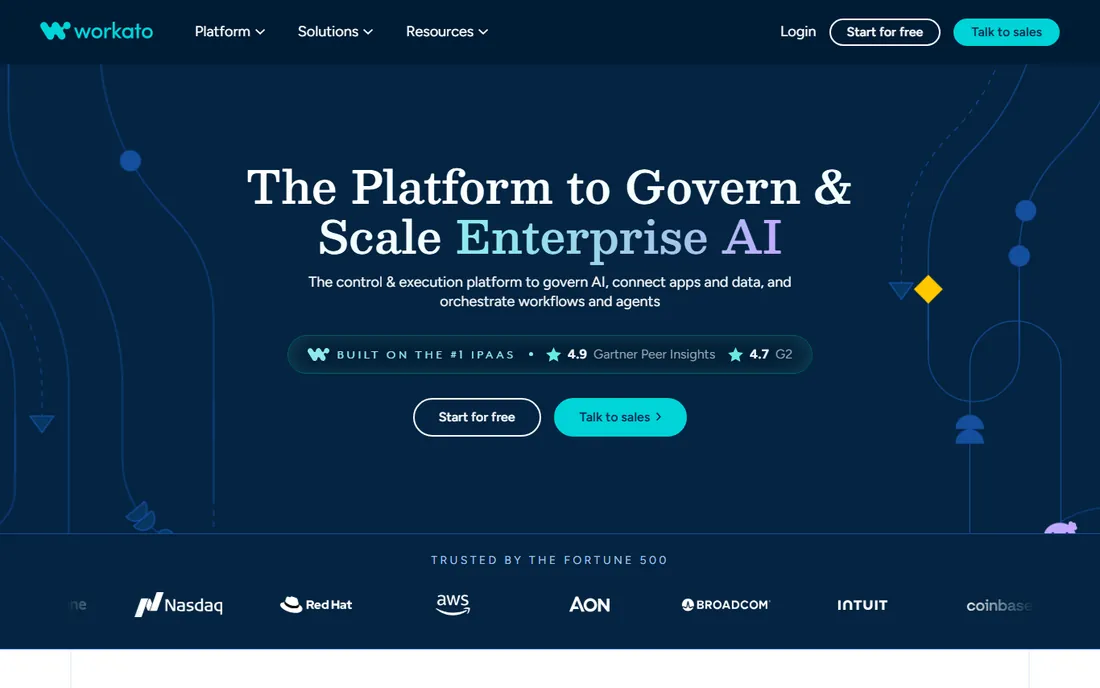
Workato sits between integration platforms and automation tools. Recipes connect applications and automate the business processes across them, with a low-code builder business users can operate and the governance, security and observability IT demands. The 2026 positioning adds AI agents, MCP servers and cost governance for model spend, all on the same runtime. SaaS companies also use the embedded product to ship customer-facing integrations without building them.
The recurring complaint is pricing complexity: the model is hard to forecast and the entry point is enterprise money. For simple syncs, Zapier or Make do the job at a fraction of the cost. Workato earns its place when automation is an IT-owned program spanning dozens of systems, or when your product needs embedded integrations. Expect a negotiated annual contract.
What we like- 17,000+ apps, APIs, databases and files connectable from one platform
- Low-code recipes usable by business teams with IT governance
- Embedded iPaaS option for SaaS companies shipping integrations to customers
Watch out for- Enterprise pricing with a complex model that reviewers flag as hard to predict
- Overkill and overpriced for simple app-to-app syncs
- Advanced features still need real learning investment
#8
Nintex
Best for: Process-first automation with forms and documents
Visit nintex.com
Starting priceSee website (quote-based)
Free planFree trial
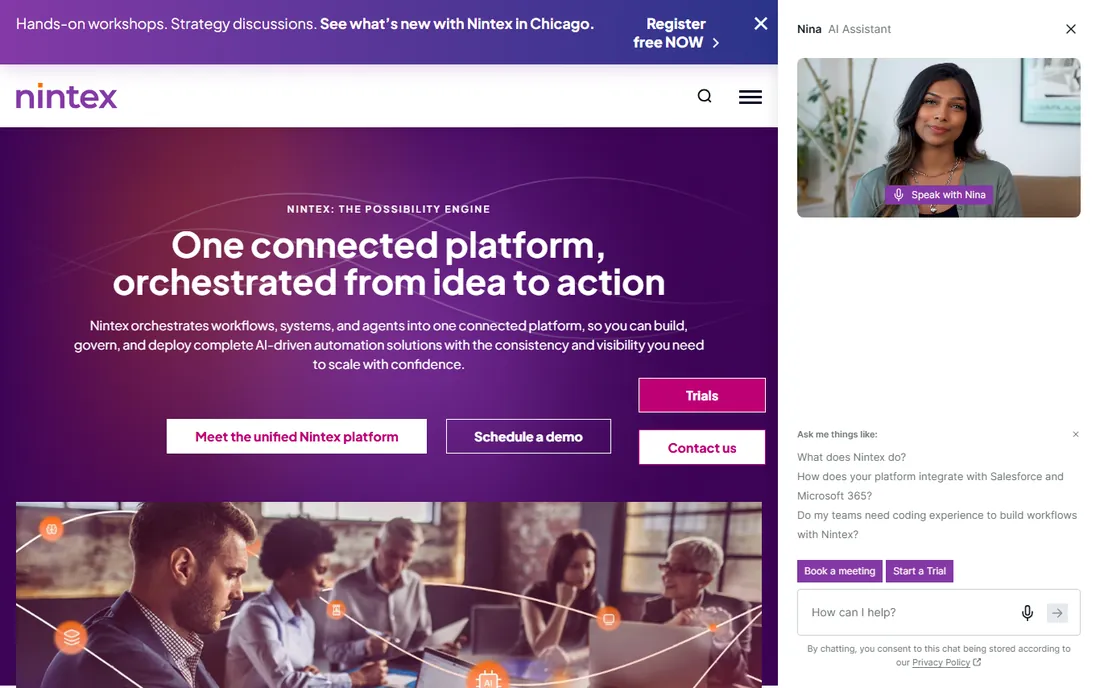
Nintex comes at automation from the process side rather than the integration side. The pitch is the full lifecycle: map the process, build the workflow, generate the documents, collect the data through forms, and govern all of it with audit trails. The current Nintex CE platform folds AI agents into that mix, with AI-assisted creation and solution packages that move from development to production in one step.
This is the tool for organizations where compliance, approvals and document-heavy processes dominate: finance, healthcare, government, manufacturing. For a marketing team syncing apps, it is more platform than needed. Pricing is quoted per deal, and a free trial is available to test the fit. Evaluate it when your automation backlog is a process-management backlog.
What we like- Unified platform covering workflows, forms, apps, document generation and RPA in one governed package
- Strong in regulated industries and public sector
- AI-assisted workflow creation and pre-built templates speed up delivery
Watch out for- Quote-only pricing with a partner-heavy sales model
- The platform's breadth means longer evaluations
- Strongest value shows in process-heavy organizations, less in simple app syncs
Starting price$29/month (Basic; $348 billed annually; 2,000 credits/month)
Free planYes (Free $0/month: 100 credits, 3 active workflows, 3 connected accounts)
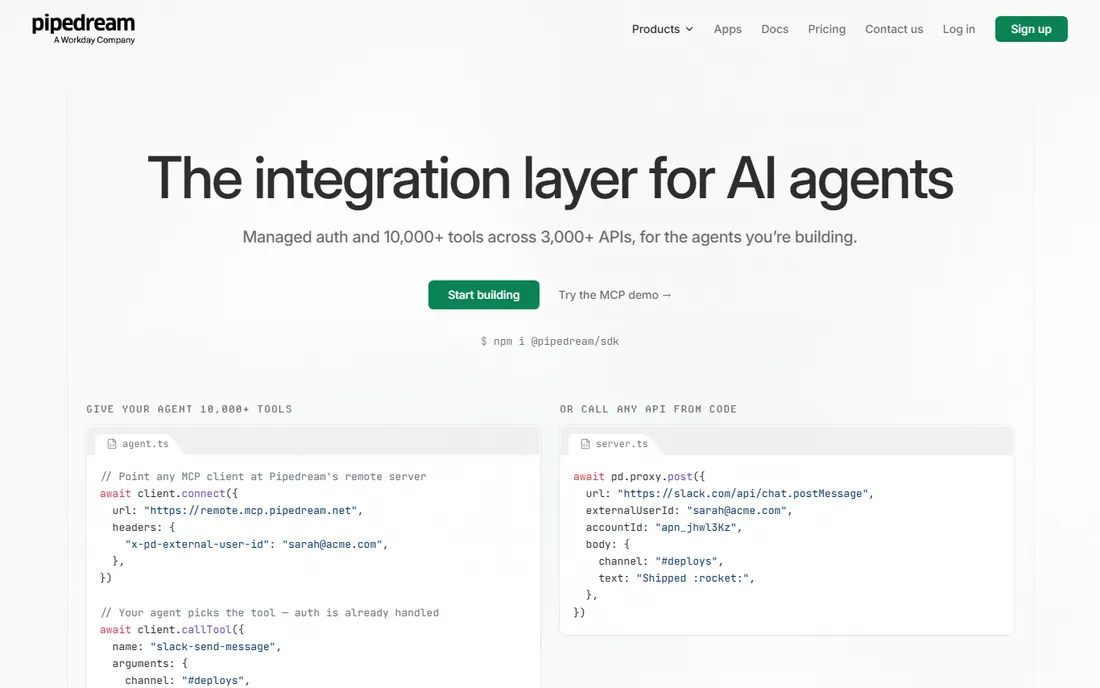
Pipedream is where developers go when no-code tools hit their ceiling. Workflows are code, triggered by HTTP, schedules or app events, with pre-built actions covering thousands of APIs and the freedom to import any package and write custom logic. The pricing is explicit: Free gets 100 credits a month, Basic is $29 with 2,000 credits, Advanced $49 adds premium apps and GitHub sync, Connect at $99 targets teams embedding integrations, and Business is custom.
The thing to watch is positioning. The homepage now sells Pipedream as the integration layer for AI agents, with managed auth and MCP servers, more than as the workflow tool developers remember. The workflow product and its pricing are still live, but ask about roadmap on the sales call if you are buying for classic automation. For API glue, webhooks and event-driven code, it remains one of the best values here.
What we like- Real code (Node.js, Python, Go, Bash) with pre-built actions for 3,000+ APIs
- Pricing page is transparent down to the credit
- Source-available component registry on GitHub
Watch out for- Developer-first means non-technical teammates will struggle
- The homepage now leads with the AI-agent integration platform story, so the classic workflow product's future direction is worth asking about
- Credit math needs attention at scale
#10
Bardeen
Best for: Browser-based scraping and enrichment for GTM teams
Visit bardeen.ai
Starting price$10/month (Basic, billed monthly; annual saves 20%)
Free planYes (100 credits free every month, permanently)
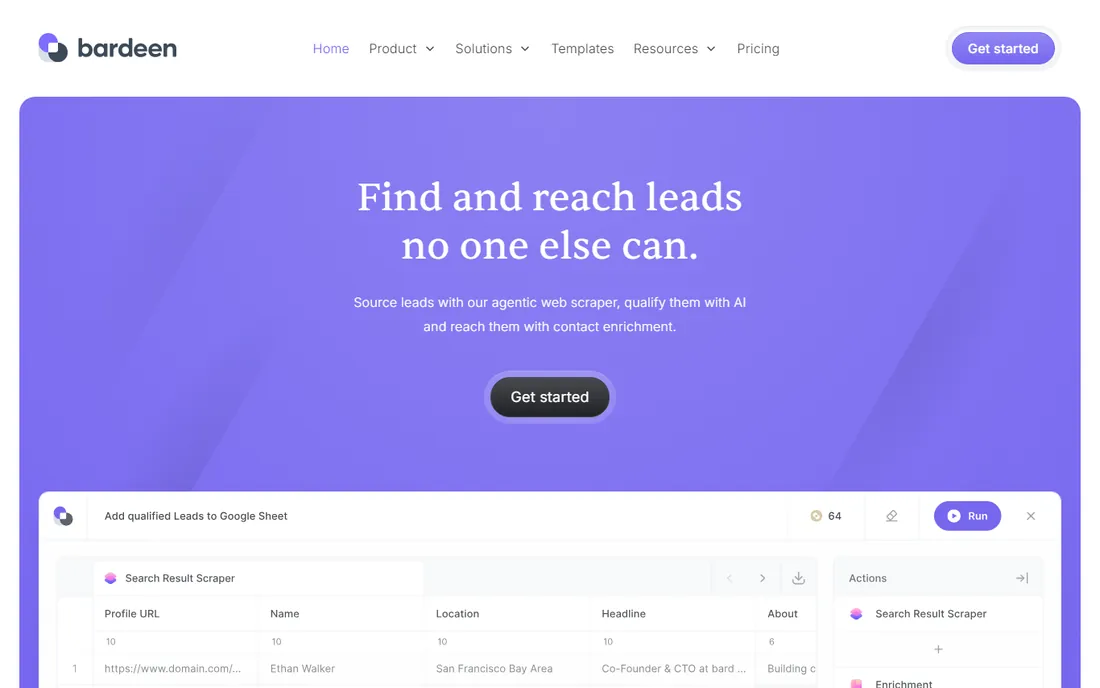
Bardeen occupies the niche the cloud tools cannot: the work that happens inside web pages. Its Chrome extension scrapes sites, enriches leads and runs playbooks against whatever is on screen, described in plain language or picked from templates. The pricing page states the deal plainly: everyone gets 100 credits free each month, Basic at $10 a month adds more, enrichment costs 3 credits per row against 1 for scraping, and imports, exports and utilities cost nothing.
The catch is volume math. Enriching a few thousand leads a month at 3 credits a row burns through credits quickly, so map your real row volume before choosing a tier. Bardeen is the right tool when your automation is prospecting, list building or web research. When it is syncing SaaS apps, the cloud platforms do it better and cheaper.
What we like- Runs inside the browser, so it automates sites with no API
- Plain-language playbook builder plus 1,000+ templates
- The credit math is published: 1 credit per scraped row, 3 per enriched row, utilities and CSV export free
Watch out for- Credit costs multiply fast on enrichment-heavy jobs
- Browser-based means it depends on page structures that change
- Narrower than cloud platforms for app-to-app syncs
How we chose
We started from the searches buyers actually run: process automation tools, workflow automation software, RPA platforms and iPaaS. For each candidate we opened the vendor's homepage and pricing page directly, recording only figures the vendor itself publishes. Where pages would not cooperate, Make's pricing page returning a server error twice and Microsoft's prices rendering dynamically, we wrote "See website" instead of borrowing third-party estimates. We cross-checked positioning against public reviews on G2 and practitioner threads on Reddit.
Picking automation software without buying twice
Most buyers in this category purchase twice: first the tool that looked easiest, then the tool they actually needed. Three questions prevent that.
Cloud workflows or RPA
If your apps have APIs, you want workflow automation: Zapier, Make, n8n, Pipedream, Workato, Power Automate cloud flows. If the work happens inside applications with no API, through the user interface, you need RPA: UiPath, Automation Anywhere, Power Automate desktop flows. If it happens inside web pages, Bardeen's browser approach fits. Buying the wrong category is the most expensive mistake on this list.
Who builds and who maintains
Zapier and Make are built for operations people. n8n and Pipedream assume developers. UiPath, Automation Anywhere, Nintex and Workato assume a program owner and usually professional services. Match the tool to the people you actually have, not the team you plan to hire.
The billing unit, not the sticker price
A $20 plan that charges per action can cost more than a $50 plan that charges per execution. Before signing, take one real workflow, count its steps and its monthly runs, and run the vendor's math. Watch for the gotchas we found: Zapier's per-task overages, Bardeen's triple-cost enrichment rows, Make's per-operation AI modules, and the RPA vendors' per-bot licensing that turns pilots into five-figure contracts.
Pricing models, decoded
Every tool here meters something different, and the meter matters more than the monthly fee. Zapier meters tasks: each successful action step. Make meters operations: each module execution. n8n meters executions: one complete workflow run no matter how many steps. Pipedream meters credits tied to compute time. Bardeen meters credits per row of scraped or enriched data. Power Automate mixes per-user and per-bot licenses. UiPath and Automation Anywhere license robots. Workato and Nintex negotiate platform deals.
The practical move is to convert before you compare. Pick your three highest-volume workflows, estimate monthly runs and steps, and translate each vendor's unit into your number. Free tiers help with this: Zapier's 100 tasks, Make's free plan, n8n's self-hosted unlimited, Pipedream's 100 credits and Bardeen's 100 credits all let you measure real consumption before committing. Never sign an annual RPA or iPaaS contract without a pilot running your actual processes first.
Frequently asked questions
What is the difference between workflow automation and RPA?
Workflow automation connects applications through APIs: when something happens in app A, do something in app B. RPA drives software through its user interface, clicking and typing the way a person would, which is how you automate legacy systems with no API. Zapier, Make and n8n are workflow tools; UiPath and Automation Anywhere are RPA platforms; Power Automate and Nintex do both.
How much do process automation tools cost?
Anywhere from free to six figures. Cloud tools publish entry prices: Zapier from $19.99/month, Pipedream Basic $29/month, Bardeen Basic $10/month, UiPath Basic $25/month. Costs scale with usage because of per-task, per-operation or per-bot metering. Enterprise RPA and iPaaS deals are quoted and typically run into five or six figures annually.
Is there a free process automation tool?
Yes. n8n's self-hosted Community edition is free with unlimited executions if you provide the server. Zapier, Make, Pipedream and Bardeen all offer free tiers with monthly usage caps. Power Automate and Nintex offer trials. The enterprise RPA vendors generally do not have free tiers.
Zapier vs Make: which should I choose?
Choose Zapier if you want the widest app catalog and the simplest builder, and your workflows are mostly linear. Choose Make if your workflows branch, loop or transform data, and you want lower costs at higher complexity. Both have free tiers, so build the same workflow in each and compare the real experience before deciding.
Do I need to know how to code?
Not for Zapier, Make, Bardeen or Power Automate's basic flows. n8n and Pipedream reward coding skills but work without them for standard integrations. UiPath, Automation Anywhere, Nintex and Workato are typically implemented with trained staff or consultants regardless of their low-code builders.
What is the biggest hidden cost in automation software?
The billing unit. Per-action pricing punishes long workflows, per-row pricing punishes enrichment, and per-bot licensing punishes scale. The second hidden cost is maintenance: automations break when apps change, so budget time every month to keep them running.
Sources we checked (15)
- https://zapier.com
- https://zapier.com/pricing
- https://make.com/
- https://n8n.io
- https://n8n.io/pricing
- https://www.microsoft.com/en-us/power-platform/products/power-automate
- https://www.uipath.com
- https://www.uipath.com/pricing
- https://automationanywhere.com/
- https://workato.com/
- https://nintex.com/
- https://pipedream.com
- https://pipedream.com/pricing/
- https://bardeen.ai/
- https://bardeen.ai/pricing
Is your product missing or out of date?
We review this list regularly. Vendors can request a listing, send updated pricing or ask about featured placement.

Shihab Mia · Founder, Rankite
Shihab has 5+ years in B2B and SaaS SEO. He writes Rankite's software buying guides from pricing pages, documentation and public user reviews. More about Shihab.