How we make this list: we compare pricing pages, product documentation and public user reviews. Ratings come from G2, Capterra or Trustpilot, with the date we checked them.
Key takeaways
- PDF24 is the closest thing to a genuinely unlimited free PDF editor: no stated task caps and no watermarks, online or as a free Windows desktop app that keeps files on your machine.
- Sejda is the best free tool for changing words already in a PDF, within a clear quota of 3 tasks an hour online, up to 200 pages or 50 MB per file.
- iLovePDF and Smallpdf are polished all round toolkits whose free tiers carry per tool and daily limits, and Smallpdf keeps real text editing behind its Pro plan.
- Privacy is the dividing line: online editors upload your document to their servers, so contracts, medical, and financial PDFs belong in a desktop tool that never asks for the file.
Quick comparison
| Tool | Best for | Starting price | Free plan |
|---|
 PDF24 PDF24 | Unlimited free tools, online or desktop | Free | Yes |
 Sejda Sejda | Editing existing text for free | Free | Yes |
 iLovePDF iLovePDF | Broad free toolkit for everyday jobs | Free | Yes |
 Smallpdf Smallpdf | Polished interface for quick jobs | Free | Yes |
 Adobe Acrobat Online Adobe Acrobat Online | Occasional jobs inside the Adobe name | Free | Yes |
 LibreOffice Draw LibreOffice Draw | Offline editing on any desktop | Free | Yes |
 Xodo Xodo | Reading, annotating, and signing on mobile | Free | Yes |
 Apple Preview Apple Preview | Mac owners who need markup and forms | Free | Yes |
Is your product missing or out of date?
We review this list regularly. Vendors can request a listing, send updated pricing or ask about featured placement.
The best apps for PDF editing for free
Starting priceFree
Free planYes
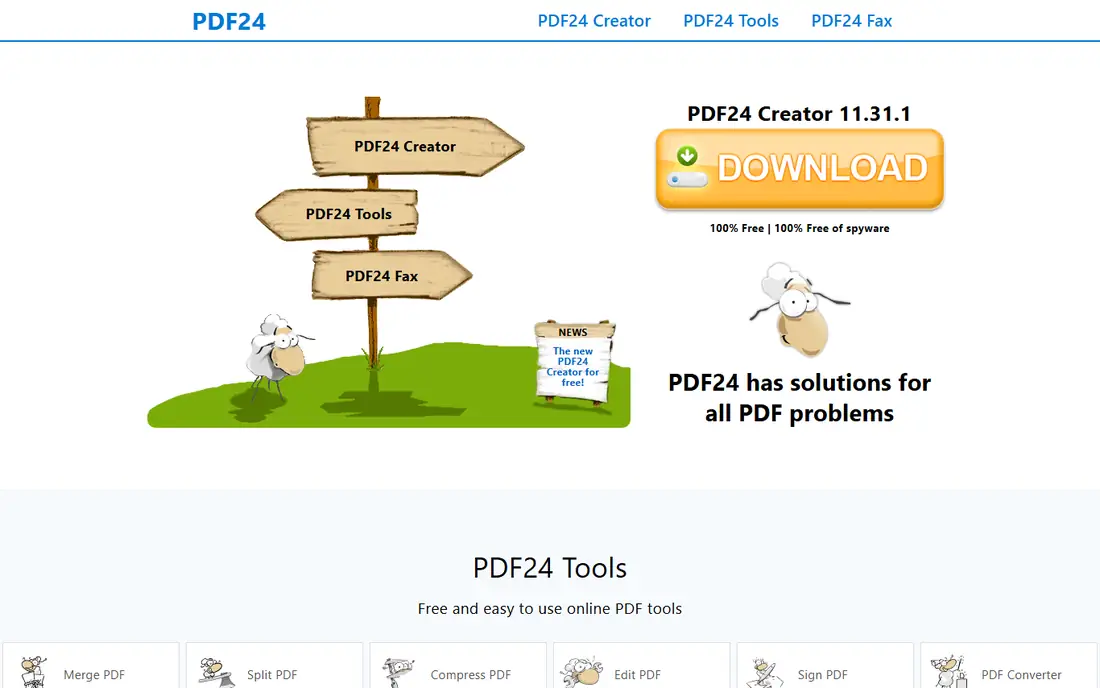
What we like- PDF24, from a German developer, is the free tier champion: more than 30 tools covering edit, merge, split, compress, convert, OCR, and even redaction that flattens pages properly, with no stated usage limits and no watermarks, supported by ads. Its free Windows desktop app, PDF24 Creator, runs everything locally, which makes it the recommendation for sensitive documents as well as heavy use. Online files sit on EU servers and are deleted within an hour by its policy.
Watch out for- The desktop app is Windows only, and the interface looks dated beside Smallpdf and iLovePDF. Online text editing is basic compared with Sejda's. Ad supported free means the website carries advertising, which some workplaces will prefer to avoid by using the desktop version.
#2Sejda
Best for: Editing existing text for free4.5/5 on
G2 (42 reviews, checked Oct 2026)
Visit sejda.com
Starting priceFree
Free planYes
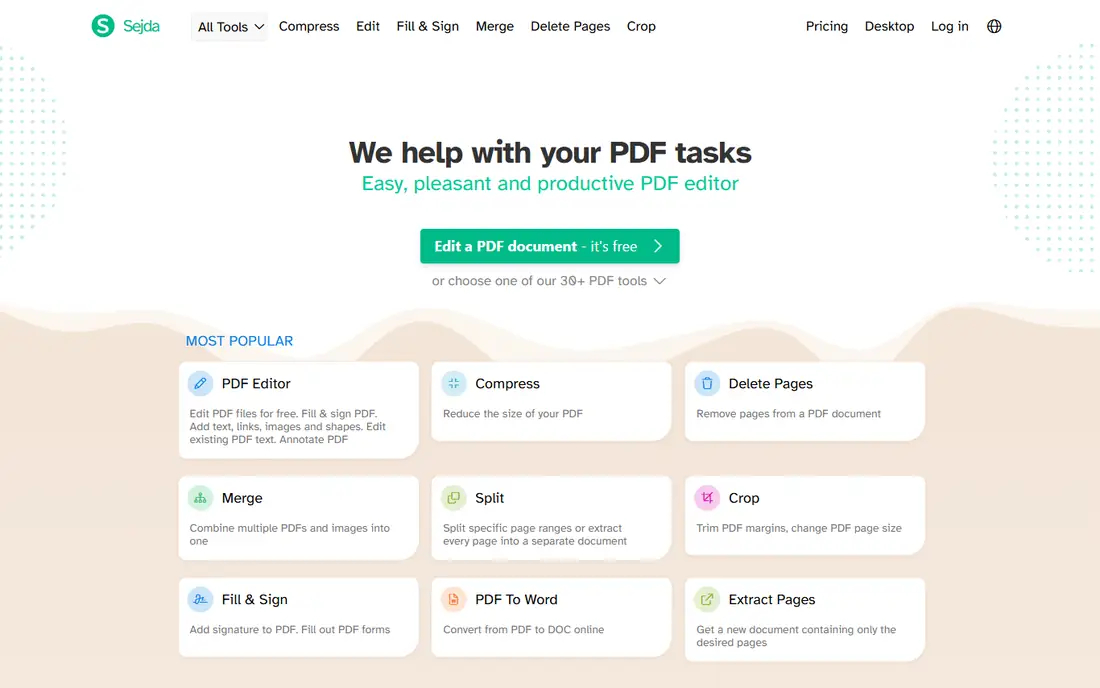
What we like- Sejda is the free tool reviewers reach for when the job is changing words that are already in the PDF, because it edits the actual text with matching fonts rather than painting boxes over it. The free quota is published and predictable: 3 tasks per hour online, files up to 200 pages or 50 MB, OCR up to 10 pages, and no watermark on output. Its paid desktop version processes locally for privacy, and even the free desktop app keeps documents off the web within the same quota style limits.
Watch out for- Three tasks an hour stops batch work cold, and heavy users will hit the wall mid project. Files are uploaded for the online version, deleted after a set period by policy. The full unlimited experience is a paid subscription, so Sejda free is a rationed version of a paid product, honestly labelled.
#3iLovePDF
Best for: Broad free toolkit for everyday jobs4.6/5 on
G2 (583 reviews, checked Oct 2026)
Visit ilovepdf.com
Starting priceFree
Free planYes
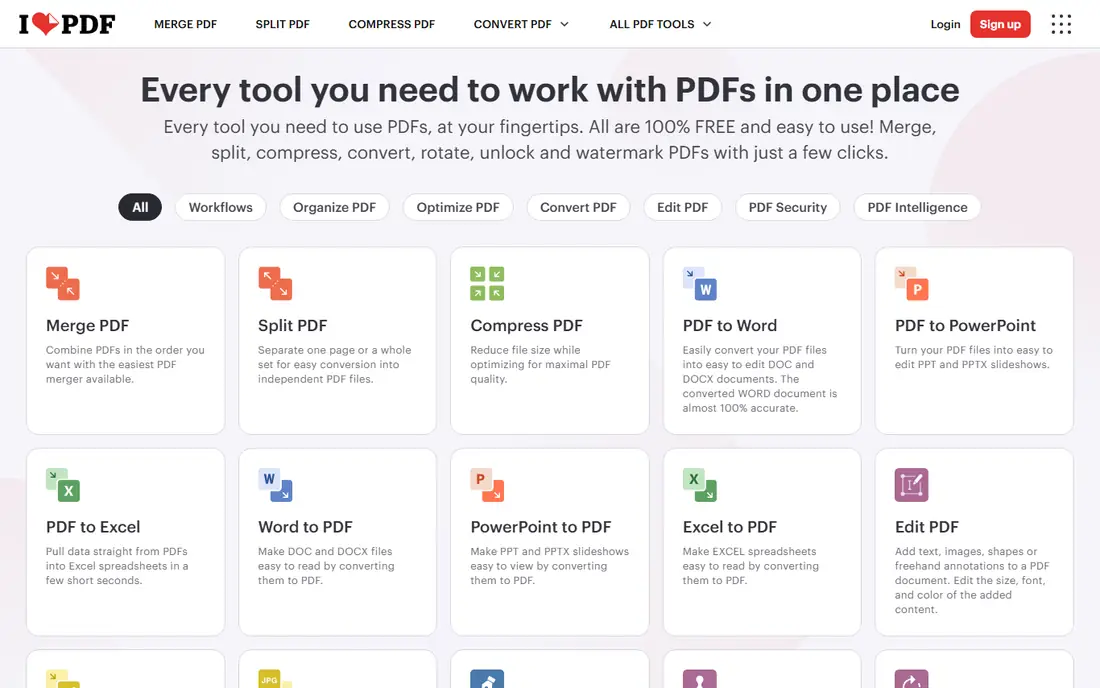
What we like- ILovePDF offers the widest free toolkit for the classic jobs: merging up to 25 files, splitting, compressing, converting to and from Office formats, and OCR for files under 15 MB, with no account needed for basic tools and no watermark on standard output. Files are processed on EEA servers and deleted within two hours by its policy. For students and office users with mixed everyday tasks, it is usually the first site that solves the problem.
Watch out for- Free limits vary by tool in ways that take a moment to learn, some tools allow a single free task, and ads crowd the free experience. Editing existing text is limited on the free tier compared with Sejda. Batch processing and the largest file sizes sit behind the Premium subscription.
#4Smallpdf
Best for: Polished interface for quick jobs4.5/5 on
G2 (306 reviews, checked Oct 2026)
Visit smallpdf.com
Starting priceFree
Free planYes
What we like- Smallpdf is the friendliest face in the category: a clean set of more than 30 tools for converting, compressing, signing, and light editing, with a mobile app that reviewers rate the best here for phone based jobs. Files are processed on Swiss and EU infrastructure and deleted within an hour for account holders by its policy. For a non technical user with one quick job, it is the least intimidating option.
Watch out for- Smallpdf's free tier is a sample, not a toolkit: a daily download limit applies and the company does not publish the number, and editing existing text is a Pro feature, not a free one. The Pro subscription is priced for regular professional use rather than occasional jobs. Treat free Smallpdf as a trial with good manners.
#5
Adobe Acrobat Online
Best for: Occasional jobs inside the Adobe name
Visit adobe.com
Starting priceFree
Free planYes
What we like- Adobe invented the PDF, and its free online tools handle the basics with an Adobe account: fill and sign forms, add comments and text, convert files, and compress, with the output quality and compatibility you would expect from the format's creator. For someone already inside the Adobe ecosystem, the free tools are a sensible first stop and the upgrade path to Acrobat is direct. No separate service needs vetting when a company already trusts Adobe.
Watch out for- The free tier does not edit existing text
- That is Acrobat Pro's job and it is a paid subscription. Files live in Adobe's cloud under your account, which is a data decision as much as a convenience. Free usage is shaped to demonstrate the paid product, so regular editors will meet its edges quickly.
#6LibreOffice Draw
Best for: Offline editing on any desktop4.4/5 on
G2 (14 reviews, checked Oct 2026)
Visit libreoffice.org
Starting priceFree
Free planYes
What we like- LibreOffice Draw opens PDFs as editable documents on Windows, Mac, and Linux, entirely offline and entirely free, as part of the open source LibreOffice suite. Text, images, and layout can all be changed and the result exported back to PDF, with no account, no upload, and no quota. For a confidential document on any operating system, it is the zero cost answer that privacy guides reach for.
Watch out for- Draw treats each page as a drawing, so long documents and complex layouts can shift, fonts substitute when the original is missing, and a 200 page report is beyond its comfortable use. It edits
- It does not offer the one click merge, compress, and convert toolkit of the online services. The interface belongs to a desktop suite, with the learning curve that implies.
#7Xodo
Best for: Reading, annotating, and signing on mobile4.4/5 on
G2 (38 reviews, checked Oct 2026)
Visit xodo.com
Starting priceFree
Free planYes
What we like- Xodo is the mobile reader editor: strong annotation, form filling, and signing on iOS and Android, plus a web app, which suits people whose PDFs arrive on a phone and need a signature or comments before they are sent back. Its reading experience for long documents is rated above the toolkit sites. The free tier covers everyday annotation without a watermark.
Watch out for- Xodo's free web tier is tightly limited, one action a day in current comparisons, so the generous surface is the mobile app rather than the browser. Heavy text editing on a phone screen is slow work whatever the app. Full editing power and the premium online tools sit behind its paid plans.
#8
Apple Preview
Best for: Mac owners who need markup and forms
Visit apple.com
Starting priceFree
Free planYes
What we like- Every Mac already ships with a capable PDF tool: Preview fills forms, adds signatures captured from the trackpad or camera, annotates, merges and reorders pages by dragging, and exports reduced size files, all offline and free. For the large share of PDF jobs that are really sign, annotate, and send, Mac owners need nothing else on this list. It opens instantly and never asks for an account.
Watch out for- Preview cannot edit the words inside a PDF beyond adding text boxes over them, and its merge habits occasionally produce files other readers dislike. It is Mac only, obviously, and invisible to Windows households. Redaction in Preview is a black box drawn over text rather than true removal, a trap worth naming: the words underneath can survive in the file, so never use it to hide sensitive content.
How we chose
We ranked free editors on what the free tier actually does, using October 2026 comparisons that tested text editing, OCR, quotas, and file handling tool by tool, because headline claims in this category routinely overstate. We favoured tools that publish their limits over tools that hide them, and we required a local processing option somewhere in the list for confidential documents. Paid editors appear only as reference points; every entry is usable free at the level its entry describes, and entries say plainly where the free version stops.
How to choose the right free PDF editor
Match the tool to the job in front of you. Changing a date or a name inside a document: Sejda, inside its hourly quota. Merging, splitting, compressing, or converting a pile of ordinary files: iLovePDF for breadth or PDF24 for no caps. A confidential contract, tax form, or medical document: PDF24's desktop app, Sejda desktop, LibreOffice Draw, or Preview, because the file never leaves your machine. Signing on a phone: Xodo. A Mac owner with forms: Preview before anything else.
Then respect the two traps. First, annotation is not editing: most free tools let you write over a PDF while the original text stays untouched underneath, which fails the moment the change must be real. Second, covering is not redacting: a black rectangle drawn in a light tool can leave the hidden words recoverable, so use a tool with true redaction, such as PDF24's, for anything sensitive. If your PDF work grows past a few tasks a week, the honest conclusion of a free tools guide is that a modest paid editor subscription will save more time than the quotas cost, and every vendor here sells one. Limits and policies are October 2026 published figures and change without much notice.
Frequently asked questions
Which free PDF editor has no limits at all?
PDF24 comes closest: no stated task caps and no watermarks across its online tools and its free Windows desktop app, funded by advertising. Every other free tier here rations something: Sejda allows 3 tasks an hour, iLovePDF limits per tool, Smallpdf caps daily downloads without publishing the number, and Xodo's web app allows one free action a day. Unlimited and free is rare enough that PDF24's model deserves the headline position it holds in this guide.
Can I edit the actual words in a PDF for free?
Yes, within limits. Sejda edits existing text in the browser free inside its quota, PDF24 offers basic text editing free, and LibreOffice Draw edits text offline on desktop with layout caveats. Smallpdf and Adobe keep real text editing in their paid products, and most other free tools only add new text on top. Scanned PDFs are pictures, not text, so they need OCR first, which Sejda, iLovePDF, and PDF24 include free within page and size limits.
Is it safe to upload a PDF to an online editor?
For ordinary documents, the reputable services here process files on EU or Swiss servers and publish deletion windows of one to two hours, which most people reasonably accept. For contracts, medical records, tax documents, identity papers, or anything you would not email a stranger, do not upload at all: use PDF24 desktop, Sejda desktop, LibreOffice Draw, or Apple Preview, where the file never leaves your computer. Deletion policies are promises; local processing is a fact.
Do free PDF editors add watermarks?
The tools in this guide do not watermark free output on their standard jobs, which we treated as a condition of inclusion. Some competitors outside this list do, and a few tools here restrict resolution or add limits instead. Always download and inspect the first output before running a batch, because the watermark, when it exists, only shows itself on the finished file.
What is the best free option for filling and signing forms?
Apple Preview for Mac owners, Xodo on phones, and Adobe's free fill and sign or iLovePDF in a browser all handle forms and signatures without cost. If the signature must carry legal weight with an audit trail for a business contract, that is e signature software territory rather than a free editor's, and the record of who signed and when becomes the product worth paying for.
Sources we checked (0)
Is your product missing or out of date?
We review this list regularly. Vendors can request a listing, send updated pricing or ask about featured placement.

Shihab Mia · Founder, Rankite
Shihab has 5+ years in B2B and SaaS SEO. He writes Rankite's software buying guides from pricing pages, documentation and public user reviews. More about Shihab.