How we make this list: we compare pricing pages, product documentation and public user reviews. Ratings come from G2, Capterra or Trustpilot, with the date we checked them.
Key takeaways
- Midjourney still leads on artistic quality, while DALL-E 3 leads on ease of use inside ChatGPT.
- Adobe Firefly is the safest choice for commercial work, thanks to licensed training data.
- Ideogram is the best pick when your image must contain readable words, such as posters and logos.
- Stable Diffusion is the only strong free option, but it needs technical setup or a hosted service.
Quick comparison
| Tool | Best for | Starting price | Free plan |
|---|
 Midjourney Midjourney | Artistic and editorial image quality | $10 per month | No |
 DALL-E 3 DALL-E 3 | Conversational image creation in ChatGPT | $20 per month | Yes |
 Adobe Firefly Adobe Firefly | Commercially safe creative work | $9.99 per month | Yes |
 Leonardo AI Leonardo AI | Game art and consistent characters | $12 per month | Yes |
 Ideogram Ideogram | Images with readable text | See website | Yes |
 Stable Diffusion Stable Diffusion | Free and self-hosted image generation | See website | Yes |
 Recraft Recraft | Vector graphics and brand assets | $12 per month | Yes |
 Canva Magic Media Canva Magic Media | Fast design-ready social graphics | $15 per month | Yes |
Is your product missing or out of date?
We review this list regularly. Vendors can request a listing, send updated pricing or ask about featured placement.
The best AI apps for creating images
#1Midjourney
Best for: Artistic and editorial image quality4.4/5 on
G2 (102 reviews, checked Oct 2026)
Visit midjourney.com
Starting price$10 per month
Free planNo
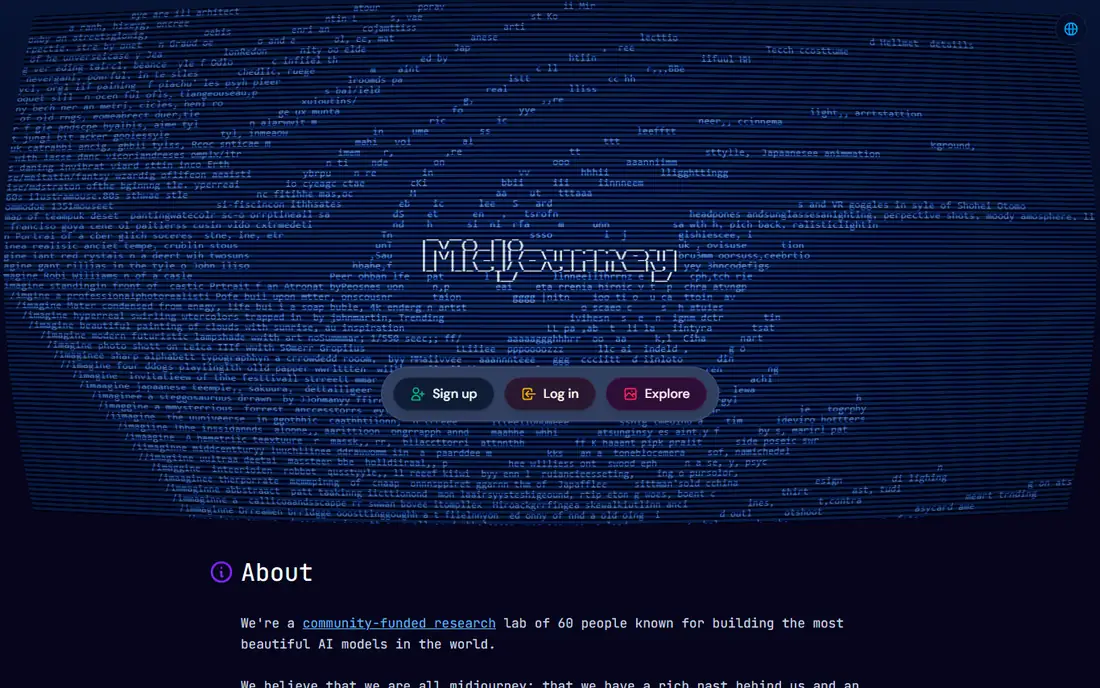
Midjourney produces the most striking images of any tool on this list, with lighting, composition, and detail that suit editorial art, thumbnails, and concept work. Version 7 improved realism and short text rendering, and the standalone web app removed the old requirement to work inside Discord. The Basic plan at $10 per month covers roughly 200 images a month, which is plenty for a creator or a small blog.
The limits are real. There is no free tier, so you pay before you know whether the style fits your work. Midjourney is also less literal than DALL-E when you need an exact layout, a specific object in a specific place, or precise text. If the image itself is the product, Midjourney is worth the subscription for most creators. If you need exact instructions followed today, look at DALL-E or Ideogram first.
What we like- Highest artistic quality
- Strong style control
- Standalone web app now available
Watch out for- No free tier
- Less literal than DALL-E for exact layouts
#2DALL-E 3
Best for: Conversational image creation in ChatGPT4.4/5 on
G2 (5 reviews, checked Oct 2026)
Visit openai.com
Starting price$20 per month
Free planYes
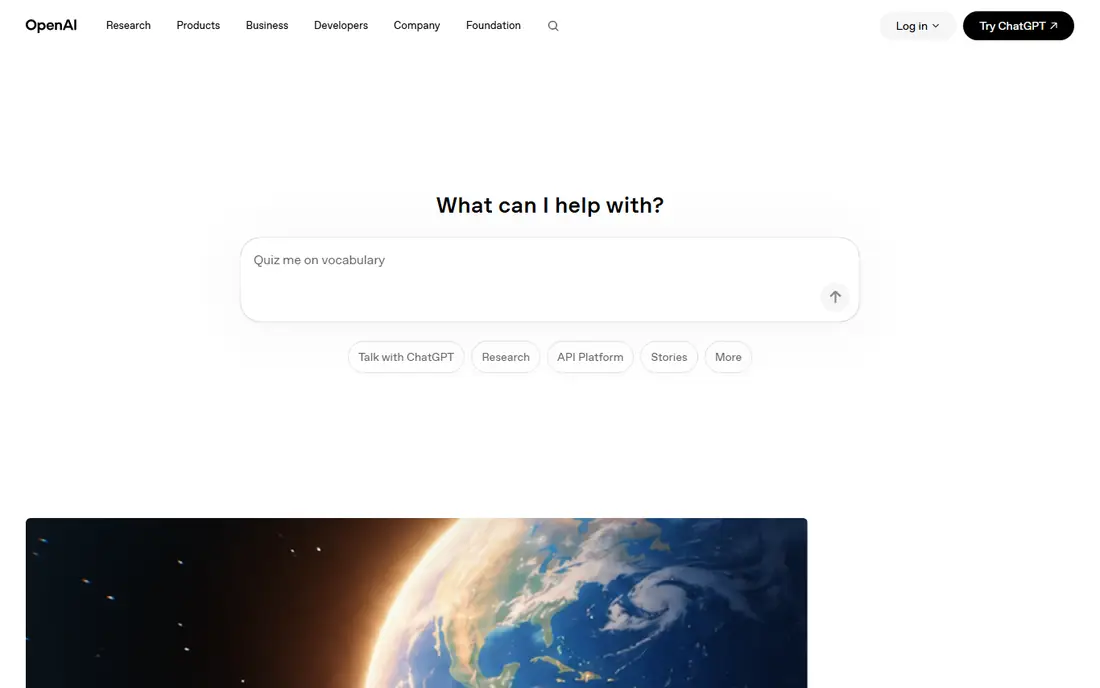
DALL-E 3 wins on ease of use. Inside ChatGPT, you describe an image in plain words, and you refine it the same way, by saying what to change. That conversational loop suits beginners and busy marketers who do not want to learn prompt syntax. Text inside images renders well, which matters for posters, cards, and social graphics, and the free tier gives limited generations to try it out.
The paid route is ChatGPT Plus at $20 per month, which buys much higher limits and access to the wider ChatGPT toolset. Style range is narrower than Midjourney, and very artistic or stylized work can feel generic. For most everyday image needs, though, DALL-E 3 remains the fastest path from an idea to a usable image.
What we like- Easiest prompting in plain conversation
- Strong text rendering
- Edits by describing changes
Watch out for- Full access needs ChatGPT Plus
- Style range is narrower than Midjourney
#3Adobe Firefly
Best for: Commercially safe creative work4.4/5 on
G2 (373 reviews, checked Oct 2026)
Visit adobe.com
Starting price$9.99 per month
Free planYes
Adobe Firefly is the tool to pick when legal safety matters. It is trained on licensed content, and Adobe offers commercial indemnification on paid plans, which matters for brands, agencies, and publishers that cannot risk a training-data dispute. Integration with Photoshop, Illustrator, and Express means generated images drop straight into existing design work.
The trade-off is artistic range. Firefly images are clean and usable, but they rarely match Midjourney for drama or distinctive style. The free tier gives monthly credits, while the Standard plan at $9.99 per month adds more generations and features. For client work and published content, Firefly safety is worth more than a slightly prettier image.
What we like- Trained on licensed content
- Commercial indemnification
- Deep Creative Cloud integration
Watch out for- Artistic range trails Midjourney
- Best features sit in paid plans
#4Leonardo AI
Best for: Game art and consistent characters4.5/5 on
G2 (32 reviews, checked Oct 2026)
Visit leonardo.ai
Starting price$12 per month
Free planYes
Leonardo AI is built for creators who make game assets, characters, and stylized art. Its models handle fantasy, sci-fi, and illustration styles well, and character consistency features help keep the same character recognizable across many images. The free tier gives 150 tokens a day, which is enough to learn the tool, while the Apprentice plan at $12 per month adds much higher limits.
The interface can overwhelm a beginner, with many models, settings, and modes to learn. Paid plans also gate the strongest models and features. If you make game art, book covers, or character-driven content, Leonardo is a strong specialist pick. If you only need occasional images, a simpler general tool will be faster.
What we like- Strong game and fantasy art
- Character consistency tools
- Daily free tokens
Watch out for- Interface has many options for beginners
- Best models need paid plans
Starting priceSee website
Free planYes
Ideogram solves the problem that frustrates every poster maker: getting words spelled correctly inside an image. Its text rendering is the best on this list, which makes it the pick for posters, banners, thumbnails, and logo concepts where the words matter as much as the picture. Style presets help non-designers get clean results without long prompts.
Pricing is the part to verify, because published guides disagree on the entry plan, so we list it as See website rather than risk a wrong figure. Image quality for pure art also trails Midjourney. When your image must carry a headline, a brand name, or a short slogan, Ideogram is the tool to try first.
What we like- Best text rendering for posters and logos
- Clean typography
- Good style presets
Watch out for- Pricing varies across guides
- Image quality trails Midjourney for pure art
#6Stable Diffusion
Best for: Free and self-hosted image generation4.3/5 on
G2 (10 reviews, checked Oct 2026)
Visit stability.ai
Starting priceSee website
Free planYes
Stable Diffusion is the only fully free path on this list, because its open weights run on your own machine. That gives total privacy, no subscription, and access to thousands of community models tuned for specific styles. Developers also use it in pipelines and APIs, paying only for compute, which makes it the flexible choice for products.
The cost is effort. Local use needs a capable graphics card, and setup, updates, and troubleshooting fall on you. Hosted services remove that burden but add per-image or subscription costs. If you are technical, or you need private generation at scale, Stable Diffusion is unmatched. If you want images with no setup, pick a hosted tool instead.
What we like- Open weights and free local use
- Huge community model library
- Full privacy on your machine
Watch out for- Needs a decent GPU or a hosted service
- Setup and maintenance fall on you
#7Recraft
Best for: Vector graphics and brand assets4.7/5 on
G2 (456 reviews, checked Oct 2026)
Visit recraft.ai
Starting price$12 per month
Free planYes
Recraft stands out because it generates vector graphics, not just pixels. Logos, icons, and illustrations come out as editable vectors you can resize and recolor without quality loss, which is exactly what brand work needs. Style controls help keep a consistent look across a set, and the free tier lets you test the tool before paying.
Two limits matter. Free-tier images are licensed for personal use only, so commercial work needs a paid plan starting at $12 per month. Photorealism is also not Recraft strength. For brand assets, icons, and illustrations, Recraft fills a gap no other tool on this list covers. For photos, look elsewhere.
What we like- True vector output for logos and icons
- Brand style controls
- Clean illustration styles
Watch out for- Free images are for personal use only
- Less suited to photorealism
#8
Canva Magic Media
Best for: Fast design-ready social graphics
Visit canva.com
Starting price$15 per month
Free planYes
Canva Magic Media is the fastest route from an idea to a finished social graphic. You generate an image and place it straight into a template, add text, and export for each channel without switching tools. The free tier includes limited lifetime uses, while Canva Pro at $15 per month adds much higher limits plus the full design suite.
Generation quality trails Midjourney and Ideogram, and text rendering is less reliable than Ideogram. But for marketers and small teams who need finished graphics quickly, the all-in-one workflow beats raw quality. If you already use Canva, Magic Media is the obvious add-on. If you need standout art, generate elsewhere and import it.
What we like- Images drop straight into designs
- Huge template library
- Easiest for non-designers
Watch out for- Generation quality trails specialist tools
- Free tier gives limited lifetime uses
How we chose
We compared vendor pricing pages, product documentation, and public user reviews, and we judged each app on image quality, prompt accuracy, text rendering, control, ease of use, and commercial safety. Prices change often in this market, so where guides disagreed we wrote See website rather than publishing a figure that could be wrong. We did not claim hands-on testing. The key judgment is that no single tool leads on every dimension, so the best app depends on whether you need art, text, safety, or speed.
What to check before you pick
Start with your output. A poster needs Ideogram text skills, a brand logo needs Recraft vectors, a client campaign needs Firefly safety, and a striking hero image needs Midjourney quality. Check the licence on your plan, because free tiers often restrict commercial use or keep your images public, and that matters the moment work is published.
Also check limits, not just price. Monthly credits, daily tokens, and image caps decide whether a plan survives a busy week. Check editing too, since the ability to change one detail without regenerating the whole image saves more time than any other feature. Finally, check where your images live and who can see them, because some free tiers make generations public by default.
Frequently asked questions
Which AI image app is best overall?
Midjourney leads on pure image quality, while DALL-E 3 leads on ease of use. Pick Midjourney for art and editorial images, and DALL-E 3 when you want the fastest path from a plain-language idea to a usable image.
Can I use AI-generated images commercially?
Usually yes on paid plans, but read the terms for your plan. Free tiers often restrict commercial use or keep images public. Adobe Firefly is the safest choice for commercial work, thanks to licensed training data and indemnification.
Which app renders text inside images best?
Ideogram renders text most reliably, which makes it the pick for posters, banners, and logos. DALL-E 3 also handles short text well, while Midjourney has improved but still trails on longer phrases.
Is there a good free AI image app?
Stable Diffusion is the strongest free option, since its open weights run locally at no cost. It needs technical setup and a capable computer, so non-technical users may prefer the limited free tiers of Firefly, Leonardo, or Canva instead.
Do I need more than one image app?
Many creators use two: one for generation and one for finishing designs. A common stack is Midjourney or Ideogram for the image and Canva or Photoshop for text, sizing, and export, which covers quality and delivery in one workflow.
Sources we checked (8)
- https://www.midjourney.com
- https://openai.com
- https://www.adobe.com
- https://www.leonardo.ai
- https://www.ideogram.ai
- https://stability.ai
- https://www.recraft.ai
- https://www.canva.com
Is your product missing or out of date?
We review this list regularly. Vendors can request a listing, send updated pricing or ask about featured placement.

Shihab Mia · Founder, Rankite
Shihab has 5+ years in B2B and SaaS SEO. He writes Rankite's software buying guides from pricing pages, documentation and public user reviews. More about Shihab.