How we make this list: we compare pricing pages, product documentation and public user reviews. Ratings come from G2, Capterra or Trustpilot, with the date we checked them.
Key takeaways
- Diffit leads for differentiated worksheets, because it adapts a passage to reading levels and builds questions, vocabulary, and summaries from it.
- Teachmate and Brisk cover broader teacher planning, while Diffit, Curipod, and Eduaide focus more on classroom materials and activities.
- Free plans are useful for occasional worksheets, but regular use, exports, and full history usually need a paid teacher plan.
- Always review AI worksheets for accuracy, reading level, and bias before printing, since AI can invent facts or simplify a topic too far.
- Check student data rules for your school or district, especially for tools that students use directly versus tools that only teachers use for preparation.
Quick comparison
| Tool | Best for | Starting price | Free plan |
|---|
 Diffit Diffit | Differentiated worksheets and readings | $14.99 per month | Yes |
 Teachmate Teachmate | Broad teacher planning and worksheets | Free | Yes |
 Brisk Teaching Brisk Teaching | Teacher workflow with student activities | Free | Yes |
 Curipod Curipod | Interactive lessons with worksheets | Free | Yes |
 MagicSchool AI MagicSchool AI | Large library of teacher tools | Free | Yes |
 Eduaide AI Eduaide AI | Lesson resources and worksheets | Free | Yes |
 Twee Twee | English worksheets and activities | Free | Yes |
 Canva for Education Canva for Education | Printable worksheet design | Free | Yes |
Is your product missing or out of date?
We review this list regularly. Vendors can request a listing, send updated pricing or ask about featured placement.
Starting price$14.99 per month
Free planYes
Diffit is the most worksheet-focused tool on this list. Paste a topic, text, link, video, or vocabulary list, choose a reading level, and Diffit generates a leveled reading plus a worksheet with questions, vocabulary, and summaries. That workflow saves the most time for teachers with mixed-ability classes, English learners, or students with individual learning plans, because one source becomes several levels of material.
The free Basic plan covers resource creation, editing, printing, and PDF downloads, which is enough to test Diffit on a real class. The paid individual plan at $14.99 per month or $149.99 per year adds exports, alignment options, graphic organisers, and full history. Diffit is designed for teacher preparation, so students can use the printed resources without interacting with an AI system directly, which many schools prefer.
What we like- Adapts passages to reading levels
- Builds vocabulary, questions, summaries, and graphic organisers
- Supports English learners and mixed-ability classes
Watch out for- Paid individual plan is $14.99 per month or $149.99 per year
- AI output still needs teacher review for accuracy
Starting priceFree
Free planYes
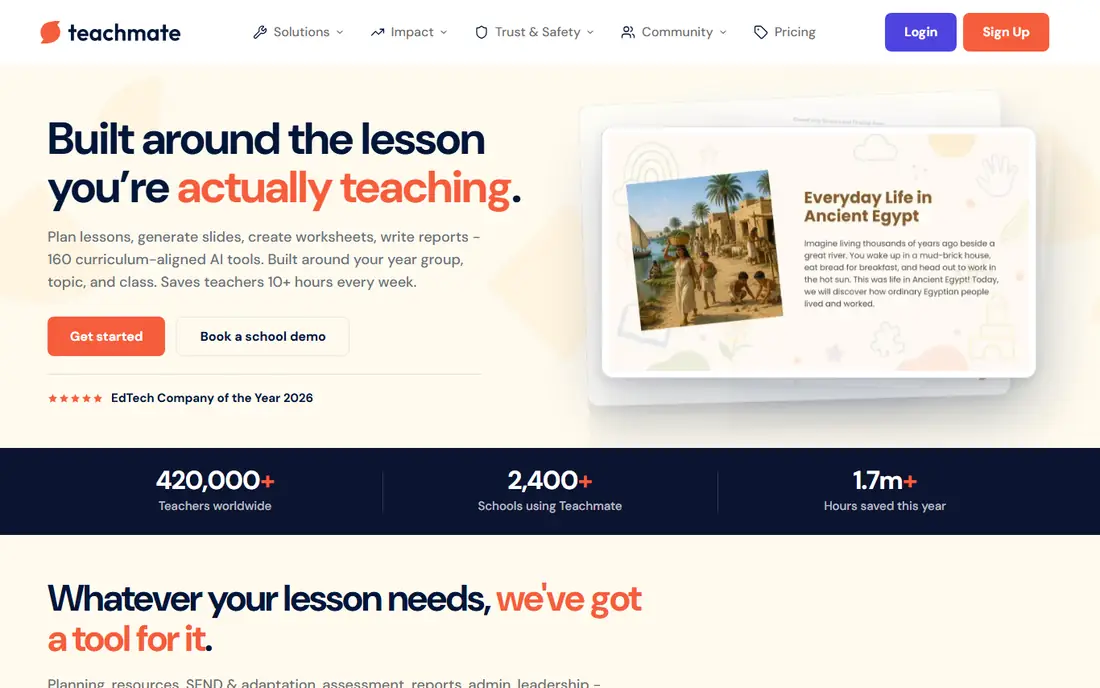
Teachmate, formerly TeachMate AI, offers a large set of teacher tools, including worksheet and activity generators, lesson plans, starters, plenaries, and report writing help. Teachers enter a topic, level, and optional instructions, and receive an editable output in seconds, which can then be exported for classroom use. That breadth suits teachers who want one account for planning, worksheets, and admin writing, rather than a separate tool for each job.
Pricing needs checking, because Pro prices are reported differently by region, with US comparisons citing around $13.99 per month and UK listings citing around 6.99 pounds per month. The free tier covers core tools with daily limits, which is enough for occasional worksheets. If worksheets are your main need, Diffit is more focused, but if you also need lesson plans and reports, Teachmate covers more ground in one place.
What we like- Many teacher tools including worksheets, starters, and report help
- Free tier for core tools
- Curriculum-aligned outputs for UK and other contexts
Watch out for- Pro pricing varies by region and currency, reported around $13.99 per month in US comparisons
- Worksheet tools are part of a larger suite, not the only focus
Starting priceFree
Free planYes
Brisk Teaching helps teachers create and adapt classroom materials, including worksheets, quizzes, and activities, from existing content. Its Brisk Boost feature goes further, letting teachers create student-facing activities such as tutoring, debate, and writing coaching, with objectives, guardrails, and monitoring. That makes Brisk a good fit for teachers who want both preparation tools and controlled student interaction.
The free teacher plan is a real starting point, while Premium and Intelligence plans for schools and districts use custom pricing. Free-plan limits can vary with traffic, so check current limits before planning a large class activity around Brisk. Brisk is best for teachers who want a workflow tool that bridges preparation and student work, with school data rules checked first.
What we like- Free teacher plan
- Worksheet and activity creation
- Student-facing activities with monitoring in Brisk Boost
Watch out for- Premium and school plans are custom priced
- Free-plan limits can vary with traffic
- Student use needs school data checks
#4Curipod
Best for: Interactive lessons with worksheets4.5/5 on
G2 (2 reviews, checked Oct 2026)
Visit curipod.com
Starting priceFree
Free planYes
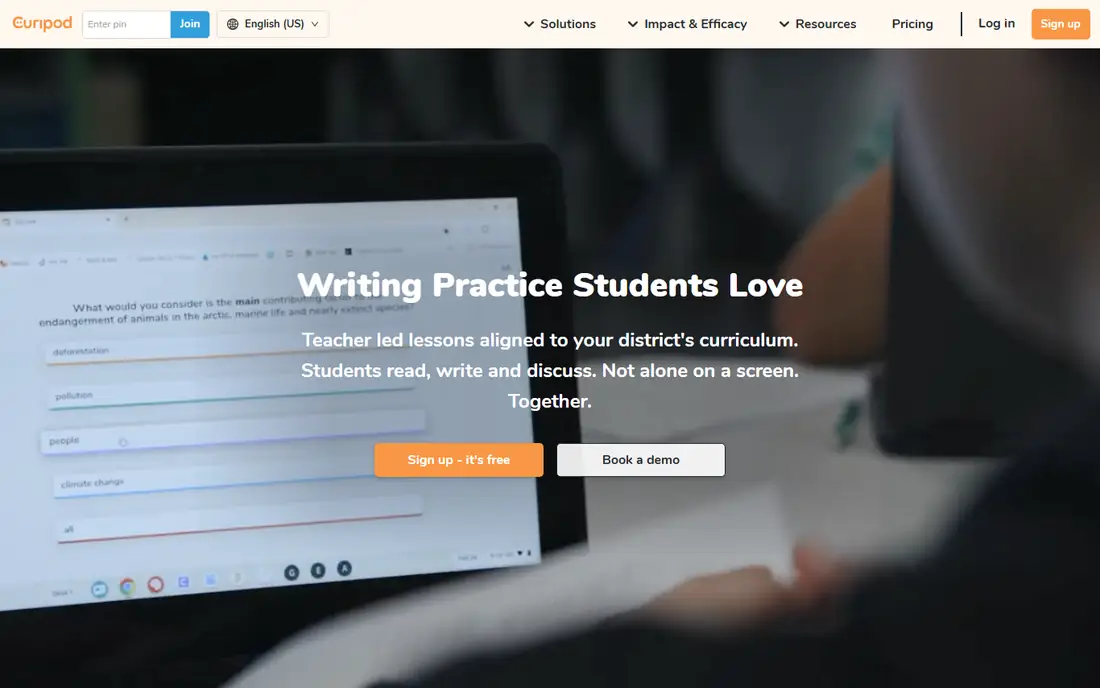
Curipod is different from a printable worksheet generator, because it builds interactive lessons that students join on devices. A prompt becomes a lesson with polls, word clouds, open questions, and exit tickets, and teachers see AI feedback on student responses as the lesson runs. That format suits classrooms with 1 to 1 devices and teachers who want live engagement rather than a paper handout.
The trade-off is printability. Curipod is not the best pick if you mainly need a paper worksheet to hand out, since its strength is live interaction. Pricing for full school use is custom, with a free tier to try. Use Curipod for interactive lessons, and pair it with Diffit or Teachmate for printable worksheets and homework.
What we like- Turns a prompt into an interactive lesson with polls, word clouds, and exit tickets
- Real-time student feedback
- Good for 1 to 1 device classrooms
Watch out for- Full pricing is custom for schools and districts
- Less suited to simple printable worksheets alone
#5MagicSchool AI
Best for: Large library of teacher tools4.7/5 on
G2 (7 reviews, checked Oct 2026)
Visit magicschool.ai
Starting priceFree
Free planYes

MagicSchool AI offers one of the largest libraries of teacher tools, covering worksheets, quizzes, lesson plans, rubrics, and communication help. Teachers can generate a worksheet from a topic or standard, then use related tools for answer keys, differentiation, and feedback. That breadth suits teachers who want to try many tools in one account and who teach several subjects or grade levels.
Breadth is also the weakness: with so many tools, quality and fit vary, and finding the best worksheet generator takes a little trial. The free plan is useful for testing, while school and district plans use custom pricing. MagicSchool is a good all-round teacher account, but Diffit remains the more focused pick for differentiated worksheets alone.
What we like- Very large library of teacher tools
- Worksheet, quiz, and lesson generators
- Popular with US teachers
Watch out for- Breadth can make it hard to find the best worksheet tool
- Paid school and district pricing is custom
Starting priceFree
Free planYes
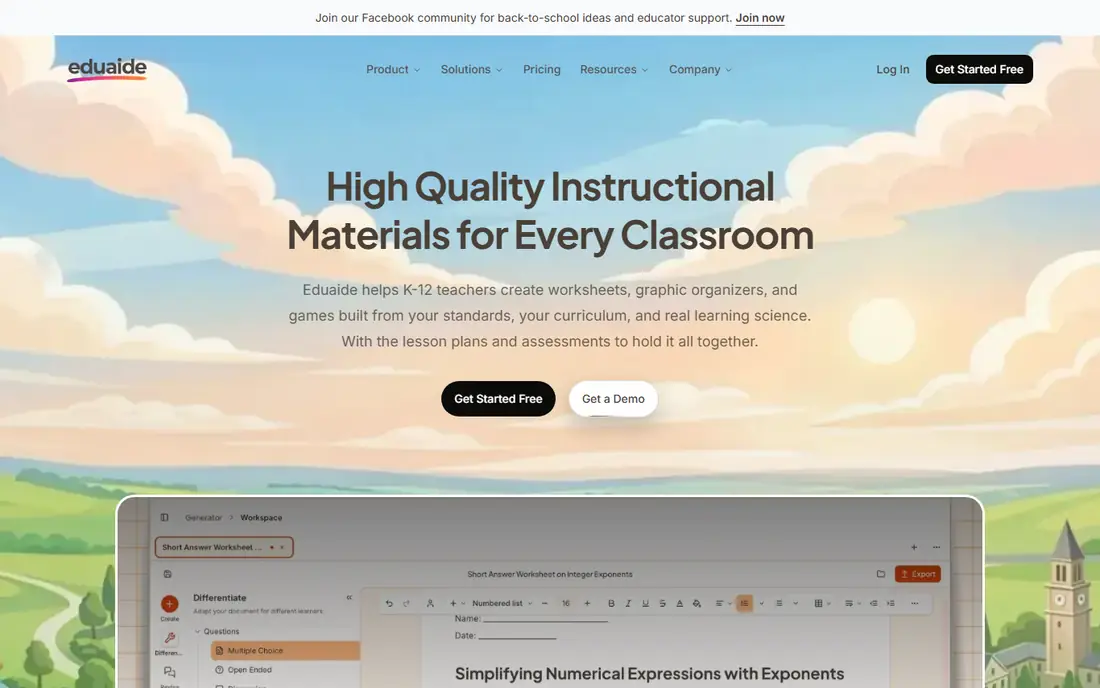
Eduaide AI, also written as Eduaide, helps teachers generate lesson resources, including worksheets, activities, and assessments, from a topic or standard. It also covers feedback, differentiation, and planning help, which makes it a useful second account for teachers who want an alternative to MagicSchool or Teachmate. The interface is straightforward, and the free tier lets teachers test worksheet generation before paying.
As a smaller, less widely covered tool, Eduaide's current pricing and limits should be checked on its own site, since public comparisons are thinner than for Diffit or Teachmate. Eduaide is best as a complementary tool: use it when its worksheet style or subject coverage fits a particular class better than your main tool, rather than as a sole platform without a trial first.
What we like- Lesson planning and resource generation
- Worksheet and activity tools
- Feedback and assessment help
Watch out for- Paid pricing and limits vary by plan
- Smaller profile than MagicSchool or Diffit, so check current features
Starting priceFree
Free planYes
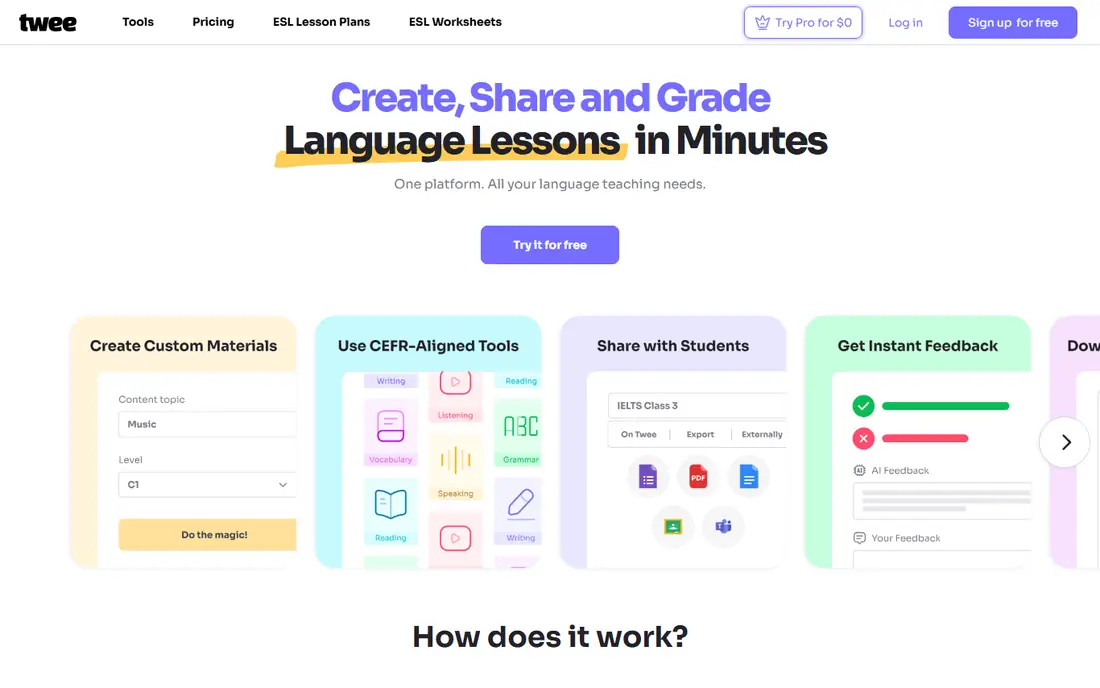
Twee is built for English teachers, with tools that turn a topic, text, or video into worksheets, dialogues, vocabulary exercises, and discussion questions. That subject focus shows in the output: activities are designed for language practice, not just generic comprehension questions. English teachers, tutors, and language schools will find Twee more tailored than a general teacher tool.
The English focus is also the limit. Maths, science, and history teachers will get more from Diffit, Teachmate, or Eduaide, which cover a wider subject range. Twee offers a free start, with paid plans for heavier use, so check current limits on the vendor site. For English worksheets, Twee is a strong specialist to test alongside Diffit.
What we like- Strong for English language teaching
- Worksheets, dialogues, and vocabulary activities
- Works from topics, texts, and videos
Watch out for- English focus means less fit for maths or science worksheets
- Paid limits need checking on the vendor site
Starting priceFree
Free planYes
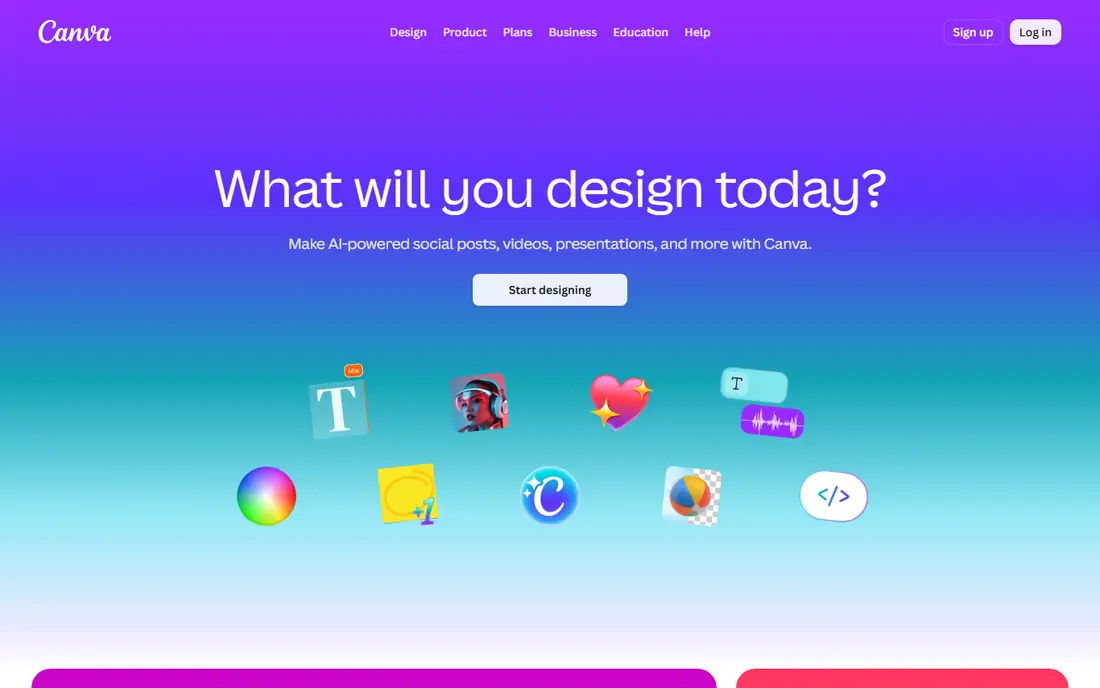
Canva for Education is the design pick for worksheets. Start from a template, add questions, images, and answer boxes, and print a clean, professional worksheet that students will actually enjoy using. Eligible teachers and schools can access Canva for Education free, which makes it a low-cost way to improve the look of worksheets made in another tool.
Canva's AI help is general, not subject-specific, so it will not adapt a passage to reading levels or build a full differentiated set as well as Diffit. The best workflow is often a pair: generate content in Diffit or Teachmate, then lay it out in Canva for a polished printable. If design and print quality matter most, Canva for Education is the right final step.
What we like- Excellent printable worksheet design
- Templates for many subjects
- Free for eligible teachers and schools
- Easy sharing and printing
Watch out for- AI worksheet generation is less subject-specific than Diffit or Teachmate
- Design takes longer than a one-click generator
How we chose
We compared AI platforms that can create worksheets, rather than general chatbots that only answer questions. We checked vendor homepages, feature pages, and public comparisons, including a Diffit versus Brisk comparison that lists Diffit pricing and Brisk plan structure. We favoured tools with a clear worksheet or classroom material workflow, a free way to test, and a distinct audience, from differentiated reading to English teaching to printable design. We did not claim hands-on testing, and we note where pricing is custom or region-dependent.
How to review an AI worksheet before use
Read every question and answer before printing. AI tools can invent facts, misstate a date, or simplify a concept until it is wrong for the grade level. Check reading level by reading the passage aloud, and check that vocabulary matches what students have actually been taught.
Check level, bias, and accessibility
Make sure examples, names, and contexts are appropriate and varied, and that the worksheet does not assume knowledge or resources that some students do not have. Check font size, spacing, and answer space for printing, and provide a larger-print version if needed. For students with individual plans, adapt the worksheet further rather than assuming one AI level fits all.
Match the worksheet to the lesson goal
A worksheet should practise what was taught, not introduce a new topic by itself. If the AI output adds extra concepts, cut them or teach them first. Add a short teacher check at the end, such as two questions that show whether students understood the core idea, rather than relying on a long set of auto-generated questions alone.
Keep student data in mind
Prefer tools where only the teacher uses AI for preparation, unless your school has approved a student-facing tool and checked its data terms. Do not upload student names, grades, or personal details into a worksheet generator unless the tool and your school policy clearly allow it. When in doubt, use anonymous topics and texts for generation.
Frequently asked questions
What is the best ai platform for creating worksheets overall?
Diffit is the strongest overall pick for differentiated worksheets, because it adapts readings and builds questions, vocabulary, and summaries from one source. Teachmate is better if you also need lesson plans and report help, and Canva for Education is better for final printable design. Many teachers use Diffit for content and Canva for layout.
Can I create worksheets with AI for free?
Yes, for occasional use. Diffit, Teachmate, Brisk, Curipod, MagicSchool, Eduaide, Twee, and Canva for Education all offer free tiers or free plans. Regular use, full exports, and full history usually need a paid teacher plan, such as Diffit's $14.99 per month individual plan.
Are AI-generated worksheets accurate enough to print?
They are a draft, not a finished worksheet. AI can invent facts, oversimplify, or set the wrong reading level, so a teacher should review every question, answer, and passage before printing. Use AI to save drafting time, then apply your subject knowledge as the final check.
Can AI worksheets be differentiated for different reading levels?
Yes, and Diffit is built for that job, with leveled readings from one source. Teachmate, Brisk, and Eduaide also offer differentiation help, though the depth varies. Always check the leveled output yourself, since an AI level label does not guarantee the text is right for a specific student.
Is it safe to use AI worksheet tools with student data?
It depends on the tool and your school policy. Tools used only by teachers for preparation carry less student data risk than tools students use directly. Do not upload student names or personal details unless the tool is approved by your school, and check the vendor's privacy and data terms before classroom use.
Sources we checked (8)
- https://web.diffit.me
- https://teachmate.com
- https://www.briskteaching.com
- https://curipod.com
- https://www.magicschool.ai
- https://www.eduaide.ai
- https://twee.com
- https://www.canva.com
Is your product missing or out of date?
We review this list regularly. Vendors can request a listing, send updated pricing or ask about featured placement.

Shihab Mia · Founder, Rankite
Shihab has 5+ years in B2B and SaaS SEO. He writes Rankite's software buying guides from pricing pages, documentation and public user reviews. More about Shihab.