How we make this list: we compare pricing pages, product documentation and public user reviews. Ratings come from G2, Capterra or Trustpilot, with the date we checked them.
Key takeaways
- Hospitals need a CRM that separates clinical records from outreach, scheduling, and referral work, and the best fit depends on whether the hospital already uses a large electronic health record system.
- Salesforce Health Cloud is the most complete healthcare-specific option in this list, with a published starting price of $350 per user per month billed annually, but it is also the most expensive to run well.
- HubSpot and Zoho CRM work best for smaller hospitals, clinics, and hospital marketing teams that need a low starting cost and fast setup, while larger systems will likely need Salesforce, Dynamics 365, or Creatio.
- Privacy controls, role-based access, audit trails, and signed business associate agreements matter more than extra marketing features, so confirm those items in writing before signing.
- Budget for implementation and training, not only the monthly seat price, because data migration, referral workflows, and staff adoption decide whether the system gets used.
Quick comparison
| Tool | Best for | Starting price | Free plan |
|---|
 Salesforce Health Cloud Salesforce Health Cloud | Large hospitals and health systems | $350 per user/month (billed annually) | Free trial |
 HubSpot CRM HubSpot CRM | Small hospitals and marketing teams | See website | Yes |
 Zoho CRM Zoho CRM | Budget-conscious hospitals and clinics | $14 per user/month (billed annually) | Yes |
 Creatio Creatio | Hospitals that need custom workflows | See website | No |
 Insightly CRM Insightly CRM | Hospitals that also manage projects | $29 per user/month (billed annually) | Free trial |
 SugarCRM SugarCRM | Hospitals that need flexible sales and service records | See website | Free trial |
 Freshsales Freshsales | Smaller teams that need simple pipelines | $9 per user/month (billed annually) | Yes |
 Microsoft Dynamics 365 Microsoft Dynamics 365 | Hospitals already using Microsoft tools | See website | Free trial |
Is your product missing or out of date?
We review this list regularly. Vendors can request a listing, send updated pricing or ask about featured placement.
The best CRM software for hospitals
#1Salesforce Health Cloud
Best for: Large hospitals and health systems3.8/5 on
G2 (35 reviews, checked Oct 2026)
Visit salesforce.com
Starting price$350 per user/month (billed annually)
Free planFree trial
Hospitals that run many departments, locations, and payer relationships often need more than a general contact database. Salesforce Health Cloud was built for that setting. It brings clinical and nonclinical information together in one record, so care teams can see appointments, referrals, care plans, and communication history without opening five separate tools. The platform also supports prior authorization workflows, provider recruitment and credentialing work, and contact center views that pull in eligibility and benefits details.
The strength here is depth. A hospital can model households, care teams, and provider networks, then build rules for follow-up, scheduling, and outreach. That depth comes with a cost beyond the license. Teams should expect time for configuration, data cleanup, and training, and they should ask Salesforce directly about current Health Cloud packaging, because editions and add-ons change. Smaller hospitals may find the same depth hard to justify, but for a system that needs consistent records across sites, it is the clearest healthcare-specific choice in this group.
What we like- Healthcare data models built for patients, members, and providers
- Referral and care plan tools
- Strong integration options with health systems
Watch out for- High starting price
- Setup often needs experienced administrators or consultants
#2HubSpot CRM
Best for: Small hospitals and marketing teams4.5/5 on
Capterra (4,485 reviews, checked Oct 2026)
Visit hubspot.com
Starting priceSee website
Free planYes
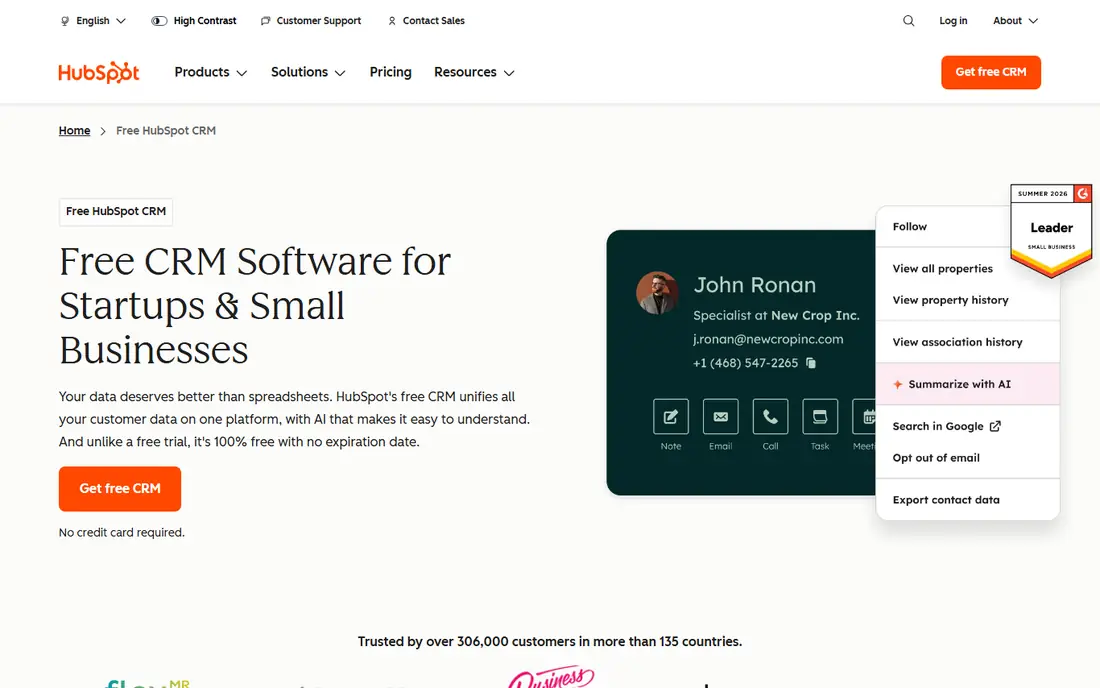
HubSpot starts where many hospital teams actually start: with scattered spreadsheets, shared inboxes, and no single view of a patient inquiry. The free CRM gives a team contact records, deal pipelines, tasks, and basic reporting, and it works in a browser without a long install. For a community hospital that wants to track service-line inquiries, class registrations, physician liaison outreach, and referral sources, that starting point is useful and low risk.
The limit shows up when a hospital needs strict clinical workflows. HubSpot is a general CRM, so a team must design its own fields for referral status, insurance follow-up, and care coordination, and it must be careful about what health information goes into marketing objects. Used mainly for outreach, intake coordination, and liaison work, with clinical data kept in the electronic health record system, HubSpot can be a practical, low-cost front door. Used as a replacement for clinical systems, it would be the wrong tool.
What we like- Free starting tier with contact and deal tracking
- Easy setup for nontechnical teams
- Large integration marketplace
Watch out for- Healthcare-specific workflows need custom setup
- Advanced reporting and automation sit on paid hubs
#3Zoho CRM
Best for: Budget-conscious hospitals and clinics4.1/5 on
G2 (2,952 reviews, checked Oct 2026)
Visit zoho.com
Starting price$14 per user/month (billed annually)
Free planYes
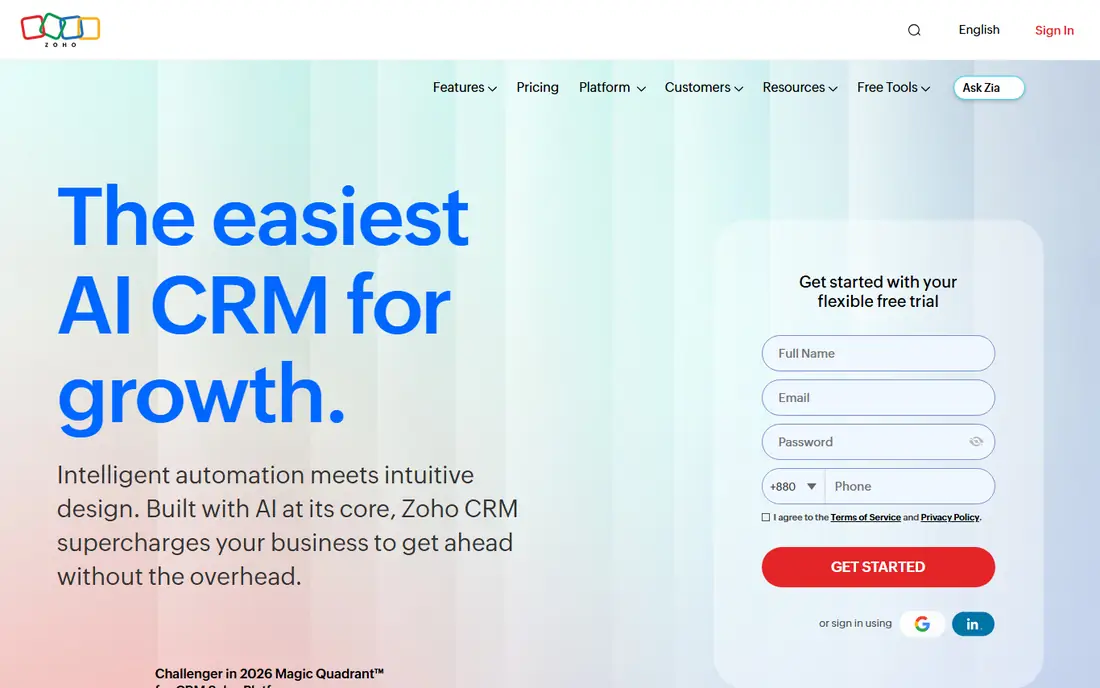
Zoho CRM appeals to hospitals that need real pipeline and patient inquiry tracking without paying enterprise prices from day one. The Standard plan covers email integration, multiple pipelines, forecasting, and custom modules, which lets a hospital track referrals by source, service line, and status. Automation rules can route new inquiries, remind staff about follow-up, and keep records current, and the wider Zoho suite adds forms, books, and support tools if the hospital wants them later.
The trade-off is setup effort. Zoho offers a lot of settings, and a small team can spend weeks deciding how to structure records, permissions, and workflows. That work pays off once the system is live, because staff get consistent views and fewer manual steps. Hospitals should still keep protected health information in approved systems, use role-based access, and confirm compliance terms with Zoho before storing sensitive data. For price and flexibility, Zoho is hard to beat in this list.
What we like- Low starting price for paid plans
- Wide automation and customization options
- Many native Zoho apps to add later
Watch out for- Setup can feel complex for first-time admins
- The interface takes time to learn
#4Creatio
Best for: Hospitals that need custom workflows4.6/5 on
G2 (382 reviews, checked Oct 2026)
Visit creatio.com
Starting priceSee website
Free planNo
Creatio fits hospitals that have unusual processes and do not want to force them into a fixed template. Its no-code designers let administrators build intake steps, approval chains, referral handoffs, and service follow-up without writing code for every change. A hospital can start with sales-style tracking for physician outreach, add service cases for patient feedback, and connect marketing campaigns, all on shared records.
That flexibility suits health systems with internal process teams. It is less suited to a small clinic that wants to sign up and start the same day, because the platform rewards planning and testing. Pricing is not published as a simple starting figure on the homepage, so hospitals should request a quote tied to user count, modules, and support level. When the hospital has clear workflows and staff who can own the system, Creatio gives room to build exactly what operations need.
What we like- No-code workflow design for complex processes
- Sales, service, and marketing in one platform
- Strong customization for large teams
Watch out for- Pricing requires a sales conversation
- Smaller teams may find the platform larger than they need
Starting price$29 per user/month (billed annually)
Free planFree trial
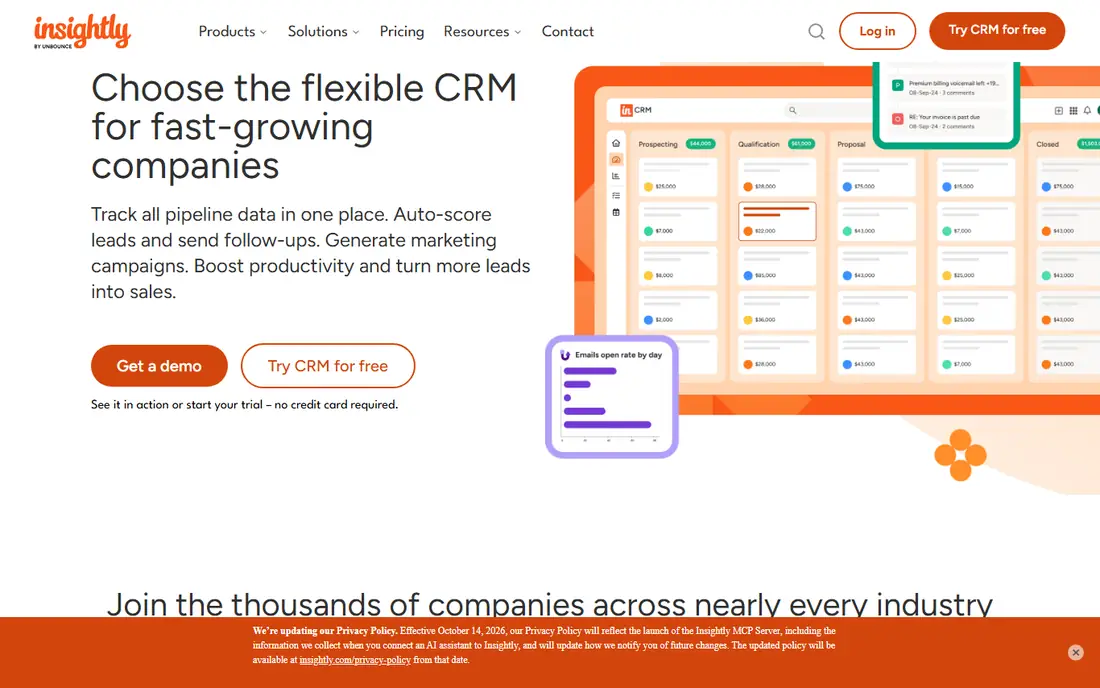
Insightly stands out for hospitals that do more than track contacts. A referral program, a new clinic opening, a community health project, or a vendor implementation all need tasks, milestones, and owners. Insightly lets a team convert an opportunity into a project, so the same record carries the contact, the deal, and the delivery work. That link reduces handoffs and lost notes, which matters when several departments share one initiative.
The pricing structure needs a close read. The Plus plan covers core CRM work, while Professional adds workflow automation that many hospitals will want. Marketing and service tools are separate products, so a hospital that wants full campaign and ticket handling should price the bundle, not only the CRM seat. For operations teams that live in projects as much as pipelines, Insightly offers a practical middle ground between a simple contact tool and a full enterprise platform.
What we like- CRM records link directly to projects
- Clear pipeline and task views
- Useful for service-line launches and facility work
Watch out for- Workflow automation is limited on the lowest paid plan
- Marketing and service modules are sold separately
#6SugarCRM
Best for: Hospitals that need flexible sales and service records4.3/5 on
G2 (6 reviews, checked Oct 2026)
Visit sugarcrm.com
Starting priceSee website
Free planFree trial
SugarCRM works well for hospital teams that manage relationships rather than simple transactions. Physician liaison teams, referral coordinators, and business development staff need to know who they spoke with, what was promised, and what should happen next. SugarCRM gives those teams account views, activity history, and automation for follow-up, and it adapts to different selling and service processes without forcing one rigid path.
Hospitals should plan for a guided setup. The platform is flexible, which means a team must decide on stages, fields, and permissions before rollout, or records will vary by user. Once that structure is set, SugarCRM is steady for daily work and reporting. Pricing is handled through sales, so ask for the full cost by user type and module, and confirm support and hosting terms in the quote.
What we like- Flexible data model and custom workflows
- Guided selling hints for outreach teams
- Strong integration options
Watch out for- Pricing is quote-based
- Some advanced features need careful configuration
#7Freshsales
Best for: Smaller teams that need simple pipelines4.5/5 on
G2 (1,237 reviews, checked Oct 2026)
Visit freshworks.com
Starting price$9 per user/month (billed annually)
Free planYes
Freshsales, from Freshworks, suits a small hospital team that wants to move fast. The Growth plan is inexpensive, the interface is clear, and built-in communication tools mean staff can call, email, and chat from the same record. A clinic or a small hospital marketing team can track inquiries, referrals, and follow-up tasks without a long project plan, and the free plan lets a team of up to three users try the basics first.
The catch is scale. Sequences, advanced scoring, territory management, and deeper automation sit on Pro and Enterprise plans, so a team that grows into those needs should budget for the higher tier from the start. Freshsales is also a general sales CRM, not a healthcare record system, so it fits outreach and intake coordination best. For that job, at this price, it is a sensible pick.
What we like- Low Growth plan price
- Built-in phone, email, and chat tools
- Clear visual pipelines
Watch out for- Advanced automation and scoring require higher plans
- Not built for complex hospital workflows
Starting priceSee website
Free planFree trial
Hospitals that already run on Microsoft 365 have a natural reason to look at Dynamics 365. Staff already know Outlook and Teams, IT teams already manage Microsoft identities and security policies, and data can move between email, documents, and CRM records with less friction. Dynamics 365 covers sales, customer service, and related business apps, so a hospital can add service cases, outreach tracking, and reporting on a platform IT already supports.
The hard part is licensing. Dynamics 365 is sold by app and role, and the right mix depends on who edits records, who only views them, and which add-ons the hospital needs. A hospital should work with Microsoft or a partner to map roles before buying, and it should test the healthcare data model and integration with its electronic health record system early. When that fit is confirmed, Dynamics 365 gives a large hospital a controlled, familiar platform that can grow across departments.
What we like- Deep fit with Outlook, Teams, and Microsoft security tools
- Broad CRM and ERP coverage
- Strong enterprise controls
Watch out for- Licensing is complex and varies by app
- Implementation often needs Microsoft partners
How we chose
We compared pricing pages, product documentation, and public reviews on G2, Capterra, and Reddit, and we checked each vendor homepage to confirm the product still exists and matches its category. We favored tools with clear healthcare use cases, role-based access, referral or care coordination features, and integration options for health systems, and we noted where a general CRM needs extra setup for hospital work. We did not claim hands-on testing, and we treated published prices as starting points that can change with seat count, modules, and contract terms.
What to check before you buy for a hospital
A hospital CRM decision fails most often on privacy and workflow fit, not on feature lists. Start by listing the exact records the CRM will hold, who can see them, and what must stay in the electronic health record system. Then ask each vendor for its business associate agreement terms, data residency options, audit logs, and permission controls in writing. A short pilot with real referral and intake cases will show gaps faster than a demo with sample data.
Match the tool to the team size
Small clinics and single-site hospitals usually do well with HubSpot, Zoho CRM, or Freshsales, because setup is faster and the monthly cost stays low. Large systems with many sites, payers, and service lines should shortlist Salesforce Health Cloud, Dynamics 365, or Creatio, and they should budget for administrators who own data quality. Insightly and SugarCRM sit in the middle, and they work best when the hospital has a clear owner for projects or outreach.
Plan the integration early
Ask how the CRM connects to scheduling, email, phone, forms, and the electronic health record system. Some connections use standard tools and need little code, while others need middleware or partner work. Confirm whether patient identifiers, appointment data, and referral documents will sync automatically or require manual entry, because manual entry is where errors and delays appear. Also confirm what happens when a record is merged, archived, or deleted, so reporting stays accurate over time.
Budget the full first year
Add implementation, migration, training, and support to the seat price. A low monthly rate can still cost more in year one if the hospital needs consultants to build workflows, clean old lists, and train staff across shifts. Ask for renewal terms, price changes for added users, and costs for storage, automation limits, and support tiers. A written total for year one and year two makes comparison fair across vendors with very different pricing models.
Frequently asked questions
What CRM software is the best for hospitals?
There is no single best choice for every hospital. Large health systems often fit Salesforce Health Cloud or Dynamics 365, while smaller hospitals and clinics often fit HubSpot, Zoho CRM, or Freshsales for outreach and intake work. The right pick depends on team size, existing systems, privacy needs, and budget for setup.
Can a hospital use a general CRM instead of a healthcare CRM?
Yes, for outreach, referral tracking, and intake coordination, a general CRM can work well. Clinical care, charting, and orders should stay in the electronic health record system. The hospital must also control what health information enters the CRM and confirm privacy and security terms with the vendor.
Is Salesforce Health Cloud HIPAA compliant?
Salesforce states that Health Cloud is HIPAA compliant and supports standards such as FHIR and HITRUST, but compliance also depends on how the hospital configures access, stores data, and signs agreements. Hospitals should confirm the business associate agreement, audit controls, and data handling terms for their own deployment.
How much does hospital CRM software cost?
Prices in this guide range from free starter tiers to $350 per user per month for Salesforce Health Cloud Enterprise, billed annually. Most hospitals pay more than the headline seat price once implementation, add-ons, and support are included. Request a quote for the exact user count and modules before budgeting.
Should a hospital replace its electronic health record system with a CRM?
No. A CRM adds relationship, referral, scheduling, and outreach tracking around the clinical record, but it does not replace charting, orders, labs, or billing systems. The best setup keeps clinical data in the health record system and uses the CRM for coordination and communication.
What should a hospital test in a pilot?
Test real referral intake, follow-up reminders, permission limits, reporting by service line, and integration with email and scheduling. Include staff from front desk, referral coordination, marketing, and IT, and check how long common tasks take. A pilot that uses real cases will show workflow problems before a full rollout.
Sources we checked (13)
- https://www.salesforce.com/products/health-cloud/
- https://www.hubspot.com/products/crm
- https://www.zoho.com/crm/
- https://www.creatio.com/
- https://www.insightly.com/
- https://www.freshworks.com/crm/
- https://www.sugarcrm.com/
- https://www.microsoft.com/en-us/dynamics-365
- https://www.salesforce.com/products/health-cloud/pricing/
- https://www.hubspot.com/pricing/crm
- https://www.zoho.com/crm/pricing/
- https://www.insightly.com/pricing/
- https://www.freshworks.com/crm/pricing/
Is your product missing or out of date?
We review this list regularly. Vendors can request a listing, send updated pricing or ask about featured placement.

Shihab Mia · Founder, Rankite
Shihab has 5+ years in B2B and SaaS SEO. He writes Rankite's software buying guides from pricing pages, documentation and public user reviews. More about Shihab.