How we make this list: we compare pricing pages, product documentation and public user reviews. Ratings come from G2, Capterra or Trustpilot, with the date we checked them.

Key takeaways
- vidIQ itself costs $19 per month for Boost or $49 for Max, so alternatives compete on price, research style, and workflow fit.
- TubeBuddy is the closest vidIQ replacement, with keyword tools inside YouTube and thumbnail A/B testing from about $12 per month.
- OutlierKit at $49 per month and 1of10 at $19 per month answer a different question: which topics already broke out in your niche.
- YouTube Studio stays the free baseline, with real retention, click-through, and revenue data no third-party tool can match.
- Keyword scores are estimates, not guarantees, so validate topics with your own analytics before committing production time.
Quick comparison
| Tool | Best for | Starting price | Free plan |
|---|
 TubeBuddy TubeBuddy | Closest vidIQ replacement | $12 per month | Yes |
 OutlierKit OutlierKit | Outlier topics and titles | $49 per month | Free trial |
 1of10 1of10 | Thumbnail-first outlier research | $19 per month | Yes |
 ViewStats ViewStats | Competitor packaging research | Free | Yes |
 Social Blade Social Blade | Public channel benchmarks | Free | Yes |
 YouTube Studio YouTube Studio | Real channel analytics | Free | Yes |
 TubeRanker TubeRanker | Channel audits and tags | $19 per month | Yes |
 Morningfame Morningfame | Growth analytics for small channels | $4.90 per month | No |
Is your product missing or out of date?
We review this list regularly. Vendors can request a listing, send updated pricing or ask about featured placement.
The best vidIQ alternatives
Starting price$12 per month
Free planYes
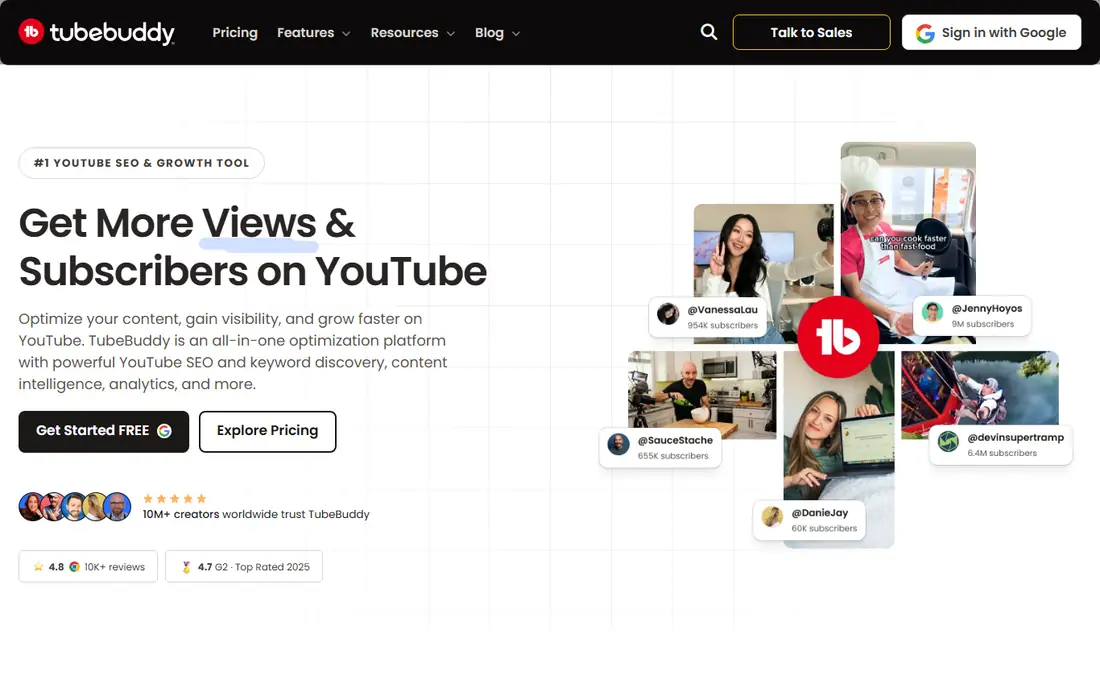
TubeBuddy is the closest vidIQ alternative, since it is also a browser extension for keyword research and upload SEO inside YouTube. Creators research keywords, optimize titles, tags, and descriptions, and check competitor videos without leaving the YouTube page. A free plan covers basic tags, with Pro near $12 per month billed annually.
The standout feature is A/B testing: TubeBuddy tests thumbnails and titles against each other and picks the winner by click-through rate. That controlled testing beats guessing, and it is the main reason creators stay on TubeBuddy even when they own other research tools.
Bulk metadata editing helps channels with large back catalogs, letting owners update tags and descriptions across many videos at once. Pick TubeBuddy when you want vidIQ-style tools plus A/B testing. Pick an outlier tool when topic selection, not optimization, is the gap.
What we like- Browser extension inside YouTube
- Keyword research and upload SEO
- Thumbnail and title A/B testing
Watch out for- Pro pricing varies by source ($9 to $12 per month)
- Legend plan needed for full A/B testing
- Extension-only workflow
Starting price$49 per month
Free planFree trial
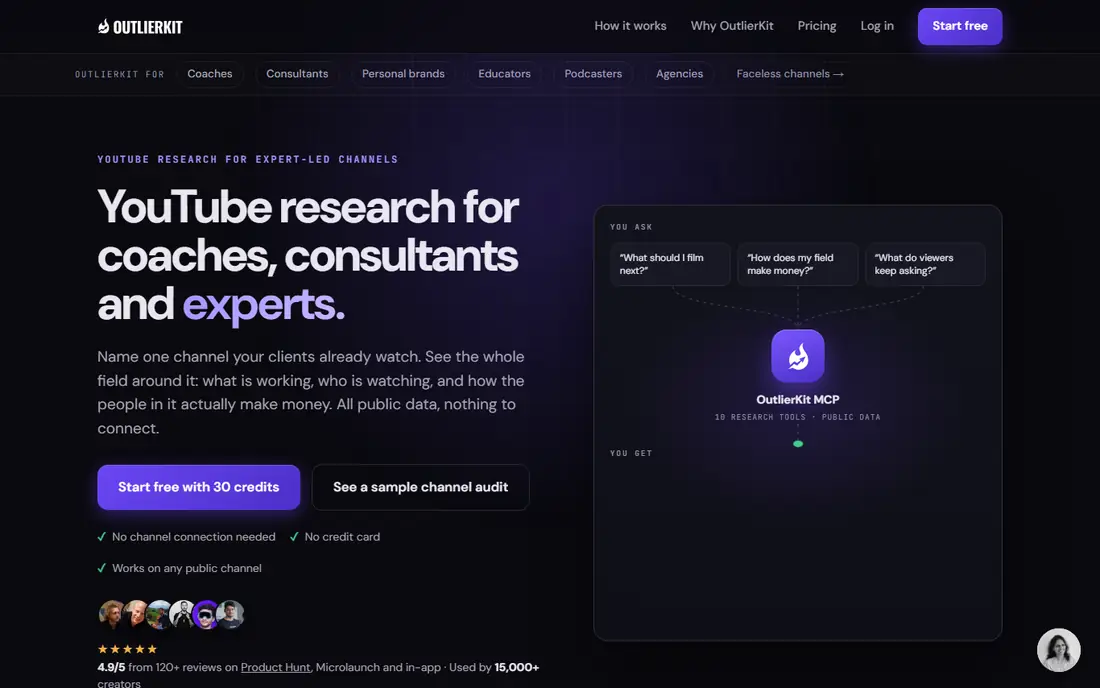
OutlierKit answers the question vidIQ does not: which topics already broke out in your niche, and what titles carried them? The platform scans niches for videos that beat their channel's typical views, then shows the packaging, titles, and patterns behind those breakouts. A 30-credit free trial needs no card.
That research layer suits experts, consultants, and coaches who plan videos from proven topics rather than keyword guesses. The niche-wide competitor studio maps a whole niche at once, revealing gaps where no strong video exists yet.
OutlierKit does not optimize uploads or A/B test thumbnails, so it pairs with TubeBuddy or vidIQ rather than replacing them. Pick OutlierKit when topic selection decides your growth. Pick an optimizer when your topics are already proven.
What we like- Finds breakout videos in any niche
- Niche-wide competitor studio
- Title research from real outliers
Watch out for- $49 per month is steep for small channels
- Research layer, not an optimizer
- No bulk metadata tools
Starting price$19 per month
Free planYes
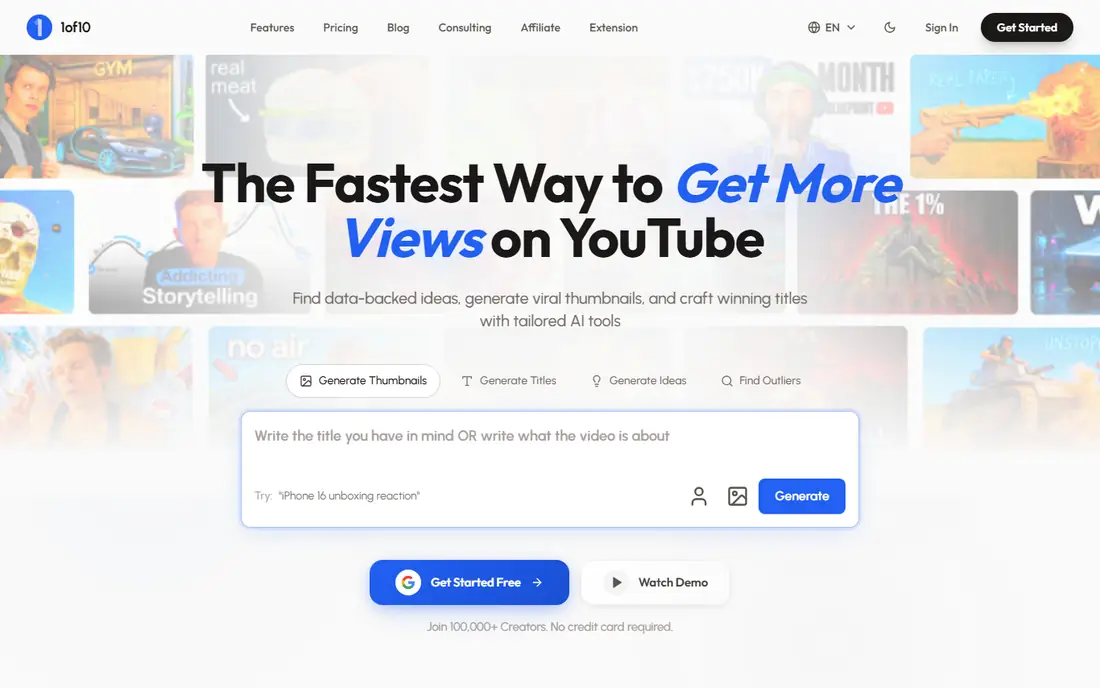
1of10 fits thumbnail-first research: search for outlier videos with niche filters, study the thumbnails and titles that drove breakout views, and brainstorm packaging before filming. The free plan offers 60 credits per month, and Basic costs $19 per month.
The thumbnail focus is deliberate. Packaging decides clicks, and 1of10's outlier search shows which visual and title combinations actually worked, rather than which keywords score well in theory. For creators who storyboard packaging before scripting, that workflow saves wasted shoots.
1of10 does not optimize uploads, track rankings, or A/B test, so it is a research layer like OutlierKit. Pick 1of10 when packaging research leads and budget is tight. Pick OutlierKit when deeper niche mapping justifies $49 per month.
What we like- Thumbnail-first outlier search
- Niche filters
- Free plan with 60 credits per month
Watch out for- Narrower than full SEO suites
- Research only, no optimization
- Credit limits on free plan
Starting priceFree
Free planYes
ViewStats focuses on competitor packaging: browse stats, outliers, and thumbnails across channels, track how winning videos were packaged, and watch packaging change history when creators update titles or thumbnails. A free account covers basic research, with Pro at $49.99 per month.
The packaging change history is distinctive: seeing that a creator changed a thumbnail after publication, and what replaced it, teaches more than a static screenshot. Agencies build reference decks from these histories for client pitches and creative direction.
ViewStats does not offer keyword research depth or upload optimization, so it complements an SEO tool rather than replacing one. Pick ViewStats when competitor packaging research leads. Pick TubeBuddy when optimization leads.
What we like- Outlier board and packaging change history
- Competitor thumbnail and title research
- Free account available
Watch out for- Pro costs $49.99 per month
- Research only
- Less keyword depth than vidIQ
Starting priceFree
Free planYes
Social Blade is the quick public benchmark: look up any creator's subscriber history, view trends, grades, and rank tables without paying. Free browsing covers YouTube, TikTok, Twitch, Instagram, and Facebook, with paid tiers from $59.99 per year for deeper history.
For pitches, sponsorships, and competitive checks, Social Blade's historical data answers questions no other free tool does: how fast is this channel actually growing, and did that viral video move the baseline? That context helps agencies and creators set realistic expectations.
Social Blade shows public stats only, with estimates rather than official analytics, and it offers no keyword research or optimization. Pick Social Blade for benchmarking any channel free. Pick vidIQ or TubeBuddy for optimizing your own.
What we like- Free public stats for any channel
- Historical growth data
- Covers YouTube, TikTok, Twitch, and more
Watch out for- Estimates, not official data
- No keyword or optimization tools
- Paid tiers from $59.99 per year add little for creators
Starting priceFree
Free planYes
YouTube Studio is the free baseline every creator already has, and its data is real where third-party tools estimate. Retention curves, click-through rates, search terms, and revenue come from YouTube itself, so no tool can contradict them. The Research tab shows what your own viewers search for, which grounds topic planning in actual demand.
Native A/B thumbnail testing through experiments covers basic packaging tests, and channel permissions let agencies report on client channels officially. For creators under 5,000 subscribers, Studio plus free tools often covers everything needed before paying for anything.
Studio lacks competitor keyword scores, rank tracking, and bulk metadata editing, which is where paid tools earn their keep. Pick YouTube Studio as the foundation, then add paid tools for the gaps it leaves.
What we like- Real retention, CTR, and revenue data
- Research tab shows what viewers search
- Free and official
Watch out for- No competitor keyword scores
- No bulk optimization
- Research data is limited to your audience
Starting price$19 per month
Free planYes
TubeRanker offers a free channel audit plus tag tools, with paid plans from $19 per month. Creators use it to audit a channel's SEO health, generate tags, and extract competitor tags, which covers the basic optimization workflow without a browser extension.
The audit is the draw: a structured check of titles, descriptions, tags, and channel setup highlights quick wins that busy creators miss. For a creator who wants a periodic health check rather than a daily tool, TubeRanker fits.
The ecosystem is smaller than TubeBuddy's, with fewer advanced features such as A/B testing or bulk editing. Pick TubeRanker when audits and tags cover the need. Pick TubeBuddy when daily optimization and testing lead.
What we like- Free channel audit
- Tag generation and extraction
- $19 per month entry
Watch out for- Smaller ecosystem than TubeBuddy
- Fewer advanced features
- Less brand recognition
Starting price$4.90 per month
Free planNo
Morningfame offers growth analytics tailored to small channels at $4.90 per month, the lowest paid price on this list. It tracks growth, suggests topics, and explains analytics in plain language, which suits creators who find full SEO suites overwhelming.
The small-channel focus is the point: Morningfame assumes a growing channel, not an established one, and its recommendations match that stage. The interface stays simple, and the price stays low enough to justify as a first paid tool.
Historically invite-only, Morningfame's availability has varied, and its feature set trails TubeBuddy and vidIQ on keyword depth and optimization. Pick Morningfame when a cheap, simple growth tool fits a small channel. Pick a full suite when the channel outgrows it.
What we like- Lowest paid price here
- Growth analytics tailored to small channels
- Simple interface
Watch out for- Invite-only base historically
- Fewer features than full suites
- No keyword depth
How we chose
We compared tools that replace vidIQ's core jobs, keyword research, outlier discovery, optimization, and analytics, using vendor pages and October 2026 comparison data. We favored published prices and marked conflicting figures as ranges, since TubeBuddy's Pro price appears as both $9 and $12 per month across sources. We also separated research tools from optimization tools, since those jobs need different products.
The free stack versus the paid stack
A capable free stack exists for creators starting out. YouTube Studio covers real analytics, Google Trends with a YouTube filter validates topics and seasonality, Social Blade benchmarks competitors, and RapidTags generates tags free. That stack handles research, validation, and analytics for a channel under 5,000 subscribers without spending anything.
The paid stack adds what free tools cannot: absolute keyword volume, rank tracking over time, controlled A/B tests with statistical rigor, bulk metadata edits, and systematic competitor benchmarking. At $19 per month, vidIQ Boost or 1of10 Basic buys keyword depth or outlier research, while TubeBuddy Pro near $12 adds A/B testing.
The upgrade trigger is publishing cadence. A creator publishing twice monthly with systematic growth goals gains from paid data, while a hobbyist validating YouTube as a channel does not. Start free, add one paid tool for your biggest gap, and only stack tools when each one earns its place in the workflow.
Frequently asked questions
How much does vidIQ cost?
vidIQ offers a free plan, with Boost at $19 per month and Max at $49 per month in recent comparisons. Some sources list Max at $39, so confirm the current price on vidIQ's pricing page before comparing.
What is the closest vidIQ alternative?
TubeBuddy is the closest, since it is also a browser extension for keyword research and upload SEO inside YouTube, with a free plan and Pro near $12 per month billed annually. Its A/B thumbnail testing is the main feature vidIQ lacks.
Which tool finds viral video ideas?
OutlierKit at $49 per month and 1of10 at $19 per month specialize in outlier discovery: videos that beat their channel's typical views. ViewStats at $49.99 per month Pro adds packaging change history for competitor research.
Can I grow on YouTube with free tools only?
Yes, especially under 5,000 subscribers. YouTube Studio, Google Trends, Social Blade, and RapidTags cover analytics, topic validation, benchmarking, and tags free. Paid tools add volume data, rank tracking, and A/B testing rigor as the channel grows.
What is the cheapest paid YouTube tool?
Morningfame at $4.90 per month is the cheapest paid tool here, followed by TubeBuddy Pro near $12 per month and 1of10 Basic at $19 per month. Each covers a different job, so pick by gap rather than price alone.
Do keyword scores guarantee views?
No, keyword scores are estimates based on search volume and competition, not promises of traffic. Packaging, retention, and topic demand decide performance, so validate scores against your own analytics and audience research before committing production time.
Sources we checked (6)
- https://outlierkit.com/blog/vidiq-alternatives
- https://dev.to/2gelbuy/best-youtube-seo-tools-2026-tubebuddy-vs-vidiq-vs-5-free-options-1e7i
- https://outlierkit.com/resources/best-youtube-marketing-tools-for-agencies/
- https://videocreek.com/blog/9-best-youtube-research-tools-for-video-creators-in-2026/
- https://tubebuddy.com
- https://1of10.com
Is your product missing or out of date?
We review this list regularly. Vendors can request a listing, send updated pricing or ask about featured placement.

Shihab Mia · Founder, Rankite
Shihab has 5+ years in B2B and SaaS SEO. He writes Rankite's software buying guides from pricing pages, documentation and public user reviews. More about Shihab.