How we make this list: we compare pricing pages, product documentation and public user reviews. Ratings come from G2, Capterra or Trustpilot, with the date we checked them.
Key takeaways
- The most common reason teams switch is not cost: they already pay for Microsoft 365 or Google Workspace and realize Teams or Meet sits unused.
- Zoom remains the cross-organization standard, with the widest adoption and reliable performance for external calls.
- Microsoft Teams suits Microsoft 365 shops, with chat, files, and Copilot woven into meetings.
- Google Meet suits browser-first Google Workspace teams, with simple scheduling through Calendar.
- Webex fits regulated enterprises and contact centers, while Whereby suits teams that embed video into their own product.
Quick comparison
| Tool | Best for | Starting price | Free plan |
|---|
 Zoom Zoom | Cross-organization calls | $13.32 per user per month | Yes |
 Microsoft Teams Microsoft Teams | Microsoft 365 collaboration | $4 per user per month | Yes |
 Google Meet Google Meet | Google Workspace teams | $6 per user per month | Yes |
 Webex Webex | Regulated enterprises | $14.50 per user per month | Yes |
 GoTo Meeting GoTo Meeting | No-frills small team meetings | $12 per organizer per month | No |
 Zoho Meeting Zoho Meeting | Budget remote sales and training | $3 per user per month | Yes |
 Whereby Whereby | Embedded video in products | $8.99 per month | Yes |
 Slack Huddles Slack Huddles | Quick team audio and video | $7.25 per user per month | Yes |
Is your product missing or out of date?
We review this list regularly. Vendors can request a listing, send updated pricing or ask about featured placement.
The best video conferencing alternatives
Starting price$13.32 per user per month
Free planYes
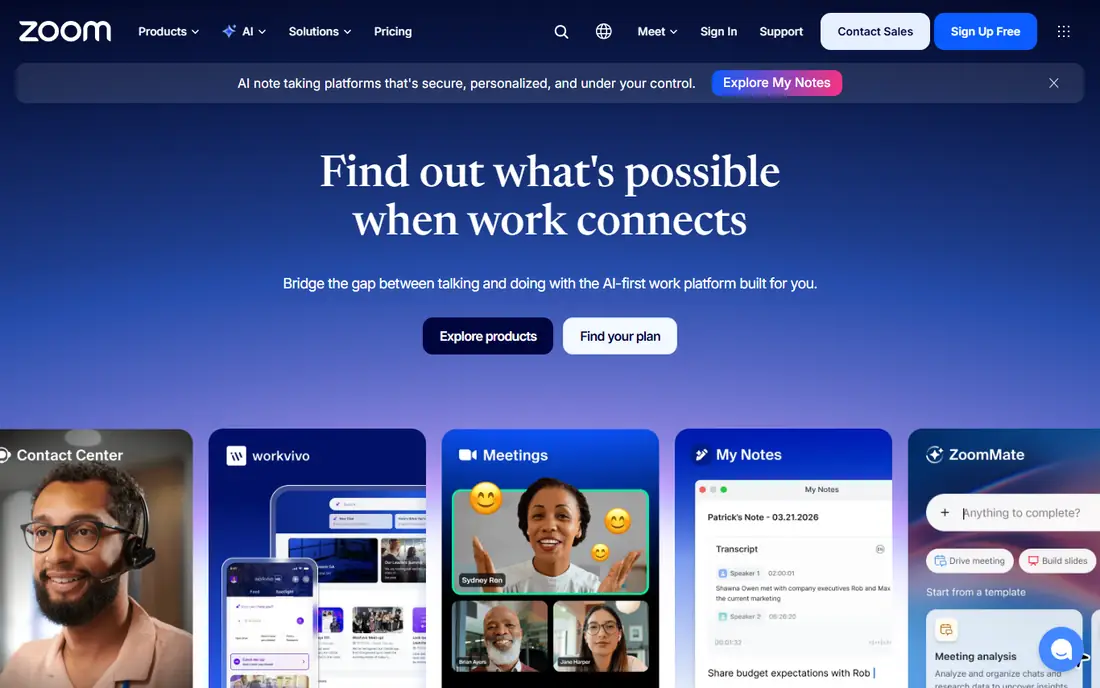
Zoom is the default people expect when a meeting link arrives. Its video and audio quality hold up at scale, breakout rooms, virtual backgrounds, and recording cover most meeting needs, and webinar add-ons extend it to large audiences up to 50,000. AI Companion adds summaries and action items for teams that want meeting follow-up automated.
The free plan caps group meetings at 40 minutes with up to 100 attendees, which pushes regular users to Pro near $13.32 per user per month on annual billing. Webinar and large-meeting add-ons cost more. For a team that meets clients and partners outside its own organization, Zoom's ubiquity is a real advantage: guests rarely need help joining.
What we like- Widest adoption for external meetings
- Reliable HD video, breakout rooms, and webinars
- AI Companion for summaries
Watch out for- Free plan caps group calls at 40 minutes
- Add-ons such as webinars raise the bill
#2Microsoft Teams
Best for: Microsoft 365 collaboration4.4/5 on
G2 (19,330 reviews, checked Oct 2026)
Visit microsoft.com
Starting price$4 per user per month
Free planYes
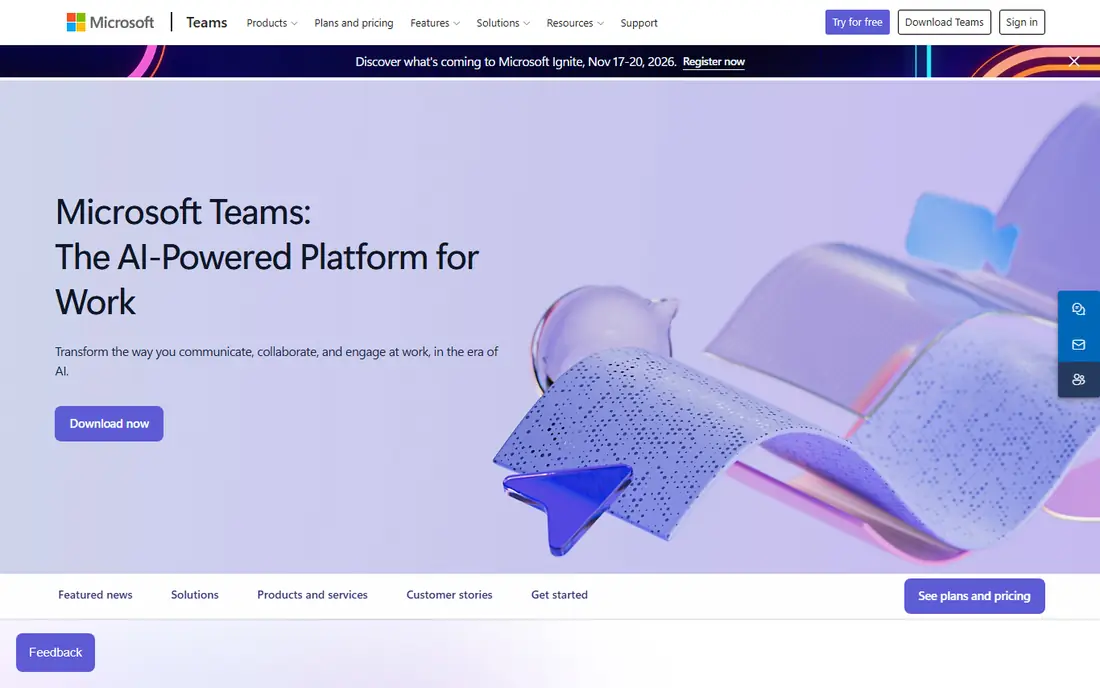
Microsoft Teams is the meeting tool most Microsoft 365 customers already own. Essentials starts near $4 per user per month, and Business Standard near $14 bundles Teams with Office apps. Meetings blend with chat channels, shared files, and calendars, so a meeting's notes and documents live where the team already works. Copilot can summarize meetings and draft follow-ups for licensed users.
The complexity shows in administration: Teams tenants need careful policy and governance setup, and very large meetings can strain performance. The free tier allows 60-minute meetings with up to 100 participants. For an organization standardized on Microsoft 365, Teams is the most cost-effective alternative, since the meeting tool is already in the bundle.
What we like- Chat, files, and meetings in one app
- Copilot integration for summaries
- Town halls up to 10,000 attendees
Watch out for- Setup and admin complexity for large tenants
- Performance can dip in very large meetings
Starting price$6 per user per month
Free planYes
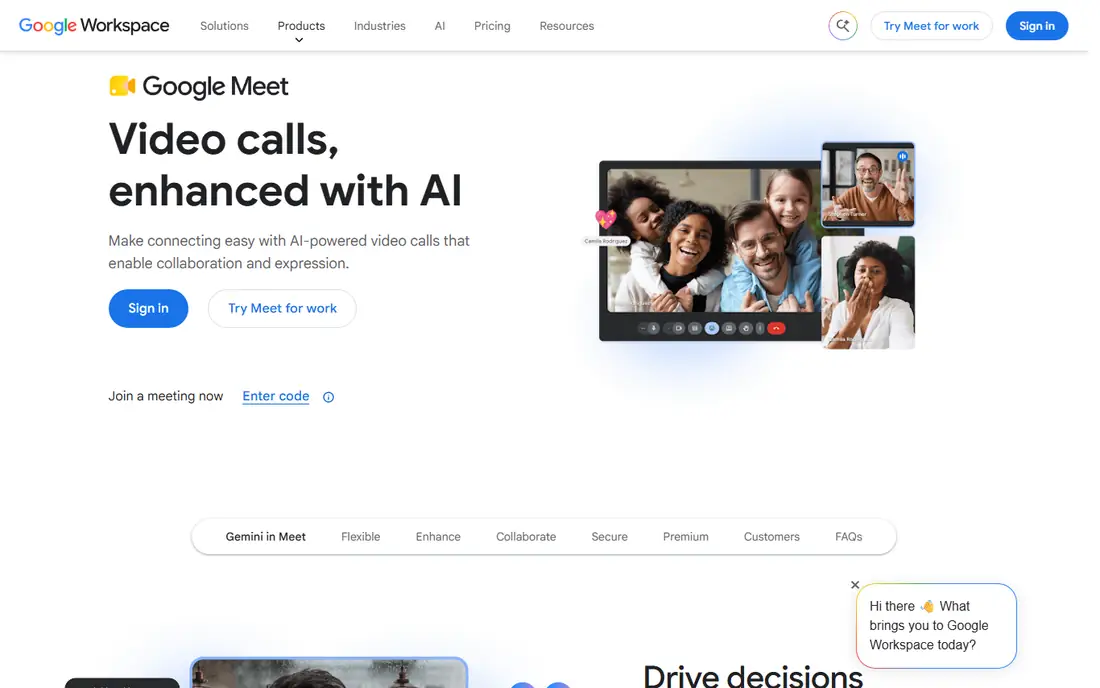
Google Meet suits teams living in Google Workspace. Meetings start from Calendar with one click, run entirely in the browser, and offer live captions, noise cancellation, and recording on paid plans. The free version allows 60-minute group calls with up to 100 people, and Workspace Starter near $6 per user per month raises limits.
Meet has fewer webinar and event features than Zoom, and customization options are thinner. Participant caps range from 100 to 1,000 by plan, so large town halls need a higher tier. For a Google-centered team that values simplicity and browser-first access, Meet is the natural pick and often already paid for.
What we like- Browser-first with nothing to install
- Scheduling through Google Calendar
- Live captions and noise cancellation
Watch out for- Fewer advanced features than Zoom or Teams
- Participant caps vary by Workspace plan
#4Webex
Best for: Regulated enterprises4.2/5 on
G2 (18,925 reviews, checked Oct 2026)
Visit webex.com
Starting price$14.50 per user per month
Free planYes
Cisco Webex targets enterprises where security, compliance, and scale matter most. Its meeting suite covers video, messaging, whiteboarding, and recording, while Webex Events scales to 100,000 attendees and contact center products serve support teams. Regulated industries such as finance, healthcare, and government commonly standardize on Webex.
The entry price near $14.50 per user per month is higher than Teams or Meet, and the interface carries more options than casual users need. The free tier allows 40-minute group calls with up to 100 attendees. For a multinational or regulated organization that needs proven security and massive event scale, Webex justifies its premium.
What we like- Strong security and compliance posture
- Reliable large meetings and events up to 100,000
- Contact center options
Watch out for- Higher entry price
- Interface feels complex next to Meet or Zoom
#5GoTo Meeting
Best for: No-frills small team meetings4.2/5 on
G2 (17,045 reviews, checked Oct 2026)
Visit goto.com
Starting price$12 per organizer per month
Free planNo
GoTo Meeting appeals to small teams that want meetings to just work. It offers reliable video, screen sharing, drawing tools, and mobile apps without the sprawling feature set of Teams or Webex. Professional starts near $12 per organizer per month, which suits a small team with a few hosts.
There is no free plan, and collaboration features such as persistent chat channels and deep app integrations are thinner than at Teams or Slack. For a small business that mainly needs dependable scheduled meetings and does not want to manage a collaboration suite, GoTo Meeting is a straightforward choice.
What we like- Simple, reliable meetings without feature bloat
- Mobile-friendly
- Screen sharing and drawing tools included
Watch out for- No free plan
- Fewer collaboration features than Teams or Slack
#6Zoho Meeting
Best for: Budget remote sales and training4.5/5 on
G2 (1,257 reviews, checked Oct 2026)
Visit zoho.com
Starting price$3 per user per month
Free planYes
Zoho Meeting is the budget pick for remote sales and training teams. Plans start near $3 per user per month, with webinar features for training and lead generation, and integration with Zoho CRM keeps follow-ups connected to customer records. A free plan covers basic meetings.
The smaller user base is the trade: external guests may be less familiar with Zoho Meeting than with Zoom or Meet, and advanced features such as AI summaries lag the leaders. For a Zoho-centered business or a cost-sensitive team running regular training sessions, Zoho Meeting delivers the essentials at the lowest price here.
What we like- Very low entry price
- Webinar options for training teams
- Integrates with Zoho CRM and apps
Watch out for- Smaller user base means guests may need guidance
- Feature depth trails Zoom and Teams
#7Whereby
Best for: Embedded video in products4.6/5 on
G2 (1,161 reviews, checked Oct 2026)
Visit whereby.com
Starting price$8.99 per month
Free planYes
Whereby solves a different problem: putting video inside your own product. Its API and embeddable rooms let a telehealth app, tutoring platform, or customer service tool add branded video calls without building WebRTC infrastructure. Guests join from a browser link with no download, and the free tier allows 45-minute meetings with up to 100 attendees.
For internal team meetings, Whereby's feature set is lighter than Zoom or Teams, and its pricing model fits product teams better than office meeting rooms. For a company whose product needs video, Whereby is the most direct route, and it avoids the complexity of building real-time video from scratch.
What we like- Embeddable video rooms via API
- Browser-based with no downloads
- Simple room links for guests
Watch out for- Meeting features are lighter than Zoom
- Priced per room model suits product teams more than internal meetings
Starting price$7.25 per user per month
Free planYes
Slack Huddles turn chat into conversation. A team member starts a huddle from any channel, others join with audio or video, share screens, and drop back to chat when done. That spontaneity suits remote teams that need quick questions answered without scheduling a formal meeting. Paid Slack plans start near $7.25 per user per month, and the free tier covers one-to-one calls.
Huddles are not a replacement for scheduled all-hands or webinars: recording, registration, and large-meeting controls are thinner than at Zoom or Teams. For a team already living in Slack, huddles remove the friction of switching apps for quick calls, and they pair well with a formal meeting tool for bigger events.
What we like- Instant huddles from any channel
- Lightweight audio-first calls with video option
- Deep team chat context
Watch out for- Not a full scheduled meeting platform
- Large formal meetings suit Zoom or Teams better
How we chose
We compared each tool against what video conferencing actually requires: meeting capacity, time limits, browser versus app access, recording, captions, integrations, and price at real team sizes. Pricing figures come from vendor pages and recent published comparisons checked in September and October 2026, and anything we could not confirm is written as "See website". We favored actively maintained tools that serve US buyers, and we flagged where a price is bundled inside a suite, since that changes the real cost.
What to check before you switch
Start with what you already pay for. A Microsoft 365 or Google Workspace customer often owns Teams or Meet already, which makes a separate Zoom bill hard to justify. Check four things on any trial: free-tier time and participant limits, recording and transcription availability at your tier, external guest experience without an account, and integration with your calendar and CRM. Also test performance on your team's real networks and devices, since video quality varies more by network than by vendor marketing. Finally, confirm security needs: regulated teams should weigh Webex or Teams compliance features before choosing on price alone. A short pilot with two or three teams, covering internal meetings, client calls, and one large event, reveals far more than any feature sheet ever could about real daily meeting quality today.
Frequently asked questions
Is Skype still available for video calls?
No. Skype consumer shut down, and Microsoft directs users to Teams. Teams free covers personal and small-team calls that Skype once handled.
Which video conferencing tool is cheapest?
Zoho Meeting starts near $3 per user per month, and Teams Essentials near $4. The cheapest fit depends on whether you already pay for Microsoft 365, Google Workspace, or Zoho apps.
Do guests need an account to join meetings?
Most tools allow guests to join from a browser link without an account, though some features require sign-in. Test the guest flow for your most common external meeting type before switching.
Can I run webinars on these tools?
Zoom, Teams, Webex, GoTo, and Zoho all offer webinar tiers, with attendee caps from 1,000 to 100,000 by plan. Check registration, Q and A, and recording features at the tier you will actually buy.
Is browser-based video as good as an app?
For most meetings, yes. Meet and Whereby run fully in the browser, while Zoom and Teams offer both. Apps sometimes handle large meetings and virtual backgrounds better, so test both on your devices.
How many participants can each tool handle?
Free tiers generally cap at 100 participants. Paid plans raise caps from 300 to 1,000 for meetings, with town halls and events reaching 10,000 to 100,000 on enterprise tiers.
Sources we checked (8)
- https://zoom.us/pricing
- https://www.microsoft.com/microsoft-teams/pricing
- https://workspace.google.com/pricing.html
- https://www.webex.com/pricing/
- https://www.goto.com/meeting/pricing
- https://www.zoho.com/meeting/pricing.html
- https://whereby.com/pricing/
- https://slack.com/pricing
Is your product missing or out of date?
We review this list regularly. Vendors can request a listing, send updated pricing or ask about featured placement.

Shihab Mia · Founder, Rankite
Shihab has 5+ years in B2B and SaaS SEO. He writes Rankite's software buying guides from pricing pages, documentation and public user reviews. More about Shihab.