How we make this list: we compare pricing pages, product documentation and public user reviews. Ratings come from G2, Capterra or Trustpilot, with the date we checked them.
Which is better, Trello or monday, for a team that just wants work done?
Trello and monday both help teams track work, but they start from different ideas about what a project tool should be. Trello is a simple board tool built around cards, lists and drag and drop. A card moves from one column to the next as work progresses, and that is most of what a new user needs to learn. monday Work Management is a broader work platform built around boards, columns, automations and dashboards, and it asks a little more of the person who sets it up. The right choice depends on how much structure your team needs, how many people will use the tool, and how much you are willing to pay per seat. This guide compares Trello and monday directly, then puts six more tools beside them.
How much does Trello vs monday actually cost?
Price is where the Trello vs monday question gets concrete. Trello Standard costs $5 per user per month billed annually, or $6 billed monthly, and Premium costs $10 billed annually or $12.50 billed monthly, with Enterprise from $17.50 per user per month billed annually. monday Work Management Basic costs $9 per seat per month billed annually, Standard costs $12 and Pro costs $19, with Enterprise quoted by sales. Do not confuse monday Work Management prices with monday CRM prices, which are higher: CRM Basic is $12, Standard is $17 and Pro is $28 per seat per month billed annually. Both tools have a free plan, but Trello caps its free plan at 10 collaborators per Workspace, while monday caps its free plan at 2 seats. monday also charges a 3-seat minimum on paid plans, and Trello Enterprise requires at least 50 seats. For a 10-person team, Trello Premium costs about $1,200 a year and monday Standard costs about $1,440 a year at list prices. The bigger cost driver is which features sit behind which tier, because the plan that looks cheap on paper can force an upgrade once your team needs timelines, automations or reporting.
We compared each tool on starting price, free plan limits, ease of setup, views, automations, reporting and fit for different team sizes. Prices below come from vendor pricing pages and current 2026 search results checked on 17 November 2026. Where sources disagreed, we say so in the write-up for that tool instead of hiding the conflict. All prices are in US dollars and exclude taxes. Annual billing is cheaper than monthly billing on nearly every tool here, so the starting price quoted is the annual rate unless stated otherwise. Note that prices change, and several vendors raised prices during 2026, so confirm the figure on the vendor pricing page before you buy.
Quick comparison
| Tool | Best for | Starting price | Free plan |
|---|
 Trello | Small teams that want a simple Kanban board with almost no setup | Free; Standard $5 per user per month billed annually ($6 monthly); Premium $10 billed annually ($12.50 monthly); Enterprise from $17.50 billed annually | Yes, free for up to 10 collaborators per Workspace, with 10 open boards per Workspace |
 monday Work Management | Teams that want colourful boards, automations and dashboards in one place | Free; Basic $9 per seat per month billed annually ($12 monthly); Standard $12 billed annually ($14 monthly); Pro $19 billed annually ($24 monthly); Enterprise by quote | Yes, free for up to 2 seats |
 Asana | Teams that want structured projects with timelines, goals and portfolios | Free Personal plan for up to 2 users; Starter $10.99 per user per month billed annually ($13.49 monthly); Advanced $24.99 billed annually ($30.49 monthly); Enterprise by quote | Yes, Personal plan free for up to 2 users, with unlimited tasks and projects |
 ClickUp | Teams that want one tool for tasks, docs, goals and chat | Free Forever $0; see write-up for the current paid price conflict; Enterprise by quote | Yes, Free Forever with unlimited members and tasks, 60 MB storage and 100 automation actions per month |
 Notion | Teams that want docs, wikis and project tracking in one workspace | Free; Plus $10 per user per month billed annually ($12 monthly); Business $20 billed annually ($24 monthly); Enterprise by quote | Yes, free for individual use with up to 10 guests |
 Jira | Software and engineering teams that run sprints and track issues | Free for up to 10 users; Standard $9.70 per user per month for 1 to 100 users on monthly billing; Premium $19.60; Enterprise by quote | Yes, free for up to 10 users |
 Wrike | Marketing, agency and PMO teams that need approvals, proofing and resource planning | Free; Team $10 per user per month billed annually; Business $25 billed annually; Pinnacle and Apex by quote | Yes, free plan available |
 Smartsheet | Teams that like spreadsheets and need to manage large programs | Pro $9 per Member per month billed annually ($12 monthly); Business $19 billed annually ($24 monthly); Enterprise and Advanced Work Management by quote | No free plan for new signups; 30-day free trial available |
Is your product missing or out of date?
We review this list regularly. Vendors can request a listing, send updated pricing or ask about featured placement.
The eight tools below cover the full range, from free boards for tiny teams to full work management suites with timelines, automations, and reporting.
#1Trello
Best for: Small teams that want a simple Kanban board with almost no setup4.4/5 on
G2 (14,064 reviews, checked Oct 2026)
Visit trello.com
Starting priceFree; Standard $5 per user per month billed annually ($6 monthly); Premium $10 billed annually ($12.50 monthly); Enterprise from $17.50 billed annually
Free planYes, free for up to 10 collaborators per Workspace, with 10 open boards per Workspace
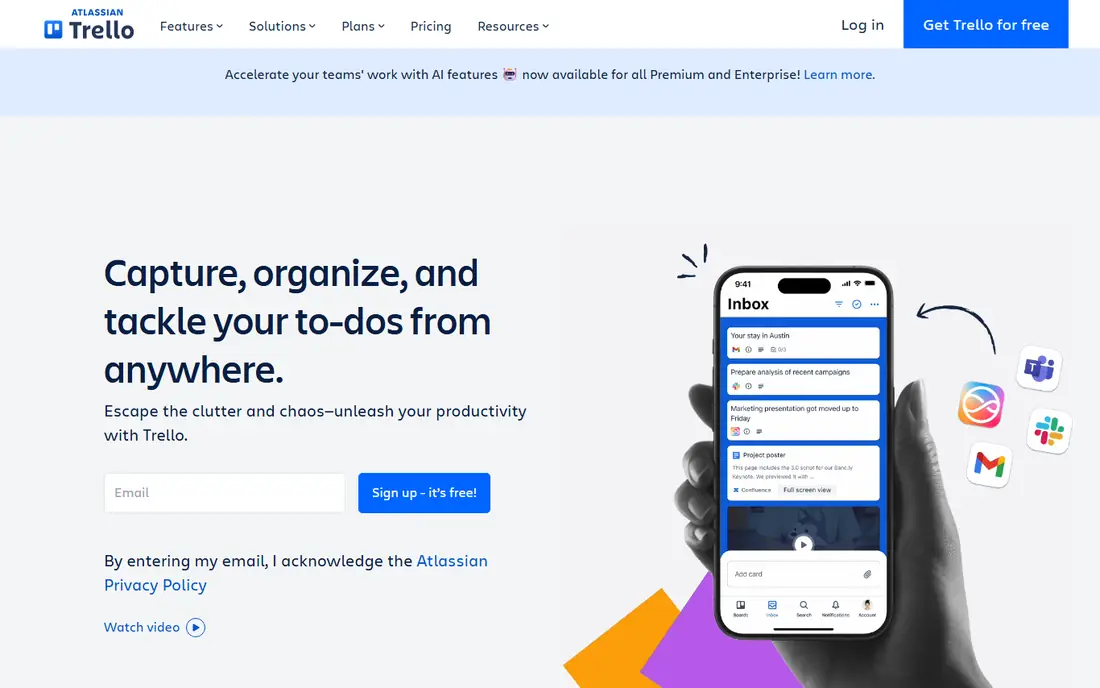
Trello is the simplest tool in this list, and that is both its strength and its limit. A new team can open a board, add cards and start moving work in minutes, with no training and no setup project. Standard adds unlimited boards and collaborators, custom fields and 1,000 automation runs a month, which is enough for most small teams. Premium adds Calendar, Timeline, Table, Dashboard and Map views, plus unlimited automation, which fixes the biggest gap in the cheaper plans. The Enterprise price falls as seat count rises above 250 users, so large buyers should ask for a quote rather than trusting the headline rate. Trello suits teams that live on boards and do not need portfolios, workload planning or deep reporting. If your projects need dependencies or resource planning, Trello will feel small before long.
What we like- Easiest board tool to learn, strong free plan for very small teams, built-in automation on every plan, unlimited boards on paid plans
Watch out for- No built-in timeline or Gantt view on Standard, reporting is thin, and larger teams outgrow its structure quickly
#2
monday Work Management
Best for: Teams that want colourful boards, automations and dashboards in one place
Visit monday.com
Starting priceFree; Basic $9 per seat per month billed annually ($12 monthly); Standard $12 billed annually ($14 monthly); Pro $19 billed annually ($24 monthly); Enterprise by quote
Free planYes, free for up to 2 seats
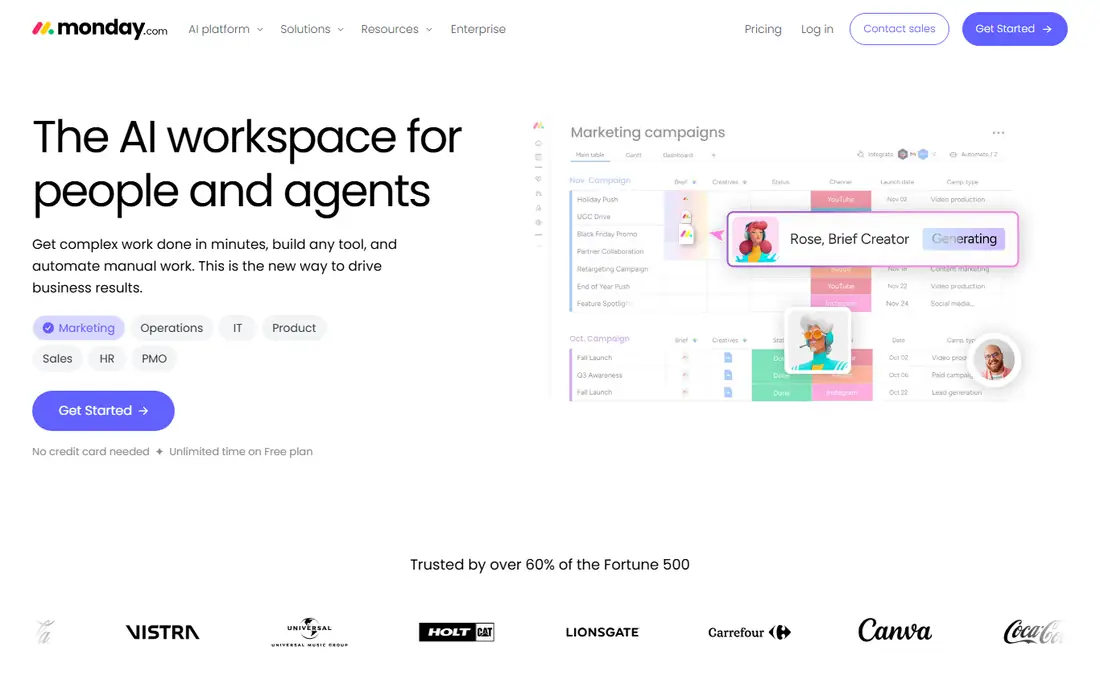
monday Work Management is the more capable of the two tools in the headline comparison, and it charges for that capability. Basic gives unlimited items and free viewers, but it leaves out Timeline and Gantt views, guest access and automations, which are the features most buyers actually want. Standard is the realistic entry point for a working team, at $12 per seat per month billed annually, and Pro at $19 adds private boards, time tracking and 25,000 automation and integration actions a month. monday suits teams that want one board to hold tasks, owners, dates and status, with automations that move work along without manual chasing. Buyers should watch the seat minimum and the automation caps, because a team that grows past 250 automation actions a month on Standard faces a jump to Pro.
What we like- Flexible boards with many column types, strong automations from Standard upward, good dashboards and timeline views, generous AI credit allowance on paid plans
Watch out for- Paid plans start at a 3-seat minimum, so a solo user pays for three seats, and Basic lacks automations and Timeline views, which pushes most teams to Standard
#3Asana
Best for: Teams that want structured projects with timelines, goals and portfolios4.4/5 on
G2 (13,930 reviews, checked Oct 2026)
Visit asana.com
Starting priceFree Personal plan for up to 2 users; Starter $10.99 per user per month billed annually ($13.49 monthly); Advanced $24.99 billed annually ($30.49 monthly); Enterprise by quote
Free planYes, Personal plan free for up to 2 users, with unlimited tasks and projects
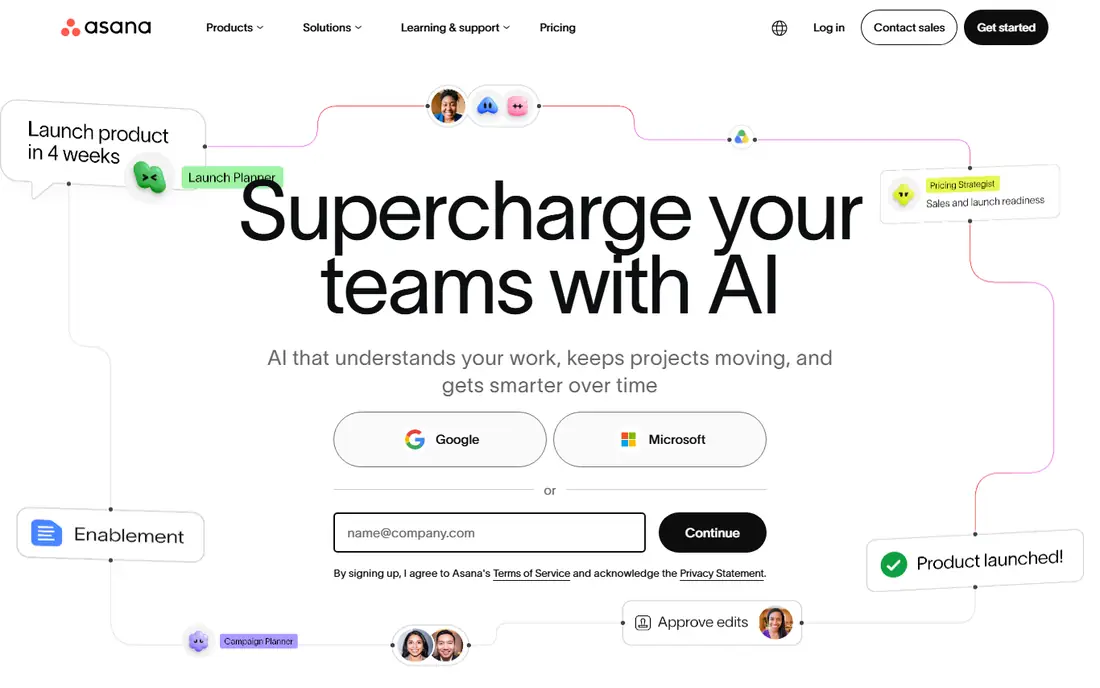
Asana sits between Trello and monday on simplicity, with more structure than Trello and a calmer setup than monday. Starter adds Timeline and Gantt views, dashboards, forms, custom fields and unlimited automations, which makes it a complete project tool for most small teams. Advanced adds goals, portfolios, workload, approvals and proofing, native time tracking and formulas, which is where Asana earns its keep for cross-functional teams. Note a common source of confusion: some guides quote Starter at $13.49 and Advanced at $30.49, but those are the monthly-billing figures, not the annual rates of $10.99 and $24.99. Asana suits teams that manage many projects at once and need to see them together, rather than teams that live inside a single board.
What we like- Clean task structure with Timeline and Gantt views from Starter, unlimited automations and free guests, strong goals and portfolio features on Advanced
Watch out for- The free plan only covers two users, and Advanced costs more than double Starter, so portfolio features carry a steep jump
#4ClickUp
Best for: Teams that want one tool for tasks, docs, goals and chat4.6/5 on
G2 (14,878 reviews, checked Oct 2026)
Visit clickup.com
Starting priceFree Forever $0; see write-up for the current paid price conflict; Enterprise by quote
Free planYes, Free Forever with unlimited members and tasks, 60 MB storage and 100 automation actions per month
ClickUp carries a genuine price conflict that buyers must check before they budget. Older guides list Unlimited at $7 and Business at $12 per user per month billed annually, and those figures still appear on parts of the pricing page. Newer checks from October and November 2026 show a different line for new signups: Core at $9 and Business at $17 per user per month billed annually, with a top Max tier at $100. Existing workspaces on the older line keep those prices, while new signups are offered the newer line, so the price you see depends on when and how you sign up. ClickUp AI is also sold separately, with Brain AI at $9 per user per month and a higher tier at $28. Despite the pricing confusion, ClickUp remains one of the broadest tools here, covering tasks, docs, whiteboards, goals and time tracking in one workspace.
What we like- Very wide feature set for the price, unlimited members on the free plan, strong views including Gantt and mind maps, generous automation allowances
Watch out for- The interface can feel crowded and slow to learn, and its pricing page now shows two different plan lines, which makes budgeting confusing
#5Notion
Best for: Teams that want docs, wikis and project tracking in one workspace4.6/5 on
G2 (13,834 reviews, checked Oct 2026)
Visit notion.com
Starting priceFree; Plus $10 per user per month billed annually ($12 monthly); Business $20 billed annually ($24 monthly); Enterprise by quote
Free planYes, free for individual use with up to 10 guests
Notion is the most flexible tool in this list and the least like a traditional project manager. Its pages and databases let a team build a wiki, a content calendar, a CRM and a task tracker in the same workspace, which is why small teams and startups adopt it so widely. Plus at $10 per user per month billed annually adds unlimited file uploads, a 30-day page history and unlimited guests. Business at $20 adds private teamspaces, SAML SSO, a 90-day version history and full Notion AI, including AI Agents and Ask Notion. One price conflict to note: some 2026 guides still list Plus at $8 and Business at $15, but those are stale figures from before Notion raised Business to $20 in August 2025 and bundled AI into it. Notion suits teams that care as much about documentation as about task tracking.
What we like- Flexible pages and databases that fit almost any workflow, strong wiki and documentation features, full AI access included on Business
Watch out for- No native time tracking, project views are weaker than dedicated project tools, and full AI requires the Business plan
#6Jira
Best for: Software and engineering teams that run sprints and track issues4.3/5 on
G2 (7,984 reviews, checked Oct 2026)
Visit atlassian.com
Starting priceFree for up to 10 users; Standard $9.70 per user per month for 1 to 100 users on monthly billing; Premium $19.60; Enterprise by quote
Free planYes, free for up to 10 users
Jira is the standard choice for software teams, and it shows in both its strengths and its friction. It handles backlogs, sprints, epics and releases better than any general project tool here, and its reporting is built for engineering managers rather than for casual users. Prices changed recently, and buyers should not trust older figures: Atlassian raised Jira Cloud list prices on 13 October 2026, lifting Standard from $9.05 to $9.70 and Premium from $18.30 to $19.60 per user per month for teams of 1 to 100 on monthly billing. Older guides quote $7.75 and $13.53, or blended rates of $7.91 and $14.54, which are now out of date. Jira also uses banded pricing, so the per-user rate falls as the team grows, and annual billing is sold in user tiers rather than per seat. Jira suits engineering teams that live in sprints and need issue tracking with real depth.
What we like- Built for agile workflows with boards, backlogs and sprints, strong issue tracking and reporting, deep integration with Confluence and Bitbucket
Watch out for- Pricing is banded and hard to predict, the interface is heavy for non-technical teams, and setup takes real effort
#7Wrike
Best for: Marketing, agency and PMO teams that need approvals, proofing and resource planning4.2/5 on
G2 (4,540 reviews, checked Oct 2026)
Visit wrike.com
Starting priceFree; Team $10 per user per month billed annually; Business $25 billed annually; Pinnacle and Apex by quote
Free planYes, free plan available
Wrike is built for planned, process-heavy work rather than for quick boards. Team at $10 per user per month billed annually covers 2 to 15 users and adds Gantt charts, shareable dashboards and light automation, which is enough for a small team with simple projects. Business at $25 adds request forms, approvals, proofing, time tracking and resource management, which is where Wrike becomes useful for agencies and PMOs. Note the price conflict: older guides list Team at $9.80 and Business at $24.80, but Wrike restructured its pricing in January 2026 and the current published rates are $10 and $25. Wrike publishes no monthly price, and Business and above are sold only as annual subscriptions. Wrike suits teams that run intake, review and approval workflows and need to plan capacity across people.
What we like- Strong Gantt charts with dependencies, request forms and approvals on Business, good resource management and workload views, clear upgrade path for larger teams
Watch out for- Team is capped at 15 users and lacks time tracking, Business costs 2.5 times Team, and seats are sold in bundles, so a 12-person team may pay for 15 seats
#8Smartsheet
Best for: Teams that like spreadsheets and need to manage large programs4.4/5 on
G2 (22,767 reviews, checked Oct 2026)
Visit smartsheet.com
Starting pricePro $9 per Member per month billed annually ($12 monthly); Business $19 billed annually ($24 monthly); Enterprise and Advanced Work Management by quote
Free planNo free plan for new signups; 30-day free trial available
Smartsheet is the spreadsheet-shaped tool in this list, and it wins with teams that already think in rows and columns. Pro at $9 per Member per month billed annually covers 1 to 10 Members and includes Gantt, table, board and calendar views, unlimited sheets, forms and reports, with 250 automation runs a month and 20 GB of storage. Business at $19 adds Timeline view, workload tracking, admin tools, unlimited automations and 1 TB of storage, with a 3-Member minimum. Only Members are billed seats: Contributors and Guests are unlimited and free on every plan, which keeps the bill down for teams with many viewers. The free plan has not been available to new signups since August 2024, so new buyers start with a 30-day trial. Smartsheet suits operations, construction, finance and program teams that manage many projects in sheets and need portfolio reporting.
What we like- Familiar spreadsheet grid that large teams adopt quickly, strong automation and reporting on Business, unlimited free Contributors and Guests, good for portfolios and programs
Watch out for- No free plan for new users, Pro is capped at 10 Members and 250 automations a month, and the interface feels dated next to monday or ClickUp
Frequently asked questions
Is Trello or monday better for a small team?
Trello is better for a very small team that wants to start today with almost no setup, because its free plan covers up to 10 collaborators and its boards are easy to learn. monday is better once a small team needs automations, Timeline views and dashboards, because those features are built in rather than added on. For most teams of 5 to 15 people, trial both, since the free plans let you test the real workflow before you pay.
How much does Trello vs monday cost for 10 users?
At list prices billed annually, Trello Premium costs about $100 a month for 10 users, and monday Standard costs about $120 a month, so the gap is about $20 a month or $240 a year. Trello Standard is cheaper at $50 a month, but it lacks the Timeline and Calendar views that monday Standard includes. Always check the seat minimums, because monday charges a 3-seat minimum on paid plans, and Trello Enterprise needs at least 50 seats.
Does monday have a free plan?
Yes, monday Work Management has a free plan, but it is limited to 2 seats, so it works as a trial rather than a home for a team. The free plan includes basic boards and limited items, and it does not include automations or Timeline views. A team that outgrows it will move to Basic at $9 per seat per month billed annually, though most teams skip Basic and start on Standard at $12 because Basic lacks automations.
Which tool is best for agile software teams?
Jira is the best fit for agile software teams in this list, because it was built for backlogs, sprints, epics and releases, and it integrates with Confluence and Bitbucket. Asana and ClickUp also handle sprints, but neither matches Jira for issue tracking depth. Trello can run a simple Kanban board for a dev team, but it lacks the reporting and release planning that a growing engineering team needs. Non-technical teams should avoid Jira and pick Trello, monday or Asana instead.
Can I switch from Trello to monday later?
Yes, you can move from Trello to monday, and monday offers import tools that bring boards, cards and members across. The move is worth it when your team needs automations, dashboards or Timeline views that Trello only offers on Premium, or when reporting becomes a regular need. Before you switch, export a backup of your Trello boards, because card history, comments and attachments do not always transfer cleanly, and the migration is a good moment to clean up old boards.
Sources we checked (16)
- https://trello.com/pricing
- https://monday.com/pricing
- https://asana.com/pricing
- https://clickup.com/pricing
- https://notion.com/pricing
- https://www.atlassian.com/software/jira/pricing
- https://www.wrike.com/pricing
- https://www.smartsheet.com/pricing
- https://www.rock.so/blog/trello-pricing
- https://www.gotechpresso.com/blog/monday-com-pricing
- https://www.rock.so/blog/asana-pricing
- https://www.velareviews.com/guides/set-up-clickup-for-small-business/
- https://procurementvms.com/vendors/notion-pricing-guide.html
- https://www.gotechpresso.com/blog/jira-pricing
- https://www.seoraf.com/wrike-pricing/
- https://www.gotechpresso.com/blog/smartsheet-pricing
Is your product missing or out of date?
We review this list regularly. Vendors can request a listing, send updated pricing or ask about featured placement.

Shihab Mia · Founder, Rankite
Shihab has 5+ years in B2B and SaaS SEO. He writes Rankite's software buying guides from pricing pages, documentation and public user reviews. More about Shihab.