How we make this list: we compare pricing pages, product documentation and public user reviews. Ratings come from G2, Capterra or Trustpilot, with the date we checked them.
For most teams, monday Work Management wins on ease of use. Boards are visual, columns are simple to add, and a new hire can update status, owner, and due date without training. Smartsheet wins on structure. Its grid layout, formulas, and reports suit operations teams that manage hundreds of rows and need the same data to feed dashboards and rollups. The choice comes down to how your team thinks. If people open a spreadsheet every day and trust rows and formulas, Smartsheet feels natural. If people want colour coded boards and a quick view of who is doing what, monday Work Management feels faster.
How do Smartsheet and monday Work Management compare on price
Smartsheet Pro costs 9 dollars per member per month billed annually, or 12 dollars billed monthly, for 1 to 10 members. Smartsheet Business costs 19 dollars per member per month billed annually, or 24 dollars billed monthly, for 3 or more members. Enterprise is quoted. monday Work Management Free covers up to 2 seats. Basic costs 9 dollars per seat per month billed annually, Standard costs 12 dollars, and Pro costs 19 dollars, with Enterprise quoted. Paid monday plans need a minimum of 3 seats and sell in fixed seat blocks, so a team of 6 often pays for 10 seats. The real difference is what each tier gates, so check seat minimums and automation caps before you compare headline rates.
Start with your current workflow, not with a feature list. List the five reports your manager asks for every week, then check whether each tool can build them without a paid add-on. Next, count the people who only view work and never edit it. Smartsheet gives unlimited free Contributors and Guests on paid plans, which keeps the bill down for large groups of viewers. Then check integrations. Confirm the connector you need is included in the tier you plan to buy. Finally, run a two week trial with one real project and one real deadline.
Small teams of 2 to 10 people should start with Trello, Notion, or ClickUp. Trello is the cheapest paid option at 5 dollars per user per month on Standard, Notion Plus is 10 dollars and doubles as a wiki, and ClickUp Core at 9 dollars packs Gantt charts and custom fields into its entry tier. Mid-size teams of 10 to 50 people get the best balance from monday Work Management Pro, Asana Advanced, or Smartsheet Business, all priced between 19 and 25 dollars per user per month billed annually. Large teams and software teams should look at Jira for engineering work, Wrike Business for creative operations, and Smartsheet Enterprise for portfolio reporting.
Quick comparison
| Tool | Best for | Starting price | Free plan |
|---|
 Smartsheet | Operations and PMO teams that manage large portfolios in a spreadsheet style grid | 9 dollars per member per month for Pro, billed annually (12 dollars billed monthly); Business 19 dollars billed annually (24 dollars billed monthly); Enterprise quoted | No free plan for new signups since 28 August 2024; 30 day free trial offered instead |
 monday Work Management | General business teams that want visual boards, fast setup, and strong automations | 9 dollars per seat per month for Basic, billed annually (12 dollars billed monthly); Standard 12 dollars (14 dollars monthly); Pro 19 dollars (24 dollars monthly); Enterprise quoted | Yes, free plan for up to 2 seats, 3 boards, and 3 docs |
 Asana | Teams that need polished timelines, goals, and portfolio reporting | 10.99 dollars per user per month for Starter, billed annually (13.49 dollars billed monthly); Advanced 24.99 dollars (30.49 dollars monthly); Enterprise quoted | Yes, Personal plan free for up to 2 users |
 ClickUp | Small teams and agencies that want many features in one low cost workspace | 9 dollars per user per month for Core, billed annually (12 dollars billed monthly); Business 17 dollars (25 dollars monthly); Max 100 dollars; Enterprise quoted | Yes, Free Forever plan with 60 MB storage and 100 automation actions a month |
 Trello | Small teams that want simple Kanban boards with almost no setup | 5 dollars per user per month for Standard, billed annually (6 dollars billed monthly); Premium 10 dollars (12.50 dollars monthly); Enterprise 17.50 dollars billed annually | Yes, free plan for up to 10 collaborators per Workspace and 10 boards |
 Jira | Software and product teams running sprints, backlogs, and bug tracking | 9.70 dollars per user per month for Standard, monthly billing for 1 to 100 users; Premium 19.60 dollars; annual plans sold in user tiers, for example 950 dollars a year for up to 10 users on Standard; Enterprise quoted | Yes, free plan for up to 10 users |
 Wrike | Creative, marketing, and professional services teams that need approvals and proofing | 10 dollars per user per month for Team, billed annually; Business 25 dollars billed annually; Pinnacle and Apex quoted | Yes, free plan for up to 5 users |
 Notion | Teams that want one workspace for docs, wiki pages, and light project tracking | 10 dollars per member per month for Plus, billed annually (12 dollars billed monthly); Business 20 dollars (24 dollars monthly); Enterprise quoted | Yes, free plan for solo users and small groups |
Is your product missing or out of date?
We review this list regularly. Vendors can request a listing, send updated pricing or ask about featured placement.
The table below compares the eight tools on starting price, free plan, and best fit. Prices are per user per month billed annually unless noted, and were checked on 17 November 2026.
| Tool | Starting paid price | Free plan | Best for |
| Smartsheet | 9 dollars, Pro | No free plan, 30 day trial | Spreadsheet style portfolio work |
| monday Work Management | 9 dollars, Basic | Yes, up to 2 seats | Visual boards for general teams |
| Asana | 10.99 dollars, Starter | Yes, up to 2 users | Timelines, goals, and portfolios |
| ClickUp | 9 dollars, Core | Yes | All in one work hub on a budget |
| Trello | 5 dollars, Standard | Yes, up to 10 collaborators | Simple Kanban boards |
| Jira | 9.70 dollars, Standard, monthly billing | Yes, up to 10 users | Software teams and sprints |
| Wrike | 10 dollars, Team | Yes, up to 5 users | Creative and marketing operations |
| Notion | 10 dollars, Plus | Yes | Docs, wiki, and light project tracking |
A 10 person team pays about 50 dollars a month on Trello Standard, 90 dollars on Smartsheet Pro, monday Basic, or ClickUp Core, 97 dollars on Jira Standard, 100 dollars on Wrike Team or Notion Plus, and 109.90 dollars on Asana Starter, excluding taxes and add-ons.
#1Smartsheet
Best for: Operations and PMO teams that manage large portfolios in a spreadsheet style grid4.4/5 on
G2 (22,767 reviews, checked Oct 2026)
Visit smartsheet.com
Starting price9 dollars per member per month for Pro, billed annually (12 dollars billed monthly); Business 19 dollars billed annually (24 dollars billed monthly); Enterprise quoted
Free planNo free plan for new signups since 28 August 2024; 30 day free trial offered instead
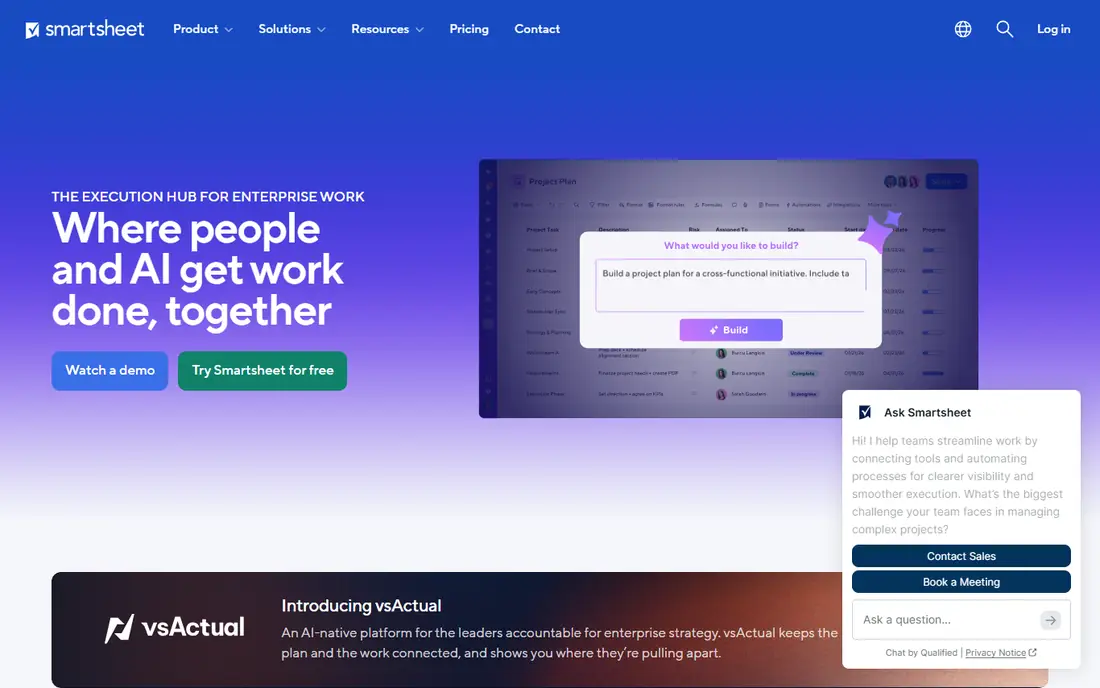
Smartsheet is the strongest choice in this list for teams that run projects like spreadsheets. Rows, columns, formulas, and cell linking carry over directly from Excel habits, and reports can pull rows from many sheets into one live view for managers. The trade off is the seat model: Pro stops at 10 members and Resource Management is a paid add-on, so confirm what is included before you budget.
What we like- Familiar spreadsheet grid with formulas, strong reports and dashboards, unlimited free Contributors and Guests on paid plans, Gantt and Timeline views, unlimited automations on Business
Watch out for- Pro is capped at 10 members, so a growing team is forced onto Business
- The interface feels dated next to monday Work Management and the learning curve is steeper for casual users
#2
monday Work Management
Best for: General business teams that want visual boards, fast setup, and strong automations
Visit monday.com
Starting price9 dollars per seat per month for Basic, billed annually (12 dollars billed monthly); Standard 12 dollars (14 dollars monthly); Pro 19 dollars (24 dollars monthly); Enterprise quoted
Free planYes, free plan for up to 2 seats, 3 boards, and 3 docs
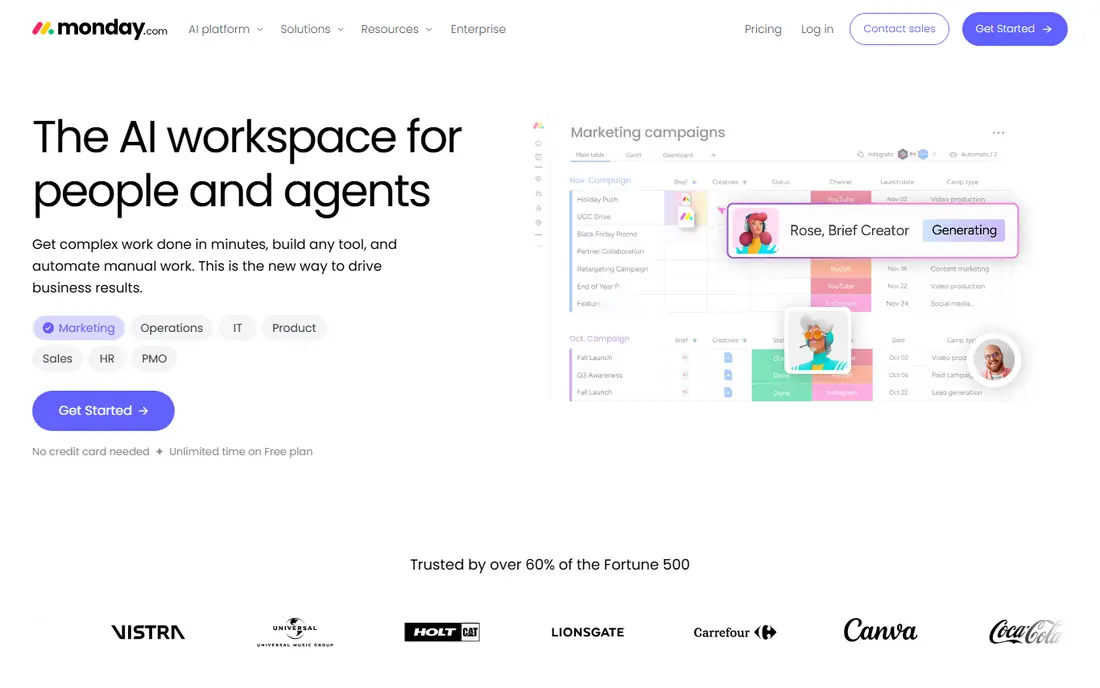
monday Work Management is the easiest tool in this comparison for a non-technical team to adopt. Boards, groups, and status columns map neatly onto real work, and the template library covers marketing, sales, HR, and operations without a consultant. Pro is the tier most teams need, because it unlocks the automation volume, formula column, and private boards that make the tool work at scale. The seat block system is the main drawback. A team of 4 pays for 5 seats and a team of 6 pays for 10, which inflates the bill in the worst cases.
What we like- Very easy to learn, colourful visual boards, 25,000 automation and integration actions a month on Pro, time tracking and private boards on Pro, wide template library
Watch out for- Paid plans require a 3 seat minimum and sell in fixed seat blocks, so small teams pay for empty seats
- Standard caps automations at only 250 actions a month, which pushes most active teams to Pro
#3Asana
Best for: Teams that need polished timelines, goals, and portfolio reporting4.4/5 on
G2 (13,930 reviews, checked Oct 2026)
Visit asana.com
Starting price10.99 dollars per user per month for Starter, billed annually (13.49 dollars billed monthly); Advanced 24.99 dollars (30.49 dollars monthly); Enterprise quoted
Free planYes, Personal plan free for up to 2 users
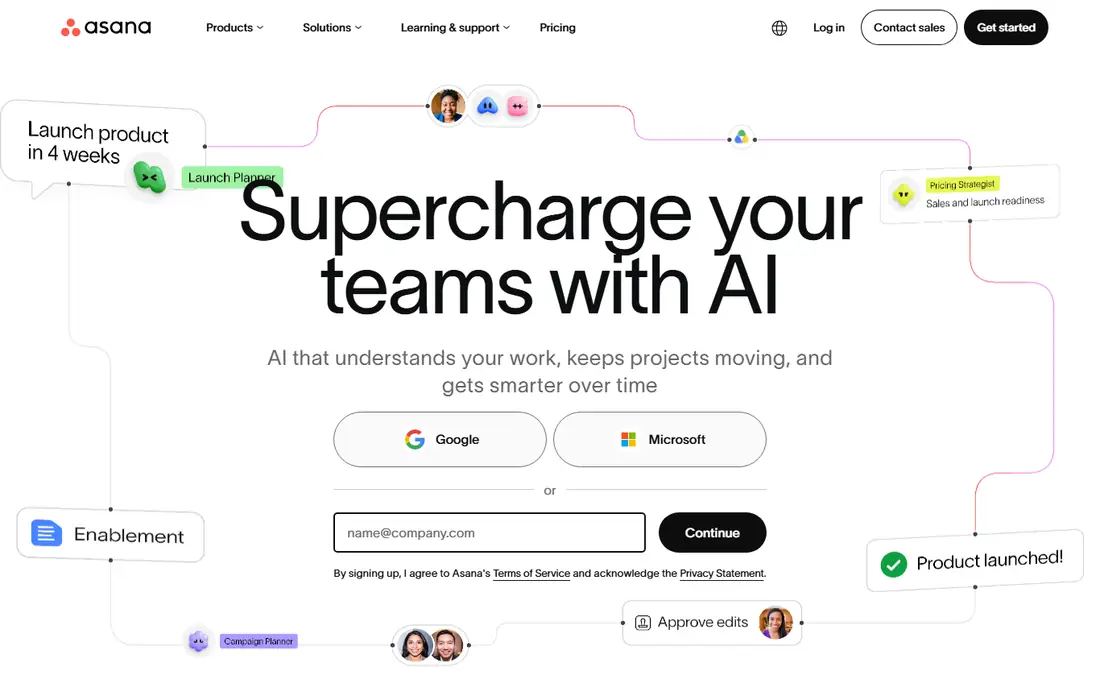
Asana is the most polished of the eight tools for planning and reporting. Timeline view is clear, dependencies are easy to set, and the jump from a single project to a portfolio of projects feels natural. Starter at 10.99 dollars covers most small team needs, with forms, custom fields, dashboards, and unlimited automations included. The catch is Advanced. Goals, workload, approvals, and time tracking all sit behind the 24.99 dollar tier, so a manager who needs those features pays more than double the Starter rate.
What we like- Clean Timeline and Gantt views, goals and portfolios on Advanced, unlimited automations on Starter, unlimited free guests, strong reporting dashboards
Watch out for- Portfolios, workload, and native time tracking sit only on Advanced at 24.99 dollars, so the useful management tier costs more than double Starter
- AI Studio credits are capped per account
#4ClickUp
Best for: Small teams and agencies that want many features in one low cost workspace4.6/5 on
G2 (14,878 reviews, checked Oct 2026)
Visit clickup.com
Starting price9 dollars per user per month for Core, billed annually (12 dollars billed monthly); Business 17 dollars (25 dollars monthly); Max 100 dollars; Enterprise quoted
Free planYes, Free Forever plan with 60 MB storage and 100 automation actions a month
ClickUp gives buyers the longest feature list per dollar in this comparison. Core at 9 dollars includes unlimited storage, Gantt charts, custom fields, and guest permissions, while Business at 17 dollars adds timesheets, resource management, and 10,000 automation actions a month. The downside is complexity. With docs, whiteboards, goals, and dashboards in one workspace, teams need discipline to keep the setup tidy. Pricing needs care: the old Unlimited plan at 7 dollars was renamed Core and repriced to 9 dollars in October 2026, and Business rose from 12 to 17 dollars, so confirm which price line your checkout shows.
What we like- Low entry price with Gantt charts and custom fields on Core, 15 plus views, built in docs, goals, and time tracking options, generous free plan for trying the tool
Watch out for- The interface packs in so many features that new users find it cluttered, and ClickUp changed its price line in October 2026, so some accounts still see the older Unlimited 7 dollar and Business 12 dollar rates at renewal
#5Trello
Best for: Small teams that want simple Kanban boards with almost no setup4.4/5 on
G2 (14,064 reviews, checked Oct 2026)
Visit trello.com
Starting price5 dollars per user per month for Standard, billed annually (6 dollars billed monthly); Premium 10 dollars (12.50 dollars monthly); Enterprise 17.50 dollars billed annually
Free planYes, free plan for up to 10 collaborators per Workspace and 10 boards
Trello is the simplest tool here, and that is its strength. A board, a few lists, and cards with checklists and due dates cover most small team work without training or a consultant. Standard at 5 dollars adds unlimited boards, custom fields, and 1,000 automation runs a month, which is enough for a team that outgrows the free plan. Premium at 10 dollars is where Trello becomes a planning tool, adding Timeline, Calendar, Table, Dashboard, and Map views plus unlimited automations.
What we like- Cheapest paid plan in this list, boards take minutes to set up, Butler automations are easy to build, strong mobile app, part of the Atlassian family with Jira and Confluence
Watch out for- No Timeline, Calendar, Table, or Dashboard views on Standard, so planning beyond a board needs Premium at double the price
- Reporting is thin compared with Smartsheet or Asana
#6Jira
Best for: Software and product teams running sprints, backlogs, and bug tracking4.3/5 on
G2 (7,984 reviews, checked Oct 2026)
Visit atlassian.com
Starting price9.70 dollars per user per month for Standard, monthly billing for 1 to 100 users; Premium 19.60 dollars; annual plans sold in user tiers, for example 950 dollars a year for up to 10 users on Standard; Enterprise quoted
Free planYes, free plan for up to 10 users
Jira is the default choice for software teams for good reason. Backlogs, sprints, story points, and release tracking are native rather than bolted on, and the automation engine handles repetitive work that eats into a sprint. Prices rose on 13 October 2026, with Standard moving from 9.05 to 9.70 dollars and Premium from 18.30 to 19.60 dollars per user per month for the first 100 users on monthly billing. Older figures of 7.53 and 13.53 dollars are now stale and should not be used for budgeting.
What we like- Built for agile work with Scrum and Kanban boards, sprints, and backlogs
- Strong automation rules
- Deep integration with Confluence, Bitbucket, and the Atlassian Marketplace
Watch out for- The setup and admin burden is heavy for non-technical teams, and per user prices fall only above 100 users, so a small team pays the full 9.70 dollar starting rate with no annual discount on monthly billing
#7Wrike
Best for: Creative, marketing, and professional services teams that need approvals and proofing4.2/5 on
G2 (4,540 reviews, checked Oct 2026)
Visit wrike.com
Starting price10 dollars per user per month for Team, billed annually; Business 25 dollars billed annually; Pinnacle and Apex quoted
Free planYes, free plan for up to 5 users
Wrike sits between monday Work Management and Smartsheet on structure. Team at 10 dollars covers Gantt charts, shareable dashboards, and light automation for 2 to 15 users, which suits a small creative team. Business at 25 dollars is where Wrike earns its keep, adding proofing, approvals, request forms, time tracking, and resource management for 5 to 200 users. The 15 dollar gap between tiers is the largest proportional jump in this list, so buyers should check whether they truly need approvals before they commit. Wrike restructured its lineup in January 2026, retiring the standalone Enterprise tier for new buyers in favour of Pinnacle and Apex.
What we like- Proofing and approvals on Business, request forms, Gantt charts on Team, resource management and time tracking on Business, strong Adobe integrations for creative teams
Watch out for- The jump from Team at 10 dollars to Business at 25 dollars is steep, and time tracking, proofing, and resource management all sit behind that jump
- Seats sell in bands and Business is annual billing only
#8Notion
Best for: Teams that want one workspace for docs, wiki pages, and light project tracking4.6/5 on
G2 (13,834 reviews, checked Oct 2026)
Visit notion.com
Starting price10 dollars per member per month for Plus, billed annually (12 dollars billed monthly); Business 20 dollars (24 dollars monthly); Enterprise quoted
Free planYes, free plan for solo users and small groups
Notion is the most flexible tool in this list and the least specialised for project management. Pages, databases, and templates let a team build a wiki, a content calendar, and a task tracker in one workspace, which cuts down on the number of tools a small company pays for. Plus at 10 dollars is the honest minimum for a team, lifting the limits on file uploads and guests and adding 30 day page history. Business at 20 dollars doubles the price and is the only tier with full Notion AI, now metered in monthly credits since October 2026.
What we like- Flexible pages, databases, and templates cover docs and projects in one place
- Plus removes collaboration limits and adds 30 day history
- Clean interface that non-technical staff enjoy
Watch out for- Full Notion AI, including Agents and AI Meeting Notes, sits only on Business at 20 dollars, and AI use on Business is metered in monthly credits
- Project views are weaker than dedicated tools such as Asana or Jira
Frequently asked questions
Is Smartsheet or monday Work Management better for beginners
monday Work Management is better for beginners because its boards use colour, drag and drop, and plain language columns that need almost no training. Smartsheet uses a spreadsheet grid with formulas and sheet linking, which suits people who already work in Excel but feels harder for casual users. A beginner team will be productive on monday Work Management in a day.
How much does Smartsheet cost per user in 2026
Smartsheet Pro costs 9 dollars per member per month billed annually, or 12 dollars billed monthly, for 1 to 10 members. Business costs 19 dollars billed annually, or 24 dollars billed monthly, for 3 or more members. Enterprise is quoted by sales. There is no free plan for new signups since 28 August 2024, only a 30 day free trial.
Does monday Work Management have a free plan
Yes, monday Work Management has a free plan for up to 2 seats, with 3 boards, 3 docs, and 8 column types. Paid plans start at Basic for 9 dollars per seat per month billed annually, with a 3 seat minimum. The free plan suits a pair of collaborators testing the tool, but a real team needs a paid tier for automations, Gantt views, and guest access
Which tool in this list is cheapest for a 10 person team
Trello Standard is cheapest for a 10 person team at 50 dollars a month billed annually. ClickUp Core and Smartsheet Pro both cost 90 dollars a month, Wrike Team and Notion Plus cost 100 dollars, Asana Starter costs 109.90 dollars, and Jira Standard costs 97 dollars on monthly billing. Trello wins on price
Can I switch from Smartsheet to monday Work Management later
Yes, you can switch, and both tools offer import from spreadsheets and CSV files, so task names, owners, and dates carry over. The hard part is rebuilding formulas, reports, and automations, which do not transfer between platforms. Rebuild your five most used reports first, and run both tools side by side for one cycle before you cancel.
Sources we checked (8)
- https://www.smartsheet.com/pricing
- https://monday.com/pricing
- https://asana.com/pricing
- https://clickup.com/pricing
- https://trello.com/pricing
- https://www.atlassian.com/software/jira/pricing
- https://www.wrike.com/pricing/
- https://www.notion.com/pricing
Is your product missing or out of date?
We review this list regularly. Vendors can request a listing, send updated pricing or ask about featured placement.

Shihab Mia · Founder, Rankite
Shihab has 5+ years in B2B and SaaS SEO. He writes Rankite's software buying guides from pricing pages, documentation and public user reviews. More about Shihab.