How we make this list: we compare pricing pages, product documentation and public user reviews. Ratings come from G2, Capterra or Trustpilot, with the date we checked them.
Key takeaways
- Deputy is the strongest all-around pick for shift-based teams that need scheduling, time tracking, and labor law compliance in one place, starting at $5 per user per month.
- Per-location pricing from Homebase and 7shifts is usually cheaper than per-user pricing once you pass about 15 employees at one site.
- Connecteam gives the most generous free tier: full access for teams of up to 10 at no cost.
- UKG and Paycor suit larger or growing companies that want HR, payroll, and scheduling on one platform, but both require a sales quote.
- If you run restaurants specifically, 7shifts is worth a hard look before the generalist tools, because tip tracking and restaurant labor rules are built in.
Quick comparison
| Tool | Best for | Starting price | Free plan |
|---|
 Deputy Deputy | Shift teams that need scheduling plus compliance guardrails | $5 per user/month (billed annually) | Free trial (31 days) |
 When I Work When I Work | Hourly teams that want scheduling up and running today | $2.50 per user/month (billed annually) | Free trial (14 days) |
 Connecteam Connecteam | Deskless teams that need scheduling, chat, and training in one app | $29/month for up to 30 users (billed annually) | Yes (up to 10 users) |
 Homebase Homebase | Single-location businesses with hourly staff | Free; paid plans from $24 per location/month (billed annually) | Yes |
 7shifts 7shifts | Restaurants that want scheduling plus tip and labor management | Free; paid plans from $29.99 per location/month (billed annually) | Yes |
 Rippling Rippling | Companies that want HR, payroll, IT, and scheduling on one record | $8 per user/month (platform base; modules priced separately) | No (demo only) |
 Paycor Paycor | Growing SMBs that want HR, payroll, and scheduling from one vendor | See website | No |
 UKG UKG | Large operations with complex labor rules and compliance needs | See website | No |
Is your product missing or out of date?
We review this list regularly. Vendors can request a listing, send updated pricing or ask about featured placement.
The best workforce management software
#1
Deputy
Best for: Shift teams that need scheduling plus compliance guardrails
Visit deputy.com
Starting price$5 per user/month (billed annually)
Free planFree trial (31 days)
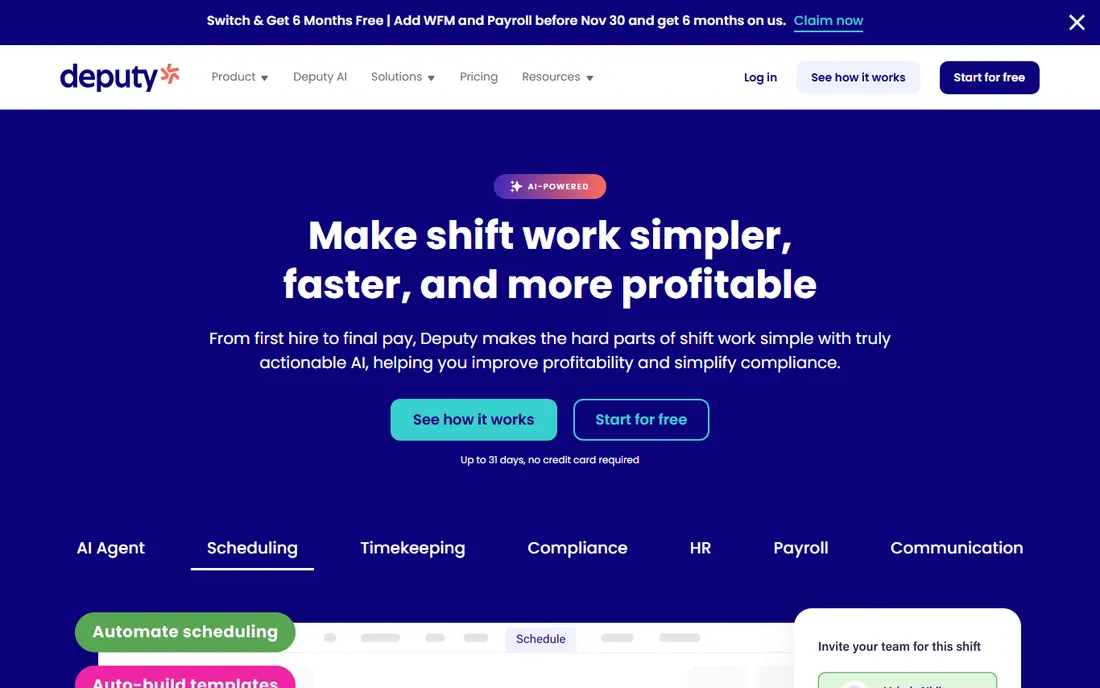
Deputy earns the top spot because it handles the two things that sink most scheduling tools: compliance and labor cost control. The auto-scheduler builds shifts around availability, skills, and wage budgets, and the compliance engine flags overtime risk and missed breaks before they become violations. For multi-state operators, that alone can justify the price.
The mobile experience is one of the best in this category, which matters because your staff will live in the app. Shift swaps, availability updates, and time-off requests all work from a phone without manager hand-holding. Integrations cover the payroll systems small businesses actually use, so timesheets flow into payroll without retyping.
The honest catch is the pricing structure. The headline rate looks friendly, but HR, payroll, messaging, and advanced analytics are separate add-ons, and a Core plan with payroll and HR can land near $17 per user per month. Very small teams also hit the $30 monthly minimum, which makes Deputy pricey for a five-person shop. If you want everything on one bill, price it with the add-ons before you commit.
What we like- Strong auto-scheduling and demand forecasting
- Built-in break, overtime, and fair workweek compliance
- Deep payroll integrations including Gusto, QuickBooks, and ADP
Watch out for- No free plan and a $30 monthly minimum
- Payroll, HR, messaging, and analytics are paid add-ons that raise the real cost
#2
When I Work
Best for: Hourly teams that want scheduling up and running today
Visit wheniwork.com
Starting price$2.50 per user/month (billed annually)
Free planFree trial (14 days)
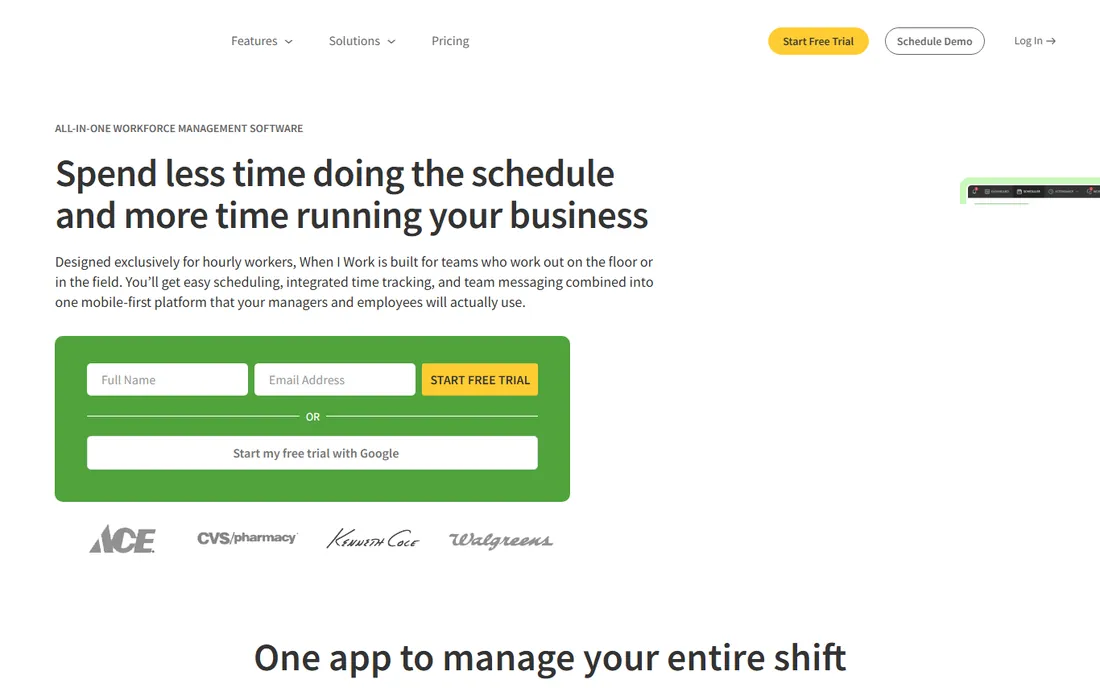
When I Work is the tool you pick when the schedule is due Friday and you are still using a spreadsheet on Tuesday. Setup genuinely takes minutes, and the interface is plain enough that even staff who resist new software adopt it without training sessions. OpenShifts let employees claim open shifts themselves, which cuts the manager out of the daily scramble.
Time tracking ties directly to the schedule, with GPS-verified clock-ins that confirm people are actually on site. Payroll integrations with Rippling, ADP, QuickBooks, and Gusto keep the back office in sync. The company reports more than 200,000 workplaces on the platform, so this is a mature product with a deep support library.
The trade-off is the pricing model. At $2.50 to $8 per user per month, a 25-person team pays $62.50 to $200 monthly, while a per-location tool would charge a flat fee. There is also no free tier, only a 14-day trial. When I Work is ideal for teams under 20 people; beyond that, run the math against Homebase or 7shifts before renewing.
What we like- Extremely fast setup with an interface staff learn in minutes
- GPS clock-ins with geofencing
- Solid labor forecasting on higher tiers
Watch out for- No free plan
- Per-user pricing gets expensive as headcount grows
- Advanced features are gated behind the $8 Premium tier
#3
Connecteam
Best for: Deskless teams that need scheduling, chat, and training in one app
Visit connecteam.com
Starting price$29/month for up to 30 users (billed annually)
Free planYes (up to 10 users)
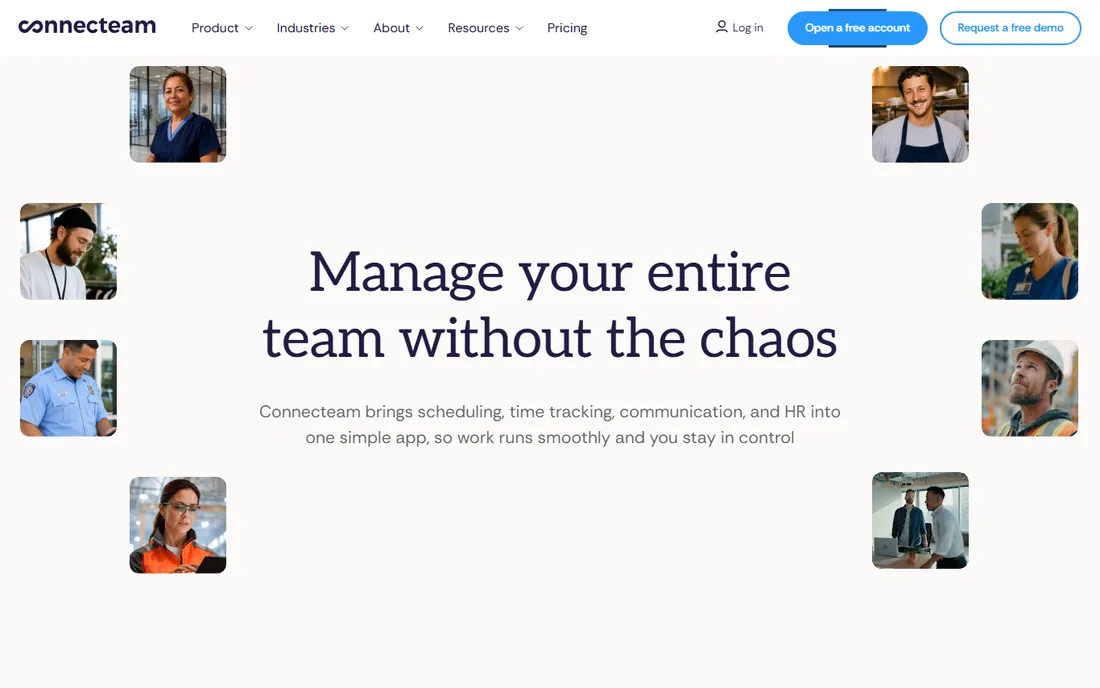
Nobody else in this list gives away this much for free. Connecteam's Small Business plan covers up to 10 users with access to all three hubs, which makes it the obvious starting point for tiny crews in cleaning, security, home services, and similar field work. Paid plans start at $29 per month flat for up to 30 users, so a 25-person team pays barely over a dollar per head.
Beyond scheduling and time tracking, Connecteam bundles team chat, checklists, forms, and training courses. That consolidation is the real pitch: one app replaces the group text, the paper checklist, and the shared drive of training PDFs. Support is 24/7 with real humans, which reviewers consistently praise.
The catch is the hub pricing. Operations, Communications, and HR and Skills are priced separately, so the advertised $29 can triple if you want everything on higher tiers. Take the 14-day trial of the Expert plan, figure out which hub features you actually use, then drop to the cheapest tier that covers them. For teams over 30 users, model the per-user overage fees carefully.
What we like- Free plan covers up to 10 users with full feature access
- Flat pricing for the first 30 users keeps costs predictable
- Combines scheduling, team chat, forms, and training
Watch out for- Pricing is split across three hubs, which complicates quotes
- Advanced features like geofencing require higher tiers
- Per-user fees kick in past 30 users
Starting priceFree; paid plans from $24 per location/month (billed annually)
Free planYes
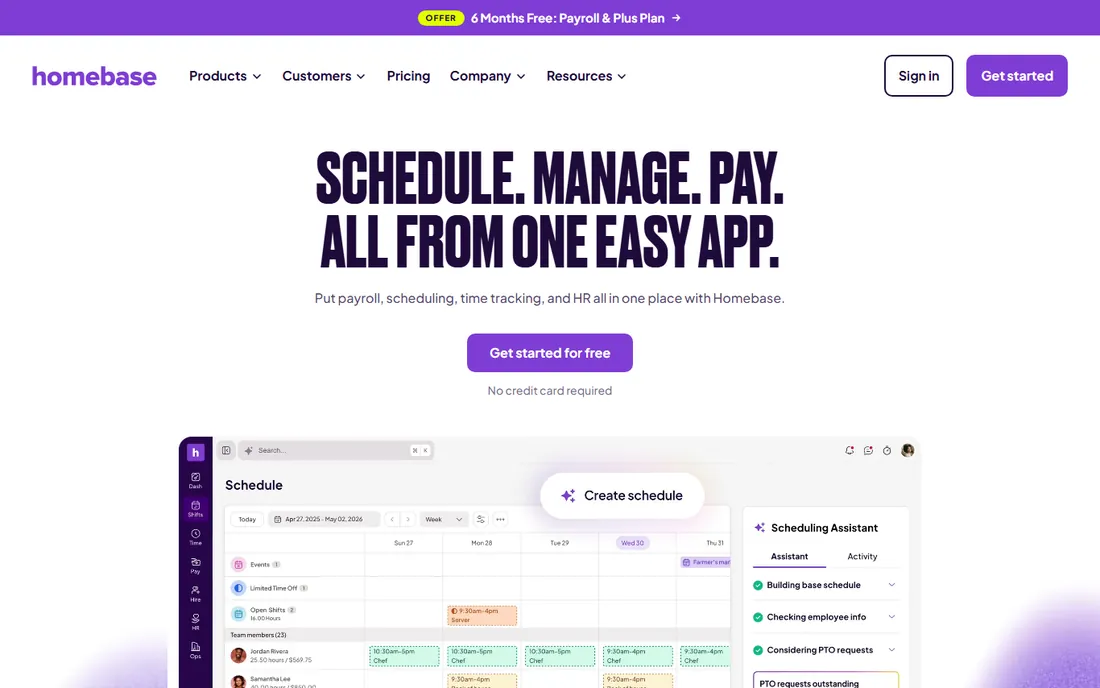
Homebase is built for the coffee shop, salon, or retail store with one address and a rotating cast of hourly workers. The free Basic plan handles scheduling, time tracking, and team messaging for a single location, which is enough for many very small businesses to run on indefinitely. Paid tiers are flat per location with unlimited employees, so adding your twentieth hire costs nothing extra.
The platform stretches beyond scheduling into hiring, onboarding, and payroll, which makes it a plausible all-in-one for shops that currently juggle three logins. The mobile app is well reviewed, and shift-cover requests work the way staff expect from consumer apps. Managers report saving meaningful hours each month once the schedule stops living in a group chat.
Where Homebase stumbles is multi-location math. Each site pays the full location fee, so four locations on Plus run $280 per month before payroll. The payroll add-on is also separate, at $49 per month plus $6 per employee. Single-location owners should start here; multi-site operators should compare against per-user tools before committing.
What we like- Free Basic plan covers one location
- Flat per-location pricing with unlimited employees
- Built-in hiring, time clocks, and payroll add-on
Watch out for- Per-location pricing punishes multi-site operators
- Payroll is a separate add-on cost
- Advanced scheduling features need the Plus tier
#5
7shifts
Best for: Restaurants that want scheduling plus tip and labor management
Visit 7shifts.com
Starting priceFree; paid plans from $29.99 per location/month (billed annually)
Free planYes
If you run restaurants, start your search here instead of with the generalists. 7shifts speaks restaurant: tip pooling and tip reporting, labor cost as a percentage of sales pulled straight from your POS, and scheduling templates built around dayparts. More than 55,000 restaurants use it, and the company reports 1.5 million restaurant workers on the platform.
The free Comp plan covers up to 30 employees at one location, which handles a single independent restaurant's scheduling and team chat at no cost. Paid tiers add demand forecasting, advanced reporting, and payroll, all priced per location rather than per head. Setup is positioned as weeks, not months, and there are no long-term contracts.
The limitation is scope. Outside restaurants, most of the specialized value disappears, and a generalist like Deputy or Homebase fits better. The payroll product is also newer than the scheduling core, so restaurants with complex multi-entity payroll should test it carefully during the trial. For everyone else in food service, the restaurant-specific workflow is hard to beat.
What we like- Purpose-built for restaurants with tip tracking and sales-based labor targets
- Free Comp plan for small single spots
- Strong POS integrations
Watch out for- Less useful outside food service
- Payroll features are newer and less proven
- Premium tiers climb fast for large groups
#6
Rippling
Best for: Companies that want HR, payroll, IT, and scheduling on one record
Visit rippling.com
Starting price$8 per user/month (platform base; modules priced separately)
Free planNo (demo only)
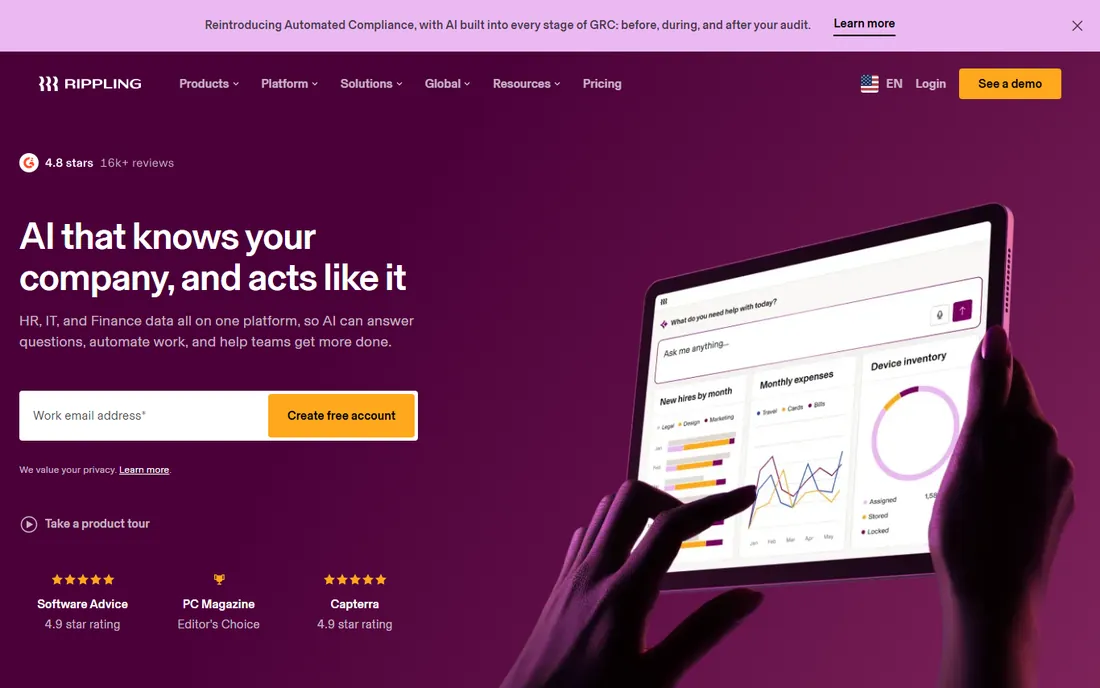
Rippling is the odd one out on this list, and deliberately so. It is not a scheduling-first tool; it is a workforce platform where scheduling and time tracking sit alongside HR, payroll, device management, and app provisioning on a single employee record. When someone is hired, payroll, benefits, laptop, and logins can all provision from one workflow. When they leave, everything deprovisions the same way.
That unified model is the reason to consider Rippling for workforce management rather than a point solution. Labor data, time-off balances, and pay rules all draw from the same source, which kills the reconciliation work between separate HR and scheduling systems. Usability ratings are among the highest in the HR software category.
The honest catch is cost and complexity. The $8 per user platform fee is just the base; every module adds more, and there is no trial, only a sales-led demo. A company that only needs shift scheduling will pay for far more platform than it uses. Rippling fits businesses that already plan to consolidate HR and IT, not teams shopping for a schedule builder.
What we like- One employee record drives HR, payroll, IT provisioning, and spend
- Strong automation for onboarding and offboarding
- Highly rated usability
Watch out for- No free trial, only a guided demo
- Modular pricing makes the true cost hard to predict
- Overkill if you only need scheduling
#7
Paycor
Best for: Growing SMBs that want HR, payroll, and scheduling from one vendor
Visit paycor.com
Starting priceSee website
Free planNo
Paycor pitches itself as the HCM for leaders who have outgrown point solutions. Recruiting, onboarding, payroll, benefits, time tracking, and advanced scheduling all live in one system, with analytics that tie labor cost to business results. Industry-specific configurations for healthcare, manufacturing, restaurants, and professional services mean shift differentials, certifications, and compliance rules come pre-built rather than custom-built.
The platform's scheduling tools handle the fundamentals well: shift templates, time-off management, and labor cost visibility feeding straight into payroll. With hundreds of integration partners, it connects to the POS, accounting, and benefits systems a growing company already runs. Support includes HR advisory resources, which small HR teams appreciate.
The catch is the buying process. There are no published prices, so budgeting requires a sales conversation and a custom quote. Implementation takes longer than signing up for Deputy or Homebase, and the breadth of the suite can overwhelm a 20-person company. Paycor makes sense from roughly 50 employees upward, where unified HR data starts paying for itself.
What we like- Full HCM suite covering recruiting, payroll, benefits, and scheduling
- Strong industry configurations for healthcare, retail, and manufacturing
- Large integration marketplace
Watch out for- Quote-only pricing with no published rates
- Implementation is heavier than point tools
- Smaller teams may find it more system than they need
#8
UKG
Best for: Large operations with complex labor rules and compliance needs
Visit ukg.com
Starting priceSee website
Free planNo
UKG is the enterprise answer to workforce management, built for organizations where scheduling involves union contracts, certifications, multi-state labor laws, and thousands of shift workers. Demand forecasting, schedule optimization, and compliance automation run deeper here than in any SMB tool on this list. More than 80,000 organizations use UKG products, and two-thirds of the Fortune 1000 are customers.
For large shift-based operations in healthcare, manufacturing, retail, and hospitality, UKG's ability to model labor demand and enforce complex pay rules across locations is the core value. The platform pairs workforce management with full HR and payroll, so time, attendance, and pay stay in one system of record. AI-assisted scheduling features continue to expand.
The honest catch is everything about the buying experience. Pricing is quote-only, implementations are measured in months, and the product is simply too much for a small business. UKG also offers an SMB-oriented lineup, but even that starts with a sales conversation. Consider UKG when you have complex compliance needs at scale; otherwise, the tools above will serve you faster and cheaper.
What we like- Deep workforce management for complex scheduling, union rules, and fair workweek laws
- Global payroll and compliance coverage
- Strong analytics and forecasting
Watch out for- Enterprise pricing and implementation timelines
- Overkill for teams under 100 employees
- No self-serve trial or transparent pricing
What to check before you sign up
Start with your pricing model, because it decides your bill more than the feature list does. Per-user tools like Deputy and When I Work charge for every head, which favors small teams. Per-location tools like Homebase and 7shifts charge a flat site fee, which favors larger teams at fewer addresses. Connecteam's flat band for up to 30 users sits in between. Model your actual headcount and location count for 12 months before you compare feature checklists.
Next, confirm the compliance features your state requires. Break rules, overtime thresholds, predictive scheduling laws, and minor work restrictions vary widely, and not every tool enforces them automatically. Ask each vendor specifically which labor laws their system handles out of the box versus through manual configuration. This is the question that separates Deputy and UKG from simpler schedulers.
Run a two-week pilot with real schedules
Do not buy based on a demo. Put your actual next two weeks of schedules, your real staff list, and your real pay rules into the top two contenders. Have one manager build the schedule and have staff use the mobile app for swaps and time-off requests. You will learn more in those two weeks about fit, mobile quality, and support responsiveness than in any sales call.
Check the payroll handoff
Scheduling software earns its keep when timesheets flow into payroll without retyping. Confirm a native integration with your payroll provider, not just a CSV export. Ask whether overtime calculations, tips, and shift differentials transfer correctly, and who supports you when they do not.
How we chose
We started from vendor pricing pages, product documentation, and feature lists, then cross-checked against public reviews on G2, Capterra, and Software Advice, plus buyer discussions on Reddit and comparison sites. We weighted scheduling depth, time tracking quality, mobile apps, compliance features, payroll integrations, and pricing transparency, with extra credit for published pricing and free tiers. We favored tools that serve small and mid-size US companies with hourly workforces, and we excluded pure time trackers and enterprise-only suites without SMB relevance. We did not conduct hands-on testing; this ranking reflects documented features, verified pricing, and reviewer consensus.
Where teams usually go wrong
The most expensive mistake is buying for the company you hope to become instead of the one you are. A 15-person cafe does not need UKG's forecasting engine, and a 400-person manufacturer will outgrow a free scheduling app in a quarter. Match the tool to your headcount and complexity today, with room to grow one tier, not five.
The second mistake is ignoring the mobile app. Your managers might live in the web dashboard, but your staff will only ever touch the phone app. If shift swaps, availability updates, and clock-ins feel clumsy on mobile, adoption dies and you are back to texting. Test the employee-facing app during every trial, not just the admin side.
Finally, watch the add-on trap. Several tools on this list advertise a low base price while charging separately for payroll, HR, messaging, and analytics. Add up the modules you will actually use before comparing headline rates, or the cheapest-looking option can become the most expensive by month three.
Frequently asked questions
What is workforce management software?
Workforce management software helps businesses schedule hourly employees, track time and attendance, manage time-off requests, and control labor costs. Many tools also handle team messaging, compliance with labor laws, and payroll integrations. It replaces spreadsheets, group texts, and paper timesheets with one system.
How much does workforce management software cost?
For small teams, expect $2.50 to $9 per user per month for per-user tools like When I Work and Deputy, or $24 to $120 per location per month for per-location tools like Homebase and 7shifts. Enterprise platforms like UKG and Paycor are quote-based and cost significantly more. Always model your headcount for a full year, including add-ons.
Is there free workforce management software?
Yes. Homebase offers a free plan for one location, 7shifts has a free tier for small restaurants, and Connecteam is free for teams of up to 10 users. Free plans cover core scheduling and time tracking but usually limit advanced features like forecasting, geofencing, and HR tools.
What is the difference between WFM software and HR software?
WFM software focuses on the daily logistics of hourly work: scheduling, time clocks, attendance, and labor cost. HR software covers the employee lifecycle: recruiting, onboarding, benefits, and performance. Many platforms now bundle both, which is why tools like Rippling, Paycor, and UKG appear on both kinds of lists.
Do I need workforce management software if I already have payroll?
Payroll pays people correctly; workforce management makes sure the hours and schedules behind that pay are correct. If you are still building schedules in spreadsheets, chasing shift swaps by text, or fixing timesheets by hand, WFM software pays for itself in manager hours alone, even with payroll already in place.
Sources we checked (10)
- https://www.ukg.com/
- https://deputy.com/
- https://wheniwork.com/
- https://connecteam.com/
- https://www.joinhomebase.com/
- https://www.rippling.com/
- https://www.paycor.com/
- https://www.7shifts.com/
- https://www.joinhomebase.com/compare/homebase-vs-wheniwork
- https://connecteam.com/deputy-vs-wheniwork/
Is your product missing or out of date?
We review this list regularly. Vendors can request a listing, send updated pricing or ask about featured placement.

Shihab Mia · Founder, Rankite
Shihab has 5+ years in B2B and SaaS SEO. He writes Rankite's software buying guides from pricing pages, documentation and public user reviews. More about Shihab.