How we make this list: we compare pricing pages, product documentation and public user reviews. Ratings come from G2, Capterra or Trustpilot, with the date we checked them.
Key takeaways
- Homebase offers a genuinely free plan for up to 10 employees, making it the default starting point for small retailers.
- UKG and Legion serve enterprise retail with demand forecasting, compliance automation and AI scheduling, at enterprise prices.
- Deputy, When I Work and 7shifts compete in the mid-market with mobile-first scheduling, shift swaps and POS integrations.
- WorkJam adds communication, tasks and learning for frontline teams beyond pure scheduling.
Quick comparison
| Tool | Best for | Starting price | Free plan |
|---|
 UKG UKG | Enterprise retail workforce | See website | No |
 Deputy Deputy | Mid-market scheduling and time | See website | No |
 Homebase Homebase | Small retail teams | Free for up to 10 employees | Yes |
 When I Work When I Work | Simple shift scheduling | See website | No |
 7shifts 7shifts | Restaurants and hospitality | See website | No |
 Legion Legion | AI scheduling for large chains | See website | No |
 WorkJam WorkJam | Frontline digital workplace | See website | No |
 Schedulefly Schedulefly | Simple restaurant scheduling | See website | No |
Is your product missing or out of date?
We review this list regularly. Vendors can request a listing, send updated pricing or ask about featured placement.
The best workforce management software for retail
Retail workforce management means scheduling hourly staff against demand, tracking time, managing swaps and staying compliant with labor laws. Tools range from free small-business apps to AI-driven enterprise platforms. Eight options.
Starting priceSee website
Free planNo
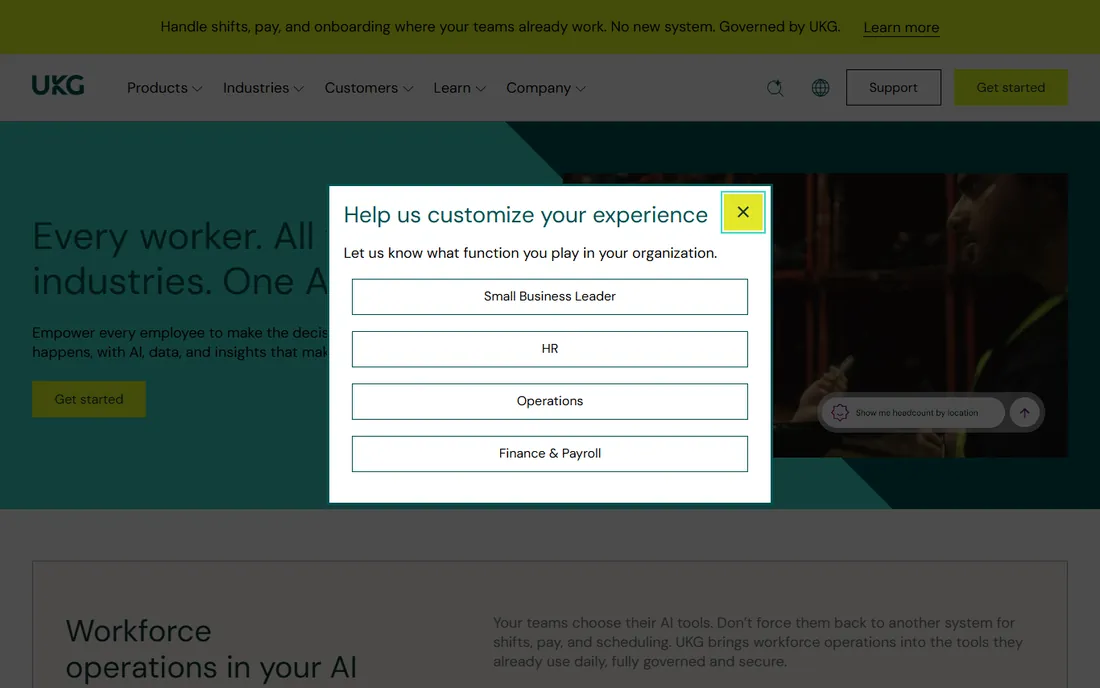
UKG Workforce Management serves large retailers with centralized scheduling, labor forecasting, compliance automation and analytics across regions and jurisdictions. Integration with UKG Pro unifies HCM, payroll and WFM.
Small businesses should look elsewhere. UKG fits large enterprises with complex scheduling rules and multi-location operations.
What we like- Deep workforce management for large shift-based workforces
- Demand forecasting
- Fair workweek and union rule compliance
- Native UKG Pro integration
Watch out for- Enterprise pricing and implementation timelines
- Overkill under 100 employees
- Sales-led procurement
Starting priceSee website
Free planNo
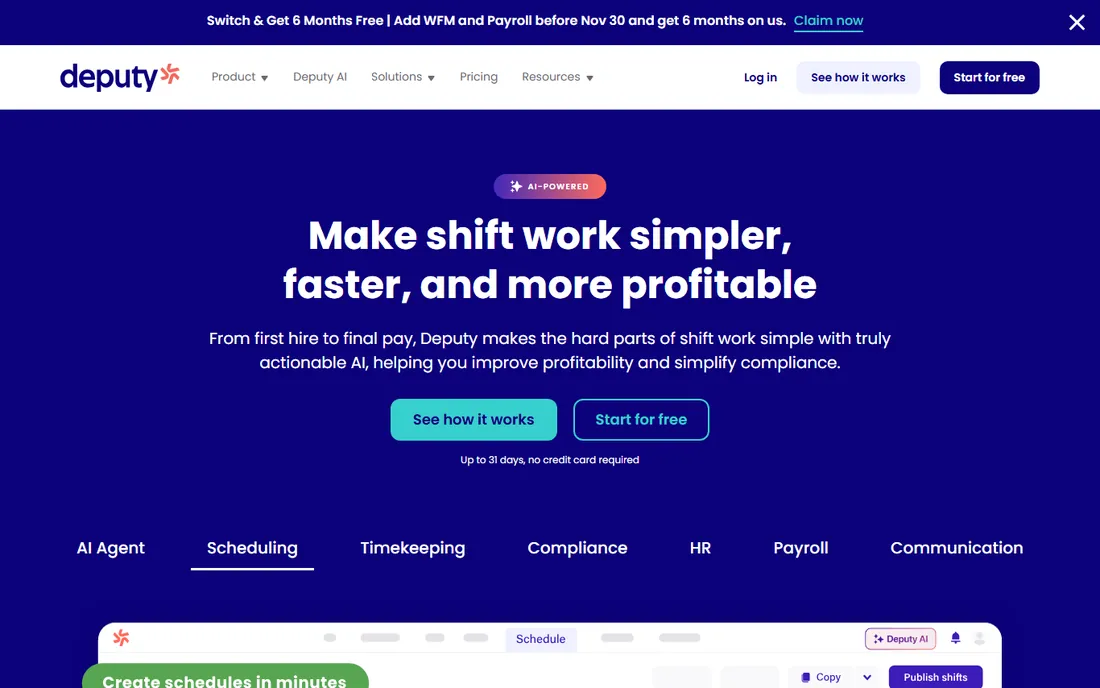
Deputy covers the full hourly workflow: build schedules in minutes, publish to the team, manage leave, track time and sync timesheets to payroll, with integrations across POS and payroll providers.
Pricing is per user with no free tier. Deputy fits mid-size retailers and hospitality businesses standardizing scheduling across locations.
What we like- Fast schedule creation and publishing
- 300-plus POS and payroll integrations
- Leave management
- Solid mobile apps
Watch out for- No free plan, only a trial
- Per-user pricing adds up for large hourly teams
Starting priceFree for up to 10 employees
Free planYes
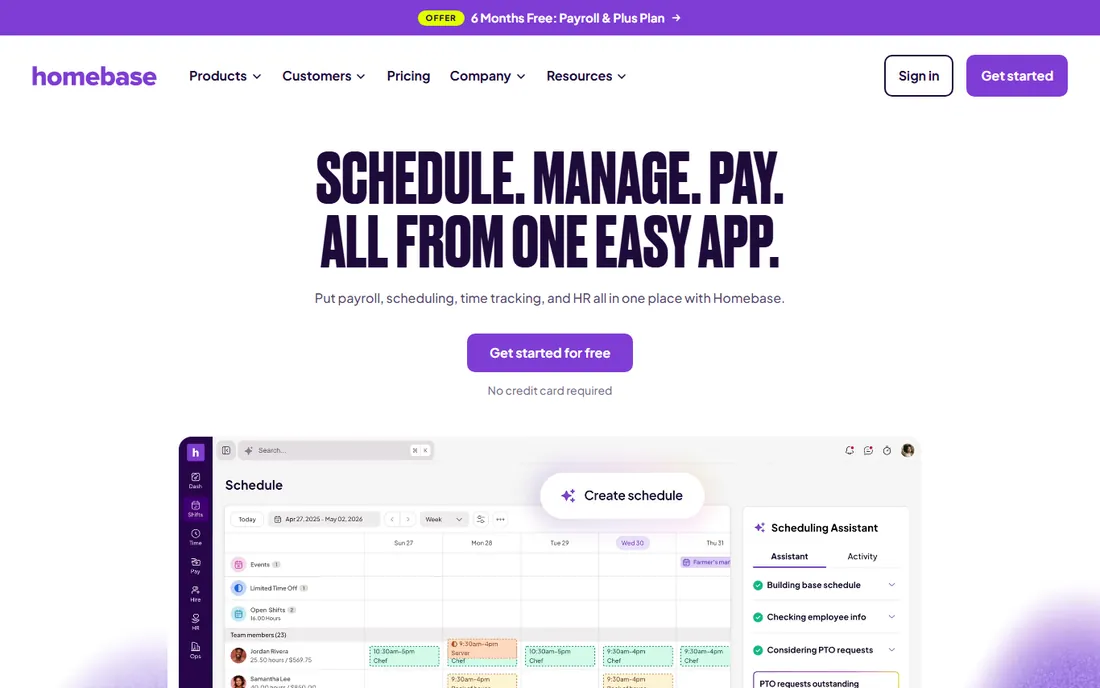
Homebase's free tier covers scheduling and time tracking for teams up to 10, and paid plans add hiring, team communication and payroll. It is the rare tool that takes a small retailer from schedule to paycheck in one app.
Larger operations will outgrow it. Homebase fits independent retailers and small chains that want one simple, affordable system.
What we like- Free Basic plan for up to 10 employees
- Scheduling, time tracking and payroll in one app
- Built-in payroll add-on
Watch out for- Advanced features need paid tiers
- Best for smaller teams, not enterprise chains
Starting priceSee website
Free planNo
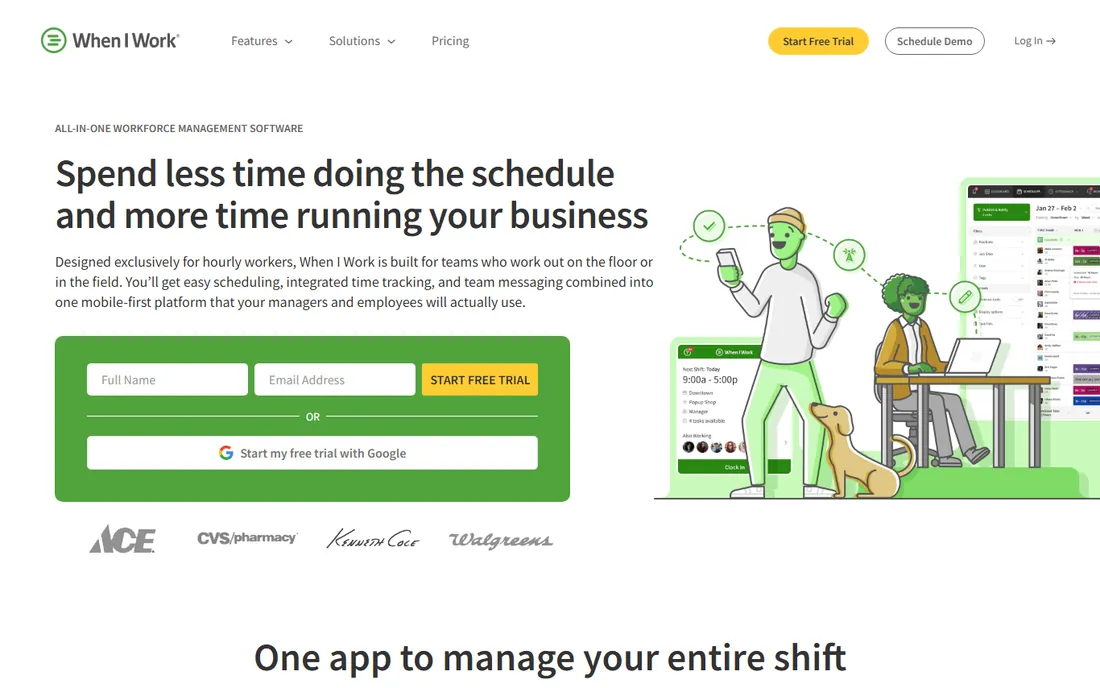
When I Work keeps scheduling simple: managers post shifts, employees swap and claim them, the mobile time clock captures hours. Adoption is fast because the workflow mirrors how teams already work.
Complex labor rules need more. When I Work fits small to mid-size retailers wanting straightforward scheduling without a learning curve.
What we like- Easy shift scheduling with swaps and drops
- Team messaging
- Time clock
- Quick to adopt for hourly teams
Watch out for- Thinner compliance and forecasting than enterprise tools
- Payroll is via integration only
Starting priceSee website
Free planNo
7shifts designs around food service: station-based scheduling, tip and labor cost management, and deep POS integrations. The free Comp plan suits single locations getting started.
Pure retailers may prefer Deputy or Homebase. 7shifts fits restaurants, cafes and hospitality businesses with complex shift patterns.
What we like- Built for restaurant scheduling workflows
- Labor cost controls
- POS integrations
- Free plan available for single locations
Watch out for- Restaurant focus limits retail fit
- Advanced features need higher tiers
Starting priceSee website
Free planNo
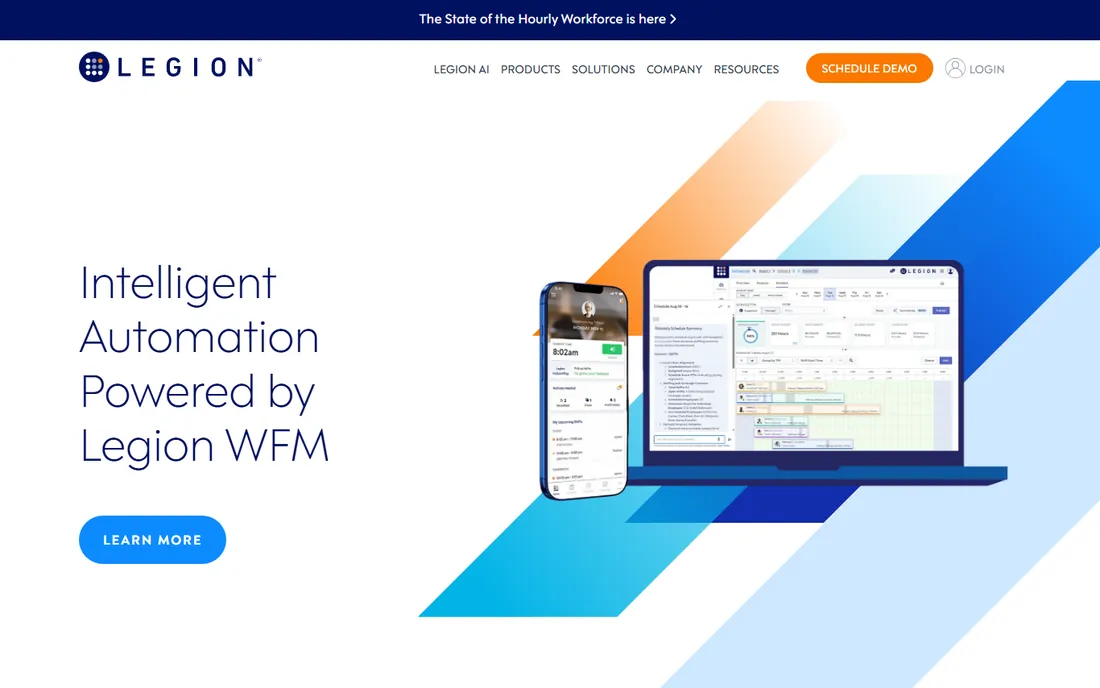
Legion's AI-native platform optimizes schedules against demand forecasts while considering employee preferences, aiming to cut labor costs and attrition simultaneously. The mobile app employees actually like is a genuine differentiator.
It is priced for chains, not corner stores. Legion fits large retailers and restaurant chains modernizing workforce management with AI.
What we like- AI-native schedule optimization
- Strong labor efficiency and retention claims
- Employee-centric mobile experience
- Fast-growing platform
Watch out for- Enterprise pricing
- Newer vendor than UKG with a shorter track record
Starting priceSee website
Free planNo
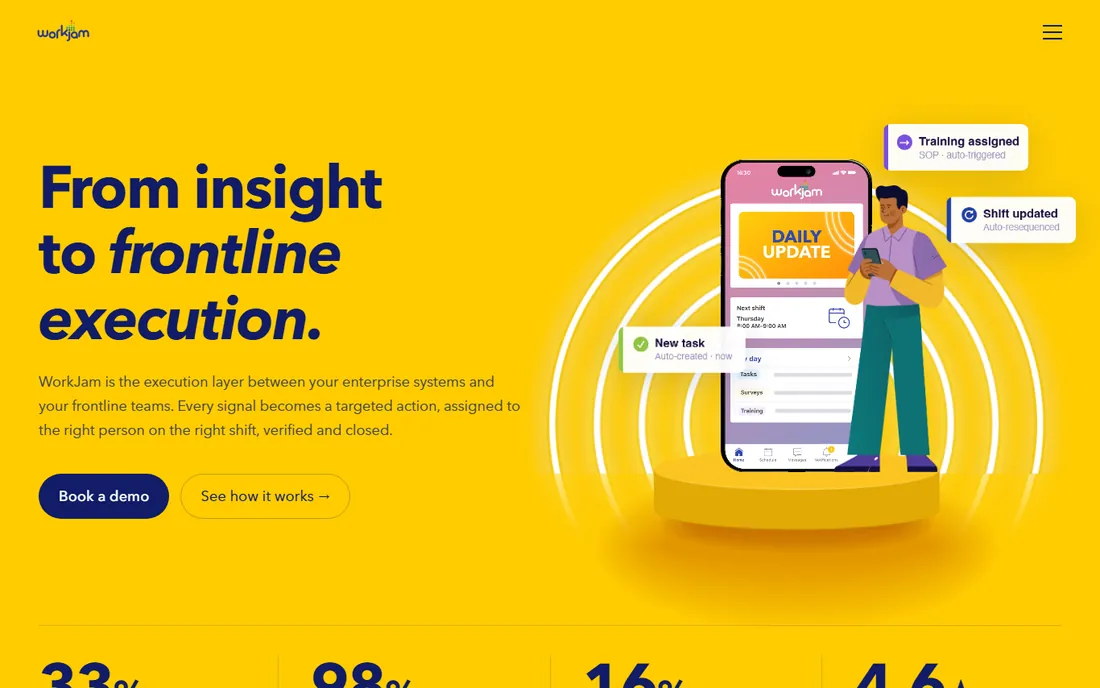
WorkJam is a digital workplace for frontline staff: scheduling alongside shift swaps, task management, company communications and training, in over 50 languages. It bridges HQ and store teams.
Scheduling-only buyers get more than they need. WorkJam fits large retailers wanting one frontline app for schedules, tasks and communication.
What we like- Combines scheduling with communication, tasks and learning in one app
- 50-plus languages
- Built for frontline engagement
Watch out for- Broader than pure scheduling, which adds complexity
- Enterprise-oriented pricing
Starting priceSee website
Free planNo
Schedulefly does one thing: online employee scheduling that is easy for managers to build and staff to read. The longevity speaks to reliability for its niche.
Feature depth is minimal by design. Schedulefly fits small restaurants and retailers that want simple scheduling without extra modules.
What we like- Simple, affordable scheduling
- Long track record since 2007
- Easy for managers and staff
Watch out for- Basic feature set
- No time clock or payroll depth
- Dated interface
What to check before you buy
Start with your labor law exposure. Fair workweek ordinances, predictive scheduling rules and break requirements vary by city and state; verify the platform automates your jurisdictions' rules.
Check POS and payroll integrations for your specific systems. Test the employee mobile experience: adoption decides ROI, and clunky apps get ignored. Verify demand forecasting inputs if you want labor optimization, not just digital schedules. Finally, model per-user pricing against your hourly headcount, including seasonal peaks.
Scheduling fairly when everyone wants weekends off
Retail scheduling is a weekly negotiation between coverage needs and human lives. The managers who do it well follow principles that software can support but not replace.
Publish the rules before the schedule. How are weekend shifts allocated? How far in advance are requests due? What counts as a valid swap? When the rules are written and visible, complaints drop because the process feels fair even when the outcome disappoints. Unwritten rules feel like favoritism, even when they are not.
Rotate the pain. Nobody should work every Saturday forever while someone else never does. Track weekend and closing shifts per employee over a rolling period and balance them. The software can report this; the manager has to act on it.
Honor availability honestly. If you hired someone with stated unavailability, scheduling against it breeds resentment and turnover. Either the availability was a hiring condition (honor it) or it was not (do not pretend it was). The worst pattern is accepting availability at hire and ignoring it in practice.
Post schedules early. Two weeks is the standard employees expect and several jurisdictions require. Late schedules cost people childcare, second jobs and sanity. The operational benefit is real too: early schedules get fewer swap requests because people plan around them.
Make swaps easy but visible. Employees should be able to trade shifts without manager heroics, but the manager should see every swap. Invisible swaps create coverage gaps and compliance problems (a minor picking up a late shift, an uncertified employee on equipment).
Finally, ask. A quarterly conversation about schedule satisfaction surfaces issues before they become resignations. The best schedule is one employees had a voice in, even if it is not the one they would have written.
How we chose
We selected workforce management tools with real retail and hospitality customer bases, spanning free SMB apps to enterprise platforms, using vendor sites, documentation and public reviews. Homebase's free tier comes from its own site; elsewhere we wrote See website where we could not verify a current figure on the vendor's own pricing page. We did not run schedules.
Labor law traps in retail scheduling
Retail scheduling sits at the intersection of several labor laws, and violations are expensive. The software helps, but the manager needs to know what to watch.
Predictive scheduling laws now cover major cities and some states. They typically require advance notice of schedules (often 14 days), premium pay for late changes, and good-faith estimates of hours at hire. The specifics vary by jurisdiction, which is exactly why multi-location retailers need software configured per location, not one global template.
Minor work restrictions are the most commonly violated rules in retail. Federal and state laws limit hours and times for 14- and 15-year-olds, and many states extend restrictions to 16- and 17-year-olds. A schedule that looks fine for an adult can be illegal for a teen. The system should flag age-based restrictions automatically, but someone has to enter birthdates correctly.
Overtime calculations surprise managers who think in weeks. Some states require daily overtime past eight hours; others have special rules for seventh consecutive days. Back-to-back shifts across the midnight boundary can create overtime nobody planned. Configure the overtime rules per jurisdiction and review the exceptions report every payroll.
Meal and rest break compliance is a documentation game. Several states require uninterrupted meal periods with penalties (often an hour of pay) when missed. The schedule should build breaks in, and the time clock should record them. "They could have taken a break" does not survive an audit; timestamps do.
Recordkeeping is the foundation. Keep schedules, time records, and any changes for at least three years (longer in some states). When a wage claim arrives two years later, the records are your defense. Digital systems make this automatic; paper schedules in a drawer do not.
When in doubt, check with employment counsel in each operating state. Scheduling software enforces the rules you configure; it cannot tell you what the rules are.
Frequently asked questions
What is workforce management software for retail?
Software that schedules hourly retail staff, tracks time and attendance, manages shift swaps and time off, forecasts labor demand and helps comply with labor laws.
How is this different from a time clock app?
Time clocks record hours; workforce management adds scheduling, demand forecasting, labor cost control, compliance and communication. Many tools combine both.
Which tool is best for a small retail store?
Homebase is the natural starting point with its free plan for up to 10 employees. When I Work and Deputy suit growing teams that outgrow the basics.
What is AI scheduling?
Algorithms that build schedules from demand forecasts, employee availability and preferences, labor rules and cost targets, replacing manual schedule construction. Legion specializes in it.
How do these tools handle labor law compliance?
Enterprise platforms automate jurisdiction-specific rules like predictive scheduling, overtime and minor-work restrictions. Simpler tools leave compliance to managers, so check your needs.
Do these integrate with POS systems?
Most integrate with major POS and payroll providers: Deputy lists hundreds of integrations, and 7shifts connects deeply with restaurant POS systems. Verify your specific systems before buying.
How far in advance should retail schedules be posted?
Two weeks is the standard employees expect and several jurisdictions legally require. Earlier is better for retention: workers with predictable schedules stay longer and request fewer changes. If your operation cannot plan two weeks out, that is usually a forecasting problem worth fixing rather than a scheduling constraint to accept.
Sources we checked (8)
- https://ukg.com
- https://www.deputy.com
- https://joinhomebase.com
- https://www.wheniwork.com
- https://www.7shifts.com
- https://legion.co
- https://workjam.com
- https://www.schedulefly.com
Is your product missing or out of date?
We review this list regularly. Vendors can request a listing, send updated pricing or ask about featured placement.

Shihab Mia · Founder, Rankite
Shihab has 5+ years in B2B and SaaS SEO. He writes Rankite's software buying guides from pricing pages, documentation and public user reviews. More about Shihab.