How we make this list: we compare pricing pages, product documentation and public user reviews. Ratings come from G2, Capterra or Trustpilot, with the date we checked them.
The short answer
Loom is the best pick for most teams that send presentations as video, because it records you and your screen in minutes and shares with a link. It starts at 18 dollars per user per month on monthly billing. For animated explainer presentations, Powtoon is the stronger choice, and Canva is the best value for simple recorded slide videos.
Key takeaways
- A video presentation replaces a live meeting or a static deck with a recording the viewer can watch later.
- Recorded tools such as Loom suit sales follow up and training, while animated tools such as Powtoon and Vyond suit explainers and marketing.
- Free plans are useful for testing, but most cap length or add a watermark.
- Starting prices in this guide run from 7 dollars to 99 dollars per month, depending on billing and plan.
- Check export limits, video length caps, and branding rules before you pay.
What is video presentation software and who needs it?
Video presentation software lets you present through a recorded or animated video instead of a live slide deck. You record your voice and your screen, build an animated explainer, or combine both, then send a link or a file. The viewer watches when they have time.
Sales teams send a proposal walkthrough after a call. Marketers turn a product story into a short explainer. Trainers record a lesson once and reuse it for every new starter. Founders send an investor update without waiting for a diary slot.
Should you record yourself, animate, or both?
Record yourself when trust and tone matter. A short video of you talking through a proposal feels personal, and the viewer can see your face and hear how you explain the numbers. This works well for sales follow up and client onboarding.
Animate when the idea is hard to explain with a talking head alone. A product process or a pricing model is often clearer as a moving diagram than as a person reading slides. Animated tools also help when you need the same message in more than one language.
Many teams need both styles. A sales rep might record a quick Loom after a demo, while marketing builds an animated explainer in Powtoon for the website.
What should you check before you pay?
Start with video length and export limits. Several tools cap free videos at three or five minutes, and paid plans raise the cap in steps. A ten minute limit is fine for a product update, but it will not hold a full training session.
Next, check branding and download rules. Free plans often add a watermark, and some paid entry plans still limit downloads per month. Make sure the plan you pick allows watermark free exports at 1080p for client work.
Then check sharing and privacy. A tool should let you share by link and see who watched, so sales teams know when to follow up. If it only exports a file with no viewer data, you lose that feedback.
Finally, check the editor. A simple trim and caption tool is enough for most teams. A full timeline editor takes longer to learn, so only pay for it if you will use it every week.
Also check how AI features are metered. Some tools give a monthly credit pool for AI voices, avatars, or script generation, and heavy use can run out before the month ends. Trials may also cap exports or add a watermark, so test with a real project first.
How much does video presentation software cost?
Prices in this guide start at 7 dollars per month and rise to 99 dollars per month on monthly billing, with lower monthly rates on annual billing. The cheapest paid plan is Prezi Standard at 7 dollars per month billed annually, and the most expensive entry plan is Vyond Starter at 99 dollars per month billed monthly.
Annual billing usually cuts the monthly rate by 30 to 50 percent, but you pay the full year up front. Watch for add ons too. Some tools charge extra for AI credits, extra seats, or 4K export.
Loom, Prezi, Canva, Powtoon, Animoto, and Wideo offer a free plan, while Vyond and Biteable offer a free trial instead. A trial usually lasts 7 or 14 days, so plan a real test project inside that window and check the export limits before the trial ends.
How do you share a video presentation?
The simplest way is a share link. Most tools host the video and give you a link you can paste into email, chat, or a CRM record. The viewer watches in a browser, with no download and no account needed. Most tools also let you set a password or an expiry date on a shared link, which helps when a proposal should not stay open for months.
Downloaded files suit a different job, such as an MP4 for a conference screen or a learning platform. Check that your plan allows downloads at 1080p, because some entry plans cap downloads at 720p.
Embeds and social sharing are the third option. Canva, Animoto, and Biteable offer preset sizes for each channel. Test the viewer experience once before you send a video to a client.
Comparison table
| Tool | Best for | Starting price | Free plan |
| Loom | Recorded sales and async updates | 18 dollars per user per month billed monthly | Yes, Starter free |
| Prezi Video | Presenting on camera beside visuals | 7 dollars per month billed annually | Yes, Basic free |
| Canva | Simple recorded slide videos | 18 dollars per month billed monthly | Yes, Free plan |
| Powtoon | Animated explainer presentations | 49 dollars per month billed monthly | Yes, Free plan |
| Vyond | Character led animated training | 99 dollars per month billed monthly | No, free trial only |
| Biteable | Fast template based video presentations | 29 dollars per month billed monthly | No, 7 day free trial |
| Animoto | Slideshow style video presentations | 19 dollars per month billed monthly | Yes, Free plan |
| Wideo | Short animated marketing presentations | 59 dollars per month billed monthly | Yes, Free plan |
Quick comparison
| Tool | Best for | Starting price | Free plan |
|---|
 Loom | Sales teams and managers who record quick narrated presentations and send them by link | 18 dollars per user per month billed monthly, or 15 dollars per user per month billed annually | Yes, Starter is free with 25 videos per person and a 5 minute cap on screen recordings |
 Prezi Video | Presenters who want to appear on camera with their visuals beside them in the same video | 7 dollars per month billed annually for Standard | Yes, Basic is free with public presentations and a Prezi watermark |
 Canva | Small teams that design slides and record a narrated video version in the same tool | 18 dollars per month billed monthly, or 12 dollars per month billed annually, for Pro | Yes, the Free plan covers basic design and video with limited premium content and 5 GB storage |
 Powtoon | Marketers and trainers who want animated explainer style presentations without hiring a studio | 49 dollars per month billed monthly, or 15 dollars per month billed annually, for Lite | Yes, the Free plan exports at 720p with a Powtoon watermark and a 3 minute limit |
 Vyond | Training and compliance teams that need character led animated videos at scale | 99 dollars per month billed monthly, or 58 dollars per month billed annually, for Starter | No free plan, a free trial is available with 2,000 credits and watermarked exports |
 Biteable | Busy teams that need a polished template video presentation in under an hour | 29 dollars per month billed monthly, or 15 dollars per month billed annually, for Pro | No free plan, a 7 day free trial is available with no card required |
 Animoto | Small businesses that turn photos and short clips into slideshow style video presentations | 19 dollars per month billed monthly, or 9 dollars per month billed annually, for Basic | Yes, the Free plan allows unlimited videos at 720p with Animoto branding and 50 music tracks |
 Wideo | Marketers who need short animated video presentations for campaigns and social channels | 59 dollars per month billed monthly, or 19 dollars per month billed annually, for Basic | Yes, the Free plan allows videos up to 1 minute with Wideo branding, 10 templates, and 50 MB storage |
Is your product missing or out of date?
We review this list regularly. Vendors can request a listing, send updated pricing or ask about featured placement.
The top video presentation software
#1Loom
Best for: Sales teams and managers who record quick narrated presentations and send them by link4.7/5 on
G2 (2,415 reviews, checked Oct 2026)
Visit loom.com
Starting price18 dollars per user per month billed monthly, or 15 dollars per user per month billed annually
Free planYes, Starter is free with 25 videos per person and a 5 minute cap on screen recordings
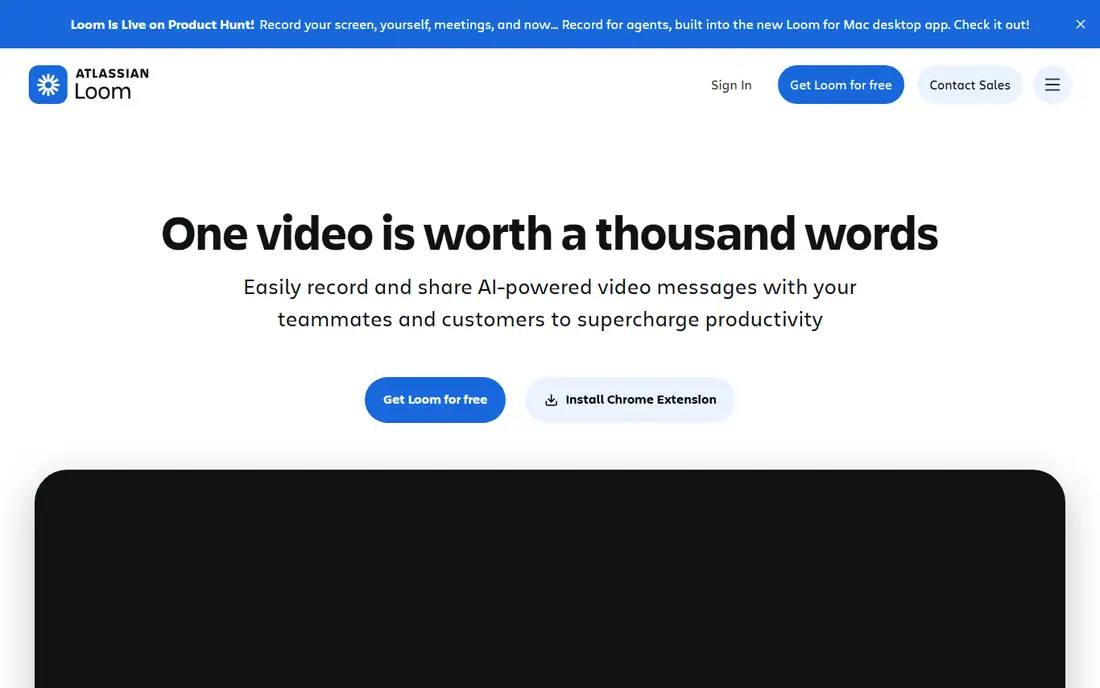
Loom is the fastest way to turn a presentation into a video. You open the recorder, talk through your slides or your screen, and share a link when you stop. The viewer watches in a browser, and you get a notice when they view it. Loom does not build animated explainer scenes, so teams that need animation should pair it with an animation tool. Prices checked 12 Nov 2026 on the Loom pricing page.
What we like- Very fast to record and share, simple editing, viewer alerts show who watched, works in the browser and on desktop
Watch out for- The free plan caps recordings at 5 minutes and 25 videos per person, and AI summaries need the higher priced Business plus AI plan
#2
Prezi Video
Best for: Presenters who want to appear on camera with their visuals beside them in the same video
Visit prezi.com
Starting price7 dollars per month billed annually for Standard
Free planYes, Basic is free with public presentations and a Prezi watermark
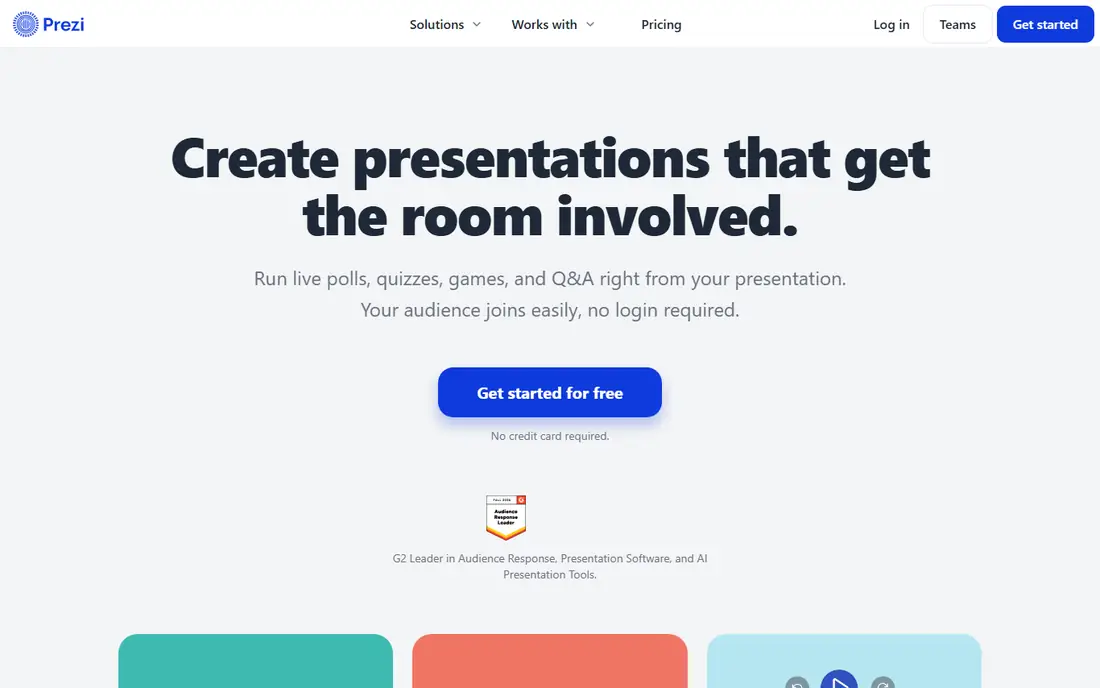
Prezi Video puts you on screen beside your content, so the viewer sees your face and your slides at the same time. That format suits remote pitches, training videos, and recorded updates. The zooming canvas moves from one idea to the next instead of flipping through flat slides. The Standard plan adds private presentations, PDF and PowerPoint import, and video recording. The free plan publishes your work in public with a watermark, so it is only fit for testing. Prices checked 12 Nov 2026 on the Prezi pricing page.
What we like- The on camera format feels personal, the zooming canvas keeps visuals clear, works live and as a recording
Watch out for- The free plan makes presentations public and adds a watermark, and private work needs a paid plan from 7 dollars per month
#3Canva
Best for: Small teams that design slides and record a narrated video version in the same tool4.7/5 on
G2 (7,678 reviews, checked Oct 2026)
Visit canva.com
Starting price18 dollars per month billed monthly, or 12 dollars per month billed annually, for Pro
Free planYes, the Free plan covers basic design and video with limited premium content and 5 GB storage
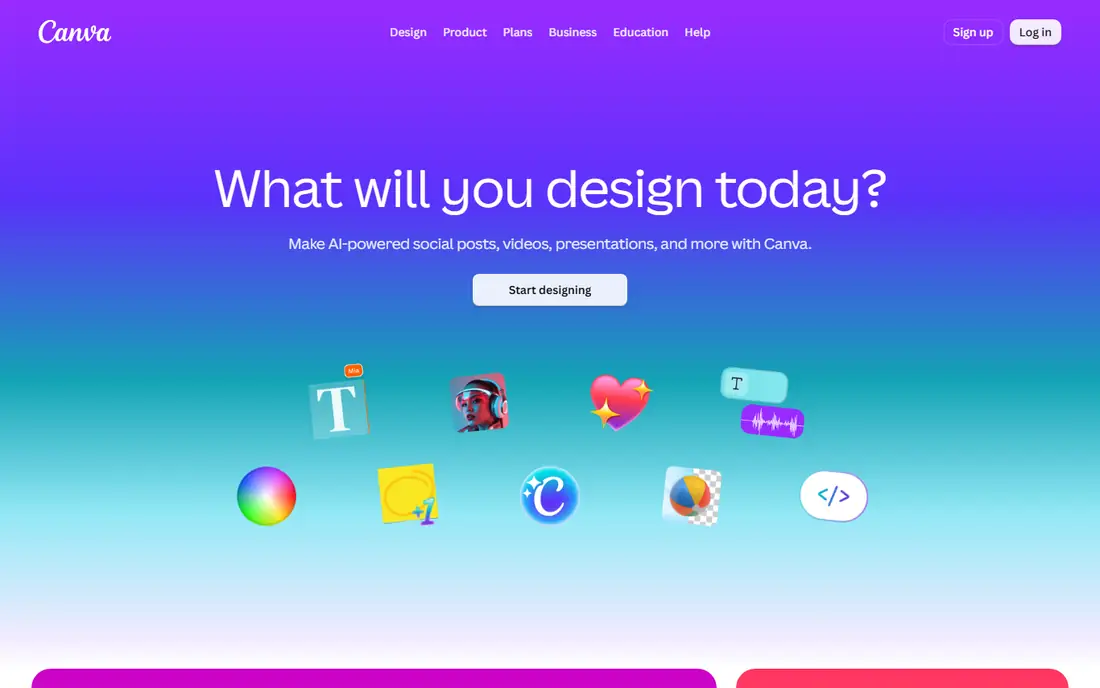
Canva lets you build the slides, record your narration, and export a video without leaving the same workspace. That saves a file handoff between tools. Templates cover sales decks, training lessons, and social clips, and the recorder captures your camera and your screen together. Brand kits store your logo, colours, and fonts, so each video looks consistent. Pro covers one person only, so two colleagues need Business at 25 dollars per person per month. Prices checked 12 Nov 2026 on the Canva pricing page.
What we like- Huge template library, easy recording and captions, brand kits keep videos consistent, low learning curve
Watch out for- Pro is a single person plan, so a second user needs the Business plan, and advanced video editing is weaker than a dedicated editor
#4Powtoon
Best for: Marketers and trainers who want animated explainer style presentations without hiring a studio4.4/5 on
G2 (287 reviews, checked Oct 2026)
Visit powtoon.com
Starting price49 dollars per month billed monthly, or 15 dollars per month billed annually, for Lite
Free planYes, the Free plan exports at 720p with a Powtoon watermark and a 3 minute limit
Powtoon turns a script into an animated presentation with characters, scenes, and motion, which suits explainers, onboarding videos, and product stories. You pick a template, edit the text and images, add a voiceover, and export a video that looks made by a studio. Paid plans remove the watermark and add full HD export. Lite costs 49 dollars per month on monthly billing but 15 dollars per month billed annually. AI credits are metered. Prices checked 12 Nov 2026 on the Powtoon pricing page.
What we like- Large template library, AI script and voice tools, character animation, commercial rights on paid plans
Watch out for- The monthly price is high next to the annual rate, and AI features use credits that run out on heavy use
#5Vyond
Best for: Training and compliance teams that need character led animated videos at scale4.7/5 on
G2 (550 reviews, checked Oct 2026)
Visit vyond.com
Starting price99 dollars per month billed monthly, or 58 dollars per month billed annually, for Starter
Free planNo free plan, a free trial is available with 2,000 credits and watermarked exports
Vyond is built for animated business video, with characters, scenes, and motion graphics that suit training, compliance, and internal communications. You can build a lesson from a script, a document, or a web page, then add voices in many languages. Starter costs 99 dollars per month billed monthly, or 58 dollars per month billed annually. AI features use a monthly credit pool, so heavy AI use needs a higher plan. Vyond makes sense when you produce training videos every month. Prices checked 12 Nov 2026 on the Vyond plans page.
What we like- Strong character and scene library, text to video tools, translation into many languages, good for repeatable training
Watch out for- The entry price is the highest in this list, and there is no free plan, only a trial
#6Biteable
Best for: Busy teams that need a polished template video presentation in under an hour4.4/5 on
G2 (26 reviews, checked Oct 2026)
Visit biteable.com
Starting price29 dollars per month billed monthly, or 15 dollars per month billed annually, for Pro
Free planNo free plan, a 7 day free trial is available with no card required
Biteable is about speed. You pick a template, paste a script, choose an avatar and a voice, and export a finished video. Pro allows videos up to 10 minutes in 1080p, with 20 avatar clips a month. Premium adds 4K export, captions, and text to speech voices. Budget for Premium at 49 dollars per month billed annually if you need captions. The 7 day trial needs no card, so you can test a real project before paying. Prices checked 12 Nov 2026 on the Biteable pricing page.
What we like- Fast template workflow, large stock library, AI avatars and voices, simple editor with a short learning curve
Watch out for- There is no free plan, only a 7 day trial, and captions and AI voices need the Premium plan at 49 dollars per month billed annually
#7Animoto
Best for: Small businesses that turn photos and short clips into slideshow style video presentations4.3/5 on
G2 (94 reviews, checked Oct 2026)
Visit animoto.com
Starting price19 dollars per month billed monthly, or 9 dollars per month billed annually, for Basic
Free planYes, the Free plan allows unlimited videos at 720p with Animoto branding and 50 music tracks
Animoto takes photos, short clips, and text, then builds a polished slideshow video with music and motion. The guided storyboard keeps the work simple, which suits estate agents, event firms, and small businesses that need a decent video without hiring an editor. Basic removes the watermark and unlocks 1080p export, while Professional adds branding, voiceover, and 4K export. The trade off is control. You cannot fine tune each cut the way a timeline editor allows. Prices checked 12 Nov 2026 on the Animoto pricing page.
What we like- Very easy guided workflow, licensed music included, fast results from photos, low starting price on annual billing
Watch out for- Editing depth is limited next to a timeline editor, and 4K export and voiceover need the Professional plan
#8
Wideo
Best for: Marketers who need short animated video presentations for campaigns and social channels
Visit wideo.co
Starting price59 dollars per month billed monthly, or 19 dollars per month billed annually, for Basic
Free planYes, the Free plan allows videos up to 1 minute with Wideo branding, 10 templates, and 50 MB storage
Wideo makes short animated videos and presentations from templates, with a library of scenes, characters, and stock clips. It suits campaign videos, product teasers, and social posts. Finished videos can be shared straight to YouTube, Facebook, or HubSpot. Basic costs 19 dollars per month billed annually but caps videos at 1.5 minutes and downloads at 10 a month. Pro costs 39 dollars per month billed annually and allows videos up to 10 minutes. Prices checked 12 Nov 2026 on the Wideo pricing page.
What we like- Clear template gallery, unlimited storage on Pro, interactive video on the top plan, simple sharing to social channels
Watch out for- Basic caps videos at 1.5 minutes and 10 downloads a month, so most teams will need Pro at 39 dollars per month billed annually
Frequently asked questions
What is the best video presentation software for sales teams?
Loom is the best pick for most sales teams, because it records a proposal walkthrough in minutes and shares a link that shows when the prospect watched. The Business plan costs 18 dollars per user per month billed monthly and removes the free plan caps. Teams that need a polished animated pitch should add Powtoon or Biteable for that job.
Can I make a video presentation for free?
Yes. Loom, Prezi, Canva, Powtoon, Animoto, and Wideo all have a free tier, while Vyond and Biteable offer a free trial instead. Free plans usually add a watermark, cap video length, or limit export quality to 720p, so they suit testing and internal drafts. For client facing work, budget for a paid plan that removes the watermark and allows 1080p export.
What is the difference between a recorded presentation and an animated presentation?
A recorded presentation shows you talking through slides or your screen, so the viewer hears your voice and sees your face. An animated presentation uses characters, diagrams, and motion to explain an idea, with a voiceover or music instead of a live presenter. Recorded video suits sales and training where trust matters. Animated video suits explainers and lessons that need the same message every time.
How long should a video presentation be?
Most video presentations work best between two and five minutes, because viewers drop off as the length grows. A product update or a proposal summary fits in that range. Training lessons can run longer, but split them into short chapters. Check the length cap on your plan before you record, because some entry plans cap videos at 10 minutes or less.
Do I need video editing skills to use these tools?
No, most tools in this guide are built for people with no editing background. Loom, Canva, Animoto, and Biteable use guided workflows, templates, and simple trim tools. Powtoon, Vyond, and Wideo need more time to learn, because animation takes more choices about scenes and timing. Start with a template and a short script, and keep the first video simple.
Sources we checked (9)
- https://www.loom.com/pricing
- https://prezi.com/pricing
- https://www.canva.com/pricing
- https://www.powtoon.com/pricing
- https://www.vyond.com/plans
- https://biteable.com/pricing
- https://animoto.com/pricing
- https://wideo.co/pricing
- https://startupstash.com/tools/moovly/
Is your product missing or out of date?
We review this list regularly. Vendors can request a listing, send updated pricing or ask about featured placement.

Shihab Mia · Founder, Rankite
Shihab has 5+ years in B2B and SaaS SEO. He writes Rankite's software buying guides from pricing pages, documentation and public user reviews. More about Shihab.