How we make this list: we compare pricing pages, product documentation and public user reviews. Ratings come from G2, Capterra or Trustpilot, with the date we checked them.
Key takeaways
- Riverside is the most complete single tool for recording remote video interviews, but it has no permanent free plan, only a 14-day trial that needs a credit card.
- Descript is the strongest pick if editing takes more of your week than recording. Its paid plans start at $16 per person per month on annual billing.
- StreamYard and Restream suit shows that go live first and get cut into clips later. Ecamm Live does the same job for Mac-only studios.
- Zencastr and Podcastle are the lighter options for guest recording and quick AI cleanup, and both are worth testing on a free tier before paying.
- Check how each tool bills: some charge per editor, some per account, and several cap recording or export hours on lower plans.
Quick comparison
| Tool | Best for | Starting price | Free plan |
|---|
 Riverside Riverside | Remote video interviews in high quality | $29 per month (billed annually; $35 month to month) | Free trial (14 days) |
 StreamYard StreamYard | Live shows with remote guests, run from a browser | See website | Yes |
 Descript Descript | Editing video by editing the transcript | $16 per person/month (billed annually; $24 month to month) | Yes |
 Zencastr Zencastr | Simple guest recording for small shows | See website | Yes |
 Restream Restream | Streaming to many platforms at once | See website | Yes |
 Podcastle Podcastle | AI-assisted editing on a modest budget | See website | Yes |
 Ecamm Live Ecamm Live | Mac-based live production | See website | Free trial |
Is your product missing or out of date?
We review this list regularly. Vendors can request a listing, send updated pricing or ask about featured placement.
The best video podcasting software
#1Riverside
Best for: Remote video interviews in high quality4.8/5 on
G2 (1,754 reviews, checked Oct 2026)
Visit riverside.com
Starting price$29 per month (billed annually; $35 month to month)
Free planFree trial (14 days)
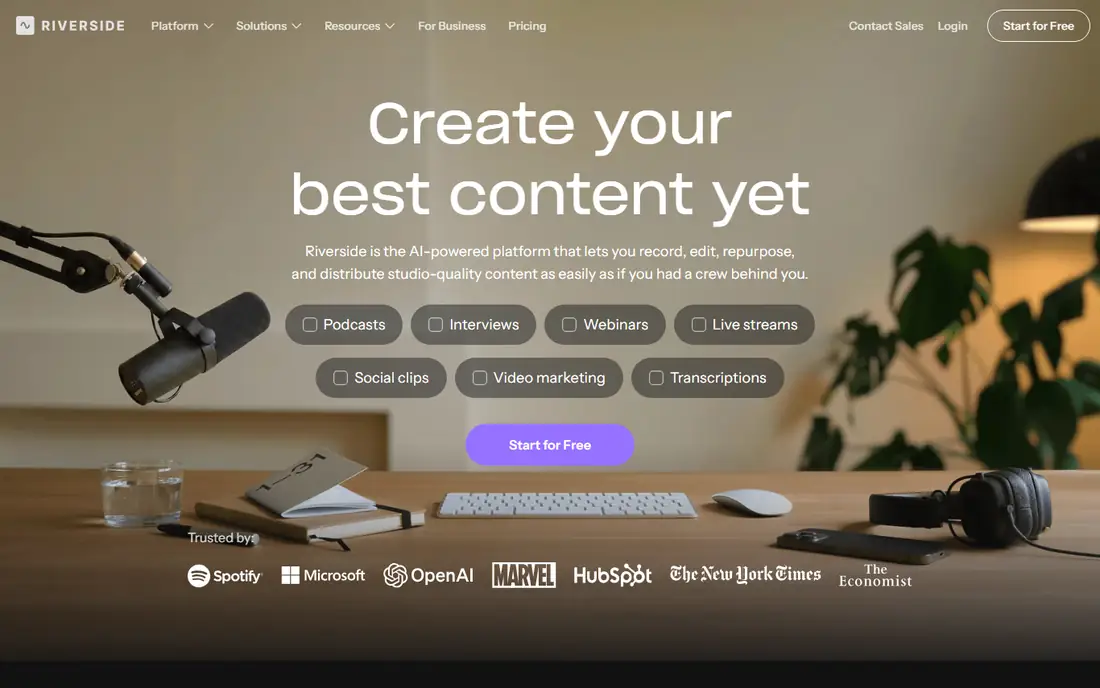
Riverside is the tool most people name first for video podcasts, and the reason is simple: it records each participant on their own device, then uploads the files while the session runs. A weak connection can make the live call look rough, but the saved recordings are not affected. Each guest gets a separate audio and video track, which gives your editor room to work.
Pricing follows a tiered model. According to Riverside's own help content, the Pro plan costs $35 per month on monthly billing or an effective $29 on annual billing, Grow is $45 or $39, and Webinar is $99 or $79. Business pricing is quoted on request. A single session can include up to 10 recorded people.
The catch is cost for light users. Riverside's own guidance says the free trial converts to a paid subscription on day 15 unless you cancel, and a card is required up front. If you publish one episode a month, a cheaper tool may be enough. If you publish weekly with outside guests, this is the safest place to start.
What we like- Records locally on each device and uploads as you go
- Separate tracks per guest
- Built-in text-based editor and live streaming
Watch out for- No permanent free plan
- Trial requires a credit card
#2StreamYard
Best for: Live shows with remote guests, run from a browser4.8/5 on
G2 (299 reviews, checked Oct 2026)
Visit streamyard.com
Starting priceSee website
Free planYes
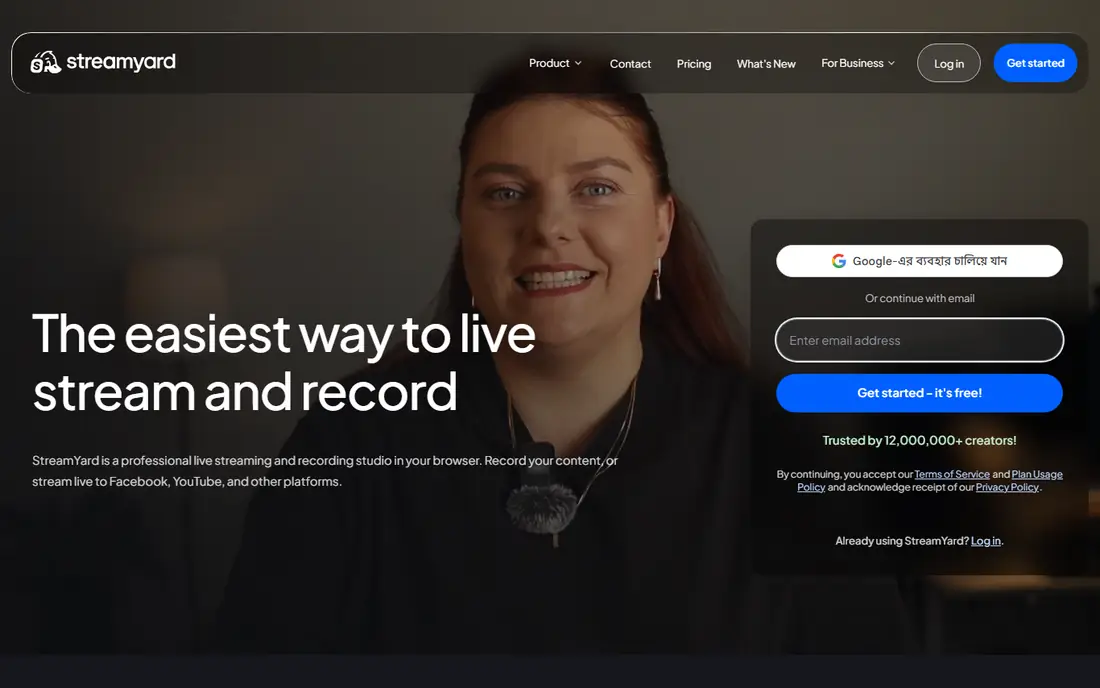
StreamYard started as a live streaming studio and grew into a recording tool as well. Its homepage describes guests joining from a browser or phone in a few clicks, with no software to install. For a marketing team that wants a weekly live show on LinkedIn or YouTube, that low friction matters more than any spec sheet.
The company also says recordings can be made locally, so each person's audio and video is captured on their own device rather than only in the stream. That addresses the usual complaint about streaming-first tools, which is quality dropping when someone's internet wobbles. It also offers StreamYard On-Air for webinars.
Where it falls short is editing. You will still need a separate editor for polish, and the recording side is less deep than a dedicated tool like Riverside. Check the current plan page for limits on guests, destinations and branding before you commit, because I could not confirm the live prices from the vendor's site.
What we like- Guests join from a browser or phone with no download
- Branded overlays and layouts
- Local recording of separate audio and video files
Watch out for- Built around live streaming more than deep post-production
- Features and branding limits vary by plan
#3Descript
Best for: Editing video by editing the transcript4.6/5 on
G2 (928 reviews, checked Oct 2026)
Visit descript.com
Starting price$16 per person/month (billed annually; $24 month to month)
Free planYes
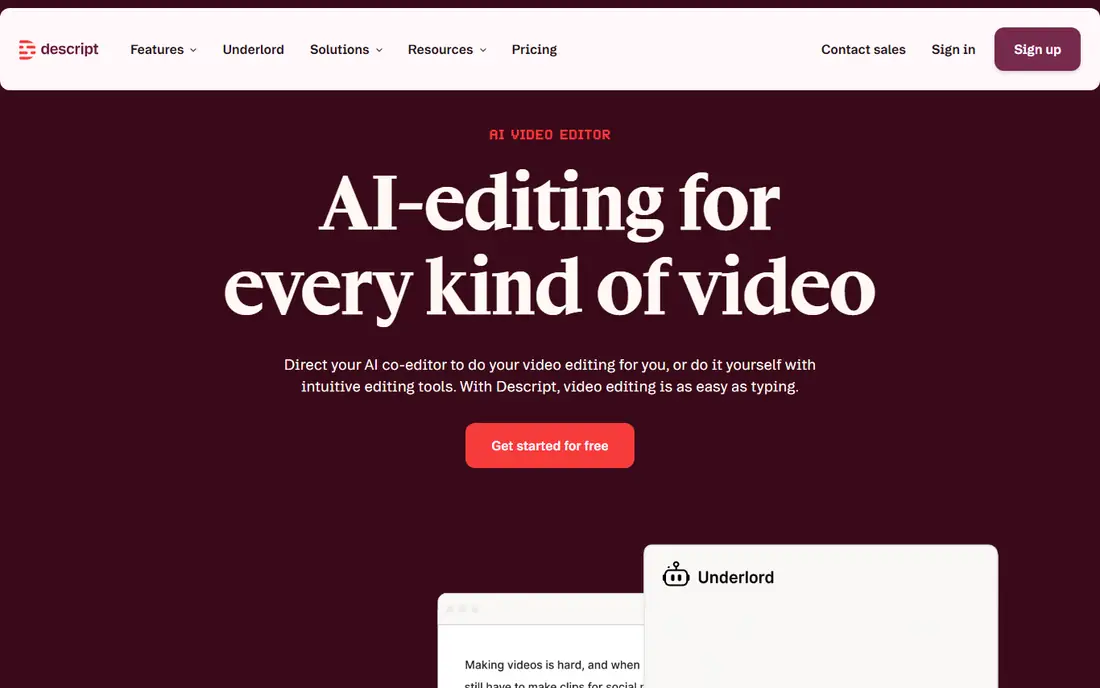
Descript is an editor first. You record or import a conversation, it transcribes it, and you cut the video by deleting words in the text. For a founder who records a long interview and needs a 10-minute version by Friday, that workflow saves real time.
Its pricing page lists a Free plan and three paid tiers. Hobbyist is $16 per person per month on annual billing ($24 monthly) with 10 media hours and 400 AI credits per month and 1080p watermark-free export. Creator is $24 annual ($35 monthly) with 30 media hours, 800 AI credits and 4K export. Business is $50 annual ($65 monthly) and is built for teams of up to five that are billed separately.
The honest downside is the cap structure. Media hours and AI credits run out, and teams pay per seat. Descript also is not the strongest remote guest recorder, so many shows pair it with a dedicated recording tool and use Descript only for the edit.
What we like- Text-based editing makes cuts fast
- AI tools for audio cleanup and clips
- 4K export on the Creator plan
Watch out for- Per-person pricing adds up for teams
- Monthly media hours and AI credits are capped
#4Zencastr
Best for: Simple guest recording for small shows3.7/5 on
G2 (30 reviews, checked Oct 2026)
Visit zencastr.com
Starting priceSee website
Free planYes
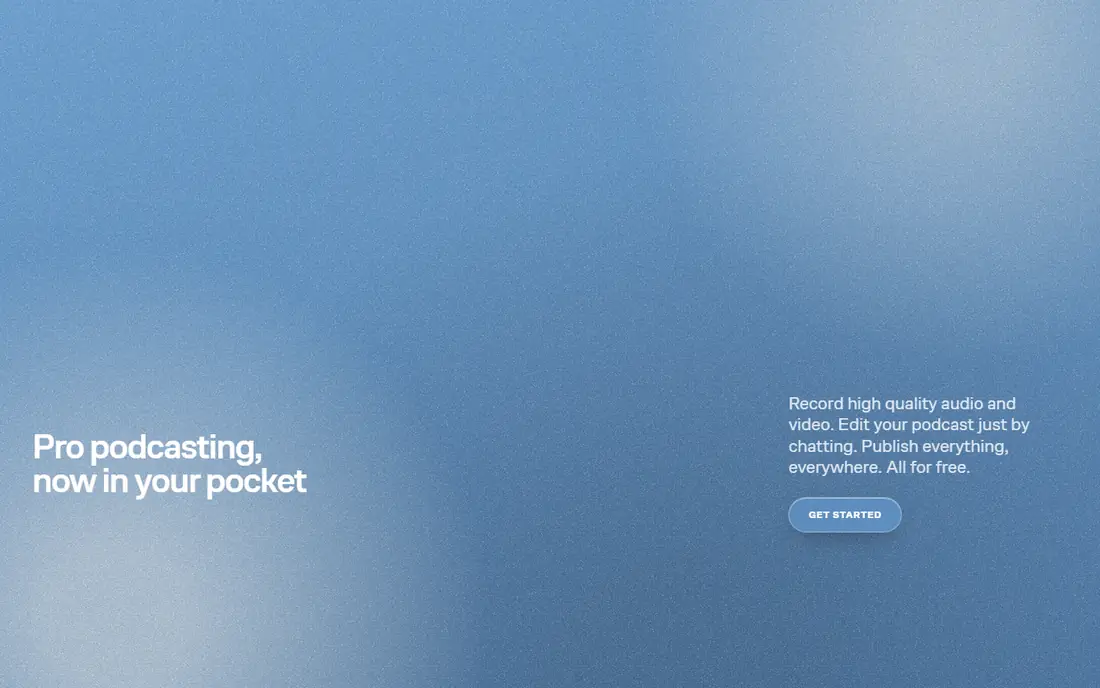
Zencastr is a good fit for a company that wants to record a customer interview or an expert chat with minimal setup. The host sends a link, the guest opens it in a browser, and the platform captures each person's track separately. It has been around long enough that many guests have already used it.
It leans toward audio-first podcasters who also want video, so the video editing options are lighter than what you get from a full editor. Teams that publish clips to social channels will probably export files and finish them elsewhere. That is not a flaw if your show is mostly conversation.
Plan names and limits have moved around over the years, and I could not confirm current prices from the vendor, so check the pricing page and read the recording-hour and export limits on the free and entry tiers. Start with the free plan and record a real episode before you pay.
What we like- Guests join through a link
- Records each participant locally
- Includes a free tier to test with
Watch out for- Fewer editing and live features than Riverside or Descript
- Plan limits change, so verify before buying
#5Restream
Best for: Streaming to many platforms at once4.5/5 on
G2 (82 reviews, checked Oct 2026)
Visit restream.io
Starting priceSee website
Free planYes
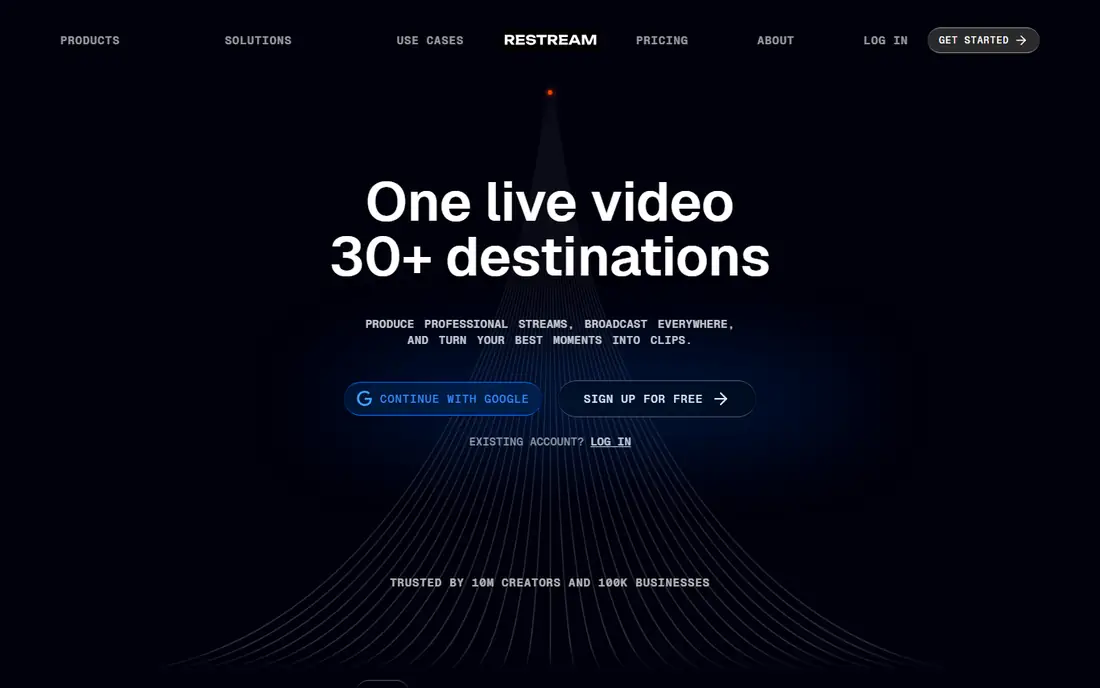
Restream earns its place on this list for one job: taking a live show and sending it to YouTube, LinkedIn, Facebook and other destinations together. If your video podcast is partly a live event, and your audience is spread across several networks, that saves you from running the same session multiple times.
It also provides a browser studio for hosting guests. That studio is practical for a weekly panel or Q&A, and the combined chat view helps a host who would otherwise juggle tabs.
The trade-off is depth. Restream does not replace an editor, and it is not designed around producing polished edited episodes. Treat it as the live distribution layer. Pricing and destination limits depend on the plan, so confirm what is allowed on the free tier, including branding and recording limits, on the vendor's page.
What we like- Sends one live show to multiple platforms
- Works with guests and chat in one place
- Free tier to try
Watch out for- More of a streaming hub than a podcast editor
- Higher plans are needed for more destinations and branding
#6Podcastle
Best for: AI-assisted editing on a modest budget4.7/5 on
G2 (180 reviews, checked Oct 2026)
Visit podcastle.ai
Starting priceSee website
Free planYes
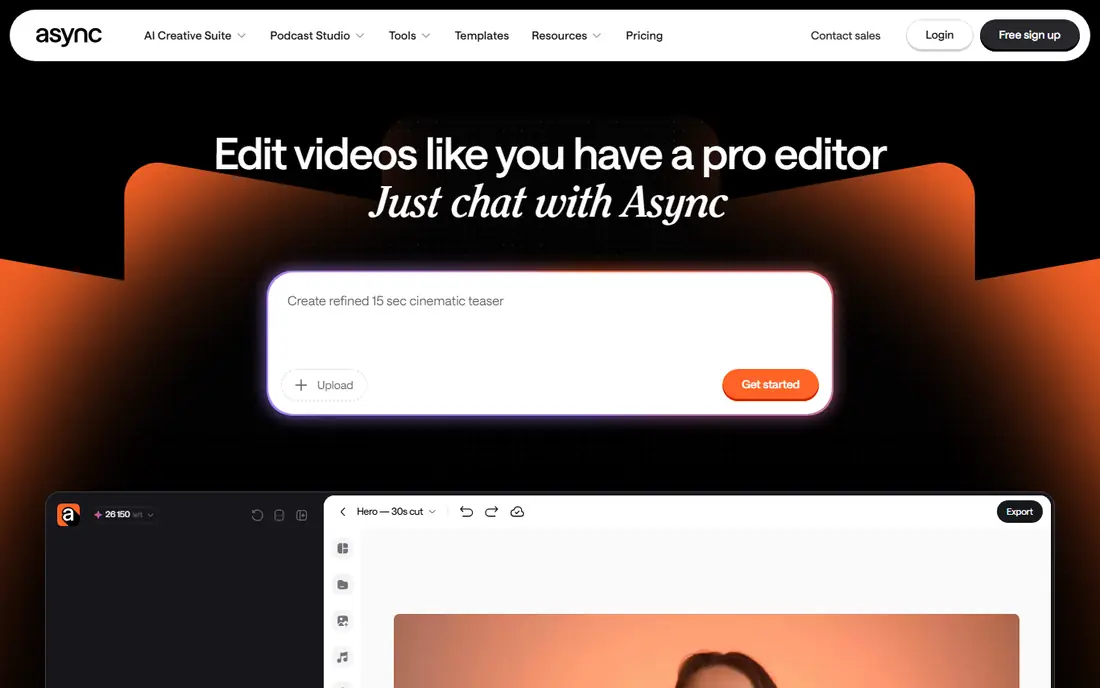
Podcastle is aimed at people who want to record, clean and publish without learning an audio editor. It runs in the browser, handles remote guest recording, and uses AI to reduce noise and level voices. A small business that treats its podcast as a side project can get decent results without hiring an editor.
Its strength is how few steps stand between a raw recording and a finished episode. The tools are friendly to beginners, and it is positioned as a budget-friendly option, so check the current plan page for exact numbers.
The weakness is scale. Agencies producing many shows, or teams that need deep collaboration and permissions, will probably outgrow it. Video features are lighter than those in Riverside or Descript, so judge the video output on the free tier first.
What we like- Browser-based recording and editing in one place
- AI audio cleanup
- Easy for non-editors
Watch out for- Less proven for large teams
- Free tier limits apply, so check exports before relying on it
#7Ecamm Live
Best for: Mac-based live production4.3/5 on
G2 (19 reviews, checked Oct 2026)
Visit ecamm.com
Starting priceSee website
Free planFree trial
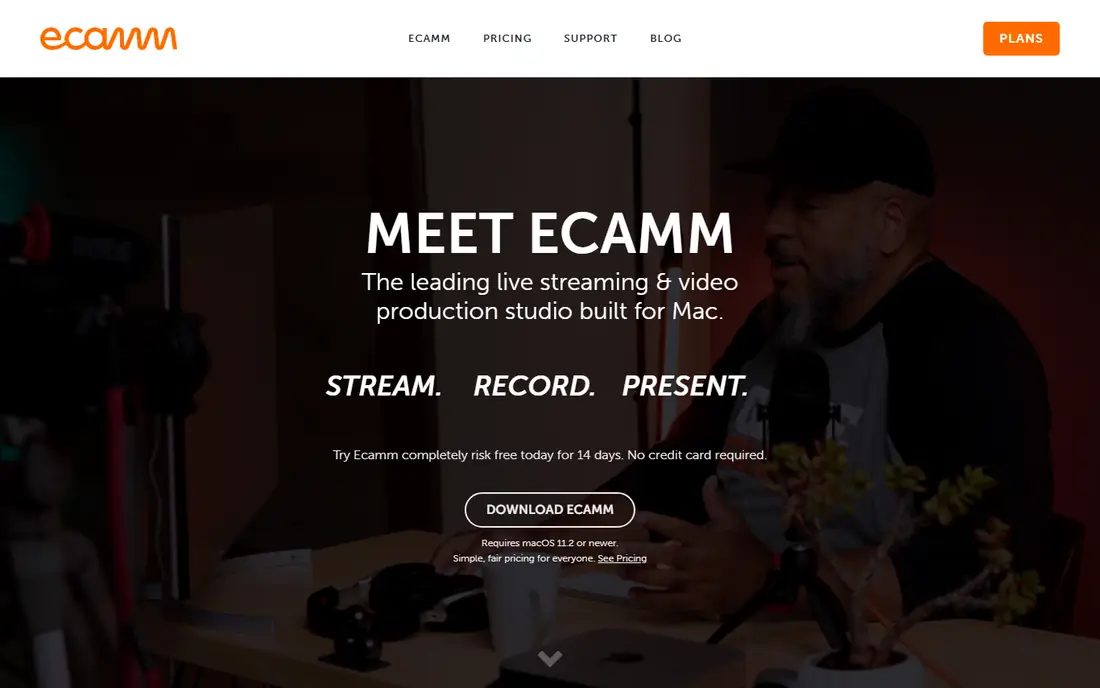
Ecamm Live is a Mac application, and that single fact decides whether it is right for you. If your team runs on MacBooks and you want camera switching, screen sharing, overlays and live output in one app, it is a tidy way to build a studio. It suits a host who records alone or has guests in the room.
Because it runs on your computer, you control scenes and sources in a way browser tools cannot match. You can bring in a remote guest, but remote guest quality is usually handled better by a dedicated recording platform. Many creators use Ecamm for the live production and another tool to capture isolated guest tracks.
A Windows user cannot use it at all, and that is the biggest limit. Pricing and trial terms change, so look at the current plans before buying.
What we like- Strong control over scenes, cameras and overlays
- Works well for solo hosts and in-person studios
Watch out for- Mac only
- Remote guest recording is not its core strength
How we chose
I built this list from public information rather than hands-on testing. For each product I read the vendor's pricing page, help articles and feature documentation where they were available, then compared them with public reviews on G2, Capterra and Reddit. I looked at recording quality, editing depth, live streaming support, integrations, export limits and how well each tool fits a small or mid-size US company.
Where I could not verify a price on the vendor's own site, the article says See website instead of guessing. Plans change often in this category, so treat every number here as a starting point and confirm it before you buy.
Decide whether your show is live or recorded
Live shows need a streaming studio such as StreamYard, Restream or Ecamm Live. Recorded interviews that get edited later are better served by Riverside, Zencastr or Podcastle. Many teams use two tools, and that is fine as long as the handoff is simple.
Watch the limits, not just the sticker price
Look at recording hours, export hours, guest counts, resolution and watermarks. Descript caps media hours and AI credits per plan, and Riverside caps separate-track export time during its trial. A cheap plan that runs out in week three is not cheap.
Count seats and editors
Per-person pricing, as with Descript, rewards a one-person show and punishes a five-person content team. Flat pricing is easier to budget. Ask who actually needs to edit and who only needs to review.
Plan for your workflow after recording
Think about where files go next. Separate audio and video tracks, text-based editing and clip creation shorten the path to social posts. Check whether you can export your files and transcripts, so you are not locked in if you switch.
Frequently asked questions
What is the best video podcasting software for beginners?
Podcastle and StreamYard are the easiest to start with, since both run in the browser and guests need no download. Descript is a good next step once you want faster editing. Start on a free tier and record one real episode before paying.
Do I need separate software for recording and editing?
Not always. Riverside and Descript both include editors, so a small team can work in one place. Larger shows often record in one tool and edit in another because it gives more control.
Is there a free video podcasting tool?
Several tools offer a free tier, including Descript, and the others on this list say they have one or a trial. Free plans normally limit export quality, hours or branding. Riverside is the exception here, since its own help content says it only offers a 14-day trial.
How much does video podcasting software cost?
Paid plans often start between $16 and $35 per month for a single user. Teams, live streaming to many destinations and higher resolution cost more. Confirm current prices on each vendor's page.
Can I record remote guests in high quality?
Yes, if the tool records locally on each guest's device. Riverside and StreamYard both describe local recording, which avoids the quality drops that come from capturing a live call. Ask guests to use headphones and a wired connection where possible.
Sources we checked (3)
- https://www.descript.com/pricing
- https://streamyard.com/
- https://riverside.com/blog/is-riverside-free
Is your product missing or out of date?
We review this list regularly. Vendors can request a listing, send updated pricing or ask about featured placement.

Shihab Mia · Founder, Rankite
Shihab has 5+ years in B2B and SaaS SEO. He writes Rankite's software buying guides from pricing pages, documentation and public user reviews. More about Shihab.