How we make this list: we compare pricing pages, product documentation and public user reviews. Rankite is independent; if a vendor ever pays for a featured spot, that listing is clearly labeled Partner.
Key takeaways
- Riverside is the best starting point for most beginners: browser-based recording, local 4K capture, a free plan, and paid plans from $24/month billed annually.
- If editing scares you, Descript and Async (formerly Podcastle) let you edit video by editing text, the fastest path from raw recording to finished episode.
- StreamYard and Restream are the easiest way to record conversations live, while Zencastr is the simplest dedicated recorder with a genuinely free tier.
- Ecamm Live is Mac-only but unmatched for polished multi-camera productions; Melon is the lightest browser option for quick live shows.
- SquadCast still runs as a standalone studio at squadcast.fm after the Descript acquisition, with its progressive-upload recording intact.
Quick comparison
| Tool | Best for | Starting price | Free plan |
|---|
 Riverside Riverside | All-in-one recording and editing | $24/month (billed annually) | Yes |
 SquadCast SquadCast | Dependable remote guest audio and video | See website | Free trial |
 Zencastr Zencastr | Free studio-quality recording | See website | Yes |
 StreamYard StreamYard | Live interviews without a learning curve | See website | Yes |
 Descript Descript | Editing video like a document | See website | Yes |
 Async (formerly Podcastle) Async (formerly Podcastle) | Chat-based AI video editing | See website | Yes |
 Restream Restream | Broadcasting to many platforms at once | See website | Yes |
 Ecamm Live Ecamm Live | Professional-looking Mac productions | See website | Free trial (14 days) |
 Melon Melon | Lightweight browser live shows | See website | Yes |
Is your product missing or out of date?
We review this list regularly. Vendors can request a listing, send updated pricing or ask about featured placement.
The best video podcast software for beginners
Starting price$24/month (billed annually)
Free planYes
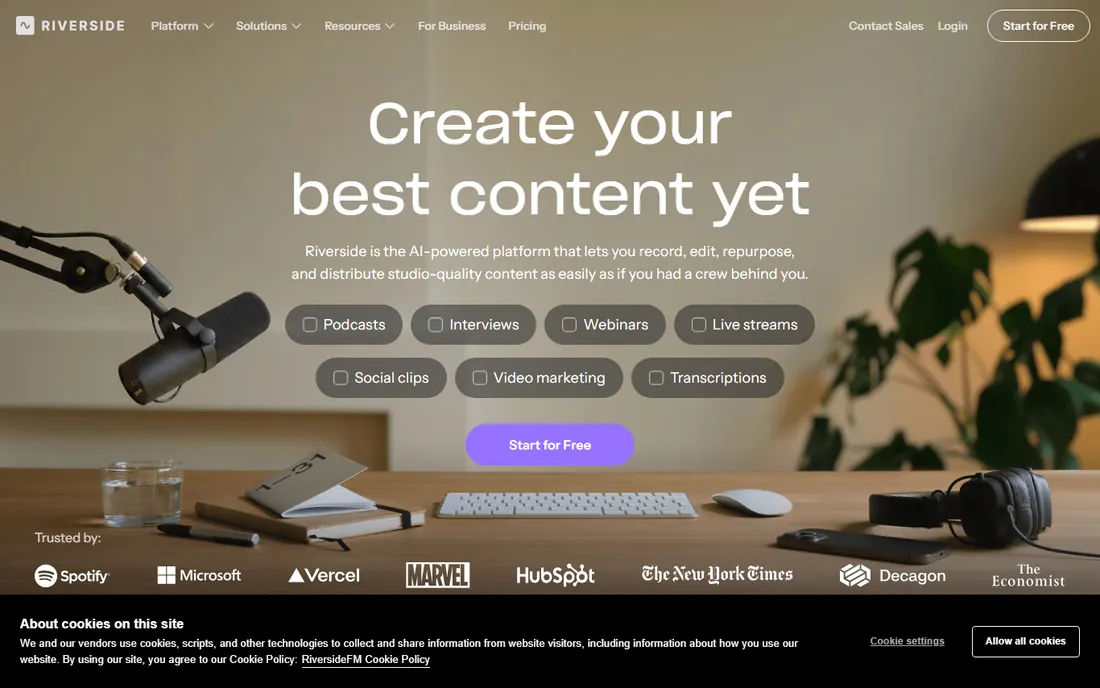
Picture your first episode. Your guest is in another state, your internet hiccups halfway through, and you are already dreading the edit. Riverside was built for exactly that moment. Each participant's video and audio are recorded locally on their own device in up to 4K, then uploaded, so a bad connection never ruins the take. Guests join from a browser link with nothing to install, and you get separate tracks for every speaker.
Where Riverside pulls ahead of pure recorders is what happens after the call. The text-based editor lets you cut video by deleting words in the transcript, AI generates clips, show notes and captions, and you can publish straight to YouTube, Spotify and Apple. The free plan lets you test the workflow, and Pro starts at $24/month billed annually. The honest limit is the cap on separate-track download hours per month.
What we like- Local 4K video and uncompressed audio recorded per participant
- Browser-based, no downloads for guests
- AI clips, transcripts and captions built in
Watch out for- Separate-track download hours are capped per plan
- The editor is good but not a full replacement for Premiere
- Annual billing is the only way to get the best price
Starting priceSee website
Free planFree trial
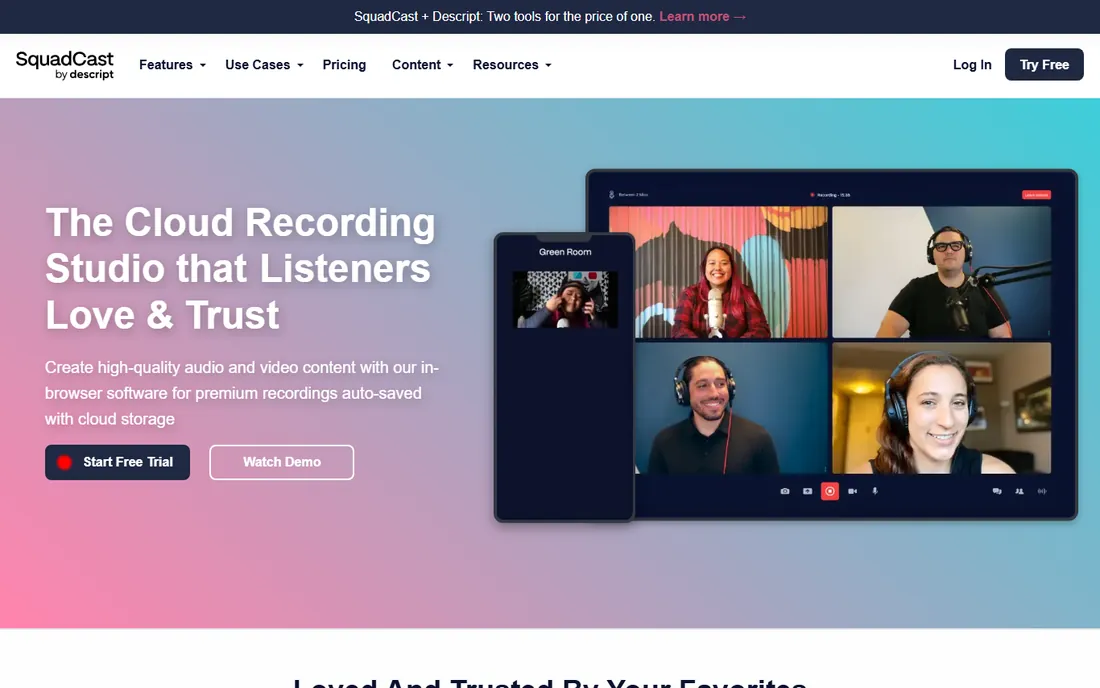
SquadCast earned its reputation among podcasters who had been burned by lost recordings. Its signature feature is progressive uploading: audio and video are captured locally and uploaded continuously while you record, with a cloud backup, so even a total power failure cannot wipe the session. For interview shows where the conversation is irreplaceable, that engineering choice matters more than any AI effect.
Descript acquired SquadCast, and the standalone studio at squadcast.fm still runs with its own pricing and free trial. The weakness is scope: SquadCast records beautifully but does not edit, host or distribute, so you will pair it with another tool. If your biggest fear is "what if the recording dies," start here.
What we like- Progressive uploads save every second as you record, so crashes lose nothing
- Separate local tracks for each participant
- Now backed by Descript's resources
Watch out for- A narrower feature set than Riverside or Descript
- The standalone future is tied to Descript's roadmap
- Pricing is not published on the homepage
Starting priceSee website
Free planYes
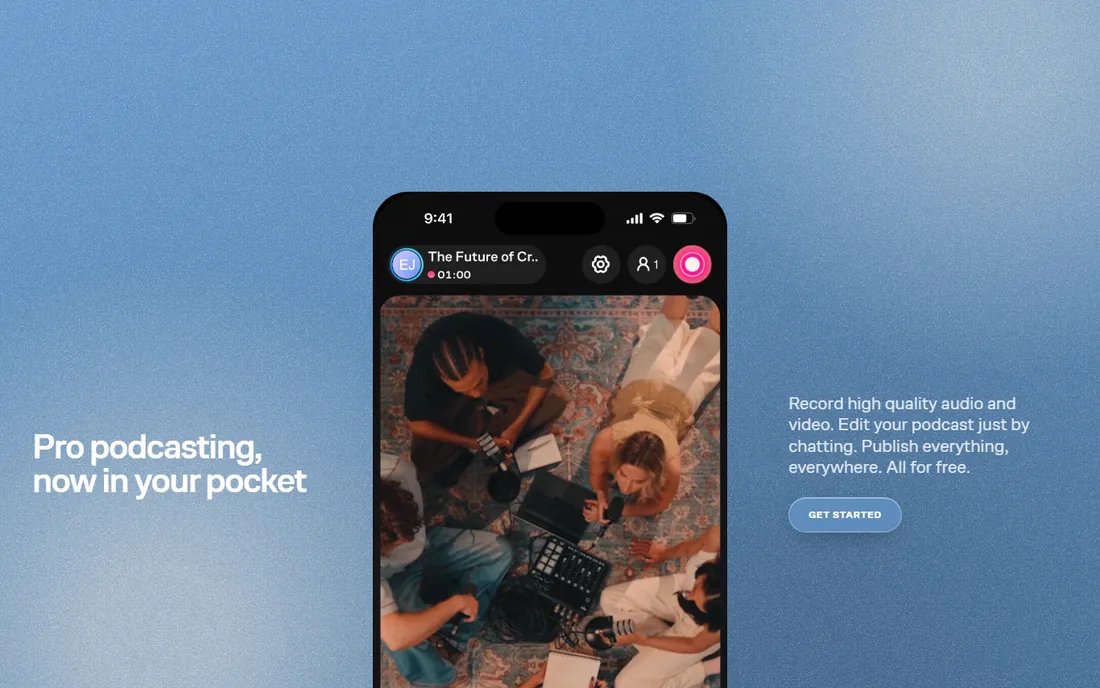
Zencastr made a bold move: unlimited studio-quality recording and hosting for free. You hit record in the browser, it captures 4K video and 48kHz audio locally for you and your guests, backs everything up to the cloud, and you can livestream in HD while you record. For a beginner testing whether podcasting sticks, the price of experimentation is zero.
The newer wrinkle is the AI producer. Instead of learning an editor, you chat with it: clean up the audio, remove pauses, generate transcripts and show notes, apply templates. Publishing pushes to Spotify, Apple and YouTube, and clips can be scheduled to social platforms. The catch is transparency: with the free tier this generous, check what the paid tiers add before you assume you need one.
What we like- Free tier with unlimited studio-quality recording and hosting
- 4K video and 48kHz audio with local recording plus cloud backup
- AI producer that edits from a chat prompt
Watch out for- The free tier is the product now, and paid limits are unclear from the homepage
- Fewer live-streaming features than StreamYard
- The mobile-first pivot may not suit desktop workflows
Starting priceSee website
Free planYes
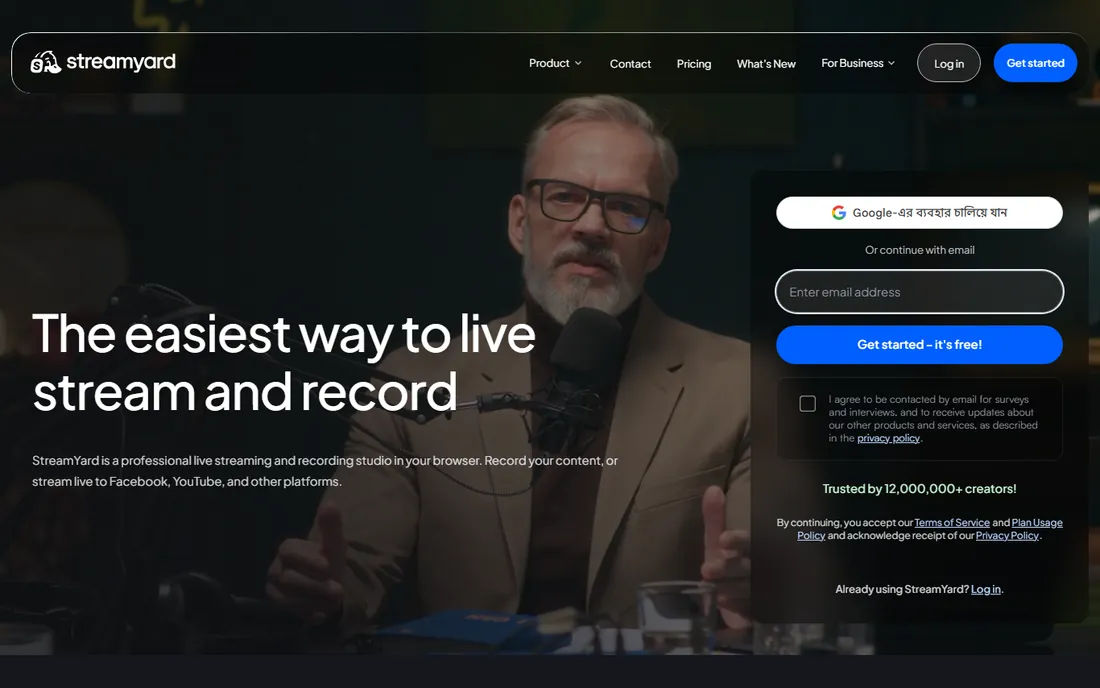
Ask a dozen creators which tool their least technical guest managed without help, and StreamYard wins the poll. The host sends a link, the guest clicks it, and they are on air. On-screen graphics, banners, split screens and audience comments are drag-and-drop simple, and multistreaming to several platforms at once is the core use case rather than an add-on.
For a beginner video podcast, the appeal is that recording and live streaming are the same workflow: go live to build an audience, and keep the recording as your episode. The free plan is genuinely usable for testing, though it limits hours and watermarks output. Paid plans remove those limits and add HD, more destinations and more participants. If your show is conversational and live, this is the path of least resistance.
What we like- Guests join from a browser with no installs
- Famously easy interface that non-technical hosts master in minutes
- Reliable multistreaming to YouTube, Facebook, LinkedIn and more
Watch out for- The free plan is limited and watermarks output
- Recording quality and local-track options lag dedicated studios
- Customization is simpler than Ecamm or Riverside
Starting priceSee website
Free planYes
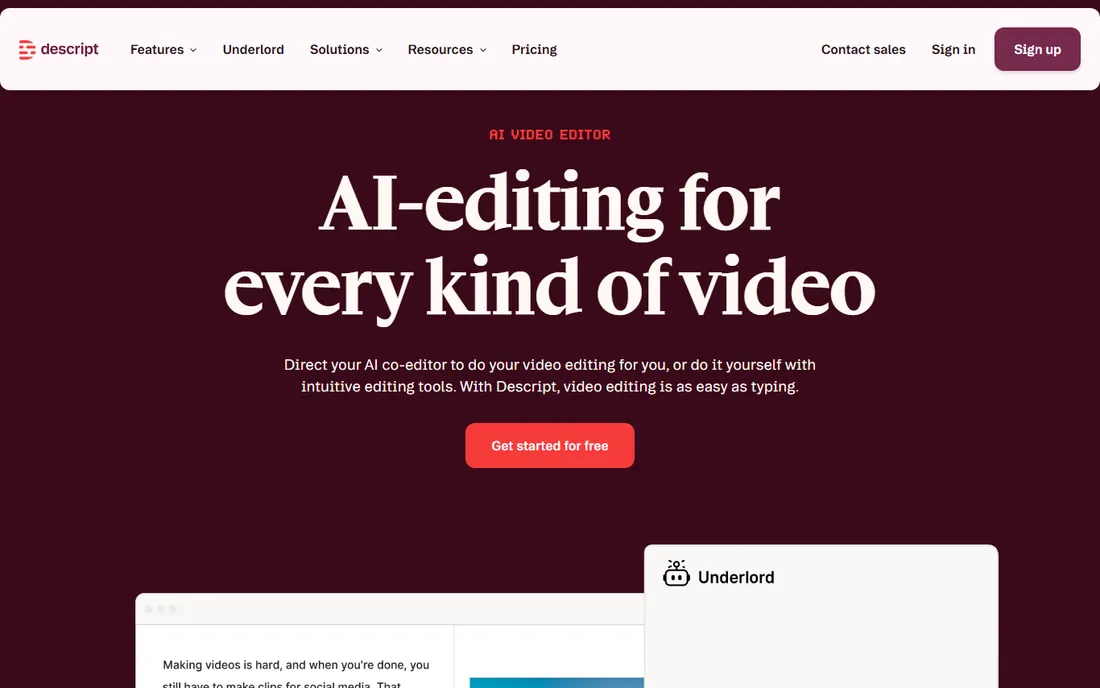
Descript changed what "editing" means for beginners. You record or import, it transcribes, and then you cut video by deleting words in the transcript. Moving a sentence moves the footage. For a first-time podcaster staring at a two-hour recording, that is the difference between finishing an episode and abandoning it. Studio Sound removes background noise and enhances voices with one click, and the Underlord AI assistant can assemble a rough cut from a prompt.
The free plan is real: record, edit and publish without a credit card, with limits on media hours and AI features. Paid tiers (Hobbyist, Creator, Business) add hours, 4K export, voice cloning and team features. Descript also records remote guests, so it can be your studio and your editor in one subscription. The honest caveat is performance on modest hardware and the credit-based limits on AI tools, which heavy users will feel.
What we like- Edit by editing the transcript, no timeline skills needed
- Studio Sound cleans up bad audio in one click
- Free plan with no credit card required
- Remote recording built in
Watch out for- Exact paid prices are not shown on the pricing page render
- Heavy AI features consume credits
- The app can feel sluggish on older machines
Starting priceSee website
Free planYes
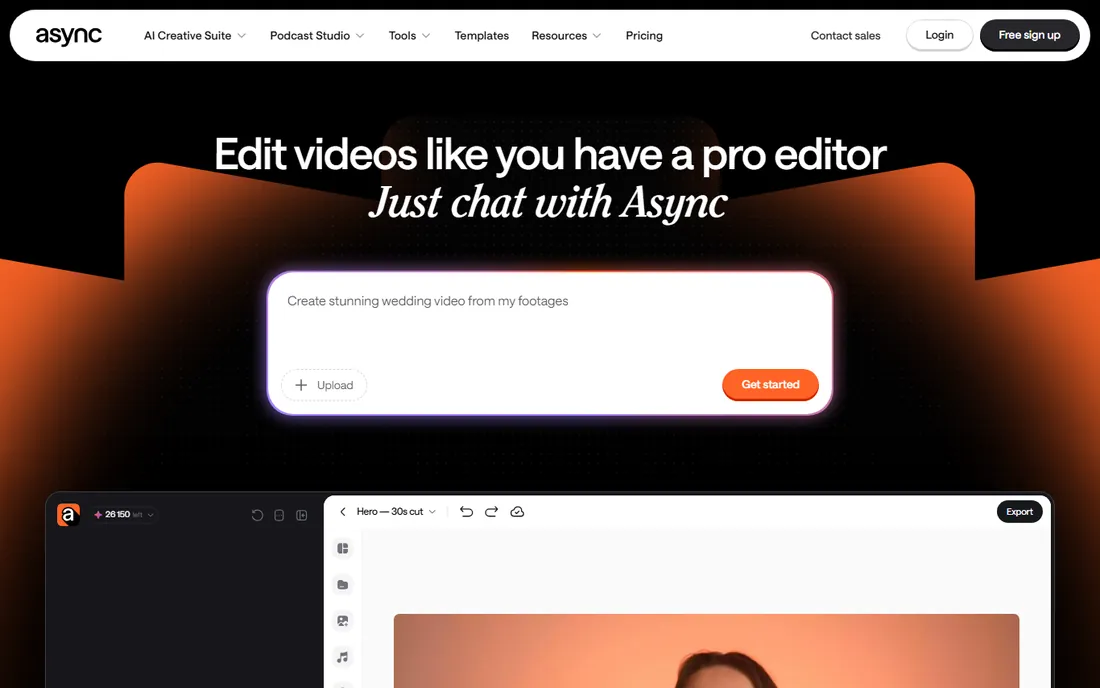
Podcastle rebranded to Async, and the new name matches the new pitch: tell the AI what you want, and it edits. You start with an idea, a prompt or uploaded media, and Async cuts clips, adds subtitles, improves sound and repurposes long recordings into short-form video for TikTok, Reels and Shorts. The FAQ is explicit that no prior editing experience is needed, which is exactly the beginner promise.
For video podcasters, the practical use is repurposing. One long episode becomes a week of clips without touching a timeline, and the dubbing tools can localize episodes into other languages. The free tier lets you start creating immediately. The tradeoff is control: chat-based editing is fast but imprecise compared to a real timeline, and creators who outgrow it tend to graduate to Descript or Riverside. As a first tool, though, it removes every excuse.
What we like- Edit by chatting with the AI instead of learning software
- Built for people with zero editing experience
- Clips, captions, dubbing and voiceovers in one workflow
Watch out for- The Podcastle-to-Async rebrand is recent, so older tutorials reference the old name
- AI-first editing gives less frame-level control
- Pricing details are thin on the homepage
Starting priceSee website
Free planYes
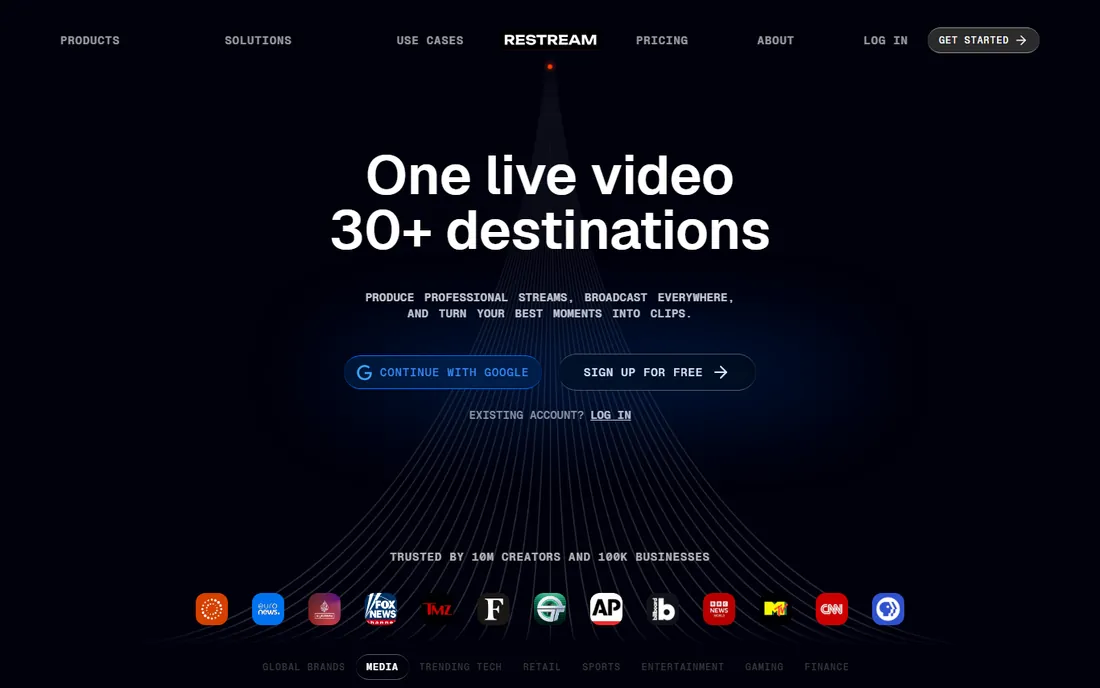
Restream's pitch is distribution. Record or go live once, and the show hits YouTube, Twitch, Facebook, LinkedIn and dozens of other destinations simultaneously, with chat from every platform merged into one screen. For a beginner, that means one recording session feeds every audience you have instead of forcing you to choose a platform.
The studio handles the basics: invite guests by link, add overlays and captions, and turn highlights into clips. The free plan is enough to learn the workflow. Where Restream is weaker is the studio-recording side: local multi-track capture and post-production polish are not its strengths, so many podcasters pair it with Riverside or Descript for the final edit. If your strategy is "be everywhere live," start here. If it is "record the perfect episode," start with a recorder.
What we like- Multistream to 30+ destinations from one dashboard
- Browser-based studio with guest invites
- Free signup with no credit card
Watch out for- It is a live-streaming tool first, so on-demand recording features are thinner
- The free tier carries limits and branding
- Advanced production features need paid tiers
#8
Ecamm Live
Best for: Professional-looking Mac productions
Visit ecamm.com
Starting priceSee website
Free planFree trial (14 days)
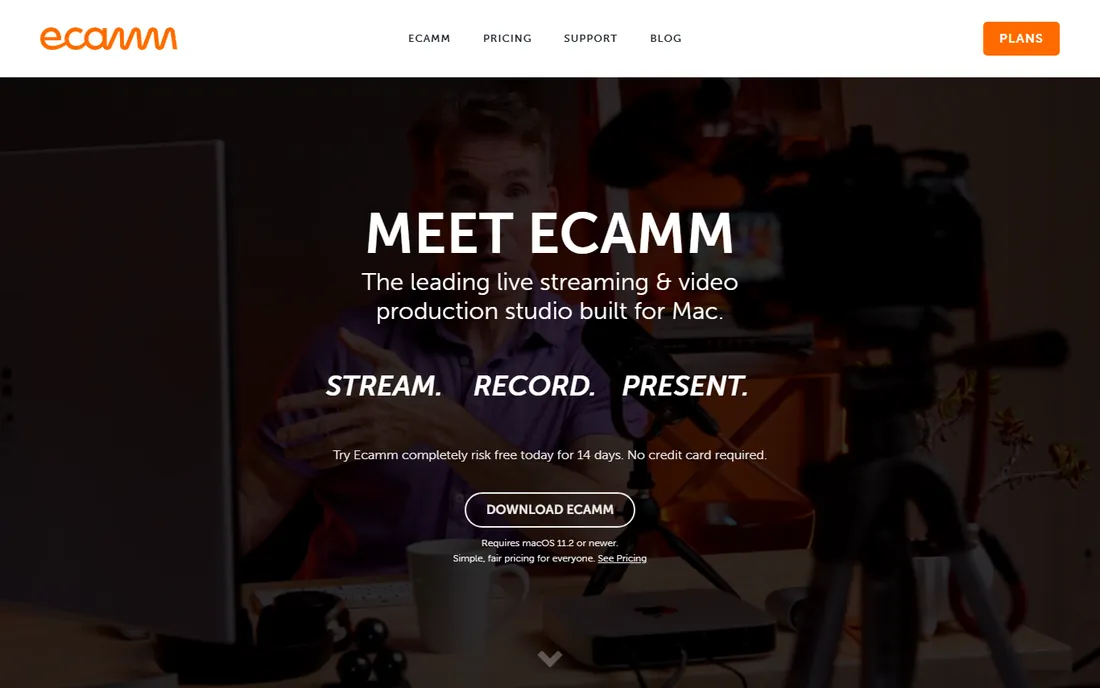
Ecamm Live is the only desktop app on this list, and on a Mac it shows. Saved scenes, a live camera switcher, green-screen effects without a green screen, video playback, screen sharing and NDI support give a solo creator the toolkit of a small broadcast studio. Remote guests join from any browser, and the interview mode handles split screens and layouts gracefully.
The 14-day free trial is the way in, and the pricing page (linked from the homepage) lays out the tiers. The honest assessment: this is the most powerful option here and the least beginner-friendly in scope. If your show is two people talking, Riverside or StreamYard gets you there faster. If you want a show that looks produced, with cameras, overlays and live switching, and you own a Mac, Ecamm is the ceiling.
What we like- True multi-camera switching, scenes and overlays on a Mac
- Excellent guest handling with up to ten remote guests
- Deep integration with Elgato Stream Deck and DSLR cameras
Watch out for- Mac-only, Windows users need not apply
- No free plan, only a 14-day trial
- Overkill if you just need a simple two-person recording
Starting priceSee website
Free planYes
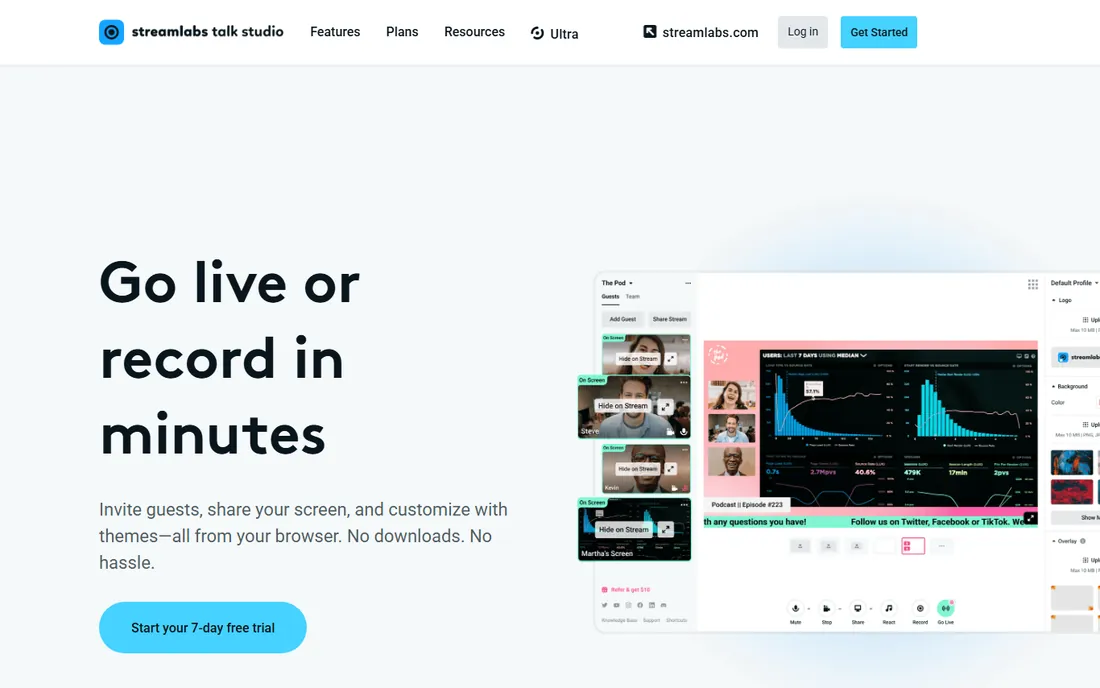
Melon is the minimalist of the group: a browser-based live streaming studio from the team behind Streamlabs, aimed at creators who want to go live without learning software. You open it in Chrome, invite a guest, add basic branding, and stream to YouTube, Facebook, Twitch or LinkedIn. The free plan historically covered several hours of streaming with a watermark, and the Pro tier removed limits and added multistreaming.
For a beginner video podcast, Melon fits the "record it live, keep it simple" workflow at the lowest possible friction. The honest caveat is verification: we could not load the homepage directly during research, so treat the feature list as approximate and check the live site before you commit. If the current offering has narrowed, StreamYard is the closest fully verified alternative.
What we like- Runs entirely in the browser with no downloads
- Built by the Streamlabs team
- Simple enough for absolute beginners
Watch out for- We could not verify the homepage directly, so confirm current plans before paying
- A simpler feature set than StreamYard or Restream
- Recording options are basic
How we chose
We opened every vendor's homepage to confirm the product still exists and copied the final address-bar URL, then checked pricing pages, feature lists and documentation for the limits that matter to beginners: free tiers, guest limits, recording hours and watermarks. We cross-checked against creator discussions and public reviews, favoring tools a non-technical person can operate alone. We did not claim hands-on testing, and no vendor paid for placement.
What to check before you pay
Start with the recording model, because it decides your audio and video quality more than any feature list. Local recording (Riverside, Zencastr, SquadCast) captures each guest on their own device, so internet glitches do not degrade the file. Cloud recording (StreamYard, Restream, Melon) captures what travels over the connection. For interview shows, local recording is worth real money.
Next, read the free plan like a contract. Free tiers in this category almost always limit something: recording hours, video quality, number of guests, or exports with a watermark. Zencastr's free tier is currently the most generous, while StreamYard and Restream use theirs as trials of the paid experience. Decide which limit you will hit first. A solo host who records weekly will hit hour caps; a show with four guests will hit participant caps.
Then check the editing story. Tools fall into three camps: record-only studios (SquadCast, Zencastr), editor-included platforms (Riverside, Descript, Async), and live-first studios (StreamYard, Restream, Melon, Ecamm). Beginners consistently underestimate editing time, so if you will not learn a real editor, pick a tool with text-based or AI-assisted editing built in. Finally, confirm the export: separate audio and video tracks per speaker, captions, and direct publishing to the platforms you use.
Where beginners actually get stuck
The first stuck point is guest wrangling. Every tool here promises "guests join from a browser," and it is mostly true, but guests still show up with bad microphones, echoey rooms and dying laptop batteries. Send a one-page checklist before the call: wired earbuds, a quiet room, Chrome updated, plugged into power. No software fixes a guest recording from a kitchen.
The second is the edit that never ships. Beginners record three episodes and publish none, because editing feels like a second job. This is the strongest argument for Descript or Async: if the edit happens in a transcript or a chat window, episodes actually ship. Set a rule before you start, like "the episode goes out within 48 hours of recording," and pick the tool that makes that rule easy to keep.
The third is growing out of the free tier at the worst moment. Free plans are marketing; they are designed to convert you mid-season. Know the paid price of your chosen tool before episode one, and make sure it fits the budget for a full year. A show that stalls because the tool got expensive is a show that dies.
Frequently asked questions
Do I need expensive equipment to start a video podcast?
No. A $30 USB microphone and a quiet room will beat a $300 microphone in an echoey kitchen. Every tool on this list records through the browser, so your laptop camera and a decent mic are enough for the first ten episodes. Upgrade the microphone first, lighting second, and the camera last.
What is the easiest video podcast software for a complete beginner?
StreamYard for live shows, because the interface is the simplest here and guests need no installs. Riverside if you want recording plus editing in one place. Descript if the editing step is what worries you most, since you edit by editing text. All three have free tiers, so try the workflow before you pay.
Should I record live or record privately and publish later?
Record privately for your first episodes. Live adds failure modes: dropped connections, dead air, chat distractions. Once you can reliably produce a clean recorded episode, add live streaming with StreamYard or Restream to grow an audience. Riverside and Zencastr are built for the record-first workflow.
How do I get good audio from remote guests?
Use a tool with local recording (Riverside, Zencastr or SquadCast) so each guest's audio is captured on their device. Ask guests to wear earbuds, which kills most echo, and record a 30-second test before the real conversation. Descript's Studio Sound or Async's AI cleanup can then polish what is left.
Can I publish my video podcast to Spotify and Apple?
Yes. Riverside publishes directly to Spotify, Apple and YouTube. Zencastr also publishes to the major platforms. For the others, you export the finished file and upload it through your podcast host like anyone else. Video goes to YouTube and Spotify; audio-only feeds go everywhere podcasts are listed.
Is it worth paying for video podcast software?
Pay when a free limit blocks you: watermarks on published episodes, too few recording hours, or missing 4K. Riverside's Pro at $24/month billed annually is the typical first paid step for serious beginners. Do not pay for features you will not use in the first three months; the tools will still be there when you grow.
Sources we checked (11)
- https://riverside.fm/
- https://riverside.fm/pricing
- https://squadcast.fm
- https://zencastr.com/
- https://streamyard.com/
- https://www.descript.com
- https://www.descript.com/pricing
- https://podcastle.ai/
- https://restream.io/
- https://ecamm.com/
- https://melonapp.com
Is your product missing or out of date?
We review this list regularly. Vendors can request a listing, send updated pricing or ask about featured placement.

Shihab Mia · Founder, Rankite
Shihab has spent more than a decade helping SaaS and e-commerce brands grow through search. He writes Rankite's software buying guides from pricing pages, documentation and public user reviews. More about Shihab.