How we make this list: we compare pricing pages, product documentation and public user reviews. Ratings come from G2, Capterra or Trustpilot, with the date we checked them.
Key takeaways
- Clockify is the cheapest paid way to invoice from tracked hours. Its Standard plan adds invoicing, approvals and the QuickBooks integration for $5.49 per user/month, billed annually.
- Harvest's Teams plan starts at $9 per seat/month on annual billing. Extra invoices, projects, clients and tasks are charged by usage, so firms that send a lot of invoices should work out the real cost before committing.
- Law firms need trust accounting and LEDES billing. Bill4Time puts these in its $59 Legal Pro tier, and Clio includes them from its $49 Starter plan.
- BigTime and Clio publish only their entry price. Expect a sales call or demo to get numbers for the higher tiers.
- Zoho Invoice is free and covers quotes, invoices, payment reminders and time tracking, which makes it a sensible first step for a solo consultant.
Quick comparison
| Tool | Best for | Starting price | Free plan |
|---|
 Harvest Harvest | Agencies and studios billing by the hour | $9 per seat/month (billed annually), $11 billed monthly | Yes (1 seat, 2 projects) |
 Clockify Clockify | Budget-conscious teams of any size | $3.99 per user/month (billed annually), $4.99 billed monthly | Yes (up to 5 users) |
 BigTime BigTime | Consulting, accounting and engineering firms | $20 per user/month (Essentials) | No |
 Bill4Time Bill4Time | Small law firms and professional practices | $39 per user/month (billed annually), $49 billed monthly | Free trial (14 days) |
 Clio Clio | Law firms that want billing inside practice management | $49 per user/month (Starter) | Free trial |
 Paymo Paymo | Creative teams that need tasks plus invoicing | $5.90 per user/month (billed annually), $9.90 billed monthly | Yes (limited clients and projects) |
 Zoho Invoice Zoho Invoice | Freelancers and very small businesses | Free | Yes |
Is your product missing or out of date?
We review this list regularly. Vendors can request a listing, send updated pricing or ask about featured placement.
The best time and billing software
#1Harvest
Best for: Agencies and studios billing by the hour4.3/5 on
G2 (836 reviews, checked Oct 2026)
Visit getharvest.com
Starting price$9 per seat/month (billed annually), $11 billed monthly
Free planYes (1 seat, 2 projects)
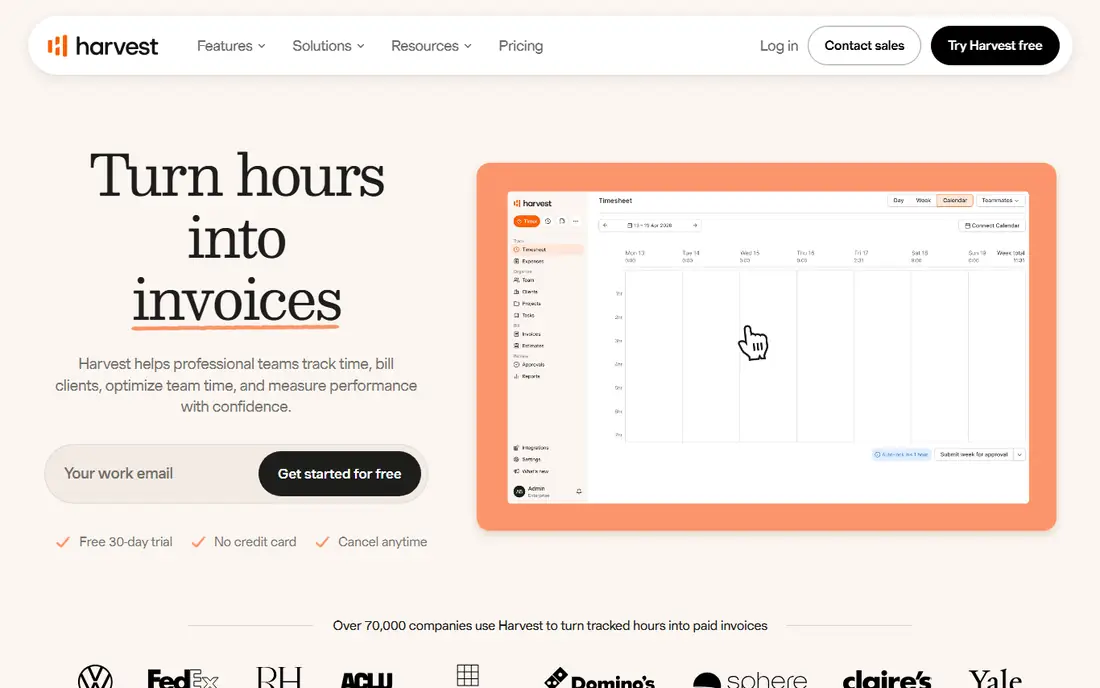
Harvest suits design studios, marketing agencies and small consultancies that want staff to log hours with as little friction as possible. The timer works on web, desktop and mobile, and turning a month of hours into a client invoice takes a few clicks. The 30-day trial needs no credit card, so a team can run a full billing cycle before paying.
Read the pricing carefully. Teams costs $9 per seat per month on annual billing, but Harvest's pricing page says extra invoices, projects, clients and tasks are billed by usage as the account grows. A firm with many small clients could pay noticeably more than the headline seat price. You can add seats mid-cycle, but you can't remove them until renewal.
The other catch is which features sit on which plan. Timesheet approvals, profitability reporting by client or project, the activity log and SAML single sign-on are all in Enterprise, at $14 per seat per month on annual billing. If a manager must sign off on hours before they reach an invoice, budget for that tier from day one.
What we like- One-click timers on web, desktop and mobile
- Invoices built straight from tracked time and expenses
- Syncs with QuickBooks Online, Xero and Stripe on paid plans
Watch out for- Usage-based charges for extra invoices, projects, clients and tasks
- Timesheet approvals and profitability reports require the Enterprise plan
#2Clockify
Best for: Budget-conscious teams of any size4.5/5 on
G2 (204 reviews, checked Oct 2026)
Visit clockify.me
Starting price$3.99 per user/month (billed annually), $4.99 billed monthly
Free planYes (up to 5 users)
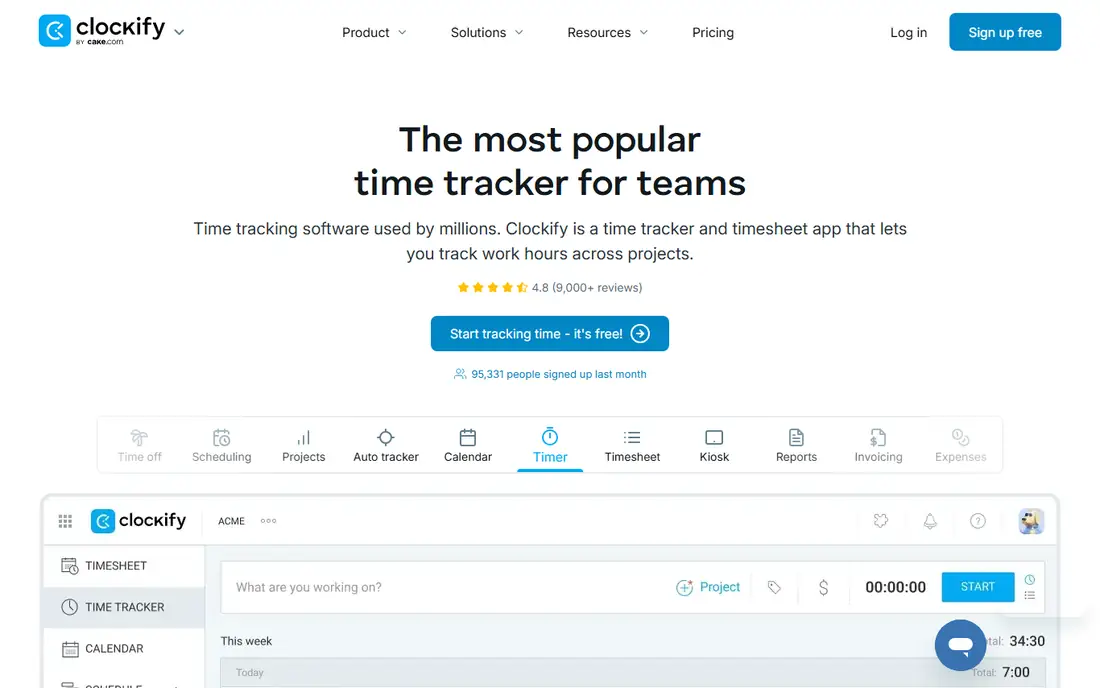
For a 20-person team that needs hours, rates and invoices without a big bill, Clockify is hard to beat on price. The free plan covers unlimited tracking and unlimited projects for up to five users, and the paid tiers go up in small steps. Standard, at $5.49 per user per month on annual billing, is where the billing features start: invoicing, time approval, locked timesheets, task rates, time rounding and the QuickBooks integration.
Pro, at $7.99 per user per month on annual billing, is the plan to consider if you also bill expenses or want to compare labor cost with revenue. It adds expenses, budgets and estimates, and profit reporting. Enterprise adds SSO and an audit log for $11.99.
The honest weakness is that Clockify is a time tracker first. Invoicing only comes with Standard and expenses only with Pro, so a team that needs both has to pay for Pro. Some Pro features, including screenshots and activity monitoring, are optional, and you should talk with staff before you switch them on.
What we like- Very low per-user prices across five tiers
- Billable rates on Basic, invoicing and QuickBooks sync on Standard
- Pro adds expenses, budgets and labor cost and profit tracking
Watch out for- Invoicing is not included until the Standard plan
- Expenses and profit reporting require the Pro plan
#3BigTime
Best for: Consulting, accounting and engineering firms4.6/5 on
Capterra (664 reviews, checked Oct 2026)
Visit bigtime.net
Starting price$20 per user/month (Essentials)
Free planNo
BigTime does more than a simple tracker. It is a professional services automation (PSA) platform for accounting, architecture, consulting, engineering and IT services firms. These are firms where billing rules vary by client and partners want to see utilization and margins. Every plan includes time tracking, expense management, invoicing and payments, and the entry tier also connects to QuickBooks.
The tiers matter for firms with complex fee arrangements. Custom invoice templates and the reporting center come with Advanced. Project budgeting, custom cost and rate management, multi-currency invoicing and multi-level approvals require Premier. Firms with international clients should start their evaluation there rather than at Essentials.
The catch is pricing transparency. BigTime publishes a starting price of $20 per user per month for Essentials, but the higher tiers and the Enterprise PSA are quoted through demos. Expect a longer evaluation than with self-serve tools. Ask directly about contract length, onboarding fees and minimum seats before you sign.
What we like- Built for professional services billing, with time, expenses, invoicing and payments in every plan
- Project templates and a custom reporting center on Advanced
- Multi-currency invoicing and multi-level approvals on Premier
Watch out for- Only the Essentials price is published
- Sales-led buying process with demos rather than self-serve signup
#4Bill4Time
Best for: Small law firms and professional practices4.7/5 on
G2 (36 reviews, checked Oct 2026)
Visit bill4time.com
Starting price$39 per user/month (billed annually), $49 billed monthly
Free planFree trial (14 days)
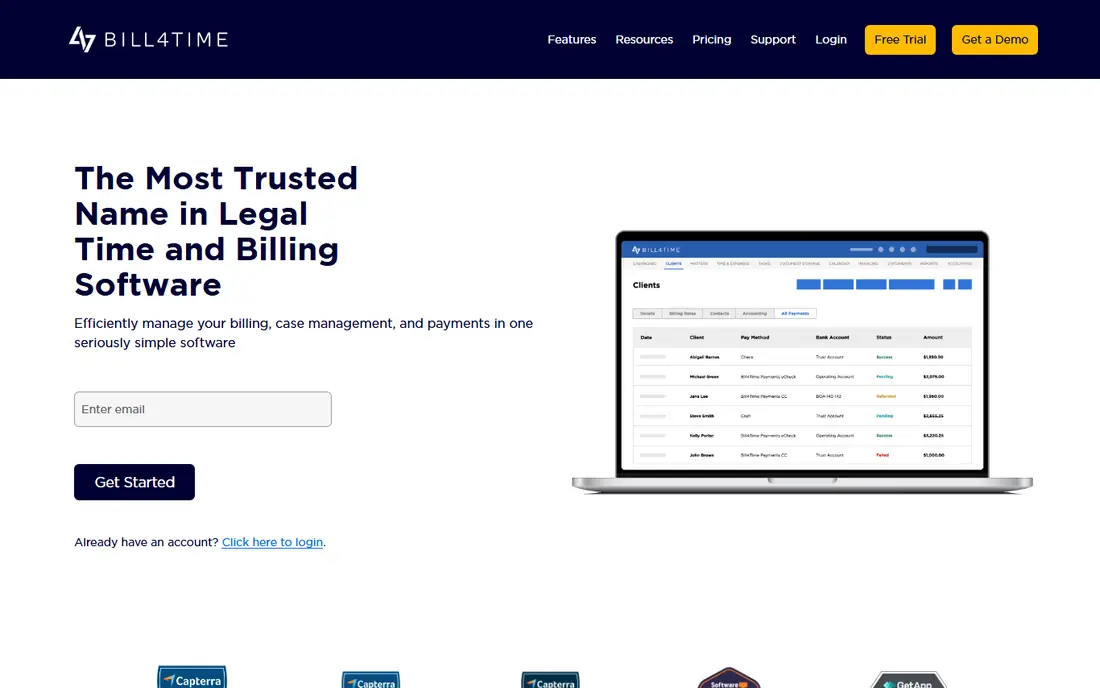
Bill4Time is a focused product. It handles time capture, invoicing and payment collection for practices that bill by the hour, and it does not try to be a full project management suite. The base Time and Billing plan costs $39 per user per month on annual billing. It includes a client portal, expense management, invoice templates, payment processing, document management, calendar sync and QuickBooks integration, which gives accountants, consultants and architects a complete billing workflow.
Law firms are the main audience. Legal Pro, at $59 per user per month on annual billing, adds trust accounting, a conflict checker, contingency billing, task workflows, LEDES export, UTBMS codes and Box or NetDocuments integration. That covers most of what a small firm needs to meet e-billing requirements from clients and bar rules on client funds.
The trade-off is cost per seat. A 10-person consultancy pays $390 a month on the base plan, several times what Clockify or Harvest would charge. The extra cost only makes sense if you need the client portal, built-in payments or legal compliance features. The 14-day trial needs no credit card.
What we like- Client portal, payment processing and QuickBooks integration in the base plan
- Legal Pro adds trust accounting, conflict checks, LEDES export and UTBMS codes
- Public pricing for all four tiers
Watch out for- Per-user price is high next to general time trackers
- Customizable data fields and a dedicated account manager require a more expensive Enterprise tier
#5Clio
Best for: Law firms that want billing inside practice management4.6/5 on
G2 (997 reviews, checked Oct 2026)
Visit clio.com
Starting price$49 per user/month (Starter)
Free planFree trial
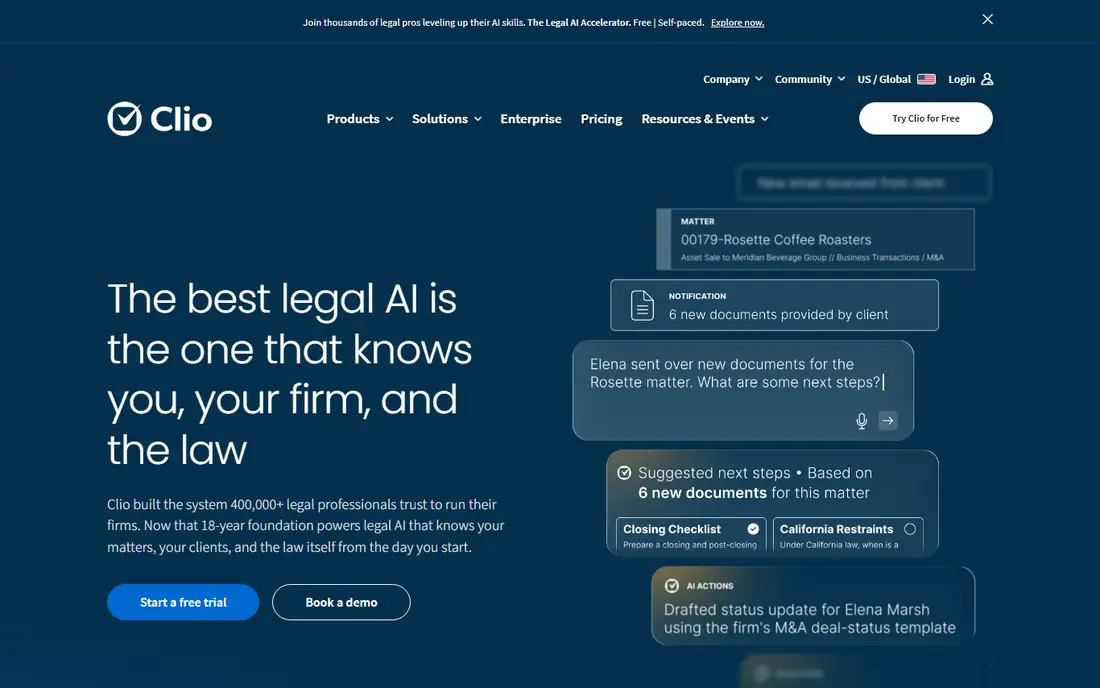
Clio Manage is practice management software with time and billing built in. It suits law firms that want matters, documents, calendars and invoices in one system instead of a separate billing tool. Every plan, starting with Starter at $49 per user, includes time and expense tracking, hourly, flat-rate and contingency billing, payment plans, trust account management and LEDES output.
Online payment fees are listed on the pricing page: 2.95 percent for credit and debit cards (3.75 percent for Amex) and 1 percent for ACH and eCheck. Cancellation takes effect at the end of the current term, and firm data can be exported in nonproprietary formats.
The weakness is that Starter has few extras. Accounting integrations with QuickBooks, Xero and TrustBooks, conflict checks, document templates and the client portal begin at Core, and Clio does not publish prices for Core, Signature or Elite. A firm comparing Clio with Bill4Time should get a written quote for Core before judging value.
What we like- Trust accounting, UTBMS coding and LEDES billing on every plan
- 24/5 phone, email and chat support
- Data export in open formats at any time and within 90 days of cancellation
Watch out for- QuickBooks and Xero integrations, conflict checks and the client portal are missing from Starter
- Pricing for Core and higher plans requires contacting sales
#6Paymo
Best for: Creative teams that need tasks plus invoicing4.6/5 on
G2 (594 reviews, checked Oct 2026)
Visit paymoapp.com
Starting price$5.90 per user/month (billed annually), $9.90 billed monthly
Free planYes (limited clients and projects)
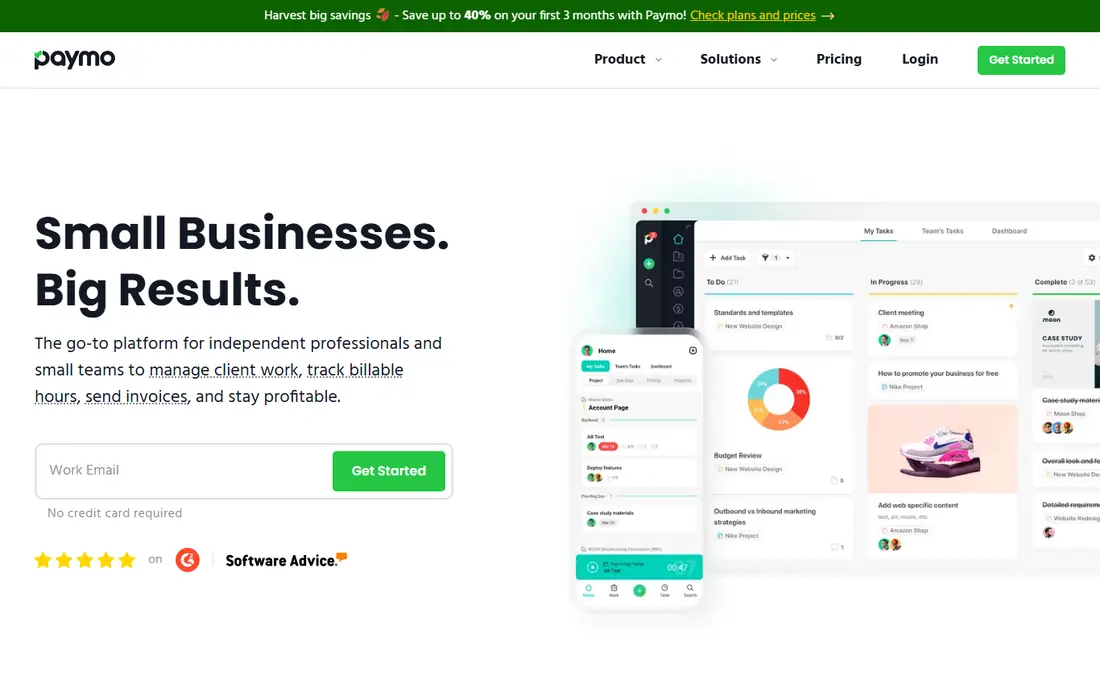
Paymo fits small agencies and in-house creative teams that want project tasks, timers and invoices in one place without paying for a heavier PSA. The Solo plan, at $5.90 per user per month on annual billing, is designed for freelancers with one main client who need invoicing. Plus, at $10.90 on annual billing, adds advanced task management, reporting, project templates, and proofing and versioning for design work.
Pro, at $16.90 per user per month on annual billing, adds resource scheduling, Gantt charts and leave management. That makes Paymo closer to a full agency management tool than most products on this list.
Two policies are worth knowing before you buy. You can't mix plans in one company account, so if one project manager needs Pro features, everyone moves to Pro. Paymo's help center also says it does not offer refunds, so test the fit on the free plan or a monthly subscription before paying for a year.
What we like- Combines task management, time tracking and invoicing
- Annual billing cuts prices by up to 40 percent
- Pro plan adds resource scheduling, Gantt charts and leave management
Watch out for- All users in an account must be on the same plan
- No refunds under its terms
#7Zoho Invoice
Best for: Freelancers and very small businesses4.7/5 on
G2 (365 reviews, checked Oct 2026)
Visit zoho.com
Starting priceFree
Free planYes
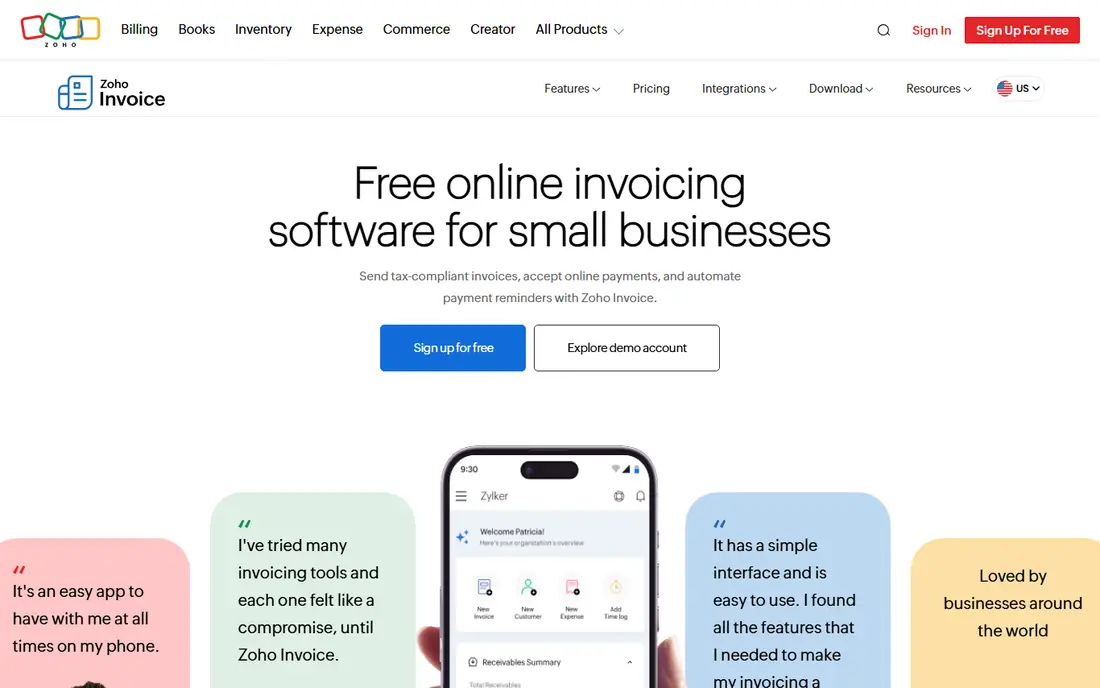
Zoho Invoice is the right starting point for a solo consultant or a two-person shop that bills a handful of clients each month. It is free and covers the basic cycle: log hours against a project, turn them into an invoice, accept payment online and let automatic reminders chase late payers. It also handles quotes, so everything from estimate to payment stays in one place.
Its strength is that the invoicing side is complete for a free product, with templates, payment gateway integrations and apps for phones and desktops. If you currently build invoices in a spreadsheet, it removes most of the manual work at no cost.
The limitation is depth. It has none of the utilization reports, approval workflows or rate-card rules that BigTime or Harvest offer, and it is designed for invoicing first. Once you need full bookkeeping, payroll links or control over timesheets for several people, plan to move to Zoho Books or one of the other tools here.
What we like- No subscription cost
- Quotes, invoices, online payments and automated payment reminders in one app
- Mobile apps for iOS and Android plus desktop apps
Watch out for- Time tracking is lighter than in dedicated trackers
- Growing firms usually need to move to a paid accounting product such as Zoho Books
How we chose
We started with products sold specifically for tracking billable time and turning it into client invoices. We removed tools that only track attendance or only send invoices. For each remaining product we read the vendor's current pricing page or official help center article and checked which features are on which tier. We also noted billing terms such as annual discounts, usage charges, refund policies and cancellation rules. Every price in this article comes from those vendor pages as of October 2026.
We then compared documentation, integration lists (especially QuickBooks, Xero and payment processors) and public user reviews on G2, Capterra and Reddit. This showed us common complaints about setup, support and invoice flexibility. Finally, we weighed company-size fit, so the list covers a free option for freelancers, low-cost trackers for teams, legal-specific billing and a PSA for larger professional services firms. We did not run hands-on tests, and no vendor paid for placement.
What to check before you sign up
Match the tool to how you bill
Every tool here handles hourly billing with a single rate per person. It gets harder with task-based rates, rate changes over time, fixed-fee projects, retainers or contingency fees. Write down your three most complicated billing arrangements and confirm during the trial that the software can produce those invoices without manual edits.
Price out your real team, not the headline
Per-seat pricing adds up quickly. Ten users on Clockify Standard cost about $55 a month on annual billing, while ten users on Bill4Time's base plan cost $390. Also look for costs that are not per seat, such as Harvest's usage-based charges for extra invoices, projects and clients, or Clio's card processing fees.
Decide who approves time
If a manager must review hours before they are billed, check which plan includes approvals. On Harvest it is Enterprise, on Clockify it is Standard, and on BigTime multi-level approvals need Premier. Skipping this check is a common reason teams upgrade within the first few months.
Confirm the accounting connection
Most firms keep their books in QuickBooks or Xero. Clockify adds QuickBooks on Standard, Harvest syncs with QuickBooks Online and Xero on Teams, Bill4Time includes QuickBooks in its base plan and Clio adds accounting integrations from Core. Test that invoices and payments transfer without creating duplicate customer records.
Plan your exit
Ask how you can export time entries, invoices and client lists, and in what format. Clio says data can be exported in open formats while the account is active or within 90 days of cancellation. Check whether annual plans are refundable. Paymo, for example, does not offer refunds.
Frequently asked questions
What is time and billing software?
It is software that records the hours staff spend on client work and turns those hours, along with expenses, into invoices. Most products also handle billing rates, payment collection and reporting on billable versus non-billable time. Some, like Clio and BigTime, include this in broader practice or project management.
What is the cheapest time and billing software for a small team?
Zoho Invoice is free and works well for freelancers. For teams, Clockify's free plan covers time tracking for up to five users, and its Standard plan adds invoicing at $5.49 per user per month on annual billing. Harvest's free plan is limited to one seat and two projects.
Do law firms need a legal-specific billing tool?
Usually yes. Law firms that hold client funds need trust accounting, and many corporate and insurance clients require LEDES invoices with UTBMS codes. Bill4Time's Legal Pro plan and every Clio plan include these, while general tools such as Harvest and Clockify do not.
Can I try these tools before paying?
Yes. Harvest offers a 30-day trial with no credit card, Bill4Time offers 14 days with no credit card, and Clio offers a free trial. Clockify, Paymo, Harvest and Zoho Invoice also have free plans, while BigTime is sold through demos.
Is annual or monthly billing better?
Annual billing is cheaper on every tool that offers it. Harvest takes 20 percent off, Bill4Time saves up to 25 percent and Paymo up to 40 percent. If you are unsure of the fit, pay monthly for the first few months, especially with vendors that do not refund annual plans.
How long does setup take?
Self-serve tools such as Clockify, Harvest, Paymo and Zoho Invoice can be running in an afternoon once you add clients, projects and rates. BigTime and Clio take longer because of data migration, rate structures and accounting setup. Clio advertises training and data migration as part of its plans.
Sources we checked (7)
- https://www.getharvest.com/pricing
- https://clockify.me/help/administration/subscription-plans
- https://www.bigtime.net/pricing/
- https://www.bill4time.com/pricing/
- https://www.clio.com/pricing/
- https://help.paymoapp.com/en/articles/11340-howmuchdoespaymocost
- https://www.zoho.com/us/invoice/
Is your product missing or out of date?
We review this list regularly. Vendors can request a listing, send updated pricing or ask about featured placement.

Shihab Mia · Founder, Rankite
Shihab has 5+ years in B2B and SaaS SEO. He writes Rankite's software buying guides from pricing pages, documentation and public user reviews. More about Shihab.