How we make this list: we compare pricing pages, product documentation and public user reviews. Rankite is independent; if a vendor ever pays for a featured spot, that listing is clearly labeled Partner.
Key takeaways
- The best free starting points: Zoho Invoice ($0 forever, no paid tier) and Wave Starter ($0 with unlimited invoices), both with published free plans and no card required.
- Freelancers who bill by the hour should compare FreshBooks Lite ($23/month, 5 clients) against Harvest (free for 1 seat and 2 projects, Pro from $11/seat/month).
- Businesses that need full accounting behind their invoices: QuickBooks Online Simple Start ($38/month) or Xero Early ($27/month, 20 invoices per month).
- If you only send a few invoices a month, QuickBooks Free ($0) and Square Invoices Free ($0) both cost nothing and include online payments.
- BILL ($49/user/month) is the outlier here: it is built for companies with bill approval workflows and high invoice volume, not solo freelancers.
Quick comparison
| Tool | Best for | Starting price | Free plan |
|---|
 FreshBooks FreshBooks | Freelancers and service businesses that live on client billing | $23/month (Lite plan) | Free trial (30 days) |
 QuickBooks Online QuickBooks Online | Businesses that want invoicing inside real accounting software | $38/month (Simple Start) | Yes (Free plan at $0/month) |
 Xero Xero | Small businesses where several people need access | $27/month (Early plan) | Free trial (30 days) |
 Zoho Invoice Zoho Invoice | Anyone who wants invoicing software that costs nothing, permanently | $0 (forever free, no paid plans) | Yes (the entire product is free) |
 Wave Wave | Very small businesses that want accounting and invoicing free | $0 (Starter plan) | Yes (Starter is free) |
 Square Invoices Square Invoices | Businesses already taking payments through Square | $0 (Free plan) | Yes |
 Harvest Harvest | Freelancers and agencies who bill by the hour | $11/seat/month (Pro, billed annually) | Yes (Free tier: 1 seat, 2 projects) |
 Invoice Ninja Invoice Ninja | Budget users who want unlimited invoicing without a subscription | $14/month (Pro plan) | Yes (free plan with unlimited invoices) |
 BILL BILL | Companies with bill approvals, vendors and AR workflows | $49/user/month (Essentials) | Free trial (available on AP/AR plans) |
Is your product missing or out of date?
We review this list regularly. Vendors can request a listing, send updated pricing or ask about featured placement.
The best invoice billing software
A late invoice is an interest-free loan you never agreed to give. The average small business waits weeks for payment, and most of that delay comes from slow invoicing, not slow clients. The right billing software fixes the front half of the problem: invoices go out the same day the work is done, payment links ride along, and reminders send themselves.
These nine tools cover the real invoicing market for US small businesses in 2026, from genuinely free plans to full accounting platforms. Prices below are the standard list prices from each vendor's own pricing page, not promo rates.
#1
FreshBooks
Best for: Freelancers and service businesses that live on client billing
Visit freshbooks.com
Starting price$23/month (Lite plan)
Free planFree trial (30 days)
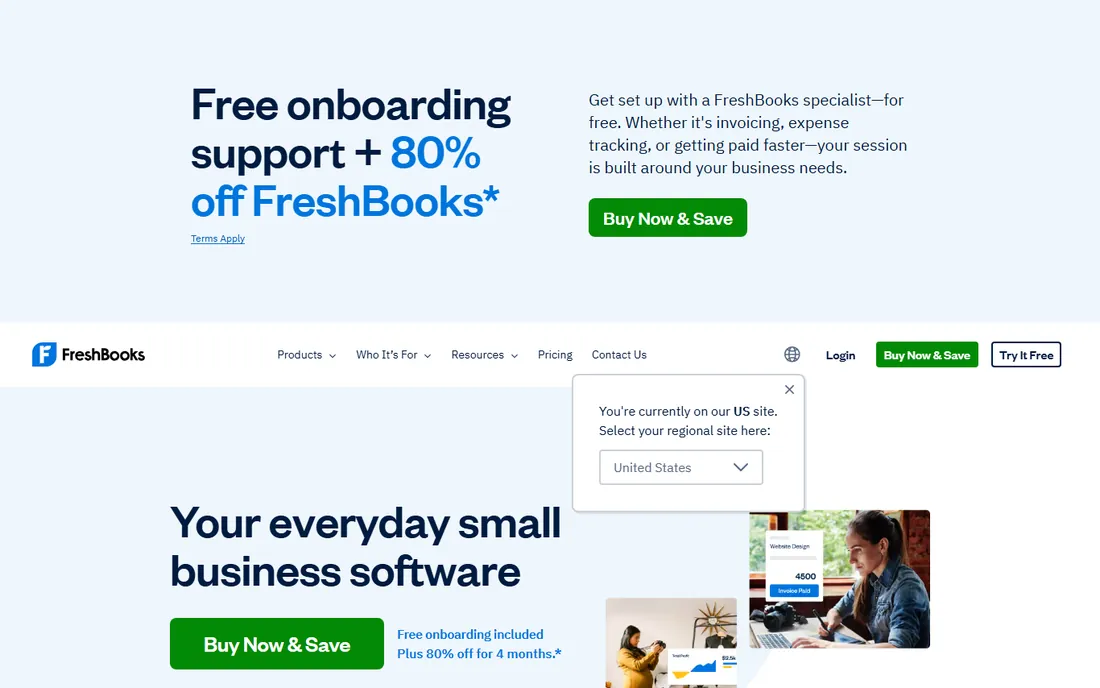
FreshBooks earns its spot as the freelancer favorite because invoicing is the product, not a side feature. Lite at $23 per month covers unlimited invoices, estimates, expenses and time tracking for up to 5 clients, with online payments baked in. Step up to Plus at $43 per month and you get 50 clients, bank reconciliation, double-entry reports and accountant access. Premium at $70 per month removes the client cap entirely.
The pricing structure punishes growth in a specific way. The jump from 5 to 50 clients doubles your bill, and the 5-client Lite ceiling is tight enough that most working freelancers land on Plus within a year. If you bill more than 50 clients, Premium is the only honest option. Still, for pure invoice-to-payment speed on a service business, few tools send a prettier invoice with less effort.
What we like- Built around invoicing first, with unlimited invoices and estimates on every plan
- Automated late payment reminders and recurring invoices included
- Clients can pay by card, ACH, Apple Pay and Google Pay straight from the invoice
Watch out for- Lite caps you at 5 billable clients, so growing freelancers outgrow it fast
- Full double-entry accounting reports only arrive on Plus ($43/month) and above
Starting price$38/month (Simple Start)
Free planYes (Free plan at $0/month)
QuickBooks Online is the default answer when the invoice is only half the job. Simple Start at $38 per month gives one user invoicing, automated bank feeds, receipt capture and basic reporting, and every invoice can carry a QuickBooks Payments link so clients pay by card or bank transfer. Essentials at $85 per month adds three users and bill management; Plus at $140 per month adds inventory and project profitability.
The surprise entry is the Free plan at $0 per month, which handles 2 invoices a month and basic income and expense tracking. That is enough for a side business that bills twice a month and nothing more. The honest math for everyone else: QuickBooks costs more than the invoicing specialists, and you pay for accounting depth you may never open. Buy it when your books need the depth, not just your invoices.
What we like- Invoicing sits on top of full double-entry accounting with bank feeds and tax reports
- The Free plan covers 1 user, 2 invoices a month and 1 bank connection at no cost
- The largest accountant and app ecosystem of any tool here
Watch out for- Simple Start allows only 1 user, and multi-user plans climb to $85-$140 per month
- Prices have risen repeatedly, and promos expire back to list price
#3
Xero
Best for: Small businesses where several people need access
Visit xero.com
Starting price$27/month (Early plan)
Free planFree trial (30 days)
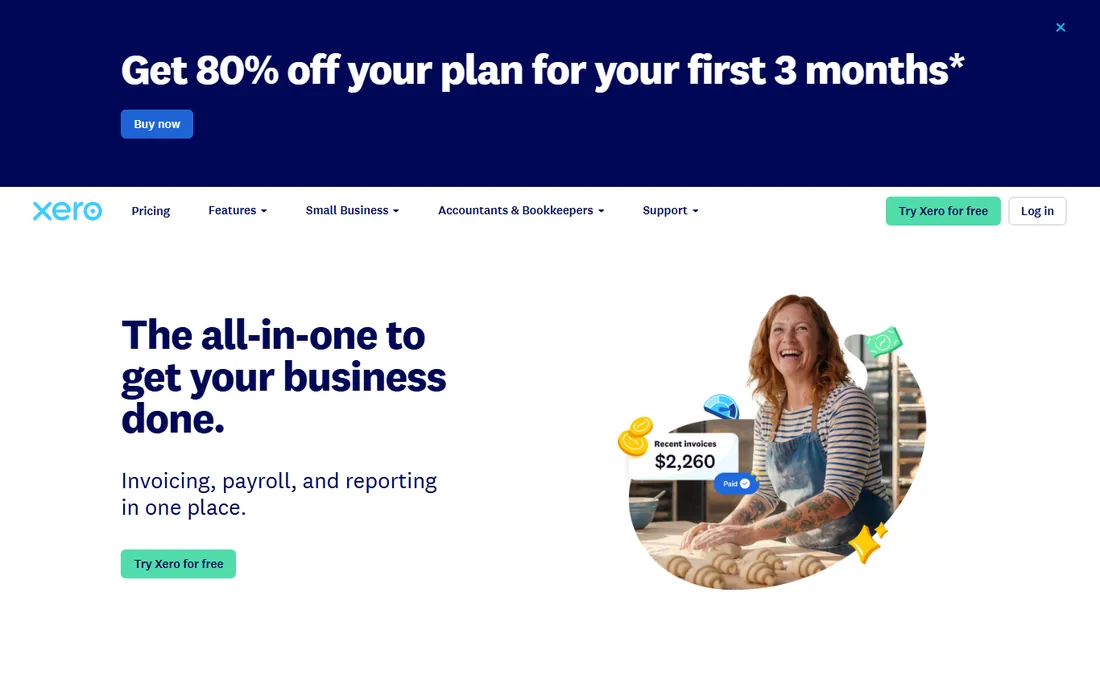
Xero's flat pricing is the whole pitch. Early at $27 per month, Growing at $59 and Established at $97, and every plan lets unlimited people log in. A five-person business pays the same subscription as a solo owner, where QuickBooks would charge per seat. Invoices, quotes, bank reconciliation and expense claims are covered across the tiers, with multi-currency arriving on Established.
The Early plan's 20-invoice monthly cap is the trap to watch. It sounds generous until a busy month of small invoices eats through it, and then you are on Growing at $59. Note that US prices rose on October 1, 2026 (Early was $25), and new customers get a steep introductory discount that reverts to list price after three months. If your team is bigger than your invoice count, Xero usually wins the math.
What we like- Unlimited users on every plan, so your bookkeeper and team cost nothing extra
- Clean bank reconciliation that accountants consistently praise
- Online invoice payments with automatic payment reminders
Watch out for- Early caps you at 20 invoices and 5 bills a month, which active businesses hit quickly
- US payroll runs through a partner (Gusto) instead of being built in
#4
Zoho Invoice
Best for: Anyone who wants invoicing software that costs nothing, permanently
Visit zoho.com
Starting price$0 (forever free, no paid plans)
Free planYes (the entire product is free)
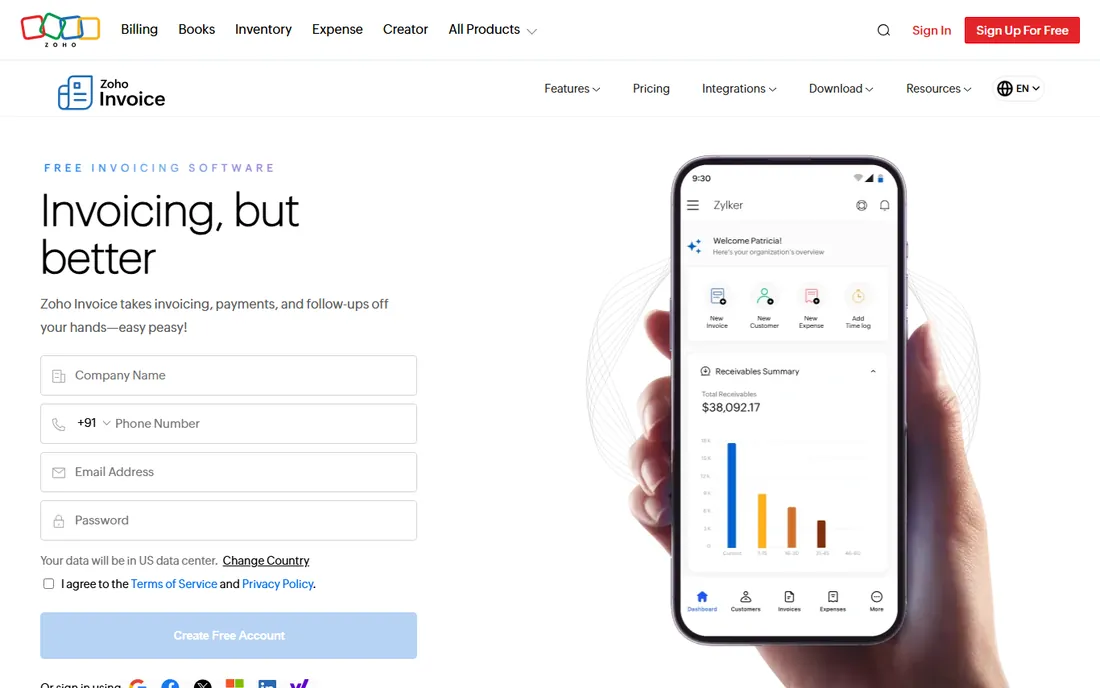
Zoho Invoice is the rare free tool with no monetization trap. Zoho's own FAQ confirms it runs on a forever-free plan with no paid subscriptions offered, a deliberate give-back after years as a paid product. You get professional invoices, credit notes, automated payment reminders, online payment collection, expense tracking and time logging, all at zero cost.
The catch is structural, not financial. When your billing needs outgrow it, Zoho points you to Zoho Billing, a separate product with its own pricing. There is also no white-label option on the free plan, so Zoho's name rides along. For freelancers and tiny businesses sending straightforward invoices, it is the best value in this entire list by a wide margin.
What we like- Completely free with no paid tier, no trial clock and no card required
- Includes estimates, recurring invoices, time tracking, expenses and a client portal
- Part of the Zoho ecosystem, so it connects to Zoho CRM and Zoho Books
Watch out for- There is no upgrade path inside the product, so outgrowing it means migrating to Zoho Billing
- Branding and customization options are thinner than paid rivals
#5
Wave
Best for: Very small businesses that want accounting and invoicing free
Visit waveapps.com
Starting price$0 (Starter plan)
Free planYes (Starter is free)
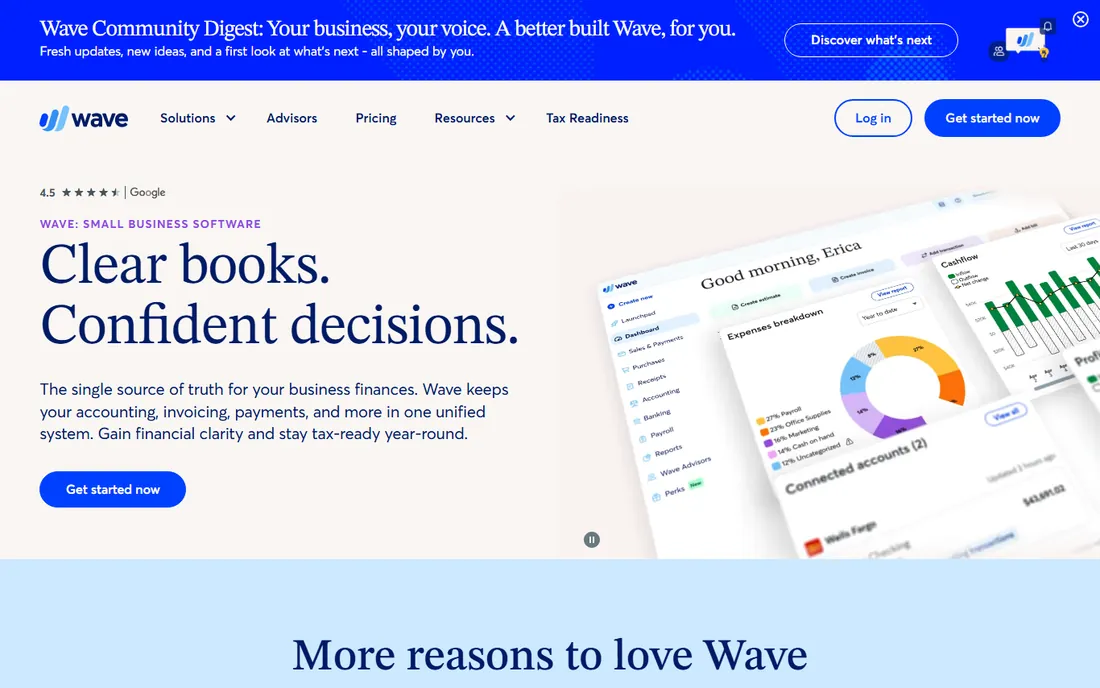
Wave's Starter plan at $0 covers unlimited invoices, estimates and bills with no client cap, which beats every other free plan here on volume. The books are real double-entry accounting, not a toy ledger, and you can connect with an accountant by sharing your data. Pro at $19 per month adds automatic bank imports, receipt scanning, live chat support and removes Wave branding.
The free plan's real cost is manual data entry. On Starter you type bank transactions yourself, which is fine at ten transactions a month and miserable at two hundred. Wave also earns on every online payment you accept, so heavy card volume narrows the gap with paid tools. If your transaction count is low and your budget is zero, start here and upgrade when the typing gets old.
What we like- Core accounting and invoicing genuinely free, with unlimited invoices and estimates
- Built-in double-entry books with profit and loss reports
- Clean interface that non-accountants pick up fast
Watch out for- Automatic bank transaction imports require the Pro plan ($19/month)
- Payment processing fees apply on every paid invoice, and receipt scanning costs extra
#6
Square Invoices
Best for: Businesses already taking payments through Square
Visit squareup.com
Starting price$0 (Free plan)
Free planYes
Square Invoices Free is the most generous free invoicing plan from a major payments company. You send unlimited invoices, schedule recurring invoices, collect deposits and accept payments around the clock, all for $0 a month plus standard card processing fees when clients pay by card. Everything syncs with the rest of Square, so invoices, point of sale and payouts live in one dashboard.
Plus at $30 per month is aimed at businesses with more complex billing: milestone-based payment schedules, batch invoicing, custom invoice templates and multi-package estimates. If you do not use Square for payments, the free plan is still a solid no-cost invoicer, but the integrations that make it shine will not apply to you. For Square sellers, it is the obvious pick.
What we like- Unlimited invoices, estimates and contracts on the free plan with unlimited users
- Payment links and card-on-file collection built in
- Plus ($30/month) adds milestone schedules, batch invoices and custom templates
Watch out for- Much of the value disappears outside the Square payments ecosystem
- Advanced customization and multi-package estimates sit behind the $30 Plus plan
Starting price$11/seat/month (Pro, billed annually)
Free planYes (Free tier: 1 seat, 2 projects)
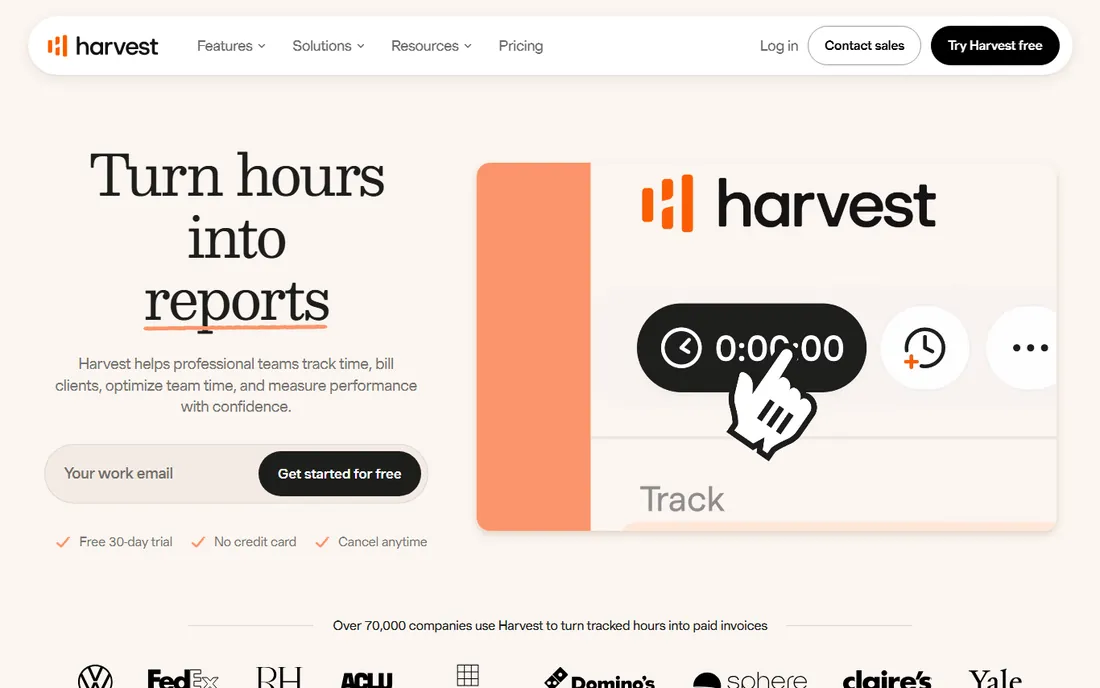
Harvest solves the hourly biller's oldest problem: the hours live in a timer and the invoice lives somewhere else. Here they are the same thing. Track time against projects, then generate an invoice from the tracked hours in a couple of clicks, with expenses attached. Pro costs $11 per seat per month billed annually or $13.75 month to month, with unlimited seats and projects. Premium at $14-$17.50 per seat adds profitability reporting and timesheet approvals.
It is not a full billing platform. There is no quoting module, no dunning sequence and no client portal worth mentioning. If your work is project-based with fixed fees, a dedicated invoicer fits better. But if every dollar you bill starts as a tracked hour, Harvest removes the weekly admin session that hourly billing usually demands.
What we like- Time tracking flows straight into invoices with no retyping
- The free tier covers solo freelancers with 1 seat and 2 projects
- Integrations with Stripe, QuickBooks Online, Xero and Deel
Watch out for- Invoicing is basic compared with dedicated billing tools, with no estimates module
- Per-seat pricing means a 5-person team pays $55-$69 a month before add-ons
#8
Invoice Ninja
Best for: Budget users who want unlimited invoicing without a subscription
Visit invoiceninja.com
Starting price$14/month (Pro plan)
Free planYes (free plan with unlimited invoices)
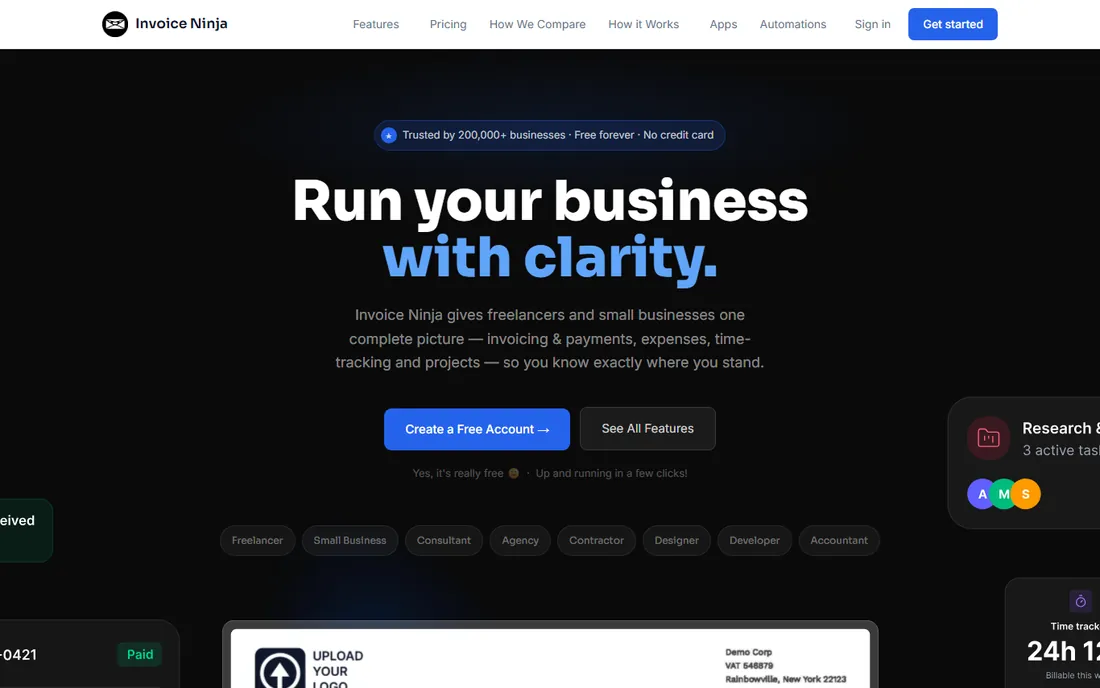
Invoice Ninja is the open-source-flavored answer to expensive invoicing software. The free plan genuinely includes unlimited invoices and quotes, plus time tracking, expense management and payment gateway connections. Pro at $14 per month billed monthly ($140 per year) adds unlimited clients, more templates, a branded portal URL and API access. Enterprise tiers scale by user count for teams.
The trade is polish for price. Invoice Ninja does the job, but the templates, mobile apps and onboarding do not feel like a $23-$38 per month product, because they are not. For technically comfortable users, the self-hosted edition with source available is a real differentiator: your billing data lives on your own server. Price-sensitive freelancers who can tolerate a plainer interface get remarkable value here.
What we like- The free plan includes unlimited invoices and quotes, which no other free tool here matches
- Pro at $14 a month is among the cheapest paid plans available
- Self-hosted option with source code available for full control
Watch out for- The interface and templates feel dated next to FreshBooks or Square
- Support and polish trail the bigger vendors, and the free plan caps client count
#9
BILL
Best for: Companies with bill approvals, vendors and AR workflows
Visit bill.com
Starting price$49/user/month (Essentials)
Free planFree trial (available on AP/AR plans)
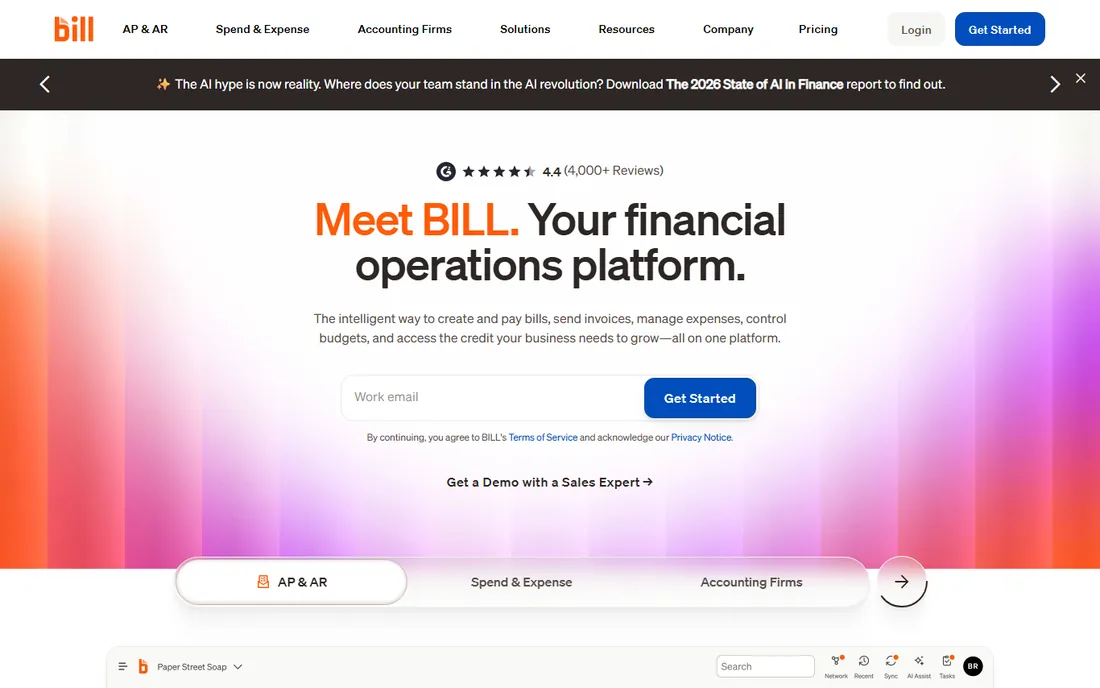
BILL plays a different game from everything else on this list. Essentials at $49 per user per month, Team at $65 and Corporate at $89 cover the full bill lifecycle: capture bills, route approvals, pay vendors by ACH, check or virtual card, then invoice customers and chase payment with automated reminders. It is financial operations software that happens to include invoicing.
That depth is also the reason most readers should skip it. At $49 per user per month with per-transaction payment fees on top, BILL costs more than the rest of this list combined for a small team. It fits companies processing dozens of vendor bills a month with multiple approvers, where the approval audit trail matters. If that is not you, the tools above do your job for less.
What we like- Purpose-built for accounts payable and receivable with approval workflows, not just sending invoices
- Automatic two-way sync with QuickBooks and Xero on Team and above
- ACH, virtual card and international payments in one place
Watch out for- Per-user pricing gets expensive fast: a 5-person finance team pays $245-$445 a month
- Overkill for freelancers or anyone who just needs to send invoices
What to look for before you buy
Start with your invoice volume, because that single number eliminates half this list. Under 20 invoices a month, the free plans from Zoho Invoice, Wave, Square Invoices and Invoice Ninja all work, and QuickBooks Free covers 2 invoices a month for the tiniest side businesses. Between 20 and 50 invoices, check the caps: Xero Early stops at 20, FreshBooks Lite stops at 5 clients. Above that, you are choosing between FreshBooks Premium, Wave Pro or a full accounting platform.
Then check how clients pay you. Every tool here accepts online payments, but the fees differ and they compound. Card payments typically cost around 2.9% plus a fixed fee per transaction, so a business collecting $10,000 a month by card pays roughly $300 in processing before any software subscription. If most clients pay by bank transfer or ACH, favor tools with low or zero ACH fees. And confirm the payment methods your clients actually use: some industries still run on checks, and not every platform handles those gracefully.
Finally, look at what happens after the invoice is sent. Automated payment reminders are the feature most buyers undervalue and most owners miss first. FreshBooks, Zoho Invoice, QuickBooks, Xero and BILL all send reminders automatically; Harvest and Invoice Ninja are thinner here. A dunning sequence that nudges late payers at 7, 14 and 30 days is worth more than a prettier invoice template, because it shortens the average payment delay without any awkward phone calls.
Where the money really goes: fees, limits and plan jumps
The sticker price is rarely the total price. Three cost layers sit underneath every plan on this list. First, payment processing fees on every paid invoice, which usually dwarf the subscription for businesses with healthy revenue. Second, per-seat or per-user fees: Harvest, BILL and QuickBooks charge per person, so model your headcount, not just the base price.
Third, the plan jump. Nearly every vendor prices the entry tier to look cheap and puts the features you actually need one tier up. FreshBooks Lite's 5-client cap, Xero Early's 20-invoice cap, Wave's manual bank entry on Starter: each is designed to push growing businesses to the next plan. Before you commit, find the cap you will hit first and price the tier above it. That number, not the headline price, is your real cost within a year.
How we chose
We started with the invoicing and billing software buyers actually search for, then opened each vendor's own pricing page to verify current prices, plan names and free tiers. Promotional prices were ignored in favor of standard list prices. Where a price could not be confirmed on the vendor's page, we marked it as "See website" rather than guessing.
We compared invoice and client limits, payment options, reminder automation, accounting depth and team-size fit, checking claims against public reviews on G2 and Capterra and practitioner discussion on Reddit. Tools that were shut down, acquired into something else, or that did not fit invoicing and billing were left out.
Frequently asked questions
What is the cheapest invoice billing software for a small business?
Zoho Invoice and Wave Starter both cost $0 with no time limit, and Square Invoices Free is also $0 with unlimited invoices. Among paid tools, Invoice Ninja Pro at $14 per month and FreshBooks Lite at $23 per month are the cheapest entry points with published prices.
Do I need accounting software or just invoicing software?
If you only send invoices and track who paid, invoicing software is enough and costs less. If you also need bank reconciliation, tax reports and financial statements, pick QuickBooks Online, Xero or Wave, which combine invoicing with real accounting.
How do online invoice payments work?
The software adds a payment link or button to the invoice. Your client clicks it and pays by card, bank transfer or digital wallet, and the payment is recorded against the invoice automatically. Expect card processing fees around 2.9% plus a fixed per-transaction fee; bank transfers usually cost less.
Can I send recurring invoices automatically?
Yes. FreshBooks, Zoho Invoice, QuickBooks Online, Xero, Wave, Square Invoices and Invoice Ninja all support recurring invoices on their current plans. Set the schedule once and the software generates and sends each invoice, with payment reminders attached.
What happens if a client does not pay?
Most tools here send automated payment reminders at intervals you choose. Beyond that, you can add late fees (supported by FreshBooks, Square Invoices and others), pause work, or send the debt to collections. The software handles the reminders; the follow-up call is still yours.
Is free invoicing software really free?
The free plans on this list are genuinely free with no card required, but each has a limit: client caps, invoice caps, manual data entry, or payment processing fees on every transaction. They work well at low volume. When the limits start costing you time, a paid plan usually pays for itself.
Sources we checked (11)
- https://www.freshbooks.com/pricing
- https://quickbooks.intuit.com/pricing/
- https://www.xero.com/us/pricing-plans/
- https://www.zoho.com/invoice/
- https://www.waveapps.com/
- https://squareup.com/
- https://www.getharvest.com/
- https://invoiceninja.com/
- https://www.bill.com/product/pricing
- https://www.g2.com/categories/invoicing
- https://www.capterra.com/invoicing-software/
Is your product missing or out of date?
We review this list regularly. Vendors can request a listing, send updated pricing or ask about featured placement.

Shihab Mia · Founder, Rankite
Shihab has spent more than a decade helping SaaS and e-commerce brands grow through search. He writes Rankite's software buying guides from pricing pages, documentation and public user reviews. More about Shihab.