How we make this list: we compare pricing pages, product documentation and public user reviews. Ratings come from G2, Capterra or Trustpilot, with the date we checked them.

Key takeaways
- Photoroom is the most complete self-serve option for clothing sellers. Ghost Mannequin, Virtual Model, Recolor and Flat Lay all run in a batch of up to 250 images.
- Pixelz is the pick when you want people, not just AI, to finish the work. Its Professional plan is $95 per month plus $0.95 per image, with a guaranteed capacity of 200 images a day.
- For wrinkle and lint cleanup on shots you already have, Evoto (credit based, from $89 a year) and Retouch4me Fabric ($145 one-time) are the most targeted tools.
- Desktop software like Photoshop and Capture One is still the backbone of in-house studios. Batch retouching there depends on actions, styles and staff skill rather than one-click AI.
- Price models vary widely: per image, per credit, per seat and one-time licenses. Work out your monthly image count before comparing plans.
Quick comparison
| Tool | Best for | Starting price | Free plan |
|---|
 Photoroom Photoroom | Self-serve AI batch edits for clothing catalogs | See website | Yes |
 Pixelz Pixelz | Outsourced, human-checked retouching at volume | $95 per month plus $0.95 per image | Free trial |
 Claid.ai Claid.ai | AI fashion models and catalog automation via API | API plans from $59 for 1,000 credits | Free trial (50 credits) |
 Evoto Evoto | Batch wrinkle and lint removal on garments | $89 per year (Starter, 800 credits) | Free trial (7 days) |
 Retouch4me Retouch4me | Local fabric smoothing inside Photoshop | $145 one-time (Fabric plugin) | Free demo |
 Adobe Photoshop Adobe Photoshop | Full manual control with batch actions | See website | Free trial |
 Capture One Capture One | Tethered studio capture and batch styling | See website | Free trial |
 Picjam Picjam | Shopify apparel brands that want on-model images | $99 per month (Studio plan) | Free trial |
 Picsart Picsart | Budget bulk edits for small shops | $10.50 per month (billed yearly) | Yes |
Is your product missing or out of date?
We review this list regularly. Vendors can request a listing, send updated pricing or ask about featured placement.
The best software for batch apparel photo retouching
#1Photoroom
Best for: Self-serve AI batch edits for clothing catalogs4.3/5 on
G2 (20 reviews, checked Oct 2026)
Visit photoroom.com
Starting priceSee website
Free planYes
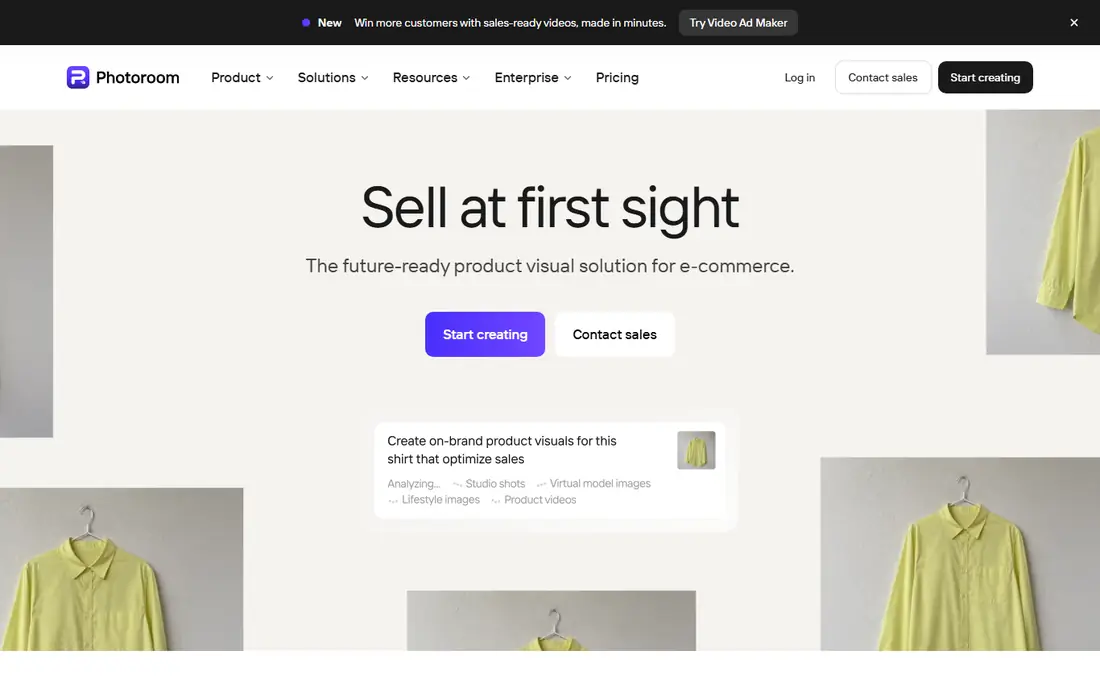
Photoroom suits the small or mid-size apparel brand that shoots its own products and wants catalog-ready files the same afternoon. Its batch editor does more than swap backgrounds. You can run Ghost Mannequin, Virtual Model, Recolor, Flat Lay, Beautify and Product Staging on one photo or on up to 250 images at once, which covers most of what a clothing listing needs.
For apparel, the standout is ghost mannequin in batch. Shoot a full run of tops on a mannequin, upload them together and get invisible-mannequin images with one consistent look. Recolor also helps when a style comes in several colorways and you only photographed one or two.
The catch is control. Photoroom is built for speed, so check fabric texture, prints and logos before anything goes live, especially after generative steps. Photoroom sells weekly, monthly and yearly billing, and some users report choosing the weekly rate by mistake, so read the checkout page carefully.
What we like- Ghost Mannequin, Virtual Model, Recolor and Flat Lay all work in batch
- Up to 250 images per batch
- Web, mobile and Shopify apps
Watch out for- Plan names and billing cycles can be confusing
- Generative tools can alter fine garment details, so spot checks are still needed
#2
Pixelz
Best for: Outsourced, human-checked retouching at volume
Visit pixelz.com
Starting price$95 per month plus $0.95 per image
Free planFree trial

Pixelz is a retouching service with its own platform, not a tool you operate yourself. That makes it a good fit for brands that shoot hundreds of SKUs each week and do not want to hire retouchers. You upload images, set your specifications once, and finished files come back.
The Professional plan costs $95 a month plus a starting price of $0.95 per image. It includes next-morning delivery, a guaranteed 200 images a day, a 3-hour expedite option, color matching, and email and knowledge-base support. Enterprise plans start at 600 images a day and add custom SLAs, volume discounts and a dedicated account manager. Pixelz also runs a separate ghost mannequin service for high-volume studios.
The honest downside is cost at low volume. If you shoot 100 images a month, the $95 fee adds almost a dollar per photo before the per-image charge. Pixelz sends smaller shooters (under 1,000 images a year) to a trial route instead, which is worth trying before you sign up.
What we like- Next-morning delivery with a 3-hour expedite option
- Guaranteed daily capacity
- Specialist services such as ghost mannequin
Watch out for- Monthly fee on top of per-image costs
- You hand off creative control to a service
#3
Claid.ai
Best for: AI fashion models and catalog automation via API
Visit claid.ai
Starting priceAPI plans from $59 for 1,000 credits
Free planFree trial (50 credits)
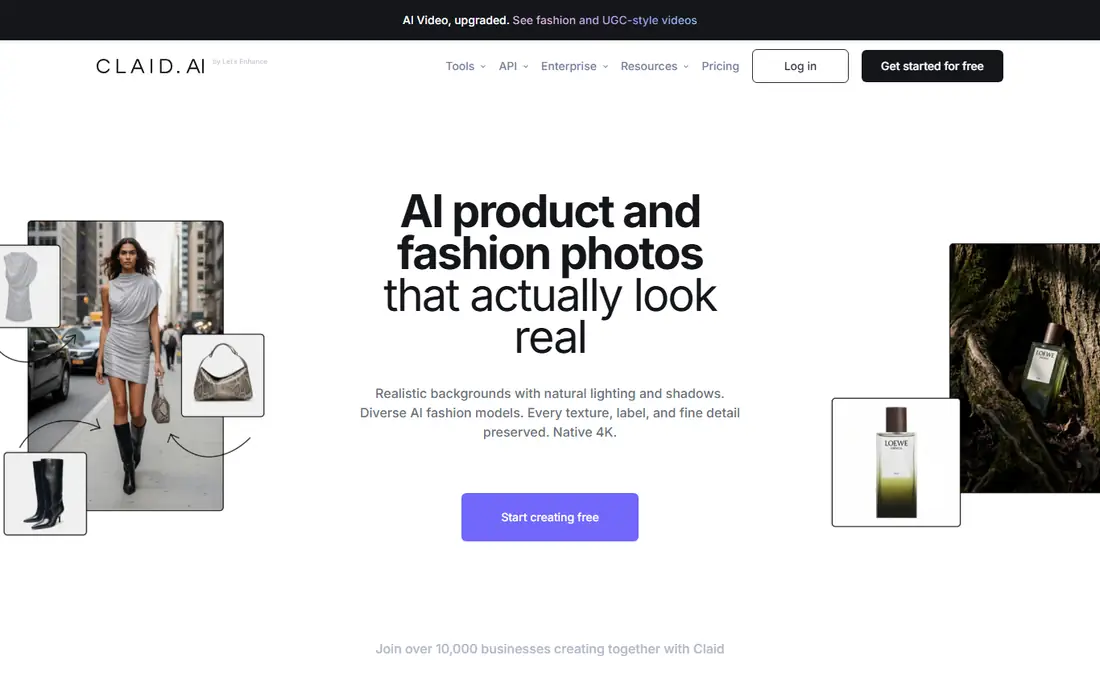
Claid is aimed at teams that want image processing built into a pipeline. Marketplaces and larger retailers use it to standardize photos that come from many sources. Apparel brands can use its AI fashion model feature to put flat lays or mannequin shots onto generated models.
The API is the main reason to choose it. Self-serve API plans start at $59 for 1,000 credits, and enterprise plans add volume pricing, dedicated support and SLAs. A free account comes with 50 credits, enough to test your own garments before you pay. Teams that do not code can use the web platform or the Shopify option.
Budgeting takes some care. Each operation costs anywhere from 1 to more than 10 credits depending on complexity, so a model swap can cost far more than a simple background clean. Run a sample batch and track real credit use before you commit to a monthly plan.
What we like- AI fashion models and product scenes
- Strong API for automated pipelines
- Shopify workflow available
Watch out for- Credit costs vary by operation (1 to 10+ credits)
- More setup than a drag-and-drop editor
#4Evoto
Best for: Batch wrinkle and lint removal on garments4.8/5 on
G2 (5 reviews, checked Oct 2026)
Visit evoto.ai
Starting price$89 per year (Starter, 800 credits)
Free planFree trial (7 days)
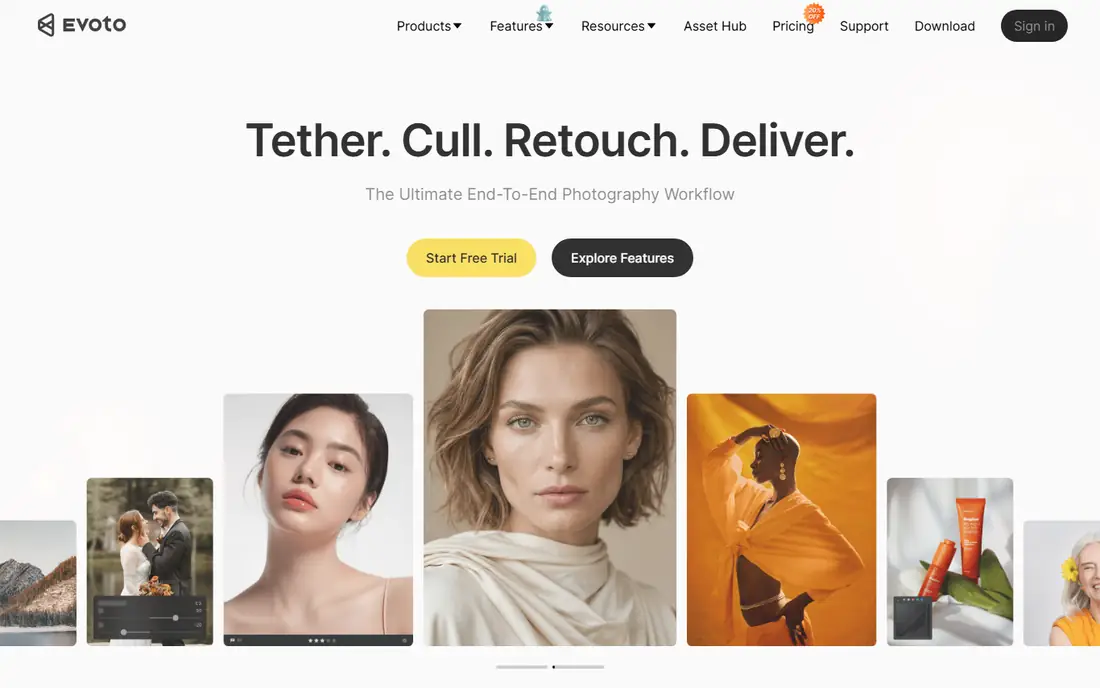
Evoto started as an AI portrait retoucher, but its clothing tools make it useful for fashion and catalog work. The clothes wrinkle remover handles shirt creases and fabric folds, and a separate lint remover cleans up pilling and surface fuzz. You can apply targeted masks so only one area of a garment gets smoothed.
Pricing is easy to model. Exporting one image with clothing fixes costs one credit, and the Starter plan includes 800 credits a year for $89 (Evoto was running an $80 promotional price when we checked). Credits roll over while the subscription is active, and new users get a 7-day trial with 50 free credits.
The trade-off is cloud processing. Evoto's own FAQ says most features require uploading images to its servers, which may matter if you handle unreleased collections. The app is also tuned for people photography, so expect to ignore a lot of skin and face tools.
What we like- Dedicated clothes wrinkle and lint removers
- Credits roll over while subscribed
- Masking for targeted fixes
Watch out for- Most features need images uploaded to Evoto's cloud
- Portrait tools dominate the interface
#5Retouch4me
Best for: Local fabric smoothing inside Photoshop4.5/5 on
G2 (1 reviews, checked Oct 2026)
Visit retouch4.me
Starting price$145 one-time (Fabric plugin)
Free planFree demo
Retouch4me makes single-purpose AI plugins for professional retouchers. The one apparel teams care about is Fabric, which detects clothing in a photo and smooths creases and wrinkles. It costs $145 as a one-time purchase, and you can try it on your own shots with the free demo.
For a studio tired of subscriptions, the one-time license is the strongest selling point. If you prefer a subscription, yearly plans start at $169 with 2,400 retouching credits, and the company also offers two free plugins. Its Arams app handles automatic culling and batch processing of full shoots, and the Clean Backdrop plugin removes marks from studio backgrounds.
The weakness is fragmentation. You buy each fix separately, and the plugins suit someone who already works in Photoshop every day. Retouch4me does not do ghost mannequin or background generation, so most brands pair it with another tool.
What we like- One-time perpetual license option
- Fabric plugin detects clothing and smooths creases
- Clean Backdrop plugin removes studio dirt
Watch out for- Plugins are sold separately, so costs add up
- Needs Photoshop or a Retouch4me host app
#6Adobe Photoshop
Best for: Full manual control with batch actions4.6/5 on
G2 (13,426 reviews, checked Oct 2026)
Visit adobe.com
Starting priceSee website
Free planFree trial
Photoshop is still the tool most professional retouchers use for apparel, and it is where you fix what AI tools get wrong. For batch work you record an action (crop, align, clipping path, color correction) and run it across a folder. Third-party plugins like Retouch4me fit into the same workflow.
Precision is its strength. Manual ghost mannequin compositing, color matching to a physical swatch and print cleanup are all possible at a level automated tools rarely reach. It also opens and saves every format a marketplace or printer will ask for.
The catch is labor. Actions only repeat what you recorded, so wrinkles, lint and neck joins still need a skilled person on every image. Adobe sells Photoshop only by subscription, either alone or bundled with Lightroom, so check its plans page for the current price in your region.
What we like- Actions and the Batch command automate repeated edits
- Works with nearly every plugin
- Industry-standard file handling
Watch out for- Batch quality depends on how well your actions are built
- Subscription only
#7Capture One
Best for: Tethered studio capture and batch styling4.5/5 on
G2 (78 reviews, checked Oct 2026)
Visit captureone.com
Starting priceSee website
Free planFree trial
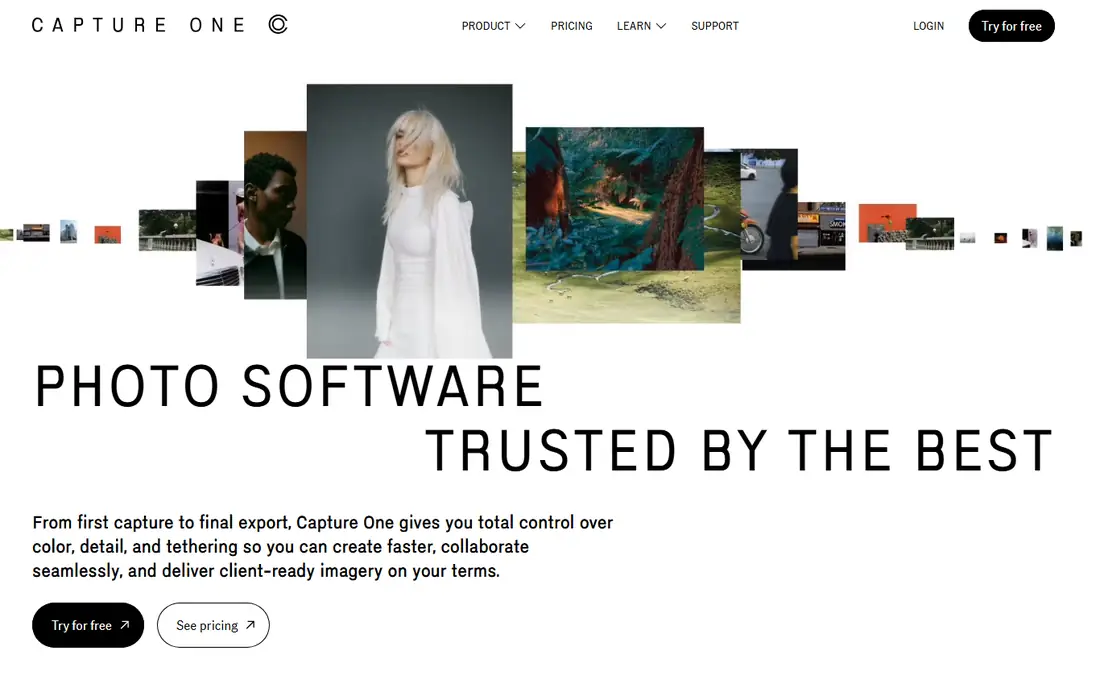
Many ecommerce studios run Capture One on the camera computer for capture and color. Images appear as they are shot, and a style set on the first frame can be applied to every frame after it. Studios choose it for that consistency across a full day of garments.
For batch work, its value comes before retouching. You correct exposure, white balance and color once, sync those settings across hundreds of images, then export to several sizes and formats in one pass. That cuts down the work that reaches Photoshop or an outsourced retoucher.
It does not remove wrinkles or build ghost mannequins, so it covers half of a workflow, not all of it. Capture One also raised prices on all its products by 6% in 2026, so confirm current figures on its site before you budget.
What we like- Tethered shooting with live adjustments
- Styles and copied settings apply one look to a whole set
- Flexible export recipes for multiple sizes
Watch out for- Not a pixel-level retouching tool
- Prices rose across the board in 2026
#8
Picjam
Best for: Shopify apparel brands that want on-model images
Visit picjam.ai
Starting price$99 per month (Studio plan)
Free planFree trial
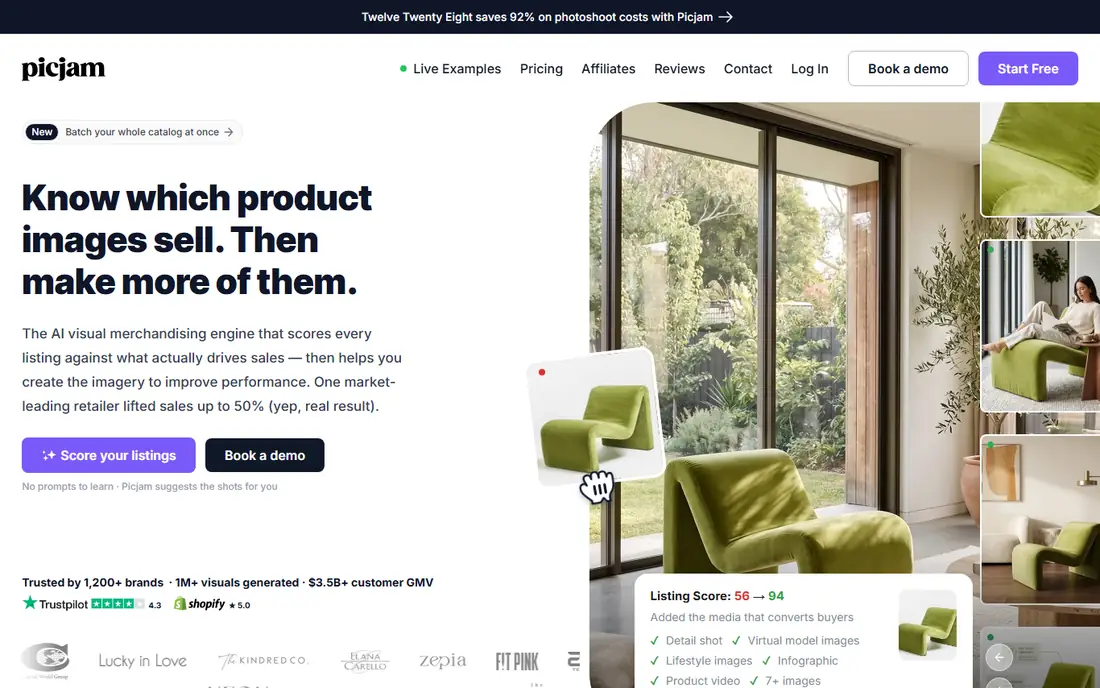
Picjam is a newer tool built for one job: turning apparel product photos into listing-ready images, including on-model shots, for online clothing stores. It pitches itself as an alternative to running a full ghost mannequin or model shoot.
The Studio plan costs $99 a month. It includes ghost mannequin support, no-code batch processing, a locked model identity (so the same AI model appears across your catalog) and Shopify integration. You can start with a trial before you pay.
As a smaller company, Picjam has a shorter track record than the leaders on this list, and its output is generated rather than retouched. Brands that need exact color fidelity on premium fabrics should compare its results side by side with real photos before replacing a shoot.
What we like- Built for clothing catalogs
- Ghost mannequin support and no-code batch processing
- Shopify integration
Watch out for- Younger, smaller vendor
- Less suited to fine manual retouching
#9Picsart
Best for: Budget bulk edits for small shops4.5/5 on
G2 (797 reviews, checked Oct 2026)
Visit picsart.com
Starting price$10.50 per month (billed yearly)
Free planYes
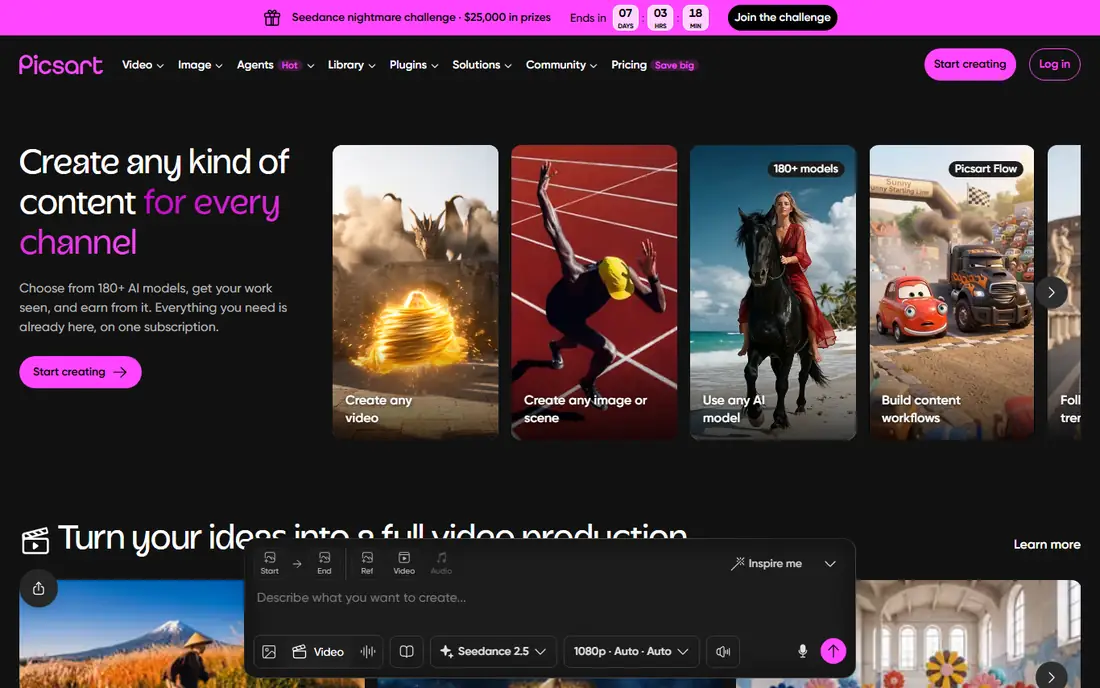
Picsart fits the solo seller or very small shop that needs clean, consistent listing photos on a small budget. Its batch editor can crop, resize, remove backgrounds, apply effects and AI-enhance up to 50 images in one go.
The Pro plan is $10.50 a month billed yearly, or $15 month to month, and a free tier covers the basics. The same subscription also covers social graphics and video, which helps if one person handles both product photos and marketing.
Strictly speaking, it is not an apparel retouching tool. It has no dedicated wrinkle or lint removal and no ghost mannequin workflow. Once you are adding more than a few dozen new SKUs a month, a specialist tool will save more time.
What we like- Low price
- Batch editor handles up to 50 images at once
- Background removal, resizing and AI enhancement in one place
Watch out for- General creative app rather than an apparel tool
- No clothing-specific fixes such as wrinkle removal
How we chose
We started with tools that ecommerce and fashion photographers actually use for bulk garment work. We kept only those that handle at least one apparel-specific task in batch: ghost mannequin, wrinkle or lint removal, on-model generation, or consistent styling across a full shoot. Prices and plan limits come from each vendor's own pricing or product pages. Where we could not confirm a price there, we wrote "See website".
We also read product documentation, help-center articles and public reviews on G2, Capterra and Reddit to understand setup effort, common complaints and support quality. Finally, we judged fit for US small and mid-size businesses: whether pricing works at a few hundred images a month, how much skill each tool requires, and how well it connects to Shopify and existing studio software.
Picking the right setup for your catalog
Start with monthly volume
Count the images you finish in a typical month, including alternate angles and detail shots. Under a few hundred, a self-serve tool like Photoroom, Evoto or Picsart is usually cheapest. Once you reach the thousands, a service like Pixelz or an API like Claid often makes more sense, because per-image cost and guaranteed turnaround matter more than the subscription fee.
Decide what you need fixed
Apparel retouching breaks down into a few jobs. Almost every tool here handles background cleanup and cropping. Wrinkles and lint call for Evoto or Retouch4me. For invisible mannequin shots, look at Photoroom, Picjam or Pixelz. Consistent color across a shoot is where Capture One shines. Most brands end up combining two tools, one for capture and color and one for cleanup.
Check the pricing model, not just the number
You can't compare a $145 one-time plugin with a $95 monthly service until you add up a year of use. Credit systems need extra care because complex operations can cost several credits each. Ask whether unused credits roll over, whether there is a minimum term, and what happens to your exports if you cancel.
Protect color accuracy
Generative AI can shift a garment's shade, smooth away texture or redraw a print. Returns for "color not as pictured" cost more than retouching does, so build a check into every batch. Compare the finished image against the physical item under neutral light before you publish.
Mind data and workflow fit
If you shoot unreleased collections, ask where images are processed and stored. Cloud tools like Evoto upload files for processing, while Photoshop plugins can run locally. Also confirm the tool exports the file sizes and formats your store and marketplaces require, so nobody has to resize by hand afterward.
Frequently asked questions
Can AI fully replace a human retoucher for apparel photos?
AI tools now handle basic jobs like background removal, cropping and light wrinkle smoothing well on most images. Premium fabrics, complex prints and exact color matching still benefit from a human check. Many brands use AI for the bulk of the work and a retoucher or a service like Pixelz for hero images.
What is the cheapest way to batch retouch clothing photos?
For small volumes, the lowest entry points here are Picsart's Pro plan at $10.50 a month (billed yearly) and Evoto's Starter plan at $89 a year. If you dislike subscriptions, Retouch4me Fabric is a one-time $145 purchase, though it requires Photoshop.
Which tools can create ghost mannequin images in bulk?
Photoroom offers Ghost Mannequin inside its batch editor for up to 250 images at a time. Picjam includes ghost mannequin support on its Studio plan, and Pixelz runs a dedicated ghost mannequin service for high-volume studios. In Photoshop, retouchers usually build the effect by hand.
How do I remove wrinkles from many garment photos at once?
Evoto's clothes wrinkle remover costs one credit per exported image and can be applied across a batch. Retouch4me Fabric detects clothing and smooths creases automatically inside Photoshop. Steaming garments before the shoot still saves the most time, since heavy creases are harder to fix cleanly.
Do these tools work with Shopify?
Photoroom has a Shopify app, Claid offers a Shopify product photo workflow, and Picjam's Studio plan includes Shopify integration. With desktop tools like Photoshop and Capture One, you export the files and upload them yourself or through your product information system.
Sources we checked (17)
- https://www.photoroom.com/batch
- https://help.photoroom.com/en/articles/12353253-how-to-use-ghost-mannequin
- https://www.pixelz.com/pricing/
- https://www.pixelz.com/
- https://www.pixelz.com/sem/ghost-mannequin-services/
- https://claid.ai/business
- https://www.evoto.ai/payment/combo-sub
- https://www.evoto.ai/features/remove-wrinkles-from-clothes
- https://support.evoto.ai/feature-page-pricing-faqs/
- https://www.evoto.ai/
- https://retouch4.me/pricing
- https://global.retouch4.me/products/retouch-plugins
- https://picsart.com/pricing/
- https://picsart.com/batch-photo-editor/
- https://www.picjam.ai/blog/best-ghost-mannequin-apps
- https://petapixel.com/2026/05/27/capture-one-to-increase-all-product-prices-by-6/
- https://wizcommerce.com/blog/photoroom-pricing/
Is your product missing or out of date?
We review this list regularly. Vendors can request a listing, send updated pricing or ask about featured placement.

Shihab Mia · Founder, Rankite
Shihab has 5+ years in B2B and SaaS SEO. He writes Rankite's software buying guides from pricing pages, documentation and public user reviews. More about Shihab.