How we make this list: we compare pricing pages, product documentation and public user reviews. Ratings come from G2, Capterra or Trustpilot, with the date we checked them.

Key takeaways
- Materialise Magics is the industry standard for preparing models for industrial 3D printing.
- Autodesk Netfabb suits teams needing integrated additive design and simulation.
- nTop (formerly nTopology) excels at generative design for additive manufacturing.
- GrabCAD offers accessible print preparation for Stratasys and general workflows.
- Simplify3D remains a favorite slicer for precise FDM print control.
Quick comparison
| Tool | Best for | Starting price | Free plan |
|---|
 Materialise Magics Materialise Magics | industrial print preparation | See website | See website |
 Simplify3D Simplify3D | precise FDM slicing | See website | See website |
 GrabCAD GrabCAD | accessible print prep | See website | See website |
 Autodesk Netfabb Autodesk Netfabb | additive design and simulation | See website | See website |
 nTop nTop | generative design for AM | See website | See website |
 Ultimaker Cura Ultimaker Cura | free open slicing | See website | See website |
 Formlabs PreForm Formlabs PreForm | resin print preparation | See website | See website |
Is your product missing or out of date?
We review this list regularly. Vendors can request a listing, send updated pricing or ask about featured placement.
The best additive manufacturing software
Starting priceSee website
Free planSee website
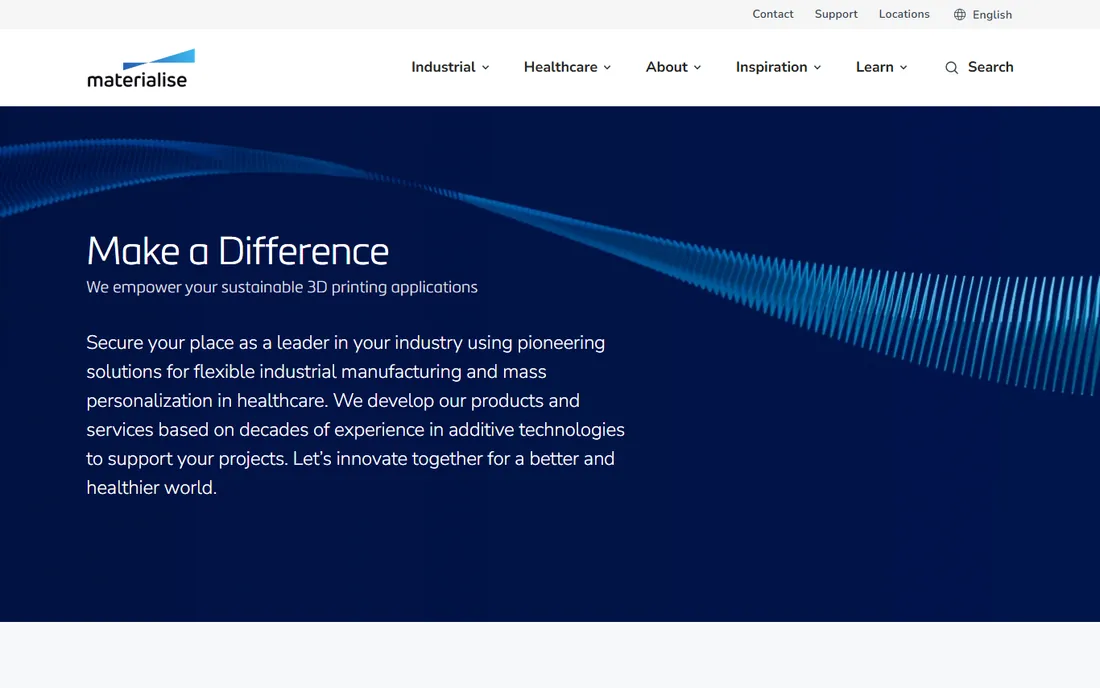
Materialise Magics is the industry standard for preparing CAD models for 3D printing: mesh repair, support generation, nesting, and build preparation across processes. Service bureaus and manufacturers worldwide rely on it. The toolset handles the messy reality of imperfect meshes that arrive from diverse CAD sources.
Pricing is enterprise-level and the learning curve is real. But for professional additive manufacturing preparation, Magics' capabilities are unmatched. Service bureaus processing thousands of builds monthly depend on its automation features to maintain throughput. Batch processing, automated repair, and intelligent nesting turn file preparation from a bottleneck into a smooth background operation.
What we like- Industry standard
- Powerful repair tools
- Broad process support
Watch out for- Expensive
- Steep learning curve
Starting priceSee website
Free planSee website
Simplify3D gives precise control over FDM slicing: customizable supports, multi-process settings, and print preview that professionals trust. Users who need exact control over every print parameter prefer it to free alternatives. The detailed preview helps catch issues before printing starts.
It is paid software in a world of capable free slicers. Updates have slowed. But for meticulous FDM control, Simplify3D's precision keeps loyal users. Multi-process printing, where different settings apply to different model regions, remains a standout capability. Printing fine details slowly while infill runs fast optimizes both quality and speed in ways that simpler slicers cannot match.
What we like- Fine-grained control
- Excellent support structures
- Reliable
Watch out for- Paid while rivals are free
- Slower updates
Starting priceSee website
Free planSee website
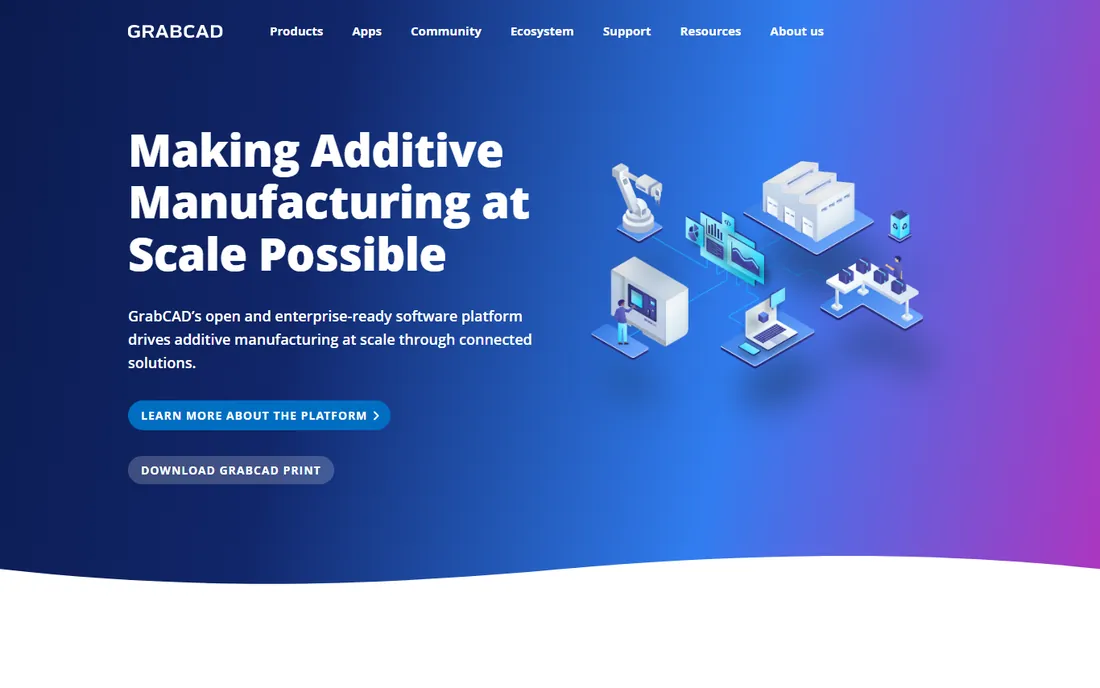
GrabCAD (by Stratasys) combines a huge CAD model community with print preparation tools: GrabCAD Print streamlines FDM and PolyJet workflows for Stratasys printers. The community library is invaluable for makers and engineers looking for existing designs to adapt.
Industrial capabilities trail Magics and Netfabb. The focus is community and accessibility. But for Stratasys users and accessible print prep, GrabCAD delivers. The workbench collaboration features help distributed engineering teams review designs together. Comments, version tracking, and shared workspaces keep design reviews well organized without endless email threads.
What we like- Free community
- Print preparation
- Stratasys integration
Watch out for- Limited vs industrial tools
- Community focus
Starting priceSee website
Free planSee website
Autodesk Netfabb provides additive manufacturing tools within the Autodesk ecosystem: mesh repair, build preparation, lattice generation, and process simulation. Fusion and Inventor users get integrated workflows. Simulation predicts print issues before wasting material on failed builds.
Subscription costs add up. The toolset is complex. But for Autodesk-centric additive workflows with simulation, Netfabb is the natural choice. The simulation capabilities help predict thermal distortion in metal prints before committing expensive machine time. For powder bed fusion processes where failed builds waste costly powder and many days of machine time, this prediction is invaluable.
What we like- Autodesk integration
- Simulation
- Lattice tools
Watch out for- Subscription cost
- Complexity
Starting priceSee website
Free planSee website

nTop (formerly nTopology) is computational design software for additive manufacturing: generative lattices, topology optimization, and field-driven design that fully exploits AM's geometric freedom. Engineers design parts impossible to manufacture conventionally, achieving strength-to-weight ratios traditional methods cannot match.
It is specialized; general CAD users face a learning curve. Pricing is premium. But for advanced AM design exploiting full geometric freedom, nTop is in a class of its own. Aerospace and medical companies use it to create lightweight structures that outperform traditionally manufactured parts. Topology-optimized designs can be dramatically lighter while maintaining strength, which matters enormously in weight-sensitive applications.
What we like- Computational design
- Lattices
- Performance optimization
Watch out for- Specialized
- Premium pricing
Starting priceSee website
Free planSee website
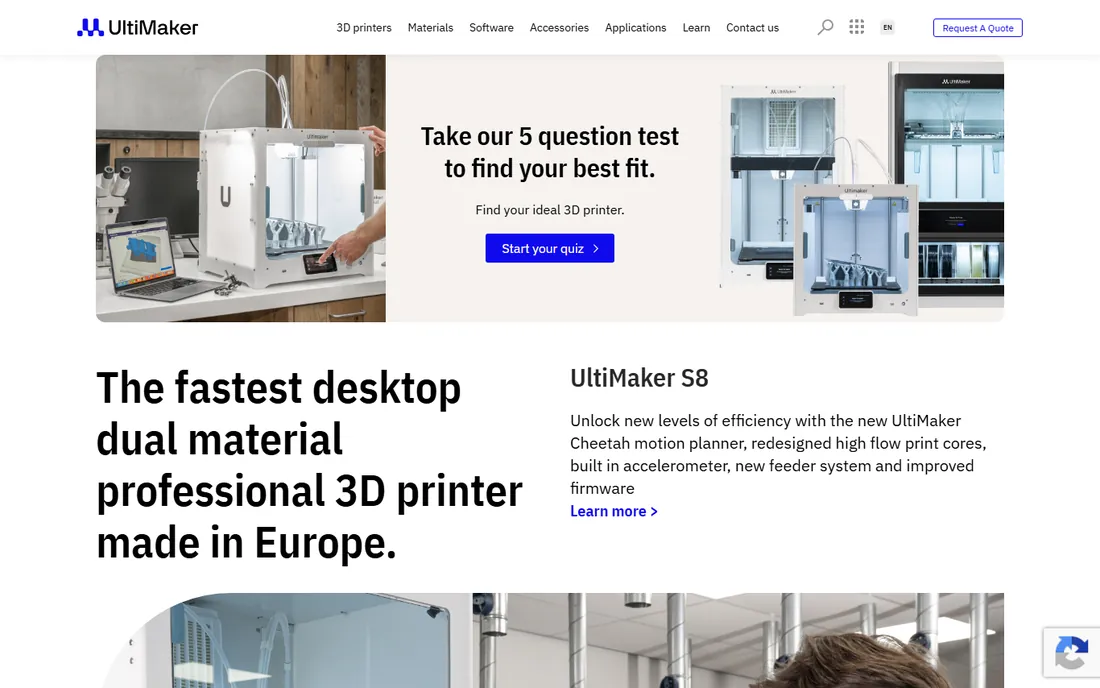
Ultimaker Cura is the free, open-source slicer with the largest community: regular updates, hundreds of material profiles, and plugins. Most FDM users start here. The marketplace extends functionality with community-developed enhancements.
Optimization favors Ultimaker printers. Industrial features are limited. But as a free slicer, Cura's capability and community are unmatched. The plugin marketplace and constant development keep it ahead of other free options. Community-contributed profiles for third-party printers extend compatibility far beyond Ultimaker's own hardware.
What we like- Free and open
- Huge community
- Regular updates
Watch out for- Ultimaker-focused
- Less industrial
Starting priceSee website
Free planSee website
Formlabs PreForm prepares models for Formlabs SLA and SLS printers: automatic orientation, support generation, and one-click print setup optimized for the hardware. The tight hardware-software integration means prints simply work, with minimal tuning required for reliable results.
It serves the Formlabs ecosystem; resin focus limits generality. But for Formlabs users, PreForm's optimization is excellent.
What we like- Optimized for Formlabs
- One-click printing
- Excellent supports
Watch out for- Formlabs ecosystem
- Resin focus
Design vs preparation vs slicing
Additive software spans three stages: design for AM (nTop, Netfabb), print preparation (Magics, GrabCAD Print, PreForm), and slicing (Cura, Simplify3D). Industrial workflows use all three; hobbyists mostly need slicing. Understanding where your pain sits determines which stage deserves investment. If prints fail, invest in preparation. If designs underperform, invest in design tools. If throughput lags, invest in automation and training.
Match software to your stage. Designing complex lattices: nTop. Preparing files for production: Magics or Netfabb. Slicing for desktop printers: Cura or Simplify3D. Resin printing on Formlabs: PreForm. The wrong-stage tool wastes money and time. Many operations need two or three of these tools working together across the workflow. Budget for the combination, not just one license; the stages complement rather than replace each other.
What to check before you buy
Start with your printer and process. Software compatibility varies by technology: FDM, SLA, SLS, and metal processes need different tools. Verify your specific printers are supported before evaluating features. Hardware-software integration (PreForm with Formlabs, Cura with Ultimaker) often beats generic capability. A perfectly integrated free tool outperforms a mismatched expensive one. The best software is the software that works with your hardware without friction, regardless of price tier.
Then assess your team's skills. Magics and nTop reward expertise but punish beginners. Cura and GrabCAD Print welcome newcomers. Match complexity to your team's experience; the most powerful tool unused is worthless. Training investment should factor into total cost calculations. A cheaper license that requires weeks of training may cost more than an expensive license your team learns in days. Ask vendors about training resources and community support quality.
Finally, consider file throughput. Service bureaus processing hundreds of files need Magics' automation and nesting. Occasional printers need simplicity. Volume determines whether industrial features justify industrial prices. A good rule: if file preparation takes more than 10% of your production time, industrial software pays for itself. Time your current workflow honestly before dismissing industrial pricing as excessive.
Frequently asked questions
What is additive manufacturing software?
Software for the 3D printing workflow: designing parts optimized for printing (generative design, lattices), preparing models (repair, supports, nesting), and slicing models into printer instructions. Different tools cover different stages of the digital-to-physical pipeline. The field has matured from hobbyist tools to industrial production systems. What began as enthusiast software now supports aerospace production, medical devices, and automotive manufacturing at scale. The software maturity mirrors the industry's journey from prototyping curiosity to production reality.
Do I need paid software for 3D printing?
Not necessarily. Ultimaker Cura handles FDM slicing free; GrabCAD Print is free; PreForm is free with Formlabs printers. Paid tools (Magics, Netfabb, nTop, Simplify3D) justify costs through advanced capabilities professionals need: complex repair, simulation, generative design, and production automation. Start free and upgrade when limitations cost you time. The upgrade trigger is usually specific: a repair Cura cannot handle, a lattice nTop designs better, or throughput that demands Magics automation. Wait for the pain before spending; premature upgrades waste money.
What is the difference between a slicer and print preparation software?
Slicers (Cura, Simplify3D) convert 3D models into layer-by-layer printer instructions (G-code). Print preparation (Magics, Netfabb) handles earlier steps: mesh repair, orientation, support design, and nesting multiple parts. Industrial workflows need both. Think of preparation as getting the model ready, slicing as translating it for the machine. Both steps matter; skipping preparation leads to failed prints that waste more time than preparation ever takes. The most common beginner mistake is slicing unprepared models and wondering why prints fail.
Can additive manufacturing software simulate prints?
Yes. Netfabb includes process simulation predicting distortion and build failures. nTop's designs are validated through simulation. Simulation saves material and machine time by catching issues digitally. For expensive metal prints, simulation is essential. A single failed metal build can waste thousands in material and machine time. Simulation is not optional for metal AM; it is the difference between profitable production and expensive experimentation. Budget for simulation software alongside the printer itself.
What file formats do these tools use?
STL remains common; 3MF is the modern standard with more metadata. Most tools import common CAD formats (STEP, IGES) and export print-ready files. Check your specific workflow's format requirements during evaluation. 3MF is worth adopting where supported; it preserves color, material, and orientation data that STL drops. The industry is gradually migrating; new workflows should prefer 3MF when printer and software support it. Legacy STL workflows still work, but they leave valuable data on the table.
How do I choose between Magics and Netfabb?
Choose Magics for the deepest print preparation toolset and service bureau workflows. Choose Netfabb for Autodesk ecosystem integration and built-in simulation. Both are industrial-grade; the deciding factor is usually existing software investments and specific process needs. Trial both with your actual files before deciding. Vendor demos use ideal models; your production files reveal the real differences in repair capability and workflow efficiency. Bring your ugliest files to the trial; they are the true test.
How we chose
We selected additive manufacturing tools that appear consistently in 3D printing software comparisons and industry discussions. Each vendor's site was checked to confirm the product is current in 2026. Note: nTopology renamed to nTop; we use the current name. Pricing details come from vendor pages where published. No hands-on printing was conducted for this guide; assessments reflect documented capabilities and industry reputation as of this writing.
Sources we checked (9)
- https://www.materialise.com
- https://www.simplify3d.com
- https://www.grabcad.com
- https://www.autodesk.com/products/netfabb
- https://www.ntop.com
- https://www.ultimaker.com
- https://www.formlabs.com
- https://slashdot.org/software/comparison/Materialise-Magics-vs-Netfabb-vs-Simplify3D/
- https://slashdot.org/software/comparison/Simplify3D-vs-Ultimaker-Cura/
Is your product missing or out of date?
We review this list regularly. Vendors can request a listing, send updated pricing or ask about featured placement.

Shihab Mia · Founder, Rankite
Shihab has 5+ years in B2B and SaaS SEO. He writes Rankite's software buying guides from pricing pages, documentation and public user reviews. More about Shihab.