How we make this list: we compare pricing pages, product documentation and public user reviews. Rankite is independent; if a vendor ever pays for a featured spot, that listing is clearly labeled Partner.
Key takeaways
- Simio, AnyLogic and FlexSim lead discrete-event simulation with 3D digital twins for factories.
- Arena, now part of Rockwell Automation, remains the classic simulation teaching and industry tool.
- Siemens Plant Simulation and DELMIA serve enterprises standardizing on Siemens or Dassault ecosystems.
- Simul8 and ProModel, now under BigBear.ai, offer accessible simulation for process improvement.
- aPriori simulates manufacturing cost from design, bridging engineering and sourcing.
Manufacturing simulation software models factories, lines and supply chains digitally so you can test changes without stopping production. These nine cover discrete-event simulation, digital twins and cost simulation.
Quick comparison
| Tool | Best for | Starting price | Free plan |
|---|
 Simio Simio | Digital twin simulation | See website | Free trial |
 AnyLogic AnyLogic | Multi-method simulation | See website | Free trial |
 FlexSim FlexSim | 3D factory simulation | See website | Free trial |
 Arena Arena | Classic simulation modeling | See website | Free trial |
 Siemens Plant Simulation Siemens Plant Simulation | Siemens ecosystem factories | See website | Free trial |
 DELMIA DELMIA | Dassault manufacturing simulation | See website | No |
 Simul8 Simul8 | Accessible process simulation | See website | Free trial |
 ProModel ProModel | Simulation for improvement | See website | No |
 aPriori aPriori | Manufacturing cost simulation | See website | No |
Is your product missing or out of date?
We review this list regularly. Vendors can request a listing, send updated pricing or ask about featured placement.
The best manufacturing simulation software
Starting priceSee website
Free planFree trial
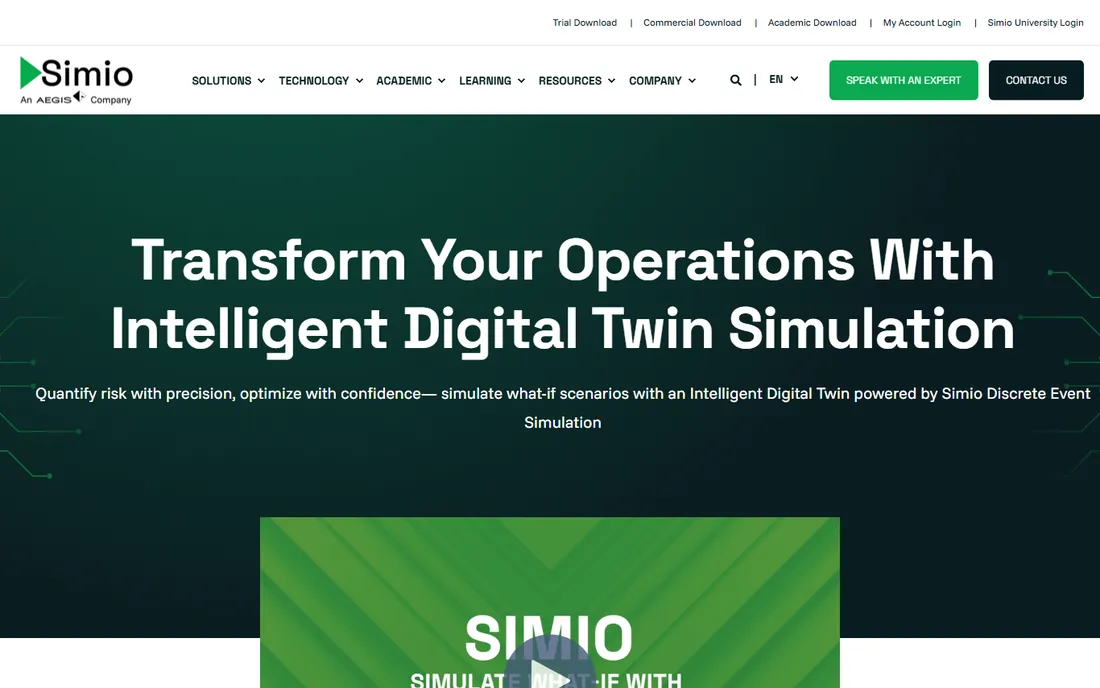
Simio builds digital twins of factories and supply chains with object-oriented simulation modeling. Engineers test layout changes, staffing and scheduling digitally before committing capital.
The investment is significant. Manufacturers serious about simulation-driven decisions find the modeling power worth it.
Simio users should start by modeling a single production line accurately before tackling the whole plant; validated small models beat unvalidated big ones. The 3D visualization helps sell the results to non-technical stakeholders. Calibrate with real timing data, not estimates.
What we like- Object-oriented modeling
- Digital twin capabilities
- Strong usability
Watch out for- Premium pricing
- Learning curve for novices
Starting priceSee website
Free planFree trial
AnyLogic uniquely combines three simulation methods in one platform, handling everything from factory floors to supply networks to pedestrian flows. The flexibility attracts diverse industries.
Beginners face a learning curve. For complex systems needing multiple modeling paradigms, it is unmatched.
AnyLogic modelers should choose the right method per problem: discrete event for processes, agent-based for behavior, system dynamics for strategy. The multimethod power needs deliberate application. Validate each model against historical data before trusting predictions.
What we like- Discrete-event, agent-based and system dynamics
- Flexible
- Strong community
Watch out for- Complexity for beginners
- Pricing not published
Starting priceSee website
Free planFree trial
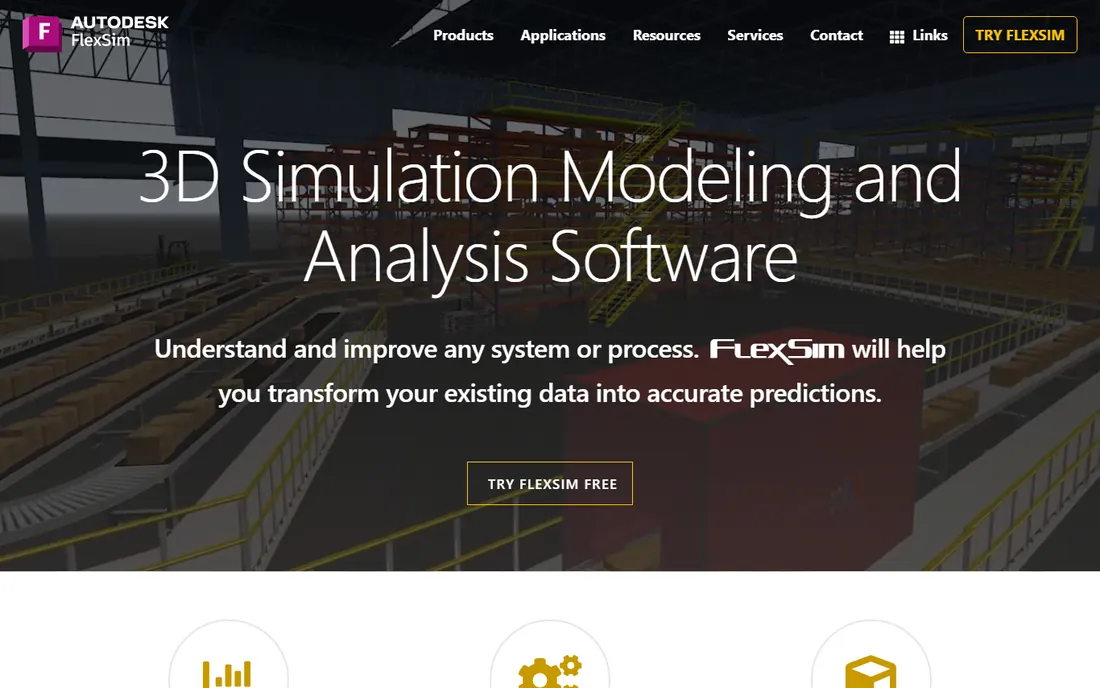
FlexSim's 3D simulation makes factory models visually compelling and analytically deep: drag-and-drop objects, run scenarios, and present results stakeholders understand. Manufacturing and healthcare are strongholds.
Serious use needs capable hardware. Teams that present simulation to executives love the visual clarity.
FlexSim users should use the 3D animation for stakeholder communication; executives understand visual models faster than statistics. The healthcare and manufacturing templates accelerate the first models. Keep the model logic documented as complexity grows.
What we like- Beautiful 3D simulation
- Intuitive modeling
- Healthcare and manufacturing strength
Watch out for- 3D focus adds hardware needs
- Pricing premium
Starting priceSee website
Free planFree trial
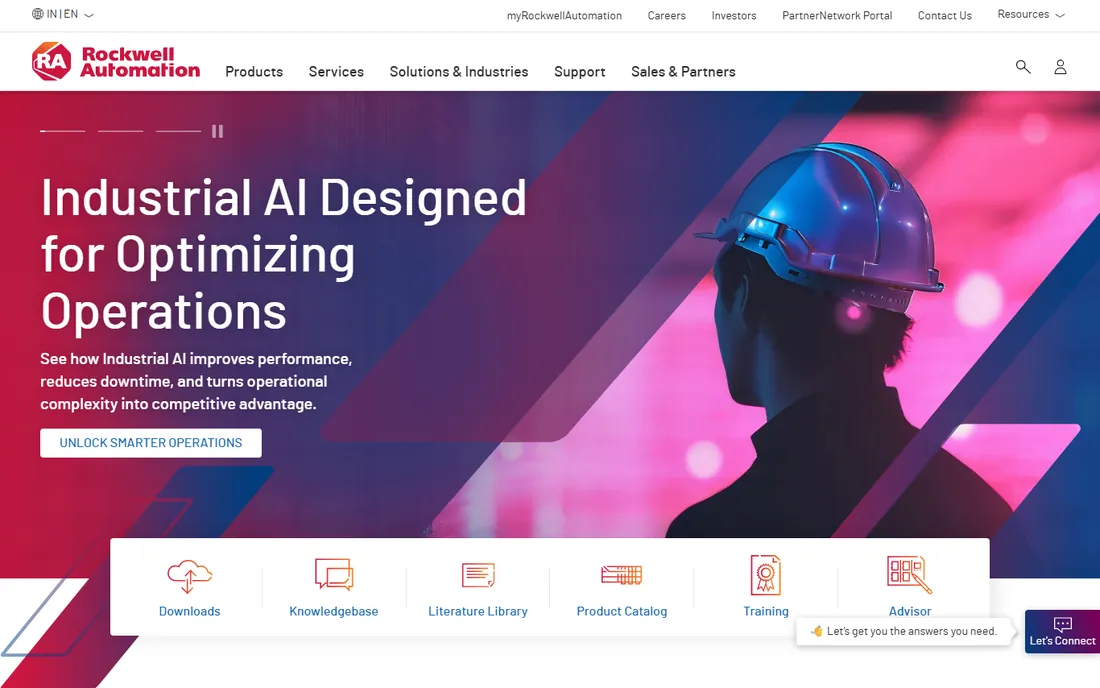
Arena, now part of Rockwell Automation, is the simulation software generations of engineers learned on: flowchart-based discrete-event modeling with deep statistical analysis. The installed base is enormous.
The interface shows its age next to Simio and FlexSim. Organizations standardized on Rockwell keep it for continuity and support.
Arena veterans should use the OptQuest integration for optimization, not just what-if analysis. The flowchart paradigm is intuitive for process engineers. Maintain the model as processes change or it becomes shelfware.
What we like- Industry classic
- Huge user base
- Rockwell backing
Watch out for- Interface dated
- Newer tools more visual
Starting priceSee website
Free planFree trial
Siemens Plant Simulation models production systems as digital twins within the Siemens ecosystem: Tecnomatix integration, virtual commissioning and enterprise scalability. Siemens factories standardize on it.
Standalone buyers get less integration value. For Siemens shops, it is the coherent choice.
Siemens shops should integrate Plant Simulation with their Teamcenter data for model accuracy; the digital thread is the vision. The learning curve is real, so invest in training. Large automotive and machinery plants get the most value.
What we like- Deep Siemens integration
- Digital twin for production
- Enterprise scale
Watch out for- Enterprise pricing
- Best inside the Siemens ecosystem
#6
DELMIA
Best for: Dassault manufacturing simulation
Visit 3ds.com
Starting priceSee website
Free planNo
DELMIA, Dassault Systèmes' manufacturing brand, simulates everything from machining to assembly to logistics within the 3DEXPERIENCE platform. Global manufacturers virtualize entire production systems.
The commitment is enterprise-grade. Dassault customers get unmatched breadth; others will find focused tools simpler.
DELMIA users in the Dassault ecosystem should connect simulation with the 3DEXPERIENCE platform data. The virtual twin concept needs clean master data. Plan the implementation with both IT and engineering involved.
What we like- Full manufacturing virtualization
- 3DEXPERIENCE integration
- Global enterprise
Watch out for- Enterprise cost and complexity
- Dassault ecosystem required
Starting priceSee website
Free planFree trial
Simul8 makes simulation accessible to process improvement teams: build models quickly, test scenarios, and communicate results without specialist training. The learning curve is the gentlest here.
Visual wow-factor trails FlexSim. For teams starting simulation for continuous improvement, the accessibility wins.
Simul8 users should start with the process mapping before simulation; clear processes model faster. The accessibility suits teams new to simulation. Run the model past operators for reality checks.
What we like- Approachable simulation
- Fast to learn
- Good for process improvement teams
Watch out for- Less 3D flash
- Enterprise features thinner
Starting priceSee website
Free planNo
ProModel, now part of BigBear.ai, offers simulation modeling for process improvement with the added angle of AI-driven analytics. Long-time users get continuity plus new capability.
The BigBear.ai transition means checking the current offering. Organizations wanting simulation with AI augmentation should evaluate it.
ProModel users should note the BigBear.ai ownership and confirm the current product direction. The optimization features suit complex scheduling problems. Validate the vendor roadmap during evaluation.
What we like- Proven simulation suite
- Now with BigBear.ai AI capabilities
- Industry experience
Watch out for- Rebrand transition
- Enterprise focus
Starting priceSee website
Free planNo
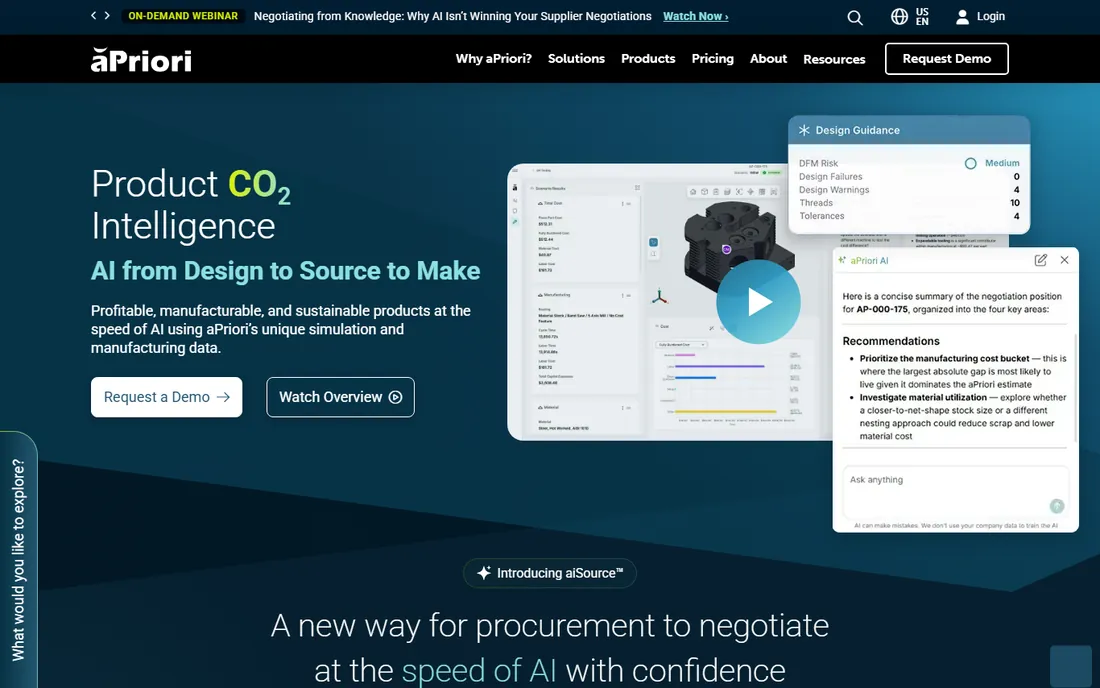
aPriori simulates manufacturing cost directly from product designs: engineers see cost impact of design choices instantly, and sourcing teams compare suppliers. The design-to-cost loop is unique.
It does not simulate factory operations. For cost engineering and should-cost analysis, it stands alone.
aPriori users should connect it to CAD early; the cost insights depend on design data quality. The should-cost analysis changes sourcing conversations. It works best when engineering and procurement collaborate.
What we like- Cost simulation from CAD
- Design-to-cost insights
- Sourcing decisions
Watch out for- Cost focus, not operations simulation
- Enterprise pricing
How we chose
We verified each vendor's homepage and current status, noting ProModel's acquisition by BigBear.ai. We kept tools with genuine manufacturing simulation capability and excluded generic 3D or CAD without simulation. Pricing is enterprise and quote-based.
What to get right before you buy
Define the question. Layout design, capacity planning and cost estimation need different tools; buying simulation for the wrong question wastes the investment.
Budget for expertise. Simulation software needs trained modelers; the license is half the cost, the people the other half.
Start with a pilot. Model one line or cell, prove value, then expand. Enterprise-wide simulation rollouts fail without early wins.
Frequently asked questions
What is manufacturing simulation software?
Software that creates digital models of factories, processes or supply chains to test changes, predict performance and optimize without disrupting real operations.
What is a digital twin in manufacturing?
A live digital replica of a physical factory or line, updated with real data, used to simulate, predict and optimize performance.
How much does simulation software cost?
Professional tools typically run from thousands to tens of thousands annually per license, with enterprise platforms higher.
Do I need a data scientist to use simulation?
No, but you need trained modelers. Accessible tools like Simul8 lower the bar; complex platforms reward expertise.
Discrete-event vs system dynamics: which do I need?
Discrete-event suits factories and queues; system dynamics suits aggregate policy questions. AnyLogic does both.
Can simulation replace physical prototyping?
It reduces but rarely eliminates it. Simulation narrows options cheaply; physical validation still confirms critical decisions.
Simulation projects that actually deliver ROI
Simulation software fails when models are built but never used. The first rule is to start with a decision, not a model: what specific choice will the simulation inform? Capacity expansion, layout change, staffing levels. A model without a decision attached becomes an academic exercise.
The second rule is to validate ruthlessly. A model that does not reproduce current performance cannot predict future performance. Feed it historical data and check that it matches reality before running scenarios. Every assumption should be documented and challenged by the people who run the actual process.
The third rule is to keep models maintainable. The engineer who built the model will eventually leave; documented, modular models survive. Name elements clearly, comment the logic, and store the input data separately from the model. A model nobody understands is a model nobody trusts.
The fourth rule is to present results as ranges, not certainties. Simulation produces distributions; reporting single numbers oversells the precision. Show the confidence intervals and explain the key sensitivities. Decision-makers respect honest uncertainty more than false precision.
Finally, plan for the model to become operational, not just project-based. The highest-ROI simulation installations run continuously: digital twins fed with live data, updated as the plant changes. This requires ownership, data feeds and maintenance budget. Treat the model as an asset with a lifecycle, and it will keep paying back for years.
Open-source simulation options
Commercial simulation software is expensive, and open-source alternatives deserve consideration. Start with the honest trade-off: open-source tools cost nothing in licenses but demand more expertise and time. Teams with strong programming skills can build capable models; teams without them will struggle.
Python's SimPy library handles discrete-event simulation with full programming flexibility. It lacks the visual modeling of commercial tools, but for analysts comfortable in code, it models anything. The learning investment transfers to other data work too.
JaamSim offers a more visual open-source option with 3D animation. It covers many standard simulation needs without licensing costs. The community is smaller than commercial vendors, so support comes from documentation and forums.
Consider open source for learning and prototyping. Building a first model in an open tool teaches the concepts before the commercial investment. Many organizations prototype open-source, then buy commercial for production deployment.
Finally, factor the total cost honestly. License savings versus engineer time, slower stakeholder communication without slick visuals, and missing industry templates. For well-funded production decisions, commercial tools usually win; for exploration and education, open source is excellent.
Validating simulation models
Unvalidated models produce confident wrong answers. Start validation with face validity: show the model to the operators and engineers who know the real system. They spot absurdities instantly. Their buy-in matters as much as statistical tests.
Next, compare model output to historical data. Run the model with past inputs and check that it reproduces past performance within reasonable tolerance. Perfect matches suggest overfitting; large deviations suggest structural errors. Investigate both.
Test the model's sensitivity to key inputs. Vary the uncertain parameters and observe which ones drive the results. If the decision changes with small input changes, the model cannot support that decision reliably. Report the sensitivities honestly.
Validate the extremes as well as the normal. Push the model to high and low volumes, breakdown scenarios and unusual mixes. Models that behave sensibly at extremes earn trust; models that produce nonsense reveal hidden flaws.
Finally, document the validation for every model version. What was tested, what passed, what failed, and what assumptions remain. Future users need to know the model's limits. A model with documented limits is a tool; one without is a hazard.
Sources we checked (9)
- https://www.simio.com/
- https://www.anylogic.com/
- https://www.flexsim.com/
- https://www.rockwellautomation.com/
- https://www.siemens.com/
- https://www.3ds.com/
- https://www.simul8.com/
- https://bigbear.ai/solutions/modeling-and-simulation/
- https://www.apriori.com/
Is your product missing or out of date?
We review this list regularly. Vendors can request a listing, send updated pricing or ask about featured placement.

Shihab Mia · Founder, Rankite
Shihab has spent more than a decade helping SaaS and e-commerce brands grow through search. He writes Rankite's software buying guides from pricing pages, documentation and public user reviews. More about Shihab.