How we make this list: we compare pricing pages, product documentation and public user reviews. Rankite is independent; if a vendor ever pays for a featured spot, that listing is clearly labeled Partner.
Key takeaways
- Dozuki and Azumuta are the most complete platforms for creating, managing and improving digital work instructions at scale.
- Poka and REWO focus on the connected worker: instructions plus training, communication and knowledge sharing on the shop floor.
- VKS and Picomto win on visual, operator-friendly instruction design that works on tablets at the workstation.
- SwipeGuide (now part of L2L) and Proceedix (now part of SymphonyAI) bring work instructions into broader connected-worker and frontline platforms.
Quick comparison
| Tool | Best for | Starting price | Free plan |
|---|
 Dozuki Dozuki | Manufacturers managing the full instruction lifecycle | See website | No |
 Azumuta Azumuta | Digital instructions plus connected shop floor apps | See website | No |
 Poka Poka | Connected worker knowledge sharing | See website | No |
 REWO REWO | Guided instructions with remote expert support | See website | No |
 VKS VKS | Visual instructions tied to production data | See website | No |
 Picomto Picomto | Operator-friendly visual work instructions | See website | No |
 SwipeGuide SwipeGuide | Work instructions inside a connected workforce platform | See website | No |
 Proceedix Proceedix | Enterprise connected worker programs | See website | No |
Is your product missing or out of date?
We review this list regularly. Vendors can request a listing, send updated pricing or ask about featured placement.
The best work instructions software
#1
Dozuki
Best for: Manufacturers managing the full instruction lifecycle
Visit dozuki.com
Starting priceSee website
Free planNo
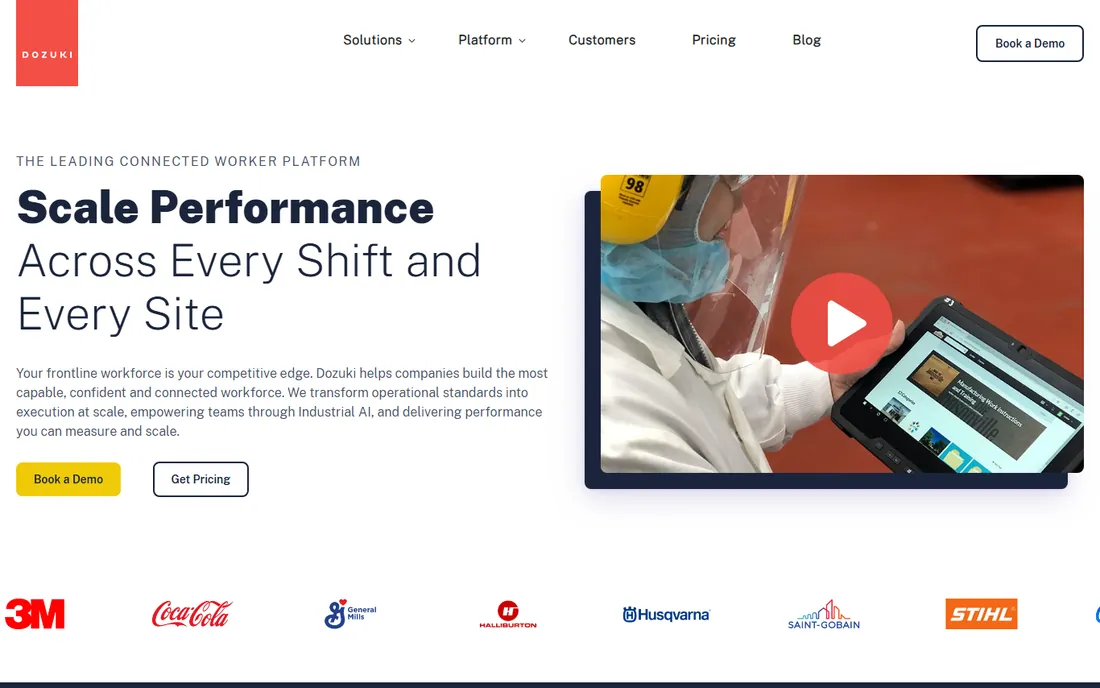
Dozuki is the closest thing this category has to a standard. It covers the whole lifecycle of a work instruction: authoring with rich media, approval workflows, version control, delivery to the shop floor and analytics on where operators struggle. The continuous improvement loop, where operator feedback feeds back into instruction revisions, is what separates it from a PDF on a tablet.
Pricing is quoted and implementation is a project, not a signup. But for manufacturers standardizing work across lines, shifts and plants, Dozuki's depth in the unglamorous details, approvals, revisions, translations, is exactly what the job requires.
What we like- Purpose-built for work instructions
- Strong version control and approvals
- Good analytics
Watch out for- Quote-based pricing
- Implementation takes planning
#2
Azumuta
Best for: Digital instructions plus connected shop floor apps
Visit azumuta.com
Starting priceSee website
Free planNo
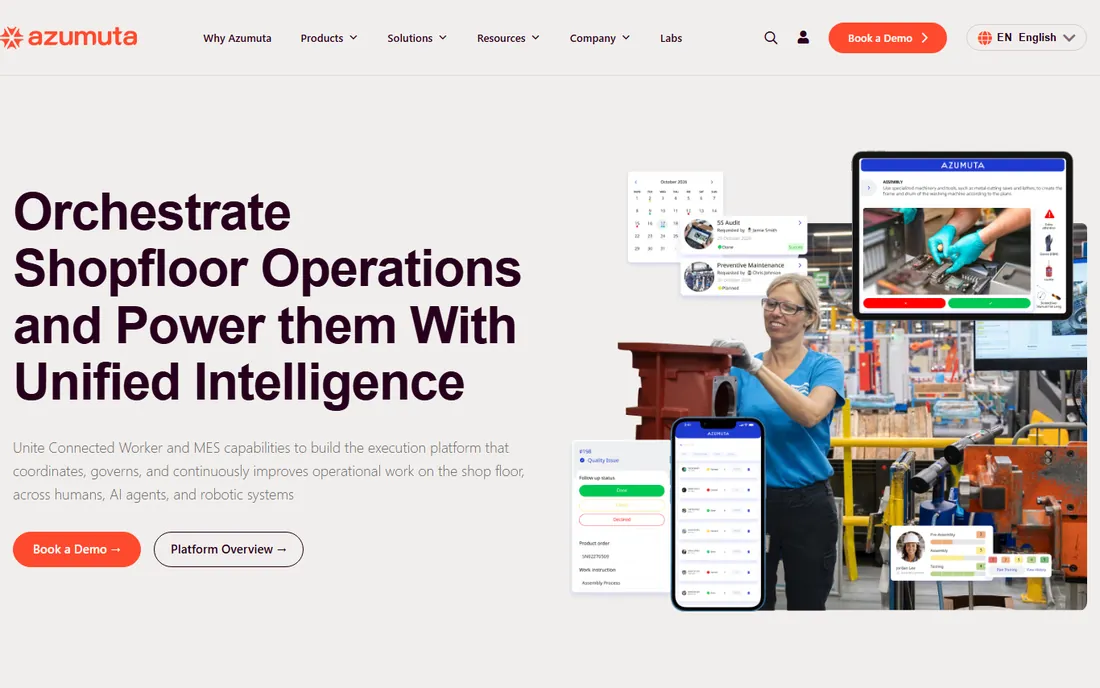
Azumuta goes beyond instructions into a small suite of shop floor apps: digital work instructions, audits and checklists, training management and quality forms that share one data model. The no-code setup means process engineers build instructions themselves instead of waiting on IT. The interface is modern by manufacturing software standards.
The company is younger than Dozuki, so the enterprise reference list is shorter. Pricing is quoted. For mid-size manufacturers that want instructions connected to audits and training rather than a standalone document system, Azumuta's suite approach fits well.
What we like- Instructions plus audits, checklists and training in one
- Modern interface
- No-code setup
Watch out for- Newer vendor with fewer large references
- Pricing by quote
#3
Poka
Best for: Connected worker knowledge sharing
Visit poka.io
Starting priceSee website
Free planNo
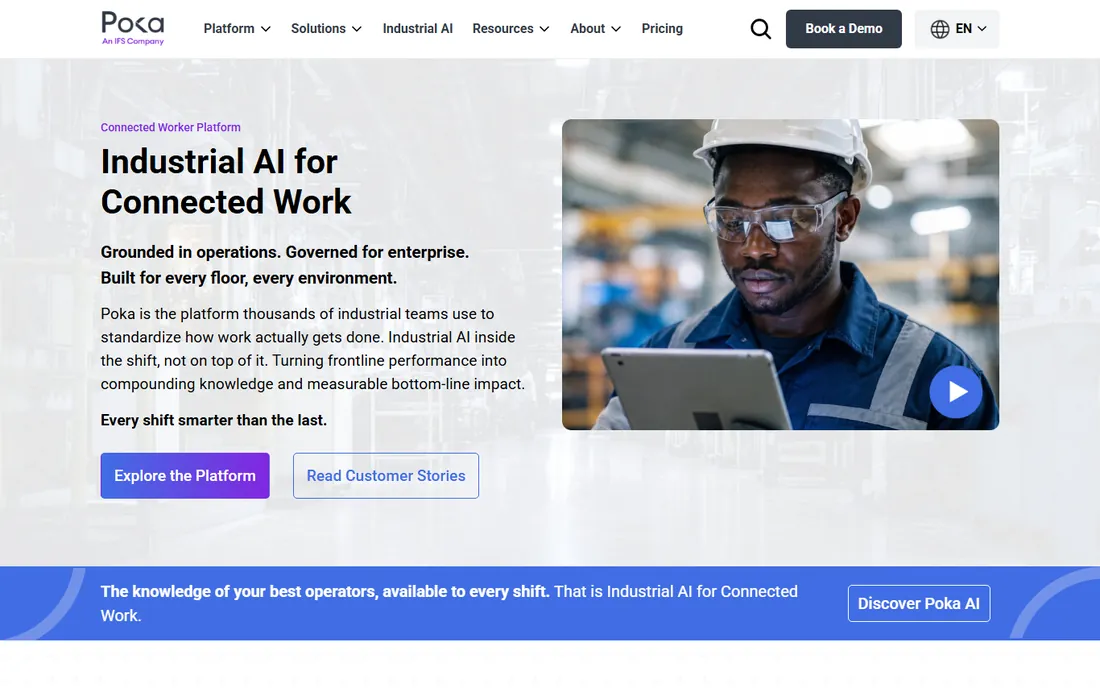
Poka's insight is that work instructions are one part of what frontline workers need. The platform combines step-by-step guides with micro-training, a knowledge base and social-style communication, so operators learn from each other as well as from documents. Video-first content matches how people actually prefer to learn a physical task.
Because it covers more than instructions, buyers focused purely on document control may find it broader than needed. Pricing is enterprise-level. But manufacturers fighting the skilled-labor shortage find Poka's training-plus-instructions combination addresses the real problem: getting new hires productive fast.
What we like- Combines instructions, training and communication
- Strong adoption on the floor
- Video-first
Watch out for- Broader than pure instructions, so depth varies
- Enterprise pricing
#4
REWO
Best for: Guided instructions with remote expert support
Visit rewo.io
Starting priceSee website
Free planNo
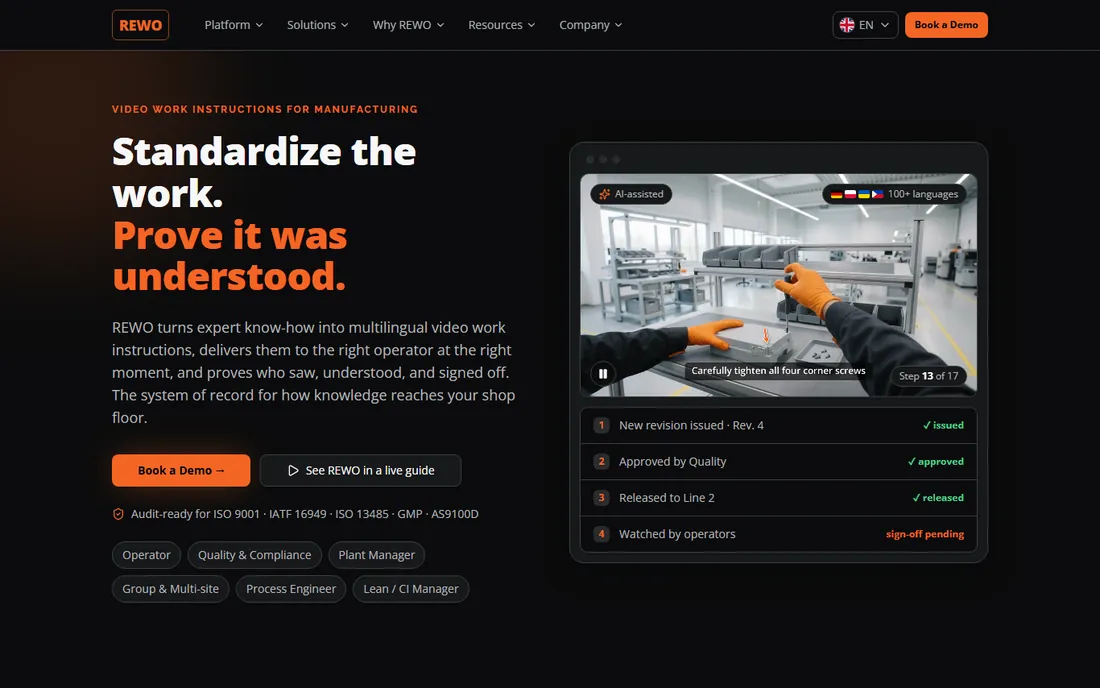
REWO focuses on guiding the operator through the task with rich visual instructions, and adds remote support so an expert can see what the operator sees and help in real time. Support for wearables and mobile devices suits hands-busy environments where a tablet on a stand is not practical.
The vendor is smaller than the category leaders, so reference checks matter. Pricing is quoted. For complex assembly, maintenance and field service scenarios where operators sometimes need a lifeline, REWO's guidance-plus-remote-assist combination is distinctive.
What we like- Visual step-by-step guidance
- Remote assistance built in
- Works on wearables
Watch out for- Smaller vendor
- Quote-based pricing
Starting priceSee website
Free planNo
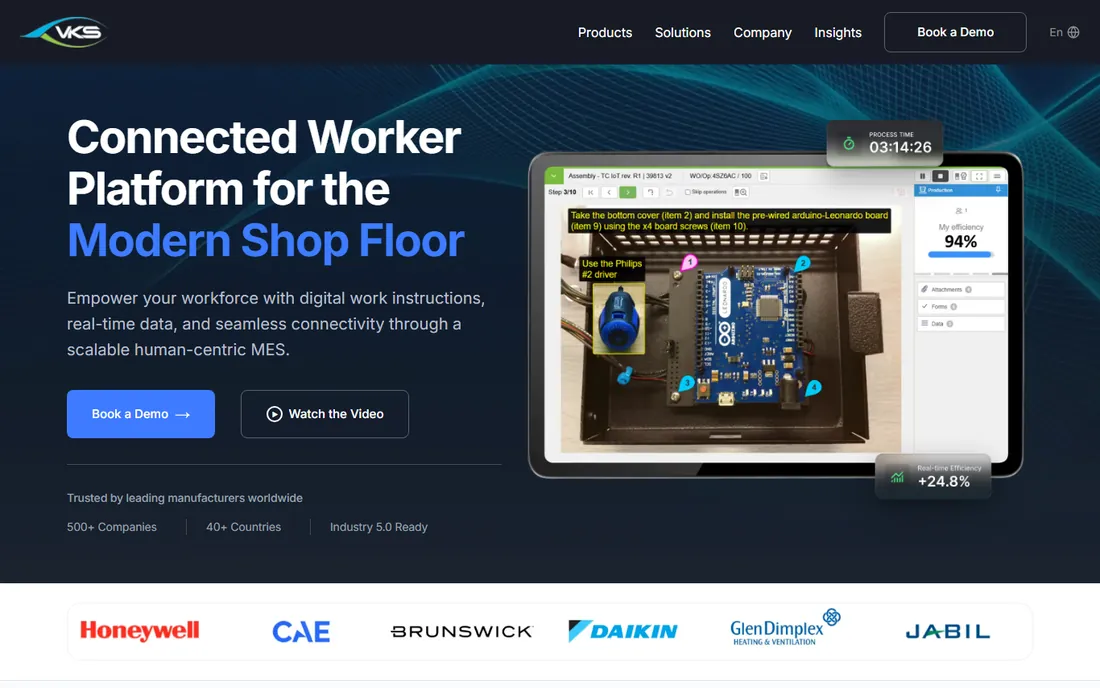
VKS, from Visual Knowledge Share in Canada, builds browser-based work instructions that do double duty: guiding the operator and capturing production data through operator inputs and IoT connections. The result is instructions that also feed traceability and continuous improvement, which quality managers appreciate.
The product prioritizes manufacturing function over polish. Pricing is quoted. Companies in regulated industries like aerospace, automotive and medical devices value the combination of guidance and data capture, since it serves both the operator and the auditor from the same system.
What we like- Strong visual instruction builder
- Captures in-process production data
- IoT integration
Watch out for- Interface prioritizes function
- Pricing requires a sales conversation
Starting priceSee website
Free planNo
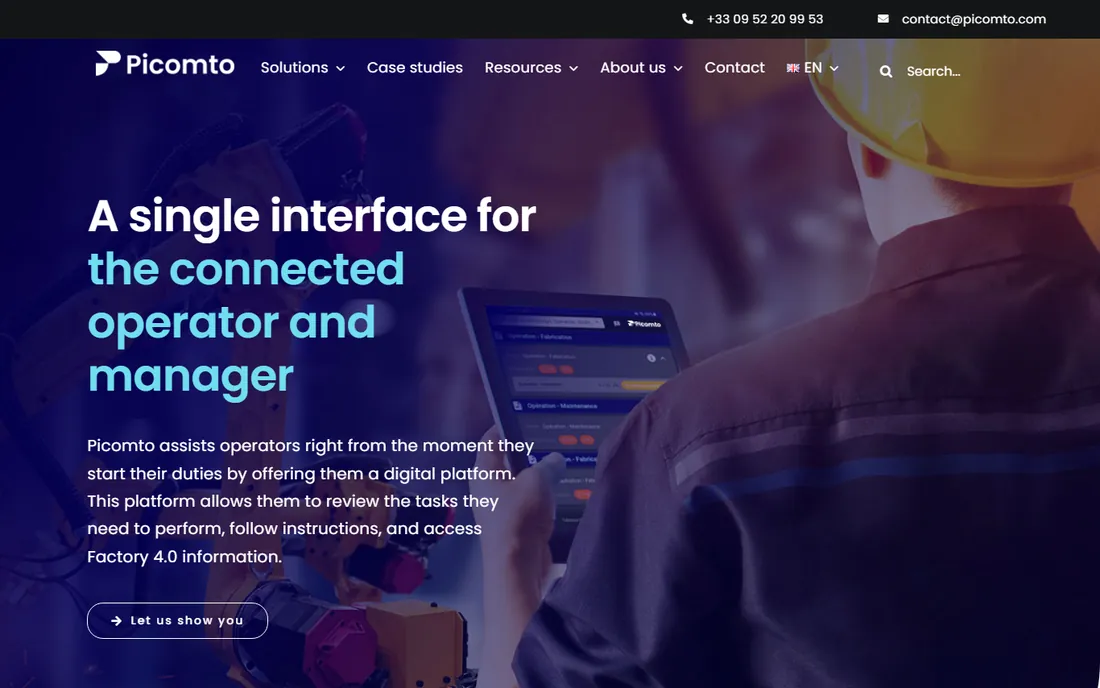
Picomto makes work instructions that operators actually like using: highly visual, step-by-step guides with photos and video that work well on tablets at the workstation. Authoring is straightforward enough that process experts create instructions directly. Multilingual support matters for plants with diverse workforces.
The analytics and continuous improvement tooling are lighter than Dozuki's. The ecosystem of integrations is smaller. But for the core job, clear instructions that operators follow, Picomto's focus on usability is a genuine advantage, especially where the workforce is less comfortable with complex software.
What we like- Very visual, intuitive authoring
- Multilingual support
- Quick deployment
Watch out for- Less depth in analytics than Dozuki
- Smaller ecosystem
#7
SwipeGuide
Best for: Work instructions inside a connected workforce platform
Visit l2l.com
Starting priceSee website
Free planNo
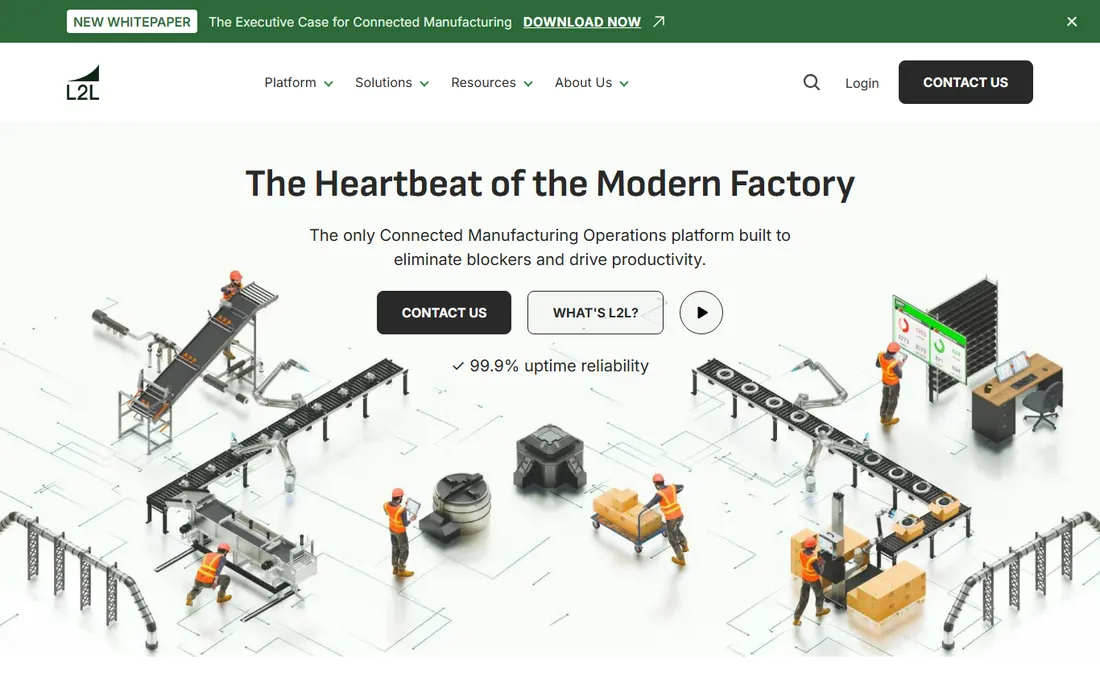
SwipeGuide built its reputation on instructions so intuitive that frontline workers adopt them without training. Following its acquisition by L2L, the product now sits inside a broader connected workforce platform covering skills management, dispatch and operational excellence alongside instructions.
The honest note is that SwipeGuide's future is L2L's platform, not a standalone product. Buyers should evaluate the combined offering. For manufacturers already considering L2L, the instruction capabilities come as part of a coherent frontline system rather than another point tool.
What we like- Intuitive instruction design
- Now backed by L2L's frontline platform
- Strong adoption
Watch out for- Product direction follows the L2L acquisition
- Standalone future is the parent platform
Starting priceSee website
Free planNo
Proceedix provides digital work instruction execution for enterprise manufacturing, with mobile and AR support for complex procedures. Now part of SymphonyAI's industrial portfolio, it sits alongside AI and operational analytics, which positions it for companies running broad digital transformation programs rather than buying a single tool.
The enterprise sales cycle and implementation effort match the positioning. Smaller manufacturers will find lighter tools more practical. But for large enterprises standardizing frontline execution globally, Proceedix inside SymphonyAI offers the scale and the roadmap that a point tool cannot.
What we like- Enterprise-grade instruction execution
- Now backed by SymphonyAI
- AR and mobile support
Watch out for- Enterprise sales cycle
- Best fit inside a larger digital program
How we chose
We looked for software built specifically for digital work instructions in manufacturing, verified as actively offered in 2026. We checked vendor sites and industry coverage, accounting for the recent acquisitions in this space (SwipeGuide by L2L, Proceedix by SymphonyAI). Pricing is quote-based across the category, so we compared on authoring, delivery, shop floor fit and improvement workflows. Generic document management and LMS platforms were excluded.
What makes instructions actually work
The software is the easy part. Instructions fail when they describe the official process instead of the real one, so involve the best operators in authoring from day one. Keep steps short, visual and verifiable: a photo of the correct setup beats a paragraph describing it. Every step should have a clear done signal.
Plan for the revision cycle before go-live. Instructions rot the moment a process changes, and nothing kills adoption faster than operators finding the guide wrong. Assign ownership for each instruction family, build feedback into the workflow and review the analytics on where operators pause or struggle. The tools on this list all support this loop; the discipline has to come from you.
Piloting on the shop floor
Start with one line and one product family, not the whole plant. Pick a process with a clear quality problem or a training bottleneck, so the pilot has a measurable outcome. Put tablets or screens at the workstations, train the operators on the tool in the flow of work, and measure the before and after: defect rates, training time, cycle time.
Expect resistance from experienced operators who see instructions as a comment on their competence. Frame the project as capturing their expertise, and make the best operators the authors. Their knowledge in the system is the asset; the software is just the container.
Measure the pilot on business outcomes, not software usage. Track defect rates, rework hours, training time to independence and audit findings before and after. Those numbers decide whether the rollout continues, and they are also the evidence you need when the CFO asks what the subscription bought. Usage metrics like logins tell you about adoption; quality metrics tell you about value. Report both to leadership, but fund the rollout on the quality numbers.
Frequently asked questions
What is work instructions software?
It is software for creating, managing and delivering step-by-step digital instructions to frontline workers, typically with photos, video and checkpoints. It replaces paper SOPs and tribal knowledge with version-controlled guides delivered on tablets, screens or wearables at the point of work.
How much does work instructions software cost?
Every vendor in this category prices by quote based on users, sites and modules. Expect annual contracts. Implementation, content migration and hardware (tablets, mounts) add to the first-year cost. Get quotes from at least three vendors with the same user and site counts.
Can it replace paper SOPs completely?
Yes, and that is usually the goal. Digital instructions add version control, rich media, data capture and analytics that paper cannot provide. Most manufacturers run a transition period with both, then retire paper once adoption is proven on the pilot lines.
Does it work for regulated industries?
Several tools on this list serve aerospace, automotive, medical device and food manufacturers with features like electronic signatures, audit trails and version control. Confirm the specific compliance features you need (such as FDA 21 CFR Part 11 support) during evaluation, since depth varies.
How do operators access the instructions?
Typically on tablets or touchscreen monitors at the workstation, with some tools supporting phones and wearables. Offline capability matters where wifi is unreliable. Check device requirements and offline behavior before committing, since the shop floor is not an office.
What is the difference from an LMS?
A learning management system delivers training courses; work instructions software delivers step-by-step guidance at the moment of work. Platforms like Poka blur the line by including both. If your problem is training new hires, you may need both; if it is execution consistency, start with instructions.
Sources we checked (8)
- https://www.dozuki.com
- https://www.l2l.com
- https://www.azumuta.com
- https://www.poka.io
- https://vksapp.com
- https://rewo.io
- https://www.symphonyai.com
- https://www.picomto.com
Is your product missing or out of date?
We review this list regularly. Vendors can request a listing, send updated pricing or ask about featured placement.

Shihab Mia · Founder, Rankite
Shihab has spent more than a decade helping SaaS and e-commerce brands grow through search. He writes Rankite's software buying guides from pricing pages, documentation and public user reviews. More about Shihab.