How we make this list: we compare pricing pages, product documentation and public user reviews. Rankite is independent; if a vendor ever pays for a featured spot, that listing is clearly labeled Partner.
Key takeaways
- MaintainX offers a genuinely free plan for unlimited users, which makes it the cheapest way to digitize work orders at a small plant.
- eMaint (Fluke) publishes tiered per-user pricing: Team at $69, Professional at $85, and Enterprise at $120 per user per month.
- MPulse keeps an old-school option alive with a one-time purchase model and unlimited users on paid plans, rare in a subscription-only market.
- Most CMMS pricing is per user per month, so count your technicians, not just your managers, before comparing quotes.
Quick comparison
| Tool | Best for | Starting price | Free plan |
|---|
 Fiix Fiix | Multi-site plants in the Rockwell Automation ecosystem | See website | Free trial |
 UpKeep UpKeep | Teams that want maintenance to start on a phone | See website | Free trial |
 MaintainX MaintainX | Plants moving off paper and clipboards | Free | Yes |
 Limble Limble | Maintenance teams that value ease of use above all | See website | Free trial |
 Hippo CMMS Hippo CMMS | Facilities that need simplicity over sophistication | See website | Free trial |
 eMaint eMaint | Plants with calibration and compliance requirements | $69 per user per month | No |
 Fracttal One Fracttal One | Plants investing in IoT and predictive maintenance | See website | Free trial |
 MPulse MPulse | Buyers who prefer owning software to renting it | See website | Free trial |
 eWorkOrders eWorkOrders | Organizations that want CMMS plus enterprise asset management | See website | Free trial |
 Redlist Redlist | Plants with serious lubrication and inspection programs | See website | Free trial |
Is your product missing or out of date?
We review this list regularly. Vendors can request a listing, send updated pricing or ask about featured placement.
The best cmms software for manufacturing
Tuesday morning. A conveyor bearing seizes, the line stops, and the maintenance supervisor realizes the last inspection was logged on a clipboard that nobody can find. Every plant manager has lived some version of this. A computerized maintenance management system turns that chaos into scheduled, trackable work: preventive maintenance on a calendar, parts inventory you can actually find, and a record of every asset's history. These ten tools do that job, and they differ mainly in price model, mobile experience, and how deep they go into manufacturing-specific needs.
Starting priceSee website
Free planFree trial
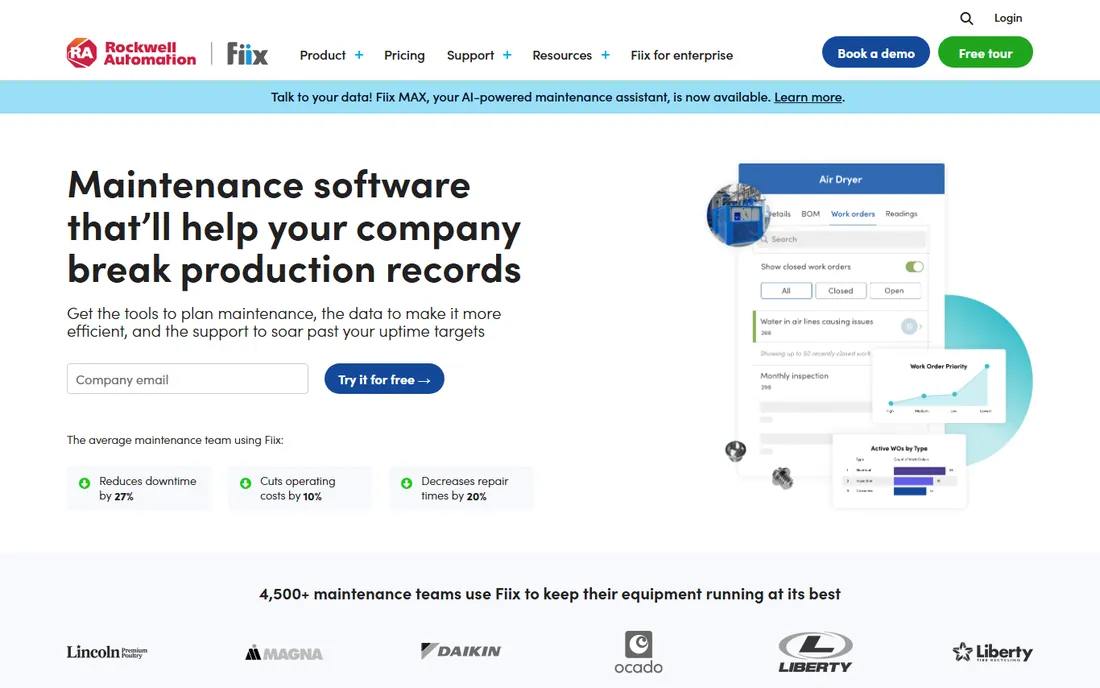
Fiix, owned by Rockwell Automation since 2021, is the cloud CMMS that enterprise plants reach for when they want reliability without servers to maintain. Work orders, preventive maintenance schedules, asset histories, and parts inventory all live in one system, and the platform scales from a single plant to dozens of sites with centralized oversight. Integrations with SAP, NetSuite, and machine monitoring tools like MachineMetrics fit naturally into manufacturing IT stacks.
The honest catch is the pricing model: per-user fees mean the plant that licenses every technician pays meaningfully more than the one that licenses only planners. Setup is straightforward for a cloud product, typically measured in weeks rather than months, and the mobile app is genuinely usable on the shop floor. Fiix fits multi-site operations that want a proven platform with a big vendor behind it.
What we like- Cloud CMMS with asset hierarchies, drag-and-drop scheduling, and multi-site visibility
- AI-powered predictive maintenance add-ons
- Native mobile apps for technicians in the field
Watch out for- Per-user pricing adds up fast with large technician teams
- Some advanced reporting requires higher tiers
#2
UpKeep
Best for: Teams that want maintenance to start on a phone
Visit upkeep.com
Starting priceSee website
Free planFree trial
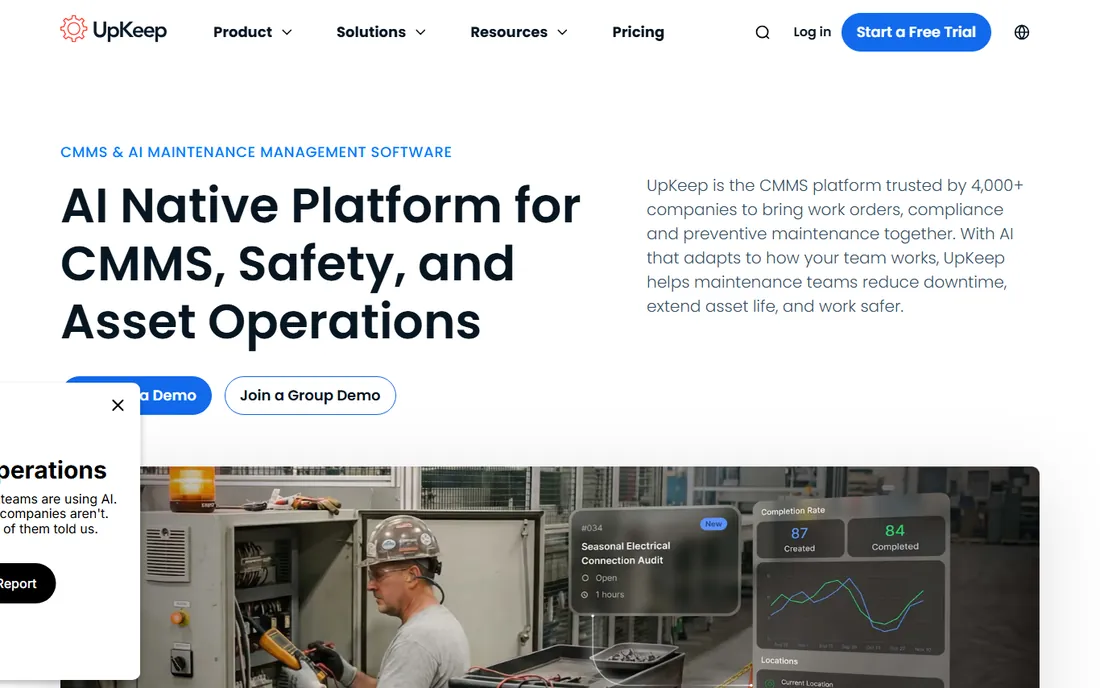
UpKeep built its name on the idea that maintenance software should work where the work happens: on the plant floor, on a phone. Technicians create and complete work orders, scan asset barcodes, and attach photos from the mobile app, while managers get dashboards on cost and completion rates. The company is Y Combinator-backed and positions itself as the low-friction alternative to traditional enterprise CMMS.
That positioning means some depth is missing on lower plans: asset tracking across many locations, advanced reporting, and API access cost more. Support is online and responsive, and the free trial is genuinely free to start. UpKeep fits small to mid-size manufacturing operations whose biggest risk is adoption, because a CMMS nobody opens is just a subscription.
What we like- Mobile-first design that technicians adopt quickly
- Free trial with no credit card required
- Integrations with QuickBooks, Microsoft Teams, and common ERP tools
Watch out for- Advanced features like multi-location management sit on higher tiers
- Pricing pages have shifted over time, so confirm current tiers
Starting priceFree
Free planYes
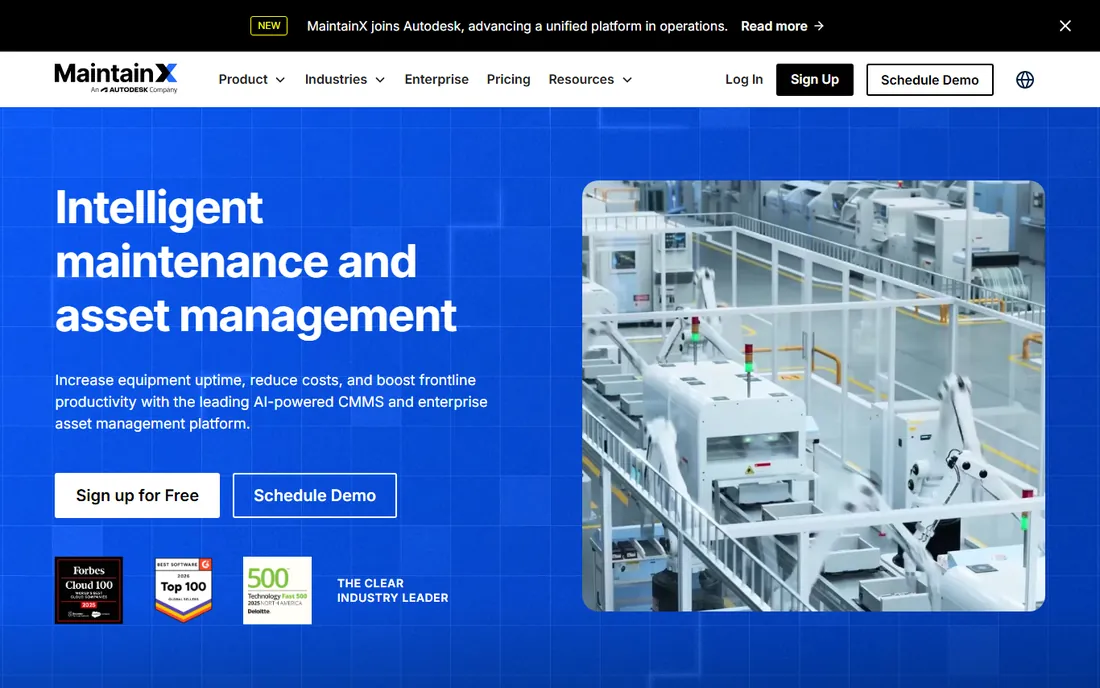
MaintainX is the easiest CMMS to say yes to: its free plan lets unlimited users create work orders, run checklists, and message about jobs, which is enough for a small plant to leave paper behind this week. Paid tiers add preventive maintenance automation, advanced reporting, and integrations, but the free tier is not a crippled demo. The product started with frontline workflows, so safety inspections, quality checks, and operating procedures are first-class citizens.
The trade-off for the price is depth in asset management: MaintainX is stronger on work execution than on long-horizon asset lifecycle planning. If your plant needs sophisticated capital planning, pair it with something deeper later. For a first CMMS, or a plant that mainly needs reactive and preventive work tracked digitally, the free plan is the obvious starting point.
What we like- Free plan covers unlimited users with core work order features
- Digital checklists and audit trails for safety and quality inspections
- Strong integrations with SAP, QuickBooks, and Power BI
Watch out for- Advanced analytics and procedure management require paid tiers
- The free plan has limits on advanced workflow features
#4
Limble
Best for: Maintenance teams that value ease of use above all
Visit limble.com
Starting priceSee website
Free planFree trial
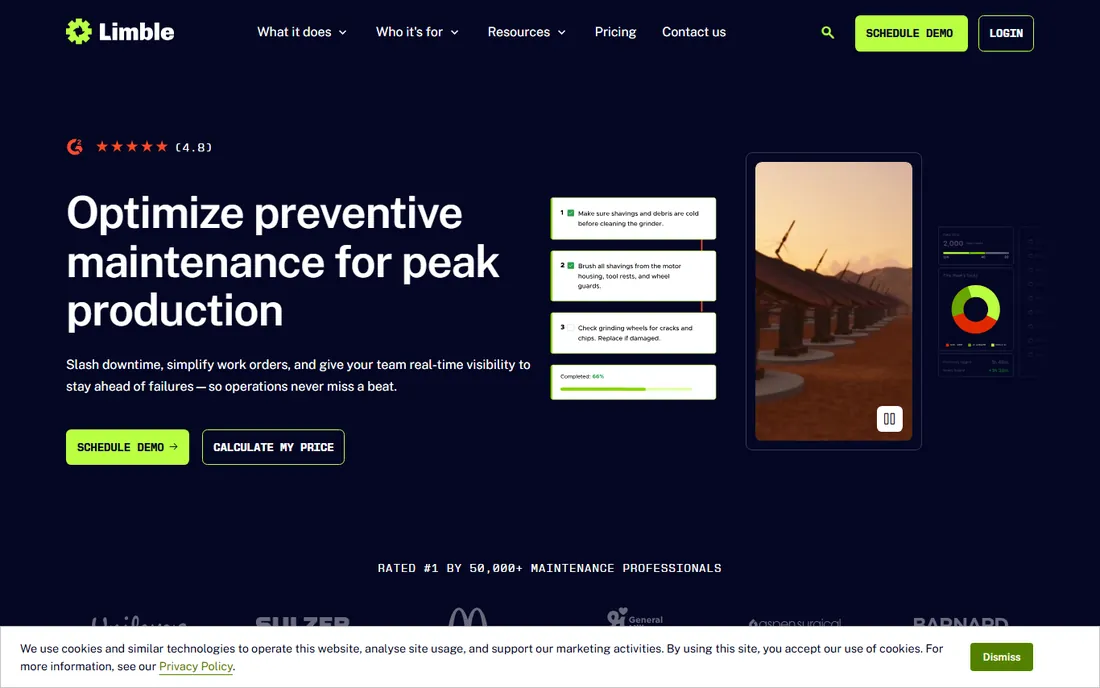
Limble's pitch is simple: maintenance software designed by people who have turned wrenches. Work orders, PM schedules, asset tracking, and inventory are all reachable in a few clicks, and the mobile app works offline on the plant floor. That usability is why it shows up in plants at companies like Nike, Sony, and McDonald's, where adoption across hundreds of technicians is the whole battle.
Pricing is the friction point. Limble does not publish prices, and third-party listings put entry plans around $35 to $65 per user per month, which is not cheap for a 50-technician plant. You get a lot for it: solid reporting, good support out of Utah, and a product that technicians actually open. If your team has rejected CMMS tools before for being too complicated, Limble is worth the quote.
What we like- Designed by technicians, with an interface that needs almost no training
- Strong preventive maintenance scheduling and KPI reporting
- Used by large manufacturers including Nike and McDonald's
Watch out for- Pricing is quote-based with no public numbers
- Some reviewers find it pricey for smaller shops
Starting priceSee website
Free planFree trial
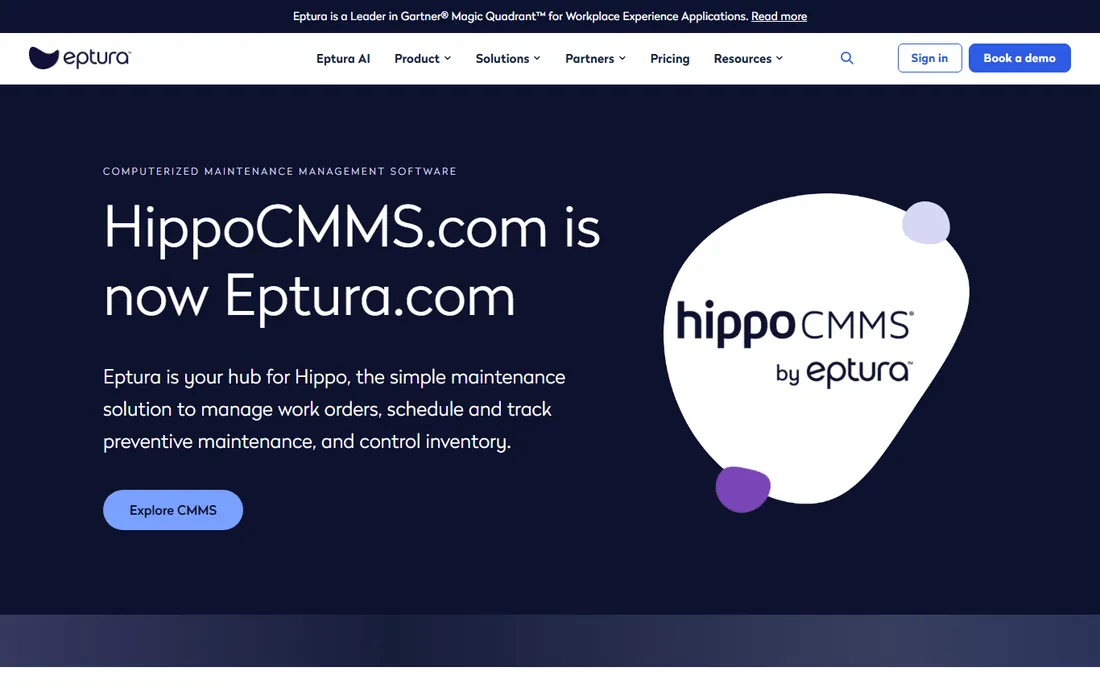
Hippo CMMS has been around since 2004, quietly serving maintenance teams that want software that does not get in the way. It covers the essentials: work orders, preventive maintenance scheduling, asset management, and inventory, with a mobile app for technicians. Manufacturing plants with attached facilities operations like it because one system can handle both the production floor and the building.
Now owned by Eptura, Hippo sits inside a larger workplace software portfolio, which brings stability but also means the CMMS is no longer an independent company's sole focus. Integrations are limited compared with Fiix or MaintainX. For a plant that needs clean, simple maintenance tracking without a big implementation project, Hippo remains a dependable choice.
What we like- Straightforward work order and PM management that non-technical staff can run
- Includes a mobile app
- Good fit for facilities teams managing buildings and equipment together
Watch out for- Fewer integrations than larger rivals
- Now part of Eptura, so the product roadmap follows the parent company
#6
eMaint
Best for: Plants with calibration and compliance requirements
Visit emaint.com
Starting price$69 per user per month
Free planNo
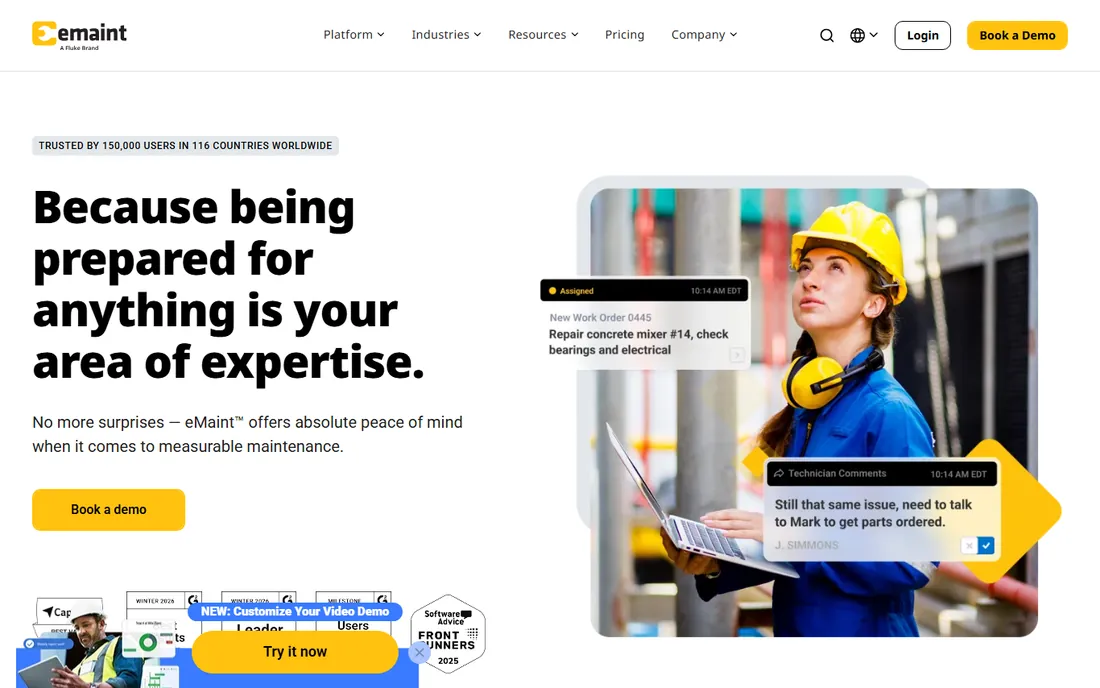
eMaint, a Fluke company, is the CMMS for plants where compliance paperwork matters as much as the wrench work. Its standout feature is calibration management: tracking instruments, schedules, and certificates with the rigor that regulated industries require. Published pricing is refreshingly transparent: Team at $69 per user per month, Professional at $85, and Enterprise at $120, with a free trial to test before buying.
The platform has been around since 1986, and the interface reflects that: functional rather than beautiful. Mobile access exists and works, but the experience is not as polished as UpKeep or Limble. For food, pharma, or any plant where an auditor will ask about your calibration records, eMaint's depth in that area justifies the dated feel.
What we like- Published pricing with three clear tiers
- Strong calibration management and compliance features from its Fluke heritage
- Integrations with Fluke Connect and major ERPs
Watch out for- No free plan
- The interface shows its age next to newer competitors
#7
Fracttal One
Best for: Plants investing in IoT and predictive maintenance
Visit fracttal.com
Starting priceSee website
Free planFree trial

Fracttal One comes from Spain and brings a different angle: maintenance management wired directly to the physical world. Sensors feed asset condition data into the platform, which triggers work orders and feeds predictive models, so the CMMS becomes a live view of plant health rather than a digital filing cabinet. The web and mobile experience is modern, and the company serves industrial teams across the Americas and Europe.
The catch is that the IoT story costs money beyond the subscription: sensors, gateways, and installation are a separate project. Without that hardware, Fracttal One is a good but not distinctive CMMS. Pricing is quote-based. It fits plants that are already planning a condition-monitoring investment and want the software and the sensors to speak the same language.
What we like- IoT connectivity for real-time asset monitoring built into the platform
- Fully cloud-based with strong mobile apps
- AI-assisted maintenance planning features
Watch out for- Quote-based pricing
- IoT features require sensor investment beyond the software
Starting priceSee website
Free planFree trial
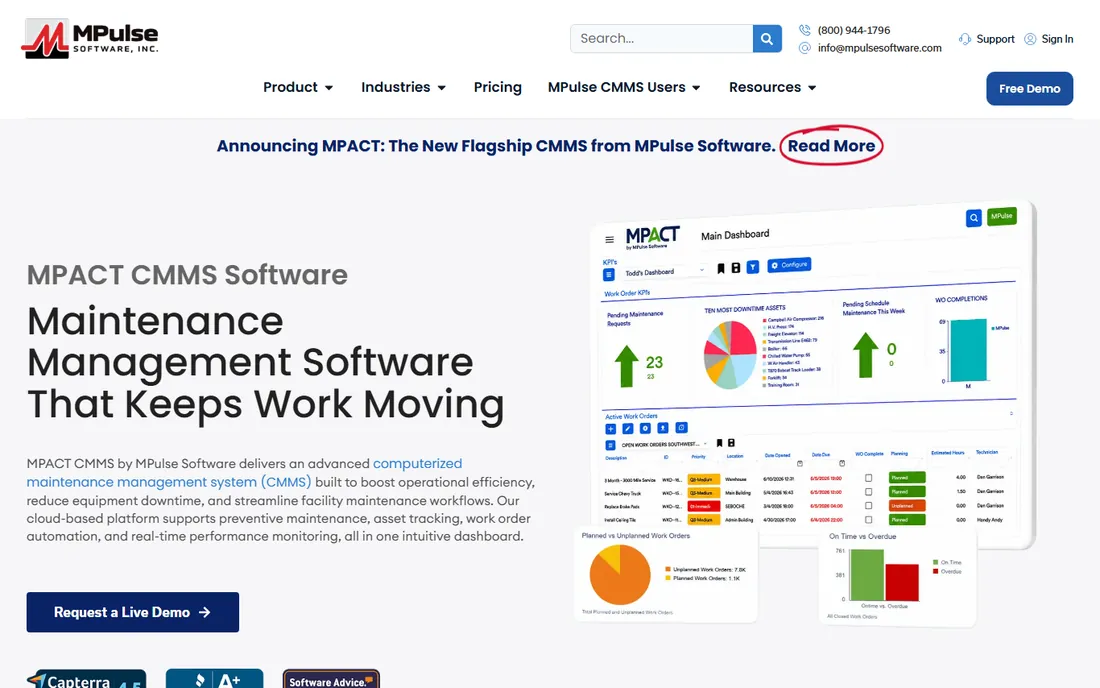
MPulse is the throwback that some plants actively want: you can still buy the software outright instead of subscribing forever. Founded in 1995 in Eugene, Oregon, it offers a deep CMMS with work orders, preventive maintenance, inventory control, purchasing, and calibration, and paid plans include unlimited users, which removes the per-seat math that punishes large technician teams.
The trade-off is vendor scale: MPulse is a small company, and the product reflects decades of incremental development rather than a modern redesign. Cloud deployment is available, and support is US-based. For a plant that dislikes subscriptions, runs many technicians, and values a vendor relationship over a brand name, MPulse's one-time purchase model is nearly unique in this market.
What we like- One-time purchase option still available alongside SaaS plans
- Unlimited users included on paid plans
- Deep feature set covering calibration, inventory, and purchasing
Watch out for- Smaller vendor with a modest team
- The product and website feel older than cloud-native rivals
#9
eWorkOrders
Best for: Organizations that want CMMS plus enterprise asset management
Visit eworkorders.com
Starting priceSee website
Free planFree trial
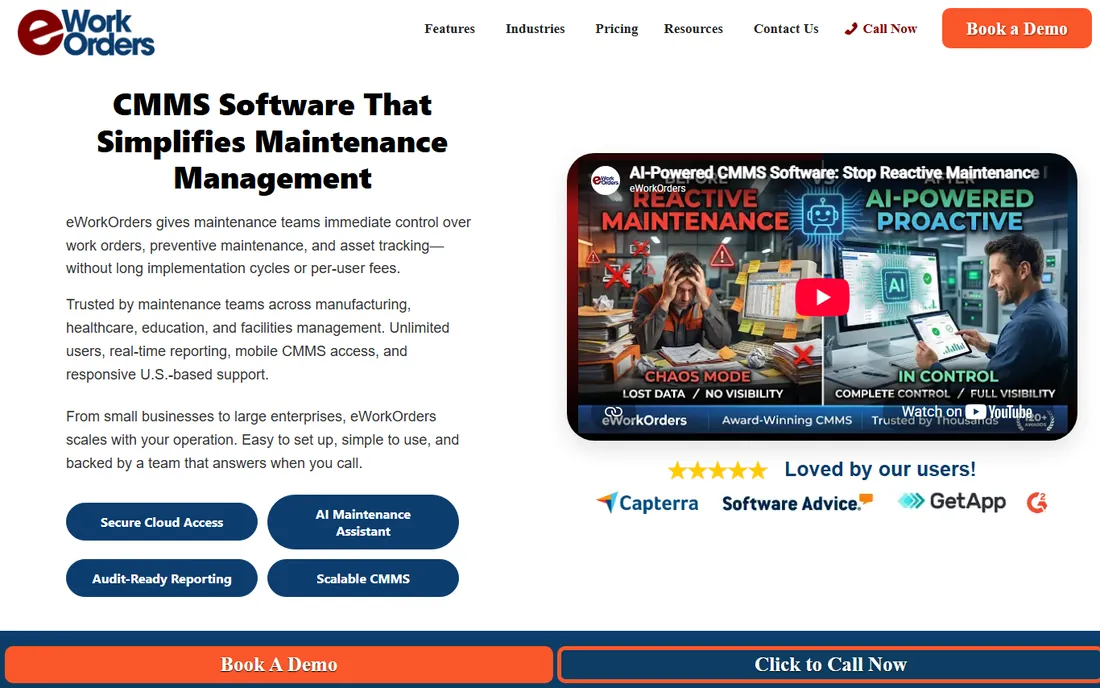
eWorkOrders, from Information Professionals, Inc., is one of the most feature-complete systems here: it covers maintenance management, equipment maintenance, fleet management, facilities, and fixed asset management in one platform. Plants that also run vehicle fleets or large facilities portfolios can consolidate several systems into one. It has been in business since 1994, which shows in both depth and interface design.
That breadth is the honest drawback: if you only need work orders and PM schedules, eWorkOrders is more system than you need, and implementation takes real planning. Pricing is custom. It fits larger organizations, including government and institutional buyers, that want one vendor for every asset class.
What we like- Broad EAM feature set including fleet, facilities, and IT asset tracking
- Web-based with mobile access
- Long track record since 1994
Watch out for- Pricing is quote-only
- The broad scope can feel complex for simple maintenance needs
Starting priceSee website
Free planFree trial
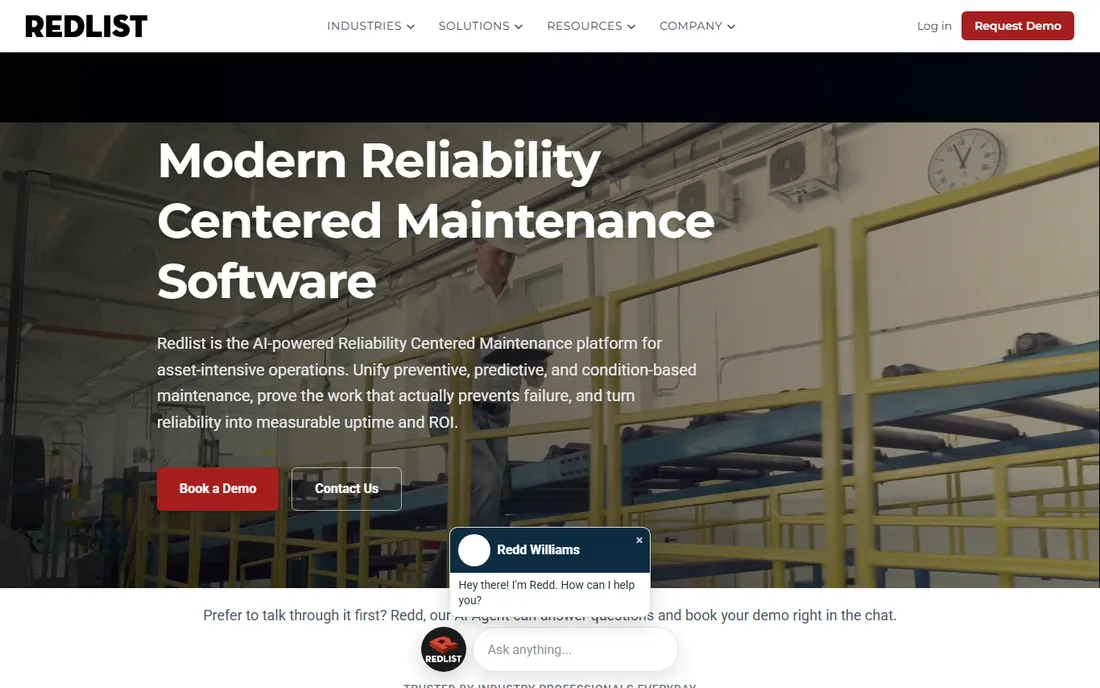
Redlist is built for the layer of maintenance that most CMMS tools treat as an afterthought: lubrication schedules, inspection routes, and operator-driven tasks. It captures shop-floor data at the level of individual lube points and inspection items, then feeds that data back into systems like SAP PM or Maximo. For reliability engineers running a real preventive program, that granularity matters.
The platform is web, iOS, and Android with full offline functionality, which is non-negotiable in plants with dead zones. Pricing is quote-based, and Redlist is a smaller vendor, so evaluate the roadmap if you are buying for the long term. For industrial teams whose PM program lives in spreadsheets because their CMMS cannot handle the detail, Redlist is the specialist pick.
What we like- Goes deeper than work orders into lubrication points, inspection tasks, and operator rounds
- Offline-capable mobile apps for the shop floor
- Integrates with SAP PM, Oracle EAM, and Maximo
Watch out for- No public pricing
- Narrower brand recognition than the big names
What to check before you buy a CMMS
Start with your users, not the feature list. Count every technician who will touch the system, because per-user pricing punishes wide adoption, which is exactly what a CMMS needs to succeed. Then check the mobile app on the actual devices your team carries: offline capability, barcode scanning, and photo attachments are the features that determine whether work gets logged at the machine or "later," which means never.
Next, verify the boring integrations. If you run SAP, Oracle, or QuickBooks, confirm the connector exists and whether it costs extra. Ask about data migration from your current system or spreadsheets, who does it, and what it costs. And run the trial with real work orders, not the vendor's demo data, because every CMMS looks good with five sample assets.
Mobile access is no longer optional
A decade ago, a CMMS was desktop software with a mobile afterthought. That is over. The tools on this list that win adoption, UpKeep, MaintainX, Limble, and Redlist, treat the phone as the primary device: work orders created at the machine, photos attached in the moment, checklists completed offline and synced later.
When you evaluate, test the mobile app in your plant's dead zones. Offline capability separates the serious tools from the pretenders, and it is the difference between a system with complete data and one with gaps your reliability engineer cannot explain. Also check whether the mobile app is included in your tier or sold as an add-on; some vendors still charge extra for the privilege.
How we chose
We shortlisted CMMS products with active manufacturing customers and live vendor homepages, then reviewed each vendor's pricing page, feature documentation, and mobile app offerings. We cross-checked pricing claims and plan structures against public user reviews on G2, Capterra, SaaSHub, and Slashdot, and against independent CMMS comparisons. We favored tools with transparent pricing and verified mobile apps, and included quote-only enterprise tools where their manufacturing footprint is well established. Discontinued products and tools without a working homepage were excluded.
Frequently asked questions
What does CMMS software do?
A CMMS, or computerized maintenance management system, tracks maintenance work digitally: work orders, preventive maintenance schedules, asset histories, parts inventory, and technician assignments. For a manufacturing plant, it replaces clipboards and spreadsheets with a system that shows what maintenance is due, what was done, and what it cost.
How much does CMMS software cost?
Most CMMS tools charge per user per month, ranging from free plans like MaintainX's to $69 to $120 per user per month at eMaint, with enterprise tools higher. A few vendors like MPulse still offer one-time purchases. Always price for your full technician headcount, not just the managers who will log in daily.
Is there a free CMMS for manufacturing?
Yes. MaintainX offers a free plan for unlimited users with core work order and checklist features, which is enough for a small plant to digitize maintenance. Most other vendors offer free trials of 14 to 30 days rather than permanent free plans.
Do I need a CMMS if I already have an ERP?
Often yes. ERPs track parts and costs, but they are weak at maintenance scheduling, work order execution, and technician workflows. Many plants run both: the CMMS manages the maintenance work and syncs costs and inventory with the ERP. Tools like Fiix, eMaint, and Redlist offer ERP integrations for exactly this.
How long does CMMS implementation take?
Cloud CMMS tools typically go live in two to eight weeks, depending on asset count and data migration. The software setup is the fast part; cleaning up your asset list and importing history is what takes time. Budget internal hours for that work or pay the vendor to do it.
Which CMMS is best for a small manufacturing plant?
For a small plant, MaintainX's free plan is the lowest-risk start, and UpKeep's mobile-first approach suits teams with no dedicated IT. If you need calibration records for compliance, eMaint's published tiers are worth the cost. Avoid enterprise tools until your asset count justifies them.
Sources we checked (0)
Is your product missing or out of date?
We review this list regularly. Vendors can request a listing, send updated pricing or ask about featured placement.

Shihab Mia · Founder, Rankite
Shihab has spent more than a decade helping SaaS and e-commerce brands grow through search. He writes Rankite's software buying guides from pricing pages, documentation and public user reviews. More about Shihab.