How we make this list: we compare pricing pages, product documentation and public user reviews. Rankite is independent; if a vendor ever pays for a featured spot, that listing is clearly labeled Partner.
Key takeaways
- MaintainX and UpKeep are the easiest starting points, with free or low-cost entry tiers and mobile apps your technicians will actually use.
- Fiix publishes clear per-user pricing ($45 to $75), which makes budgeting simple compared to the quote-based vendors on this list.
- Limble, eMaint, Fracttal and MicroMain keep pricing behind a sales conversation, so expect a demo before you see numbers.
- Most of these tools are priced per user per month, which means your total cost depends directly on how many technicians and managers need logins.
- The biggest risk is not the software, it is adoption. A CMMS only works if work orders get entered, so pick the tool your team will tolerate.
Quick comparison
| Tool | Best for | Starting price | Free plan |
|---|
 MaintainX MaintainX | Plants that want to start free and scale up | $20/user/month (billed annually) | Yes |
 Limble Limble | Teams that need a CMMS running this week, not next quarter | See website | Yes |
 Fiix Fiix | Buyers who want pricing upfront without a sales call | $45/user/month | Yes |
 UpKeep UpKeep | Mobile-first teams that live on work orders | $24/user/month | Free trial |
 eMaint eMaint | Enterprises that need a CMMS shaped to their processes | See website | Free trial |
 Fracttal Fracttal | Companies interested in AI-assisted maintenance planning | See website | No |
 MicroMain MicroMain | Plants with deep asset hierarchies and complex facilities | See website | Free trial |
Is your product missing or out of date?
We review this list regularly. Vendors can request a listing, send updated pricing or ask about featured placement.
The best manufacturing maintenance software
Starting price$20/user/month (billed annually)
Free planYes
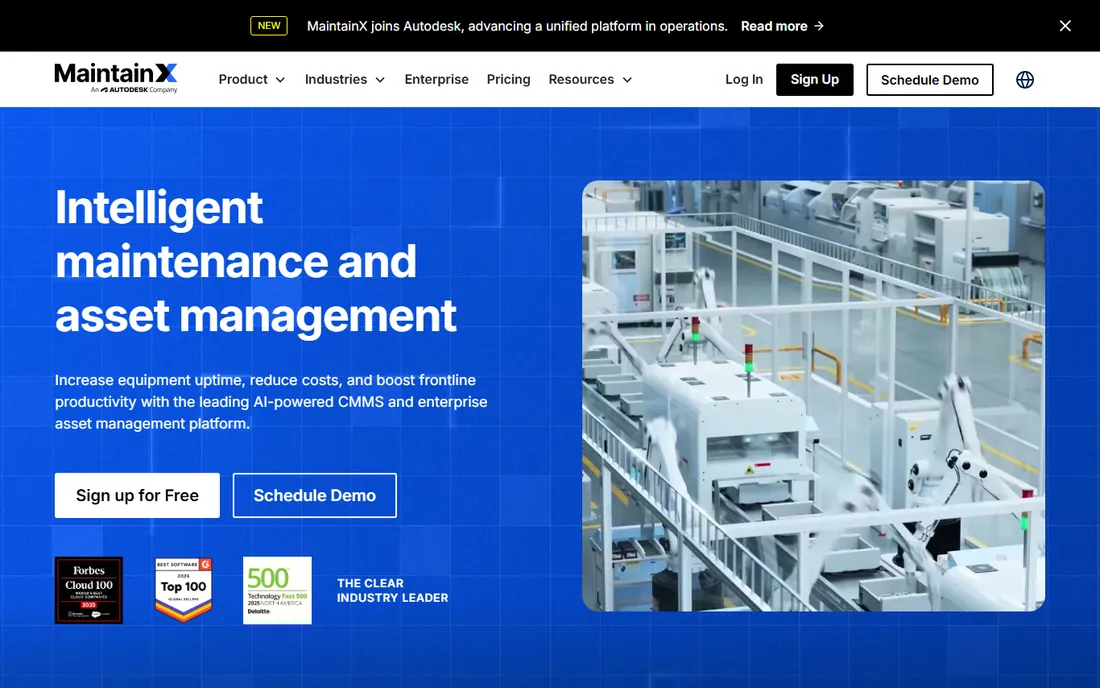
MaintainX has built its reputation on being the CMMS that does not feel like enterprise software. The mobile app is the center of the experience, which makes sense because your technicians live on the plant floor, not at a desk. Work orders, asset histories and procedures are all reachable from a phone.
The free Basic tier is genuinely usable for small operations, and the paid tiers are published openly: $20 per user per month on Essential when billed annually, $65 on Premium. That transparency is refreshing in a category where most vendors hide pricing. The honest catch is the per-user model. A plant with forty technicians pays for forty seats, so do the math on your full crew before you compare sticker prices.
What we like- Free Basic tier for small teams
- Mobile app designed for technicians
- Clear published pricing
Watch out for- Advanced features require the Premium tier
- Per-user pricing adds up with large crews
Starting priceSee website
Free planYes
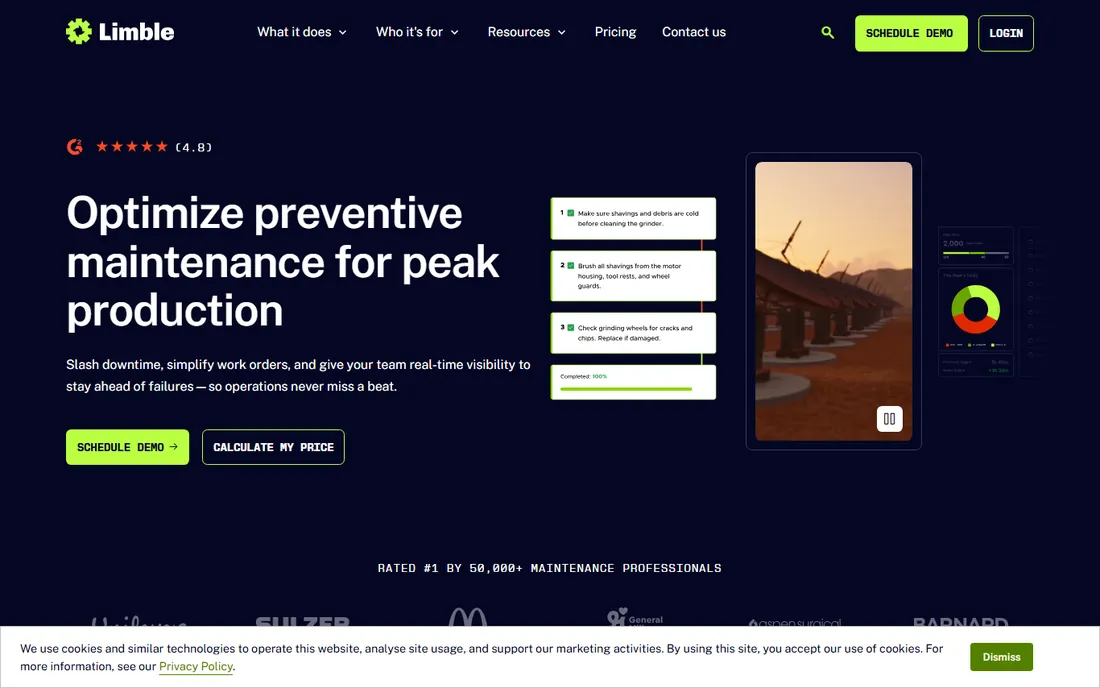
Ask around in maintenance forums and Limble comes up constantly, usually with the same comment: it was running within days. That speed matters because long implementations are where CMMS projects go to die. Limble keeps the interface simple enough that technicians adopt it without a training program.
The vendor does not publish pricing on its site, so you will need a quote. Third-party sources consistently report a free Basic tier and paid plans in the $28 to $69 per user per month range, but treat those as unconfirmed until you talk to sales. What you can count on is the ease-of-use story, which is the reason most buyers pick it.
What we like- Reputation for fast implementation
- Intuitive interface with short learning curve
- Strong mobile experience
Watch out for- Pricing is not published
- Advanced reporting may require higher tiers
Starting price$45/user/month
Free planYes
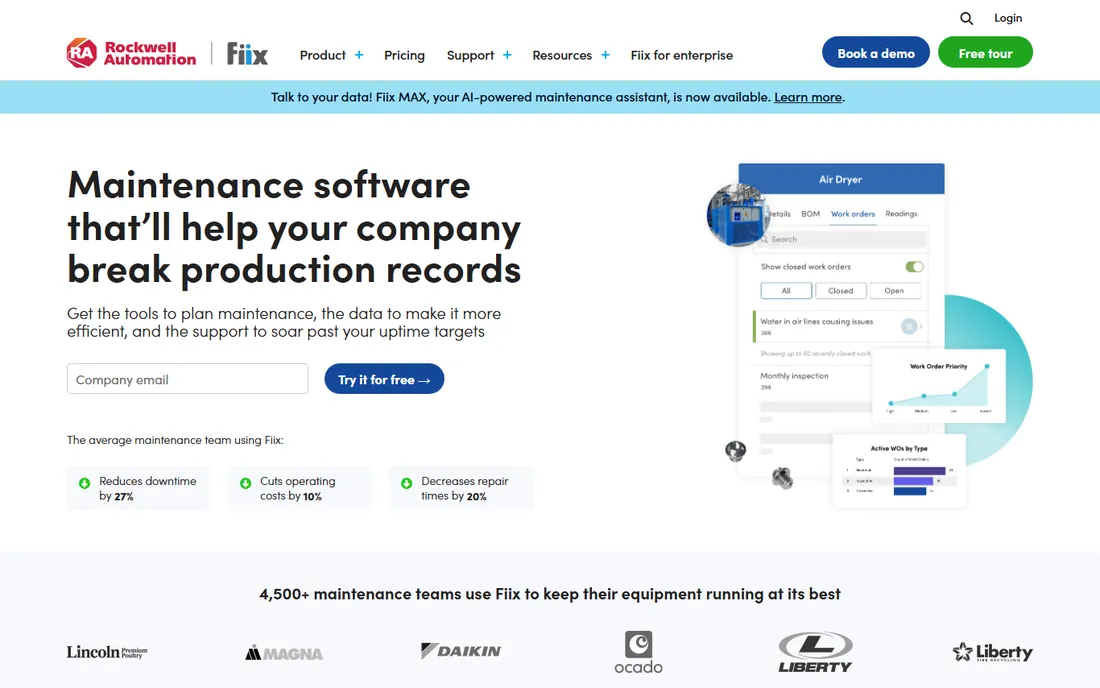
Fiix does something unusual in this category: it tells you what things cost. Basic is $45 per user per month, Professional is $75, and Enterprise is custom. There is also a free version, not just a trial. That openness lets you budget before you ever talk to anyone, which busy plant managers appreciate.
The Rockwell Automation ownership is worth noting. It gives Fiix stability and deep industrial credibility, though it also means the product roadmap follows a large corporation's priorities. At $45 and up per user, Fiix is not the cheapest option here. You are paying for a mature product with predictable pricing and enterprise backing.
What we like- Published pricing on every tier
- Free version available
- Now backed by Rockwell Automation
Watch out for- Per-user cost is higher than some rivals
- Enterprise features sit at the top tier
Starting price$24/user/month
Free planFree trial
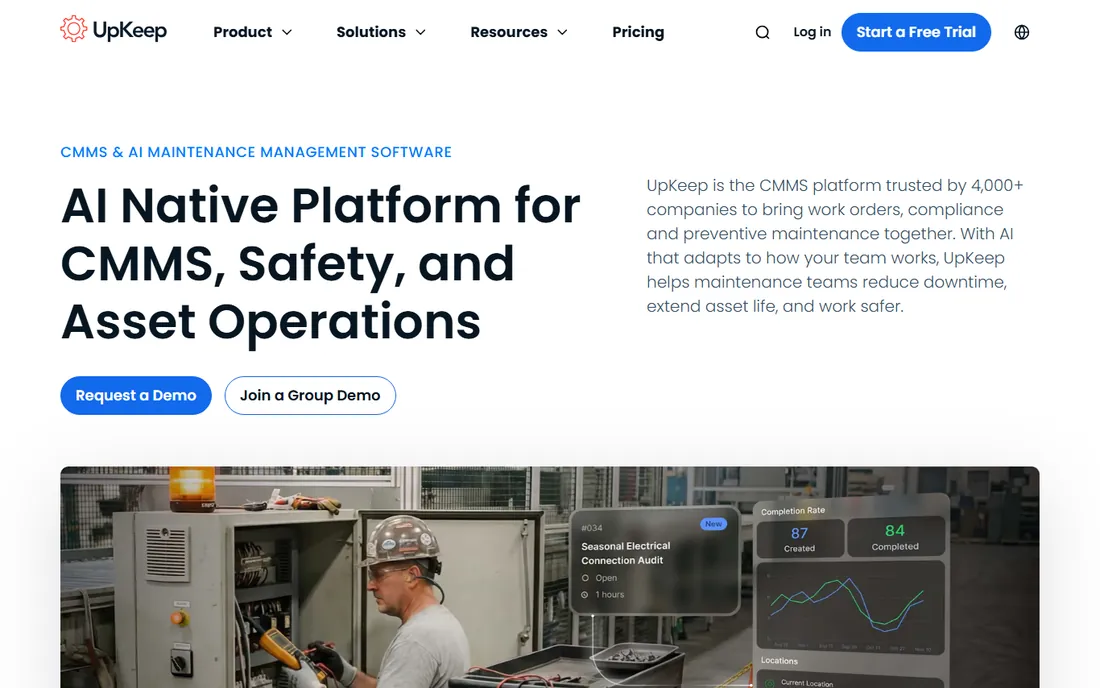
UpKeep built its name on the mobile experience, and it shows. Technicians can create work orders, scan asset barcodes, attach photos and close out jobs without ever touching a desktop. For plants where the maintenance team is always moving, that mobile quality is a real differentiator rather than a checkbox.
Pricing starts at $24 per user per month for Essential and $55 for Premium, with higher tiers quoted custom. The free trial requires no credit card, so you can put it in front of your actual technicians before spending anything. There is no free-forever plan, so budget for the paid tiers from the start.
What we like- Strong mobile app for field technicians
- Published pricing from $24
- Free trial with no credit card required
Watch out for- No permanent free tier
- Advanced features concentrated in higher plans
#5
eMaint
Best for: Enterprises that need a CMMS shaped to their processes
Visit emaint.com
Starting priceSee website
Free planFree trial
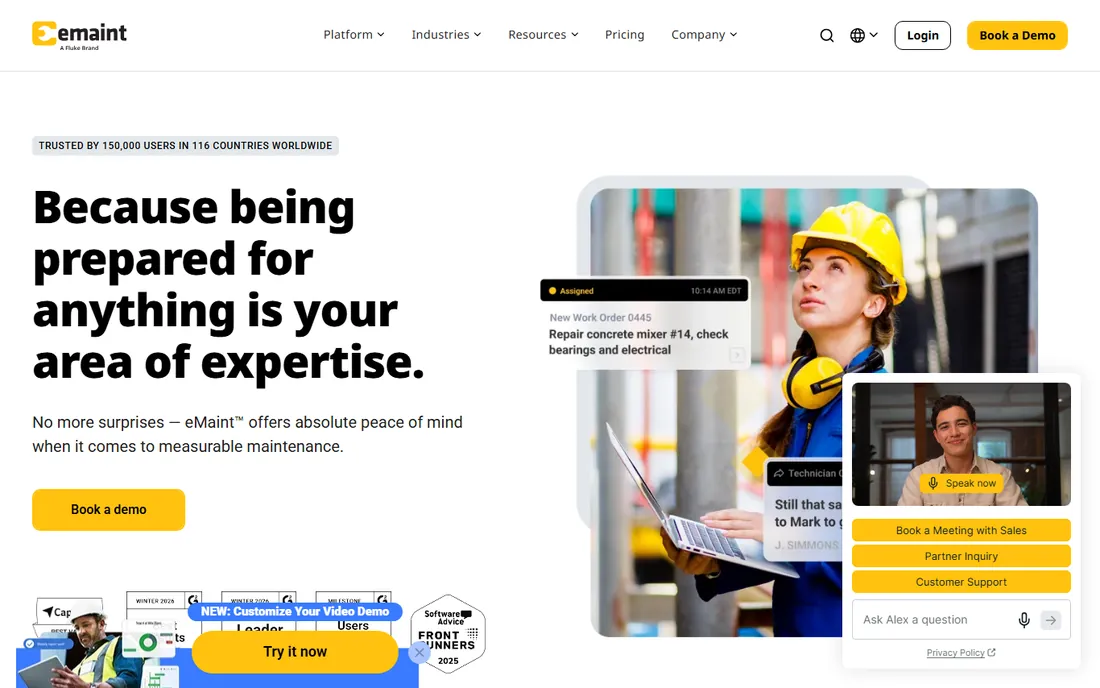
eMaint is the choice for organizations whose maintenance processes do not fit a standard template. The platform is built to be configured, with custom fields, workflows and reports that adapt to how your plant actually operates. That flexibility is why it shows up in large enterprises with complicated asset structures.
It is a Fluke company, which brings credibility in the industrial world. Pricing is quote-based, and third parties report figures around $69 to $85 per user per month, but confirm directly. A free trial is available. Go in expecting a proper implementation project rather than a self-serve signup, and you will not be disappointed.
What we like- Deep customization and workflow flexibility
- Long track record in enterprise maintenance
- Fluke backing
Watch out for- Quote-based pricing
- Implementation can be involved for complex setups
#6
Fracttal
Best for: Companies interested in AI-assisted maintenance planning
Visit fracttal.com
Starting priceSee website
Free planNo
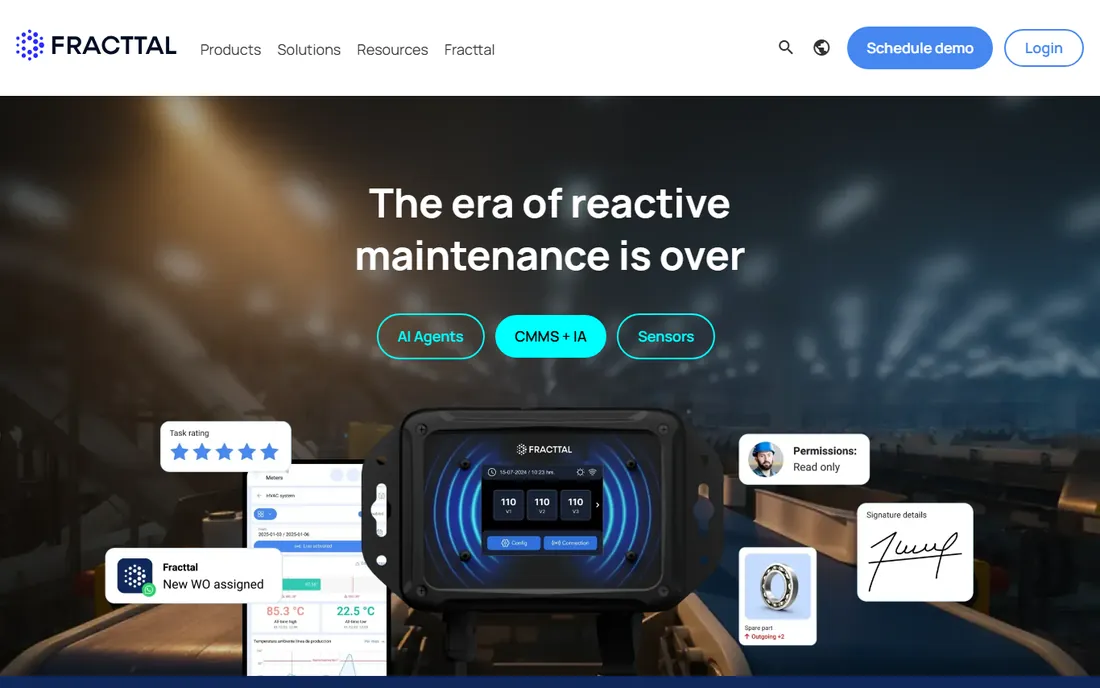
Fracttal positions itself as the modern alternative to legacy CMMS products, with artificial intelligence woven into maintenance planning and asset management. The interface feels current, and the company has been expanding beyond its original markets. For buyers who want a forward-looking platform rather than a decades-old system, it deserves a look.
There is no free tier, so evaluation happens through a trial or demo arranged with sales. Pricing is not published. Fracttal fits organizations that are comfortable with a consultative buying process and want AI features as part of the package rather than as an add-on.
What we like- Modern interface with AI-driven features
- Strong asset management capabilities
- Growing international presence
Watch out for- No free tier
- Pricing requires a sales conversation
#7
MicroMain
Best for: Plants with deep asset hierarchies and complex facilities
Visit micromain.com
Starting priceSee website
Free planFree trial
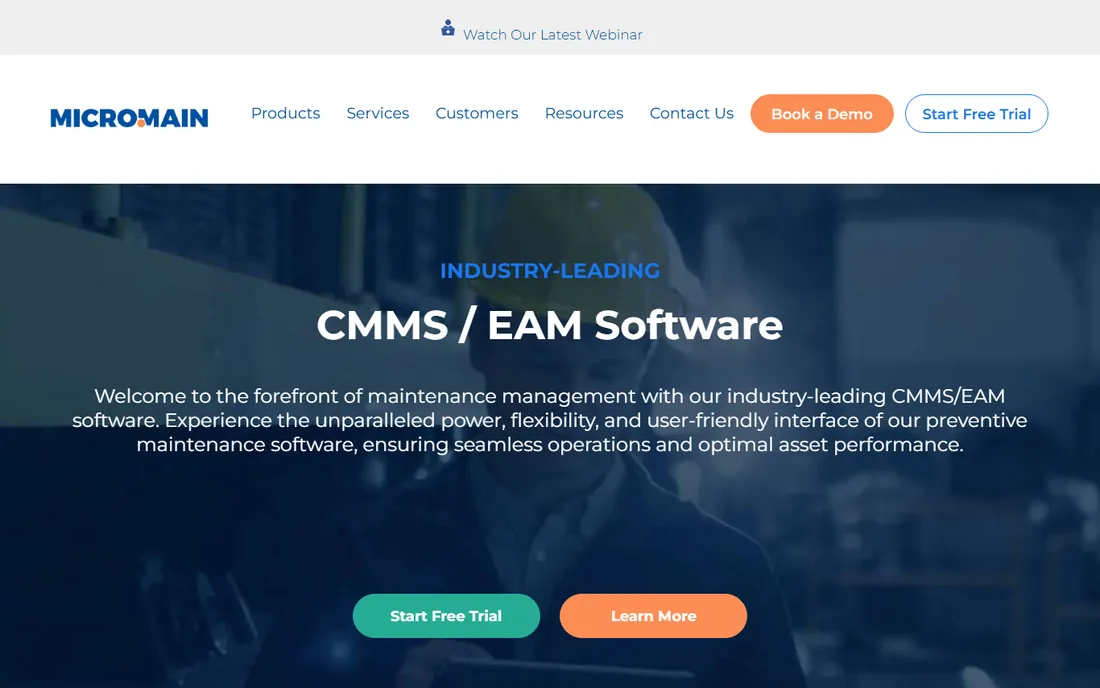
MicroMain has been in the CMMS business for a long time, and it shows in how well it handles complicated facilities. If your plant has layered asset hierarchies, multiple buildings and intricate preventive maintenance schedules, MicroMain's depth is an asset. It was built for exactly that kind of complexity.
The trade-off is modernity. Next to tools like MaintainX or UpKeep, the interface feels like an earlier era of software. Pricing requires a quote, though a free trial is offered. MicroMain suits traditional manufacturing operations that value functional depth over a polished mobile experience.
What we like- Handles complex asset structures well
- Long history in the CMMS market
- Free trial available
Watch out for- Interface feels dated next to newer rivals
- Pricing is quote-based
How we chose
We verified each vendor's homepage and pricing page on October 14, 2026, and recorded only the numbers the vendors publish themselves. When a vendor did not publish pricing, we wrote "See website" rather than repeating unconfirmed third-party figures. We reviewed feature documentation, read user reviews on G2 and Capterra, and checked maintenance community discussions to understand how these tools perform on real plant floors.
We included only products that exist today and serve manufacturing maintenance buyers. We left out one well-known option after its acquisition changed the product's future, choosing instead to keep the list to tools you can buy and deploy now. Every website URL below was verified by opening the vendor's real homepage.
Pricing explained
CMMS pricing is almost always per user per month, which makes the math simple but the totals deceptive. A $24 per user plan sounds cheap until you multiply it by sixty technicians, supervisors and managers. Before comparing vendors, count every person who will need a login, including read-only users if the vendor charges for them.
Published prices cluster between $20 and $75 per user per month for standard tiers. MaintainX starts at $20, UpKeep at $24, Fiix at $45, and the quote-based vendors land somewhere in the same range based on third-party reports. Enterprise tiers with advanced features are custom everywhere. Annual billing typically saves 15 to 20 percent over monthly billing, so ask for both quotes.
Watch for the extras. Implementation fees, onboarding packages and integration work are often quoted separately. Some vendors include onboarding in multi-year deals. Get the full first-year cost in writing, not just the per-user license figure, before you sign.
What to look for before you buy
Mobile quality is the first thing to test because your technicians will use the phone app more than anything else. Can they create a work order from the floor, attach a photo of the failed part, and close the job without calling the office? Put the app in a technician's hands during the trial and watch what happens. If they struggle, nothing else about the software matters.
Next, check the work order workflow against your actual process. Every CMMS handles basic work orders, but the differences show up in approvals, preventive maintenance scheduling and parts inventory. Map your three most common maintenance scenarios and run each one through the trial. The tool that handles your real process with the least customization is usually the right pick.
Finally, confirm the reporting gives your managers what they need. Downtime tracking, mean time to repair, work order backlog and preventive maintenance compliance are the standard reports plant managers ask for. Make sure they are available on the tier you plan to buy, not just the enterprise plan.
Common mistakes
The most common mistake is buying for the office instead of the floor. A CMMS with beautiful dashboards that technicians refuse to use produces beautiful dashboards full of missing data. Involve at least two technicians in the evaluation and give their opinion real weight.
Another frequent error is underestimating the data migration. Your asset list, maintenance histories and parts inventory have to get into the new system somehow. Ask each vendor exactly how migration works, what they do versus what you do, and what it costs. Spreadsheet imports sound simple until you have four thousand assets with inconsistent naming.
Finally, do not skip the preventive maintenance setup. Many teams buy a CMMS, use it as a digital work order pad, and never configure the preventive schedules that actually reduce breakdowns. The value of these tools comes from planned maintenance, not from digitizing reactive repairs. Budget time to set up your PM program properly in the first month.
Frequently asked questions
What is CMMS software?
CMMS stands for computerized maintenance management system. It is software that organizes maintenance work: creating work orders, scheduling preventive maintenance, tracking assets and parts inventory, and reporting on equipment performance. Manufacturing plants use it to reduce unplanned downtime and extend asset life.
How much does manufacturing maintenance software cost?
Most CMMS tools charge per user per month, typically $20 to $75 for standard tiers, with enterprise plans quoted custom. A plant with 30 users might pay $7,000 to $27,000 per year depending on the vendor and tier. Free tiers exist from MaintainX, Limble and Fiix for small teams getting started.
Can a small plant use a CMMS, or is it only for large factories?
Small plants can absolutely use a CMMS. MaintainX, Limble and Fiix all offer free tiers, and UpKeep's $24 starting price is within reach of small operations. The key is picking a tool simple enough that a small team will actually use it rather than an enterprise system built for a hundred users.
How long does CMMS implementation take?
It varies widely. Simpler tools like Limble and MaintainX can be running in days for a basic setup. More configurable platforms like eMaint or MicroMain may take weeks to months when you factor in data migration, workflow configuration and training. Ask each vendor for a realistic timeline based on your asset count.
Do technicians need smartphones to use a CMMS?
Practically speaking, yes for the modern tools on this list. MaintainX, UpKeep and Limble are designed around mobile apps. Some traditional systems still work on shared desktop terminals, but mobile access is where the efficiency gains come from. Factor device costs into your budget if your team does not already have work phones.
What is the difference between CMMS and EAM?
CMMS focuses on maintenance operations: work orders, preventive maintenance and asset tracking. EAM, or enterprise asset management, is broader and covers the full asset lifecycle including procurement, financials and decommissioning. Most manufacturing plants need a CMMS. EAM suits very large organizations managing assets across many sites.
Sources we checked (7)
- https://getmaintainx.com/pricing/
- https://limblecmms.com
- https://fiixsoftware.com/
- https://upkeep.com/pricing/?filter=maintenance
- https://emaint.com/
- https://www.fracttal.com/en/
- https://micromain.com/
Is your product missing or out of date?
We review this list regularly. Vendors can request a listing, send updated pricing or ask about featured placement.

Shihab Mia · Founder, Rankite
Shihab has spent more than a decade helping SaaS and e-commerce brands grow through search. He writes Rankite's software buying guides from pricing pages, documentation and public user reviews. More about Shihab.