How we make this list: we compare pricing pages, product documentation and public user reviews. Ratings come from G2, Capterra or Trustpilot, with the date we checked them.
Key takeaways
- ABBYY FineReader suits multilingual scanned extraction at $8.25 per user per month, while Adobe Acrobat suits teams already in the Adobe ecosystem at $19.99 per month.
- Docparser suits fixed-layout invoices at $39 per month, while Parseur suits email and document parsing with a free plan to start.
- Tabula and Tesseract suit free extraction, Tabula for native tables and Tesseract for developers who want full control.
- Amazon Textract suits AWS teams at $1.50 per 1,000 pages for text, while Nanonets suits high-volume teams that can train custom models.
- Free tiers are limited: Parseur free covers small volumes, Tabula handles native tables only, and Nanonets free credits exclude table data in one report.
Quick comparison
| Tool | Best for | Starting price | Free plan |
|---|
 ABBYY FineReader PDF ABBYY FineReader PDF | Multilingual scanned extraction | $8.25 per user per month | No |
 Adobe Acrobat Adobe Acrobat | All-round PDF extraction | $19.99 per month | No |
 Docparser Docparser | Fixed-layout invoice parsing | $39 per month | No |
 Parseur Parseur | Email and document parsing | Free | Yes |
 Nanonets Nanonets | High-volume custom models | See website | Yes |
 Amazon Textract Amazon Textract | AWS developer pipelines | $1.50 per 1,000 pages | No |
 Tabula Tabula | Free native table extraction | Free | Yes |
 Tesseract Tesseract | Free open source OCR engine | Free | Yes |
Is your product missing or out of date?
We review this list regularly. Vendors can request a listing, send updated pricing or ask about featured placement.
#1ABBYY FineReader PDF
Best for: Multilingual scanned extraction4.5/5 on
G2 (294 reviews, checked Oct 2026)
Visit abbyy.com
Starting price$8.25 per user per month
Free planNo
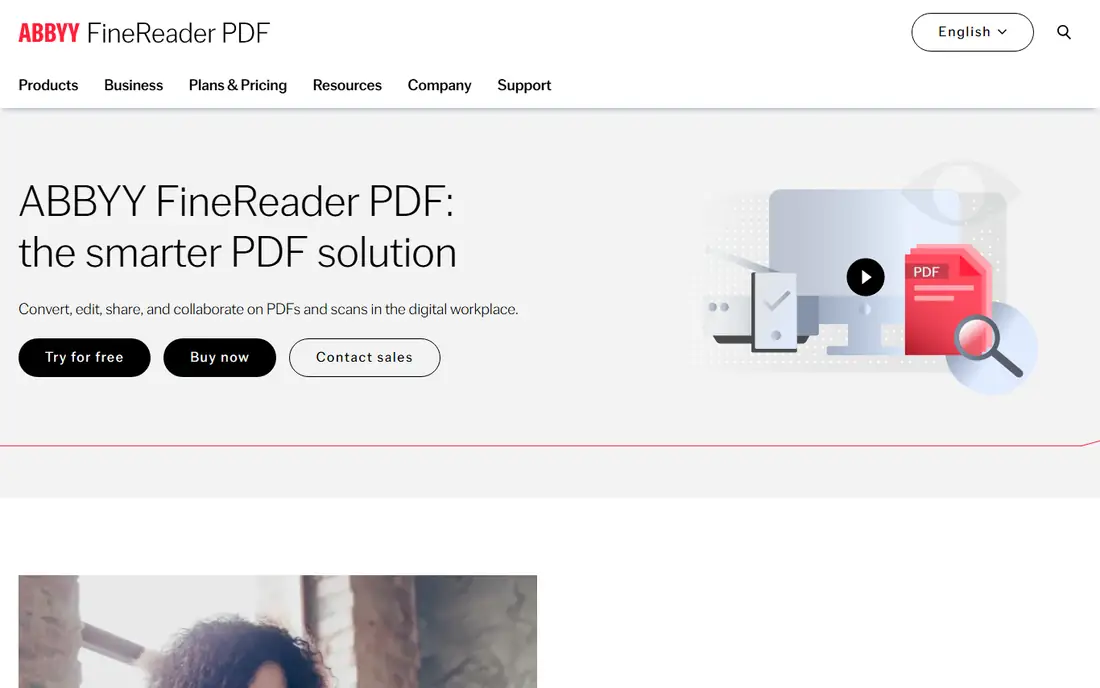
ABBYY FineReader PDF is the multilingual scanned extraction pick, with Standard at $8.25 per user per month billed annually, Corporate at $13.75 per user per month with Hot Folder automation and up to 5,000 pages per month automated conversion, and a Mac version at $69 per year. It preserves layout, tables, and graphics during conversion, even with multi-column and mixed-language documents, and one comparison credits it with 99.8 percent accuracy using AI layout analysis. Annual pricing runs $99 to $165 per year, below Adobe Acrobat Pro at $240 per year in the same comparison.
The trade off is accuracy against subscription cost. FineReader delivers the strongest OCR for multilingual work, but it is subscription only with no free tier. FineReader fits teams converting scanned and multilingual PDFs regularly.
What we like- OCR in 198 languages
- 99.8 percent accuracy claimed in one comparison
- Document comparison
- Hot Folder batch automation in Corporate
- Strong layout preservation
Watch out for- No free plan
- Subscription only
- Limited Mac feature parity
- Accuracy drops on very low-quality scans
- Interface learning curve
#2Adobe Acrobat
Best for: All-round PDF extraction4.7/5 on
Capterra (4,264 reviews, checked Oct 2026)
Visit adobe.com
Starting price$19.99 per month
Free planNo
Adobe Acrobat is the all-round extraction pick for teams already in the Adobe ecosystem, exporting PDFs to Word, Excel, and PowerPoint with layout preserved, and running OCR on scanned PDFs in the Pro tier at $19.99 per month. Its table export handles native tables well, and its compatibility makes it the safe default for official documents. Acrobat suits teams that also edit, sign, and share PDFs in one tool.
The trade off is breadth against price. Acrobat does everything competently, but extraction alone costs more than specialists like Docparser or Parseur. Acrobat fits teams that want one PDF tool for viewing, editing, and extraction.
What we like- Industry default compatibility
- Export to Word, Excel, and PowerPoint
- OCR for scanned PDFs in Pro
- Strong table export
- Wide platform support
Watch out for- Pro costs $240 per year in one comparison
- Free Reader exports little
- Advanced extraction needs Pro
- Heavier than rivals
#3Docparser
Best for: Fixed-layout invoice parsing4.6/5 on
G2 (53 reviews, checked Oct 2026)
Visit docparser.com
Starting price$39 per month
Free planNo
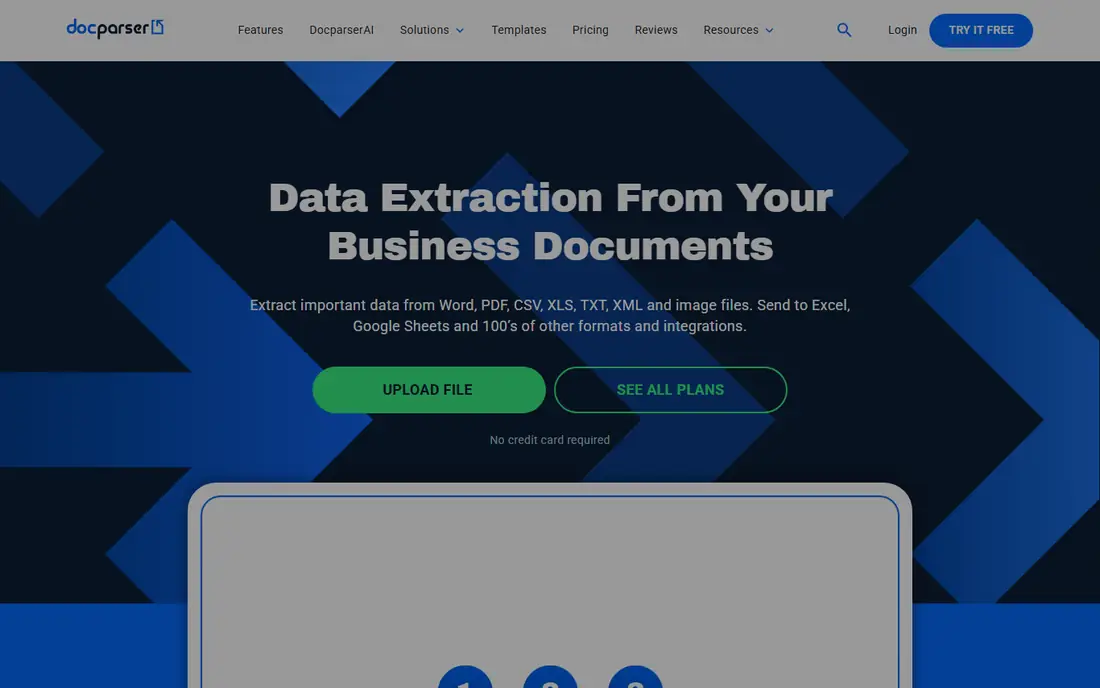
Docparser is the strongest overall pick for document data extraction in one 2026 buyer guide, extracting data with zonal OCR and rules you configure, with templates for common types like invoices, bank statements, and bills of lading. Pricing starts at $39 per month, or $32.50 per month billed annually, for 100 parsing credits per month, where one credit parses a document up to 5 pages. A 14-day free trial covers all core features with no credit card required.
The trade off is control against setup time. Docparser gives precise rule-based control for predictable layouts, but learning the rules takes time and varied layouts need separate inboxes. Docparser fits accounting teams with repeating document layouts.
What we like- No-code rule customization
- Templates for invoices, bank statements, bills of lading
- 14-day free trial
- Email, cloud storage, and API intake
- Accounting integrations
Watch out for- Rules take time to learn
- Documents with different layouts need separate inboxes
- Template-based extraction struggles when vendors change layout
- No native QuickBooks export in one report
#4Parseur
Best for: Email and document parsing4.8/5 on
G2 (17 reviews, checked Oct 2026)
Visit parseur.com
Starting priceFree
Free planYes
Parseur is the email and document parsing pick, offering a free plan with all features included, then pay-as-you-grow pricing that one comparison calls about 4 times cheaper than rivals on average. It suits finance, operations, and logistics teams automating invoices, accounts payable, orders, and scanned documents end to end, with customers in one report saving about 152 hours of manual data entry per month. Parseur reads varied layouts without templates and returns structured fields.
The trade off is free start against volume cost. Parseur starts free and grows with use, but high volumes move into paid tiers quickly. Parseur fits teams parsing emailed PDFs and documents with varied layouts.
What we like- Free plan with all features
- Pay-as-you-grow pricing
- Email-based parsing
- Finance, operations, and logistics focus
- Claims 4 times cheaper than rivals on average
Watch out for- Free plan covers small volumes
- Template-free extraction still needs review
- Advanced volumes cost more
- Less suited to purely desktop workflows
#5Nanonets
Best for: High-volume custom models4.7/5 on
G2 (97 reviews, checked Oct 2026)
Visit nanonets.com
Starting priceSee website
Free planYes
Nanonets is the high-volume custom model pick, an AI platform for building and deploying custom document recognition models that teams train on their own invoices and layouts. Pricing conflicts sharply across sources, from $49 per month Starter in one report to $100 per month in another and $499 per month in a third, so this guide lists it as See website. A pay-as-you-go plan offers $200 in free credits in one report, but the free plan is limited, for example it cannot extract table data.
The trade off is custom accuracy against training effort. Nanonets improves accuracy on unusual templates, but training takes time and ongoing maintenance. Nanonets fits mid-market and large teams with high volumes and staff to annotate documents.
What we like- Custom model training for unusual layouts
- Approval workflows and 2-way matching
- Integrations with QuickBooks, Xero, NetSuite, Sage
- Built to scale to high volumes
Watch out for- Price conflicts across sources
- Free plan limited and excludes table data in one report
- Training takes at least 10 annotated documents
- Learning curve is high
Starting priceFree
Free planYes
Tabula is the free native table extraction pick, letting users define table areas on a PDF page and output structured cells to CSV, which suits journalists, researchers, and analysts pulling tables from reports. It is free and open source with no account needed, and its zone-based selection fits tables in consistent locations. Tabula works best when tables appear in the same place across pages.
The trade off is free simplicity against scanned limits. Tabula extracts native tables beautifully but cannot read scanned images, so scanned PDFs need OCR first. Tabula fits anyone extracting tables from native PDFs for free.
What we like- Free and open source
- Zone-based table extraction
- Outputs CSV and structured cells
- Good for journalists and researchers
- No account needed
Watch out for- Native tables only, no scanned OCR
- Desktop app only
- No API or automation
- Struggles with complex layouts
#8Tesseract
Best for: Free open source OCR engine4.4/5 on
G2 (21 reviews, checked Oct 2026)
Visit github.com
Starting priceFree
Free planYes
Tesseract is the free open source OCR engine pick, giving developers full control and self-hosting with no vendor cost, multilingual support, and a strong community. It powers many custom extraction pipelines, where teams add layout analysis and field mapping on top of raw OCR output. Tesseract suits developers who want raw text without a vendor.
The trade off is control against effort. Tesseract costs nothing and gives full control, but it needs technical skill to turn raw text into structured data. Tesseract fits developers building custom extraction without vendor fees.
What we like- Free and open source
- Full control and self-hosting
- Multilingual support
- Strong community
- Embeddable in custom pipelines
Watch out for- Developer only, no turnkey UI
- Raw text output needs post-processing
- Accuracy trails ABBYY on complex layouts
- Setup takes technical skill
How we chose
We compared published 2026 extraction guides, recording prices and free limits separately, since Nanonets prices conflict across sources and Parseur free covers small volumes only. We favored tools with distinct strengths, multilingual scanned OCR, all-round extraction, fixed-layout parsing, email parsing, custom model training, AWS pipelines, free native tables, and free open source OCR, and we listed Nanonets as See website because its prices disagree too much to quote one number. We weighed extraction accuracy, layout handling, and automation separately, since no single tool leads on all three.
Start with document type: native tables should start with Tabula or Acrobat, scanned documents with FineReader, fixed-layout invoices with Docparser, and varied emailed documents with Parseur. Next, match volume and skill: high-volume teams with annotation staff should shortlist Nanonets, developers should shortlist Textract or Tesseract, and non-technical teams should shortlist Docparser or Parseur. Then check free limits: Tabula is free but native only, Parseur free covers small volumes, and Nanonets free excludes table data in one report. Finally, verify extracted numbers on a sample before automating, since OCR errors compound in accounts. A tool that fits your document type, your volume, and your technical skill will extract reliably.
Frequently asked questions
What is the best PDF extractor overall?
ABBYY FineReader suits multilingual scanned work, Docparser suits fixed-layout invoices, Parseur suits varied emailed documents, and Acrobat suits all-round use, so the best pick depends on document type.
Is there a free PDF extractor?
Tabula and Tesseract are free, Parseur offers a free plan with all features for small volumes, and Nanonets offers free credits with limits.
Can PDF extractors read scanned PDFs?
Only with OCR: FineReader, Acrobat Pro, Textract, and Tesseract handle scanned images, while Tabula handles native tables only.
Why do Nanonets prices differ so much?
Sources list $49, $100, and $499 per month for different tiers and dates, so get a current written quote before comparing.
Should I trust extracted numbers without checking?
No. Verify extracted numbers on a sample before automating, since OCR accuracy drops on low-quality scans and complex layouts.
What is the cheapest way to extract tables for free?
Tabula is the cheapest free option for native PDF tables, exporting zone-selected tables to CSV with no account.
Sources we checked (0)
Is your product missing or out of date?
We review this list regularly. Vendors can request a listing, send updated pricing or ask about featured placement.

Shihab Mia · Founder, Rankite
Shihab has 5+ years in B2B and SaaS SEO. He writes Rankite's software buying guides from pricing pages, documentation and public user reviews. More about Shihab.