How we make this list: we compare pricing pages, product documentation and public user reviews. Ratings come from G2, Capterra or Trustpilot, with the date we checked them.
Key takeaways
- SQLite remains the default choice for embedded storage. It is free, public domain and already running inside billions of devices.
- DuckDB is the pick for analytics on portable files. It runs in-process, reads Parquet and CSV directly and costs nothing under the MIT license.
- When data must sync between devices, PouchDB, Turso and ObjectBox cover the browser, mobile and edge cases respectively.
- SQLCipher and InterBase ToGo are the answers when the database file itself must be encrypted at rest.
- Nearly everything here is free open source. Paid money only shows up for commercial support, hosted sync services or enterprise licenses.
Quick comparison
| Tool | Best for | Starting price | Free plan |
|---|
 SQLite SQLite | everyday embedded storage | Free | Yes |
 DuckDB DuckDB | in-process analytics | Free | Yes |
 H2 H2 | Java embedded applications | Free | Yes |
 Firebird Firebird | full-featured open source SQL | Free | Yes |
 libSQL libSQL | SQLite with replication and scale | Free | Yes |
 Turso Turso | managed SQLite with device sync | See website | Free tier |
 HSQLDB HSQLDB | Java in-memory and disk SQL | Free | Yes |
 PouchDB PouchDB | offline-first browser and Node apps | Free | Yes |
 ObjectBox ObjectBox | mobile and IoT on-device data | See website | Yes |
 InterBase ToGo InterBase ToGo | zero-admin commercial embedded SQL | See website | Free trial |
 SQLCipher SQLCipher | encrypted SQLite storage | See website | Yes (Community edition) |
Is your product missing or out of date?
We review this list regularly. Vendors can request a listing, send updated pricing or ask about featured placement.
The best portable database software
Starting priceFree
Free planYes
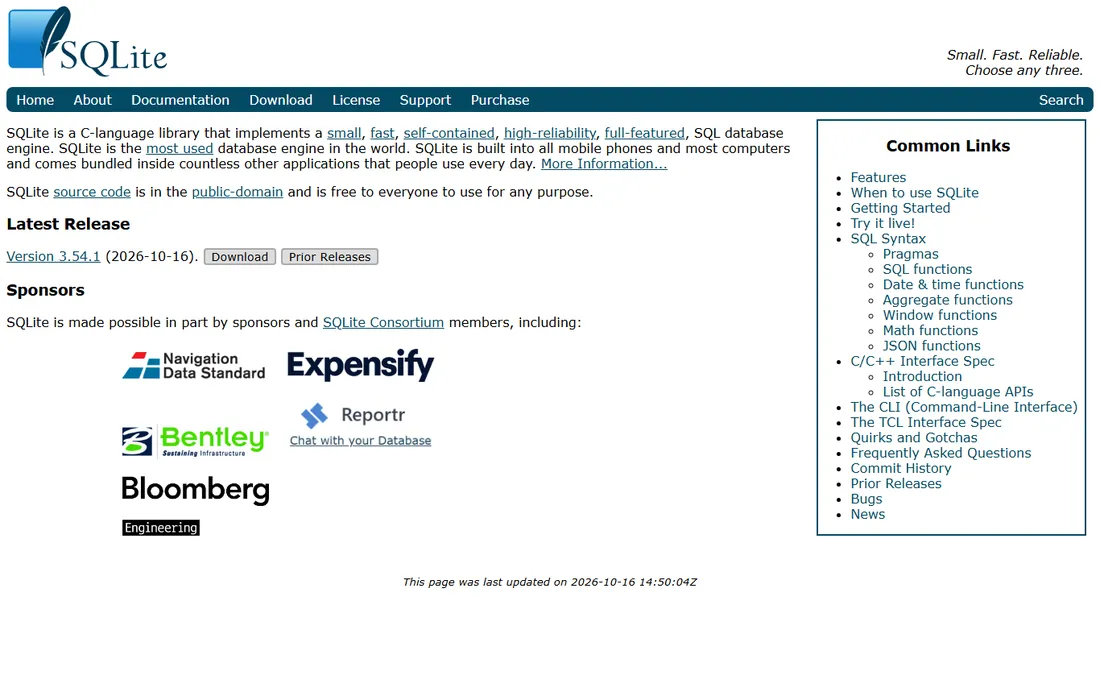
SQLite is the default answer for embedded storage, and it has earned that position. The whole engine lives in a single C library, and the entire database lives in a single file on disk. There is no server to install, no port to open, no service to keep alive. Version 3.54.0 was released on October 9, 2026.
The practical reason teams pick SQLite is that deployment is copying a file. The source code is in the public domain, so there are no license fees or compliance paperwork for commercial use. The honest catch is write concurrency. SQLite handles one writer at a time, so heavy multi-writer workloads belong on a client-server database.
What we like- Public domain license, tiny footprint, proven in billions of devices
Watch out for- Single-writer model limits concurrent writes
- Analytics on large files is slower than columnar engines
Starting priceFree
Free planYes
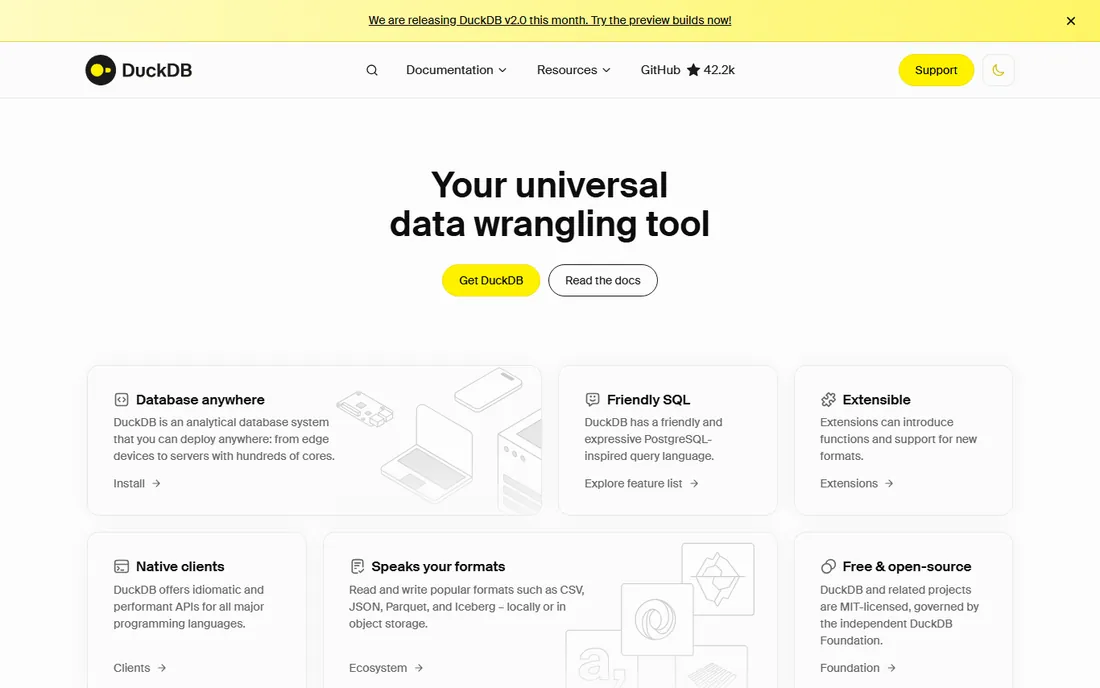
If your workload is analytics rather than transactions, DuckDB changes the conversation. It runs inside your process like SQLite, but its engine is columnar and vectorized, so aggregate queries over large files run much faster. It reads CSV, JSON and Parquet files directly, which makes it a natural fit for local data work and ETL jobs.
DuckDB is MIT licensed and governed by the independent DuckDB Foundation, so there is no vendor lock-in risk. Native clients exist for Python, R, Java, Node, Go and Rust. The weakness is the flip side of its design. It is not a transactional database for concurrent writers, so do not treat it as a replacement for Postgres or MySQL in a web app.
What we like- Fast analytical queries, reads Parquet and CSV directly, friendly SQL
Watch out for- Not built for high-concurrency transactions
- Newer ecosystem than SQLite
Starting priceFree
Free planYes
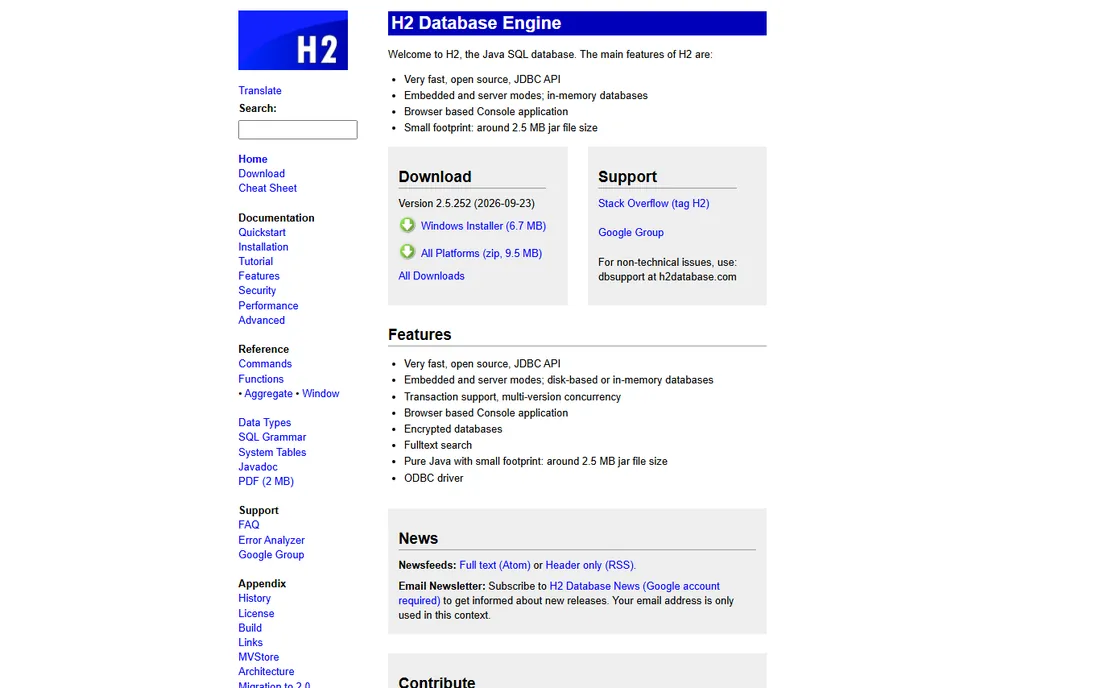
Java shops that want an embedded database with a familiar SQL dialect land on H2. It runs entirely in Java, works in embedded and client-server modes, and ships with a browser-based console for inspecting data. That combination makes it popular for integration tests, where spinning up a real database per test run is too slow.
H2 supports in-memory and disk-based storage, clustering, and JDBC and partial ODBC access. Because it is Java, it drops into any JVM project with a dependency line. The honest limitation is ecosystem. Outside Java and the JVM world, tooling and community knowledge are thinner than what SQLite enjoys.
What we like- Pure Java with embedded and server modes, includes a web console, fast for tests
Watch out for- Smaller community than SQLite
- Not the first choice outside the JVM
Starting priceFree
Free planYes
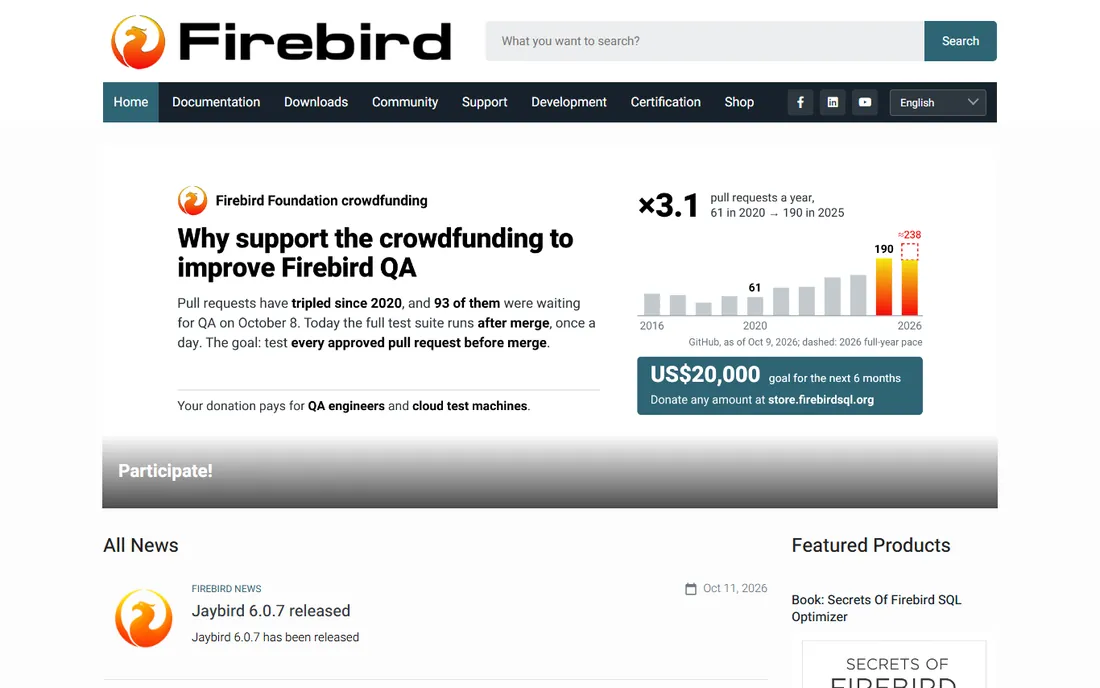
Firebird is the veteran open source relational database that keeps running in places few people talk about. It offers a full-featured SQL engine with stored procedures, triggers, events and a multi-generational architecture. Embedded and server deployments both work, and it runs on Windows, Linux and macOS.
Development is still active. In October 2026 the project ran a crowdfunding campaign to improve QA on its backlog of pull requests, which tells you the community is alive. For teams that need more than SQLite but want to avoid the operational weight of a big server, Firebird is a serious option. The tradeoff is ecosystem size. Client libraries, managed hosting and third-party tooling are all thinner than for Postgres or MySQL.
What we like- Real stored procedures and triggers, multi-generational architecture, tiny admin overhead
Watch out for- Documentation is scattered
- Fewer modern client libraries than Postgres
Starting priceFree
Free planYes
libSQL is the SQLite fork built for apps where every user needs their own database. It keeps SQLite compatibility while adding the primitives for replication and for running huge numbers of small databases, which plain SQLite was never designed to do. The project is open source under the MIT license and is developed in the open by Turso.
This is the engine underneath Turso, and you can run it yourself anywhere. If your architecture is one database per tenant, per user or per AI agent, libSQL is designed for exactly that. The catch is maturity relative to SQLite. Most documentation and tooling assume you are using it together with Turso.
What we like- Open source SQLite fork, built for many-databases architectures, MIT licensed
Watch out for- Younger than SQLite itself
- Tied closely to the Turso ecosystem
Starting priceSee website
Free planFree tier
Turso turns the SQLite model into a managed service with embedded replication. You get a SQLite-compatible database that runs locally in your app for zero-latency reads and writes, and syncs with the cloud when the device comes online. That makes it a fit for local-first apps, per-user databases and multi-tenant products that want hard isolation between customers.
SDKs cover TypeScript, Python, Rust and Go, and the self-serve flow gets you from signup to production in minutes. Per-database encryption and data residency options address the enterprise concerns. The pricing is usage based, so check the pricing page against your expected read, write and storage volumes. The local engine itself is open source, which limits lock-in.
What we like- SQLite-compatible managed service, embedded replication to devices, generous free tier
Watch out for- Pricing scales with usage
- Vendor platform, so you depend on Turso for the managed parts
Starting priceFree
Free planYes
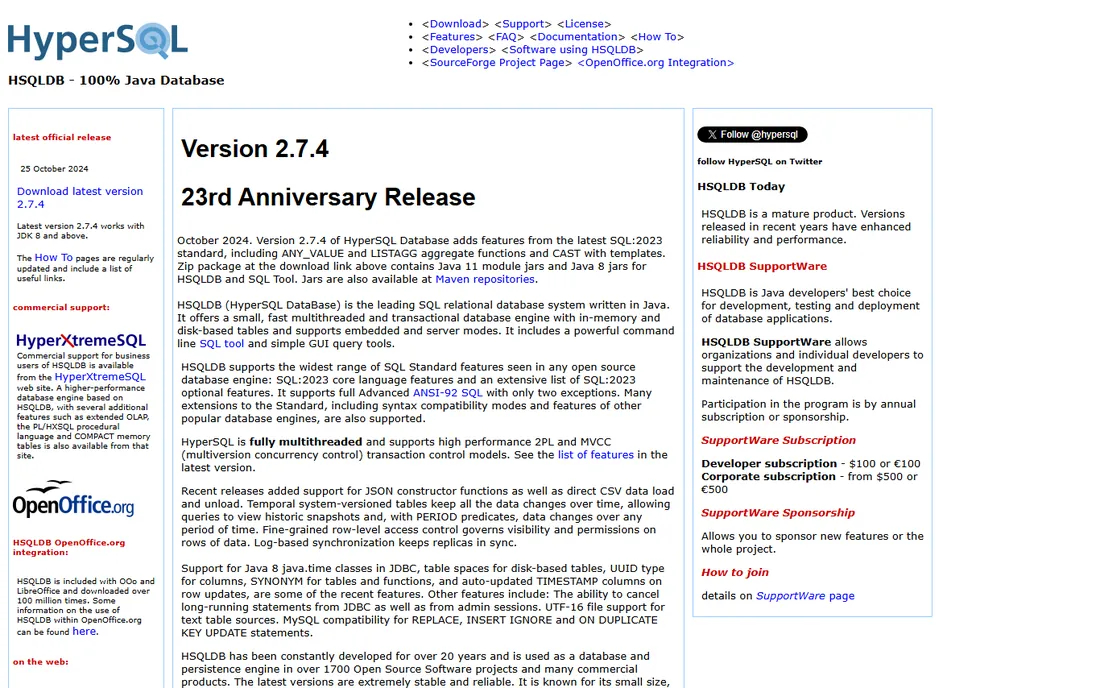
HSQLDB has been the Java developer's embedded database for over two decades, and version 2.7.4 from October 2024 added features from the SQL:2023 standard. It supports embedded and server modes, in-memory and disk-based tables, and a multithreaded transactional engine. The project claims the widest range of SQL standard features of any open source engine, which matters if you care about standard SQL portability.
It is completely free under a BSD-style license and is embedded in more than a thousand open source projects, including LibreOffice. For JVM applications that need a dependable embedded SQL store with minimal fuss, it remains a solid pick. The downside is fashion. Most new projects reach for SQLite or Postgres, so community examples and Stack Overflow answers are fewer.
What we like- Broad SQL standard support, runs fully in memory or on disk, tiny footprint
Watch out for- Java-only
- Limited mindshare outside long-time Java developers
Starting priceFree
Free planYes
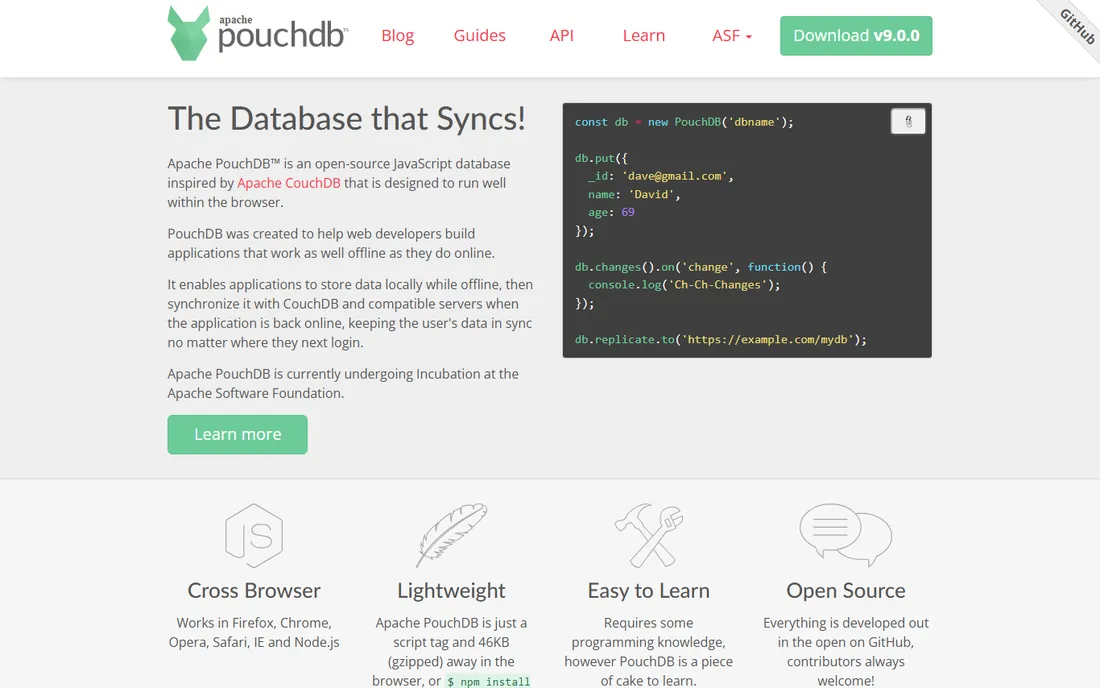
Before offline-first was a buzzword, PouchDB made it practical for web apps. It stores data locally in the browser or in Node, keeps working with no connection, and syncs with CouchDB or compatible servers when the app comes back online. The whole library is about 46KB gzipped, so it costs almost nothing to ship.
It is now an Apache project, currently in incubation at the Apache Software Foundation. The API is simple enough to learn in an afternoon, and the sync protocol handles the hard parts of replication. The limits are inherent to the model. There is no SQL, only a document store, and sync conflicts are real, so your application has to decide how to resolve them.
What we like- Automatic sync with CouchDB, works fully offline, tiny 46KB browser footprint
Watch out for- Document model only, no SQL
- Sync conflicts need application-level handling
Starting priceSee website
Free planYes
For mobile and IoT apps that cannot depend on a connection, ObjectBox is the on-device database worth a look. It is an object database, so you store native objects instead of mapping them to tables, and it is built for speed on constrained hardware. It also handles edge vector search, which suits on-device AI features that need local embeddings.
Data sync between devices and the cloud moves you into paid territory. Check the pricing page for what sync costs at your scale. The database core itself is free to use. ObjectBox supports Java, Kotlin, Swift, Dart, C, C++, Go and Python, which covers Android, iOS, embedded and server-side use. The catch for SQL teams is the paradigm. If your team thinks in tables and joins, an object database is a real adjustment.
What we like- Extremely fast on-device storage, offline-first, optional edge-to-cloud sync
Watch out for- Object model rather than SQL
- Paid tiers apply for sync features
Starting priceSee website
Free planFree trial
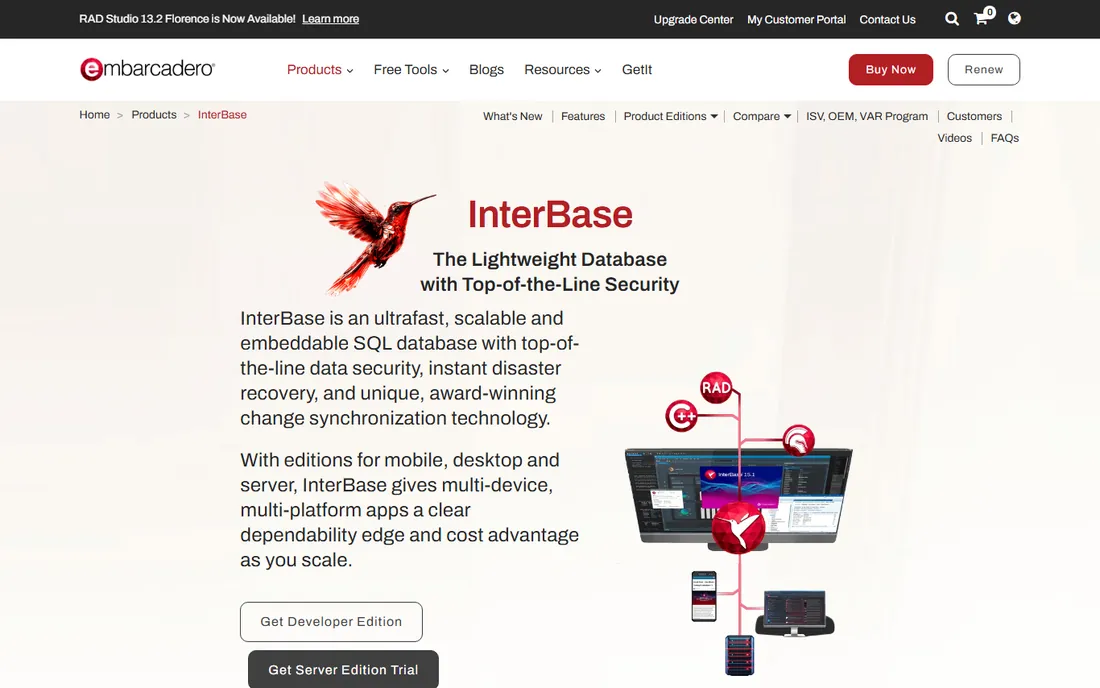
InterBase ToGo is Embarcadero's commercial answer to zero-admin embedded SQL. It is a full relational database with AES-256 encryption enabled by default, multi-version concurrency control, point-in-time recovery and a small on-disk footprint. The ToGo edition is built for embedding directly into applications on Windows, macOS, iOS and Android.
Version 15.1 is the current release, adding stronger security and wider platform support. The standout feature for occasionally connected apps is ChangeViews, which tracks field-level data changes so devices can sync small deltas instead of full datasets. The tradeoff is the commercial model. Licensing is per deployment, so get a quote from Embarcadero before committing. Teams already building with Delphi will find the integration story much stronger than teams outside that ecosystem.
What we like- Tiny footprint with encryption on by default, near-zero maintenance, change tracking
Watch out for- Commercial licensing
- Strongest story is inside the Embarcadero and Delphi world
Starting priceSee website
Free planYes (Community edition)
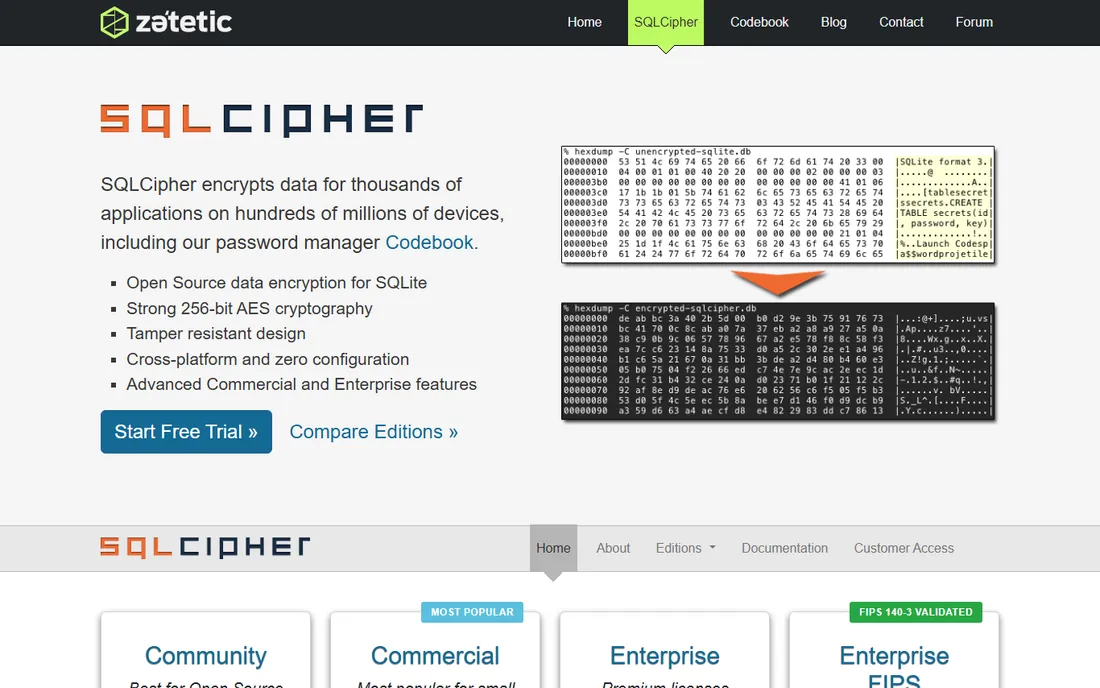
SQLCipher solves one problem very well: full encryption of a SQLite database file. It encrypts the entire database with 256-bit AES, so the file on disk is useless to anyone without the key. The API mirrors SQLite, which means existing SQLite code needs minimal changes to adopt it. Thousands of commercial and open source products use it for mobile, embedded and desktop storage.
The Community edition is free and open source, which is enough for many projects. Commercial and Enterprise tiers add faster encryption, pre-built packages, value-level encryption functions, priority support and a FIPS 140-3 validated module for government work. The honest cost is performance. Encryption is not free, and write-heavy workloads will feel it, so benchmark before you commit.
What we like- Transparent 256-bit AES encryption of the whole database file, drop-in SQLite API
Watch out for- Encryption adds performance overhead
- Advanced features need a commercial license
How we chose
We opened every vendor homepage and read the current documentation, release notes and licensing terms for each engine. Prices and plan details come from the vendors' own pricing pages, and where a vendor does not publish a price we say so instead of guessing. We cross-checked claims against public sources like G2, Capterra and developer discussions on Reddit, and we left out anything that was discontinued, acquired into a different product, or that did not actually fit the portable and embedded category. No vendor paid for placement and we ran no hands-on benchmarks for this guide.
What to check before you pick an embedded database
Forget which database is best. Ask what your data has to survive, and the shortlist writes itself.
Will the database live in one process or many?
Embedded databases like SQLite, H2 and HSQLDB run inside your application. That is perfect for desktop software, mobile apps and tests. If several services need to write at once, you want a client-server engine instead.
What does the workload look like?
Transactional apps with lots of small reads and writes fit SQLite, Firebird or InterBase. Analytics over large local files fit DuckDB. Mobile apps that must work offline fit PouchDB, ObjectBox or Turso with embedded replication. Match the engine to the workload, not to the brand you already know.
Does the data need to move between devices?
If every device keeps its own data forever, a plain embedded file is enough. If data must sync, you are choosing a sync system as much as a database. PouchDB gives you CouchDB sync, Turso gives you embedded replication to the cloud, and ObjectBox gives you edge-to-cloud sync. Each has different conflict behavior, so test the failure cases, not just the happy path.
Is encryption a requirement?
Regulated data on a device usually means encryption at rest. SQLCipher encrypts the whole SQLite file, and InterBase ToGo encrypts by default. Adding encryption later is painful, so decide this before you ship version one.
What does the license allow?
SQLite is public domain, DuckDB and libSQL are MIT, HSQLDB is BSD, and these let you ship commercial products with no fees. SQLCipher Community and PouchDB are also free, but commercial SQLCipher tiers and ObjectBox sync carry real costs. Read the license for the exact edition you plan to ship, because editions of the same product can have different terms.
Mistakes teams make with portable databases
The most common mistake is treating an embedded database like a small server. SQLite handles concurrent readers well but serializes writers, so a web app with dozens of simultaneous writes will hit locking errors that look like bugs. If you need concurrent writes, move to a server database early.
The second mistake is ignoring backups. A database file is easy to copy, but that is not a backup strategy. Copying a file while it is being written can produce a corrupt copy, so use the engine's own backup or snapshot mechanism, and test restoring from it.
The third mistake is choosing for today only. An app that starts as a single-user desktop tool often grows into a multi-user product. Picking an engine with a sync story, or one with a clean migration path to a server engine, saves a rewrite later. None of these mistakes are fatal if you catch them in design, and all of them are expensive if you catch them in production.
Frequently asked questions
What is a portable database?
A portable database runs without a dedicated server, usually as a library inside your application or as a single file on disk. You can copy it, ship it inside an app, or run it on a device with no network. SQLite is the classic example.
Is SQLite still the best embedded database in 2026?
For general-purpose embedded storage, yes. It is free, public domain and actively maintained, with version 3.54.0 released in October 2026. Specialized workloads have better options, like DuckDB for analytics, but SQLite remains the safe default.
When should I use DuckDB instead of SQLite?
Use DuckDB when your work is analytical: aggregations, filters and joins over large local files, especially Parquet and CSV. Use SQLite when your work is transactional: many small inserts, updates and point lookups. They overlap less than people assume.
Can a portable database sync data between devices?
Some can. PouchDB syncs with CouchDB-compatible servers, Turso replicates an embedded database to the cloud, and ObjectBox offers edge-to-cloud sync. Plain SQLite, H2 and HSQLDB do not sync on their own.
Are portable databases free for commercial use?
Most of the ones in this guide are. SQLite is public domain, DuckDB and libSQL are MIT licensed, and HSQLDB uses a BSD-style license. Commercial products like InterBase ToGo require a paid license, and sync services like Turso and ObjectBox charge for their hosted tiers.
How do I encrypt an embedded database?
Use SQLCipher for transparent 256-bit AES encryption of a SQLite file, or InterBase ToGo, which encrypts by default. Both keep the data unreadable if the device is lost. Store the encryption key separately from the database file.
Sources we checked (11)
- https://sqlite.org/
- https://duckdb.org/
- https://h2database.com/
- https://firebirdsql.org/
- https://turso.tech/libsql
- https://turso.tech/
- https://hsqldb.org/
- https://pouchdb.com/
- https://objectbox.io/
- https://www.embarcadero.com/products/interbase
- https://www.zetetic.net/sqlcipher/
Is your product missing or out of date?
We review this list regularly. Vendors can request a listing, send updated pricing or ask about featured placement.

Shihab Mia · Founder, Rankite
Shihab has 5+ years in B2B and SaaS SEO. He writes Rankite's software buying guides from pricing pages, documentation and public user reviews. More about Shihab.