How we make this list: we compare pricing pages, product documentation and public user reviews. Ratings come from G2, Capterra or Trustpilot, with the date we checked them.
Key takeaways
- PostgreSQL is the default choice for new applications. It is free, open source, and handles relational data, JSON and full-text search in one system.
- MongoDB and Firebase fit document and real-time use cases. MongoDB Atlas has a free M0 tier, while Firebase Spark is free with pay-as-you-go Blaze above it.
- Supabase gives you a hosted PostgreSQL with auth and APIs for free. Pro costs $25 per project per month when you outgrow the free tier.
- Snowflake and CockroachDB target scale. Snowflake uses credit-based pricing with a free trial, while CockroachDB offers a free tier with usage-based paid plans.
Quick comparison
| Tool | Best for | Starting price | Free plan |
|---|
 PostgreSQL PostgreSQL | new applications needing a reliable relational database | Free | Yes |
 MySQL Community MySQL Community | web applications with a long MySQL history | Free | Yes |
 MongoDB MongoDB | applications with flexible or evolving document data | Free | Yes |
 SQLite SQLite | embedded databases in apps and devices | Free | Yes |
 Redis Redis | caching, sessions and real-time data structures | Free | Yes |
 Supabase Supabase | developers wanting hosted Postgres with backend features | Free | Yes |
 Firebase Firebase | mobile and real-time apps in the Google ecosystem | Free | Yes |
 Snowflake Snowflake | cloud data warehousing and analytics at scale | See website | Free trial |
 CockroachDB CockroachDB | distributed SQL with survival-level availability | Free | Yes |
Is your product missing or out of date?
We review this list regularly. Vendors can request a listing, send updated pricing or ask about featured placement.
The best database software options
Starting priceFree
Free planYes
PostgreSQL is the database you pick when you do not want to think about the database. It stores relational data with full ACID guarantees, handles JSON documents well enough to replace a document store for many apps, and runs full-text search without extra services. Extensions add PostGIS for geospatial, pgvector for embeddings, and TimescaleDB for time series. One system covers an remarkable range.
It is free and open source, maintained by a global community with no vendor lock-in. The cost appears when you need managed hosting, backups and scaling, which providers like AWS RDS, Supabase and Neon sell. Self-hosting is free but demands operational skill for replication and failover. For startups and teams building standard web applications, PostgreSQL is the safe default that rarely becomes the wrong choice.
What we like- Free and open source with no licensing costs
- Handles relational, JSON and full-text search
- Enormous community and extension ecosystem
Watch out for- Managed hosting costs money
- Replication setup takes expertise
- Can be overkill for simple key-value needs
#3
MongoDB
Best for: applications with flexible or evolving document data
Visit mongodb.com
Starting priceFree
Free planYes
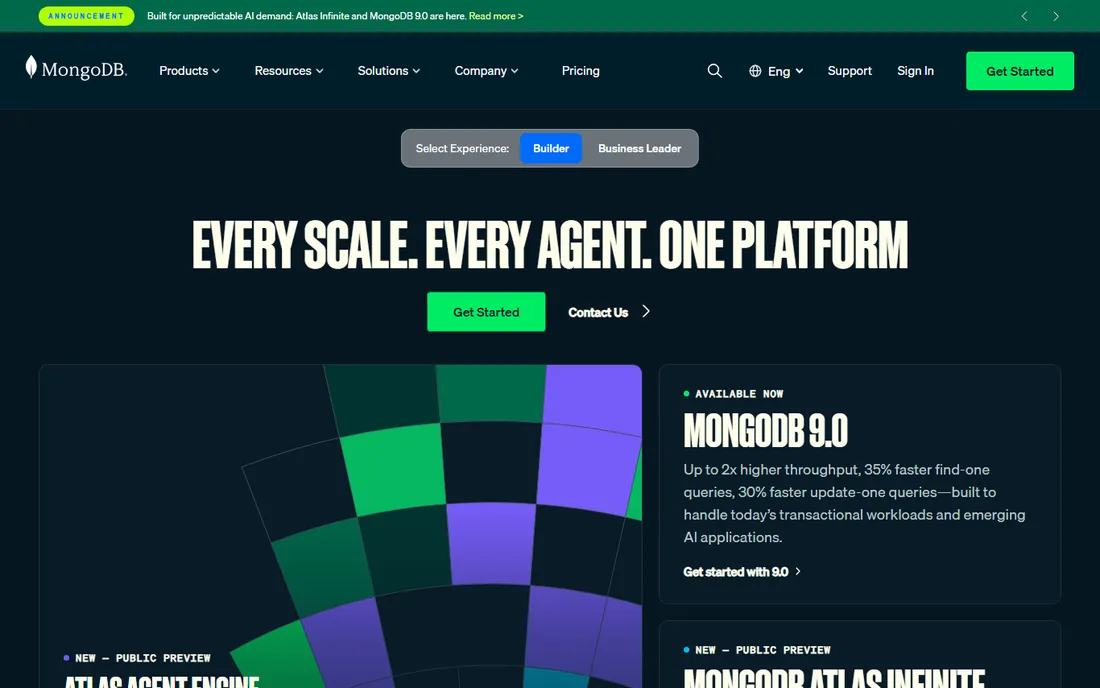
MongoDB stores data as JSON-like documents, which matches how many applications think. Product catalogs, user profiles, content and event logs fit naturally without upfront schema design. MongoDB Atlas, the managed cloud service, offers a free M0 tier that handles prototypes and small projects. When you grow, paid tiers scale with usage.
The flexibility is a double-edged sword. Teams that skip data modeling end up with inconsistent documents that are painful to query later. Multi-document transactions exist but are not as natural as in PostgreSQL. Atlas pricing is usage-based, so a traffic spike or inefficient query can raise the bill unexpectedly. MongoDB suits products where the data shape changes often and the team commits to thoughtful document design.
What we like- Atlas free M0 tier for getting started
- Flexible schema suits fast-changing products
- Strong tooling and managed hosting
Watch out for- Paid tiers are usage-based and can surprise
- Joins and transactions are weaker than relational
- Easy to design bad schemas early
Starting priceFree
Free planYes
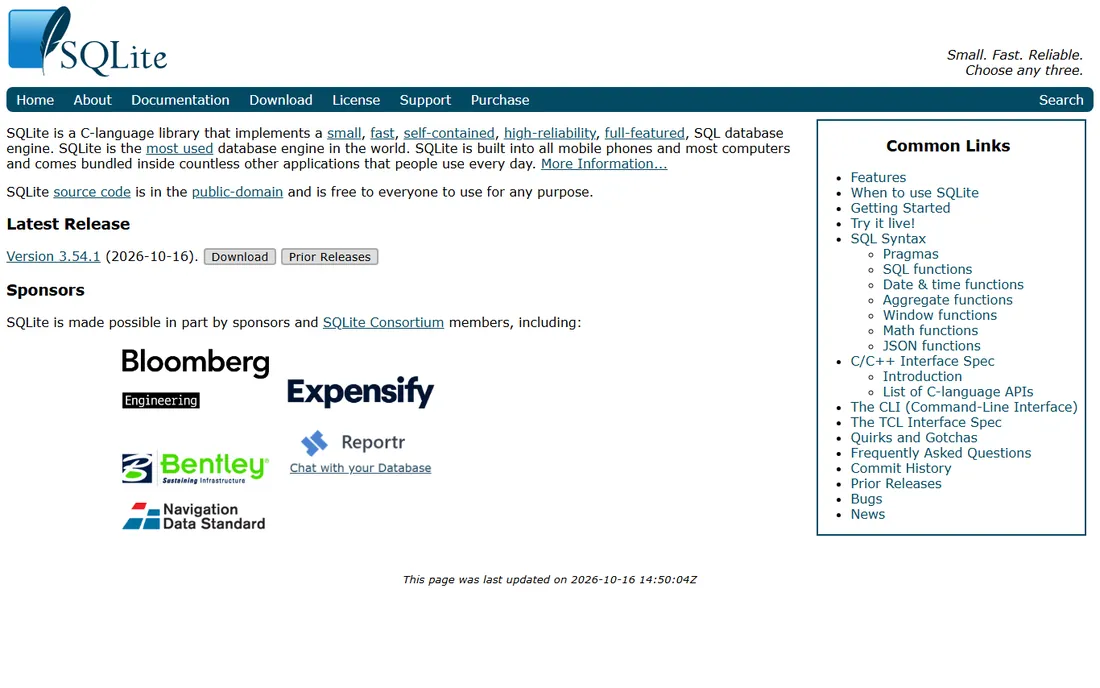
SQLite is the most deployed database in the world, inside phones, browsers, airplanes and countless applications. It is a single file, requires zero configuration, and is released into the public domain, so there are no licensing concerns at all. For mobile apps, desktop software, IoT devices and local development, it is often the entire database story.
It is not a server database. Write concurrency is limited, there is no network protocol or user authentication, and it runs in the application process. Those are features for its use cases, not bugs. Teams sometimes outgrow SQLite when they need multiple writers or central access, at which point PostgreSQL is the natural next step. For embedded and single-user scenarios, nothing beats SQLite on simplicity.
What we like- Public domain, completely free with no license
- Zero configuration, just a file
- Incredibly reliable and widely deployed
Watch out for- Not for high-concurrency writes
- No built-in user management or network server
- Limited ALTER TABLE flexibility
#5
Redis
Best for: caching, sessions and real-time data structures
Visit redis.io
Starting priceFree
Free planYes
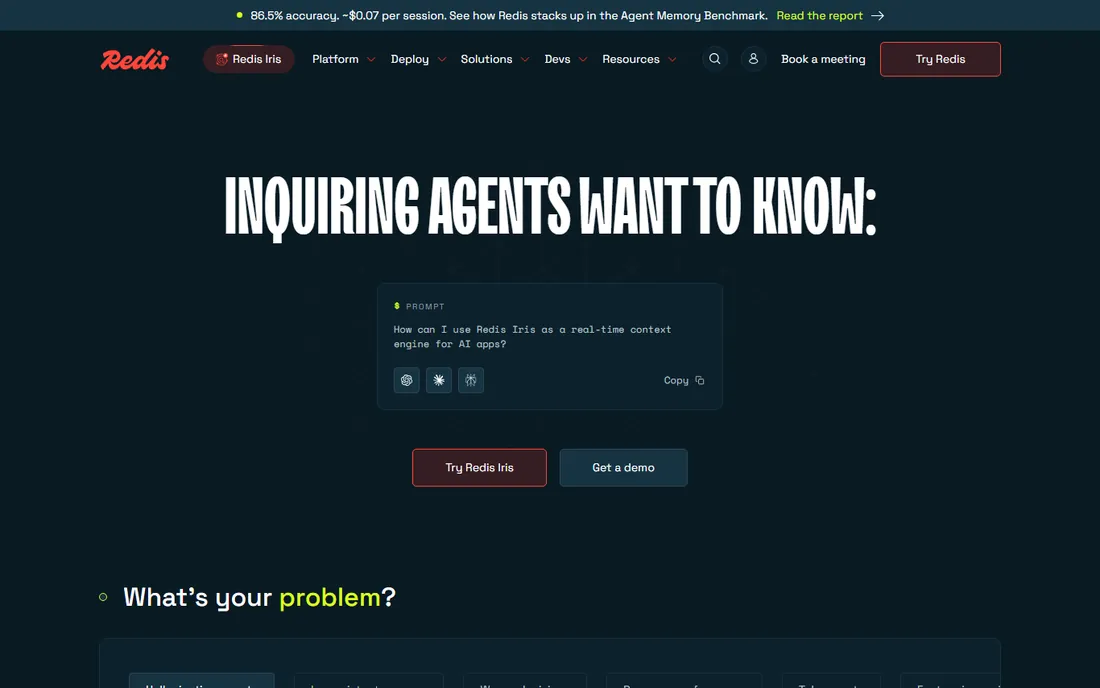
Redis is the speed layer. Applications keep hot data, sessions, leaderboards, queues and rate-limit counters in Redis because it answers in microseconds. The open source version is free to run yourself. Redis Cloud offers a free 30MB tier for experiments, with Essentials plans from $5 per month for production use.
Redis is not a primary database for most teams. It is memory-first, so persistence and durability need deliberate configuration. The data structures are powerful but unfamiliar to relational thinkers. Use Redis alongside PostgreSQL or MongoDB, not instead of them. Cache what is slow, queue what is background, and keep the system of record elsewhere.
What we like- Open source and free to self-host
- Redis Cloud free 30MB tier
- Blazing speed for caches and queues
Watch out for- Primarily in-memory, persistence needs care
- Cloud Essentials from $5 per month adds up
- Data modeling differs from relational
#6
Supabase
Best for: developers wanting hosted Postgres with backend features
Visit supabase.com
Starting priceFree
Free planYes
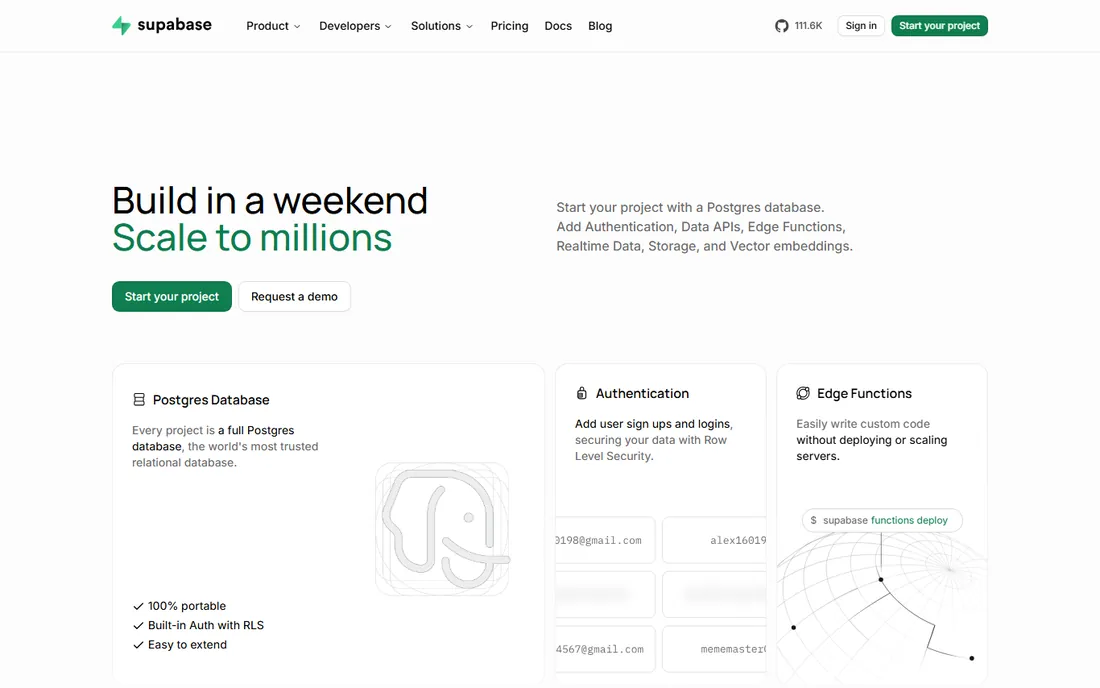
Supabase packages PostgreSQL with the backend features modern apps need. Authentication, file storage, edge functions and auto-generated APIs come out of the box. Developers get a working backend in minutes without managing servers. The free tier covers prototypes and small projects, and Pro at $25 per project per month adds capacity with straightforward pricing.
Because it is real PostgreSQL underneath, you keep the full power of relational queries, extensions and your existing SQL knowledge. The free tier limits on database size, bandwidth and auth users mean popular side projects upgrade sooner than expected. Supabase suits indie hackers, startups and teams that want Postgres without the ops work. Those needing Google's mobile ecosystem may still prefer Firebase.
What we like- Free tier with hosted PostgreSQL
- Auth, storage and APIs included
- Pro at $25 per project per month is clear pricing
Watch out for- Free tier has usage limits that side projects can hit
- Younger platform than Firebase
- Advanced Postgres tuning still your job
Starting priceFree
Free planYes
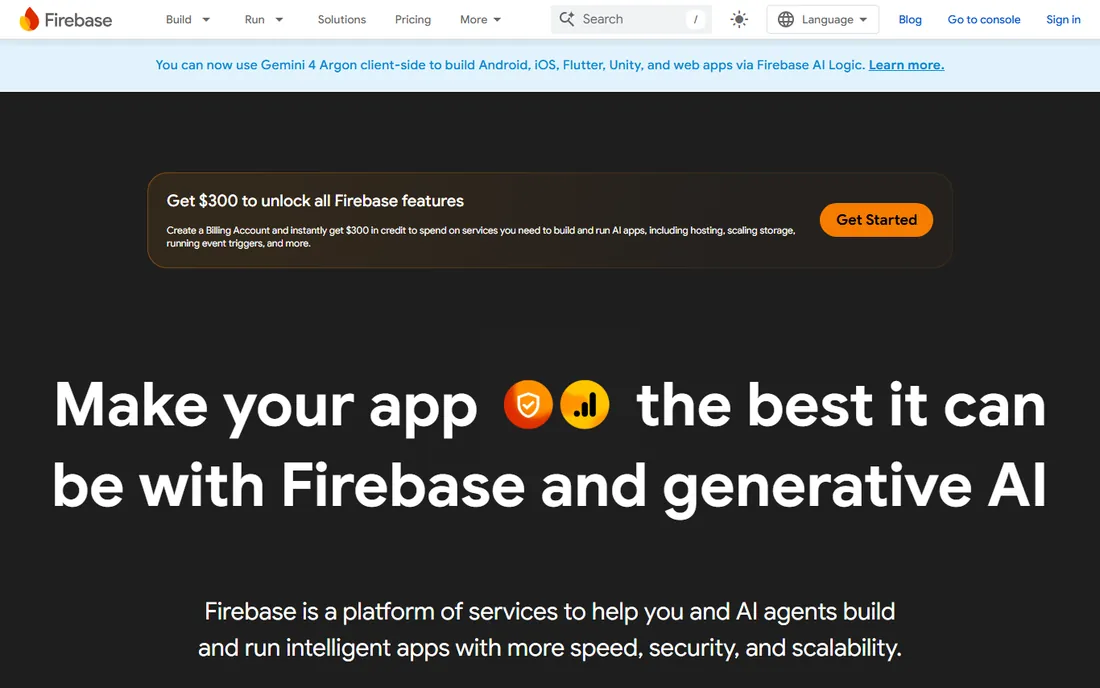
Firebase is Google's app development platform, centered on Firestore and Realtime Database for syncing data across devices instantly. Chat apps, collaborative tools and live dashboards get real-time updates without building websocket infrastructure. The Spark plan is free, and Blaze switches to pay-as-you-go as you scale. Mobile SDKs for iOS, Android and web are polished.
The pricing model demands attention. Blaze charges for reads, writes and bandwidth, so a popular app with chatty clients can generate surprising bills. Firestore's query model restricts the joins and aggregations relational developers expect. Migrating away later is painful by design. Firebase suits mobile-first teams committed to Google's ecosystem who need real-time sync fast. Teams wanting relational flexibility should compare Supabase.
What we like- Spark plan free for getting started
- Real-time sync across clients built in
- Deep integration with Google Cloud and mobile SDKs
Watch out for- Blaze pay-as-you-go pricing can spike
- Firestore query limits frustrate relational thinkers
- Vendor lock-in to Google
Starting priceSee website
Free planFree trial
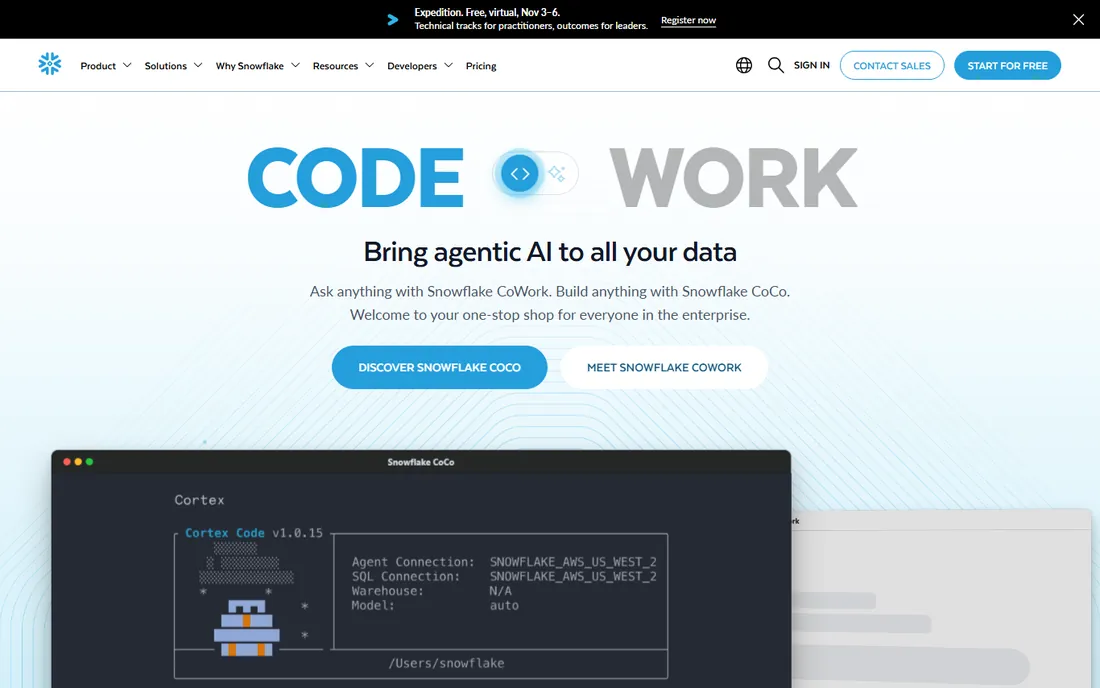
Snowflake is built for analytics, not application transactions. Data teams load warehouse-scale datasets and run SQL queries across them, with storage and compute scaling independently. An analyst can crunch terabytes without managing servers. The free trial lets teams test with their own data before committing.
Pricing runs on credits consumed by compute, storage and data transfer, which makes monthly costs hard to forecast. A badly written query scanning huge tables burns credits fast. Snowflake does not replace PostgreSQL or MongoDB for running an application. It is the analytics layer that sits beside them. Companies with real data warehouse needs and SQL-fluent analysts get enormous value. Smaller teams should exhaust Postgres analytics first.
What we like- Separates storage and compute for flexible scaling
- Strong SQL support for analysts
- Free trial to test with real data
Watch out for- Credit-based pricing is hard to predict
- Not an operational app database
- Costs grow with query volume
Starting priceFree
Free planYes
CockroachDB gives you PostgreSQL-style SQL in a distributed system that keeps running when datacenters fail. Data replicates across regions automatically, and the database routes around outages without manual failover. The free tier covers development and small projects, with paid plans based on usage.
This resilience costs complexity. Running multi-region distributed SQL demands understanding of data placement and latency tradeoffs. The usage-based pricing needs the same attention as any cloud database. Most applications do not need to survive a region outage, and standard PostgreSQL with a managed failover handles their availability needs. CockroachDB suits fintech, global SaaS and any system where downtime means real money lost.
What we like- Free tier for starting out
- PostgreSQL-compatible SQL
- Survives region failures by design
Watch out for- Usage-based paid pricing needs monitoring
- Operational complexity above single-region Postgres
- Overkill for standard apps
How we chose
We compared nine database options covering relational, document, embedded, cache, backend-as-a-service and warehouse categories. For each we checked the vendor's pricing page or official documentation for current free tiers and paid plan prices, reviewed the feature docs for the primary use case, and read public feedback from developers on Reddit, Hacker News and review sites. We favored options that fit small and mid-size US companies and development teams, mixing established systems with modern managed platforms. We did not run performance benchmarks, and no vendor paid for placement.
What to check before you pick
Start with the data shape and access pattern. Relational data with joins points to PostgreSQL or MySQL. Flexible documents point to MongoDB. Embedded single-file needs point to SQLite. Speed layers point to Redis. Real-time mobile sync points to Firebase. Hosted backend speed points to Supabase. Analytics at scale points to Snowflake. Multi-region survival points to CockroachDB. The wrong category costs more than the wrong vendor.
Model the real cost, not just the license. PostgreSQL, MySQL, SQLite and Redis are free to run, but managed hosting, backups and operations cost money or time. MongoDB Atlas, Supabase, Firebase and CockroachDB have free tiers, then usage-based pricing that scales with traffic. Snowflake's credit model needs query discipline. Estimate your data size, request volume and team ops capacity before comparing.
Free tiers are for learning, not forever
Every managed option here offers a free starting point. MongoDB Atlas M0, Supabase free, Firebase Spark, Redis Cloud 30MB and CockroachDB free tier all let you build and test without paying. They also all have limits that production traffic will exceed. Use the free tier to validate the fit, then price the paid tier against your expected usage before you are locked in.
Do not ignore operations
A database is a long-term commitment. PostgreSQL needs backup, update and failover planning unless you pay for managed hosting. MongoDB Atlas handles operations but needs schema discipline. Firebase and Supabase remove ops work but add vendor dependence. SQLite needs nothing, which is its superpower. Match the operational burden to your team's capacity, not just the feature list.
Frequently asked questions
Which database should I choose for a new web app?
PostgreSQL is the safest default for most web applications. It handles relational data, JSON, search and geospatial in one free system. Supabase adds hosted Postgres with auth and APIs if you want less ops work. Choose MongoDB if your data is deeply document-shaped and changes often.
Is PostgreSQL really free?
Yes. PostgreSQL is open source under a permissive license with no fees. You can run it yourself at no cost. Managed hosting from cloud providers or platforms like Supabase costs money, but the database software itself is free forever.
When should I use MongoDB instead of PostgreSQL?
Use MongoDB when your data fits documents better than tables, when the schema changes frequently, or when you need flexible nested structures. Use PostgreSQL when you need joins, complex transactions, or strict data integrity. Many teams use both, with Postgres for core records and Mongo for specific document workloads.
Can I start free and upgrade later?
Yes, on the managed platforms. MongoDB Atlas, Supabase, Firebase, Redis Cloud and CockroachDB all have free tiers that upgrade to paid plans. PostgreSQL, MySQL and SQLite are free indefinitely, and you only pay if you choose managed hosting. Snowflake offers a free trial before credit-based billing begins.
What is the difference between Firebase and Supabase?
Both are backends-as-a-service. Firebase uses Google's Firestore document database with real-time sync and pay-as-you-go Blaze pricing. Supabase uses hosted PostgreSQL with relational SQL and $25 per project Pro pricing. Firebase suits mobile real-time apps in Google's ecosystem. Supabase suits teams that want SQL and Postgres compatibility.
Do I need Redis if I have PostgreSQL?
Not always, but often at scale. PostgreSQL handles the system of record. Redis handles the speed layer: caching slow queries, storing sessions, running queues and rate limiting. Small apps can skip Redis. Apps with heavy read traffic or real-time features usually add it when Postgres alone gets slow.
Sources we checked (9)
- https://www.postgresql.org
- https://www.mysql.com
- https://www.mongodb.com
- https://www.sqlite.org
- https://redis.io
- https://supabase.com
- https://firebase.google.com
- https://www.snowflake.com
- https://www.cockroachlabs.com
Is your product missing or out of date?
We review this list regularly. Vendors can request a listing, send updated pricing or ask about featured placement.

Shihab Mia · Founder, Rankite
Shihab has 5+ years in B2B and SaaS SEO. He writes Rankite's software buying guides from pricing pages, documentation and public user reviews. More about Shihab.