How we make this list: we compare pricing pages, product documentation and public user reviews. Ratings come from G2, Capterra or Trustpilot, with the date we checked them.
Key takeaways
- Plant scheduling tools fall into three groups. Dedicated APS engines (Siemens Opcenter APS, DELMIA Ortems, PlanetTogether) sit on top of your ERP. Job shop schedulers (Fulcrum, User Solutions EDGEBIC) target smaller plants. MRP and MES suites (MRPeasy, Katana, Autodesk Fusion Operations) include scheduling as one feature among many.
- MRPeasy is the only tool on this list that publishes per-user prices. Plans start at $49 per user per month, and there are no contracts.
- User Solutions sells EDGEBIC as a one-time perpetual license: $25,000 for the APS edition and $35,000 for EDGEBIC Complete. That is a rare alternative to paying a subscription forever.
- Katana has a real free plan (up to 30 SKUs, unlimited users). Siemens and Autodesk offer free trials. The enterprise APS vendors only quote prices after a demo.
- If your ERP already handles orders and inventory, an add-on APS usually pays off faster than replacing the ERP to get better scheduling.
Quick comparison
Is your product missing or out of date?
We review this list regularly. Vendors can request a listing, send updated pricing or ask about featured placement.
The best plant scheduling software for manufacturing

#1
Siemens Opcenter APS
Best for: Mid-size and large plants with complex constraints
Visit siemens.com
Starting priceSee website
Free planFree trial
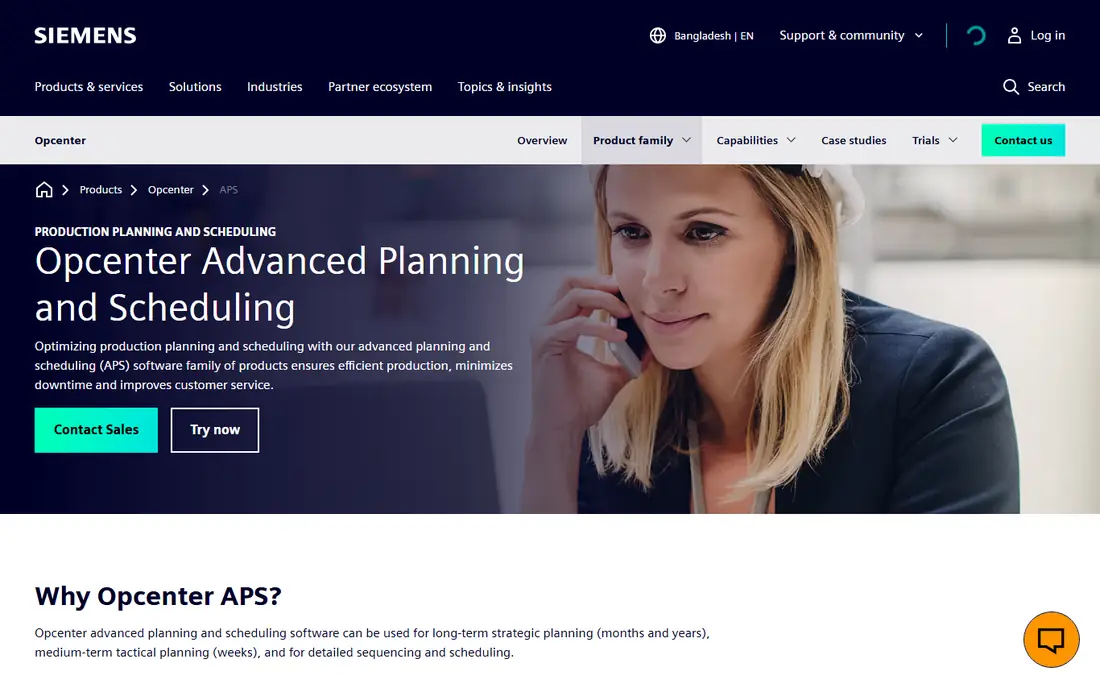
Many long-time planners still call this product by its old name, Preactor. Siemens now sells it as a family. Opcenter Scheduling builds detailed schedules from resource availability, constraints and material needs. Opcenter Scheduling SMT helps with order prioritization, batching and due date negotiation. Opcenter Planning handles forecasts and long-range orders. You can start with scheduling alone and add planning later.
The main strength is depth. Siemens positions the suite for everything from strategic planning measured in months or years down to the detailed sequence on each machine. One published case study describes a juice producer, Natural One, that cut its planning process from three days to two hours. Treat that as a vendor claim, but it shows the kind of plant the tool is built for.
The catch is effort and cost. You will not find a price on the Siemens site, and most US deployments go through implementation partners who model your routings and rules. Siemens offers a trial of Opcenter Scheduling Standard, so planners can test the interface before anyone signs a services contract.
What we like- Covers long-term planning, mid-term planning and detailed sequencing
- Long track record under the Preactor name
- Separate modules let you buy only the scheduling layer
Watch out for- Pricing only through sales or partners
- Configuration usually needs a consultant
Starting priceSee website
Free planNo
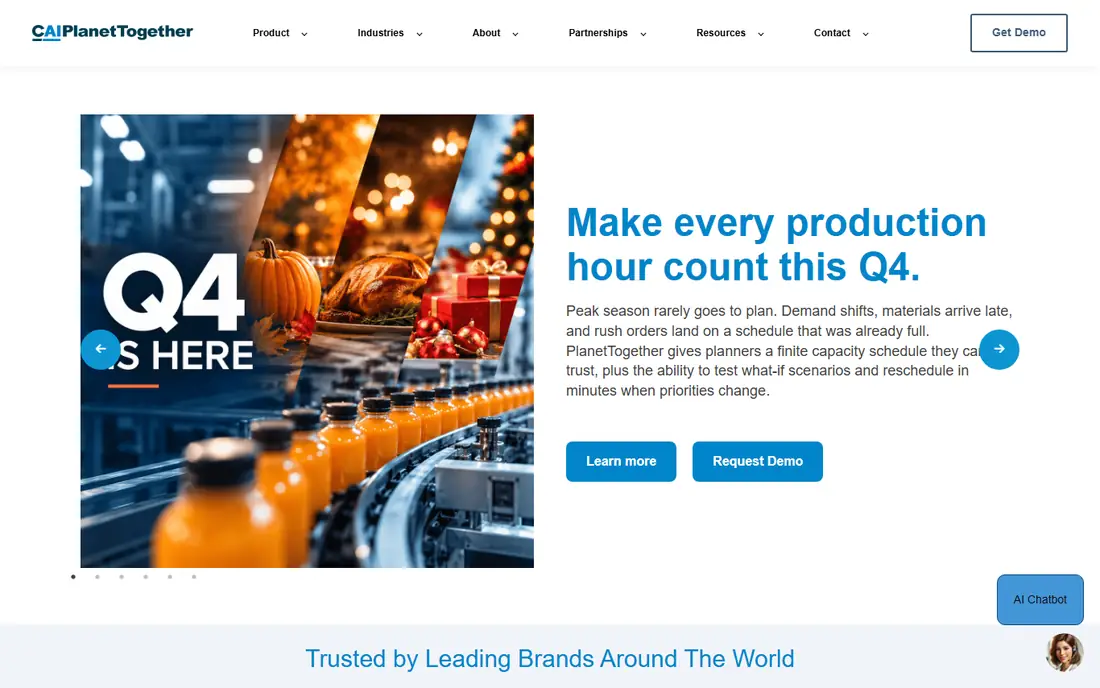
PlanetTogether makes the most sense if you are happy with your ERP but your schedule still lives in a spreadsheet next to it. It sits on top of the ERP and builds schedules that respect real capacity, materials, labor, routings, changeovers and due dates. Then it pushes the results back.
The integration list is its biggest selling point. PlanetTogether documents connectors for Microsoft Dynamics (AX, NAV, GP and 365 for Operations), SAP Business One, Infor Fourth Shift and several mid-market systems. It also targets a wide range of industries, including food and beverage, life sciences, chemicals, metal fabrication and packaging. That matters because a scheduler built for a bottling line behaves very differently from one built for a machine shop.
The weak spot is shared by every APS add-on. If your routings, run rates and changeover times in the ERP are wrong, the optimized schedule will be confidently wrong too. Budget time to clean up master data before go-live. Pricing comes only from a sales conversation, even on its Microsoft marketplace listing.
What we like- Schedules around capacity, materials, labor, routings and changeovers
- Prebuilt connectors for Microsoft Dynamics, SAP Business One and Infor
- Serves batch, discrete and process plants
Watch out for- No public pricing
- The payoff depends on how clean your ERP data is

#3
DELMIA Ortems Production Scheduler
Best for: Multi-planner, multi-resource short-term scheduling
Visit 3ds.com
Starting priceSee website
Free planNo
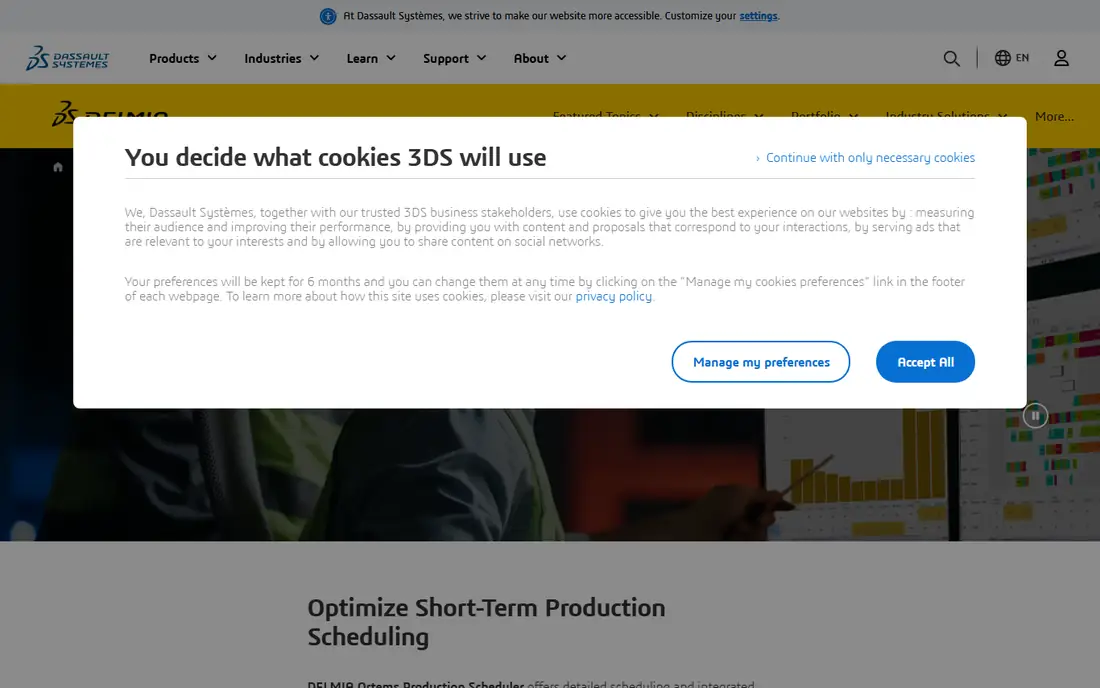
Dassault Systèmes built Ortems for plants where several people touch the schedule. Several planners can edit the same plan at the same time, and supply chain participants see it at their own level of responsibility. Larger plants that split scheduling by area or shift will find this useful.
Its engine focuses on short-term finite capacity scheduling for make-to-order or inventory-driven flows. It manages constraints across machines, tools and operators, and its optimization criteria aim to cut changeover time, raw material inventory and work in process. What-if scenarios let you test a rush order before you commit to it.
On the downside, Ortems is part of the large DELMIA portfolio, and buying usually happens through value-added resellers. Expect a scoped project rather than a self-serve signup. It is a better fit for a multi-line plant than for a 15-person job shop.
What we like- Schedules machines, tools and operators together
- Several planners can work on the same plan at once
- What-if scenarios for rush orders and disruptions
Watch out for- Sold mainly through resellers with quote-only pricing
- Overkill for a single-site shop with a handful of machines

#4
User Solutions EDGEBIC (formerly Resource Manager DB)
Best for: Job shops that want a one-time license
Visit usersolutions.com
Starting price$25,000 one-time license (EDGEBIC APS); $35,000 for EDGEBIC Complete
Free planNo
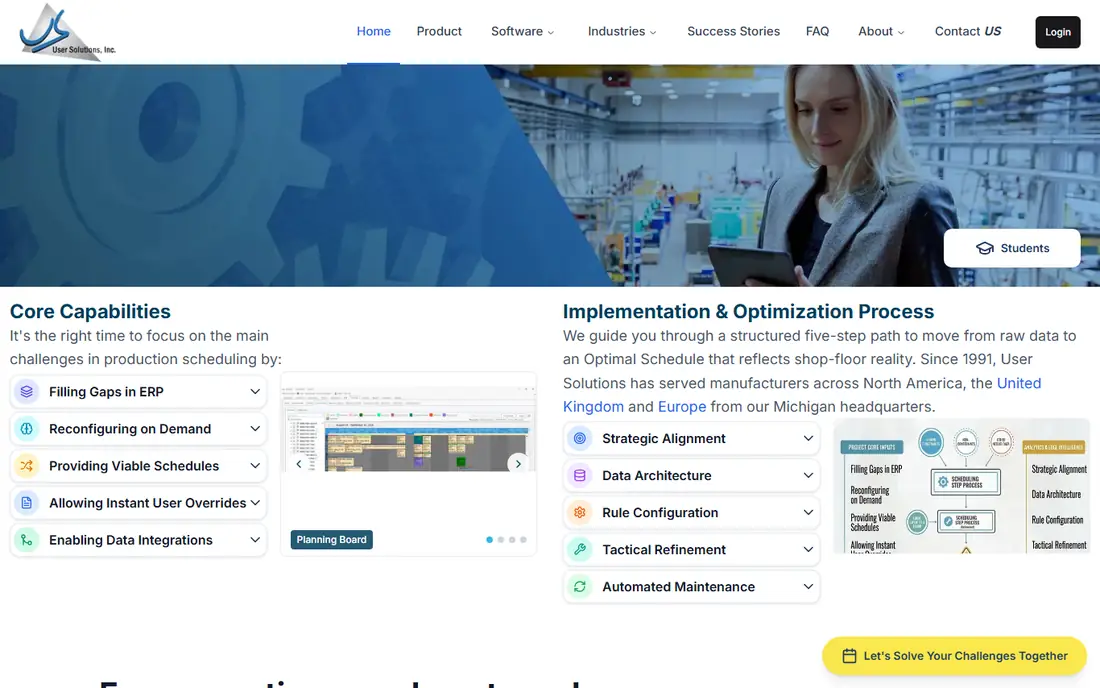
User Solutions is the odd one out on pricing, and for some buyers that is the appeal. EDGEBIC, the current generation of Resource Manager DB (RMDB), is a one-time license: $25,000 for EDGEBIC APS or $35,000 for EDGEBIC Complete. There is no per-seat subscription. A finance team that dislikes recurring software costs can treat it as a capital purchase.
The product handles finite capacity job shop scheduling with multi-shift planning, schedule optimization and drag-and-drop editing. It is designed to run next to an existing ERP. Orders and routings flow in, and realistic promise dates flow back out. User Solutions names SAP, Epicor and QuickBooks as systems it works with, which covers a lot of small and mid-size US manufacturers.
The honest tradeoff is commitment. The vendor says plainly that there is no free trial because it is a licensed product, not a SaaS seat. Ask for a demo that uses your own routing data before you pay $25,000.
What we like- Perpetual license instead of a monthly subscription
- Works alongside SAP, Epicor and QuickBooks without replacing them
- Over 35 years in finite capacity scheduling
Watch out for- Large upfront payment
- No free trial

#5Fulcrum
Best for: Cloud-first job shops and fabricators4.6/5 on
G2 (251 reviews, checked Oct 2026)
Visit fulcrumpro.com
Starting priceSee website
Free planNo
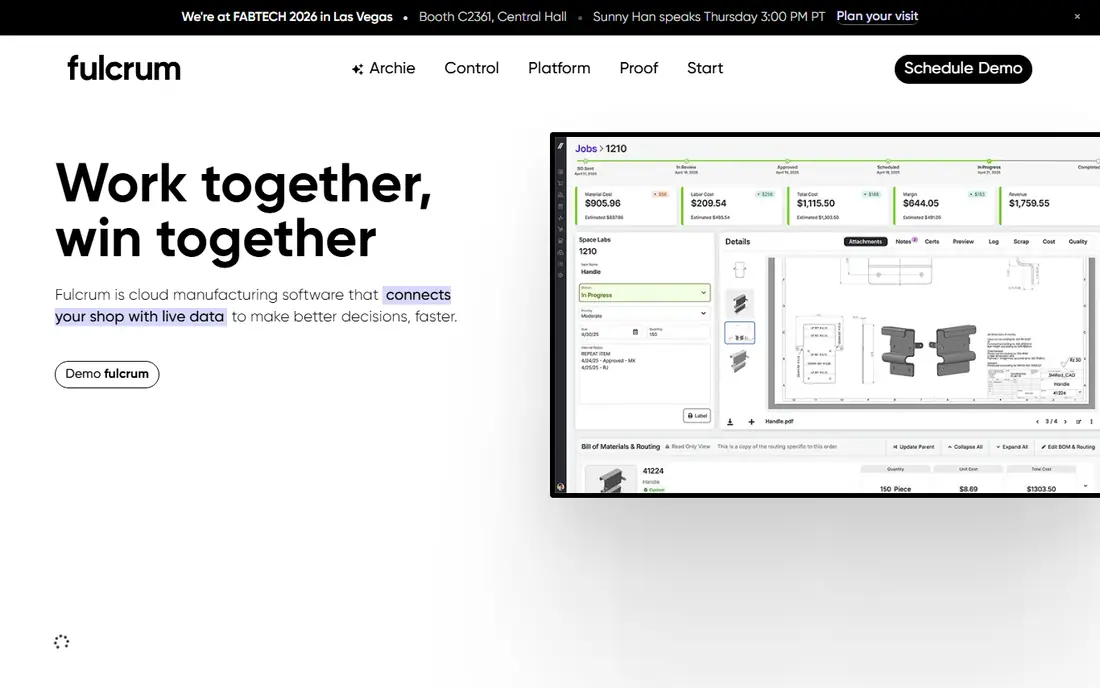
Fulcrum is built for small and mid-size shops that want one cloud system instead of separate ERP, MRP and MES tools. Scheduling is the headline feature. The Autoschedule function reorders jobs using lead times, inventory levels, machine and labor availability, and shift calendars. When a rush job or late material shows up, you can rerun it in seconds.
The batching rules are useful for fabricators. You can tell the auto-scheduler to group orders and minimize changeovers, and Fulcrum also uses current and upcoming capacity to suggest delivery dates for sales. That gives quoting and production a shared view, which shops on whiteboards rarely have.
The limitation is scope. Fulcrum expects to be your system of record for quotes, BOMs, routings and job tracking. A plant that already runs an ERP and only wants a better scheduler would be adding a second, overlapping system. Pricing is not on the site, so plan on a sales call.
What we like- Auto-scheduler weighs shifts, equipment, material availability and operation times
- Rules for batching and fewer changeovers
- Quoting, BOMs and live job tracking in the same system
Watch out for- No published pricing
- It is a full operating system, so it is hard to adopt for scheduling alone

#6MRPeasy
Best for: Small manufacturers that want scheduling plus MRP4.6/5 on
G2 (59 reviews, checked Oct 2026)
Visit mrpeasy.com
Starting price$49 per user/month (Starter, billed monthly)
Free planNo
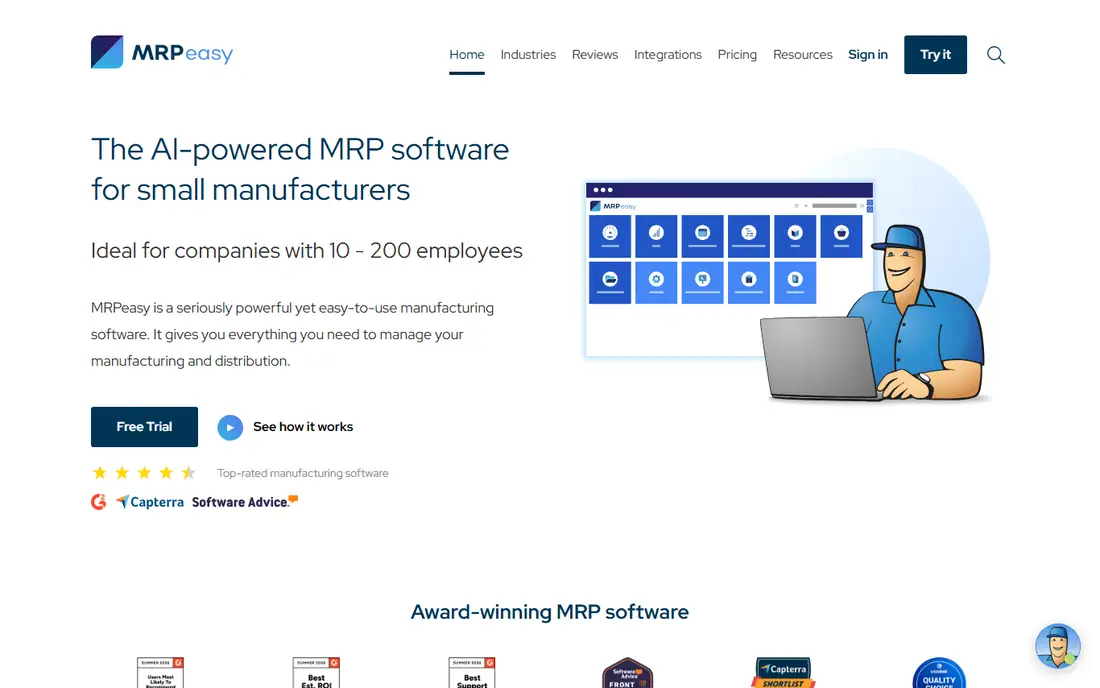
MRPeasy is the easiest tool here to budget for. The pricing page lists four tiers: Starter at $49, Professional at $69, Enterprise at $99, and Unlimited at $149 per user per month (Unlimited needs at least 2 users). From the 11th user, extra seats cost $79 per 10 users, and annual billing gives you one month free. There are no contracts and no module fees.
For a 10 to 50 person shop, the value is that production planning, BOMs, lot traceability, purchasing and warehouse functions sit in one system. Drag-and-drop rescheduling and shop floor reporting through a kiosk interface come on every tier. Most small teams can set it up themselves without hiring an integrator.
Don't expect a full optimization engine like the ones Siemens or Dassault sell. If your scheduling problem involves sequence-dependent changeovers across dozens of lines, MRPeasy will feel thin. If your problem is "we don't know what is running tomorrow," it is a sensible, affordable fix.
What we like- Transparent per-user pricing with no contracts
- Drag-and-drop rescheduling included on every plan
- MRP, inventory, purchasing and CRM in one subscription
Watch out for- Scheduling is simpler than a dedicated APS engine
- Costs climb with headcount on the higher tiers

#7Katana
Best for: Small makers moving off spreadsheets4.4/5 on
G2 (117 reviews, checked Oct 2026)
Visit katanamrp.com
Starting priceFree (up to 30 SKUs); Advantage plan custom-quoted
Free planYes
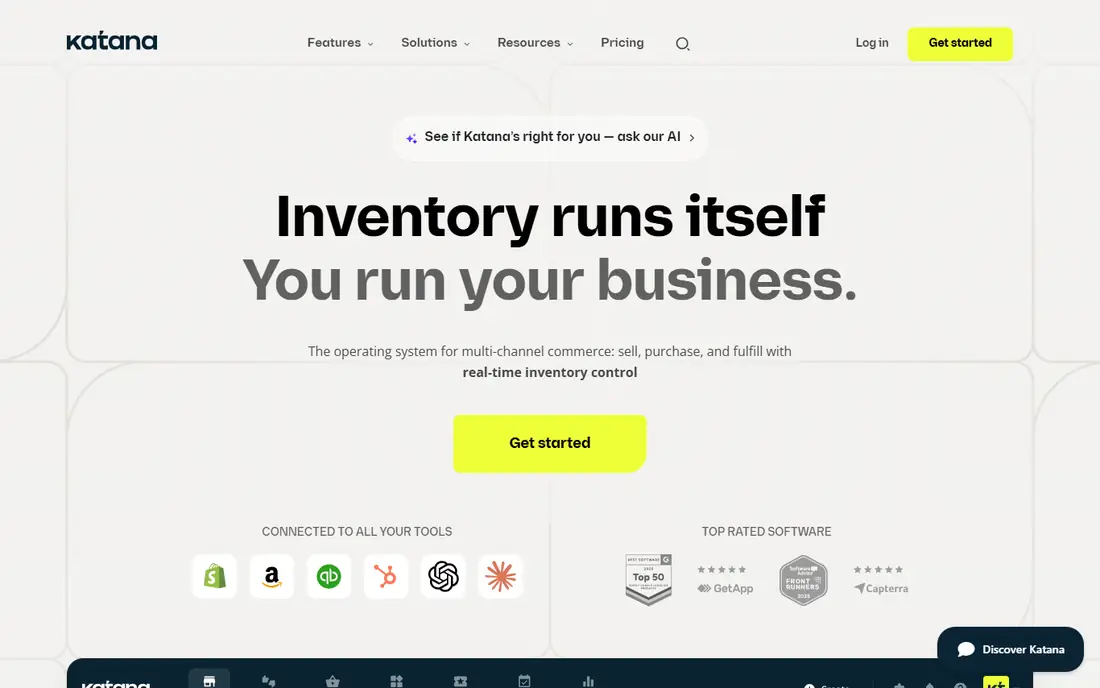
Katana suits small product companies that sell online and manufacture in-house. For them, scheduling means ranking make orders against live stock and material availability, not optimizing a 40-machine plant. The free plan is generous for a test drive. It includes every feature, unlimited users, integrations and inventory locations, and API access, limited to 30 SKUs.
The step up is the Advantage plan. Katana describes it as one custom annual contract in which its solutions engineering team scopes and maintains your integrations, automations and dashboards, with an assigned customer success manager. That is helpful if you lack in-house IT. It does mean you trade a self-serve monthly price for a negotiated contract.
As a plant scheduler, Katana is light. It does not model detailed finite capacity across shifts and tooling the way an APS does. Choose it when inventory and order flow are the main headache and the shop floor is fairly simple.
What we like- Free plan with unlimited users, integrations and locations
- All features included even on the free tier
- API access for custom workflows
Watch out for- Free tier capped at 30 SKUs
- Paid plan is a custom annual contract with no public price

#8
Autodesk Fusion Operations
Best for: Shop floor tracking with built-in scheduling
Visit autodesk.com
Starting priceSee website
Free planFree trial (14 days)
Fusion Operations, formerly Prodsmart, approaches scheduling from the shop floor up. It is a cloud MES that replaces paper travelers with tablets. It tracks orders, work in progress, machines, materials and labor in near real time, and it includes a scheduling and MRP module for balancing workloads and capacity.
The buying terms are flexible. Autodesk offers a monthly plan with no contract, or 1-year and 3-year terms that save 33% over monthly. A 3-year term locks in the price. Purchases include 8x5 support and single sign-on, and there is a 14-day free trial, so you can test it on a single work cell first.
The weakness is focus. If your plant's real pain is sequencing under heavy constraints, a dedicated APS will go further. Fusion Operations works best when you lack live data from the floor and want scheduling and tracking in one place. Autodesk does not show a price on the product page, so check with sales or a reseller.
What we like- Combines scheduling and MRP with MES-style tracking on tablets
- Monthly no-contract option, or 33% savings on 1-year and 3-year terms
- Covers quality and maintenance modules as well
Watch out for- Scheduling is one module in a broad MES rather than a dedicated optimizer
- List price not shown on the product page
How we chose
We started from the problem plant schedulers actually have: turning orders, routings and limited machines and people into a sequence the floor can follow. Then we looked for products that handle that job directly. For each tool we read the vendor's own product and pricing pages and its documentation on constraints, integrations and deployment. We also read public reviews on G2, Capterra and Reddit to find recurring complaints about setup and support. We did not install or run these products ourselves.
We weighed fit by company size, how prices are published (per seat, flat, or one-time), contract terms, ERP integration options and whether you can try the product before buying. Where a vendor does not publish a price, we list "See website" rather than guessing.
Picking the right scheduler for your plant
First decide: add-on or all-in-one
This choice narrows the list faster than any feature checklist. If you already run an ERP such as Epicor, SAP Business One or Dynamics and it handles orders and inventory well, look at an APS layer: PlanetTogether, Siemens Opcenter APS, DELMIA Ortems or User Solutions EDGEBIC. If you are still on spreadsheets or QuickBooks with no real production system, an all-in-one like MRPeasy, Katana, Fulcrum or Fusion Operations gets you scheduling and the data underneath it at the same time.
Match the engine to the problem
Simple job shops with a few work centers mostly need visibility and drag-and-drop rescheduling. Process and high-mix plants with sequence-dependent changeovers, shared tooling and labor limits need a real finite capacity optimizer. Ask each vendor to schedule a week of your own orders during the demo. A generic sample schedule tells you nothing.
Understand the true cost
Per-seat pricing looks cheap until the whole floor needs logins. At MRPeasy's Professional tier, 10 users cost $690 a month before extra seats. A perpetual license like EDGEBIC costs more on day one but nothing per month afterward (ask about annual support fees). For enterprise APS, implementation services often cost more than the software, so ask for a fixed-scope services quote.
Check the data plumbing
Ask how often the scheduler syncs with your ERP. Ask whether completed operations flow back automatically and whether you can export the schedule and master data if you leave. A scheduler that needs manual imports every morning will be abandoned within a quarter.
Plan for the people side
The best schedule fails if supervisors don't trust it. Pick one line or cell for a pilot, run the new schedule next to the old one for two to four weeks, and fix routing and run-rate errors as they appear. Then roll out plant-wide.
Frequently asked questions
What is plant scheduling software?
Plant scheduling software decides which job runs on which machine, with which people, and when. It accounts for capacity, materials, shifts and due dates. Basic tools offer a visual board with drag-and-drop editing. Advanced planning and scheduling (APS) systems add optimization that sequences work to cut changeovers and late orders.
Do I need APS if my ERP already has a scheduling module?
Not always. ERP scheduling modules often assume infinite capacity or handle constraints only loosely, which is fine for simple shops. If planners still rebuild the schedule in a spreadsheet every day, an APS layer such as PlanetTogether or Opcenter APS is usually worth evaluating.
How much does production scheduling software cost?
It varies widely. MRPeasy starts at $49 per user per month, Katana has a free plan for up to 30 SKUs, and User Solutions charges $25,000 or $35,000 one time. Siemens, Dassault, PlanetTogether, Fulcrum and Autodesk quote prices through sales.
How long does implementation take?
Self-serve cloud tools like MRPeasy or Katana can run basic schedules within days or a few weeks if your BOMs and routings are ready. An APS rollout with ERP integration typically takes longer, because the vendor or partner has to model your constraints and test the data sync. Clean master data is the biggest factor in both cases.
Can I try these tools before buying?
Some of them. Katana has a permanent free plan, Siemens offers a trial of Opcenter Scheduling Standard, and Fusion Operations has a 14-day free trial. The others mostly rely on guided demos, so bring your own order data to those sessions.
Is cloud or on-premise better for scheduling?
Cloud tools are faster to start, easier to reach from the floor, and need no server upkeep. On-premise or perpetual-license options can suit plants with strict IT policies, defense work, or a preference for capital spending over subscriptions. Ask each vendor which deployment options it supports for your industry.
Sources we checked (14)
- https://www.siemens.com/en-us/products/opcenter/advanced-planning-scheduling-aps/
- https://viewer.aps.sws.siemens.com/login.html
- https://www.planettogether.com/products/advanced-planning-scheduling-software
- https://www.planettogether.com/aps/advanced-planning-and-scheduling-software-aps-components
- https://marketplace.microsoft.com/en-us/product/saas/planettogetherinc1665070950896.planettogether_aps_contactme?tab=overview
- https://www.3ds.com/products/delmia/ortems/production-scheduler
- https://usersolutions.com/
- https://usersolutions.com/scheduling-software-for-job-shops
- https://usersolutions.com/blog/best-mrp-software-small-manufacturers
- https://fulcrumpro.com/manufacturing-software/production-scheduling
- https://fulcrumpro.com/lp/manufacturing-software
- https://www.mrpeasy.com/pricing/
- https://katanamrp.com/pricing/
- https://www.autodesk.com/products/fusion-operations/overview
Is your product missing or out of date?
We review this list regularly. Vendors can request a listing, send updated pricing or ask about featured placement.

Shihab Mia · Founder, Rankite
Shihab has 5+ years in B2B and SaaS SEO. He writes Rankite's software buying guides from pricing pages, documentation and public user reviews. More about Shihab.
 PlanetTogether