How we make this list: we compare pricing pages, product documentation and public user reviews. Rankite is independent; if a vendor ever pays for a featured spot, that listing is clearly labeled Partner.
Key takeaways
- The enterprise default is ServiceNow CMDB, but it only makes sense inside the Now Platform and comes with quote-only pricing.
- Device42 and Lansweeper are the discovery-first picks: both find and map your infrastructure automatically instead of relying on manual entry.
- The cheapest real CMDBs are iTop (free, open source) and Lansweeper (free up to 100 assets); ManageEngine and Freshservice bundle CMDB into affordable ITSM suites.
- If your team already runs Jira, the Assets CMDB in Jira Service Management ($20/agent/month) is the path of least resistance.
Quick comparison
| Tool | Best for | Starting price | Free plan |
|---|
 ServiceNow CMDB ServiceNow CMDB | Enterprises standardizing on the Now Platform | See website (custom quote) | No (no free trial advertised) |
 Device42 Device42 | Hybrid infrastructure teams that need discovery and dependency mapping | See website (annual subscription, priced per device) | No (no free plan advertised) |
 Lansweeper Lansweeper | Teams that want discovery-first asset intelligence with a free start | $199/month, billed annually (Starter, 2,000 assets) | Free (up to 100 assets, unlimited seats) |
 ManageEngine CMDB ManageEngine CMDB | ITSM shops that want CMDB inside an affordable service desk | $13/technician/month (Standard cloud, billed yearly) | Free (Standard edition, up to 5 technicians); 30-day trial |
 Jira Service Management (Assets) Jira Service Management (Assets) | Teams already running Jira that need a CMDB without a new vendor | $20/agent/month (Standard, Service Collection) | Free (up to 3 agents); 14-day trial of paid plans |
 Alloy Navigator Alloy Navigator | Mid-market IT teams wanting ITSM and CMDB in one purchase | See website (custom quote) | No (no free trial advertised) |
 Freshservice Freshservice | Cloud-first IT teams that want ITSM with CMDB on simple pricing | $19/agent/month (Starter, billed annually) | Free trial (14 days, full features) |
 iTop iTop | Teams with technical chops that want a free, real CMDB | Free (open-source core) | Yes (the core product is free and open source) |
 Virima Virima | Hybrid estates that need discovery to keep the CMDB truthful | See website (custom quote) | No (no free trial advertised) |
Is your product missing or out of date?
We review this list regularly. Vendors can request a listing, send updated pricing or ask about featured placement.
Buying a CMDB usually starts with a failed audit
The typical CMDB purchase is not aspirational. It follows an incident review where nobody could answer which servers a failed application depended on, or a license audit where the spreadsheet of record turned out to be fiction. A configuration management database fixes that specific problem: it records every configuration item in the estate, servers, software, network gear, cloud resources, and how they relate to each other, so change and incident work stops being guesswork. The nine tools below range from the enterprise standard to free open source, and the right one depends on whether you need discovery, depth, or just a place to start.
Starting priceSee website (custom quote)
Free planNo (no free trial advertised)
ServiceNow CMDB is what most enterprises mean when they say CMDB. It sits at the center of the Now Platform, feeding incident, problem, change and asset management with a single model of configuration items and their relationships. Service mapping traces application dependencies automatically, and the identification and reconciliation engine keeps discovered data from turning into duplicates.
The honest assessment is the price of admission. ServiceNow sells platform-wide, quote-only deals, and a CMDB without the surrounding ITSM modules is an expensive database. If your organization already runs ServiceNow ITSM, its CMDB is the obvious choice. If it does not, the tools below deliver most of the practical value at a fraction of the cost.
What we like- The reference CMDB that defines the category, with service mapping, discovery and deep ITSM integration
- Massive ecosystem of integrations and trained administrators
- Scales to the largest estates
Watch out for- Quote-only enterprise pricing that puts it out of reach for small teams
- Real value requires the wider Now Platform, not the CMDB alone
#2
Device42
Best for: Hybrid infrastructure teams that need discovery and dependency mapping
Visit device42.com
Starting priceSee website (annual subscription, priced per device)
Free planNo (no free plan advertised)
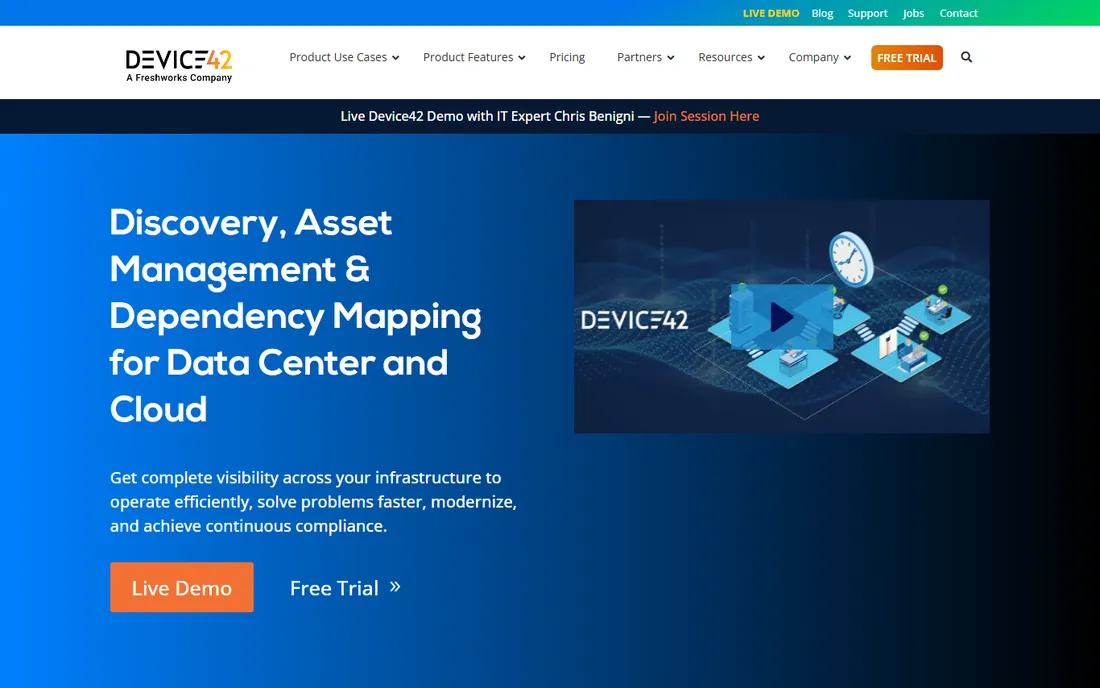
Device42 built its name on a simple promise: point it at your infrastructure and get a CMDB without months of manual data entry. Its agentless discovery covers servers, network devices, storage, cloud resources and applications, then maps the dependencies between them so impact analysis works out of the box. IP address management and software license tracking ride along in the same platform.
The acquisition by Freshworks (the homepage now carries the "A Freshworks Company" badge) adds long-term stability but also some roadmap uncertainty for buyers evaluating it against Freshservice. Price it per your actual device count, including virtual machines and cloud instances, because that is where the per-device model bites.
What we like- Agentless discovery across data center, cloud and network with automatic dependency mapping
- Purpose-built CMDB views rather than a generic asset list
- Now backed by Freshworks after its acquisition
Watch out for- No published pricing, so every deal starts with a quote
- The per-device model gets expensive in large virtualized or containerized estates
#3
Lansweeper
Best for: Teams that want discovery-first asset intelligence with a free start
Visit lansweeper.com
Starting price$199/month, billed annually (Starter, 2,000 assets)
Free planFree (up to 100 assets, unlimited seats)
Lansweeper approaches the CMDB problem from discovery outward. Its scanning engine finds every asset on the network, identifies it against a large fingerprint library, and normalizes the data into one record per device. It feeds ITSM and CMDB tools rather than trying to be a full ITSM suite, which makes it a strong companion to a service desk that lacks trustworthy asset data.
The free tier, up to 100 assets with unlimited seats, is enough for a small office to run real discovery. Paid plans start at $199 per month billed annually for 2,000 assets, with Pro adding vulnerability and lifecycle insights at $359. Teams that need formal configuration management workflows rather than discovery may want a fuller CMDB, but for knowing what exists, Lansweeper is hard to beat.
What we like- Deep discovery across IT, OT, cloud and IoT with a device fingerprint library
- Genuinely useful free tier for small networks
- Unlimited user seats on every plan
Watch out for- CMDB-style relationship modeling is lighter than ServiceNow or Device42
- The per-asset pricing steps up steeply past 2,000 assets
#4
ManageEngine CMDB
Best for: ITSM shops that want CMDB inside an affordable service desk
Visit manageengine.com
Starting price$13/technician/month (Standard cloud, billed yearly)
Free planFree (Standard edition, up to 5 technicians); 30-day trial
ManageEngine's CMDB lives inside ServiceDesk Plus, and that is both its strength and its limitation. On the Enterprise edition ($67 per technician per month cloud), CMDB arrives out of the box alongside change, release and project management; on Professional it is an add-on. The Standard edition is free for up to 5 technicians, which makes the platform nearly free to evaluate.
The pricing model charges per technician and, on higher editions, per IT asset managed, so model your asset count before comparing. For mid-market IT teams that want ITSM and CMDB from one vendor without ServiceNow money, this is the value pick, especially with the on-premises option for regulated environments.
What we like- CMDB comes out of the box on the Enterprise edition and as an add-on for Professional
- Free Standard edition for up to 5 technicians
- Choice of cloud or on-premises deployment
Watch out for- CMDB is gated behind higher editions, so the cheapest plans do not include it
- Per-technician plus per-asset pricing needs careful modeling
#5
Jira Service Management (Assets)
Best for: Teams already running Jira that need a CMDB without a new vendor
Visit atlassian.com
Starting price$20/agent/month (Standard, Service Collection)
Free planFree (up to 3 agents); 14-day trial of paid plans
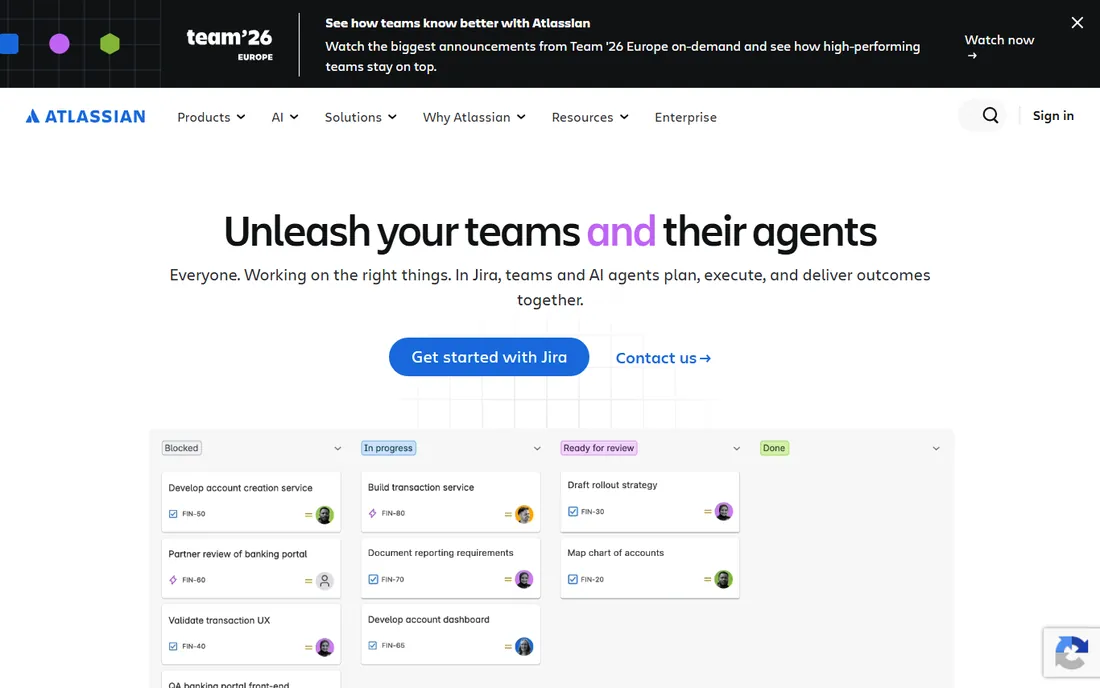
Atlassian's Assets (formerly Insight) is the CMDB hiding inside Jira Service Management. It models configuration items with object schemas, maps relationships, and ties CIs directly to incidents, changes and problems in Jira. Standard plans include 5,000 objects free, with extra objects starting around $0.02 per object per month, and the whole Service Collection starts at $20 per agent per month.
The practical play is pairing Assets with a discovery tool like Lansweeper: scan the network, sync the results into Assets, and run your ITSM processes against real data. For Jira shops this combination beats buying a separate enterprise CMDB, though very large estates should model the object overage costs.
What we like- Assets, the built-in CMDB, is included in Standard, Premium and Enterprise plans
- 5,000 objects free on Standard with cheap overage pricing
- The Jira ecosystem your team already knows
Watch out for- Object limits and per-object overage fees punish very large estates
- Discovery is weaker than dedicated tools, so pair it with a scanner for auto-population
Starting priceSee website (custom quote)
Free planNo (no free trial advertised)
Alloy Navigator targets the middle of the market that ServiceNow prices out: IT teams that need real ITSM with configuration management but buy through quotes and relationships rather than self-serve pages. The CMDB supports relationship mapping and change impact analysis, and the asset management side covers the full lifecycle from procurement to disposal.
The trade is ecosystem. You will not find the integration marketplace or the army of certified consultants that surround ServiceNow and Atlassian. What you get instead is a capable, less expensive platform with support that mid-market reviewers consistently praise. Worth a demo if you want one vendor for service desk and CMDB.
What we like- Combined ITSM and IT asset management with CMDB in a single product
- Flexible on-premises or cloud deployment
- Long track record with mid-market customers
Watch out for- No published pricing, which slows down evaluation
- Smaller ecosystem and fewer third-party integrations than the big platforms
#7
Freshservice
Best for: Cloud-first IT teams that want ITSM with CMDB on simple pricing
Visit freshworks.com
Starting price$19/agent/month (Starter, billed annually)
Free planFree trial (14 days, full features)
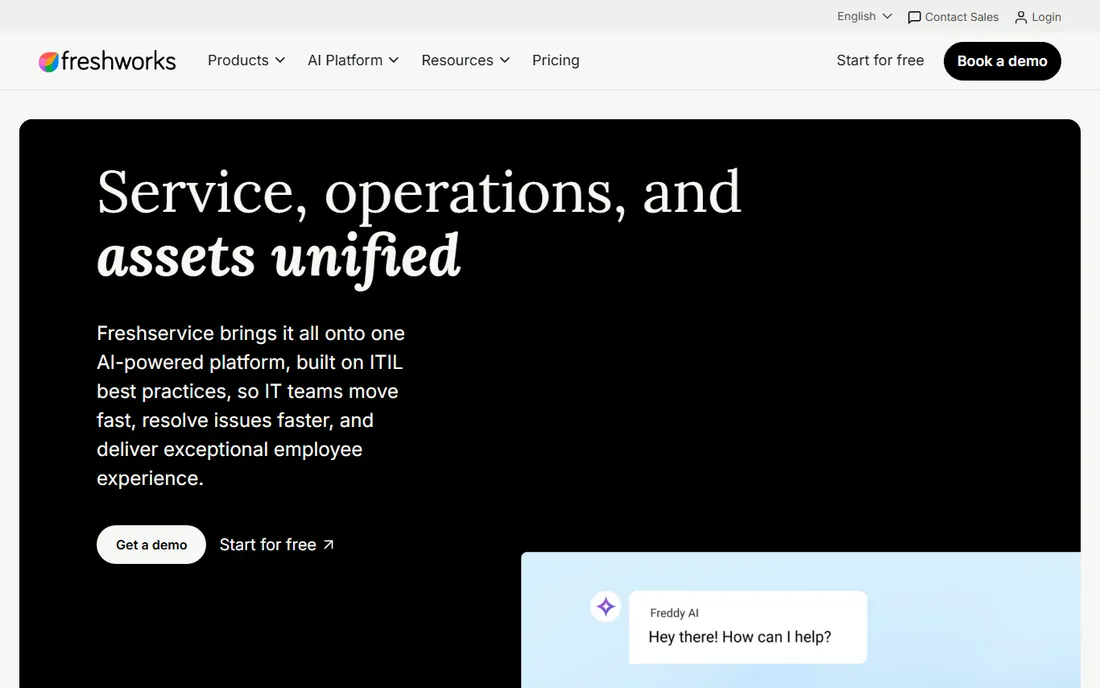
Freshservice is the cloud ITSM suite for teams that find ServiceNow heavy and Jira fiddly. Its CMDB tracks assets and their relationships, and licensing uses asset units, packs of 500, on top of the per-agent subscription. Starter at $19 per agent per month covers incident and knowledge management, with Growth and Pro adding automation and AI features.
The honest caveat is that Freshservice is a service desk with a CMDB, not a CMDB-first product. Discovery and dependency mapping are serviceable rather than best in class. For SMB IT teams that need ticketing plus a trustworthy asset register, it hits the sweet spot between price and capability.
What we like- Published per-agent pricing starting at $19 with a 14-day full-feature trial
- CMDB licensed by asset units in packs, so you pay for what you manage
- Modern UI that teams adopt without training marathons
Watch out for- Asset-unit licensing adds a second meter to model alongside agents
- Advanced CMDB and discovery depth trail the dedicated platforms
#8
iTop
Best for: Teams with technical chops that want a free, real CMDB
Visit combodo.com
Starting priceFree (open-source core)
Free planYes (the core product is free and open source)

iTop, maintained by the French company Combodo, is the open-source answer to the CMDB question. It covers configuration management, incident, problem, change and service management in one ITIL-aligned package, with a data model you can extend to fit odd infrastructure. The core is free to download and run, and Combodo sells support tiers and a managed SaaS version for teams that want someone to call.
The cost is effort, not money. Expect to invest time in installation, data modeling and customization, and budget for training if your team is new to ITIL concepts. For cost-conscious teams with the skills to run it, iTop delivers a legitimate CMDB for the price of a server.
What we like- A genuine ITIL-aligned CMDB and ITSM suite at zero license cost
- Extensible with a large catalog of community and commercial extensions
- Paid support and SaaS tiers from Combodo when you outgrow DIY
Watch out for- Self-hosted setup and customization demand real technical effort
- The interface shows its open-source roots next to commercial polish
#9
Virima
Best for: Hybrid estates that need discovery to keep the CMDB truthful
Visit virima.com
Starting priceSee website (custom quote)
Free planNo (no free trial advertised)
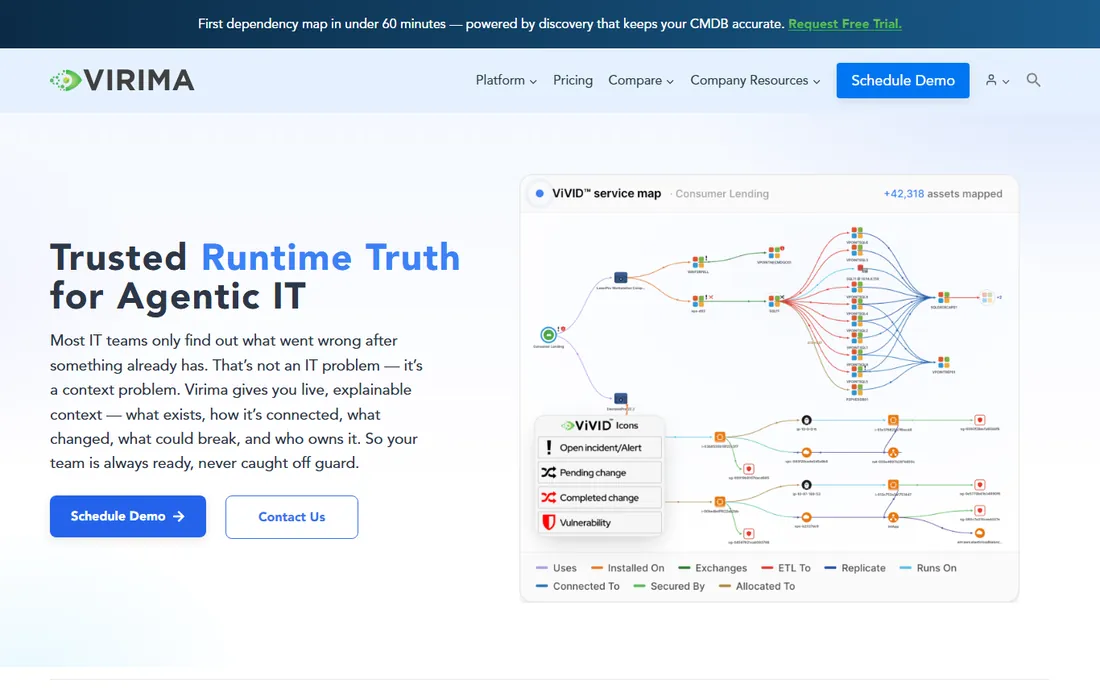
Virima's argument is that CMDBs fail because their data goes stale, and the fix is relentless automated discovery. Its platform scans on-premises, cloud and hybrid environments, reconciles everything into authoritative records, and renders service dependency maps so change planners can see blast radius before approving work. It syncs bidirectionally with ServiceNow, Jira Service Management and other ITSM tools.
Think of Virima as the data-quality engine behind your CMDB rather than a standalone ITSM replacement. For enterprises whose ServiceNow CMDB has decayed into an expensive spreadsheet, Virima is the remediation play. Smaller teams will find the quote-only enterprise motion heavier than they need.
What we like- Multi-source discovery, agent-based and agentless, that continuously refreshes CMDB data
- Visual service maps showing blast radius before changes
- Bidirectional sync with ServiceNow, Jira and other ITSM platforms
Watch out for- Quote-only pricing with no public tiers
- Positioned as a discovery and data-quality layer, so it complements rather than replaces an ITSM suite
Buying a CMDB without buying shelfware
Most failed CMDB projects fail the same way: the database gets built, nobody maintains it, and within a year it is a museum of last year's infrastructure. Buy discovery first and process second. If the tool cannot automatically find and update configuration items, your CMDB will depend on humans doing data entry, and humans will stop. Shortlist tools with agentless or agent-based discovery (Device42, Lansweeper, Virima) or plan a discovery integration from day one.
Second, scope the data model before the demo. List the configuration item types you actually need (servers, network devices, applications, cloud resources, certificates, people) and the relationships that matter (runs on, depends on, hosted in). Bring that list to every demo and watch whether the vendor models it natively or reaches for professional services. Third, check the pricing meters: per device, per asset, per agent, per object. They punish different estates, so model yours.
Agentless vs. agent-based discovery, and why it matters
Discovery vendors split into two camps. Agentless discovery (Device42's default mode, Lansweeper's scanning) reaches across the network with protocols like SNMP, SSH and WMI to inventory devices without installing software. It is fast to deploy and covers network gear, printers and anything you cannot install agents on, but it sees less detail inside servers and struggles with off-network laptops.
Agent-based discovery installs a small agent on each endpoint for deep, continuous inventory, at the cost of deployment effort and another thing to manage. Most mature shops end up with both: agentless for the network and infrastructure, agents for servers and roaming laptops. When a vendor claims one method covers everything, ask how it handles the other camp's blind spots before believing it.
How we chose
We started with the searches buyers run: top CMDB software, best configuration management database, CMDB tools for small business. For each candidate we opened the vendor's homepage and pricing page, cross-checked plans against public reviews on G2 and Capterra and practitioner threads on Reddit, and compared discovery method, data model depth, integrations and fit for different company sizes. Prices come only from vendor pages; where a vendor publishes nothing we wrote "See website". We excluded pure asset trackers without relationship modeling (Snipe-IT falls in this bucket) and discontinued products.
Frequently asked questions
What is a CMDB, in plain terms?
A configuration management database is a system of record for your IT environment: every server, application, network device, cloud resource and the relationships between them. When something breaks or changes, the CMDB answers "what does this affect" instead of leaving your team to guess. It is the foundation that incident, problem and change management processes run on.
Do I need a CMDB if I already have asset management?
Asset management tracks what you own and its lifecycle; a CMDB tracks how things connect and depend on each other. If your incidents regularly turn into archaeology expeditions to find which systems a failed server supports, you need the relationship layer a CMDB provides, not just an inventory list.
How much does CMDB software cost?
It spans from free (iTop open source, Lansweeper up to 100 assets) through $19 to $20 per agent per month (Freshservice, Jira Service Management) and $199 per month for discovery tools, up to quote-only enterprise deals for ServiceNow, Device42 and Virima. Discovery-heavy tools price per device or asset, so your estate size drives the bill.
Can a CMDB populate itself, or is it manual data entry?
The good ones populate themselves. Discovery-driven tools (Device42, Lansweeper, Virima) scan your network and cloud accounts to build and refresh the database automatically. Manual entry still matters for business context like ownership and criticality, but any CMDB that depends on manual entry for technical data will go stale within months.
What is the difference between a CMDB and an asset database?
An asset database lists items; a CMDB models relationships. The CMDB knows that the payroll application runs on three specific servers, depends on a database cluster, and sits behind a particular load balancer, so a change to any one of them shows its blast radius. That relationship graph is the whole point.
Which CMDB is best for a small IT team?
Start with Lansweeper's free tier for discovery plus either Jira Service Management Assets or Freshservice for the ITSM side, depending on which your team already uses. If budget is zero and skills are available, iTop covers the full ITIL stack for free. Avoid enterprise quote-only tools until the estate justifies the sales process.
Sources we checked (11)
- https://www.servicenow.com/
- https://device42.com/pricing/
- https://www.lansweeper.com/pricing
- https://www.manageengine.com/products/service-desk/pricing.html
- https://www.atlassian.com/software/jira/service-management/pricing
- https://www.alloysoftware.com/
- https://www.freshworks.com/freshservice/pricing/
- https://combodo.com/
- https://virima.com/
- https://www.g2.com/categories/cmdb
- https://www.capterra.com/cmdb-software/
Is your product missing or out of date?
We review this list regularly. Vendors can request a listing, send updated pricing or ask about featured placement.

Shihab Mia · Founder, Rankite
Shihab has spent more than a decade helping SaaS and e-commerce brands grow through search. He writes Rankite's software buying guides from pricing pages, documentation and public user reviews. More about Shihab.