How we make this list: we compare pricing pages, product documentation and public user reviews. Rankite is independent; if a vendor ever pays for a featured spot, that listing is clearly labeled Partner.
Key takeaways
- AssetTiger has the cheapest published pricing on this list: $20 per month for up to 500 assets with unlimited users included, after a 30-day free trial.
- Snipe-IT is the only fully free option: free and open source when you self-host, with vendor-hosted plans from $39.99 per month if you want support and a 99.99% uptime SLA.
- UpKeep ($24 per user per month) and Fiix lean toward maintenance teams: work orders, preventive schedules and technician workflows sit next to the asset register.
- Asset Panda and EZO EAM publish no prices and sell through demos and quotes, so budget time for a sales process if you shortlist either.
- ManageEngine AssetExplorer offers the best free tier for IT assets: a free edition that never expires, covering 50 nodes on cloud or 25 on premises.
Quick comparison
| Tool | Best for | Starting price | Free plan |
|---|
 AssetTiger AssetTiger | Small and mid-size teams that want the lowest published price | $20/month (up to 500 assets, unlimited users) | Free trial (30 days, up to 250 assets) |
 Snipe-IT Snipe-IT | IT teams comfortable running their own server | $39.99/month (vendor-hosted plan) | Yes (free and open source, self-hosted) |
 Sortly Sortly | Small businesses moving off spreadsheets with non-technical staff | See website | Free trial (14 days) |
 UpKeep UpKeep | Maintenance and facilities teams that live in work orders | $24/user/month (Essential plan) | Free trial (no credit card required) |
 Fiix Fiix | Plants and facilities that want to start on a free CMMS | See website (custom quote) | Yes (free CMMS plan) |
 Asset Panda Asset Panda | Enterprises and regulated industries needing deep customization | See website (custom quote) | Free trial (14 days) |
 EZO EAM (formerly EZOfficeInventory) EZO EAM (formerly EZOfficeInventory) | Mid-market operations teams outgrowing basic tracking | See website | Free trial (15 days) |
 Cheqroom Cheqroom | Teams where equipment is constantly checked out and shared | See website | No |
 ManageEngine AssetExplorer ManageEngine AssetExplorer | IT departments that need hardware plus software tracking | See website | Yes (free edition, never expires) |
Is your product missing or out of date?
We review this list regularly. Vendors can request a listing, send updated pricing or ask about featured placement.
Picture a facilities manager with 400 laptops spread across three offices, tracked in a spreadsheet that nobody updates. Every audit becomes a scavenger hunt, and every lost laptop becomes a write-off. Asset tracking software replaces that spreadsheet with scannable tags, a phone app and a shared database that records who has what, where it is and what condition it came back in. The nine tools below cover the real market: cheap per-asset plans, free open-source options, maintenance-focused platforms and enterprise systems.
#1
AssetTiger
Best for: Small and mid-size teams that want the lowest published price
Visit assettiger.com
Starting price$20/month (up to 500 assets, unlimited users)
Free planFree trial (30 days, up to 250 assets)
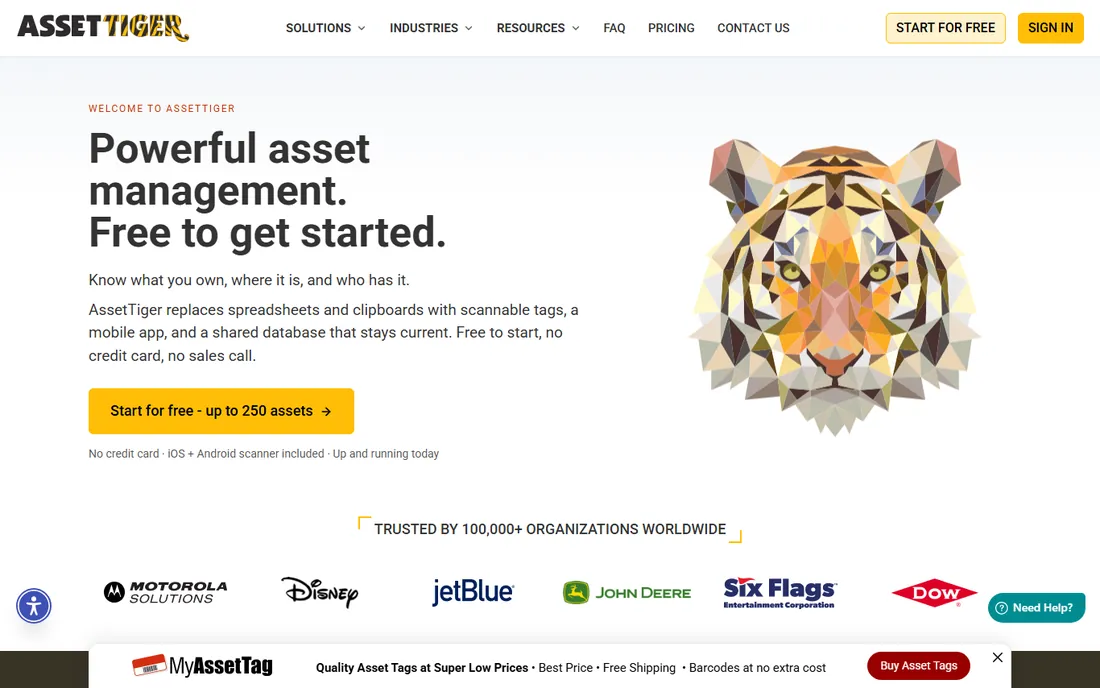
AssetTiger wins on pricing transparency in a category where most vendors hide behind quote forms. The model is simple: pay for assets, not seats. A 200-person company tracking 400 assets pays $20 per month, the same as a 10-person shop, because every user is included. The phone becomes the barcode scanner, labels print on a regular office printer, and check-in/check-out logs every handoff with a timestamp.
The trade-off is depth. AssetTiger covers the core well (tag and scan, custody tracking, maintenance alerts, depreciation reports) but lacks the preventive-maintenance engine of a CMMS or the AI features newer rivals advertise. If your need is knowing where things are and who has them, at the lowest published price, this is the pragmatic pick.
What we like- Unlimited users on every plan, so the whole team can scan without per-seat fees
- Pricing scales by asset count only ($20, $40, $75, $140, $275 per month tiers)
- 80-plus built-in report types covering depreciation, checkout history and audit reconciliation
Watch out for- No permanent free plan, only the 30-day trial
- The interface looks dated next to newer competitors
- Advanced workflow automation is thinner than on enterprise platforms
Starting price$39.99/month (vendor-hosted plan)
Free planYes (free and open source, self-hosted)
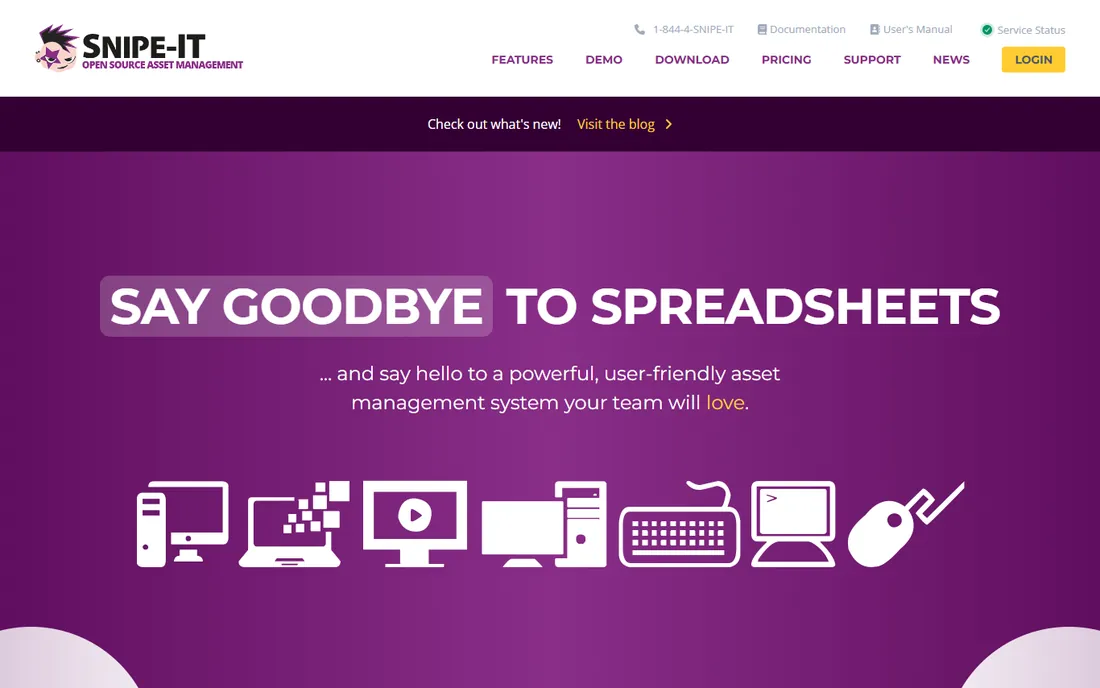
Snipe-IT is the outlier on this list: a genuine open-source IT asset management system, free forever if you host it yourself. It handles the IT-specific details well: asset check-in/check-out, license tracking, consumable stock with low-stock notifications, warranty expirations and user assignment history. The hosted option at $39.99 per month adds secure cloud hosting, a 99.99% uptime SLA and priority support from the vendor's own team.
The honest catch is the DIY requirement. There is no sales team and no onboarding call on the free version; you install it, configure it and maintain it. For an IT department that already runs infrastructure, that is a feature, not a bug. For a non-technical office manager, pick one of the SaaS tools above instead.
What we like- Completely free when self-hosted, with no asset or user limits
- Open source code means no vendor lock-in and full auditability
- A clean REST API for building custom automations and integrations
Watch out for- Self-hosting needs a LAMP stack and someone comfortable with Linux
- The interface is functional rather than polished
- Support depends on community unless you pay for hosting
#3
Sortly
Best for: Small businesses moving off spreadsheets with non-technical staff
Visit sortly.com
Starting priceSee website
Free planFree trial (14 days)
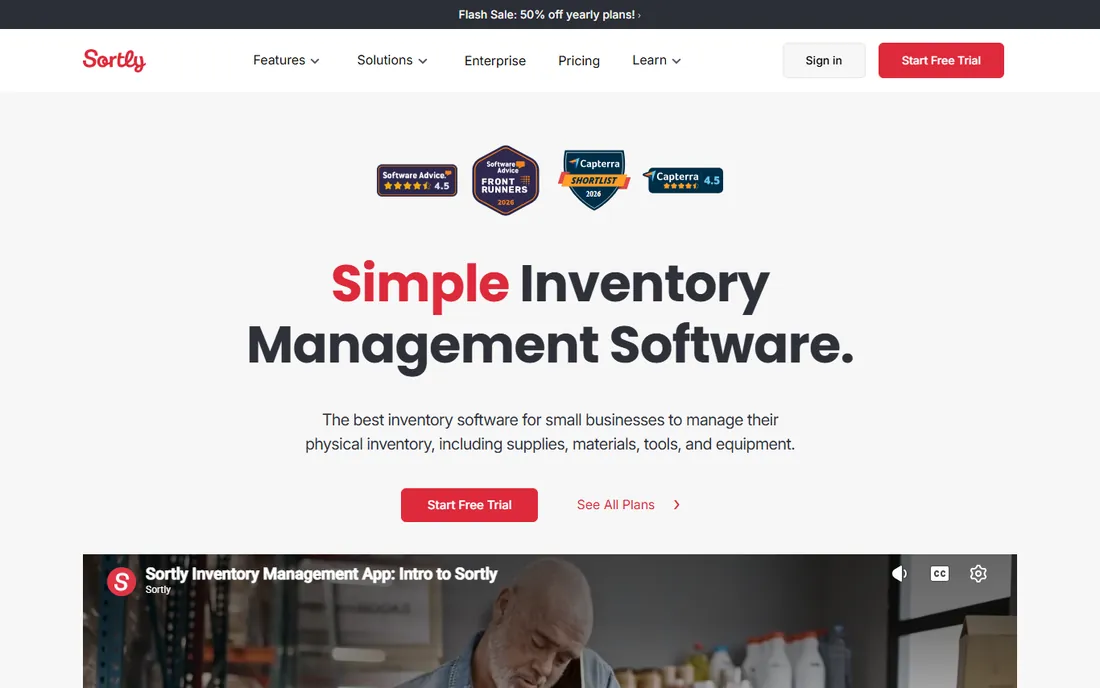
Sortly is the tool most small teams find first, and the reason is the interface. Every item gets a photo, so the inventory looks like the actual stockroom instead of a grid of part numbers. Staff who have never used tracking software can add items, scan QR codes and set low-stock alerts within an afternoon. It runs on phones, tablets and desktops with automatic cloud syncing, including offline access on mobile.
The catch is the pricing structure. The free trial runs 14 days, and paid plans are tiered by entries and user licenses, with monthly billing costing roughly double the annual rate. Teams that outgrow the item caps face steep jumps. It is ideal for supplies, tools and equipment under a few thousand items; beyond that, compare AssetTiger or EZO.
What we like- Photo-first item cards make inventory visual and searchable
- QR and barcode label generation with in-app scanning, no extra hardware
- Low-stock alerts and custom fields on every plan
Watch out for- No published pricing on the homepage, so you must start a trial to see costs
- User licenses are limited per tier, which gets expensive as teams grow
- Reporting is basic compared with dedicated asset platforms
#4
UpKeep
Best for: Maintenance and facilities teams that live in work orders
Visit onupkeep.com
Starting price$24/user/month (Essential plan)
Free planFree trial (no credit card required)
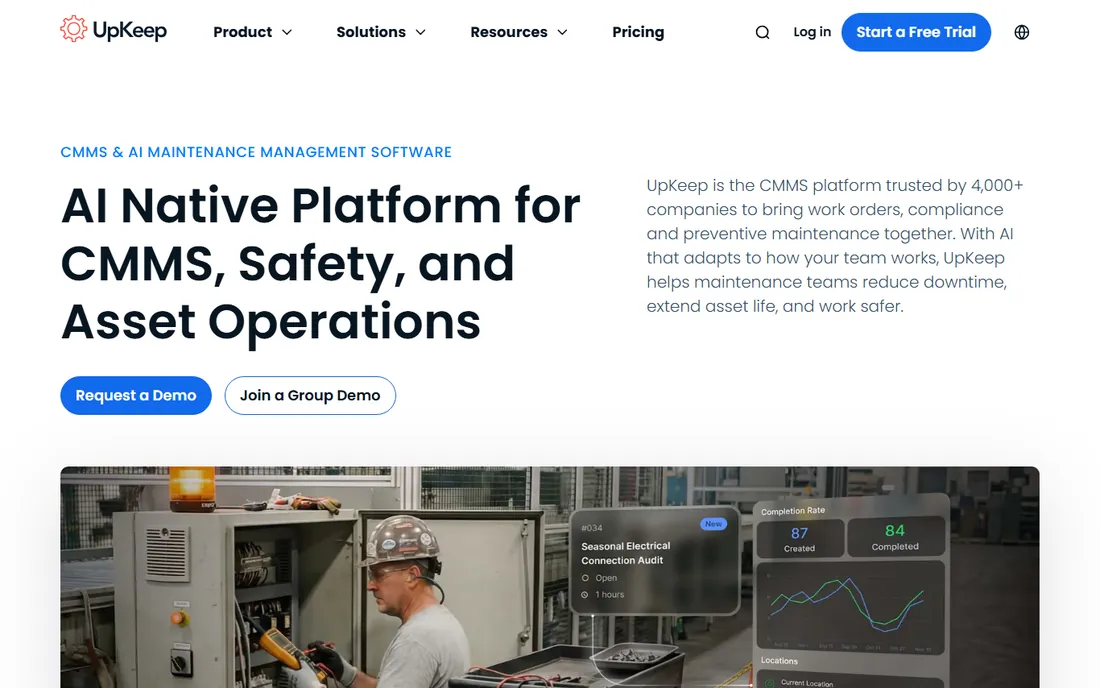
UpKeep approaches asset tracking from the maintenance side. The asset record exists to support the work: a technician scans a QR code on a pump, sees its repair history, and opens a work order from the same screen. Preventive maintenance schedules run off actual usage, parts and inventory carry costing, and the mobile app is built for field use rather than adapted from a desktop product. Pricing is published and refreshingly simple: Essential at $24 per user per month, Premium at $55, with higher tiers quoted.
The per-user model is the thing to model. Ten technicians on Essential cost $240 per month before any add-ons, while a per-asset tool might charge a flat $20 to $40 for the same asset count. If maintenance execution is the job, the price is justified. If you only need a register of who has what, it is overkill.
What we like- Mobile-first CMMS with work orders, preventive maintenance scheduling and parts inventory on one asset record
- Published per-user pricing starting at $24 per month
- AI assistant (Nova) that generates work orders and flags issues
Watch out for- Priced per user, so large technician teams pay more than on per-asset plans
- The full platform (safety, fleet, sensors, learning) is split into separate products
- No permanent free plan
Starting priceSee website (custom quote)
Free planYes (free CMMS plan)
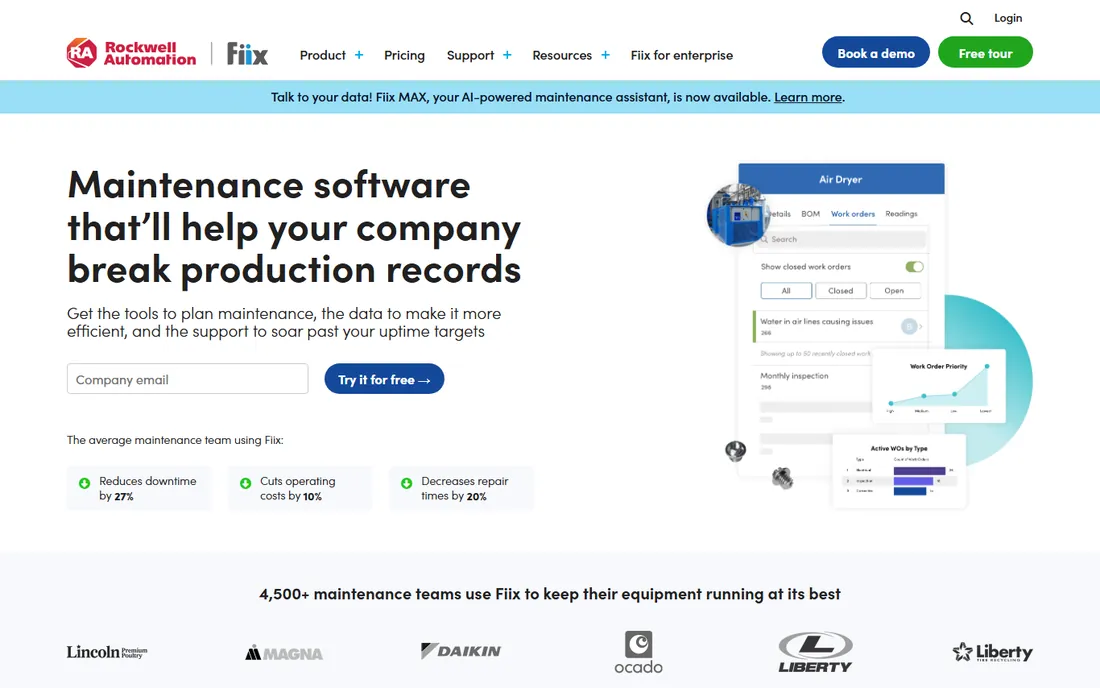
Fiix is one of the few CMMS vendors with a free starting tier, which makes it the lowest-risk way to test whether computerized maintenance management fits your operation. The platform covers the full loop: work orders, preventive maintenance, parts and supplies, asset hierarchy and mobile access for technicians. The asset insights dashboard watches maintenance spending per asset and alerts you when a machine starts costing more than it should.
The commercial reality is that serious use means a quote. Fiix does not publish paid prices, and the sales process determines the final number based on users and modules. The free plan is real but bounded; treat it as a pilot, prove the value with your own downtime numbers, then negotiate the paid tier with evidence in hand.
What we like- A genuinely free CMMS tier to start with, unusual in this category
- Strong work order management with asset insights that flag overspending
- Backed by Rockwell Automation with deep manufacturing credibility
Watch out for- Paid pricing is quote-only, so budgeting requires a sales conversation
- The free tier has limits that push growing teams to paid plans
- Implementation of advanced features takes real setup effort
#6
Asset Panda
Best for: Enterprises and regulated industries needing deep customization
Visit assetpanda.com
Starting priceSee website (custom quote)
Free planFree trial (14 days)
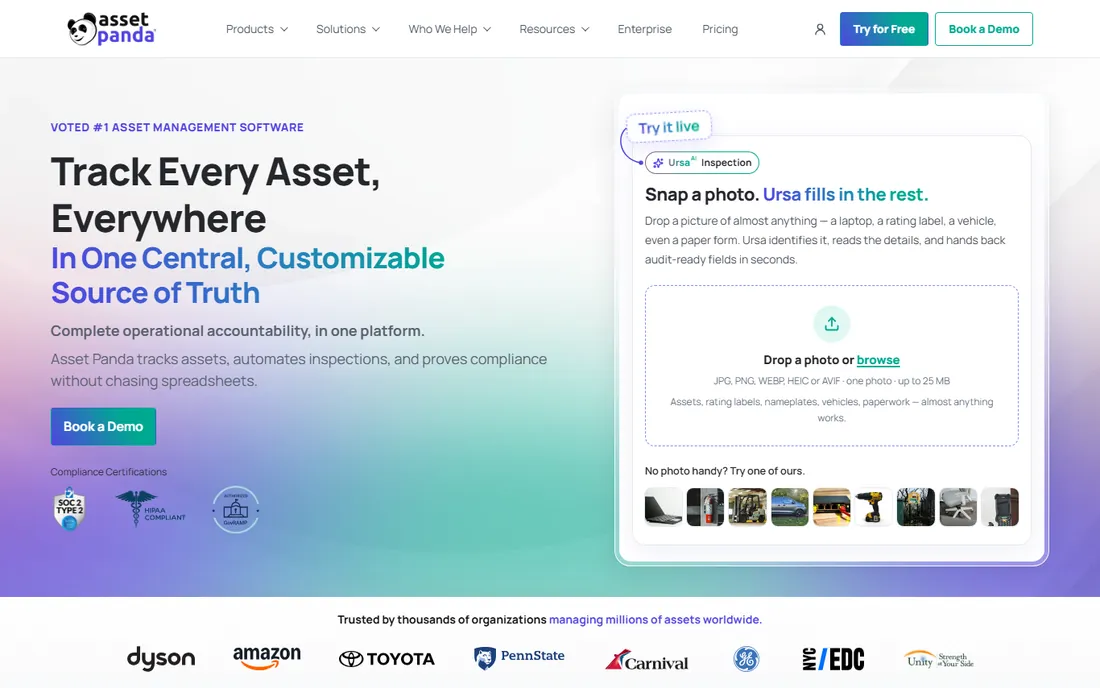
Asset Panda is the enterprise answer to asset tracking: a highly configurable platform that molds itself to government, healthcare, education, construction and manufacturing workflows rather than forcing one template. The mobile app scans barcodes and QR codes, captures photos, voice notes and signatures against the asset record, and works with limited connectivity. Compliance certifications (SOC 2, HIPAA, GovRAMP) matter for regulated buyers, and the audit trail holds up under scrutiny.
Everything about the commercial model says enterprise. Pricing is custom-quoted based on users and asset volume, onboarding is guided, and you will talk to sales before you see a number. Organizations with a few hundred assets and simple needs will find it heavy; organizations with complex compliance requirements will find the flexibility worth the process.
What we like- Extremely flexible: custom fields, workflows and reports adapt to any industry process
- Mobile apps with built-in barcode scanning and offline capability
- Compliance-ready with SOC 2, HIPAA and GovRAMP certifications
Watch out for- No published pricing at all
- The sales-led process is slow compared with self-serve rivals
- The flexibility means more upfront configuration work
#7
EZO EAM (formerly EZOfficeInventory)
Best for: Mid-market operations teams outgrowing basic tracking
Visit ezo.io
Starting priceSee website
Free planFree trial (15 days)
EZO EAM is the current name for the product long known as EZOfficeInventory, and the rename reflects what it became: a full enterprise asset management platform rather than a simple tracker. It covers the equipment lifecycle end to end, from procurement and check-out through preventive maintenance, depreciation and disposal, with reservations, multi-tier approvals and a self-service employee portal. Integrations include Zendesk, Jira, QuickBooks, Xero, Okta and Azure AD.
The positioning sits squarely in the mid-market: more structure than Sortly or AssetTiger, less sales friction than Asset Panda. The 15-day trial is genuinely free with no credit card, which is enough to import a few hundred assets and test the mobile scanning. Confirm current pricing on a call before budgeting, since the website does not publish it.
What we like- Full lifecycle coverage: tracking, reservations, maintenance, depreciation and approvals in one platform
- RFID, barcode and QR support for large facilities
- Unlimited users with pricing by asset count
Watch out for- Rebranded from EZOfficeInventory to EZO EAM, so older reviews and docs use the old name
- Pricing is not published on the product page
- The breadth of features means a longer learning curve than simple trackers
#8
Cheqroom
Best for: Teams where equipment is constantly checked out and shared
Visit cheqroom.com
Starting priceSee website
Free planNo
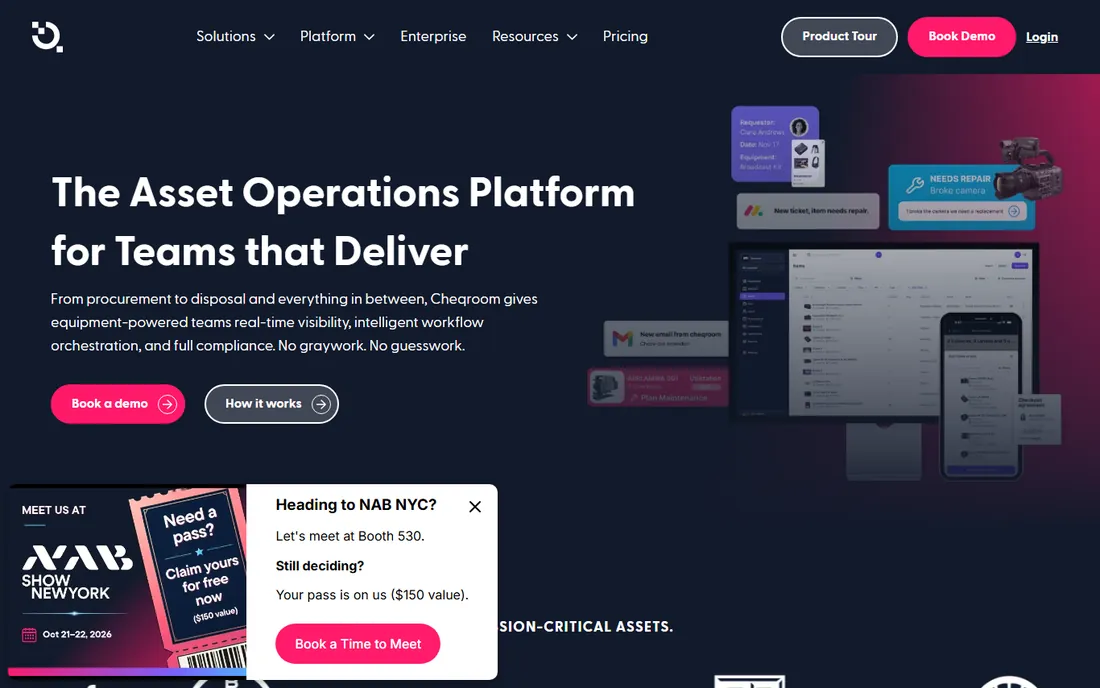
Cheqroom is built for the specific pain of shared equipment: cameras, laptops, tools and AV gear that move between people, jobs and locations every day. The reservation system prevents double bookings, every checkout can carry a signed digital loan agreement, and overdue items trigger automatic alerts. Maintenance lives in the same system, so a damaged return becomes a repair ticket instead of a hallway conversation.
The buyer profile is specific: media teams, universities, event companies and IT departments running loaner pools. If your assets mostly sit in one place, a simpler tracker costs less. If your gear is in constant motion and accountability is the problem, Cheqroom's checkout-first design fits better than a generic asset database.
What we like- Checkout workflows built for shared gear: reservations, digital loan agreements with signatures, and overdue alerts
- QR, barcode, RFID and GPS identification on any smartphone
- Maintenance tickets and availability forecasting tied to the same record
Watch out for- No free plan and no published pricing
- The feature set is deepest for AV, events and production gear, thinner for pure IT asset management
- Smaller teams may find it more than they need
#9
ManageEngine AssetExplorer
Best for: IT departments that need hardware plus software tracking
Visit manageengine.com
Starting priceSee website
Free planYes (free edition, never expires)
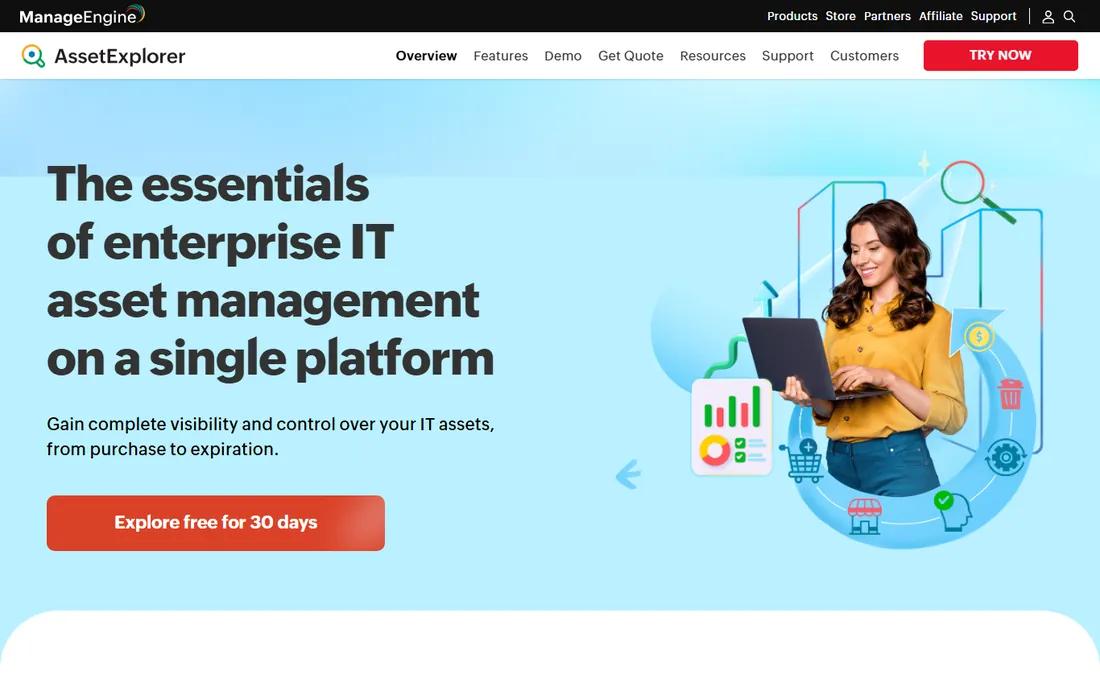
AssetExplorer is the IT asset management specialist on this list, from ManageEngine (part of Zoho). Its standout is automated discovery: agent-based and agentless scans populate the hardware and software inventory across the network, including unauthorized software detection and license compliance status. The built-in CMDB, purchase order management and contract tracking make it a full ITAM platform rather than a simple register.
The free edition is the most generous here: fully functional, never expiring, limited only to 50 cloud nodes or 25 on-premises nodes. A small IT department can run it indefinitely at no cost. Paid Professional licensing scales by node count with pricing available on request. If your assets are computers and software rather than tools and equipment, start here before looking at the generalists.
What we like- The free edition never expires and covers 50 nodes on cloud or 25 on premises
- Automated network discovery finds hardware and software without manual entry
- Software license management and compliance tracking built in
Watch out for- Paid pricing is license-based and not published
- The interface feels dated next to modern SaaS tools
- It is IT-focused, so facilities and equipment tracking are not its strength
How we chose
We started with the searches buyers actually run: asset tracking software, IT asset management software, equipment tracking software and fixed asset tracking. For each candidate we opened the vendor's own homepage, checked published pricing and free tiers against the vendor's own pages, and compared feature lists, mobile apps and review sentiment on G2, Capterra and Reddit. Where a vendor publishes no price, we wrote "See website" instead of repeating a third-party estimate.
What to check before you buy asset tracking software
Start with the pricing model, because it decides your bill more than the feature list. Per-asset pricing (AssetTiger, EZO) favors organizations with many users and a bounded asset count. Per-user pricing (UpKeep) favors small technician teams. Free open source (Snipe-IT) costs staff time instead of license fees, and quote-only enterprise tools (Asset Panda) cost sales-cycle time. Model your asset count, your user count and your expected growth for two years, then compare totals.
Match the tool to the asset type
IT assets (laptops, software licenses, network gear) need discovery and license compliance: Snipe-IT, AssetExplorer and Asset Panda fit. Shared equipment (cameras, tools, AV gear) needs reservations and checkout accountability: Cheqroom and EZO lead. Facilities and plants need work orders and preventive maintenance next to the register: UpKeep and Fiix. Buying a CMMS when you need a checkout log, or a checkout tool when you need license compliance, is the most common expensive mistake in this category.
Test the mobile app during the trial
Every vendor on this list offers a trial or free tier. Use it the way your team will: print a few QR labels, scan them with a phone in the actual stockroom, check an item out and back in, and run an audit report. Mobile scanning quality and offline behavior vary enormously and decide whether staff actually use the system. If the trial feels like a chore, the paid version will too.
Asset tracking vs. CMMS vs. ITAM: which do you actually need
These three categories overlap and vendors blur them deliberately. Asset tracking answers "what do we own, where is it, who has it." A CMMS (computerized maintenance management system) answers "what maintenance does it need and when," adding work orders, preventive schedules and technician management. ITAM (IT asset management) answers "what hardware and software do we have and are we compliant," adding network discovery, license reconciliation and software usage monitoring.
For a small business tracking laptops, tools and furniture, plain asset tracking (AssetTiger, Sortly, Snipe-IT) is enough. Add a CMMS (UpKeep, Fiix, EZO) when unplanned downtime or repair costs hurt. Add ITAM (AssetExplorer) when software audits or license true-ups are the risk. Buying the bigger category "just in case" usually means paying for modules nobody opens.
Frequently asked questions
How much does asset tracking software cost?
Published prices on this list run from $20 per month (AssetTiger, up to 500 assets) to $24 per user per month (UpKeep Essential), with Snipe-IT free when self-hosted and a free-forever edition from ManageEngine AssetExplorer. Asset Panda, EZO EAM, Fiix paid plans and Cheqroom are quote-only. Expect $20 to $60 per month for small teams on transparent plans, and custom quotes above that.
Is there really free asset tracking software?
Yes, with trade-offs. Snipe-IT is free and open source if you host it yourself. ManageEngine AssetExplorer has a free edition that never expires (50 nodes cloud, 25 on premises). Fiix offers a free CMMS tier. The rest offer free trials of 14 to 30 days, not permanent free plans. Free tools cost staff time for setup and maintenance instead of license fees.
Do I need barcode scanners or special hardware?
No. Every tool on this list uses the phone your team already carries as the scanner, reading QR codes and barcodes through the mobile app, and labels print on a standard office printer. Dedicated handheld scanners and RFID gates exist for warehouses doing high-volume scanning, but most small and mid-size teams never need them.
What is the difference between asset tracking and inventory management?
Asset tracking follows individual items through their life: who has the laptop, where the projector is, when the truck needs service. Inventory management tracks quantities of identical items: how many printer cartridges are in stock, when to reorder. Tools like Sortly and EZO cover both; pure ITAM tools focus on the individual-asset side.
Can asset tracking software handle depreciation?
Most of the generalist tools can: AssetTiger, Asset Panda and EZO all include depreciation tracking and reporting for accounting and tax purposes. ITAM tools like AssetExplorer track asset financials and cost centers as well. If depreciation schedules feed your books, confirm the supported methods (straight-line, declining balance) during the trial.
How long does implementation take?
Simple trackers (AssetTiger, Sortly, Snipe-IT) can be running the same day: import a CSV, print labels, start scanning. Mid-market platforms (EZO, Cheqroom, UpKeep) typically take one to four weeks including workflow setup and staff training. Enterprise deployments (Asset Panda) run longer because of customization and integrations. The label printing and physical tagging usually takes longer than the software setup.
Sources we checked (12)
- https://www.assettiger.com/
- https://snipeitapp.com/
- https://sortly.com/
- https://onupkeep.com/
- https://fiixsoftware.com/
- https://www.assetpanda.com/
- https://ezo.io/ezofficeinventory/
- https://ezo.io/llm-info/
- https://cheqroom.com/
- https://www.manageengine.com/products/asset-explorer/
- https://www.g2.com/categories/asset-tracking
- https://www.capterra.com/asset-tracking-software/
Is your product missing or out of date?
We review this list regularly. Vendors can request a listing, send updated pricing or ask about featured placement.

Shihab Mia · Founder, Rankite
Shihab has spent more than a decade helping SaaS and e-commerce brands grow through search. He writes Rankite's software buying guides from pricing pages, documentation and public user reviews. More about Shihab.