How we make this list: we compare pricing pages, product documentation and public user reviews. Ratings come from G2, Capterra or Trustpilot, with the date we checked them.
Key takeaways
- No single model does every architecture task well. General assistants like Claude, ChatGPT and Gemini handle reasoning and design reviews. Tools like Eraser, vFunction and Brainboard turn that reasoning into diagrams, refactoring plans or Terraform.
- GitHub Copilot is the cheapest way to compare several frontier models on your own code. Its plans page lists models from Anthropic, OpenAI, Google and xAI, and paid plans start at $10 per month.
- Eraser's free plan is very small (3 files, 3 AI credits). Its Business plan costs $45 per member per month billed annually, or $60 billed monthly.
- vFunction is the only tool on this list built for untangling large Java and .NET monoliths. Pricing is sales-led, so it suits enterprise modernization budgets, not small teams.
- Most of these products now meter AI use with credits or usage caps. Check how fast heavy reasoning work uses up your allowance before you commit to annual billing.
Quick comparison
| Tool | Best for | Starting price | Free plan |
|---|
 Claude Claude | Long design reviews and repo-aware reasoning | See website | Yes |
 ChatGPT ChatGPT | Teams that want one assistant for design plus coding agents | $8 per month (Go); Plus is $20 per month | Yes |
 Gemini Gemini | Google Workspace shops and large document sets | See website | Yes |
 GitHub Copilot GitHub Copilot | Comparing multiple models inside your codebase | $10 per month (Pro) | Yes |
 Eraser Eraser | AI-generated architecture diagrams and design docs | $45 per member/month (billed annually) | Yes |
 vFunction vFunction | Modernizing large Java and .NET applications | See website | No |
 Brainboard Brainboard | Designing cloud infrastructure that outputs Terraform | See website | Free trial |
Is your product missing or out of date?
We review this list regularly. Vendors can request a listing, send updated pricing or ask about featured placement.
#1Claude
Best for: Long design reviews and repo-aware reasoning4.6/5 on
G2 (488 reviews, checked Oct 2026)
Visit claude.com
Starting priceSee website
Free planYes
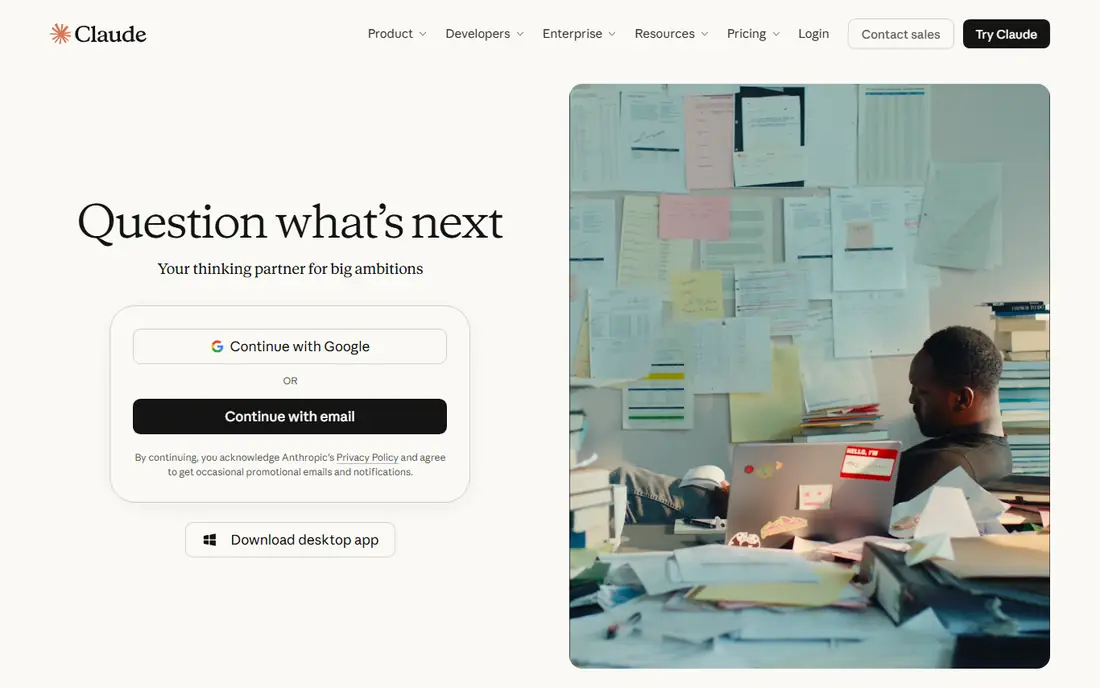
Anthropic's assistant is our top pick for the thinking part of architecture work. You can paste in an RFC, a set of API contracts or a folder of infrastructure-as-code files, then ask for failure modes, alternative designs or a migration sequence. Its current top models, the Opus and Fable lines, show up in GitHub's own model list, which tells you they are treated as first-tier coding and reasoning models.
The practical advantage for architects is Claude Code. It ships with every paid Claude plan and runs against your actual repository, not a pasted excerpt. Asking "where does this service break our bounded contexts?" means much more when the model can read the code. Team and Enterprise plans add shared workspaces and admin controls, which matter once design reviews include several engineers.
The catch is usage. Several plan trackers note weekly limits that can cut off heavy sessions, and the free tier leaves out Claude Code entirely. If one or two staff architects plan to feed it whole codebases every day, budget for a higher tier and confirm current plan limits on Anthropic's site before signing.
What we like- Strong at critiquing long design docs and tradeoff analysis
- Claude Code works directly in your repository from paid plans up
- Same models are also available inside GitHub Copilot
Watch out for- Free plan does not include Claude Code
- Paid plans have usage limits that heavy users can hit mid-week
#2ChatGPT
Best for: Teams that want one assistant for design plus coding agents4.6/5 on
G2 (3,089 reviews, checked Oct 2026)
Visit chatgpt.com
Starting price$8 per month (Go); Plus is $20 per month
Free planYes
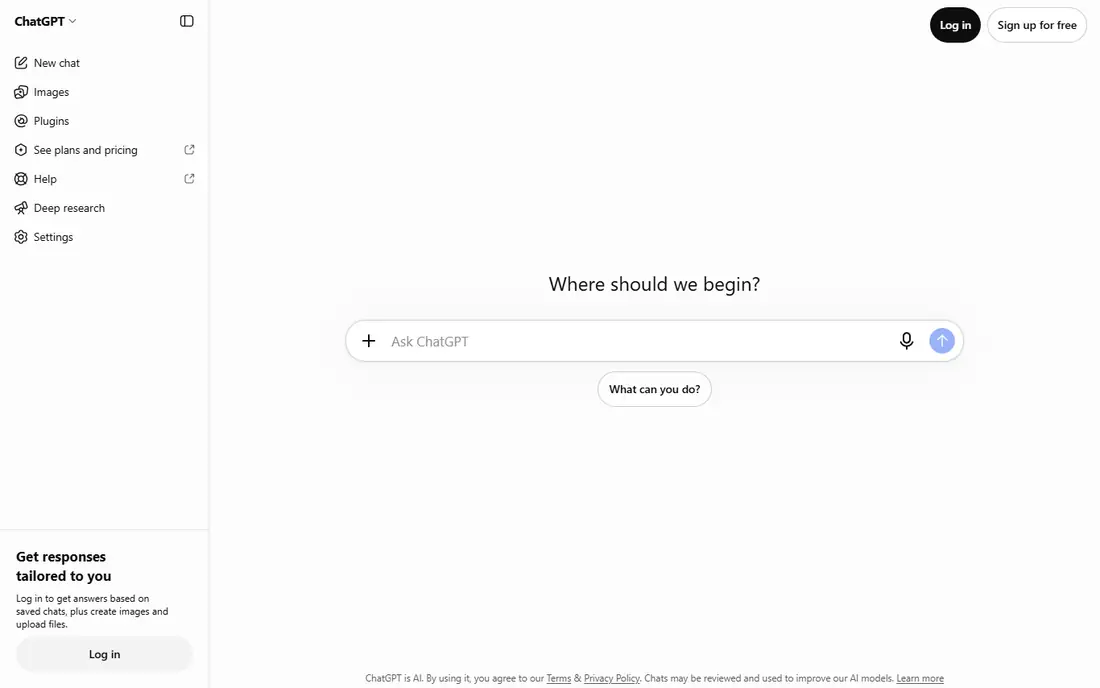
OpenAI's assistant is the broadest option here. Its documentation says ChatGPT Work and Codex are bundled into every plan from Free through Enterprise. So the same subscription that drafts an architecture decision record can also open a branch and try the refactor. OpenAI's developer docs now focus on the GPT-6 family and even include a showcase on architectural visualization with its Astra model.
For a small engineering team, that bundling counts. You avoid paying for a separate chat tool and a separate coding agent, and the GitHub, GitLab, Slack and Linear integrations listed in the docs fit how most US software teams already work. Admin features such as SSO, provisioning and workspace analytics sit on the Business and Enterprise tiers.
The weakness is plan sprawl. Free, Go, Plus, Pro, Business, Edu and Enterprise each come with different model access and limits. Independent plan comparisons put Plus, not Go, as the entry point for advanced reasoning models. For real architecture work, treat $20 per month as the actual starting cost per person.
What we like- Codex coding agent is included on every plan, including Free
- GPT-6 family models for reasoning-heavy work
- Large plugin and connector ecosystem for pulling in docs and tickets
Watch out for- Six plan tiers make it hard to tell which one you need
- The $8 Go tier is not where advanced reasoning lives
#3Gemini
Best for: Google Workspace shops and large document sets4.4/5 on
G2 (635 reviews, checked Oct 2026)
Visit gemini.google.com
Starting priceSee website
Free planYes
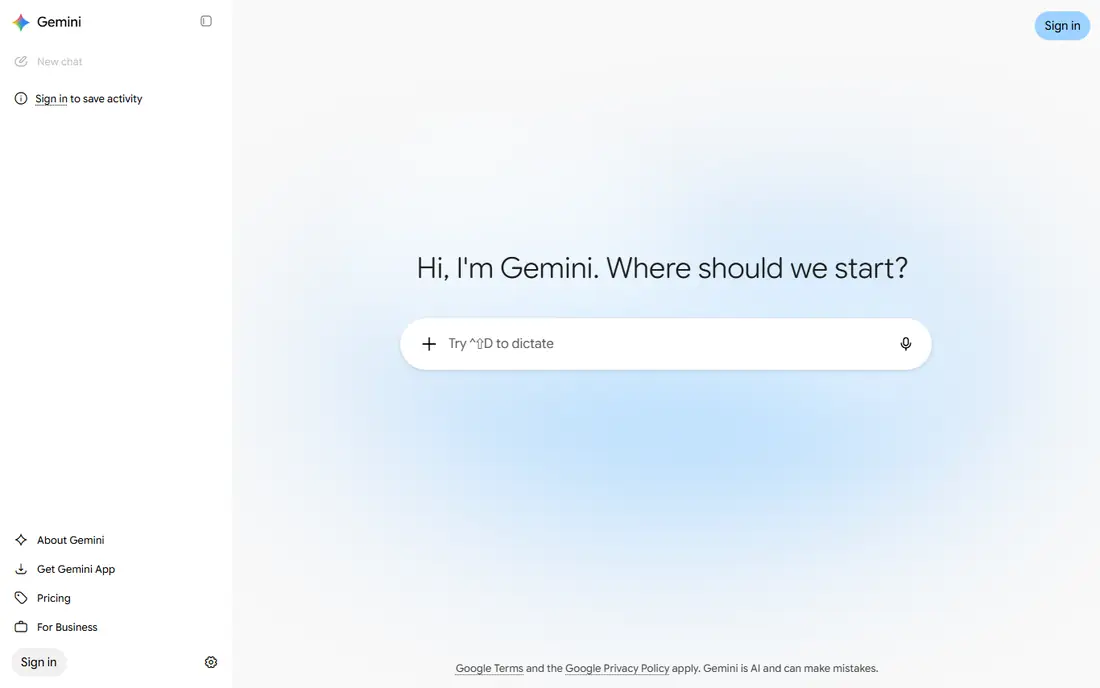
Google's model family makes the most sense for companies that already run on Google Workspace. Architecture docs often live in Google Docs and capacity plans in Sheets, so having the model inside those files saves a lot of copy and paste. Google's subscription page promotes access to Gemini 3.1 Pro and Deep Research on paid tiers, and GitHub's model list also includes Gemini 4 Argon.
Developers get one extra benefit. Google's developer documentation says Google AI Pro and Ultra subscriptions unlock paid models and higher rate limits in the AI Studio playground. That lets an architect prototype an AI-backed component before anyone opens a cloud billing account.
The same documentation is clear that production deployments should go through Google Cloud projects and Gemini API keys, not the consumer subscription. That means two billing relationships once a prototype goes live. Third-party plan guides also describe compute-based usage that refreshes every five hours up to a weekly cap, which can interrupt long review sessions.
What we like- Gemini 3.1 Pro and Deep Research on paid Google AI plans
- Paid plans raise limits in Google AI Studio for prototyping
- Works inside Gmail, Docs and Sheets
Watch out for- Compute-based limits that reset every few hours, plus a weekly cap
- Production API use needs a separate Google Cloud setup
#4GitHub Copilot
Best for: Comparing multiple models inside your codebase4.4/5 on
G2 (397 reviews, checked Oct 2026)
Visit github.com
Starting price$10 per month (Pro)
Free planYes
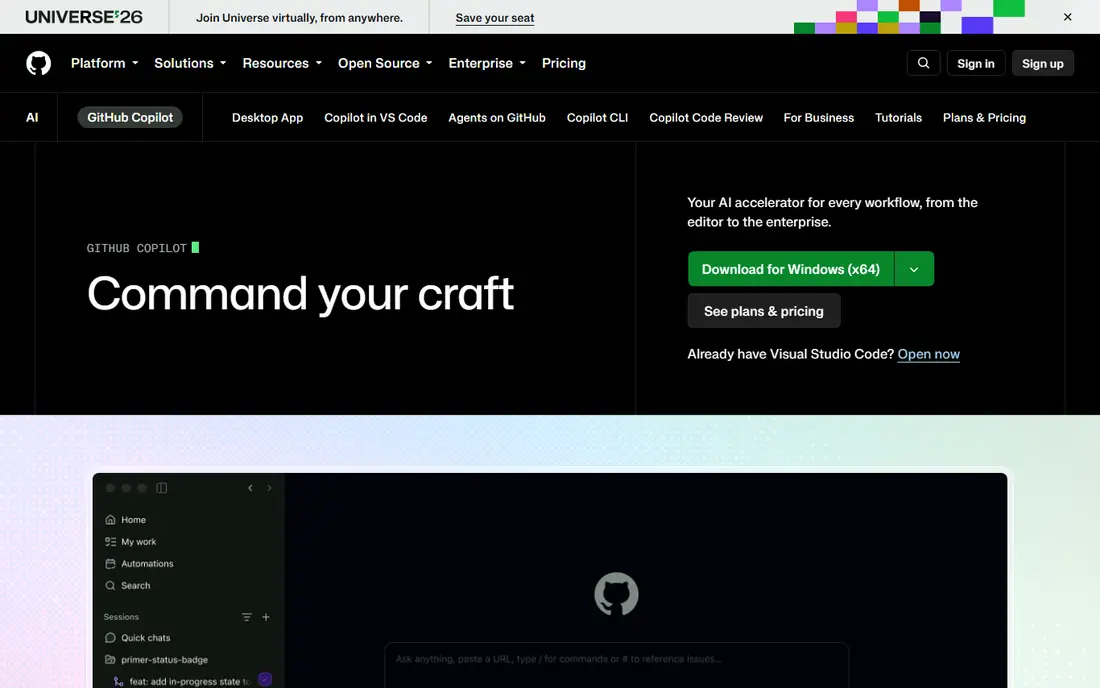
If your real question is which model is best for your architecture, Copilot is the cheapest place to find out. GitHub's plans page lists Claude Opus and Fable models, OpenAI's GPT-6 models, Gemini 4 Argon, Grok and others. You can run the same design question against several of them on your own repository and compare the answers.
Pricing is simple at the entry level. Free costs $0, Pro is $10 per month, Pro+ is $39 and Max is $100. GitHub moved every Copilot plan to usage-based AI credits on June 1, 2026. Pro now includes $10 of base credits plus a variable flex allotment, and Pro+ and Max can delegate work to third-party coding agents.
The honest limitation is scope. Copilot reasons about code very well, but it will not produce a C4 diagram or keep a living architecture model. Credit use also varies by model, so a team that runs the largest reasoning models all day may spend more than the sticker price suggests.
What we like- One plan gives access to Anthropic, OpenAI, Google and xAI models
- Works where your code already lives
- Pro+ and Max can hand tasks to third-party agents like Claude and Codex
Watch out for- Usage-based AI credits make monthly cost harder to predict
- Built around code, so it offers no diagramming or modeling
#5
Eraser
Best for: AI-generated architecture diagrams and design docs
Visit eraser.io
Starting price$45 per member/month (billed annually)
Free planYes
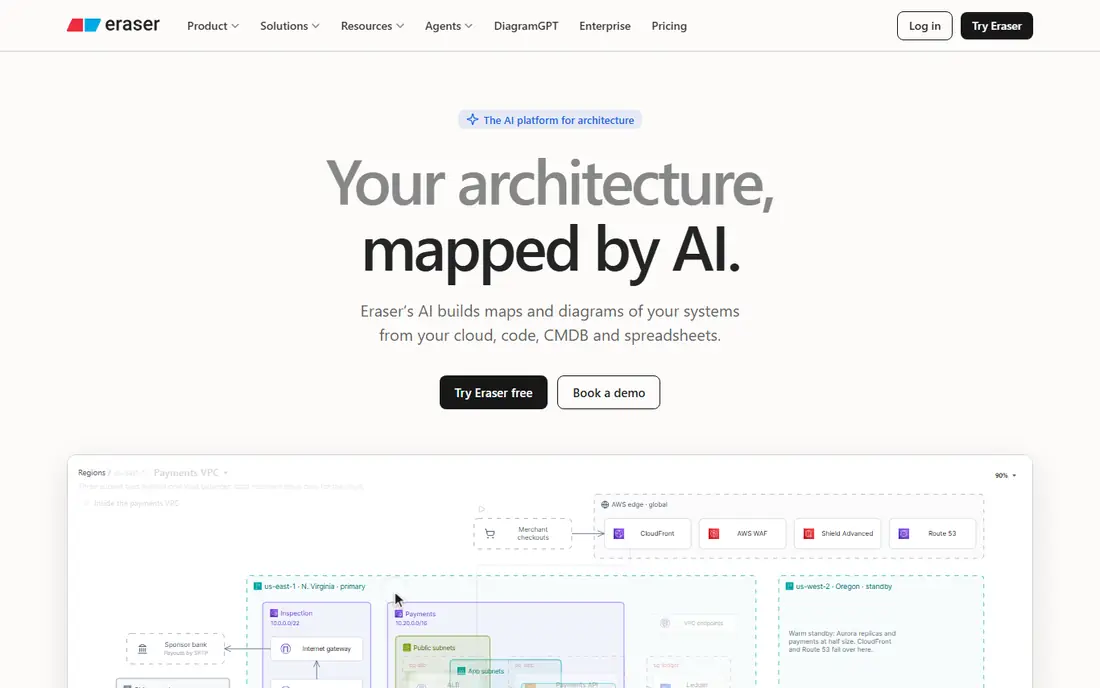
Eraser fixes the problem chat models leave behind: the diagram. You describe a system, or point it at a repo, and it produces an editable diagram you can version and drop into a design doc. Its DiagramGPT tool is the best-known part of the product, and newer features include interactive maps built from live systems and Eraserbot, which keeps codebase diagrams current as the code changes.
The pricing is clear. Business costs $45 per member per month billed annually ($60 monthly) and includes 100 AI credits a month, unlimited files, one Git repo and one data source. Business Plus drops to $42 per member but requires 10 seats on annual billing, and it adds 250 credits, three repos and SAML SSO. Guests are free on every plan, which helps when product managers only need to view.
The free tier is really a demo. Three files and three AI credits will not hold up for a real evaluation, so plan on a paid month for any serious trial. Smaller teams that need SSO for compliance will also find the 10-seat minimum awkward.
What we like- Turns prompts or code into cloud, sequence and ER diagrams
- Eraserbot keeps codebase diagrams updated automatically
- Integrates with Confluence, Notion, VS Code and GitHub, plus MCP for agents
Watch out for- Free plan is capped at 3 files and 3 AI credits
- SAML SSO only starts on Business Plus, which has a 10-seat minimum
Starting priceSee website
Free planNo
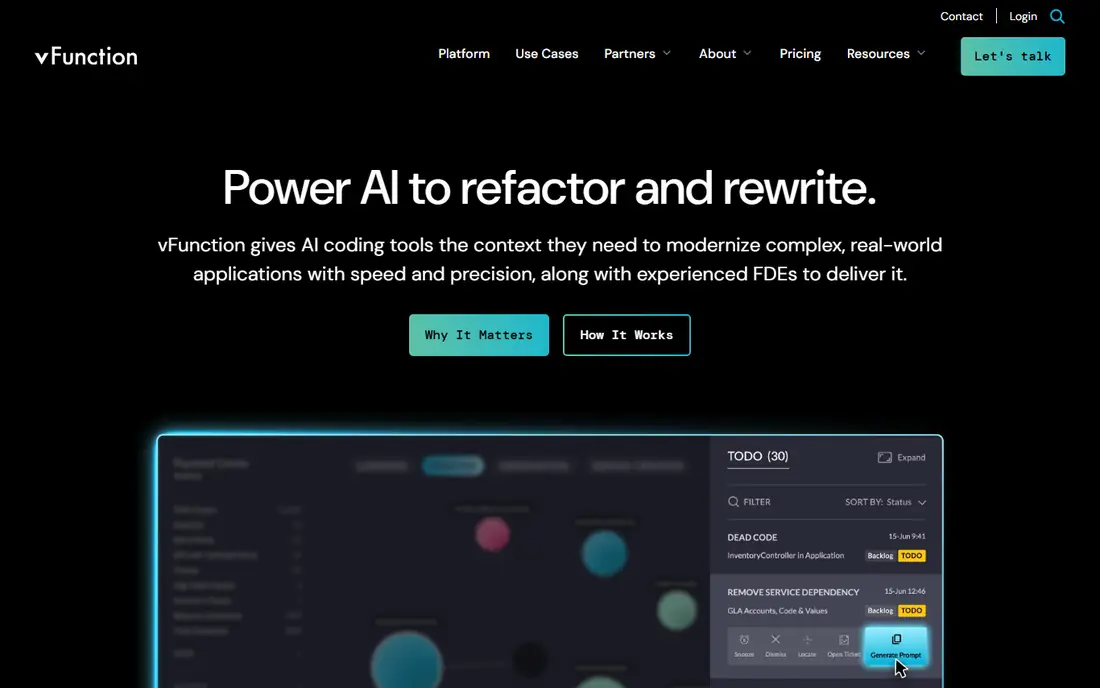
vFunction targets a narrow but expensive problem: the ten-year-old monolith nobody fully understands. Its argument, stated on its homepage, is that AI coding tools can write code but struggle to modernize existing systems from code alone. Static analysis shows too many dependencies, and models lack bounded architectural context.
The platform answers that with runtime analysis. It watches how the application actually behaves, proposes service boundaries, and generates structured specs and refactoring guidance that AI assistants can then act on. Use cases include moving .NET Framework apps forward, converting SQL Server databases to PostgreSQL, and moving large VM-based applications into containers. vFunction partners with AWS and Microsoft Azure, and says qualified AWS customers can get fully funded licenses.
This is not a tool for a 15-person startup. It is built for enterprise Java and .NET estates, pricing goes through sales, and the engagement often includes the vendor's own engineers. If you run a modern TypeScript or Go stack, skip it.
What we like- Uses runtime data, not just static code, to map real dependencies
- Feeds architectural context and specs to AI coding assistants
- Forward-deployed engineers help run the modernization
Watch out for- Focused on large Java and .NET estates
- Sales-led pricing with no self-serve plan
#7
Brainboard
Best for: Designing cloud infrastructure that outputs Terraform
Visit brainboard.co
Starting priceSee website
Free planFree trial
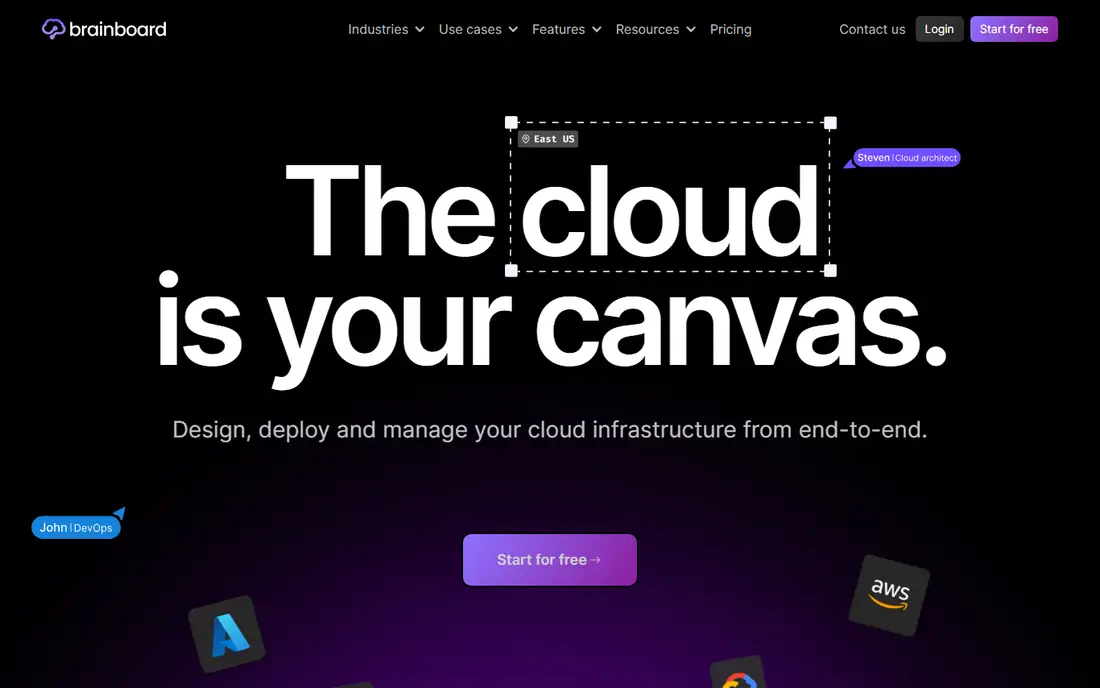
Brainboard is for platform and DevOps teams whose architecture work ends in infrastructure code. You draw the cloud architecture visually and the platform writes the Terraform, so the diagram and the deployed resources stay tied together. Its G2 profile describes it as an AI-driven platform for designing and managing cloud infrastructure, and reviewers mention importing existing cloud setups and turning designs into reusable templates.
That tie between picture and code is its real strength. Most architecture diagrams drift from reality within a quarter. One that generates the Terraform is much harder to let go stale.
Expect a narrower tool than the others here. Brainboard will not help you split a domain model or review an event-driven design. It also has far fewer public reviews than Eraser or the major assistants, so ask for references from teams your size. Listing sites show conflicting trial and pricing details, so confirm current terms with the vendor.
What we like- Visual design for AWS, Azure and GCP that generates Terraform
- Can import existing cloud infrastructure
- Reusable templates for repeated patterns
Watch out for- Covers the infrastructure layer, not application design
- Smaller review footprint than the big-name tools
How we chose
We started with the work architects actually do: reasoning about tradeoffs, reviewing existing code, producing diagrams people will maintain, modernizing legacy systems and defining infrastructure. For each candidate, we read the vendor's pricing page and product documentation, checked which models and plan limits apply, and compared integrations with tools like GitHub, Confluence and Terraform. We also read public reviews on G2, Capterra and Reddit, plus independent plan comparisons where vendors spread pricing across several pages.
We left out general diagramming tools that have no real AI features, and coding assistants that do not add anything specific to architecture. Where we could not confirm a current price on the vendor's own site, the listing says "See website" so we don't guess. We did not run hands-on benchmark tests. The rankings reflect documented capabilities, pricing structure and fit for small and mid-size US companies.
Picking the right mix for your team
Separate reasoning from artifacts
Most teams need two things: a strong model for thinking and a tool that produces something lasting. A common setup is Claude or ChatGPT for design reviews, plus Eraser for diagrams that stay in the repo. A model's chat history is not documentation, so plan for where the output will live.
Test models on your own code
Benchmarks tell you little about how a model handles your service boundaries. A Copilot Pro seat at $10 lets one senior engineer ask the same five architecture questions across several models in a week. That small experiment usually settles the "which model" debate faster than any review article.
Watch metering, not just seat price
Credits and usage caps are now normal. Eraser includes 100 AI credits per Business seat, Copilot bills against AI credits by model, and the chat assistants cap heavy use. Before annual billing, estimate how many long sessions your architects run each week and check what happens when they hit the limit.
Check security and admin needs early
If you need SSO, audit logs or a no-training-on-your-data guarantee, look at business tiers from day one. Eraser puts SAML SSO on Business Plus with a 10-seat minimum. ChatGPT and Claude keep most admin controls on their team and enterprise plans.
Match the tool to the problem's size
A greenfield SaaS product and a 2-million-line Java monolith are different jobs. General assistants handle the first well. The second is where a specialist like vFunction earns its enterprise price, because runtime analysis finds dependencies that reading the code misses.
Frequently asked questions
What is the top AI model for software architecture right now?
For reasoning-heavy architecture work, Anthropic's Claude Opus and Fable models and OpenAI's GPT-6 models are the usual top choices, with Gemini close behind. The best one for you depends on your codebase and workflow. Running the same questions through a multi-model tool like GitHub Copilot is the quickest way to decide.
Can AI generate architecture diagrams I can actually maintain?
Yes, if you use a tool built for it. Eraser produces editable diagrams from prompts or code, and its Eraserbot feature updates codebase diagrams as the code changes. Chat assistants can write Mermaid or PlantUML text, but someone has to keep it up to date by hand.
Is a free plan enough to evaluate these tools?
For the chat assistants and Copilot, the free tiers are fine for a first look. Eraser's free plan (3 files, 3 AI credits) is too small for a real trial, and vFunction has no self-serve plan. Budget for one paid month on whichever tool makes your shortlist.
Should a small team pay for both a chat model and a diagram tool?
Often yes, because they do different jobs. A $20-per-month assistant and an Eraser Business seat for the one or two people who own architecture docs is a modest cost next to an engineer's time. Not everyone on the team needs a diagramming seat, since Eraser guests are free.
Do I need vFunction if I already use AI coding assistants?
Only if you are modernizing a large Java or .NET application. vFunction's pitch is that AI assistants lack runtime architectural context, and it supplies that context, plus specs and guardrails, to those assistants. For smaller or modern codebases, a general model with repository access is usually enough.
How do I keep AI-generated architecture decisions trustworthy?
Treat model output as a draft from a well-read colleague, not a final decision. Ask the model to list the assumptions behind each recommendation, verify them against production metrics, and record the final call in an architecture decision record that a human signs off on.
Sources we checked (13)
- https://www.eraser.io/pricing
- https://github.com/features/copilot/plans
- https://github.blog/news-insights/company-news/github-copilot-is-moving-to-usage-based-billing/
- https://vfunction.com/
- https://learn.chatgpt.com/docs/pricing
- https://ai.google.dev/gemini-api/docs/google-ai-plans
- https://gemini.google/gb/subscriptions/?hl=en-GB
- https://intuitionlabs.ai/articles/chatgpt-plans-comparison
- https://www.softr.io/blog/claude-code-pricing
- https://www.superblocks.com/blog/claude-code-pricing
- https://www.layer3labs.io/guides/gemini-pricing
- https://www.g2.com/products/brainboard/reviews
- https://www.capterra.com/p/275386/Brainboard/
Is your product missing or out of date?
We review this list regularly. Vendors can request a listing, send updated pricing or ask about featured placement.

Shihab Mia · Founder, Rankite
Shihab has 5+ years in B2B and SaaS SEO. He writes Rankite's software buying guides from pricing pages, documentation and public user reviews. More about Shihab.