How we make this list: we compare pricing pages, product documentation and public user reviews. Rankite is independent; if a vendor ever pays for a featured spot, that listing is clearly labeled Partner.
What patch management software actually does
At its core, patch management software keeps an inventory of every device you manage, continuously checks each one against a database of known patches, and applies the missing ones according to policies you define. Most tools let you approve patches manually or automatically, schedule deployments during off hours, reboot machines with user consent, and generate reports that prove every endpoint is up to date. Those reports matter a lot in audits, where "we think everyone is patched" is not an acceptable answer.
The market has split into two broad camps. One camp is all-in-one endpoint management platforms (RMM tools) that include patching alongside remote access, monitoring, and ticketing. The other camp is dedicated patching products, or endpoint security suites, where patching is one module among several. Neither camp is better in the abstract. A small IT department usually gets more value from the all-in-one option, while a security-focused team often prefers a dedicated patcher with deeper vulnerability reporting.

#1
ManageEngine Patch Manager Plus
Best for: IT teams that want a dedicated, mature patching product with on-premises or cloud deployment
Visit manageengine.com
Starting price$245 per year for 50 computers (on-premises)
Free planFree trial available
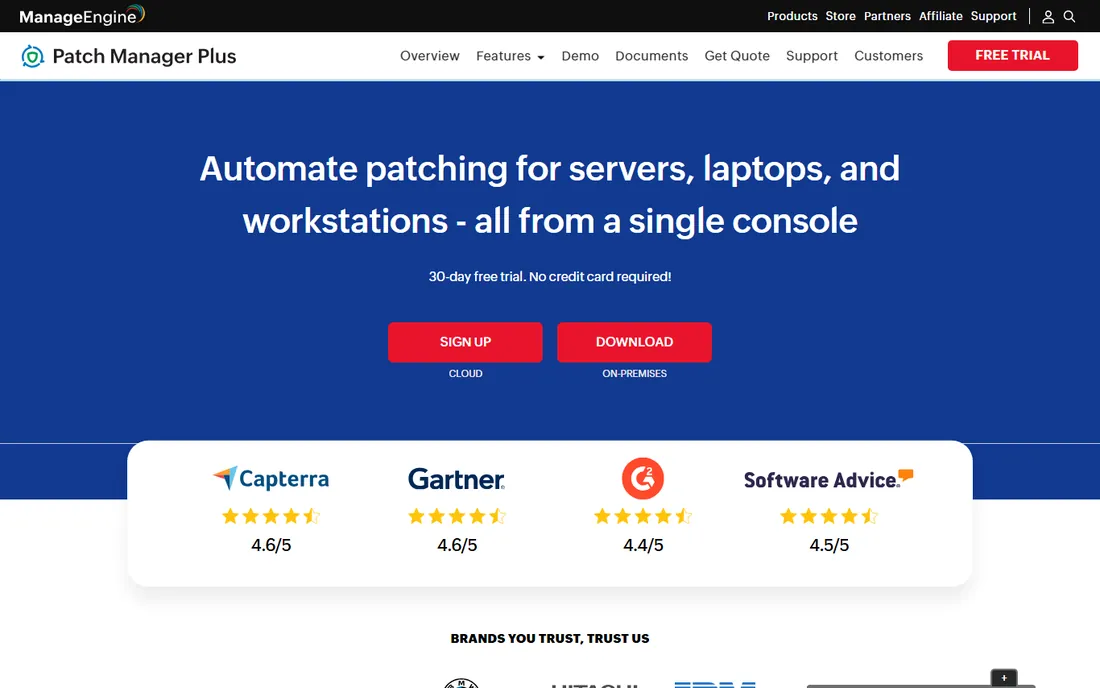
ManageEngine Patch Manager Plus is one of the most established names in this category, and its strength is focus. Patching is not a side feature here, it is the whole product. The tool handles Windows, macOS, and Linux endpoints plus servers, and it maintains one of the broadest third-party patch catalogs in the industry. You can deploy it on your own infrastructure or use the cloud edition, which is a real choice that many competitors no longer offer.
Pricing is public and refreshingly straightforward: the on-premises edition starts at $245 per year for 50 computers with one technician, or $345 per year for the same fleet in the cloud. Perpetual licenses are also available if your organization prefers capital expenditure over subscriptions. Each additional technician costs $195 per year. For teams that need to budget precisely, that transparency is a genuine advantage.
What we like- Dedicated patching focus with a large third-party application catalog, on-premises and cloud deployment options, published per-computer pricing with a perpetual license option
Watch out for- Setup and policy configuration can take time, interface feels dated compared with cloud-native rivals

#2
NinjaOne
Best for: MSPs and internal IT teams managing hundreds or thousands of endpoints
Visit ninjaone.com
Starting priceFrom $3.75 per endpoint per month (down to $1.50 with volume)
Free plan14-day free trial
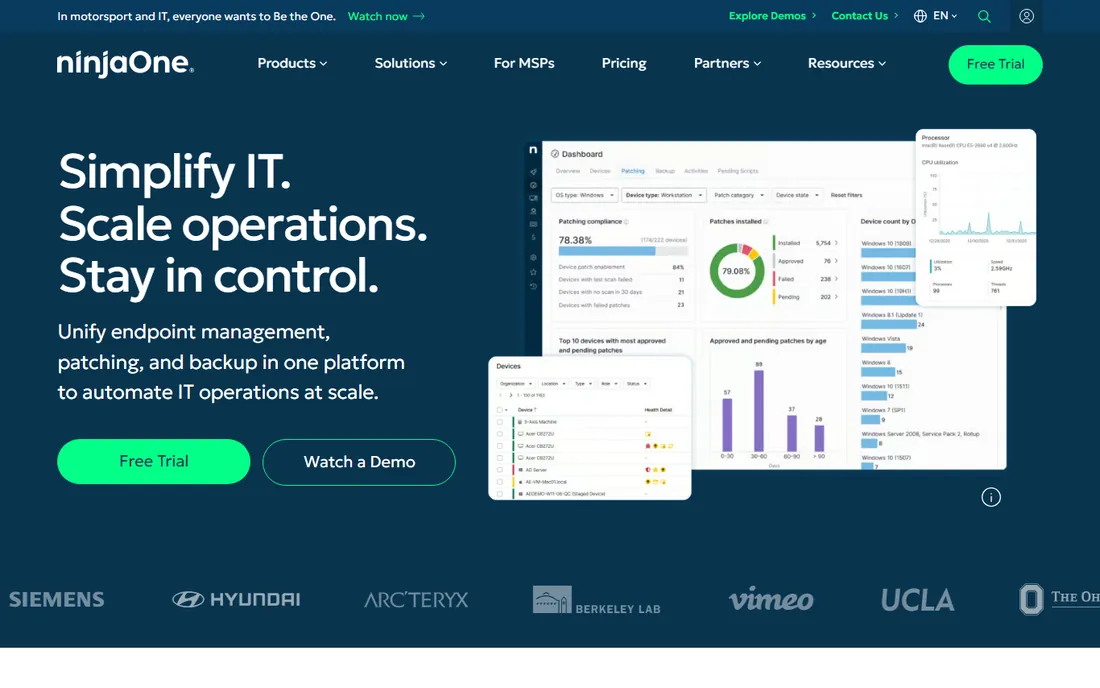
NinjaOne built its reputation on speed. The platform combines patching with monitoring, remote access, backup, and ticketing in a single console, and the automation engine lets you chain patching together with scripts, maintenance tasks, and remediation in one policy. For teams managing large fleets, that kind of consolidation cuts down the number of agents on each machine and the number of consoles technicians have to open.
The pricing page is unusually honest for this space: NinjaOne states that pricing starts as low as $1.50 per endpoint per month at 10,000 endpoints and runs up to $3.75 at 50 or fewer endpoints, with free implementation and unlimited support. A 14-day free trial lets you test it on your own fleet before committing. Just note that there is no free tier, so very small teams may find the per-endpoint model less attractive than a free alternative.
What we like- Fast, modern platform with automation built in, transparent pricing ranges published on the site, per-endpoint pricing that scales down with volume
Watch out for- Full pricing requires a quote, no free tier for small shops

#3
Atera
Best for: MSPs and IT departments that want predictable per-technician pricing with unlimited devices
Visit atera.com
Starting priceSee website
Free plan30-day free trial, no credit card required
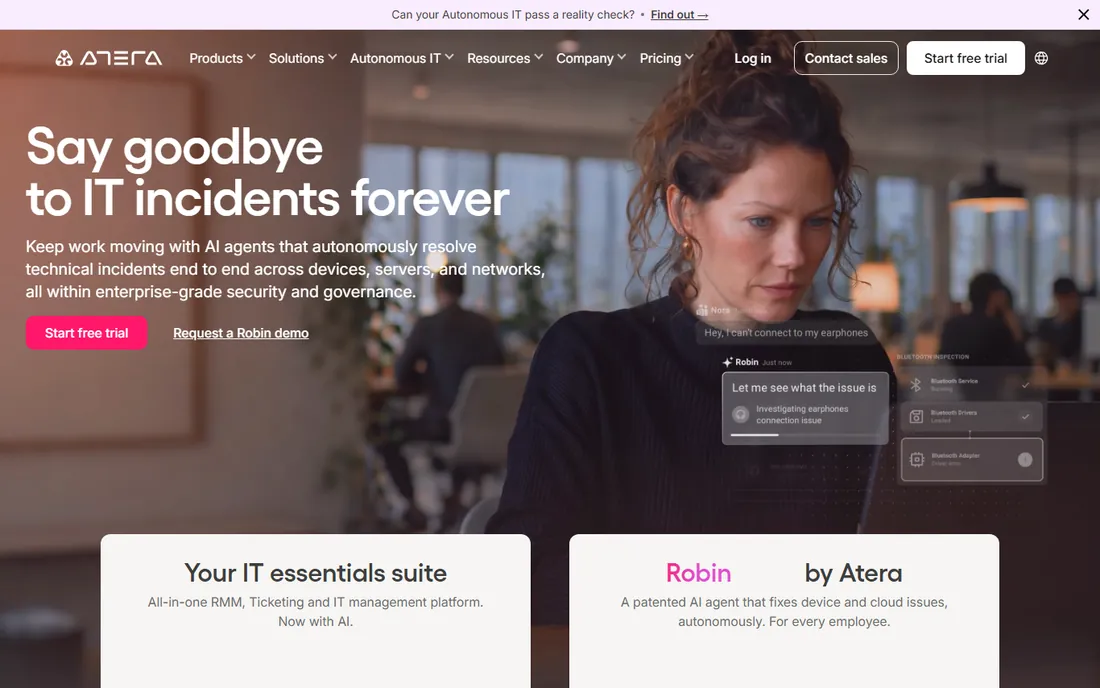
Atera takes a pricing approach that stands out in this list: you pay per technician, not per device. Adding endpoints costs nothing extra, which makes the math simple for MSPs and growing IT departments whose device counts keep climbing. Patch management sits inside a broader platform that also covers remote monitoring, ticketing, remote access, and billing, so patching arrives as part of a complete toolkit rather than a standalone product.
The company offers a full-access 30-day free trial of its top plan with no credit card required, which is one of the more generous evaluations in the industry. Pricing details are published per technician on the site, though the plan numbers require JavaScript to render. If you like the idea of one bill that never grows when your fleet does, Atera deserves a look.
What we like- Per-technician pricing means unlimited endpoints at no extra cost, patching included in an all-in-one RMM and PSA platform, generous 30-day trial
Watch out for- Exact plan prices are not visible without JavaScript on the pricing page, heavy all-in-one focus may be more than patch-only buyers need

#4
Automox
Best for: Teams that want cloud-native, agent-based patching with no on-premises infrastructure
Visit automox.com
Starting price$1 per endpoint per month with annual commitment (Patch OS plan)
Free planFree trial available
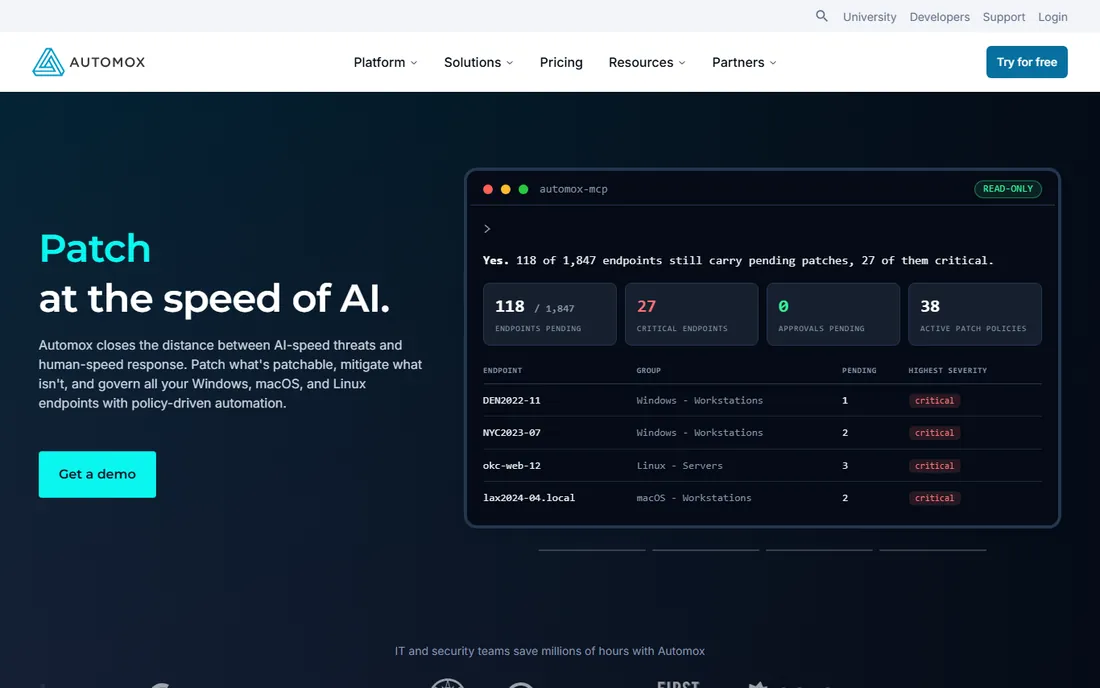
Automox was built for the cloud from day one, and it shows. There is no management server to install, maintain, or patch (always an awkward conversation with a patching vendor). A lightweight agent checks in from wherever the device lives, which makes Automox a natural fit for remote and hybrid workforces where endpoints rarely touch the corporate network.
The pricing page lays out a clean ladder: the Patch OS plan covers Windows, macOS, and Linux OS patching at $1 per endpoint per month with an annual commitment, while the Automate plans add third-party patching, software deployment, configuration policies, and API access with custom pricing. You can start with a free trial of the full platform and pay monthly with no commitment if you prefer flexibility over the 25 percent annual discount.
What we like- True cloud-native architecture with no servers to maintain, entry-level OS patching plan at a clear $1 per endpoint, 730+ third-party titles supported on automation plans
Watch out for- Third-party patching and advanced automation require higher-tier plans, monthly pay-as-you-go costs more than the annual price
#5
PDQ
Best for: Windows-centric IT teams that want fast, simple deployment and patching
Visit pdq.com
Starting price$12 per device per year (PDQ Connect Basic)
Free plan14-day free trial
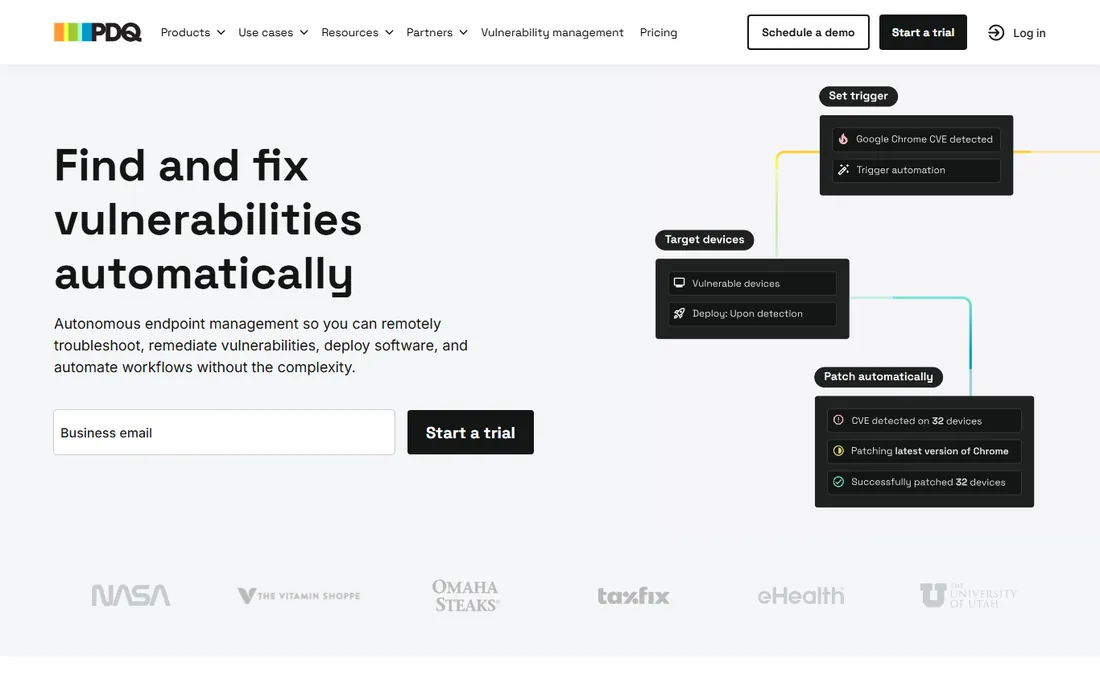
PDQ has a loyal following among Windows administrators, and the reason is speed. Deploy & Inventory, the on-premises classic, lets an admin push software and patches to hundreds of machines with minimal fuss, licensed at $1,950 per admin per year for unlimited endpoints. PDQ Connect is the newer cloud-native option, starting at $12 per device per year for the Basic plan, with Plus at $18 and Premium at $28 adding automation, remote desktop, and vulnerability management with one-click CVE resolution.
Be aware of the minimums: PDQ Connect starts at 100 devices per year, so very small shops should look at the on-premises product or elsewhere. A 14-day free trial covers up to 250 devices, which is enough to run a real pilot. For teams living mostly in a Windows world, few tools deploy patches faster.
What we like- Simple per-device or per-admin pricing, deep package library for common applications, both cloud and on-premises options available
Watch out for- PDQ Connect requires a minimum of 100 devices per year, strongest on Windows with macOS support newer
#6
Action1
Best for: Small and mid-sized teams that want a free patch management tool for up to 200 endpoints
Visit action1.com
Starting price$0 (free for the first 200 endpoints)
Free planFree forever for up to 200 endpoints, no feature limits
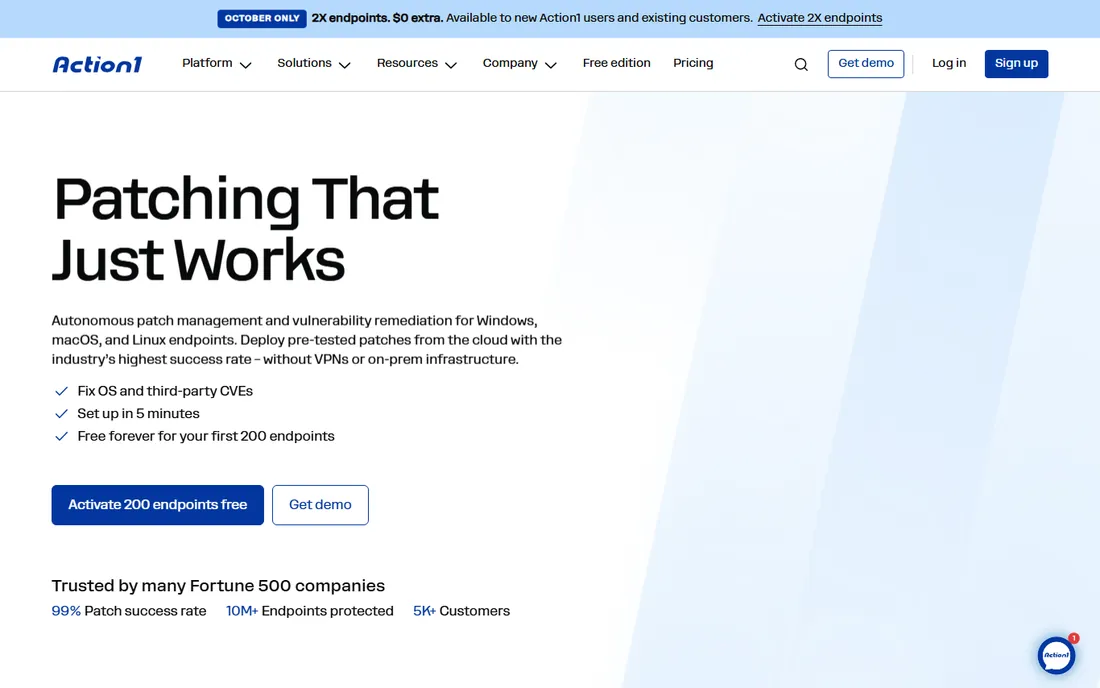
Action1 earns its place on this list with one of the most generous free offers in the category: the first 200 endpoints are free forever, with no feature limits and no expiration. That is not a trial. For small businesses, nonprofits, and labs with a couple hundred machines, it can genuinely be the whole solution at zero cost.
The platform is cloud-based, so setup means installing agents rather than building infrastructure. Beyond 200 endpoints you request a quote, and the pricing page makes that the clear next step. Support on the free tier runs through the community Discord server, with phone support available for paying customers. If your fleet fits under the 200-endpoint line, start here before you spend anything.
What we like- Generous free tier with no feature limits that never expires, cloud-based with quick setup, straightforward quote-based pricing beyond 200 endpoints
Watch out for- Organizations above 200 endpoints move to custom pricing, community support on the free tier

#7
Jamf
Best for: Organizations standardized on Apple devices
Visit jamf.com
Starting priceSee website
Free plan14-day free trial
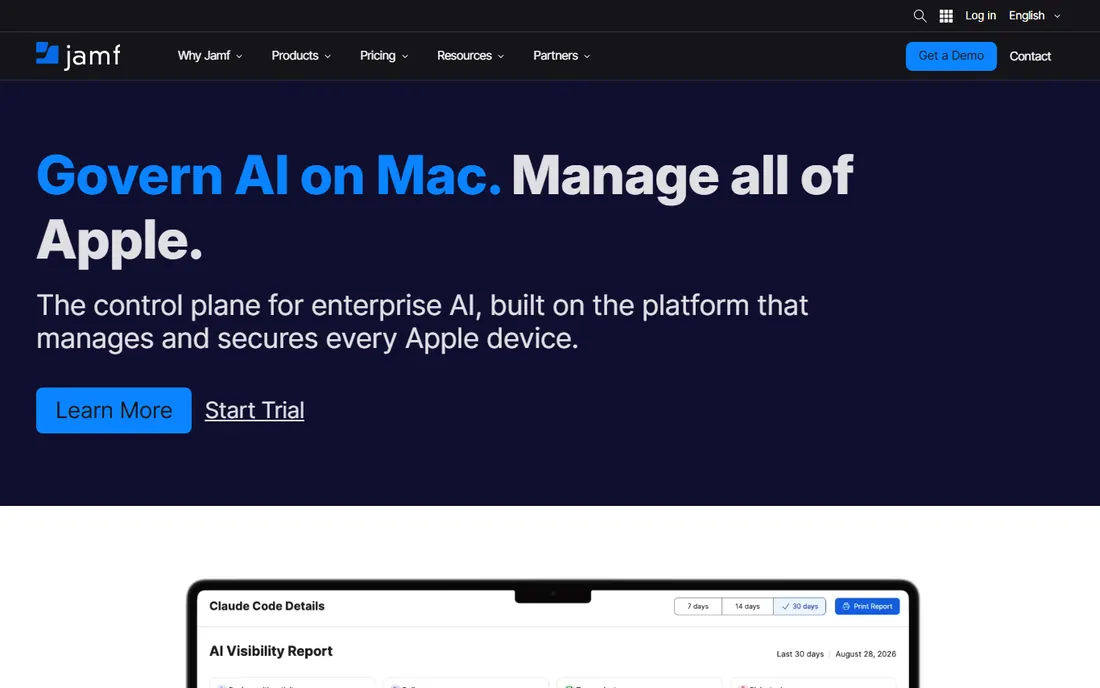
If your fleet is all Apple, Jamf is the specialist. The company offers Jamf for Mac and Jamf for Mobile as comprehensive management and security bundles, plus Jamf Now for organizations with fewer than 25 employees that need streamlined Apple management without the enterprise overhead. Patching, OS upgrades, app deployment, and endpoint protection are designed around how Apple devices actually work, including declarative device management and identity integration.
The tradeoff is scope: Jamf does not manage Windows or Linux, so mixed environments will need a second tool. Pricing is quote-based and the pricing page focuses on plan structure rather than numbers, though a free 14-day trial is available. Apple-first organizations rarely find a better fit.
What we like- Purpose-built for macOS, iOS, and iPadOS management and patching, bundled security and identity options, streamlined Jamf Now for small teams
Watch out for- Apple-only focus means mixed fleets need another tool, pricing is quote-based with no public numbers
#8
Microsoft Intune
Best for: Organizations already invested in Microsoft 365 and Entra ID
Visit microsoft.com
Starting priceSee website
Free planFree trial available
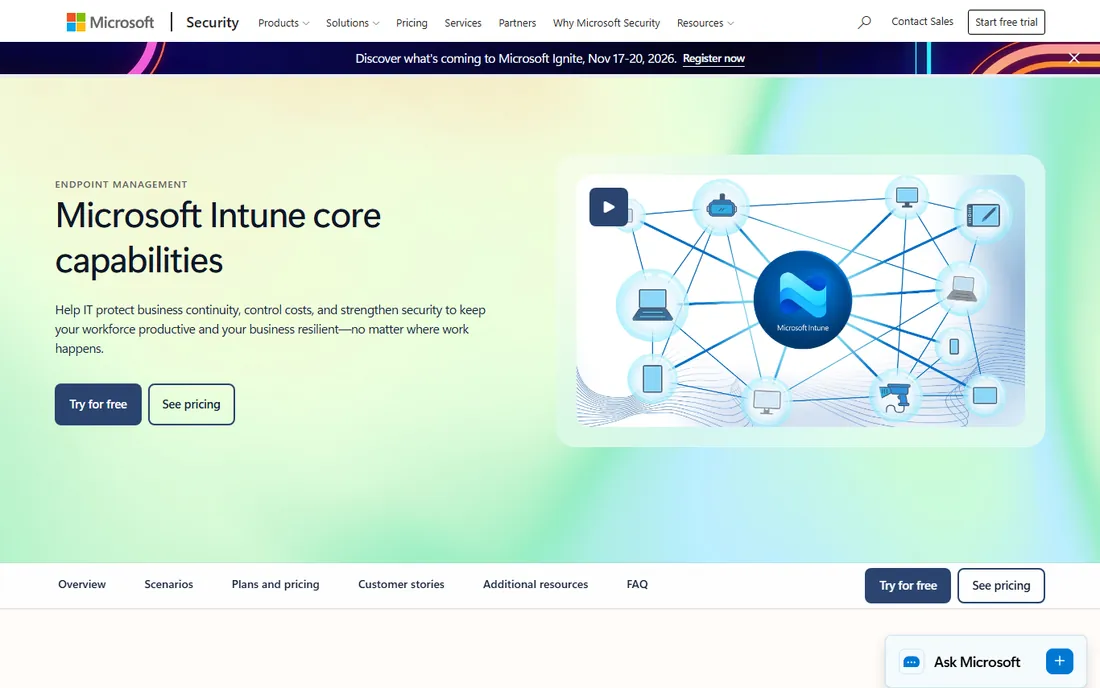
Microsoft Intune is the default choice for a large share of enterprises, mostly because many of them already own it. Intune Plan 1 is bundled into Microsoft 365 Business Premium, E3, E5, and several other suites, which means the patch management capability may already be sitting unused in your current licensing. For organizations standardized on Microsoft infrastructure, that makes Intune the cheapest option by default, even before comparing features.
The platform manages Windows, macOS, iOS, and Android, with update rings, compliance policies, and conditional access tying patch status to resource access. The catch is licensing complexity: Plan 1, Plan 2, and the Intune Suite layer on top of each other, and working out what you actually need takes study. Administration is powerful but not simple. If you live in the Microsoft ecosystem, though, starting with what you already pay for is common sense.
What we like- Deep integration with Microsoft 365, Entra ID, and Defender, manages Windows, macOS, iOS, and Android from one console, often already included in existing licenses
Watch out for- Licensing across plans and add-ons is complex, administration has a steep learning curve

#9
Heimdal
Best for: Security-minded teams that want patching inside a unified threat prevention suite
Visit heimdalsecurity.com
Starting priceSee website
Free planFree trial available
Heimdal approaches patching as a security discipline rather than an IT chore. Its Patch and Asset Management module lives inside a broader enterprise security suite that also covers DNS security, endpoint detection, and privileged access, so patches, vulnerabilities, and threats are managed from one place. Third-party application patching is automated, and deployment policies give administrators fine control over timing and targeting.
Pricing is quote-based with no public numbers, which is standard for enterprise security suites but frustrating for comparison shoppers. A free trial is available. Heimdal makes the most sense for organizations that want patching and security tooling from a single vendor rather than stitching together point products.
What we like- Patching combined with vulnerability management and threat prevention in one suite, automated third-party patching, granular deployment control
Watch out for- No public pricing, full value requires buying into the wider Heimdal platform

#10
Syxsense
Best for: IT and security teams that want vulnerability scanning and patching in one workflow
Visit syxsense.com
Starting priceSee website
Free planFree trial available
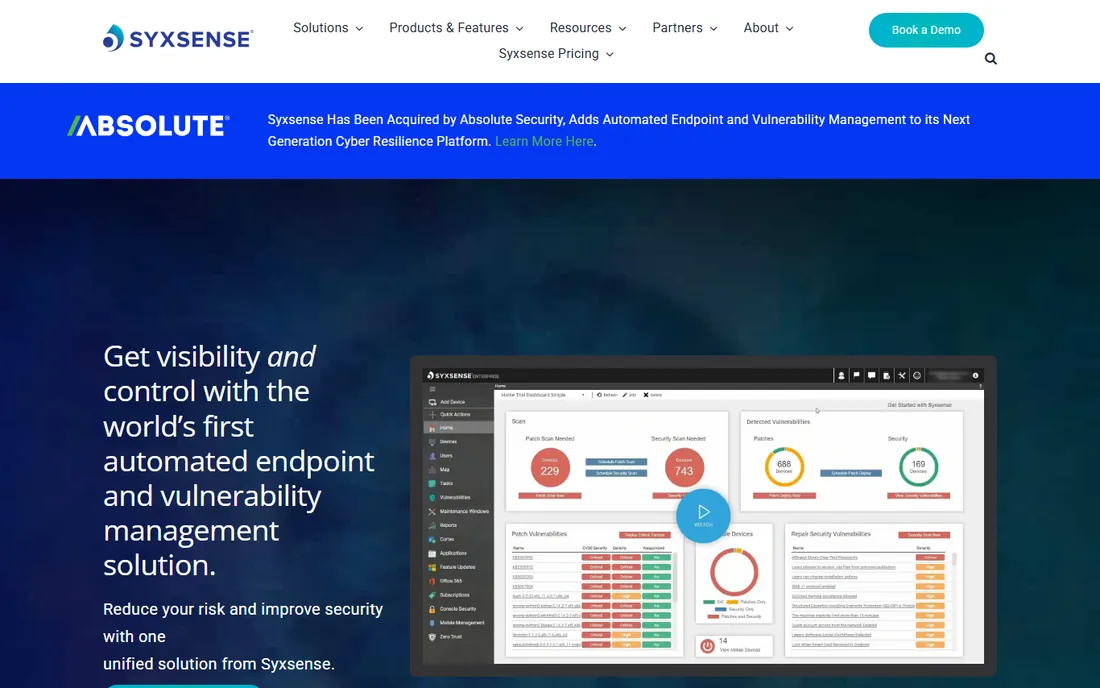
Syxsense pairs patch management with vulnerability scanning, so the same console that finds the weakness deploys the fix. That closed loop is the product's main selling point: scan, prioritize by risk, patch, and verify, without exporting CSVs between tools. Real-time endpoint visibility and automation for routine remediation round out a platform aimed squarely at IT and security teams that own both discovery and fixing.
Like several enterprise tools on this list, Syxsense does not publish pricing, so expect a sales conversation and a custom quote. A free trial is available for evaluation. Teams that currently run separate vulnerability scanners and patch tools should price the consolidation, since replacing two products with one is where Syxsense pays for itself.
What we like- Vulnerability assessment and patch remediation in a single console, real-time endpoint visibility, automation for routine remediation tasks
Watch out for- Pricing is quote-based with no public tiers, smaller brand footprint than the biggest RMM vendors
How to choose: five questions to ask before you buy
First, count your endpoints and operating systems honestly. A Windows-only shop of 80 machines has very different needs from a 2,000-device fleet split across Windows, macOS, and Linux, and per-device pricing punishes the second scenario while per-technician pricing barely notices it.
Second, decide whether you need a dedicated patching product or an all-in-one platform. If your team already has RMM, ticketing, and remote access covered, a focused tool like Patch Manager Plus or Automox slots in cleanly. If you are starting from scratch, an all-in-one like NinjaOne or Atera replaces several purchases at once.
Third, check third-party application coverage. Operating system patches are table stakes; the breaches that make headlines usually come through unpatched third-party software. Ask each vendor exactly which applications their catalog covers and how quickly new patches appear after release.
Fourth, think about where your devices live. Office-bound fleets work fine with on-premises tools, but remote and hybrid workforces need cloud-native agents that check in over the internet. This single factor eliminates more products than any feature comparison.
Fifth, run a real trial on your own machines. Every tool on this list offers a free trial, and patching behavior varies enough between environments that a demo alone will not tell you what you need to know. Pilot with a representative group, measure how long full compliance takes, and then decide.
Answers to common questions
What is the cheapest patch management software? Action1 is free forever for up to 200 endpoints, which makes it the cheapest option at zero cost for smaller fleets. Above that size, Automox lists OS patching at $1 per endpoint per month annually, and ManageEngine starts at $245 per year for 50 computers on-premises. The right answer depends on your endpoint count and whether you need third-party patching.
Do I need separate patch management if I already have an RMM tool? Usually not. Most RMM platforms, including NinjaOne and Atera, include patching as a core feature. A dedicated patching product makes sense when your current tool's patching is weak on third-party applications, or when the security team wants patching under its own control with dedicated compliance reporting.
Can patch management software handle remote workers? Cloud-native tools like Automox, Action1, and NinjaOne manage devices over the internet through lightweight agents, so remote workers get patched without VPN. On-premises products can struggle here unless paired with a cloud gateway or VPN, so confirm remote support before committing.
How long does it take to deploy patch management software? Cloud products can go from signup to first patched endpoint in a day, since there is no server to build. On-premises deployments take longer, typically days to a couple of weeks depending on infrastructure and policy design. Either way, budget time for testing patch policies on a pilot group before rolling out fleet-wide.
The bottom line
There is no single best patch management tool, only the best fit for your fleet. Small teams should start with Action1's free tier and only spend money when they outgrow 200 endpoints. Windows-heavy IT departments will feel at home with PDQ, while Apple-only shops should talk to Jamf. Microsoft-centric enterprises likely already own Intune and should evaluate it before buying anything else. For large or growing fleets, NinjaOne's volume pricing and Atera's per-technician model both scale gracefully, and Automox suits remote workforces that never touch the office network. Security-led teams wanting vulnerability scanning and patching together should shortlist Heimdal and Syxsense, while traditional IT departments that prefer on-premises control will find ManageEngine's published pricing refreshingly honest.
Whichever direction you lean, use the free trials. Patching is one of those categories where a two-week pilot on your own endpoints reveals more than any feature matrix, and every vendor on this list will let you prove it before you pay.
Frequently asked questions
What is patch management software?
Patch management software automates the discovery, testing, and deployment of software updates and security patches across endpoints, servers, and applications. It replaces manual patching with scheduled, policy-driven workflows.
How much does patch management software cost?
Pricing ranges from free for small deployments (Action1 is free for up to 100 endpoints) to per-device subscriptions of a few dollars per month for enterprise platforms. Most vendors price per managed endpoint.
Can patch management handle third-party applications?
Yes. Leading tools patch not only operating systems but also third-party applications like browsers, Java, and productivity suites, which is where most vulnerabilities actually live.
Sources we checked (17)
- https://www.manageengine.com/patch-management/
- https://www.manageengine.com/patch-management/pricing.html
- https://www.ninjaone.com/
- https://www.ninjaone.com/pricing
- https://www.atera.com/
- https://www.atera.com/pricing
- https://www.automox.com/
- https://www.automox.com/pricing
- https://www.pdq.com/
- https://www.pdq.com/pricing
- https://www.action1.com/
- https://www.action1.com/pricing
- https://www.jamf.com/
- https://www.jamf.com/pricing
- https://www.microsoft.com/en-us/microsoft-365/enterprise-mobility-security/microsoft-intune
- https://heimdalsecurity.com/enterprise-security/products/patch-management-software
- https://www.syxsense.com/
Is your product missing or out of date?
We review this list regularly. Vendors can request a listing, send updated pricing or ask about featured placement.

Shihab Mia · Founder, Rankite
Shihab has spent more than a decade helping SaaS and e-commerce brands grow through search. He writes Rankite's software buying guides from pricing pages, documentation and public user reviews. More about Shihab.