How we make this list: we compare pricing pages, product documentation and public user reviews. Rankite is independent; if a vendor ever pays for a featured spot, that listing is clearly labeled Partner.
Key takeaways
- AutoCAD Electrical and EPLAN dominate control-panel and machine schematic work; both are quote-priced enterprise tools with free trials.
- ETAP and SKM PowerTools are the standards for power system studies (load flow, arc flash, fault analysis), not for drawing schematics.
- Altium Designer leads PCB design, while KiCad gives away a serious open-source alternative for free and EasyEDA adds browser-based convenience.
- DIALux owns lighting design with a genuinely free version; ProfiCAD is the budget pick for straightforward electrical schematics at $277 one-time.
- Most enterprise tools here hide pricing behind quotes, so budget for a sales conversation and always trial before committing a team.
Quick comparison
| Tool | Best for | Starting price | Free plan |
|---|
 AutoCAD Electrical AutoCAD Electrical | Electrical controls schematics in AutoCAD | See website | Free trial |
 EPLAN Electric P8 EPLAN Electric P8 | Data-driven panel and machine engineering | See website | See website |
 SOLIDWORKS Electrical SOLIDWORKS Electrical | Electrical schematics linked to 3D mechanical design | See website | Free trial |
 ETAP ETAP | Power system modeling, analysis and operation | See website | No |
 SKM PowerTools SKM PowerTools | Arc flash hazard analysis and fault studies | See website | No |
 Altium Designer Altium Designer | Professional PCB design with team collaboration | See website | See website |
 KiCad KiCad | Free, open-source schematic and PCB design | Free | Yes |
 EasyEDA EasyEDA | Browser-based PCB design with manufacturing links | See website | See website |
 DIALux DIALux | Lighting design, calculation and visualization | See website | Yes |
 ProfiCAD ProfiCAD | Simple, affordable electrical schematics | $277 one-time | Free trial |
Is your product missing or out of date?
We review this list regularly. Vendors can request a listing, send updated pricing or ask about featured placement.
Nobody buys "electrical design software" in the abstract. You buy a schematic tool for control panels, a power study tool for arc flash compliance, a PCB tool for boards, or a lighting tool for buildings. Pick the wrong category and even the best product on this list will disappoint you. These ten cover the real categories, with the honest trade-offs of each.
#1
AutoCAD Electrical
Best for: Electrical controls schematics in AutoCAD
Visit autodesk.com
Starting priceSee website
Free planFree trial
AutoCAD Electrical is the default choice in North American panel shops for a reason: it brings real electrical intelligence (wire numbering, component tagging, PLC I/O generation from spreadsheets, automatic BOM reports) to the DWG world everyone already uses. The Electrical toolset ships inside AutoCAD 2027, so existing AutoCAD seats gain the functionality without a second product to learn.
The catch is that you are buying into Autodesk's subscription model and its complexity. Small shops sometimes find the full AutoCAD machinery heavier than they need for straightforward schematics. But if your customers send DWGs and your panel builders expect them, this is the path of least resistance.
What we like- 65,000+ intelligent electrical symbols
- Automatic wire numbering and reports
- Included with AutoCAD subscription toolsets
Watch out for- Still AutoCAD underneath, with its learning curve
- Subscription pricing adds up for small shops
#2
EPLAN Electric P8
Best for: Data-driven panel and machine engineering
Visit eplan.com
Starting priceSee website
Free planSee website

EPLAN approaches electrical design as data management rather than drawing. Devices carry manufacturer data from the Eplan Data Portal, schematics generate terminal diagrams and bills of material automatically, and Eplan Pro Panel extends the same data into 3D cabinet layouts. With over 525,000 users worldwide and deep roots in automotive and machine manufacturing, it is the standard its competitors are measured against.
That depth costs money and onboarding time. Pricing is quote-based, and getting full value requires training and clean master data. For machine builders and panel shops doing repeat or variant-based work, the automation pays back. For one-off schematics, it is more platform than you need.
What we like- Deep device database with millions of data sets
- Strong automation from schematic to panel production
- Dominant in European machine building
Watch out for- Quote-based pricing
- Implementation and training take real investment
#3
SOLIDWORKS Electrical
Best for: Electrical schematics linked to 3D mechanical design
Visit solidworks.com
Starting priceSee website
Free planFree trial
SOLIDWORKS Electrical exists for one workflow: products where the electrical and mechanical designs must stay in sync. Change a component in the schematic and the 3D model updates; route wires in 3D and the schematic reflects it. For machine builders already living in SOLIDWORKS, that single-source-of-truth beats exporting files between separate electrical and mechanical tools.
Evaluated purely as an electrical schematic tool, it is less specialized than EPLAN or AutoCAD Electrical. Its value is the integration. If your team designs the enclosure and the wiring together, shortlist it. If you only draw schematics, the other options give you more electrical depth per dollar.
What we like- Bidirectional link between schematics and 3D models
- Familiar to SOLIDWORKS shops
- Good for electro-mechanical products
Watch out for- Less depth in pure electrical automation than EPLAN
- Quote-based pricing
#4
ETAP
Best for: Power system modeling, analysis and operation
Visit etap.com
Starting priceSee website
Free planNo
ETAP is not a drawing tool with analysis attached; it is an analysis platform with a single-line diagram interface. Load flow, short circuit, protective device coordination, arc flash, transient stability, harmonic analysis: the studies that keep industrial plants and utilities compliant all run on the same model. The newer platform extends that model into operations as a live digital twin.
Pricing is customized by quote across subscription bundles, and the product targets engineering firms, utilities and industrial operators rather than individual designers. If your deliverable is a stamped power study, ETAP is the benchmark. If your deliverable is a wiring diagram, look at the schematic tools instead.
What we like- Market-leading electrical digital twin
- Covers the full lifecycle from design to operations
- Trusted by utilities and nuclear operators
Watch out for- Enterprise pricing by quote
- Far more than a schematic tool
#5
SKM PowerTools
Best for: Arc flash hazard analysis and fault studies
Visit skm.com
Starting priceSee website
Free planNo
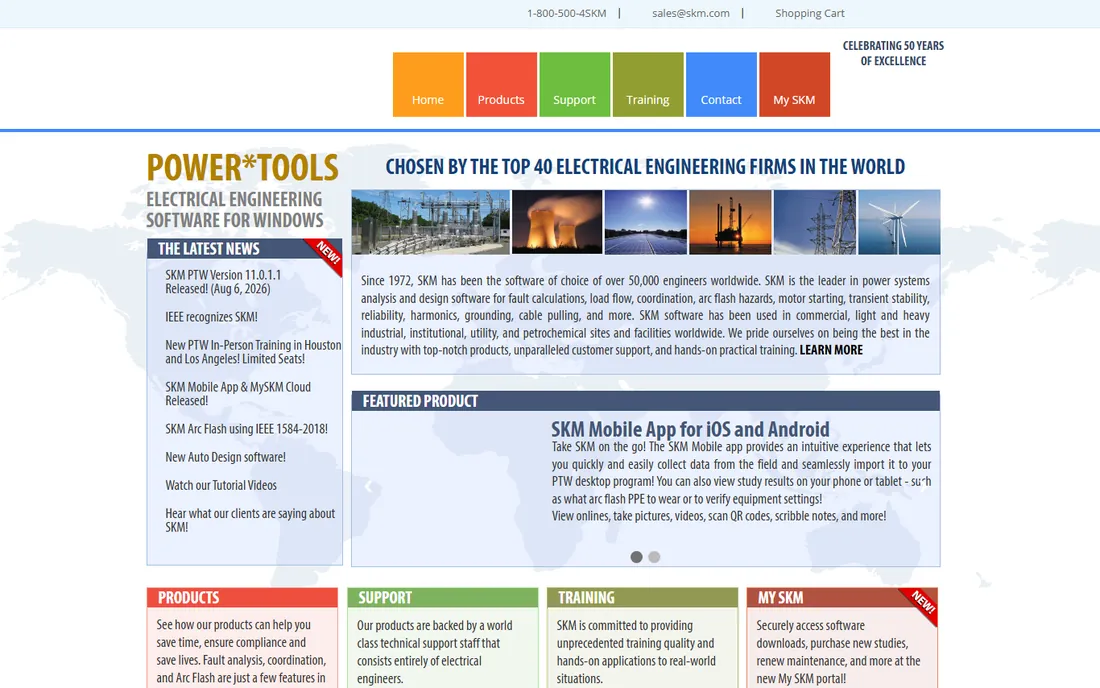
SKM PowerTools has been the workhorse of power system studies for over five decades, and its arc flash module (built around IEEE 1584-2018) is the reference many firms compare against. The suite covers fault analysis, coordination, load flow, motor starting, harmonics and grounding, and the company's support team consists entirely of electrical engineers, which matters when your question is about a study rather than a button.
The software is unapologetically traditional: Windows desktop, dense dialogs, a learning curve for newcomers. Firms that value validated results and deep support over modern interfaces stay loyal. New buyers should trial it alongside ETAP, since the two split much of this market.
What we like- Long-trusted arc flash calculations per IEEE 1584
- Chosen by top engineering firms since 1972
- Support staff are all electrical engineers
Watch out for- Windows-only desktop software
- Interface shows its age
- Quote-based pricing
#6
Altium Designer
Best for: Professional PCB design with team collaboration
Visit altium.com
Starting priceSee website
Free planSee website

Altium Designer is the professional standard for PCB design, combining schematic capture, layout, SPICE simulation and 3D visualization in one environment. Altium 365 adds cloud collaboration, version control and supply-chain data, which is why design teams rather than solo engineers get the most from it. The component library integrations and active development keep it ahead of lower-cost rivals on workflow polish.
Pricing is premium and subscription-based; the vendor site has current plan details. For commercial electronics work, the cost is usually justified by the time saved. For hobbyists, students and simple boards, KiCad or EasyEDA deliver most of the capability for nothing.
What we like- Unified schematic, PCB, simulation and library management
- Altium 365 cloud collaboration
- Huge component ecosystem
Watch out for- Premium pricing
- Subscription model
- More than hobbyists need
#7
KiCad
Best for: Free, open-source schematic and PCB design
Visit kicad.org
Starting priceFree
Free planYes
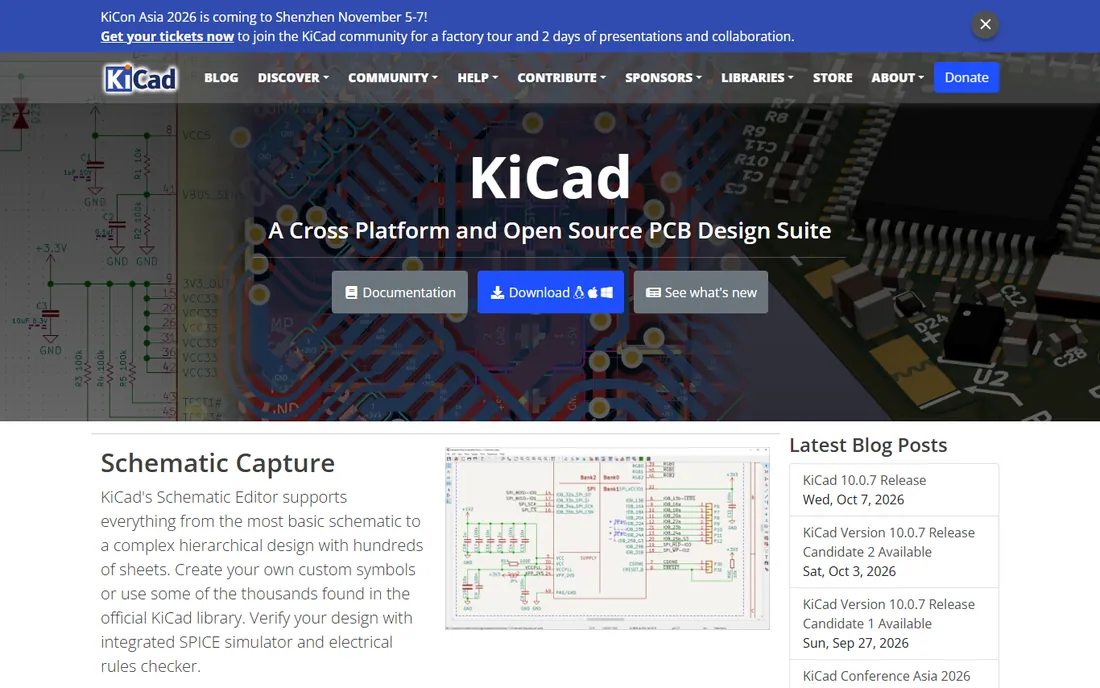
KiCad is the rare open-source tool that professionals use without apology. The schematic editor handles complex hierarchical designs, the PCB editor includes an interactive router and 3D viewer, and the integrated SPICE simulator and electrical rules checker cover verification. There are no paid tiers, no locked features and no license servers.
What you give up is polish and hand-holding. Library management, footprint association and some workflow conventions take longer to learn than in Altium, and help comes from forums and documentation rather than a support contract. For startups, students, hobbyists and even consultancies watching costs, it is the obvious first choice.
What we like- Completely free with no feature limits
- Hierarchical schematics, SPICE and 3D viewer included
- Large community libraries
Watch out for- Workflow quirks vs. commercial tools
- Library management takes setup
- No official support channel
#8
EasyEDA
Best for: Browser-based PCB design with manufacturing links
Visit easyeda.com
Starting priceSee website
Free planSee website
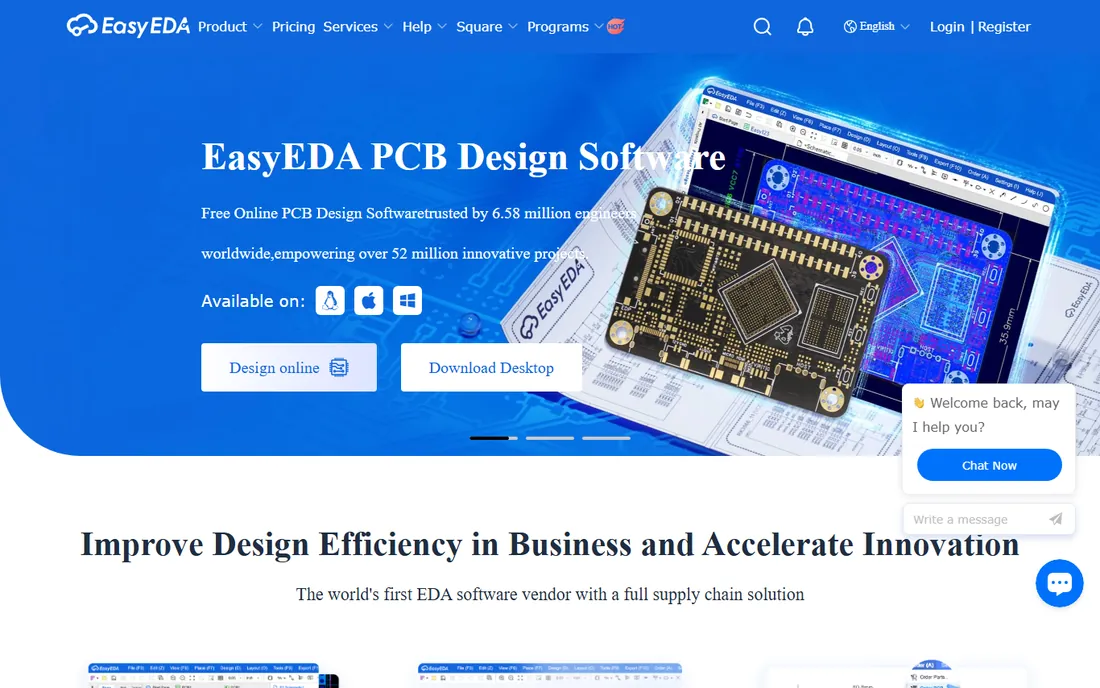
EasyEDA's pitch is convenience: open a browser tab and start a schematic, with millions of library parts showing real-time availability and pricing, then order the boards from the same ecosystem. The desktop client adds offline and semi-offline modes, and team features cover role-based collaboration for small groups.
The trade-off is control. Browser-first means your designs live on someone else's servers unless you manage the offline modes carefully, which gives some commercial teams pause. Power users will also find the router and high-speed features a step behind Altium and KiCad. For quick-turn prototypes and simple boards, the speed from idea to ordered PCB is unmatched.
What we like- Runs in the browser with desktop clients too
- Huge free libraries with live pricing
- One-click PCB ordering through JLCPCB ties
Watch out for- Cloud-based projects raise data questions for commercial work
- Advanced routing lags desktop leaders
#9
DIALux
Best for: Lighting design, calculation and visualization
Visit dialux.com
Starting priceSee website
Free planYes
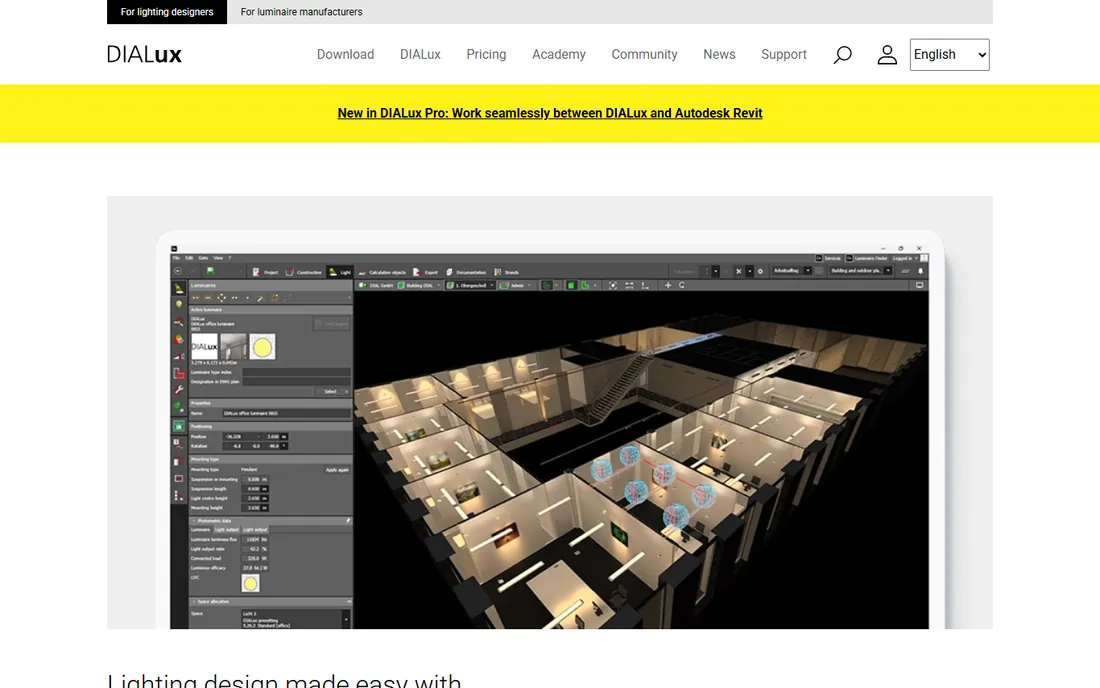
DIALux is the worldwide standard for lighting design, and its free evo version is genuinely complete: design indoor, outdoor, street and emergency lighting, calculate with real manufacturer luminaire data, and produce visualizations clients understand. With 750,000 users, it is also the file format lighting manufacturers publish for, which makes it the practical default.
DIALux Pro adds workflow speedups and extras like the Revit bridge via subscription. The limitation is scope: this is lighting design software, not a tool for power distribution or schematics. If lighting calculations are part of your electrical practice, pair it with one of the schematic or power tools above.
What we like- Free evo version covers full lighting projects
- 2.5 million real luminaires from 450+ manufacturers
- 27 languages
Watch out for- DIALux Pro subscription needed for advanced workflow features
- Lighting-only, not general electrical
Starting price$277 one-time
Free planFree trial
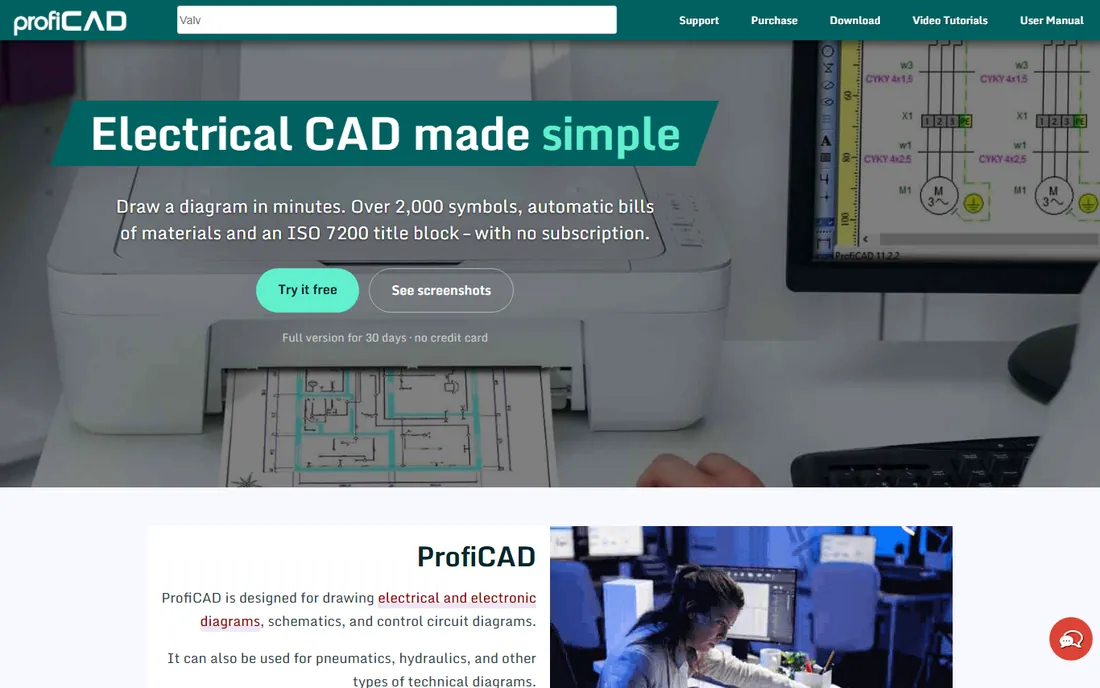
ProfiCAD is the anti-enterprise pick: one developer, building electrical CAD since 1997, selling a perpetual license for $277 with no subscription. You get schematic drawing with cross-references, automatic bills of material, wire and terminal lists, ISO 7200 title blocks and over 2,000 symbols. A 30-day full trial needs no credit card, and a free Home edition covers non-commercial use.
It will not do PCB layout, 3D panels or power studies, and support is literally the developer answering email. For independent electricians, maintenance teams, small panel builders and schools that need clean schematics without enterprise overhead, the value is obvious. Try the trial on a real drawing; most buyers decide within a day.
What we like- Perpetual license with no subscription
- 2,000+ symbols and automatic BOMs
- 30-day full trial plus a free Home edition
Watch out for- Windows-oriented
- Not for PCB layout or 3D
- One-developer product
How we chose
We opened every vendor homepage above and recorded the final URL, and pricing or free-tier claims come from the vendors' own pages: ProfiCAD's site lists its $277 perpetual license and 30-day trial, DIALux documents its free evo version, ETAP and SKM publish quote-based enterprise pricing, and Autodesk, EPLAN and SOLIDWORKS gate pricing behind sales contact. Where pricing was not public, entries say "See website" instead of guessing. We split the list across the real job categories (schematics, power studies, PCB, lighting), mixed market leaders with smaller vendors, and weighted category fit, total cost of ownership, trial availability and how each tool serves its distinct buyer. Public reviews on G2, Capterra and Reddit informed the trade-offs; no hands-on testing is claimed.
Schematic CAD vs. power system analysis: know the difference
New buyers most often go wrong by confusing these two categories. Schematic CAD tools (AutoCAD Electrical, EPLAN, SOLIDWORKS Electrical, ProfiCAD) produce drawings: schematics, panel layouts, wire lists and bills of material. Their output is documentation that gets built. Power system analysis tools (ETAP, SKM PowerTools) produce studies: load flow results, fault currents, arc flash boundaries and coordination curves. Their output is engineering justification that gets stamped.
The skills, prices and sales motions differ completely. A schematic tool is bought per seat and learned in weeks; a power study tool is bought per organization, validated against standards like IEEE 1584, and learned over months. Some firms need both, and they usually buy them separately. Before shortlisting anything, write down which deliverable you owe your client: a drawing set or a study report. Then shop only in that column.
Matching the software to the electrical work you do
Control panels and machine wiring: start with AutoCAD Electrical if your world is DWG files, EPLAN if you want data-driven automation and serve European-style machine builders, or ProfiCAD if the budget is tight and the drawings are straightforward. SOLIDWORKS Electrical earns its place when the enclosure is designed in 3D alongside the wiring.
Power distribution and compliance: ETAP and SKM PowerTools are the two names that matter. Both do load flow, short circuit, coordination and arc flash; the choice usually comes down to existing team expertise, specific module needs and the quote. Trial both with a real project model, not a demo file.
Printed circuit boards: Altium Designer for commercial teams, KiCad for everyone who wants professional results for free, EasyEDA for the fastest path from browser to ordered boards. Lighting: DIALux, full stop, starting with the free evo version.
One practical note on pricing. Enterprise electrical software is overwhelmingly quote-based, which means the sticker price depends on modules, seats, maintenance and your negotiating position. Always get two quotes, ask what the renewal looks like in year two, and confirm what the trial includes: some "free trials" are full products, others are limited demos with a salesperson attached.
Frequently asked questions
What is the best electrical design software for beginners?
ProfiCAD for schematics (simple, $277 one-time, 30-day trial), KiCad for PCB design (free and deep), and DIALux evo for lighting (free). All three let a beginner produce real deliverables without enterprise sales calls or subscriptions.
Which software is best for electrical panel design?
AutoCAD Electrical and EPLAN Electric P8 are the two standards. AutoCAD Electrical fits DWG-based North American shops; EPLAN fits data-driven machine and panel builders, especially in Europe. SOLIDWORKS Electrical is the pick when panel design happens alongside 3D mechanical modeling.
What software do engineers use for arc flash studies?
SKM PowerTools and ETAP dominate arc flash analysis, both implementing IEEE 1584 methods. SKM is the long-standing specialist; ETAP bundles arc flash into a broader digital-twin platform. Either is a defensible choice for compliance work.
Is there free electrical design software?
Yes. KiCad is free and open source for schematics and PCB design, DIALux evo is free for lighting design, and ProfiCAD offers a free Home edition for non-commercial schematic work. EasyEDA also offers free browser-based PCB design. Enterprise schematic and power-study tools are generally paid.
AutoCAD Electrical vs EPLAN: which is better?
Neither is universally better; they serve different philosophies. AutoCAD Electrical extends the DWG drafting world with electrical intelligence, while EPLAN is a data-driven engineering platform from schematic to automated panel production. Choose AutoCAD Electrical for DWG compatibility and EPLAN for automation depth, and trial both with your own project data.
Do I need different software for schematics and power analysis?
Usually yes. Schematic tools produce drawings and documentation; power analysis tools produce engineering studies like load flow and arc flash. Most firms that do both buy one tool from each category, since no single product leads in both.
Sources we checked (10)
- https://www.autodesk.com/products/autocad/included-toolsets/autocad-electrical
- https://eplan.com
- https://solidworks.com
- https://etap.com
- https://skm.com
- https://altium.com
- https://www.kicad.org
- https://easyeda.com
- https://dialux.com
- https://www.proficad.com
Is your product missing or out of date?
We review this list regularly. Vendors can request a listing, send updated pricing or ask about featured placement.

Shihab Mia · Founder, Rankite
Shihab has spent more than a decade helping SaaS and e-commerce brands grow through search. He writes Rankite's software buying guides from pricing pages, documentation and public user reviews. More about Shihab.