How we make this list: we compare pricing pages, product documentation and public user reviews. Ratings come from G2, Capterra or Trustpilot, with the date we checked them.
Todoist vs Trello: which one should your team pick
Todoist and Trello both help people keep track of work, but they organise that work in opposite ways. Todoist is built around a list. You capture a task, give it a date and a priority, and work through the list in order. Trello is built around a board. You move cards across columns such as to do, doing and done, and the state of the work is visible at a glance.
A solo worker with a long list of small tasks will usually move faster in Todoist. A team that hands work between people will usually get more value from a Trello board. Price is close at the entry level, so workflow, not cost, decides.
Direct answer: Todoist is the top pick for most individual buyers and small teams who want a fast daily task list with strong recurring tasks and a calendar view. Trello is the better pick for teams that manage work as a visible pipeline, where cards move between stages. If neither fits, Asana is the strongest alternative for structured team projects with timelines and reporting.
Key takeaways
- Todoist Pro costs $5 per user per month billed annually, and Trello Standard costs the same $5 per user per month billed annually, so entry pricing is tied.
- Todoist wins for personal daily task tracking, recurring tasks and fast capture, while Trello wins for visual workflow stages and team handoffs.
- Trello Premium at $10 per user per month adds the calendar, timeline, table, dashboard and map views.
- Asana Starter at $10.99 per user per month is the priciest entry plan here, with timelines and dashboards.
- Microsoft To Do is completely free, and TickTick Premium at $49.99 per year is the cheapest paid plan for one user.
Todoist is the better tool for daily task tracking for most people. Its core strength is speed of capture. You type a task in plain language, such as "send invoice Friday at 9am", and Todoist sets the date and time for you. Recurring tasks are handled well, with flexible patterns for daily, weekly and monthly repeats. Filters and labels let you build views such as all high priority work due this week, and the calendar layout shows the day as a schedule.
Trello tracks daily tasks differently. Each task is a card on a board. That works well when a task has a clear stage, such as a support ticket moving from new to in progress to resolved. It works less well for a personal list of 20 unrelated tasks, because the board forces every task into a column. If your day is a list, pick Todoist. If your day is a pipeline, pick Trello.
How much do Todoist and Trello cost in 2026
Todoist and Trello cost the same at the entry level, and the gap only opens when you need more advanced features. Todoist has three plans. Beginner is free, Pro is $5 per user per month billed annually or $7 billed monthly, and Business is $8 per user per month billed annually or $10 billed monthly. Pro raises the limits to 300 projects and 150 filter views, and adds the calendar layout, task durations and custom reminders.
Trello has four plans. Free costs nothing and covers up to 10 collaborators per workspace and 10 open boards. Standard is $5 per user per month billed annually or $6 billed monthly, and adds unlimited boards, custom fields and 1,000 automation runs a month. Premium is $10 per user per month billed annually or $12.50 billed monthly, and adds the calendar, timeline, table, dashboard and map views, plus unlimited automation. Enterprise is $17.50 per user per month billed annually, with a 50 seat minimum. Prices were checked against the vendor pricing pages in November 2026.
What is the biggest feature difference between Todoist and Trello
The biggest feature difference is the unit of work. In Todoist, the unit is the task, and everything around it, projects, labels, filters and priorities, exists to help you decide what to do next. In Trello, the unit is the card on a board, and everything around it, lists, labels and members, exists to show where work stands in a process. That single difference shapes every other feature. Todoist has stronger recurring tasks and a cleaner daily review. Trello has stronger visual status tracking and a board that a whole team can read without opening a single item.
A second difference is automation. Trello includes its Butler automation on every plan, with 1,000 runs a month on Standard and unlimited runs on Premium. Todoist has filters and templates, but its automation is lighter and mostly depends on integrations. Buyers who want one tool to run a team process should lean Trello. Buyers who want the fastest way to clear a list should lean Todoist.
How hard is it to switch from Todoist to Trello, or the other way
Switching between Todoist and Trello is straightforward, but it is not a one click job, because the two tools structure work differently. Moving from Todoist to Trello means turning each project into a board and each task into a card. Labels and priorities do not map cleanly onto Trello lists, so you will spend time rebuilding the structure by hand or with a CSV export. Completed tasks usually do not carry over, so most teams archive the old tool and start fresh.
Moving from Trello to Todoist is similar in reverse. Each board becomes a project, each list becomes a section or a label, and each card becomes a task. Card comments and attachments often get lost in the move, so keep the old board read only for a few weeks as a reference. A team of 10 can usually move its live work in an afternoon.
Quick comparison
| Tool | Best for | Starting price | Free plan |
|---|
 Todoist | Individuals and small teams who want a fast daily task list | $5 per user per month billed annually (Pro); $7 billed monthly | Yes, Beginner plan with 5 projects and 3 filter views |
 Trello | Teams that manage work as a visible pipeline of cards | $5 per user per month billed annually (Standard); $6 billed monthly | Yes, up to 10 collaborators per workspace and 10 open boards |
 Asana | Teams that need structured projects with timelines and reporting | $10.99 per user per month billed annually (Starter); $13.49 billed monthly | Yes, Personal plan for up to 2 users |
 ClickUp | Teams that want one tool for tasks, docs, goals and time tracking | $9 per user per month billed annually (Core); $12 billed monthly | Yes, Free Forever plan with unlimited tasks and members |
 monday Work Management | Teams that want visual boards with automations and a timeline view | $9 per user per month billed annually (Basic); $12 billed monthly | Yes, free plan for up to 2 seats |
 Notion | Teams that want tasks, notes, docs and a wiki in one workspace | $10 per user per month billed annually (Plus); $12 billed monthly | Yes, free plan for individuals with unlimited blocks for a single member |
 TickTick | Individuals who want tasks, a calendar, habits and a focus timer in one app | $49.99 per year (Premium); about $4.17 per month averaged over the year | Yes, free plan with 9 lists, 99 tasks per list and 5 habits |
 Microsoft To Do | Anyone who wants a completely free task list for Outlook and Microsoft 365 | Free, no paid tier | Yes, the whole app is free with a Microsoft account |
Is your product missing or out of date?
We review this list regularly. Vendors can request a listing, send updated pricing or ask about featured placement.
The eight tools below cover the full range of this decision, from a free personal list to a full team work management platform. Prices are the vendor list prices checked in November 2026, in US dollars before tax.
#1Todoist
Best for: Individuals and small teams who want a fast daily task list4.5/5 on
G2 (832 reviews, checked Oct 2026)
Visit todoist.com
Starting price$5 per user per month billed annually (Pro); $7 billed monthly
Free planYes, Beginner plan with 5 projects and 3 filter views
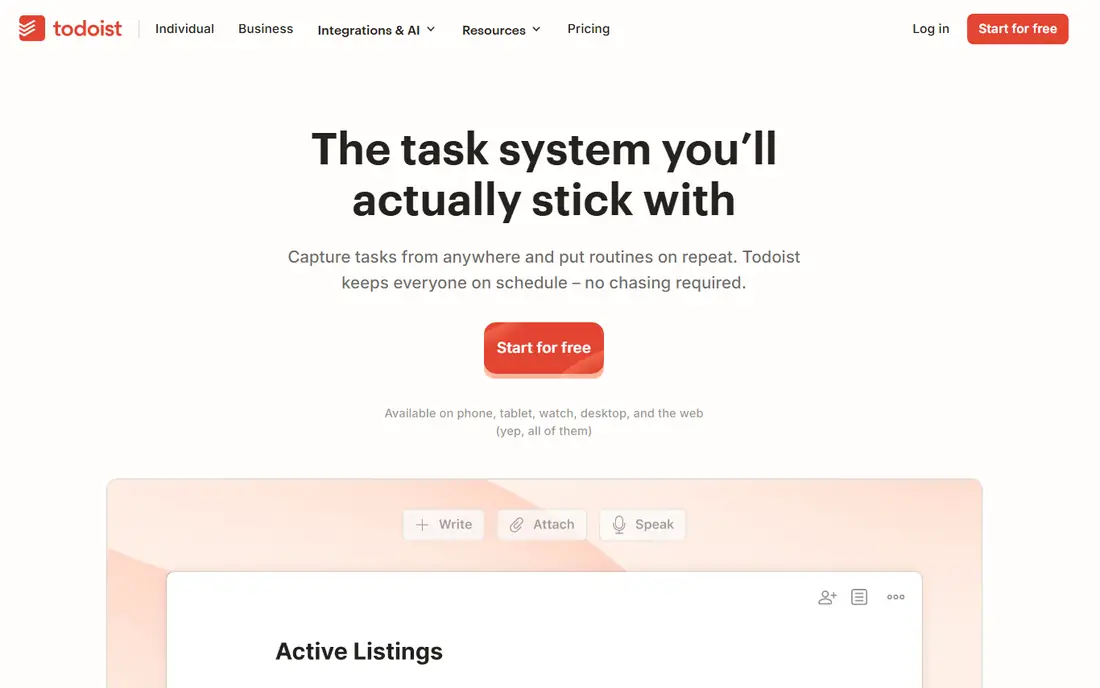
Todoist has been a task manager since 2007, and that focus shows in daily use. You type a task in plain language, and Todoist reads the date, time and priority from the sentence. Recurring tasks cover real schedules, such as every weekday. Filters let you build a view for any slice of work. For anyone clearing a long list of small tasks, Todoist is the best choice in this group.
What we like- Fast natural language task entry, strong recurring tasks, clean calendar layout
Watch out for- No built in kanban board view on the free plan, and team features require Business at $8 per user per month
#2Trello
Best for: Teams that manage work as a visible pipeline of cards4.4/5 on
G2 (14,064 reviews, checked Oct 2026)
Visit trello.com
Starting price$5 per user per month billed annually (Standard); $6 billed monthly
Free planYes, up to 10 collaborators per workspace and 10 open boards
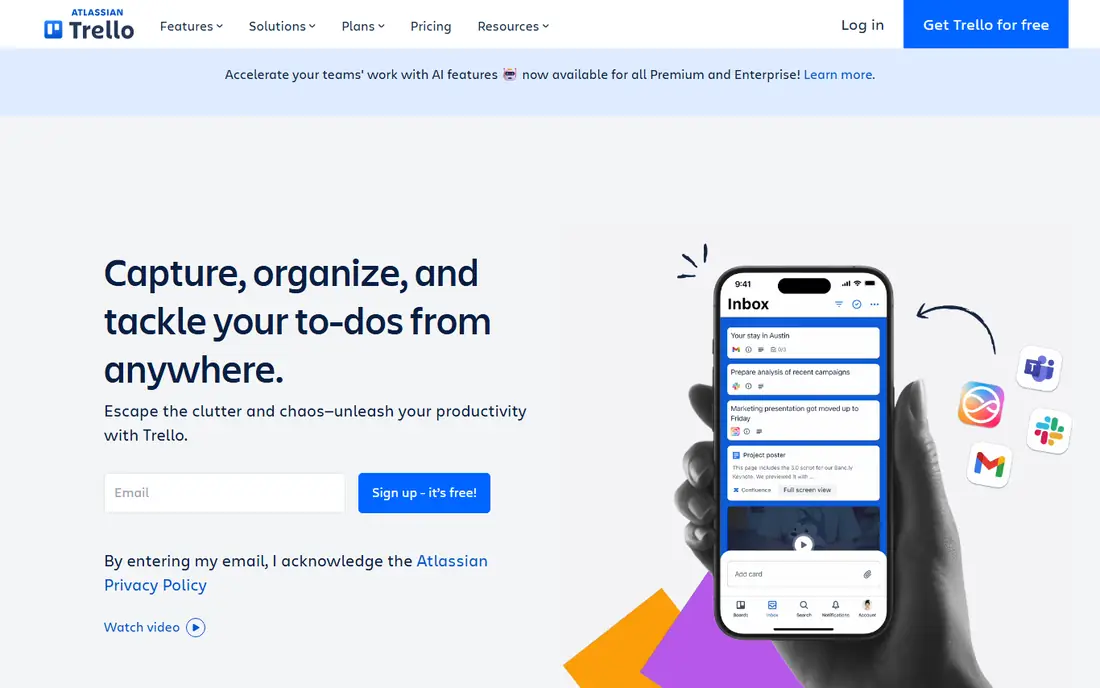
Trello turns work into cards on a board, and that visual model is its greatest strength. A new team member can open a board and see exactly where every item stands without reading a report or opening a single card. Butler automation handles routine moves and is included on every plan. The free plan is generous, but the 10 board limit pushes growing teams toward Premium. Pick Trello when the state of work matters as much as the work itself.
What we like- Clear visual boards, built in automation on every plan, easy to read
Watch out for- The calendar, timeline, table and dashboard views are locked behind Premium at $10 per user per month
#3Asana
Best for: Teams that need structured projects with timelines and reporting4.4/5 on
G2 (13,930 reviews, checked Oct 2026)
Visit asana.com
Starting price$10.99 per user per month billed annually (Starter); $13.49 billed monthly
Free planYes, Personal plan for up to 2 users
Asana is the most structured tool in this group, and it suits teams that run projects with deadlines, owners and dependencies. Starter adds timeline and Gantt views, dashboards, forms, custom fields and unlimited automations, plus unlimited free guests. Advanced at $24.99 adds portfolios, goals, workload management, approvals and time tracking. A small team that only needs a task list will find Asana more expensive than Todoist or Trello, but a team managing several projects at once will get value from the structure.
What we like- Timeline and Gantt views, strong dashboards and reporting, unlimited automations on Starter
Watch out for- The free Personal plan caps at 2 users, and Starter costs more than double the entry price of Todoist or Trello
#4ClickUp
Best for: Teams that want one tool for tasks, docs, goals and time tracking4.6/5 on
G2 (14,878 reviews, checked Oct 2026)
Visit clickup.com
Starting price$9 per user per month billed annually (Core); $12 billed monthly
Free planYes, Free Forever plan with unlimited tasks and members
ClickUp combines tasks, documents, whiteboards, goals, chat and time tracking in one workspace. Core at $9 adds custom fields, unlimited storage and spaces, unlimited Gantt charts and 1,000 automations a month. Business at $17 adds advanced dashboards, workload management, timesheets and 10,000 automations a month. An October 2026 source read Core at $8, while reads from 5 and 17 November 2026 show $9, so this guide uses the $9 vendor figure. Some existing workspaces still bill on the legacy Unlimited plan at $7, so check which price line applies.
What we like- Many views in one tool, generous free plan, docs and goals built in
Watch out for- The interface packs in so many features that new users can find it busy, and the price has risen twice in recent years
#5
monday Work Management
Best for: Teams that want visual boards with automations and a timeline view
Visit monday.com
Starting price$9 per user per month billed annually (Basic); $12 billed monthly
Free planYes, free plan for up to 2 seats
monday organises work on boards with columns for status, owner, date and priority, and the result is easy to scan. Basic at $9 covers simple task management with unlimited items and free viewers. Standard at $12 adds timeline and Gantt views, guest access, and 250 automation and integration actions a month, the tier most teams need. Pro at $19 adds time tracking and private boards. These are Work Management prices, not monday CRM prices, so check you are reading the right product page.
What we like- Visual boards that are easy to read, strong automations from Standard upward, good templates
Watch out for- Paid plans start at 3 seats, and Basic lacks automations and integrations, which pushes most buyers to Standard at $12
#6Notion
Best for: Teams that want tasks, notes, docs and a wiki in one workspace4.6/5 on
G2 (13,834 reviews, checked Oct 2026)
Visit notion.com
Starting price$10 per user per month billed annually (Plus); $12 billed monthly
Free planYes, free plan for individuals with unlimited blocks for a single member
Notion is a workspace for notes, documents, wikis and databases that can also hold tasks. Plus at $10 adds unlimited file uploads, a 30 day page history and collaborative features. Business at $20 adds full Notion AI, including the Notion Agent and AI meeting notes, plus SAML single sign on and private teamspaces. Notion is flexible. A team can build a task tracker as a database with kanban, calendar, table and timeline views. That setup takes time, and the result rarely matches Todoist for daily capture.
What we like- Flexible pages and databases, strong wiki and docs, generous free plan
Watch out for- Task management is weaker than in Todoist or Trello, and full AI features require Business at $20 per user per month
#7TickTick
Best for: Individuals who want tasks, a calendar, habits and a focus timer in one app4.5/5 on
G2 (113 reviews, checked Oct 2026)
Visit ticktick.com
Starting price$49.99 per year (Premium); about $4.17 per month averaged over the year
Free planYes, free plan with 9 lists, 99 tasks per list and 5 habits
Premium costs $49.99 a year, about $4.17 a month. Two sources cite Premium at $35.99 a year, while October 2026 reads of the official page show $49.99, so this guide uses $49.99. Premium raises the limits to 299 lists with 999 tasks each, and adds multiple calendar views, task durations, email reminders and 299 habits. TickTick lacks the team administration and shared workspace features of Todoist Business or Trello Premium, so it is a personal tool first.
What we like- Calendar, habit tracker and Pomodoro timer built in, low yearly price
Watch out for- No team plan or per seat billing, so it does not scale to a team, and sharing is limited to 29 members
#8Microsoft To Do
Best for: Anyone who wants a completely free task list for Outlook and Microsoft 3654.4/5 on
G2 (99 reviews, checked Oct 2026)
Visit todo.microsoft.com
Starting priceFree, no paid tier
Free planYes, the whole app is free with a Microsoft account
Microsoft To Do is the successor to Wunderlist, and it is the only tool in this group with no paid tier at all. Every feature is free with a Microsoft account, including lists, due dates, reminders, steps, notes and shared lists. Flagged emails in Outlook appear as tasks without retyping, which suits people who live in Outlook and Microsoft 365. The limits are clear. There is no board view, no calendar layout and no comments on tasks, so a team that needs structure will outgrow it quickly.
What we like- Completely free with no paid tier, syncs with Outlook tasks and flagged email
Watch out for- No kanban board, no calendar layout, no habit tracker or focus timer, and no task comments
Comparison table
| Tool | Starting price | Free plan | Best for |
| Todoist | $5 per user per month, annual (Pro) | Yes, Beginner, 5 projects | Fast daily task lists |
| Trello | $5 per user per month, annual (Standard) | Yes, 10 collaborators, 10 boards | Visual pipelines of cards |
| Asana | $10.99 per user per month, annual (Starter) | Yes, Personal, up to 2 users | Structured projects, timelines |
| ClickUp | $9 per user per month, annual (Core) | Yes, Free Forever | Tasks, docs, goals, time tracking |
| monday Work Management | $9 per seat per month, annual (Basic) | Yes, up to 2 seats | Visual boards, automations |
| Notion | $10 per user per month, annual (Plus) | Yes, free for individuals | Tasks, notes, docs, wiki |
| TickTick | $49.99 per year (Premium) | Yes, 9 lists, 99 tasks per list | Personal tasks, habits, timer |
| Microsoft To Do | Free, no paid tier | Yes, whole app free | Free list for Outlook users |
Frequently asked questions
Is Todoist or Trello better for a small team?
Todoist is better for a small team that needs a shared task list with due dates and recurring work, since it is fast to learn and cheap at $5 per user per month. Trello is better when the team hands work between people through stages, such as a content or support pipeline, because the board shows the state of every item. A team that needs timelines and reporting should look at Asana instead.
Can I use Todoist and Trello for free?
Yes, both tools have a free plan, and both are usable for real work at small scale. Todoist Beginner is free with 5 projects, 3 filter views and basic reminders, while Trello Free covers up to 10 collaborators per workspace and 10 open boards. The paid plans add views, automations and higher limits, so a growing team will usually pay within a few months.
How much does Trello Premium cost, and is it worth it?
Trello Premium costs $10 per user per month billed annually, or $12.50 billed monthly. It adds the calendar, timeline, table, dashboard and map views, plus unlimited automation runs, workspace templates, observers and admin controls. It is worth it for teams that need those views to manage work, but teams that only use boards and lists should stay on Standard at $5 and save half the cost.
What is the cheapest paid task tool in this comparison?
TickTick Premium is the cheapest paid plan here for one user, at $49.99 a year, about $4.17 a month. Microsoft To Do is free with no paid tier at all, so it costs nothing. Among team plans, Todoist Pro and Trello Standard tie at $5 per user per month billed annually, while Asana Starter is priciest at $10.99.
Can I move my tasks from Todoist to Trello?
Yes, move tasks with a CSV export and import, or with a third party migration tool. Each Todoist project becomes a Trello board, and each task becomes a card, but labels, priorities and comments do not always carry over cleanly. Most teams archive the old tool, move only live work, and keep the old boards read only for a few weeks.
Sources we checked (8)
- https://todoist.com/pricing
- https://trello.com/pricing
- https://asana.com/pricing
- https://clickup.com/pricing
- https://monday.com/pricing
- https://notion.com/pricing
- https://ticktick.com/upgrade
- https://todo.microsoft.com
Is your product missing or out of date?
We review this list regularly. Vendors can request a listing, send updated pricing or ask about featured placement.

Shihab Mia · Founder, Rankite
Shihab has 5+ years in B2B and SaaS SEO. He writes Rankite's software buying guides from pricing pages, documentation and public user reviews. More about Shihab.