How we make this list: we compare pricing pages, product documentation and public user reviews. Ratings come from G2, Capterra or Trustpilot, with the date we checked them.
Todoist vs Asana: which one should your team pick
Todoist and Asana both turn a growing list of tasks into finished work, but they start from different ideas. Todoist is built around a fast personal list. You open it, type a task in plain language, set a date, and move on. Asana is built around shared projects, where you see who owns each task, when it is due, and how it connects to a larger goal.
A solo worker who mainly needs to remember deadlines will usually find Todoist faster. A team of five or more people who need timelines and dashboards will usually get more value from Asana. This guide compares the two, then adds six alternatives: Trello, ClickUp, monday Work Management, Notion, TickTick and Wrike.
Direct answer: Asana is the top pick for teams of three or more people who need shared projects, timelines and reporting, starting at $10.99 per user per month billed annually on Starter. Todoist is the top pick for solo users and very small groups who want speed and simplicity, starting at $5 per user per month billed annually on Pro. If Asana feels too structured and Todoist feels too personal, Trello is the best middle option, with Standard at $5 per user per month billed annually.
Key takeaways
- Todoist wins on speed and personal task capture, while Asana wins on team structure, timelines and reporting.
- Asana Starter costs $10.99 per user per month billed annually, more than double Todoist Pro at $5 per user per month billed annually.
- Asana Personal is free for up to two users only, so a real team needs a paid plan from the start.
- Trello, ClickUp and TickTick offer cheaper starting points, while monday Work Management, Notion and Wrike sit closer to Asana on price.
- ClickUp has two price lines in circulation in 2026, so confirm whether a quote uses the new Core price or a legacy Unlimited price.
Todoist is better for daily task tracking for most solo users, because capturing a task takes seconds and the daily view stays uncluttered. Natural language entry lets you type a task such as a client call tomorrow at 10am and have Todoist set the date and time. The calendar layout on Pro shows tasks beside your day, and reminders keep small deadlines from slipping.
Asana is better for daily tracking when the work is shared, because each task shows its owner, its project, its due date and its status in one place. My Tasks gives each person a single list, while project views show the team view. Asana needs more setup time, while Todoist works well on day one.
How much do Todoist and Asana cost in 2026
Todoist is the cheaper option at every comparable level. Todoist Beginner is free, Pro costs $5 per user per month billed annually or $7 billed monthly, and Business costs $8 per user per month billed annually or $10 billed monthly. Pro is a personal plan, so each person pays for their own account, while Business adds a shared team workspace.
Asana Personal is free for up to two users, Starter costs $10.99 per user per month billed annually or $13.49 billed monthly, and Advanced costs $24.99 billed annually or $30.49 billed monthly. A five person team on Starter pays about $659.40 a year, while the same team on Advanced pays about $1,499.40 a year. Todoist Business at $8 billed annually is cheaper, but it does not offer the same project reporting.
What feature differences matter most between Todoist and Asana
The largest difference is project structure. Asana offers timeline and Gantt views, project portfolios, goals, workload management, approvals, proofing and native time tracking on paid plans. Todoist offers projects, sections, filters, labels and a calendar layout, but it does not offer portfolios or workload views.
The second difference is automation and reporting. Asana Starter includes unlimited automations, forms, custom fields, dashboards and reporting, while Advanced adds formulas and resource management. Todoist offers reminders, filters and basic integrations, but its automation is lighter and its reporting is personal rather than team wide. Asana Starter also includes unlimited free guests, which helps agencies.
How hard is it to switch from Todoist to Asana, or back again
Switching in either direction is straightforward for the tasks themselves and slower for the habits around them. Both tools support CSV import, so a list of tasks, due dates, priorities and assignees can move across in an afternoon. The harder part is rebuilding projects, templates, automations and reports.
An Asana team that moves to Todoist will lose portfolios, timelines and workload views. A Todoist user who moves to Asana will gain those views, but will need to learn projects, sections and custom fields. Start with a trial: export a real project, import it into the new tool, and run both tools in parallel for two weeks with a small group. Most teams complete a full switch in two to four weeks.
Quick comparison
| Tool | Best for | Starting price | Free plan |
|---|
 Todoist | Solo users and small groups who want the fastest way to capture and complete daily tasks | $5/user/mo annual on Pro ($7 monthly); Business $8/user/mo annual | Yes, Beginner is free with 5 personal projects and 3 filter views |
 Asana | Teams of three or more people who need shared projects, timelines, dashboards and clear ownership | $10.99/user/mo annual on Starter ($13.49 monthly); Advanced $24.99 annual ($30.49 monthly) | Yes, Personal is free for up to 2 users, with unlimited tasks and projects |
 Trello | Visual workers and small teams who want boards, cards and a gentle learning curve | $5/user/mo annual on Standard ($6 monthly); Premium $10 annual ($12.50 monthly) | Yes, free with up to 10 collaborators and 10 open boards |
 ClickUp | Teams that want tasks, docs, goals, chat and dashboards in one workspace | $9/user/mo annual on Core ($12 monthly); Business $17 annual ($25 monthly) | Yes, Free Forever with 100 MB storage and unlimited tasks |
 monday Work Management | Teams that want colourful boards, automations and a visual way to track work without a steep learning curve | $9/user/mo annual on Basic ($12 monthly); Standard $12 annual; Pro $19 annual | Yes, free for up to 2 seats, with 3 boards and 3 docs |
 Notion | People and teams who want notes, docs, wikis and tasks in one connected workspace | $10/user/mo annual on Plus ($12 monthly); Business $20 annual ($24 monthly) | Yes, free for individuals with up to 10 guests |
 TickTick | Solo users who want tasks, a calendar, habits and a Pomodoro timer in one low cost app | $49.99/year for Premium, about $4.17/mo averaged | Yes, free with 9 lists, 99 tasks per list and 5 habits |
 Wrike | Departments and agencies that need approvals, request forms, proofing, time tracking and resource management | $10/user/mo annual on Team; Business $25/user/mo annual | Yes, free with board and table views and 2 GB storage |
Is your product missing or out of date?
We review this list regularly. Vendors can request a listing, send updated pricing or ask about featured placement.
The eight tools below cover the full range of this buying decision, from a five dollar personal list to a twenty five dollar departmental project system. Each entry lists the starting paid price checked in November 2026, the free plan, and the trade off that matters most. Use the comparison table after the list to shortlist two or three tools, then trial them before you pay.
#1Todoist
Best for: Solo users and small groups who want the fastest way to capture and complete daily tasks4.5/5 on
G2 (832 reviews, checked Oct 2026)
Visit todoist.com
Starting price$5/user/mo annual on Pro ($7 monthly); Business $8/user/mo annual
Free planYes, Beginner is free with 5 personal projects and 3 filter views
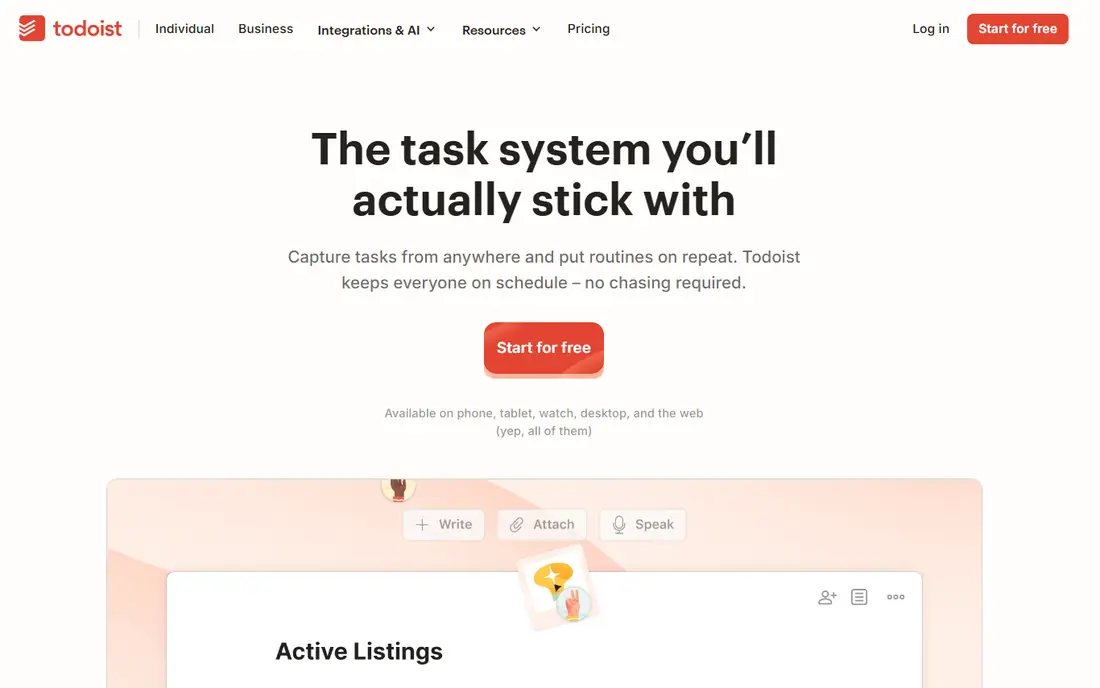
Todoist has been a personal task manager since 2007, and it adds little friction to a working day. You can add a task from the web, desktop, mobile or browser extension, set a priority and a date, and return to it later without opening a project board. Business adds a shared workspace, but buyers who want timelines or client approvals should look at Asana or Wrike instead.
What we like- Fast task capture with natural language dates, clean daily and calendar views, strong mobile apps, low price
Watch out for- No portfolios, workload views or native time tracking, and Pro is personal, so teams need Business for a shared workspace
#2Asana
Best for: Teams of three or more people who need shared projects, timelines, dashboards and clear ownership4.4/5 on
G2 (13,930 reviews, checked Oct 2026)
Visit asana.com
Starting price$10.99/user/mo annual on Starter ($13.49 monthly); Advanced $24.99 annual ($30.49 monthly)
Free planYes, Personal is free for up to 2 users, with unlimited tasks and projects
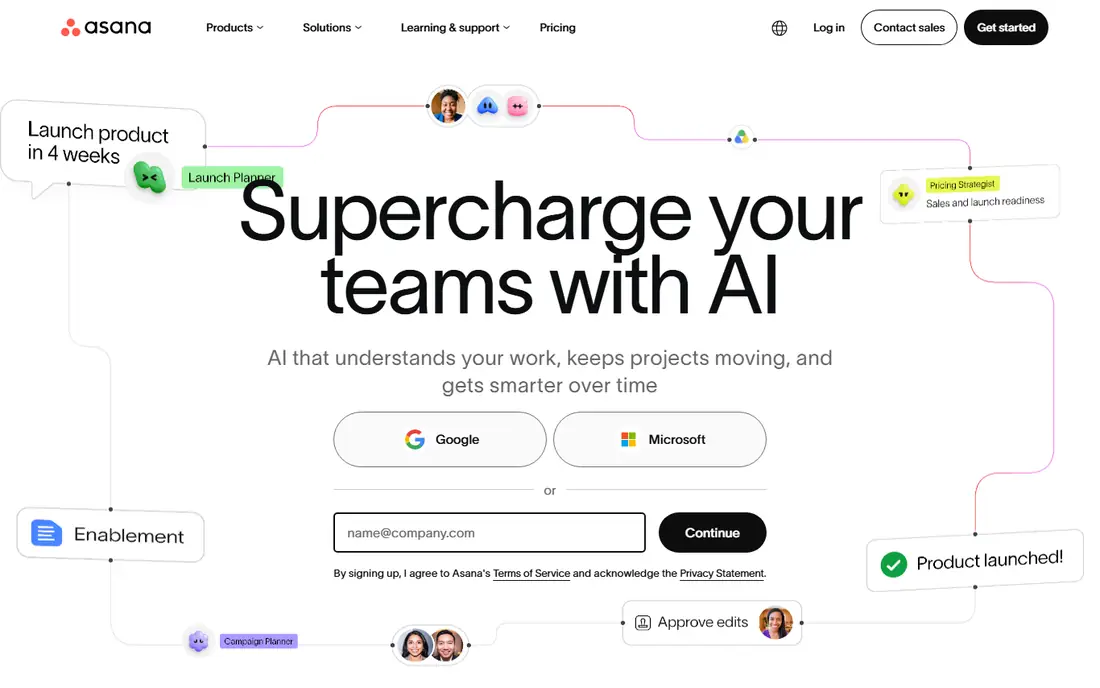
Asana is the most structured tool here, and that structure is its main strength. Projects can be viewed as lists, boards, timelines or calendars, and each task can carry an owner, a due date, custom fields, attachments and comments. Starter adds timeline and Gantt views, dashboards, forms and unlimited automations, while Advanced adds portfolios, goals, workload, approvals and time tracking. For teams that run client work, the visibility is worth the price. For a solo user, Asana is more tool than the job needs.
What we like- Strong timeline and Gantt views, unlimited automations and free guests on Starter, portfolios and goals on Advanced
Watch out for- Free plan caps at two users, so a real team must pay, and the full feature set takes longer to learn than a simple list tool
#3Trello
Best for: Visual workers and small teams who want boards, cards and a gentle learning curve4.4/5 on
G2 (14,064 reviews, checked Oct 2026)
Visit trello.com
Starting price$5/user/mo annual on Standard ($6 monthly); Premium $10 annual ($12.50 monthly)
Free planYes, free with up to 10 collaborators and 10 open boards
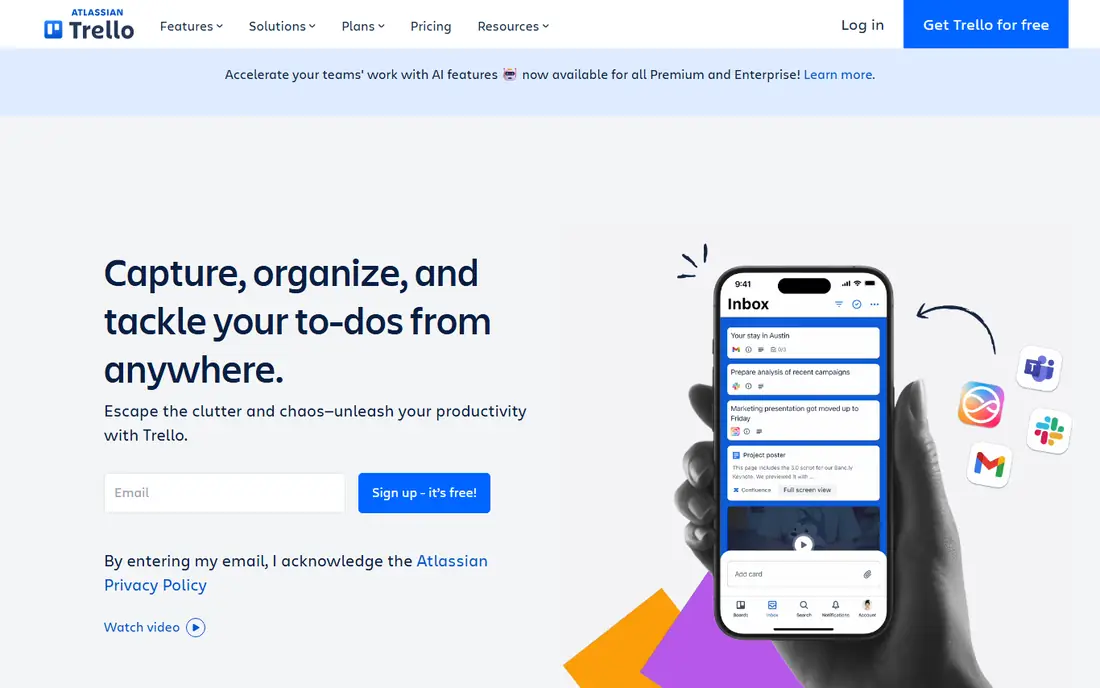
Trello turns work into cards on a board, which suits teams that think in columns such as to do, doing and done. Standard at $5 per user per month billed annually removes the board and collaborator caps, adds custom fields, advanced checklists, card mirroring and 1,000 automation runs a month. Premium at $10 adds calendar, timeline, table, dashboard and map views. Enterprise starts at $17.50, with a 50 seat minimum.
What we like- Board view is easy to learn, unlimited boards and Power-Ups on Standard, low starting price
Watch out for- Free plan caps at 10 collaborators and 10 boards, and calendar, timeline, table and dashboard views require Premium at $10
#4ClickUp
Best for: Teams that want tasks, docs, goals, chat and dashboards in one workspace4.6/5 on
G2 (14,878 reviews, checked Oct 2026)
Visit clickup.com
Starting price$9/user/mo annual on Core ($12 monthly); Business $17 annual ($25 monthly)
Free planYes, Free Forever with 100 MB storage and unlimited tasks
ClickUp aims to replace several tools at once, combining tasks, docs, whiteboards, goals, chat and dashboards in one workspace. Core at $9 per user per month billed annually includes custom fields, unlimited storage and spaces, unlimited Gantt charts, goals and 1,000 automations a month. Business at $17 adds advanced dashboards, workload management, timesheets, webhooks and 10,000 automations a month. One October 2026 source listed Core at $8, while November 2026 sources list $9, so this guide uses $9.
What we like- Broad feature set for the price, custom fields and views on Core, strong automation limits on Business, AI credits included
Watch out for- Two price lines are in circulation in 2026, so confirm whether a quote uses Core at $9 or a legacy Unlimited price, and the interface can feel busy
#5
monday Work Management
Best for: Teams that want colourful boards, automations and a visual way to track work without a steep learning curve
Visit monday.com
Starting price$9/user/mo annual on Basic ($12 monthly); Standard $12 annual; Pro $19 annual
Free planYes, free for up to 2 seats, with 3 boards and 3 docs
monday Work Management is a board based platform that suits teams who want to see status at a glance. Basic at $9 per user per month billed annually adds unlimited free viewers and unlimited items, Standard at $12 adds timeline and Gantt views, guest access and 250 automation and integration actions a month each, and Pro at $19 raises those limits to 25,000 actions a month each and adds time tracking. Paid plans start at three seats, and larger teams buy seats in buckets, so a team of four may pay for five seats and a team of six may pay for ten.
What we like- Boards are easy to build and read, Standard adds timeline, Gantt and automations, Pro adds time tracking and 25,000 automation actions
Watch out for- Paid plans require a 3 seat minimum and sell seats in fixed buckets, so a small team may pay for unused seats, and monday CRM prices are higher
#6Notion
Best for: People and teams who want notes, docs, wikis and tasks in one connected workspace4.6/5 on
G2 (13,834 reviews, checked Oct 2026)
Visit notion.com
Starting price$10/user/mo annual on Plus ($12 monthly); Business $20 annual ($24 monthly)
Free planYes, free for individuals with up to 10 guests
Notion is a workspace for notes and tasks rather than a pure task manager. Pages can hold text, tables, databases, calendars and kanban boards, which makes it useful for teams that want project notes, meeting records and task lists in the same place. Plus at $10 per user per month billed annually adds unlimited file uploads and custom sites and forms. Business at $20 adds full Notion AI, SAML SSO, granular permissions and private teamspaces. Notion suits teams that live in docs, but it is not the best choice for teams that need workload views, approvals or formal project reporting.
What we like- Flexible pages, databases and templates, strong for docs, Plus adds unlimited file uploads and 30 day page history
Watch out for- Full Notion AI requires Business at $20, so AI doubles the cost over Plus, and Notion is weaker than Asana for timeline and portfolio reporting
#7TickTick
Best for: Solo users who want tasks, a calendar, habits and a Pomodoro timer in one low cost app4.5/5 on
G2 (113 reviews, checked Oct 2026)
Visit ticktick.com
Starting price$49.99/year for Premium, about $4.17/mo averaged
Free planYes, free with 9 lists, 99 tasks per list and 5 habits
TickTick is the cheapest paid option in this guide for a solo user. Premium at $49.99 a year raises the limits to 299 lists and 999 tasks per list, adds multiple calendar views, task durations, email reminders, themes and 299 habits. A $4.99 monthly option appears on the App Store, which costs $59.88 over twelve months. Some 2026 reviews still quote $35.99 a year, but current vendor pages list $49.99 a year, so this guide uses $49.99.
What we like- Low yearly price, built in calendar views, habit tracker and Pomodoro timer, good value against Todoist Pro at $60 a year
Watch out for- No team workspace or per seat billing, so it suits individuals rather than departments, and some older sources still quote a stale $35.99 yearly price
#8Wrike
Best for: Departments and agencies that need approvals, request forms, proofing, time tracking and resource management4.2/5 on
G2 (4,540 reviews, checked Oct 2026)
Visit wrike.com
Starting price$10/user/mo annual on Team; Business $25/user/mo annual
Free planYes, free with board and table views and 2 GB storage
Wrike is the most formal tool in this guide, and it suits teams that need governance as well as tasks. Team at $10 per user per month billed annually is for small teams of 2 to 15 users and adds Gantt charts, shareable dashboards and starter AI features. Business at $25 is for teams of 5 to 200 users and adds request forms, approvals, proofing, time tracking, resource management and 200 automation actions per seat per month. Pinnacle and Apex are quoted by sales. Wrike restructured its pricing in January 2026.
What we like- Strong Gantt charts and dashboards on Team, proofing and approvals on Business, good for client work
Watch out for- Team supports only 2 to 15 users and Business only 5 to 200 users, Business is annual billing only, and seats are sold in bundles
Comparison table
| Tool | Starting price | Free plan | Best for |
| Todoist | $5/user/mo annual, Pro | Yes, Beginner free | Solo users and fast daily task capture |
| Asana | $10.99/user/mo annual, Starter | Yes, Personal free for up to 2 users | Teams that need shared projects and timelines |
| Trello | $5/user/mo annual, Standard | Yes, free up to 10 collaborators | Visual board work and easy adoption |
| ClickUp | $9/user/mo annual, Core | Yes, Free Forever | Tasks, docs and dashboards in one workspace |
| monday Work Management | $9/user/mo annual, Basic | Yes, free for up to 2 seats | Colourful boards and automations |
| Notion | $10/user/mo annual, Plus | Yes, free for individuals | Notes, docs and tasks in one workspace |
| TickTick | $49.99/year, Premium | Yes, free with 9 lists | Solo users who want calendar, habits and focus time |
| Wrike | $10/user/mo annual, Team | Yes, free with basic views | Departments that need approvals and resource planning |
Prices in the table are the lowest paid plan for each tool, checked in November 2026. ClickUp Core is listed at $9 in November 2026 sources, with one October source listing $8. TickTick Premium is listed at $49.99 a year, while some older reviews list $35.99, which is now stale.
Frequently asked questions
Is Todoist or Asana better for a small team?
Asana is better for a small team that needs shared projects, timelines and reporting, because it shows ownership and progress in one place. Todoist is better when the team is two people or fewer, or when each person mainly manages their own tasks.
Can I use Todoist or Asana for free?
Yes, both tools offer a free plan, but the limits are different. Todoist Beginner is free with 5 personal projects and 3 filter views, which suits a solo user. Asana Personal is free for up to 2 users, with unlimited tasks and projects, which suits a pair. A team of three or more will need a paid plan on Asana.
Which tool is cheaper, Todoist or Asana?
Todoist is cheaper. Todoist Pro costs $5 per user per month billed annually, while Asana Starter costs $10.99 per user per month billed annually. A five person team pays $480 a year for Todoist Business at $8 per user per month billed annually, against $659.40 a year for Asana Starter.
Does ClickUp really cost $9 or $7 per user per month?
New buyers should expect $9 per user per month billed annually for ClickUp Core, based on November 2026 sources. The $7 figure belongs to the legacy Unlimited plan, which still bills some existing workspaces, and one October 2026 source listed Core at $8. ClickUp Business is $17 billed annually on the new line, against $12 on the legacy line. Confirm the plan name before you pay.
How long does it take to switch from Todoist to Asana?
A solo user can switch in a day by exporting tasks as a CSV file and importing them into Asana. A team should allow two to four weeks, because projects, templates, automations and reports need to be rebuilt. Run both tools in parallel for two weeks with a small group. The main cost is time, not money.
Sources we checked (8)
- https://todoist.com/pricing
- https://asana.com/pricing
- https://trello.com/pricing
- https://clickup.com/pricing
- https://monday.com/pricing
- https://notion.com/pricing
- https://ticktick.com
- https://wrike.com/pricing
Is your product missing or out of date?
We review this list regularly. Vendors can request a listing, send updated pricing or ask about featured placement.

Shihab Mia · Founder, Rankite
Shihab has 5+ years in B2B and SaaS SEO. He writes Rankite's software buying guides from pricing pages, documentation and public user reviews. More about Shihab.