How we make this list: we compare pricing pages, product documentation and public user reviews. Ratings come from G2, Capterra or Trustpilot, with the date we checked them.
Todoist vs ClickUp: which one should your team pick
Todoist and ClickUp both promise to organise your work, but they start from opposite ideas. Todoist is a focused task list built for speed, with a clean inbox, natural language dates and a simple project structure. ClickUp is a broad work platform that combines tasks, docs, whiteboards, goals, time tracking and dashboards in one workspace.
Most buyers who search for todoist vs clickup are choosing between personal productivity and team project management. Todoist suits a person or a small team that wants to capture tasks fast and clear them daily. ClickUp suits a team that needs custom fields, multiple views, automations and reporting in the same place.
Direct answer: ClickUp is the top pick for most teams that need shared projects, views and reporting, because Core at $9 per user per month billed annually gives far more structure than Todoist Pro at $5 per user per month billed annually. Todoist is the better pick for solo users who value speed and a simple daily list. Asana is the strongest alternative for teams that want polished timelines without the setup work ClickUp often requires.
Key takeaways
- Todoist is faster for personal daily lists, while ClickUp is stronger for shared team projects.
- ClickUp Core now costs $9 per user per month billed annually, and Business costs $17, after Unlimited was renamed Core in October 2026.
- Todoist Pro costs $5 per user per month billed annually, or $7 billed monthly.
- Asana, Trello and monday Work Management start from $5 to $10.99 per user per month billed annually.
- TickTick is the cheapest paid personal option at $49.99 per year, while Smartsheet fits spreadsheet style tracking.
Todoist is better for daily task tracking for most individuals. You open the app, type a task in plain language such as every Friday at 9am, and Todoist sets the date, project and priority without extra clicks. The Today view and the calendar layout keep the focus on what is due now.
ClickUp can track daily tasks, but it asks for more decisions first. You choose a list, a status, a custom field set and a view, and that flexibility slows down a quick capture. Once the structure is in place, ClickUp is stronger for work that moves through stages and needs a board, calendar and Gantt view of the same tasks.
How much does Todoist vs ClickUp cost in 2026
ClickUp costs more than Todoist at the entry paid tier. Todoist Pro costs $5 per user per month billed annually, or $7 billed monthly, and Business costs $8 per user per month billed annually, or $10 billed monthly. ClickUp Core costs $9 per user per month billed annually, or $12 billed monthly, and Business costs $17 per user per month billed annually, or $25 billed monthly. Both offer a free plan, and both charge more on monthly billing.
There is a price conflict buyers should check before they pay for ClickUp. ClickUp renamed Unlimited to Core in October 2026 and raised the annual price from $7 to $9, and Business from $12 to $17. Some existing workspaces still see the older $7 and $12 figures. Use Core $9 and Business $17 for a new workspace, and confirm the figure at checkout. A ten person team pays $600 a year for Todoist Pro, $1,080 a year for ClickUp Core and $2,040 a year for ClickUp Business on annual billing, before tax. Prices were checked on 18 November 2026.
What is the main feature difference between Todoist and ClickUp
The main feature difference is scope. Todoist does one thing well, which is personal and small team task management, while ClickUp tries to cover tasks, docs, goals, time tracking, chat and dashboards in one workspace. That difference shapes setup time, reporting and training.
Todoist offers projects, sections, labels, filters, reminders, a calendar layout and task durations, plus a shared team workspace on Business with up to 500 team projects. It has no native Gantt charts, workload views or time tracking. ClickUp offers list, board, calendar, Gantt, timeline and table views, custom fields, automations, goals, docs and time tracking, with 1,000 automation actions a month on Core and 10,000 on Business.
How hard is it to switch from Todoist to ClickUp
Switching from Todoist to ClickUp is straightforward for tasks, and harder for habits and filters. Both tools support CSV import, so a buyer can export Todoist projects and tasks and import them into ClickUp lists. Task names, due dates and priorities usually transfer, while labels, filters and custom views do not map cleanly. Plan time to rebuild filters as saved views.
The reverse move is harder when a team has built its work around custom fields, automations and docs. Todoist has no direct equivalent for ClickUp automations, goals or dashboards. A practical plan is to run both tools for two weeks, move one project at a time, keep the old workspace read only for a month, and test the import with one small project first.
Quick comparison
| Tool | Best for | Starting price | Free plan |
|---|
 Todoist | Solo users and small teams who want the fastest daily task list | $5 per user per month billed annually, Pro; $7 billed monthly | Beginner is free, with 5 personal projects and 3 filter views |
 ClickUp | Teams that want tasks, docs, goals and dashboards in one workspace | $9 per user per month billed annually, Core; $12 billed monthly | Free Forever is free, with 100 MB storage and 100 automation actions a month |
 Asana | Cross functional teams that want polished timelines, portfolios and goals | $10.99 per user per month billed annually, Starter; $13.49 billed monthly | Personal is free for up to 2 users, with unlimited tasks and projects |
 Trello | Small teams that want a simple visual board at a low price | $5 per user per month billed annually, Standard; $6 billed monthly | Free, with up to 10 collaborators per workspace and up to 10 open boards |
 monday Work Management | Teams that want colourful boards, automations and dashboards in one place | $9 per user per month billed annually, Basic; $12 billed monthly | Free for up to 2 seats, with up to 3 boards and 3 docs |
 Notion | Teams that want docs, wikis and tasks in one flexible workspace | $10 per member per month billed annually, Plus; $12 billed monthly | Free for one person, capped at 1,000 blocks once a second member joins |
 TickTick | Solo users who want tasks, calendar, habits and a Pomodoro timer in one app | $49.99 per year, Premium; about $4.17 per month averaged across the year | Free, with 9 lists, 99 tasks per list, 2 reminders per task and 5 habits |
 Smartsheet | Teams that want spreadsheet style project tracking with Gantt and reports | $9 per member per month billed annually, Pro; $12 billed monthly | No free plan for new signups since 28 August 2024; 30 day free trial instead |
Is your product missing or out of date?
We review this list regularly. Vendors can request a listing, send updated pricing or ask about featured placement.
The eight tools below cover the full range of this comparison, from fast personal lists to full team work management. Prices are per user per month billed annually unless stated otherwise, and were checked on 18 November 2026.
#1Todoist
Best for: Solo users and small teams who want the fastest daily task list4.5/5 on
G2 (832 reviews, checked Oct 2026)
Visit todoist.com
Starting price$5 per user per month billed annually, Pro; $7 billed monthly
Free planBeginner is free, with 5 personal projects and 3 filter views
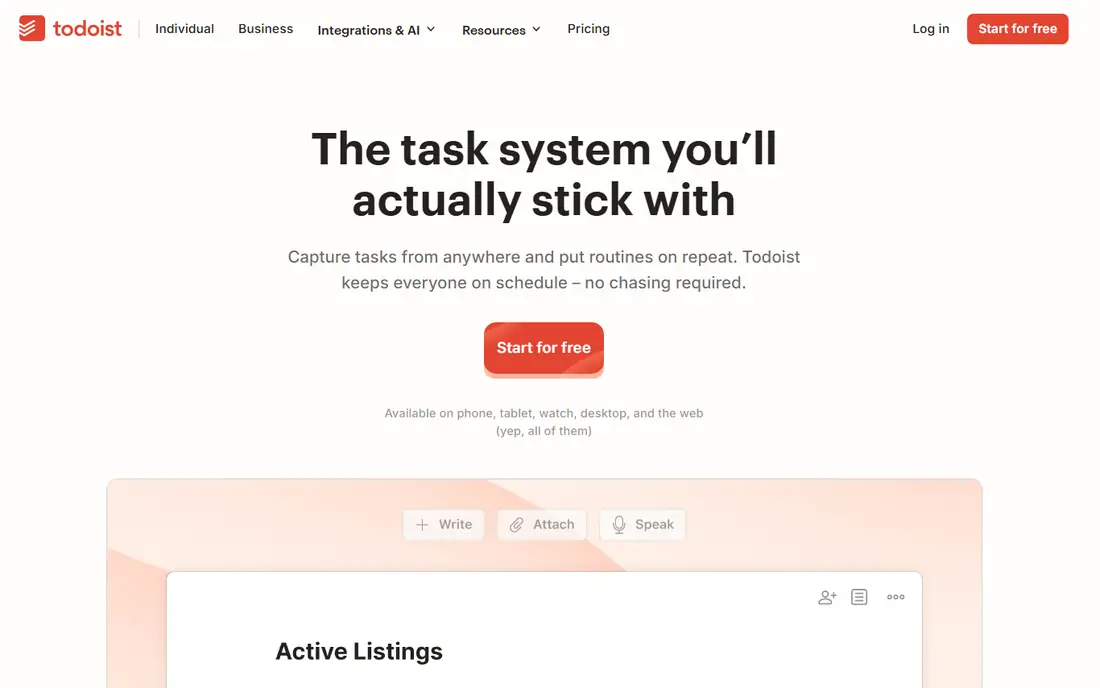
Todoist is the simplest tool in this list, and that simplicity is the point. You can add a task in seconds, set a date in plain language, assign a priority and move on. The calendar layout, task durations and 150 filters on Pro help a heavy user organise a busy week without turning the app into a project system. Business adds a shared workspace and up to 500 team projects. Teams that need timelines or detailed reporting will outgrow Todoist and need Asana, ClickUp or Smartsheet instead.
What we like- Fast capture with natural language dates, clean Today view, reliable sync
Watch out for- No native Gantt, workload view or time tracking, and Pro has no shared team workspace
#2ClickUp
Best for: Teams that want tasks, docs, goals and dashboards in one workspace4.6/5 on
G2 (14,878 reviews, checked Oct 2026)
Visit clickup.com
Starting price$9 per user per month billed annually, Core; $12 billed monthly
Free planFree Forever is free, with 100 MB storage and 100 automation actions a month
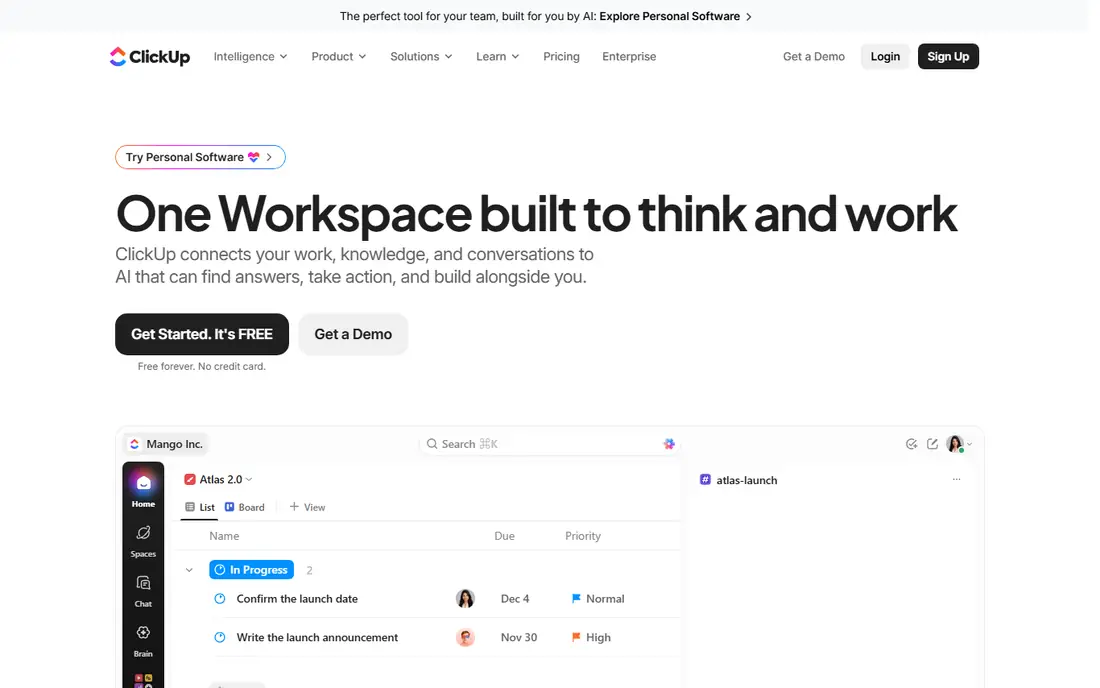
ClickUp is the most flexible tool in this comparison, and that flexibility is both its strength and its cost. A team can build a sales pipeline, a content calendar, a sprint board and a support queue in the same workspace, using the same tasks and automations. Core adds unlimited storage, Gantt charts and custom fields, while Business adds timesheets, resource management and 10,000 automation actions a month. The free plan is usable for a trial, but the storage and automation limits push active teams to a paid plan quickly. Confirm which price line applies to your workspace before you pay.
What we like- Many views, custom fields and automations, docs and whiteboards built in
Watch out for- Setup takes longer than Todoist or Trello, and older reviews quote the old $7 price
#3Asana
Best for: Cross functional teams that want polished timelines, portfolios and goals4.4/5 on
G2 (13,930 reviews, checked Oct 2026)
Visit asana.com
Starting price$10.99 per user per month billed annually, Starter; $13.49 billed monthly
Free planPersonal is free for up to 2 users, with unlimited tasks and projects
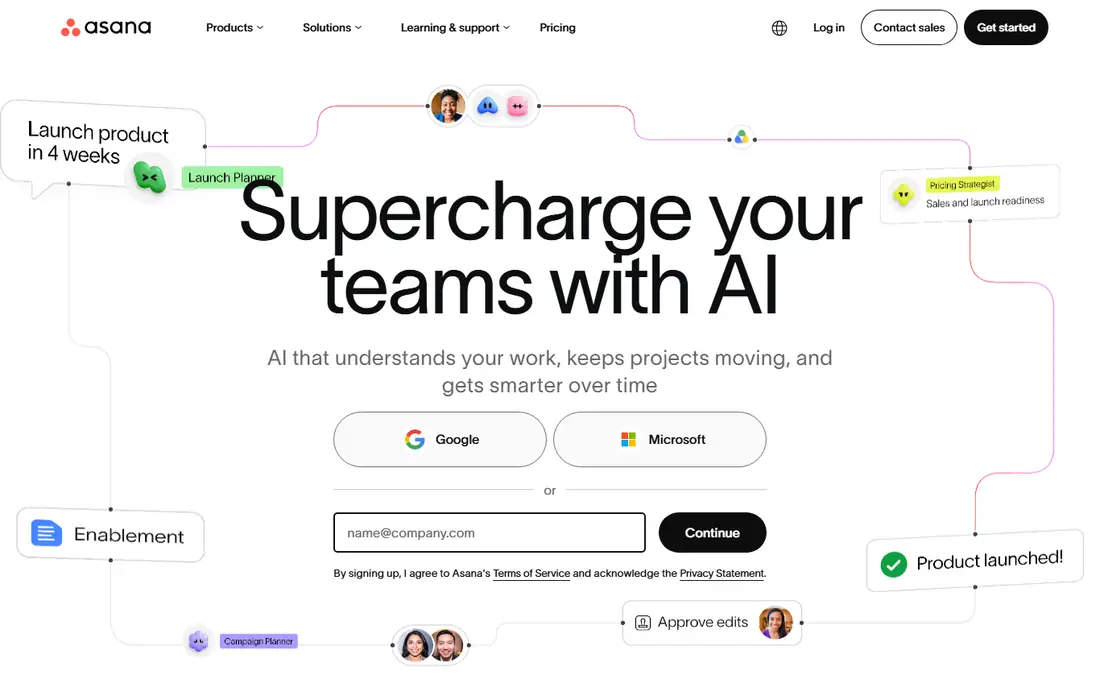
Asana is the most polished alternative to ClickUp for teams that want structure without building it themselves. Starter gives timeline and Gantt views, reporting dashboards, forms, custom fields and unlimited automations. Advanced adds unlimited portfolios, goals, resource management, approvals and native time tracking. The interface is easier to learn than ClickUp, and the templates are stronger for marketing, product and operations teams. The main drawback is price at scale. A ten person team pays $1,319 a year on Starter and $2,999 a year on Advanced on annual billing, before add ons.
What we like- Clean timeline and Gantt views, strong portfolios on Advanced, unlimited automations on Starter
Watch out for- Free plan caps at 2 users, and portfolios and time tracking need Advanced at $24.99
#4Trello
Best for: Small teams that want a simple visual board at a low price4.4/5 on
G2 (14,064 reviews, checked Oct 2026)
Visit trello.com
Starting price$5 per user per month billed annually, Standard; $6 billed monthly
Free planFree, with up to 10 collaborators per workspace and up to 10 open boards
Trello is the cheapest team entry point in this list alongside Todoist Pro, and it is the easiest to explain to a new user. A board is a list of cards, a card is a task, and moving a card moves the work. Standard removes the 10 board and 10 collaborator caps, adds custom fields, advanced checklists and 1,000 automation runs a month. Premium adds calendar, timeline, table, dashboard and map views, plus unlimited automation runs and admin controls. Enterprise costs $17.50 per user per month billed annually for organisations of 50 seats or more. Trello suits visual teams with simple workflows, and it struggles with dependencies or workload planning.
What we like- Very easy board setup, low starting price, unlimited boards on Standard
Watch out for- No native dependencies or time tracking, and extra views need Premium at $10
#5
monday Work Management
Best for: Teams that want colourful boards, automations and dashboards in one place
Visit monday.com
Starting price$9 per user per month billed annually, Basic; $12 billed monthly
Free planFree for up to 2 seats, with up to 3 boards and 3 docs
monday Work Management is a visual work platform that suits teams who like boards and dashboards. Basic costs $9 per seat per month billed annually and gives unlimited items and viewers, while Standard at $12 adds timeline, Gantt and calendar views and 250 automation actions a month. Pro at $19 raises automations and integrations to 25,000 actions a month each, and adds private boards, time tracking and formula columns. The seat bucket model is the main cost trap. A team of 6 must buy the 10 seat bucket, which raises the real cost well above the per seat headline. One November 2026 source noted a Pro list price of $22 with a $19 offer, so confirm the price at checkout.
What we like- Visual boards with timeline and Gantt views, strong automations on Pro, good templates
Watch out for- Paid plans start at 3 seats in fixed seat buckets, and Basic has no automations
#6Notion
Best for: Teams that want docs, wikis and tasks in one flexible workspace4.6/5 on
G2 (13,834 reviews, checked Oct 2026)
Visit notion.com
Starting price$10 per member per month billed annually, Plus; $12 billed monthly
Free planFree for one person, capped at 1,000 blocks once a second member joins
Notion is different from the other tools here because it starts as a blank workspace. A team can build a task tracker, a meeting notes system, a wiki and a project database in the same place, using pages, databases, views and templates. Plus at $10 per member per month billed annually removes the team block limit and adds unlimited file uploads and 30 day page history. Business at $20 adds full Notion AI, Enterprise Search, SAML single sign on, private teamspaces and 90 day history. Notion suits knowledge heavy teams that want docs and tasks together. It suits task only buyers less well, because it needs more setup than Todoist or Trello.
What we like- Flexible pages, databases and templates, strong docs and wiki features
Watch out for- Task management needs setup, and full Notion AI needs Business at $20
#7TickTick
Best for: Solo users who want tasks, calendar, habits and a Pomodoro timer in one app4.5/5 on
G2 (113 reviews, checked Oct 2026)
Visit ticktick.com
Starting price$49.99 per year, Premium; about $4.17 per month averaged across the year
Free planFree, with 9 lists, 99 tasks per list, 2 reminders per task and 5 habits
TickTick is the best value personal planner in this list for a solo buyer. Premium costs $49.99 a year on the TickTick website, which is about $10 a year less than Todoist Pro at $60 a year billed annually, and it bundles a full calendar, a Pomodoro timer, a habit tracker and smart lists into one app. Premium raises the caps to 299 lists, 999 tasks per list and 299 habits, and unlocks full calendar views, task durations and statistics. The free plan is more generous than Todoist Beginner for a solo user. The limit is collaboration. TickTick has no team plan, so a team that needs to assign and report on work should choose ClickUp or Asana instead.
What we like- Calendar, habit tracker, Pomodoro timer and Eisenhower Matrix built in, low annual price
Watch out for- No real team billing or shared workspace, and $35.99 is a promo, not the list price
#8Smartsheet
Best for: Teams that want spreadsheet style project tracking with Gantt and reports4.4/5 on
G2 (22,767 reviews, checked Oct 2026)
Visit smartsheet.com
Starting price$9 per member per month billed annually, Pro; $12 billed monthly
Free planNo free plan for new signups since 28 August 2024; 30 day free trial instead
Smartsheet suits teams that think in rows and columns. Pro costs $9 per member per month billed annually for 1 to 10 members, with unlimited sheets, forms and reports, Gantt, table, board and calendar views, and 250 automations a month. Business costs $19 per member per month billed annually for 3 or more members, with unlimited automations, timeline view, workload tracking and 1 TB storage. Contributors can view, comment and add attachments without a paid seat, which keeps the billed seat count lower than in some rivals. Smartsheet is stronger than Todoist and Trello for large portfolios and reports, and weaker for fast personal capture.
What we like- Familiar spreadsheet grid with Gantt and calendar views, strong reports, free contributors
Watch out for- Pro caps at 10 members and 250 automations a month, and there is no free plan
Comparison table
| Tool |
Starting price |
Free plan |
Best for |
| Todoist |
$5, Pro annual |
Beginner, free |
Fast personal daily lists |
| ClickUp |
$9, Core annual |
Free Forever |
Shared team projects |
| Asana |
$10.99, Starter annual |
Personal, up to 2 users |
Timelines and portfolios |
| Trello |
$5, Standard annual |
Free, up to 10 collaborators |
Simple visual boards |
| monday Work Management |
$9, Basic annual |
Free, up to 2 seats |
Visual boards |
| Notion |
$10, Plus annual |
Free for one person |
Docs and tasks together |
| TickTick |
$49.99 per year |
Free, 9 lists |
Personal planner |
| Smartsheet |
$9, Pro annual |
No free plan, trial |
Spreadsheet tracking |
Frequently asked questions
Is Todoist or ClickUp better for a small team?
ClickUp is better for a small team that needs shared projects, custom fields and several views of the same work. Todoist is better when the team mainly needs a shared daily list and fast capture. A team of 3 to 10 people should trial ClickUp Core first, and keep Todoist for personal lists if the team prefers a lighter daily tool.
What does ClickUp Core cost in 2026?
ClickUp Core costs $9 per user per month billed annually, or $12 billed monthly. Business costs $17 per user per month billed annually, or $25 billed monthly. Some existing workspaces still bill on the older Unlimited $7 and Business $12 figures, so new buyers should use the Core $9 and Business $17 figures and confirm the price at checkout.
Is Todoist Pro worth $5 a month?
Todoist Pro is worth $5 per user per month billed annually for a solo user who needs more than 5 projects, a calendar layout, task durations, custom reminders and full activity history. It costs $60 a year, or $7 a month on monthly billing. A user who stays inside the free Beginner limits does not need to pay.
Can I move my tasks from Todoist to ClickUp?
Yes, you can move tasks from Todoist to ClickUp with a CSV export and import. Task names, due dates and priorities usually transfer, while labels, filters and Karma history do not map cleanly. Test the import with one small project, rebuild filters as saved views in ClickUp, and keep the old workspace read only for a month.
Which tool is cheapest for one person in 2026?
TickTick Premium is cheapest for one person at $49.99 per year, about $4.17 per month averaged across the year. Todoist Pro costs $60 per year billed annually, and Trello Standard also costs $60 per year for one seat. ClickUp Core costs $108 per year for one seat, so TickTick and Todoist are the lower cost personal options.
Sources we checked (8)
- https://todoist.com/pricing
- https://clickup.com/pricing
- https://asana.com/pricing
- https://trello.com/pricing
- https://monday.com/pricing
- https://notion.com/pricing
- https://ticktick.com/pricing
- https://smartsheet.com/pricing
Is your product missing or out of date?
We review this list regularly. Vendors can request a listing, send updated pricing or ask about featured placement.

Shihab Mia · Founder, Rankite
Shihab has 5+ years in B2B and SaaS SEO. He writes Rankite's software buying guides from pricing pages, documentation and public user reviews. More about Shihab.