How we make this list: we compare pricing pages, product documentation and public user reviews. Ratings come from G2, Capterra or Trustpilot, with the date we checked them.
Key takeaways
- OpusClip is the reference clipper for most streamers, with virality scores, animated captions, and direct posting to Shorts, TikTok, and Reels.
- Eklipse and Cut.Pro clip live while you stream, which suits Twitch and Kick creators who want highlights during the broadcast.
- StreamLadder's own strengths are manual facecam editing and ClipGPT on Creator, with free 720p downloads and a free unlimited basic editing tier.
- Vizard, Klap, and Submagic cover team workspaces, high-volume production, and caption-driven polish, while CapCut and 2short.ai cover budget manual editing and cheap YouTube-to-Shorts clipping.
- Every tool meters usage in credits or minutes, so your real cost depends on how much long-form video you feed it each month.
Quick comparison
| Tool | Best for | Starting price | Free plan |
|---|
 OpusClip OpusClip | Virality-scored clip selection | $15 per month | Yes |
 Eklipse Eklipse | Automatic streamer highlights | See website | Yes |
 Vizard Vizard | Scheduling and team workspaces | See website | Yes |
 Klap Klap | High-volume short production | $29 per month | No |
 Submagic Submagic | Caption-driven short polish | $19 per month | No |
 Cut.Pro Cut.Pro | Clips during the stream | See website | Yes |
 CapCut CapCut | Hands-on editing on a budget | Free | Yes |
 2short.ai 2short.ai | Cheap YouTube-to-Shorts clipping | $9.90 per month | Yes |
Is your product missing or out of date?
We review this list regularly. Vendors can request a listing, send updated pricing or ask about featured placement.
The best StreamLadder alternatives for streamers
#1OpusClip
Best for: Virality-scored clip selection4.6/5 on
G2 (123 reviews, checked Oct 2026)
Visit opus.pro
Starting price$15 per month
Free planYes
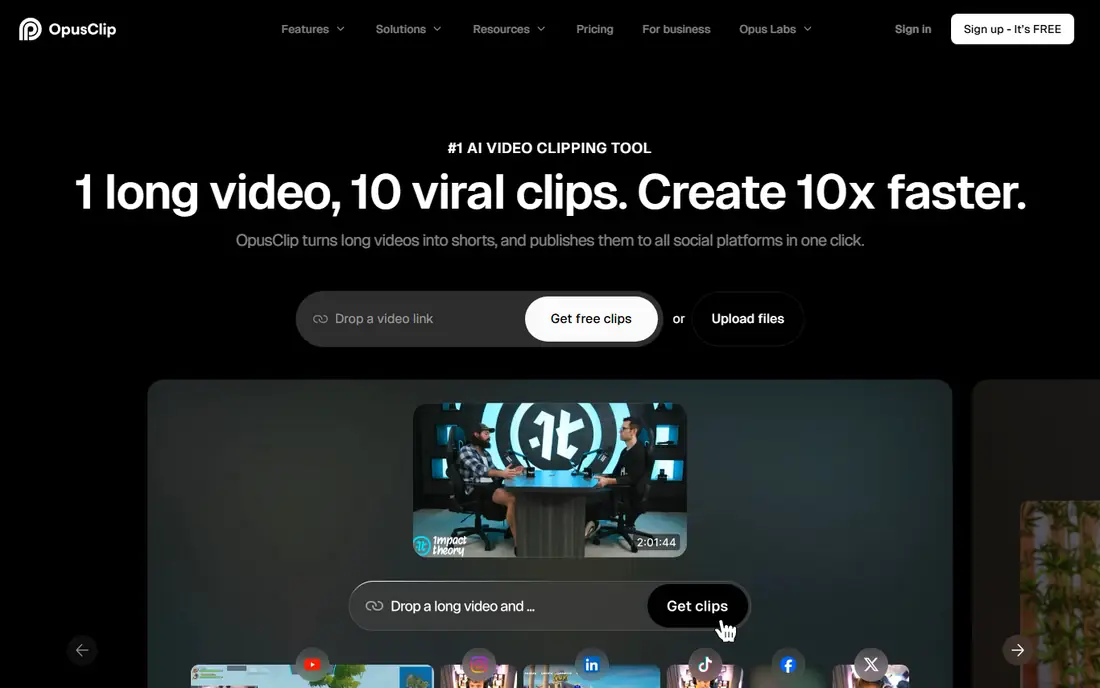
OpusClip is the most focused clipping tool on this list. It accepts uploads and links from Twitch and YouTube, proposes clips with a virality score, adds animated captions, and posts directly to Shorts, TikTok, and Reels. The free plan gives 60 credits a month, but exports carry a watermark and expire after three days. Starter costs $15 a month for 150 credits and removes the watermark, while Pro at $29 a month or $174 a year adds 300 credits, a two-seat workspace, AI B-roll, export to Premiere Pro and DaVinci Resolve, and a scheduler.
The billing unit matters: credits are tied to the length of the video you upload, not the number of clips you get, with a 30-minute video counting roughly 30 credits. Unused Pro credits roll over for up to two months on annual billing. For a streamer publishing four or five 30-minute episodes a month, Starter or Pro covers the workload cleanly. OpusClip does not clip live during a stream in the way Eklipse and Cut.Pro do, so live highlight workflows belong elsewhere.
What we like- Virality scores rank clips before you edit
- Animated captions in 20 plus languages
- Direct posting to YouTube Shorts, TikTok, and Instagram Reels
Watch out for- Free exports carry a watermark and stop being exportable after 3 days
- Starter outputs 9:16 only
- Credits tie to minutes processed
#2Eklipse
Best for: Automatic streamer highlights4.5/5 on
G2 (6 reviews, checked Oct 2026)
Visit eklipse.gg
Starting priceSee website
Free planYes
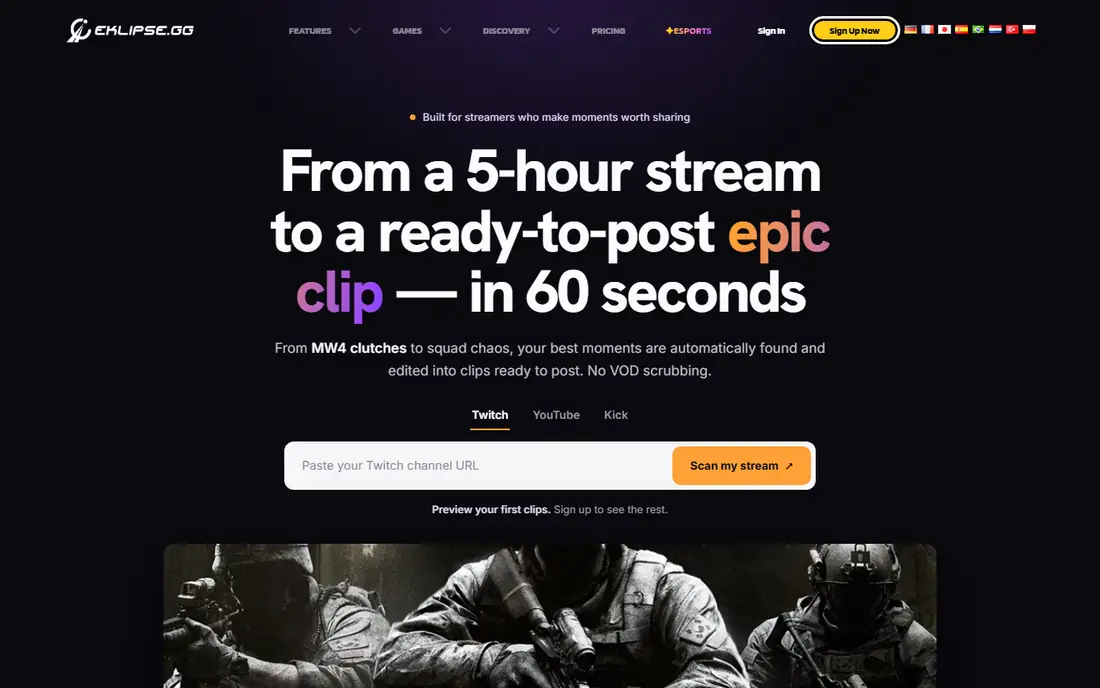
Eklipse is built for streamers first. It connects to Twitch, YouTube, and Facebook, with Kick on Premium, and it can clip during the stream so highlights are ready soon after the broadcast ends. That live workflow is its main edge over OpusClip and Vizard, which work from uploaded video or links after the fact.
The free plan shows previews but does not include downloads, and paid entry sits near $24.99 a month. That makes Eklipse a paid commitment for a streamer who wants downloadable clips, though the live clipping and platform coverage justify it for regular broadcasters. For a Twitch streamer who wants highlights without manual scrubbing, Eklipse is the most streamer-native pick here.
What we like- AI live clipping during the stream
- Twitch, YouTube, Facebook, and Kick on Premium
- Free plan with preview clips
Watch out for- Free plan downloads are not included, only previews
- Paid entry near $24.99 per month
- Feature depth varies by platform
#3Vizard
Best for: Scheduling and team workspaces4.7/5 on
G2 (425 reviews, checked Oct 2026)
Visit vizard.ai
Starting priceSee website
Free planYes
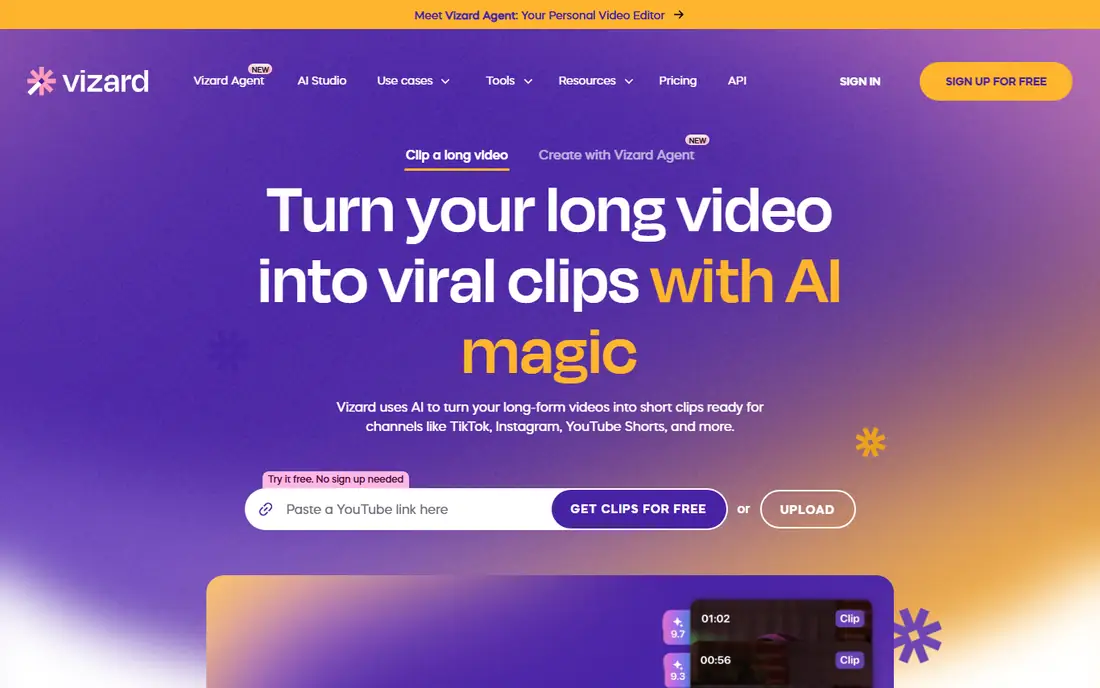
Vizard suits creators who treat clipping as part of a publishing pipeline. It turns long videos into shorts with AI reframing, translates captions into 100 plus languages, and offers team workspaces plus scheduling, which helps a small team publish consistently across platforms. The free plan gives 60 credits a month at 720p, with exports capped at 10 minutes.
Paid pricing is shown in the browser only, so confirm figures on the site before budgeting. Vizard's strength is workflow: if a streamer works with an editor or a small team and needs scheduling plus collaboration, Vizard covers more of the pipeline than single-purpose clippers. Solo streamers may find OpusClip simpler.
What we like- 60 free credits a month at 720p
- Translation to 100 plus languages
- AI reframe for vertical platforms
- Team workspaces and scheduling
Watch out for- Paid pricing is shown in the browser only, so confirm on site
- Free exports cap at 10 minutes
Starting price$29 per month
Free planNo
Klap is built for volume. Its API-driven approach suits creators and agencies producing many shorts per week, with layouts such as split screen and captions in 52 languages. A free test clip is available, but there is no standing free plan, so Klap is a paid tool from the start.
Pricing needs care: Klap's pricing page lists Basic near $14 a month billed annually, while comparison pages advertise $29 a month for Pro, which is the monthly rate for a higher tier. Confirm the tier and billing period before buying. For a streamer scaling to daily shorts or an agency clipping for several creators, Klap's throughput justifies the price.
What we like- API-driven clipping for high volume
- Layouts such as split screen
- Captions in 52 languages
- Branded clip options
Watch out for- Only a free trial, no free plan
- Pricing pages disagree between Basic $14 annual and Pro $29 monthly, so confirm
#5Submagic
Best for: Caption-driven short polish4.6/5 on
G2 (85 reviews, checked Oct 2026)
Visit submagic.co
Starting price$19 per month
Free planNo
Submagic focuses on the polish layer: caption templates, animated text, and a short-form look that reads well on TikTok and Reels. It is less a clip-finder and more a finisher, which suits a streamer who already knows which moments to use and wants them to look professional quickly.
The limits matter: Starter caps videos at 2 minutes, and pricing varies by source, with $19 a month monthly and lower annual figures reported. Only a free trial is confirmed, not a standing free plan. For a streamer whose clips need caption polish more than AI moment-finding, Submagic pairs well with a clipper such as OpusClip or Eklipse.
What we like- Strong caption templates and animated captions
- Polished short-form look
- Popular with short-form creators
Watch out for- Only a free trial, no confirmed free plan
- Starter caps videos at 2 minutes
- Pricing varies by source
Starting priceSee website
Free planYes
Cut.Pro is the other live-clipping option alongside Eklipse. It processes streams in 10-minute batches during the broadcast on all plans, covers Twitch, Kick, and YouTube, and publishes directly to TikTok, Instagram, Facebook, and X. The free plan gives 15 credits a month with watermarked exports, and Basic starts near R$19.90 a month in Brazilian reais, so US buyers should check the page from their own country for dollar pricing.
The gap is YouTube publishing, which Cut.Pro does not offer, so a streamer whose main short-form home is YouTube Shorts will need another route. For a Twitch or Kick streamer who wants clips during the stream and fast posting to TikTok and Reels, Cut.Pro is a strong StreamLadder alternative.
What we like- Clips arrive during the stream in 10-minute batches on all plans
- Twitch, Kick, and YouTube covered
- Direct publishing to TikTok, Instagram, Facebook, and X
Watch out for- Does not publish to YouTube
- Pricing shown in Brazilian reais on some pages, so check from your own country
- Smaller ecosystem than OpusClip
Starting priceFree
Free planYes
CapCut is the budget manual option. Its free plan covers full manual editing with 1080p exports and no watermark on a standard export, which no AI clipper here matches for free. Templates, effects, and a mobile editor make it easy to cut a clip by hand and publish it the same day.
The trade is effort: CapCut has no AI feature that finds highlight moments in a long video, so finding and trimming each clip is done by hand. Pro pricing varies by region and platform, so confirm before upgrading. For a streamer who enjoys editing or has a small clip volume, CapCut is the cheapest path to polished shorts.
What we like- Free plan covers full manual editing with 1080p exports and no watermark on standard export
- Huge template and effect library
Watch out for- No AI feature that finds highlight moments
- Pro price varies by region and platform
- Manual work takes more time
#82short.ai
Best for: Cheap YouTube-to-Shorts clipping4.5/5 on
G2 (5 reviews, checked Oct 2026)
Visit 2short.ai
Starting price$9.90 per month
Free planYes
2short.ai is the price pick for YouTube-first creators. Its Lite plan at $9.90 a month undercuts OpusClip's $15 Starter, and its free tier exports un-watermarked 1080p clips, which is rare among free tiers. The workflow is simple: link a YouTube video, get clips, publish as Shorts.
The focus is YouTube, so a Twitch streamer will need to download VODs and upload them first, adding steps that StreamLadder, Eklipse, and Cut.Pro avoid. The feature set is also smaller than OpusClip's, with fewer integrations and no scheduler at the entry tier. For a YouTube creator on a tight budget, 2short.ai is hard to beat.
What we like- Cheapest credible clipper at $9.90 a month on Lite
- Free tier exports un-watermarked 1080p clips
- YouTube-to-Shorts workflow is simple
Watch out for- YouTube-focused, so Twitch VOD workflows need extra steps
- Smaller feature set than OpusClip
- Fewer integrations
How we chose
We compared each tool against what StreamLadder offers: turning long VODs into clips fast, gaming-specific vertical templates, and direct scheduling to TikTok, Reels, and YouTube Shorts. Pricing figures come from vendor pages and published comparisons checked in October 2026, and anything we could not confirm is written as "See website". We favored tools that serve US streamers on Twitch, Kick, or YouTube, and we flagged where a tool clips live, works only from uploads, or requires manual editing, since that decides whether it fits a streamer's real workflow.
What to check before you pick
Start with your platform and your workflow. If you stream on Twitch or Kick and want clips during the broadcast, shortlist Eklipse and Cut.Pro. If you publish after the fact and want AI to pick moments, shortlist OpusClip, Vizard, and Klap. If you edit by hand and want the lowest cost, shortlist CapCut and 2short.ai. Then check four things on a trial: how usage is counted (credits per minute processed versus clips generated), watermark and resolution limits on free plans, export windows (OpusClip free exports expire after 3 days), and which platforms each tool publishes to directly. Run one real VOD through your top two choices before paying, since clip quality varies by game, mic audio, and facecam layout more than any feature list suggests.
Frequently asked questions
Is StreamLadder free?
StreamLadder's basic editing tier is free and unlimited with no watermark unless premium features are used, and its free plan downloads clips at 720p. AI clipping through ClipGPT sits on Creator and higher tiers.
Which StreamLadder alternative clips live during a stream?
Eklipse and Cut.Pro both clip during the stream. OpusClip, Vizard, and Klap work from uploads or links after the broadcast ends.
What is the cheapest StreamLadder alternative?
2short.ai at $9.90 a month on Lite is the cheapest credible clipper, and CapCut's free plan covers manual editing with 1080p exports at no cost.
Do these tools publish to TikTok and YouTube Shorts?
Most do. OpusClip posts to YouTube Shorts, TikTok, and Instagram Reels. Cut.Pro publishes to TikTok, Instagram, Facebook, and X but not YouTube. Confirm each tool's publishing list before buying.
How are credits counted?
It varies. OpusClip and Vizard count roughly one credit per minute of video processed. Klap counts per clip generated. CapCut's free plan is not credit-based for manual editing. Check the billing unit before budgeting.
Can I use these tools for Kick streams?
Eklipse covers Kick on Premium, and Cut.Pro covers Kick on all plans. StreamLadder covers Kick for AI clipping. OpusClip lists Twitch and YouTube as import sources, with no Kick mention.
Sources we checked (8)
- https://www.opus.pro/pricing
- https://eklipse.gg/pricing
- https://vizard.ai/pricing
- https://klap.app/pricing
- https://www.submagic.co/pricing
- https://cut.pro/pricing
- https://www.capcut.com/pricing
- https://2short.ai/pricing
Is your product missing or out of date?
We review this list regularly. Vendors can request a listing, send updated pricing or ask about featured placement.

Shihab Mia · Founder, Rankite
Shihab has 5+ years in B2B and SaaS SEO. He writes Rankite's software buying guides from pricing pages, documentation and public user reviews. More about Shihab.