How we make this list: we compare pricing pages, product documentation and public user reviews. Ratings come from G2, Capterra or Trustpilot, with the date we checked them.
Key takeaways
- Disney Plus is the best all-round kids service, with Pixar, Marvel, Star Wars and a deep library of family films.
- PBS Kids is the best free option, with educational shows and strong parental trust.
- Netflix kids profiles work well for families that already subscribe, with a large and varied kids library.
- YouTube Kids is free and fun, but needs careful parental setup and supervision.
- Parental controls matter more than library size: check profiles, age filters and screen time tools before subscribing.
Quick comparison
| Tool | Best for | Starting price | Free plan |
|---|
 Disney Plus Disney Plus | All-round family streaming | See website | No |
 Netflix Netflix | Kids profiles on a family plan | See website | No |
 PBS Kids PBS Kids | Free educational shows | Free | Yes |
 YouTube Kids YouTube Kids | Free kid-friendly videos | Free | Yes |
 Paramount Plus Paramount Plus | Nickelodeon and family shows | See website | No |
 Peacock Peacock | Family movies and shows | See website | No |
 Apple TV Plus Apple TV Plus | Quality family originals | See website | No |
 Hulu Hulu | Kids plus general entertainment | See website | No |
 Kidoodle.TV Kidoodle.TV | Safe, curated kids content | Free | Yes |
Is your product missing or out of date?
We review this list regularly. Vendors can request a listing, send updated pricing or ask about featured placement.
The best streaming services for kids
Starting priceSee website
Free planNo
Disney Plus is the default kids streaming service for a reason. Its library covers Disney animation, Pixar films, Marvel, Star Wars and National Geographic, with new family originals arriving regularly. For children, that means years of viewing without running out, from classics like The Lion King to new Pixar series.
Kids profiles filter content by age rating, and parental controls let you set content ratings, block profiles with a PIN, and limit what appears. The interface is bright and easy for children to navigate, with character-based browsing that younger kids enjoy.
Prices have risen since launch, and some content, like Hulu titles in the US, needs a bundle. But as a single service for family viewing, Disney Plus still offers the best combination of library depth, quality and controls.
What we like- Huge library of Disney, Pixar, Marvel and Star Wars
- Strong kids profiles and parental controls
- 4K included on many plans
Watch out for- Price has risen over time
- Some content needs a bundle for full access
Starting priceSee website
Free planNo
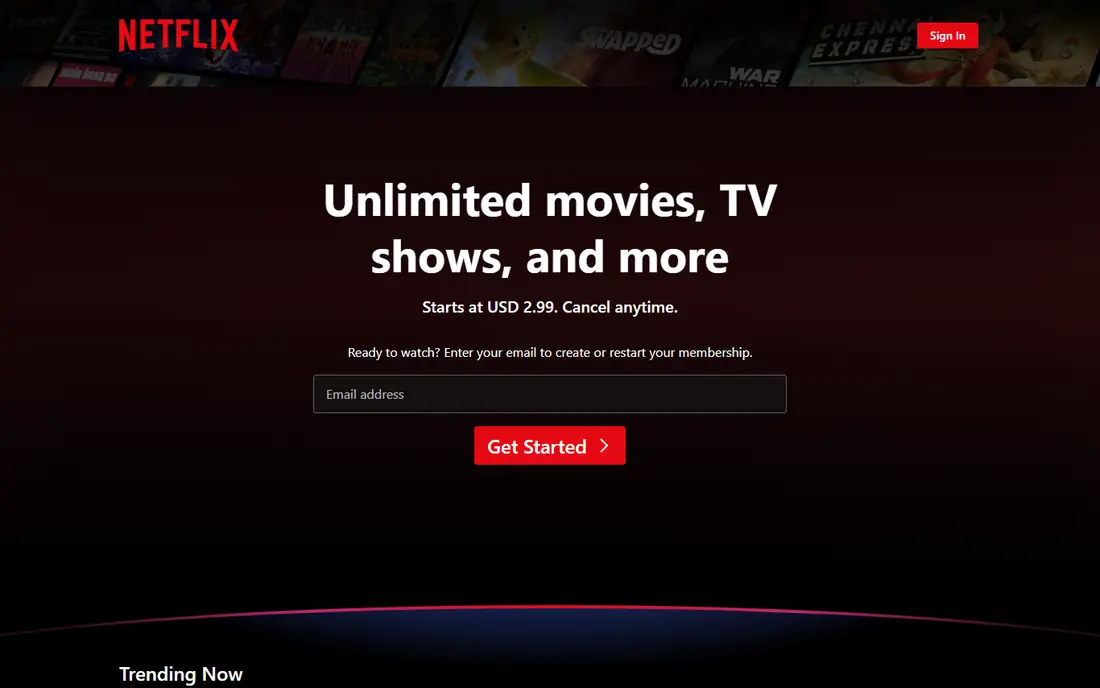
Netflix's kids experience lives inside the main subscription, which makes it good value for families that already subscribe. Kids profiles show only age-appropriate titles, with a simpler interface, character rows and maturity filters parents control. Originals like Ada Twist, Scientist, Hilda and Jurassic World: Camp Cretaceous sit alongside licensed favourites.
The library is large and varied, covering animation, live action, educational shows and family films, and new kids titles arrive every month. Parental controls include maturity ratings, title blocking and profile locks, plus viewing activity reports.
There is no cheaper kids-only plan, so families pay the full Netflix price. Library depth also varies by country. But if your household already has Netflix, its kids profiles are among the best available.
What we like- Large kids library with originals
- Excellent kids profiles and maturity filters
- Works on every device
Watch out for- No dedicated kids-only price
- Library varies by country
Starting priceFree
Free planYes
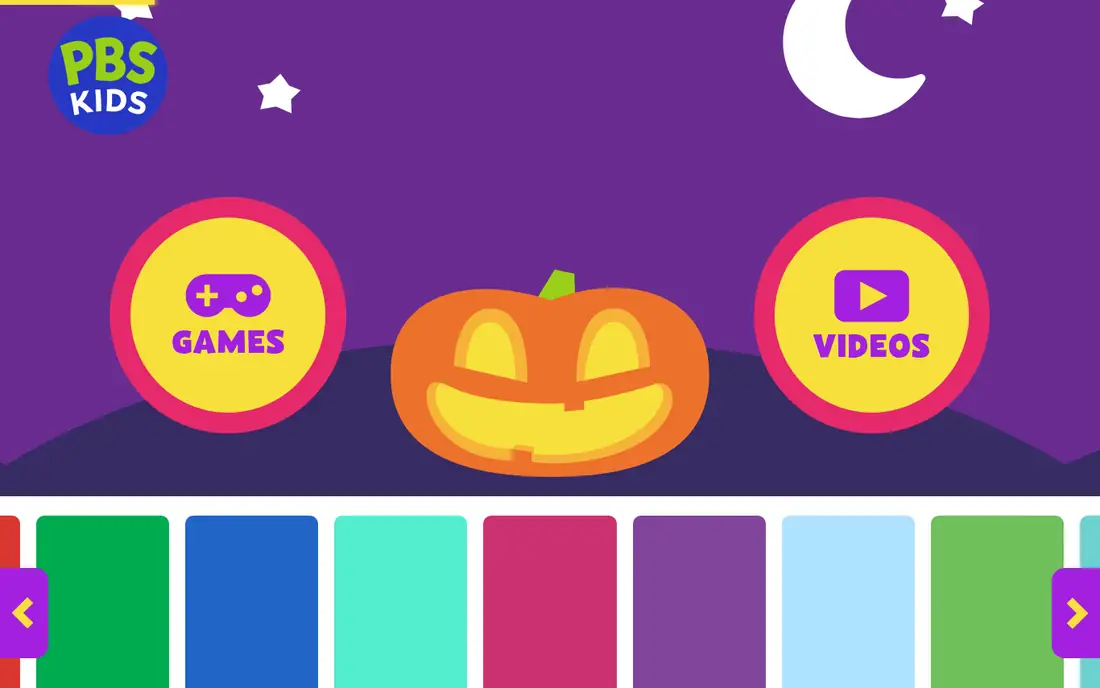
PBS Kids is the best free streaming service for children, and the most trusted by parents and educators. Shows like Daniel Tiger's Neighborhood, Wild Kratts, Arthur and Sesame Street (in some regions) are designed with learning goals, covering literacy, maths, science and social skills. The app and website are free, with no subscription and no ads in the kids experience.
Games and activities sit alongside the shows, extending learning beyond watching, and parents can track what children play and watch. The service is a non-profit, which shows in its approach: no upsells, no commercial pressure, and content chosen for educational value.
The library is smaller than Disney Plus or Netflix, and the live TV stream is US-focused. But as a free, safe, educational option, PBS Kids belongs on every family's device.
What we like- Completely free
- Trusted educational content
- Games and activities alongside shows
Watch out for- Smaller library than paid services
- Live TV stream only in the US
Starting priceFree
Free planYes
YouTube Kids is a separate, kid-friendly version of YouTube, free on mobile, tablet and TV. It offers videos from approved channels, organised by age group, with a simpler interface and parental controls for content levels, search on or off, and screen time limits. Children can explore music, learning, shows and gaming content in a space designed for them.
The variety is enormous, which is both the appeal and the risk. Quality varies widely between channels, and while filters catch most unsuitable content, they are not perfect. Parents should set up profiles carefully, turn search off for younger children, and check viewing history regularly.
A paid YouTube Premium subscription removes ads across YouTube, including YouTube Kids. For families willing to supervise, YouTube Kids is a fun, free complement to a curated service like PBS Kids or Disney Plus, but it should not be the only service for young children.
What we like- Free
- Huge variety of videos and channels
- Parent controls for content levels
Watch out for- Quality varies
- Needs active parental supervision
- Ads on the free version
Starting priceSee website
Free planNo

Paramount Plus is the home of Nickelodeon, which makes it a strong kids service for fans of SpongeBob SquarePants, Paw Patrol, Teenage Mutant Ninja Turtles and Dora. The library also includes family films, CBS shows and, on higher tiers, live TV and sports that parents may want.
Kids profiles and parental controls exist, though they are less refined than Disney Plus or Netflix, with fewer age filters and a simpler interface. The app works on most devices, and the service is often available at a lower price than larger rivals, especially in bundles.
If your children love Nickelodeon characters, Paramount Plus is essential. As a general family service, it pairs well with Disney Plus or Netflix rather than replacing them.
What we like- Nickelodeon library including SpongeBob and Paw Patrol
- Family films
- Live TV options
Watch out for- Interface is less polished
- Kids controls are basic compared with Disney Plus
Starting priceSee website
Free planNo
Peacock, from NBCUniversal, offers a mix of family movies, DreamWorks animation, Illumination films and kids series, plus general entertainment for parents. Kids profiles filter content by age, and the service includes titles like Shrek, Madagascar, Despicable Me and Curious George, which younger children love.
Pricing is competitive, with ad-supported and ad-free tiers, though the genuinely free tier is limited and does not include the full kids library. The interface is clear and the app works across devices, making it easy for families to add as a second service.
Peacock will not replace Disney Plus as a primary kids service, but as an affordable addition with strong family films, it is good value, especially for DreamWorks and Illumination fans.
What we like- Family films and DreamWorks titles
- Kids profiles
- Competitive pricing
Watch out for- Free tier is limited
- Kids library smaller than Disney Plus
Starting priceSee website
Free planNo
Apple TV Plus takes a quality-over-quantity approach, with a smaller library of originals that includes some of the best family shows available. Stillwater, Wolfboy and the Fact of Everything, Helpsters and Snoopy in Space are gentle, well-made and thoughtful, and the service is entirely ad-free.
Family sharing lets up to six people share a subscription, and kids profiles and restrictions work through Apple's Screen Time controls. Video quality is excellent, with 4K and Dolby Vision on supported titles.
The library is much smaller than Disney Plus or Netflix, with few classic kids titles or licensed favourites. Apple TV Plus works best as a complement to a larger service, or for families that prefer a small set of high-quality shows over endless choice.
What we like- High-quality originals
- Ad-free
- Excellent family shows like Stillwater and Wolfboy
Watch out for- Smaller library than rivals
- Fewer classic kids titles
Starting priceSee website
Free planNo
Hulu's kids hub gathers age-appropriate shows and films in one place, with profiles and parental controls that filter by maturity rating. The kids library includes animation, family films and educational titles, though it is smaller than Disney Plus's dedicated offering.
Hulu's real value for families is the bundle: combined with Disney Plus and ESPN Plus in the US, it gives parents general entertainment and sports alongside kids content, at a lower combined price than separate subscriptions. The main Hulu library also suits older children and teenagers better than a kids-only service.
Cheaper plans include ads, which some parents prefer to avoid for children, and the kids hub is less specialised than Disney Plus. But for a household that wants one subscription covering adults and children, Hulu plus Disney Plus is a strong combination.
What we like- Kids hub with age-appropriate shows
- Large general library for parents
- Bundle options with Disney Plus
Watch out for- Ads on cheaper plans
- Kids controls less specialised than Disney Plus
Starting priceFree
Free planYes
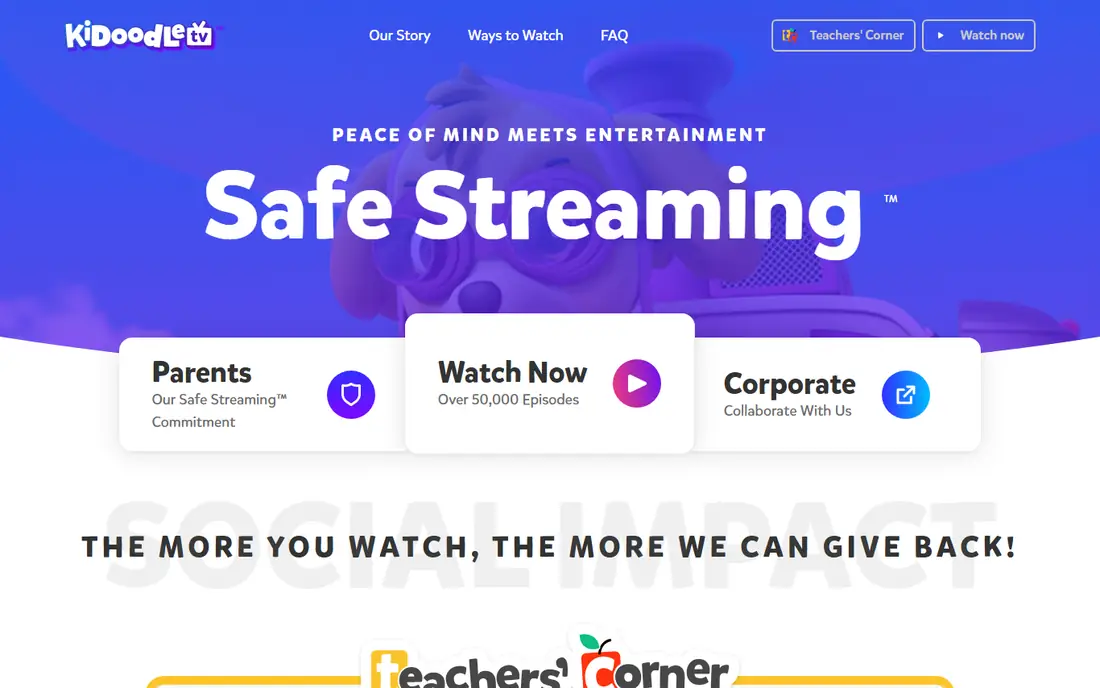
Kidoodle.TV is a free, curated streaming service built specifically for children, with a focus on safety. Every show is reviewed before it appears, so parents do not need to worry about algorithm recommendations leading to unsuitable videos, a common concern with YouTube Kids. Content covers animation, learning, music and family shows, organised by age.
Parental controls include time limits, content filters and viewing reports, and the service works on mobile, tablet and TV. A premium plan removes ads and adds more content, but the free tier is genuinely usable.
The library is smaller and less famous than Disney Plus or Netflix, and availability varies by country. But for parents who want a safe, free, curated service for younger children, Kidoodle.TV is a reassuring choice.
What we like- Free with a curated, safe library
- Strong parental controls
- No algorithm rabbit holes
Watch out for- Smaller library
- Less known than major services
- Some content needs a premium plan
How we chose
We compared services on kids library depth, parental controls, price, device support and educational value. Prices were checked against vendor sites, and where prices vary by plan or bundle we list them as "See website". We also read public parent reviews to confirm which controls work in practice and which services children actually enjoy using.
Setting up safe streaming for kids
Start with profiles: give each child their own kids profile with the right age setting, and lock adult profiles with a PIN. Turn on maturity filters, disable autoplay for younger children if the service allows it, and set screen time limits through the service or your device. Check viewing history weekly at first, and talk with children about what they watch, since conversation beats any filter.
Mix free and paid wisely
A good family setup often combines one paid service, like Disney Plus or Netflix, with free options like PBS Kids and YouTube Kids under supervision. That gives variety without paying for five subscriptions. Review your subscriptions every few months and drop any service your children no longer use.
Frequently asked questions
What is the best streaming service for kids overall?
Disney Plus is the best all-round choice, thanks to its huge family library, strong kids profiles and parental controls. PBS Kids is the best free option, and Netflix is best for families that already subscribe.
Is YouTube Kids safe for young children?
YouTube Kids is safer than regular YouTube, with age filters and parental controls, but it is not perfect. Set up profiles carefully, turn search off for younger children, supervise viewing, and check history regularly.
Can I control what my kids watch on Netflix?
Yes. Kids profiles filter by maturity rating, you can block specific titles, lock profiles with a PIN, and view viewing activity. Set the maturity level to match each child's age.
Do kids streaming services have ads?
It depends. PBS Kids and Apple TV Plus are ad-free, while cheaper tiers of Peacock and Hulu include ads. YouTube Kids has ads on the free version, removed with YouTube Premium. Check the plan details before subscribing.
What age is Disney Plus suitable for?
Disney Plus suits all ages, with kids profiles for younger children and parental controls for older ones. Content ranges from preschool shows to Marvel and Star Wars titles that suit older children and teenagers, with age ratings guiding each profile.
How many kids profiles can I create?
Most services allow several profiles per account: Netflix allows up to five, Disney Plus up to seven, and others vary. Give each child their own profile so recommendations and filters match their age.
Sources we checked (9)
- https://www.disneyplus.com
- https://www.netflix.com
- https://pbskids.org
- https://www.youtubekids.com
- https://www.paramountplus.com
- https://www.peacocktv.com
- https://tv.apple.com
- https://www.hulu.com
- https://kidoodle.tv
Is your product missing or out of date?
We review this list regularly. Vendors can request a listing, send updated pricing or ask about featured placement.

Shihab Mia · Founder, Rankite
Shihab has 5+ years in B2B and SaaS SEO. He writes Rankite's software buying guides from pricing pages, documentation and public user reviews. More about Shihab.