How we make this list: we compare pricing pages, product documentation and public user reviews. Ratings come from G2, Capterra or Trustpilot, with the date we checked them.
Key takeaways
- 4K is usually tied to a specific plan, not to the service as a whole, so check the exact tier before subscribing.
- Netflix Premium and Max Premium are the most expensive 4K routes, while Apple TV and Disney+ offer 4K on simpler plans.
- A 4K TV, a compatible device, and a fast connection are all required, and a weak link in that chain caps quality at HD.
- Hulu is a poor pick if 4K is the main goal, because most of its catalog is not offered in 4K.
- Bundles can cut the cost per service, but only if you actually watch each service in the bundle.
Quick comparison
| Tool | Best for | Starting price | Free plan |
|---|
 Netflix Netflix | Largest 4K originals catalog | $26.99 per month | No |
 Disney+ Disney+ | Family and franchise viewing in 4K | $21.49 per month | No |
 Max Max | Prestige drama and films in 4K | $22.99 per month | No |
 Apple TV Apple TV | Simple ad-free 4K plan | $14.99 per month | Free trial |
 Prime Video Prime Video | 4K value inside Prime | See website | Free trial |
 Hulu Hulu | Live TV plus on-demand shows | See website | No |
 Peacock Peacock | Sports and NBC shows in 4K | See website | No |
 Paramount+ Paramount+ | CBS, sports, and films | See website | Free trial |
 YouTube TV YouTube TV | Live TV in 4K with add-on | See website | Free trial |
Is your product missing or out of date?
We review this list regularly. Vendors can request a listing, send updated pricing or ask about featured placement.
The best 4k streaming service
Starting price$26.99 per month
Free planNo
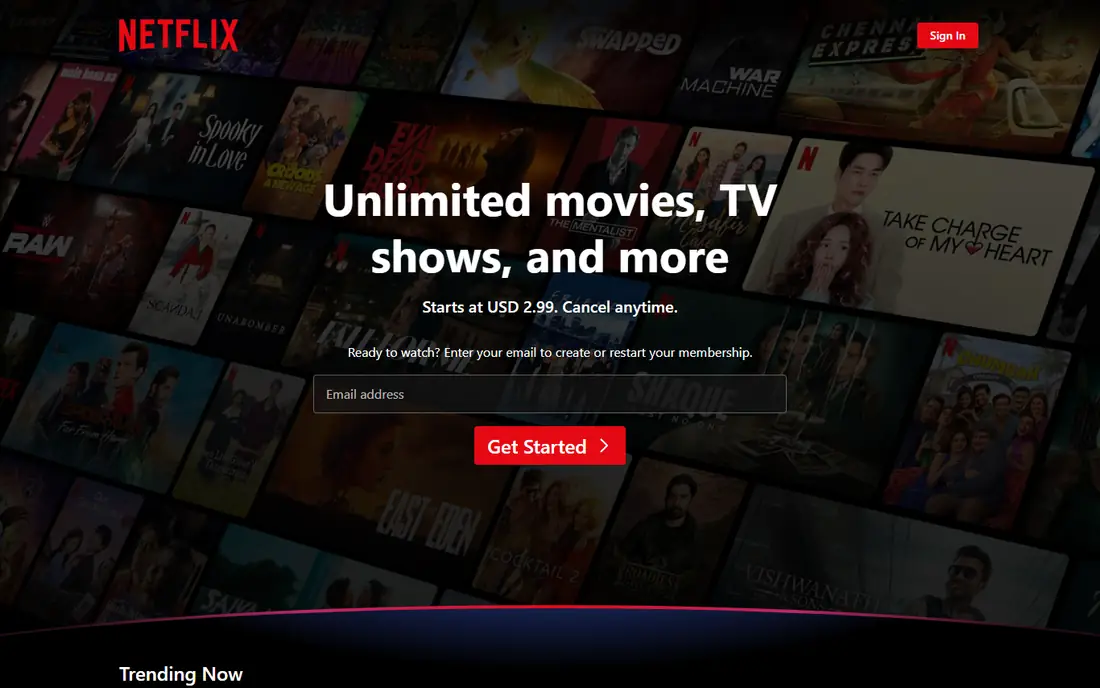
Netflix remains the default answer for viewers who want a large amount of 4K content without hunting across services. Its Premium plan includes 4K Ultra HD, HDR, and spatial audio on supported titles, and many Netflix originals are produced in 4K as standard. The catalog depth means a 4K TV owner will find new high-resolution titles most weeks, across drama, documentary, comedy, and film. That breadth is hard for a smaller service to match.
The price is the clear drawback. At $26.99 per month for Premium, Netflix costs more than most rivals for 4K, and the cheaper plans do not include it at all. Households that add extra members outside the home pay more again. Netflix makes sense if you watch it several times a week and value originals. If you watch only occasionally, a cheaper 4K service may give better value.
What we like- Broad 4K originals library
- Strong HDR and Dolby Vision support
- Four screens on Premium
Watch out for- Highest 4K price here
- Lower plans are capped at HD
- Password sharing rules add cost for extra households
Starting price$21.49 per month
Free planNo
Disney+ is the strongest family pick for 4K, because so much of its core catalog is available in high resolution. Marvel films, Star Wars series, Pixar films, and National Geographic documentaries all benefit from 4K and HDR, and the service presents them clearly on a 4K TV. Parents also get profiles, parental controls, and downloads for offline viewing on supported devices. For a household with children, that combination is difficult to beat.
The limit is breadth for adult viewers who do not follow franchises. Drama and comedy outside the Disney brands are thinner, and Hulu content helps only if you buy a bundle. The Premium ad-free plan is also expensive on its own. Disney+ fits best for franchise fans and families, while other viewers should check the current catalog before committing to a year.
What we like- Extensive 4K catalog for Marvel, Star Wars, and Pixar
- HDR and Dolby Vision on supported titles
- Strong family profiles
Watch out for- Premium price rose sharply
- Adult catalog is thinner than Netflix
- Bundle math can confuse buyers
Starting price$22.99 per month
Free planNo
Max earns its place for viewers who care most about prestige television and major films in the best picture quality. HBO series, Warner Bros. films, and selected documentaries look excellent in 4K with HDR, and the Premium plan adds more simultaneous streams and downloads. If your viewing centers on a few high-quality series each season, Max delivers a focused catalog rather than an endless feed of titles you will never open.
The catch is the tier structure. Only the Premium plan includes 4K, so buyers on Standard pay a substantial monthly fee and still get HD only. Titles also rotate in and out, which can frustrate viewers who plan to watch a film later. Max is a strong second service for drama lovers, but it is a costly way to get 4K if you only watch one show at a time.
What we like- Strong HBO drama and Warner films
- 4K with Dolby Vision on Premium
- Good film rotation
Watch out for- 4K only on the top plan
- Standard plan caps at HD
- Catalog rotates, so titles leave
Starting price$14.99 per month
Free planFree trial
Apple TV stands out for simplicity. There is one plan, it is ad-free, and 4K with HDR is included without paying for a premium tier. That makes the buying decision easy, and the monthly price is lower than Netflix Premium, Max Premium, or Disney+ Premium. Original series and films are produced to a high visual standard, so a 4K TV owner gets a consistent picture across the catalog. The service also works well on Apple devices, with downloads and family sharing.
Catalog size is the limit. Apple TV has far fewer titles than Netflix or Prime Video, and it relies on originals rather than a deep back catalog of licensed shows. If you finish the current originals you like, there may be a gap before the next season arrives. Apple TV works best as a focused subscription you rotate in and out, or as a complement to a larger service.
What we like- 4K included on the only plan
- No ads
- Consistently high production quality
Watch out for- Smaller catalog than Netflix
- Fewer licensed films
- Value depends on Apple originals
Starting priceSee website
Free planFree trial
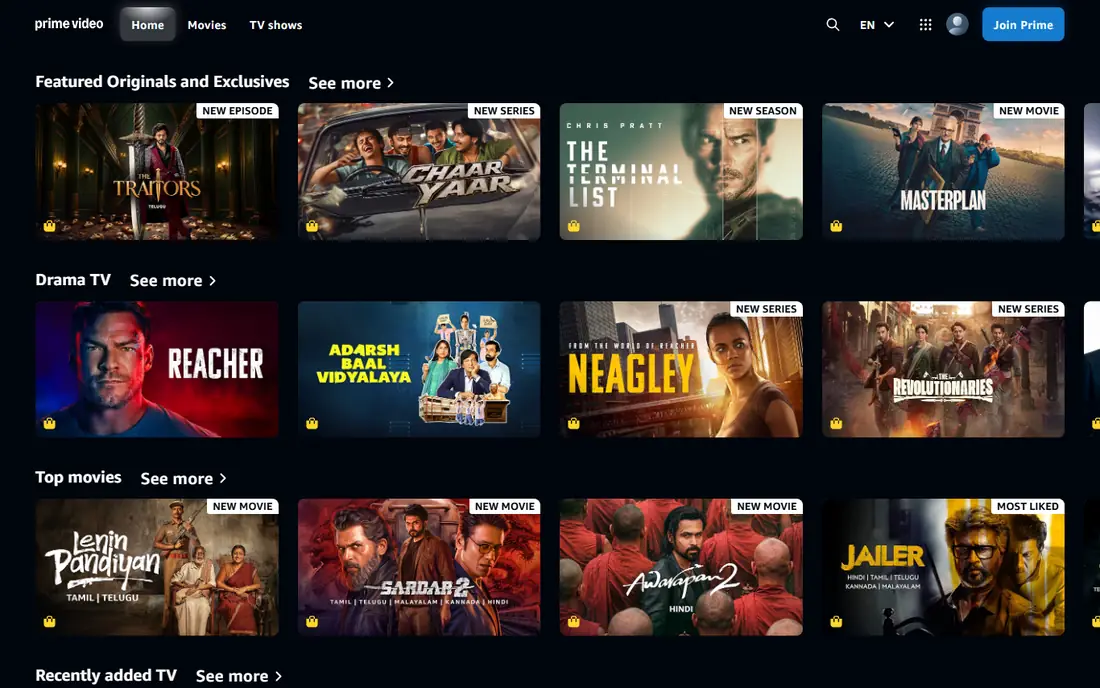
Prime Video offers strong value for people who already pay for Prime delivery, because the streaming catalog comes as part of that membership. The library mixes Amazon originals, licensed films, and series, plus live sports in the United States on selected nights. Many titles are available in 4K, and the rental store gives access to new releases that are not in any subscription catalog. For a household that uses Prime for shopping, the streaming cost feels like a bonus rather than a separate bill.
The picture quality story is less clean than Apple TV or Disney+. Not every title is in 4K, and recent plan changes in some regions have tied full 4K and ad-free viewing to an extra add-on, so check the current terms for your account. The interface also mixes included titles, rentals, and add-on channels, which makes browsing slower. Prime Video is best for value buyers, not for viewers who want every title in 4K without checking.
What we like- Large film and series catalog
- Included with Prime membership
- Rental store adds new releases
Watch out for- 4K availability varies by title
- Interface can feel cluttered
- Ad-free 4K may need an add-on
Starting priceSee website
Free planNo
Hulu is included here with a warning, because many buyers assume it matches Netflix on 4K and it does not. Most Hulu originals and licensed shows stream in HD, with only a small set of titles offered in 4K. That makes Hulu a weak choice as a primary 4K service, even though it is a strong choice for current television. Next-day episodes, FX series, and a solid originals slate give it real value for viewers who follow network TV.
The live TV plan adds another reason to consider Hulu, with news, sports, and entertainment channels plus unlimited DVR on supported plans. That plan is expensive, and it does not turn the on-demand catalog into a 4K library. Choose Hulu for live TV and current shows, and pair it with a true 4K service if picture quality is your priority. Do not buy Hulu alone for a new 4K TV.
What we like- Strong next-day network shows
- Live TV option with many channels
- Good FX and originals
Watch out for- Very limited 4K catalog
- Live TV price is high
- Ads on lower plans
Starting priceSee website
Free planNo
Peacock fits viewers who want NBC shows, reality programming, and live sports without paying a premium-tier price elsewhere. Selected sports events and some originals are offered in 4K on supported devices, and the service has grown its live event coverage. The entry price is lower than Netflix Premium or Max Premium, which makes Peacock easy to add as a second or third service for a sports season.
The 4K catalog is still limited compared with Netflix or Disney+. Many shows stream in HD, and 4K support can depend on the device and the event, so check the title you care about before subscribing. Ads also appear on lower tiers, and the ad-free upgrade raises the monthly cost. Peacock is a good sports and NBC add-on, not a full replacement for a primary 4K service.
What we like- Live sports and events
- NBC and Bravo catalog
- Lower entry price than Premium rivals
Watch out for- 4K titles are limited
- Device support varies
- Ads on lower tiers
Starting priceSee website
Free planFree trial

Paramount+ appeals to viewers who follow CBS programming, Star Trek, and live sports such as NFL games carried by CBS. The higher tier includes 4K on supported titles, along with downloads and fewer ads, which matters on a large TV. The film catalog draws on Paramount titles, and the service also carries news and selected live events. For a household that already watches CBS shows weekly, the service pays for itself in convenience.
The drawbacks are familiar. Not every title is in 4K, and the app experience can differ across TVs, phones, and streaming boxes, with occasional reports of slow loading or playback issues. The originals slate is also smaller than Netflix or Apple TV. Paramount+ works best for CBS and sports fans who check that their must-watch titles are offered in 4K on their device.
What we like- CBS shows and live sports
- Star Trek and film catalog
- 4K on supported titles
Watch out for- 4K limited to higher tier in many cases
- App quality varies by device
- Smaller originals slate
Starting priceSee website
Free planFree trial
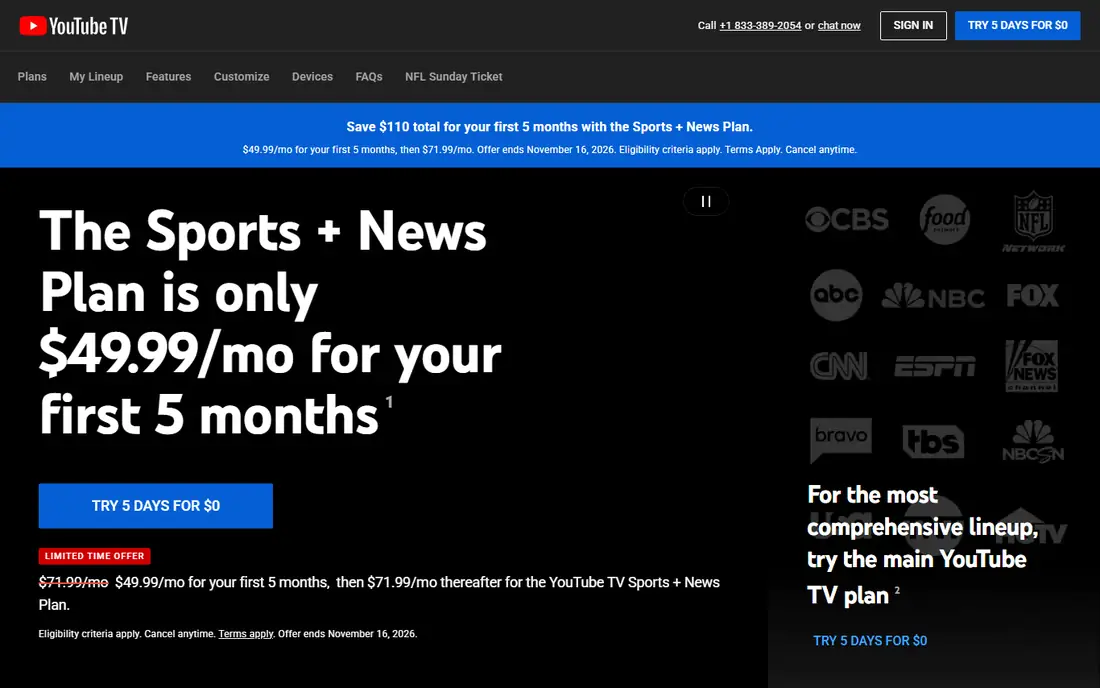
YouTube TV is the live TV pick for 4K buyers who want sports and news in high resolution. The base service includes many popular channels and unlimited DVR storage, which suits households replacing cable. A 4K Plus add-on enables 4K streams for selected live events and on-demand titles, plus offline downloads and unlimited home streams. For a sports household with a 4K TV, that add-on can make a visible difference on big games.
Cost is the barrier. The base plan is already expensive, and the 4K add-on raises the monthly total further, putting YouTube TV well above on-demand-only services. On-demand 4K outside live events is also limited, so this is not a catalog service like Netflix. Buy YouTube TV for live television first, and treat 4K as a useful upgrade for sports rather than the main reason to subscribe.
What we like- Broad live channel lineup
- Unlimited DVR
- 4K add-on for selected live content
Watch out for- High base price
- 4K requires an extra add-on
- On-demand 4K is limited
How to get real 4K at home
Start with the chain, not the subscription. You need a 4K TV, a device or TV app that supports 4K and HDR for that service, an HDMI cable and port that support the required bandwidth where relevant, and a connection fast enough for a stable 4K stream, typically at least 25 Mbps per stream in practice. If any link is capped at HD, the service plan alone will not fix it. Test with a known 4K title and check the playback info on your device before judging a service.
Pick by viewing habits, not by catalog size
List the shows and sports you actually watch each week, then check which service carries them in 4K. A huge catalog you never open is not value. A smaller service that carries your three favorite shows in 4K, with HDR, is a better buy. Rotate services by season if your viewing changes, and cancel promptly when a series ends. That rotation habit saves more money than any single bundle discount.
Watch the total monthly cost
Add the 4K tier price, any add-on, and any extra member fee before comparing services. A service that looks cheap on its basic plan can become the most expensive once you add the 4K tier. Bundles help only when you use each part, so price the bundle against the services you would buy separately. If one part goes unwatched for two months, drop the bundle and buy the services you use.
How we chose
We compared pricing pages, plan descriptions, and public reviews on G2, Capterra, and Reddit, with attention to which plan includes 4K, HDR support, and device limits. We favored services with a clear 4K tier, a catalog that actually includes 4K titles, and stable playback on major TVs and streaming devices. Hulu is included despite limited 4K, because buyers often consider it for 4K and should know its limits before paying.
Prices change often in streaming, so confirm the current 4K plan price on the vendor site before subscribing. The prices in this guide reflect public plan pages checked during research, and some services list different prices for new and existing subscribers.
Frequently asked questions
Do I need a special TV for 4K streaming?
Yes, you need a 4K TV and a device or app that supports 4K for that service. Older TVs, older streaming sticks, and some built-in apps cap playback at HD even on a 4K plan. Check the service help page for your exact TV model and device before subscribing to a premium tier.
Is 4K worth it over HD?
It is worth it on a larger TV viewed from a normal living room distance, especially for films, nature documentaries, and live sports. On a small screen or a phone, the difference is harder to see. If your TV is under 43 inches and you sit far away, HD may look similar and a cheaper plan may be better value.
How fast does my internet need to be for 4K?
Most services recommend at least 25 Mbps for one stable 4K stream, and more if other people stream or game at the same time. A wired connection or a strong Wi-Fi signal near the TV helps avoid drops to HD during peak hours. Test your speed at the TV location, not only at the router.
Why does some content still play in HD on a 4K plan?
Not every title is produced or licensed in 4K, so a 4K plan only enables 4K where the title supports it. Device limits, app versions, and HDMI settings can also cap playback. Check the title details page, which often lists 4K, HDR, or Dolby Vision where available.
Can I download 4K titles for offline viewing?
Some services allow downloads in high quality on supported phones and tablets, while others limit downloads to HD. Download quality often depends on the device, the plan, and the title license. Check the service help pages if offline 4K viewing matters for travel.
Which 4K service is cheapest overall?
Apple TV is among the cheapest routes to a full ad-free 4K plan, while Prime Video can be cheapest for existing Prime members. Netflix Premium and Max Premium cost more, but offer larger 4K catalogs. The cheapest option depends on whether you already pay for Prime and which shows you watch.
Sources we checked (9)
- https://www.netflix.com
- https://www.disneyplus.com
- https://www.max.com
- https://tv.apple.com
- https://www.primevideo.com
- https://www.hulu.com
- https://www.peacocktv.com
- https://www.paramountplus.com
- https://tv.youtube.com
Is your product missing or out of date?
We review this list regularly. Vendors can request a listing, send updated pricing or ask about featured placement.

Shihab Mia · Founder, Rankite
Shihab has 5+ years in B2B and SaaS SEO. He writes Rankite's software buying guides from pricing pages, documentation and public user reviews. More about Shihab.