How we make this list: we compare pricing pages, product documentation and public user reviews. Ratings come from G2, Capterra or Trustpilot, with the date we checked them.
Key takeaways
- Ghost is the closest spiritual replacement for WordPress blogging: publishing first, with memberships and newsletters built in, hosted from 11 dollars a month.
- Webflow, Squarespace, and Wix remove the maintenance burden entirely, no updates, no plugins, no security patching, at the cost of platform lock in.
- Drupal, Craft CMS, and Statamic serve developers who want WordPress's self hosted control with cleaner architecture, and Hugo serves static sites at near zero running cost.
- The honest deciding factor is why you are leaving: maintenance fatigue points to hosted builders, publishing economics point to Ghost, and control points to the developer CMSs.
Quick comparison
| Tool | Best for | Starting price | Free plan |
|---|
 Ghost Ghost | Publishing, newsletters, and memberships | $11 per month | No |
 Webflow Webflow | Design led marketing sites | $14 per month | Yes |
 Squarespace Squarespace | Beautiful small business sites | $16 per month | No |
 Wix Wix | Beginners wanting an all in one builder | $17 per month | Yes |
 Drupal Drupal | Complex, structured, institutional sites | Free | Yes |
 Craft CMS Craft CMS | Custom sites with happy editors | $299 one time | Yes |
 Statamic Statamic | Flat file Laravel based sites | Free | Yes |
 Hugo Hugo | Static sites at maximum speed | Free | Yes |
Is your product missing or out of date?
We review this list regularly. Vendors can request a listing, send updated pricing or ask about featured placement.
The best alternatives to WordPress
#1Ghost
Best for: Publishing, newsletters, and memberships4.0/5 on
G2 (40 reviews, checked Oct 2026)
Visit ghost.org
Starting price$11 per month
Free planNo
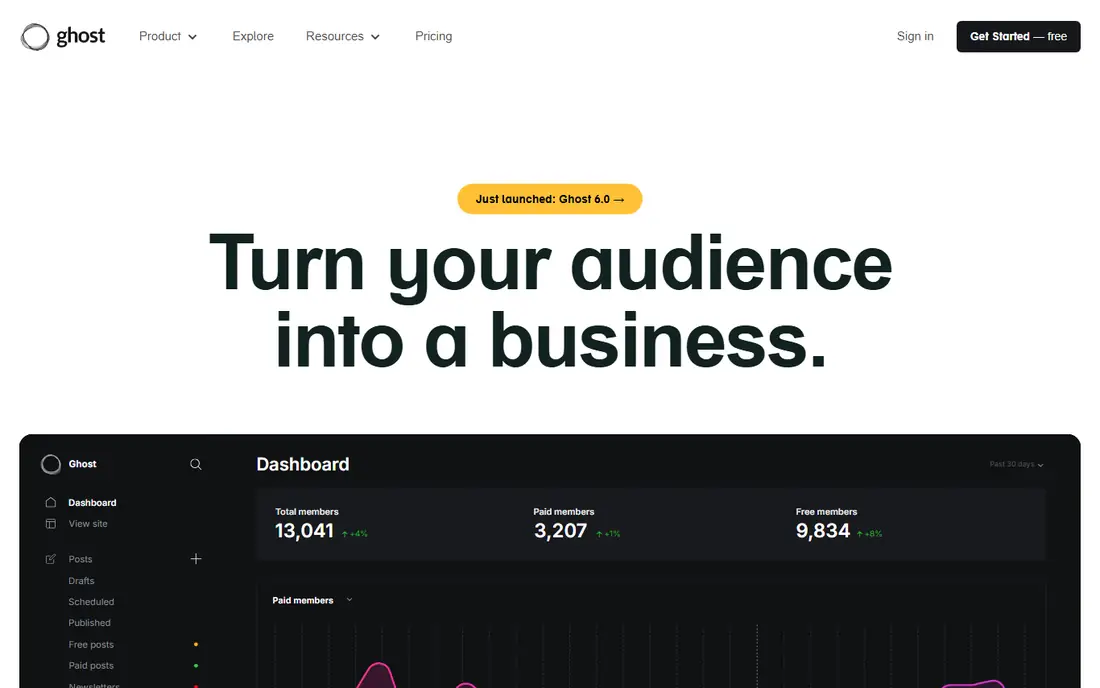
What we like- Ghost does the WordPress core job, publishing, with the parts bolted on as plugins in WordPress built in natively: email newsletters, paid memberships and subscriptions, and reader analytics, in a fast, clean editor with no plugin sprawl. The official Ghost(Pro) hosting starts at 11 dollars a month, and the software is open source and self hostable for those who want that route. Publications and independent writers form its heartland, and its speed on shared themes routinely embarrasses a plugin loaded WordPress install.
Watch out for- Ghost is a publishing tool, not a general website platform: no page builder ecosystem, a modest theme market, and ecommerce limited to selling content rather than products. Self hosting needs more technical comfort than managed WordPress. If your WordPress site is really a business brochure or a store, Ghost is the wrong shape.
#2Webflow
Best for: Design led marketing sites4.4/5 on
G2 (995 reviews, checked Oct 2026)
Visit webflow.com
Starting price$14 per month
Free planYes
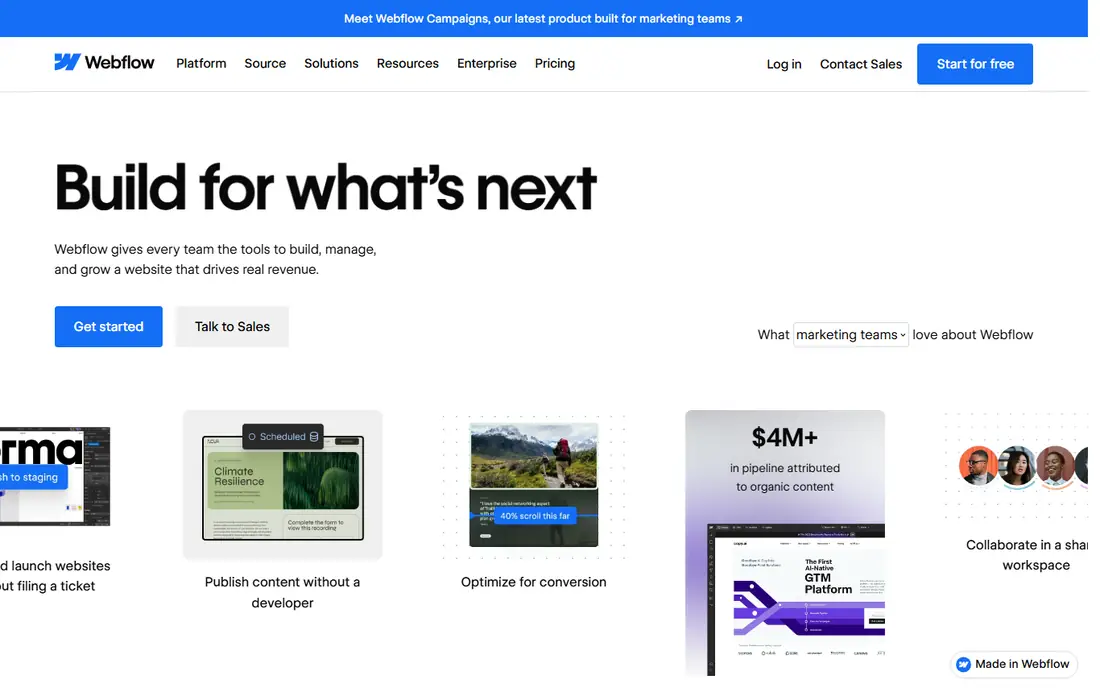
What we like- Webflow gives designers direct control over layout and interaction in a visual canvas that outputs clean code, with hosting, CMS collections, and forms included, so there is nothing to update and nothing to patch. Site plans start at 14 dollars a month billed annually, and a free starter plan covers learning and staging. Marketing teams at startups standardized on it because a designer can ship a landing page without a developer queue, and the result loads fast.
Watch out for- The visual power comes with a learning curve closer to a design tool than a builder, and content editors sometimes find the CMS less friendly than WordPress's. Ecommerce and memberships exist but are not its strength. Pricing layers, site plans plus workspace plans, confuse buyers, and costs climb with traffic and CMS items.
#3Squarespace
Best for: Beautiful small business sites4.4/5 on
G2 (1,133 reviews, checked Oct 2026)
Visit squarespace.com
Starting price$16 per month
Free planNo
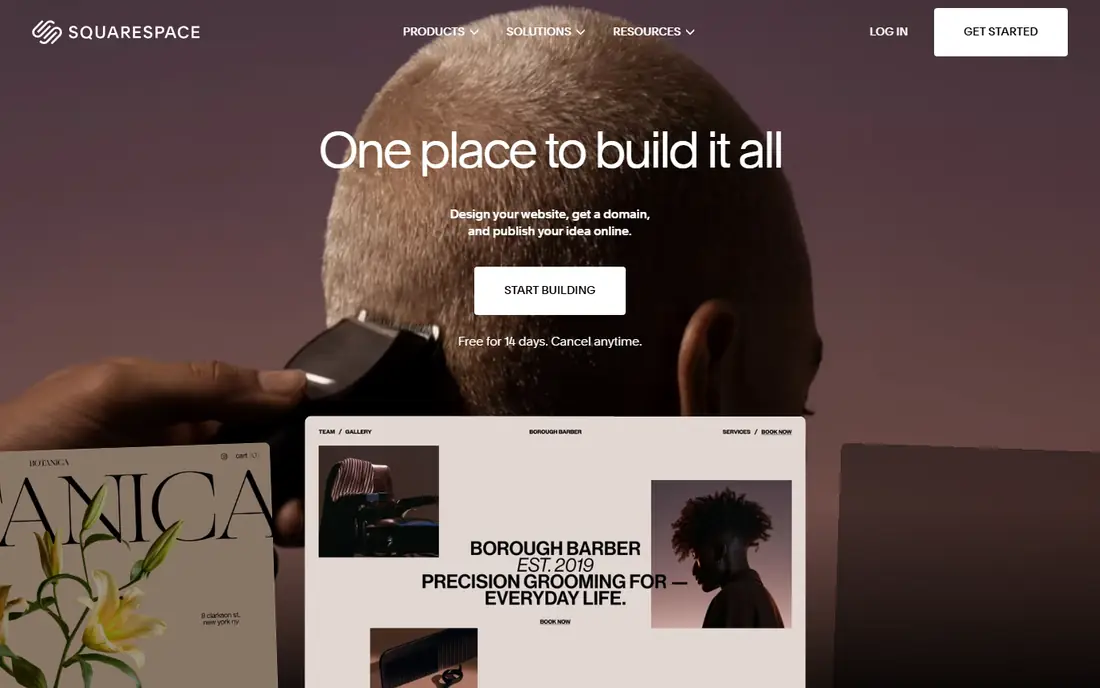
What we like- Squarespace is the taste option: award winning templates, polished typography, and everything included, hosting, domains, email campaigns, scheduling, and basic commerce, from 16 dollars a month billed annually. For photographers, restaurants, studios, and local businesses whose site is a portfolio and a phone number, it produces the most professional result per hour of effort in this list. There is genuinely nothing to maintain, ever.
Watch out for- The flip side of curation is constraint: you design inside the templates' logic, and unusual layouts fight the system. There is no plugin ecosystem to add the one feature you need, and leaving means rebuilding, since content export is partial. Developers and heavy bloggers find the blogging and extensibility a step down from WordPress.
#4Wix
Best for: Beginners wanting an all in one builder4.2/5 on
G2 (1,888 reviews, checked Oct 2026)
Visit wix.com
Starting price$17 per month
Free planYes
What we like- Wix is the biggest of the all in one builders: a free plan with Wix branding, paid plans from 17 dollars a month, hundreds of templates, an app market for extra features, and Wix Studio for more demanding designs. Its editor is the most forgiving for a first time site owner, and business tools, bookings, stores, payments, marketing, are all first party rather than plugins to vet. For a small business that wants one vendor for everything, it is the default shortlist entry.
Watch out for- Template switching after the fact is limited in the classic editor, and heavy sites can load slower than Webflow or Ghost equivalents. The app market reintroduces a mild version of the plugin quality lottery WordPress users fled. Serious bloggers and publishers find the platform's centre of gravity is business sites, not writing.
#5Drupal
Best for: Complex, structured, institutional sites3.9/5 on
G2 (425 reviews, checked Oct 2026)
Visit drupal.org
Starting priceFree
Free planYes
What we like- Drupal is the open source heavyweight: free, with a content modelling system, user permissions, multilingual support, and an API first architecture that governments, universities, and large institutions standardize on for sites WordPress would strain to run. Its security record and release discipline suit organizations with compliance duties, and the module ecosystem is deep and professionally maintained. For a site whose content has real structure and many editors with different rights, it remains the reference.
Watch out for- Drupal's power costs in expertise: builds need developers, hosting needs care, and the learning curve is the steepest here. The talent pool is smaller and pricier than WordPress's enormous one. For a blog or a small business site it is a mainframe delivered for a grocery run.
Starting price$299 one time
Free planYes
What we like- Craft CMS is the developer beloved alternative: a clean, flexible content modelling system with the best regarded editing experience in the self hosted world, no themes dictating your design, and a first class GraphQL and headless story. Solo edition is free for a single user, and the Pro licence is a one time 299 dollars per site with paid updates thereafter, a pricing shape WordPress refugees from subscription fatigue appreciate. Agencies build client sites on it because editors genuinely enjoy the control panel.
Watch out for- Craft gives you a framework, not a finished site, so a developer builds everything and total cost starts where builders finish. The plugin store is smaller than WordPress's by orders of magnitude, though the core covers more natively. Hosting and maintenance remain yours, so the treadmill is gentler than WordPress's, not gone.
Starting priceFree
Free planYes
What we like- Statamic runs on Laravel and can store content in flat files under version control, which gives developers a site that deploys like code, backs up like code, and has no database to breach or corrupt. The core is free, with a Pro edition as a one time per site licence adding multi user and advanced features, and the control panel is modern and friendly. For developer led marketing sites and documentation, it is the current connoisseur's choice.
Watch out for- The Laravel foundation means PHP hosting with a developer's deployment habits, not one click shared hosting. The community and plugin pool are small next to WordPress's, so unusual needs mean building them. Non technical owners cannot self serve the way the builders allow
- This is a tool for teams with a developer on call.
Starting priceFree
Free planYes
What we like- Hugo is a static site generator that builds thousands of pages in seconds, producing plain HTML that hosts anywhere for almost nothing, with no database, no plugins, and effectively no attack surface. Documentation sites, blogs, and content archives that change by publishing rather than by interaction are its home ground, and its speed makes every other entry here feel leisurely. The whole toolchain is a single free binary, and content lives in Markdown files you own outright.
Watch out for- Static means static: comments, memberships, search, and forms all require third party services stitched in. The learning curve in templating and configuration is a developer's, and there is no admin panel for editors unless you add a separate Git based CMS layer. For most small businesses Hugo is an engineer's answer to a question they did not ask.
How we chose
We selected platforms that genuinely replace WordPress for one of its real uses, publishing, marketing sites, small business sites, complex structured sites, and developer built content sites. We compared maintenance burden, editor experience, extensibility, pricing model, and exit cost, since lock in is the hosted builders' price. Prices mix subscriptions and one time licences in this category, so we labelled each model in its entry rather than forcing a single figure shape.
How to choose the right WordPress alternative
Start by naming your real complaint. If it is maintenance, updates, security warnings, plugin conflicts, choose a hosted builder and accept lock in as the fee for never thinking about it again: Webflow for design control, Squarespace for guided beauty, Wix for breadth. If the complaint is that WordPress is a mediocre publishing business tool, Ghost fixes exactly that. If the complaint is architecture and you have developers, Drupal, Craft, and Statamic each keep control with different shapes of rigour.
Be honest about who runs the site after launch. A platform an editor loves beats a platform a developer loves whenever the developer leaves, which is why Craft's control panel and Squarespace's guardrails matter more than feature tables. Budget the migration properly too: content export is the small part; rebuilding templates, re creating forms and SEO metadata, and redirecting every indexed URL is the project. Keep the WordPress site live until the new one is indexed and the redirects are verified, and expect a traffic wobble whatever you choose; planning for it is the difference between a migration and a mishap.
Frequently asked questions
Is WordPress still worth using in 2026?
For many sites, yes: it is free, enormously extensible, and has the largest pool of affordable help on earth. The alternatives here win for specific shapes of need, publishing businesses, design led marketing, zero maintenance, or developer control. Switching makes sense when a specific pain is costing you time or money, not as a fashion statement, since every migration carries SEO and rebuild risk.
Which alternative is best for blogging?
Ghost, for its editor, speed, and the built in newsletter and membership machinery that WordPress assembles from plugins. Hugo is the developer's blogging answer where static fits. Squarespace and Wix blog adequately for businesses whose writing supports the main offer rather than being the product.
Can I move my WordPress content to these platforms?
Posts and pages export from WordPress in standard formats and import into Ghost and the developer CMSs cleanly; the hosted builders offer importers of varying quality, and manual rebuilding of key pages is common. Media libraries, SEO metadata, and internal links need checking in every case. Plan redirects for every URL that has traffic or links, since losing them is where migrations actually lose money.
Which alternative is cheapest to run?
Hugo on free or near free static hosting costs the least in money and the most in developer dependence. Among managed options, Ghost(Pro) at 11 dollars a month and the builders from 14 to 17 dollars are all cheaper than properly maintained managed WordPress hosting once your time is priced. Self hosted Craft and Statamic can run on modest hosting after their one time licences.
What do I lose by leaving WordPress?
The plugin ecosystem and the help market. Almost any function exists as a WordPress plugin and almost any problem has a freelancer who has solved it. Alternatives answer with built in features, curation, or developer craft instead. Judge the specific functions your site depends on, and verify each one exists on the other side before migrating, not after.
Sources we checked (0)
Is your product missing or out of date?
We review this list regularly. Vendors can request a listing, send updated pricing or ask about featured placement.

Shihab Mia · Founder, Rankite
Shihab has 5+ years in B2B and SaaS SEO. He writes Rankite's software buying guides from pricing pages, documentation and public user reviews. More about Shihab.