How we make this list: we compare pricing pages, product documentation and public user reviews. Ratings come from G2, Capterra or Trustpilot, with the date we checked them.
Key takeaways
- Webflow is the closest step up from Framer when a site needs a real CMS, relational content and code export, and it starts at a similar price.
- Wix Studio and Squarespace suit people who want the business tools built in, from bookings and stores to email, rather than assembled from add ons.
- Figma Sites fits design teams that already live in Figma, while Readymag, Semplice and Cargo serve portfolios and experimental pages.
- Webstudio is the open source option for people who want visual building without being locked into one vendor's hosting.
Quick comparison
| Tool | Best for | Starting price | Free plan |
|---|
 Webflow Webflow | CMS driven marketing sites | $15 per month | Yes |
 Wix Studio Wix Studio | Agencies and client sites | $17 per month | Yes |
 Figma Sites Figma Sites | Figma based design teams | $16 per user per month | Yes |
 Squarespace Squarespace | Small business sites with built in tools | $16 per month | No |
 Readymag Readymag | Editorial and portfolio pages | See website | Yes |
 Semplice Semplice | Designer portfolios on WordPress | See website | No |
 Cargo Cargo | Artist and student portfolios | See website | Yes |
 Webstudio Webstudio | Open source visual building | $20 per month | Yes |
Is your product missing or out of date?
We review this list regularly. Vendors can request a listing, send updated pricing or ask about featured placement.
The best alternatives to Framer
#1Webflow
Best for: CMS driven marketing sites4.4/5 on
G2 (995 reviews, checked Oct 2026)
Visit webflow.com
Starting price$15 per month
Free planYes
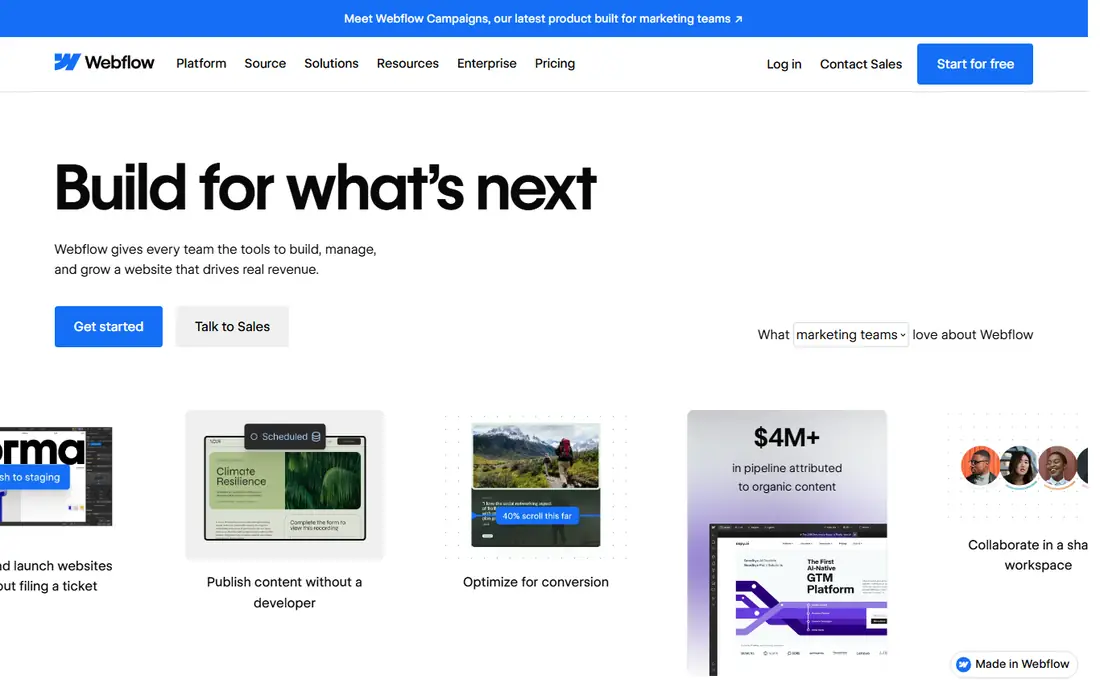
What we like- Webflow is the natural landing spot for Framer users who outgrow a simple CMS. Its collections link to each other, so a portfolio can connect projects to services, team members and testimonials without manual workarounds. Site plans start at 15 dollars a month billed yearly for a basic site, and the CMS tier adds the collections most marketing sites need. You can export clean HTML and CSS on paid plans, which keeps an exit route open, and the free Starter plan lets you build on a staging domain before paying anything.
Watch out for- The learning curve is real. Webflow expects you to think in boxes, classes and breakpoints, and a rushed build turns into tangled class names that break on mobile. It has no built in store bookings or email marketing at Framer's level of polish, so growing businesses add third party tools. Per site pricing still applies, so the agency math problem does not fully go away.
#2Wix Studio
Best for: Agencies and client sites4.6/5 on
G2 (83 reviews, checked Oct 2026)
Visit wix.com
Starting price$17 per month
Free planYes
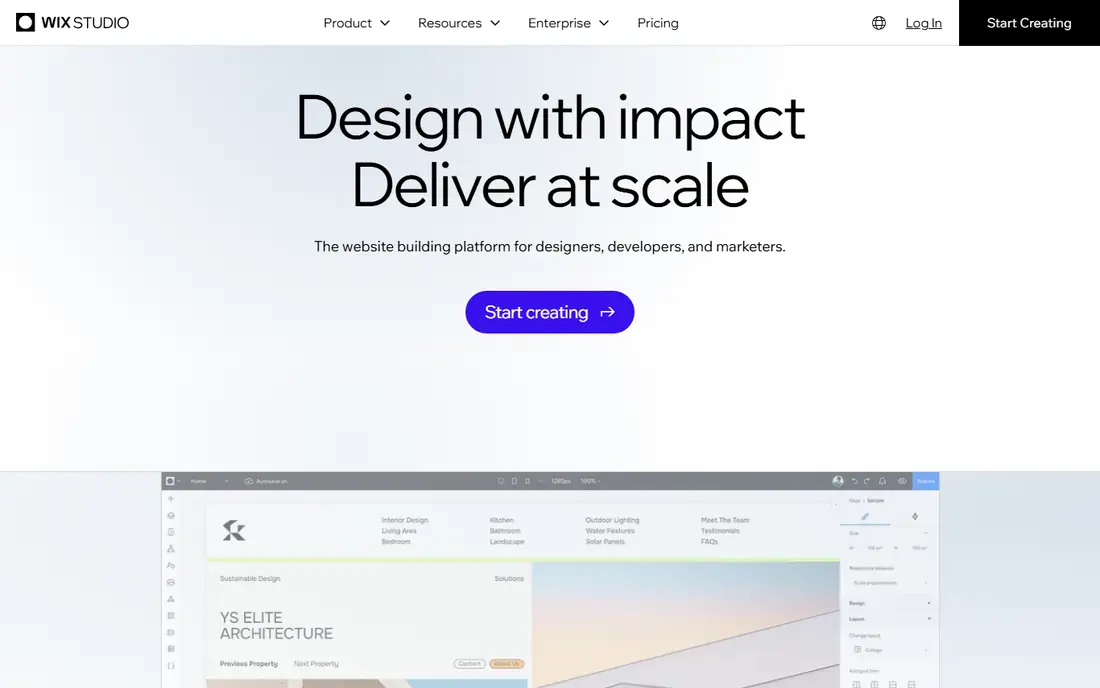
What we like- Wix Studio answers the business tools complaint directly. Bookings, events, stores, payments and email marketing sit inside the same account as the site, and the editor handles responsive behaviour with fewer manual breakpoints than most rivals. Plans start at about 17 dollars a month billed annually for a single site, and agency workspaces add client management and white label touches. For a freelancer handing sites to non technical clients, the guarded editor, where clients can edit content without breaking the layout, is the feature that saves the most support calls.
Watch out for- There is no code export, so a site built here stays here. The editor's freedom can produce inconsistent layouts in careless hands, and larger agencies report that very complex CMS structures still feel limited next to Webflow. Some advanced business apps cost extra on top of the site plan, so the headline price is a floor, not a ceiling.
Starting price$16 per user per month
Free planYes
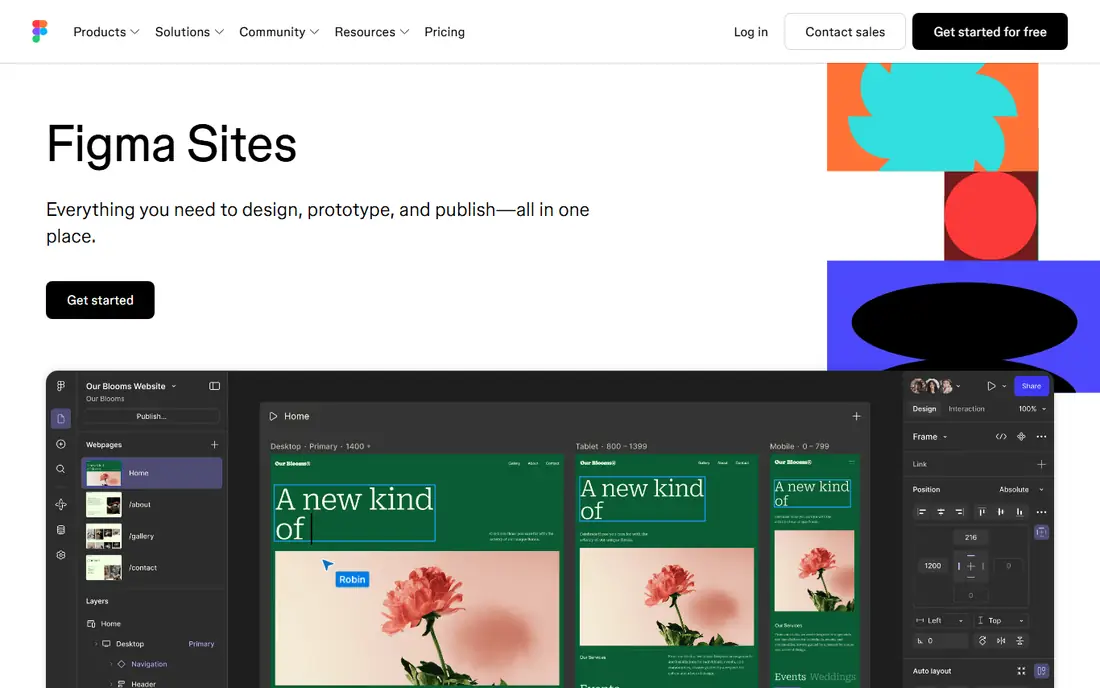
What we like- Figma Sites publishes a live website straight from the design tool most product designers already use, so there is no rebuild step between a Figma file and a page on the web. It rides on the Figma seat you already pay for, at 16 dollars per user per month for a Professional full seat billed annually, and the free Starter plan covers small tests. Breakpoints, interactions and components carry over from the design file, which makes it the fastest route in this list for a design led team shipping a marketing page.
Watch out for- It is a publishing layer on a design tool, not a full website platform. The CMS and blogging depth are young compared with Webflow or Wix, commerce is not its job, and per seat pricing means a five person design team pays five subscriptions before any site costs. Teams without a Figma habit gain nothing here.
#4Squarespace
Best for: Small business sites with built in tools4.4/5 on
G2 (1,133 reviews, checked Oct 2026)
Visit squarespace.com
Starting price$16 per month
Free planNo
What we like- Squarespace is the polished all in one option. Templates are tightly art directed, so it is hard to make an ugly site, and scheduling, stores, memberships and email campaigns are built in rather than bolted on. Personal starts at 16 dollars a month billed annually, and higher tiers add commerce with lower transaction fees. For a restaurant, studio or consultant who wants one login and one bill, it removes the plugin juggling that WordPress demands and the class management that Webflow demands.
Watch out for- There is no free plan, only a 14 day trial. The editor constrains layout choices on purpose, which frustrates designers who want Framer style freedom. You cannot export a working site to another host, and the blogging and CMS tools are fine for a simple publication but shallow for a large content library.
#5Readymag
Best for: Editorial and portfolio pages4.2/5 on
G2 (26 reviews, checked Oct 2026)
Visit readymag.com
Starting priceSee website
Free planYes
What we like- Readymag is a freeform canvas built for pages that read like magazine spreads: lookbooks, case studies, campaign pages and portfolios where art direction matters more than a deep CMS. The editor places elements anywhere on the page, animations are easy to add, and a free plan covers a first project with a Readymag domain. Designers who found Framer almost right but wanted looser typographic control tend to like it, and it publishes fast for one off editorial work.
Watch out for- It is a page and microsite tool, not a platform for a large structured website. There is no real CMS for a growing blog or directory, no built in commerce beyond simple integrations, and current entry pricing was not stated consistently across sources, so check the pricing page before you budget. Search tooling is basic compared with the bigger builders.
Starting priceSee website
Free planNo
What we like- Semplice is a portfolio theme and builder that runs on self hosted WordPress, which gives designers a Framer like visual editor while keeping full ownership of the site, the hosting and the data. It is sold as a one time licence per site rather than another monthly subscription, which appeals to freelancers tired of stacking site fees. Because it sits on WordPress, a portfolio can grow a real blog, a store through WooCommerce, or member content later without changing platforms.
Watch out for- You manage the hosting, updates, backups and security yourself, which is exactly the work the hosted builders remove. There is no free plan and no trial in the hosted sense, and current licence pricing varies by edition and promotion, so confirm the figure on its site. It is a portfolio specialist, so a general business site is better served elsewhere in this list.
Starting priceSee website
Free planYes
What we like- Cargo has served artists, photographers and design students for years with templates that look like gallery sites rather than business sites. A free tier covers students and small folios, and the editor keeps the focus on images and type rather than marketing features. For a practitioner who wants a quiet, credible home for finished work and nothing else, Cargo's restraint is the point, and its community of art and design users makes work easy to discover by peers.
Watch out for- Cargo is deliberately narrow. There is no meaningful CMS for content marketing, no store depth beyond simple options, and no path to a complex business site. Current paid pricing was not published in a way we could verify consistently, so see the website before planning around a figure. Support and documentation are thinner than at the big platforms.
Starting price$20 per month
Free planYes
What we like- Webstudio is the open source entry in this list. The builder itself is free to self host, the hosted Pro plan is listed at 20 dollars a month in current comparisons, and the output is standard web technology rather than a proprietary runtime, so your site is not trapped when you leave. It connects to headless content sources, which suits developers who want visual editing over data they control. For Framer users whose core complaint is lock in, this is the most direct answer.
Watch out for- The ecosystem is young. Templates, integrations and community answers are a fraction of Webflow's, and some assembly is expected: you bring your own CMS, forms and analytics. Non technical users who want everything in one dashboard will find it sparse. Treat it as a developer friendly tool, not a small business platform.
How we chose
We looked for tools that solve the reasons people leave Framer: CMS limits, per site pricing, lock in, and missing business tools. Each entry had to be in active sale in October 2026 with a public pricing or product page we could check. We left out plain prototyping tools that cannot publish a real site, and we left out Framer itself, since an alternatives list that includes the product being replaced helps nobody. Where prices conflicted between current sources, we wrote see website rather than guess.
How to pick the right Framer alternative
Start with the content shape. If your site is mostly pages with one blog, almost everything here works. If your content links together, projects to people to services, Webflow or a WordPress based route such as Semplice handles that structure, and the page first tools will fight you. Next, count sites. Per site pricing is quiet at one site and loud at fifteen, so agencies should price the whole portfolio on Wix Studio or Duda style workspaces before falling for a cheap single site plan.
Then decide how much machinery you want to own. Hosted builders such as Squarespace and Wix Studio bundle the store, bookings and email, and charge for the convenience. Self hosted routes such as Semplice and Webstudio hand you the keys and the maintenance. Neither is wrong, but mixing the two expectations is how projects stall. Finally, test the exit. Export a page, read the cancellation terms, and check what happens to your domain and content if you leave. The cheapest month is a bad bargain if month thirteen means a rebuild.
Frequently asked questions
Is Webflow really better than Framer for a growing site?
For structured content, yes. Webflow's CMS links collections to each other, its code export keeps a migration path open, and its hosting tiers handle larger traffic. For a small design led site shipped quickly, Framer is still faster to learn. The honest answer is that Webflow wins on depth and Framer wins on speed, and the right pick depends on which one your next year needs.
Can I move my Framer site to one of these tools automatically?
Not in any complete sense. No tool here imports a Framer project with its layout, CMS and interactions intact. You can copy text, download images and rebuild the design, and Figma based teams have the shortest path because designs often start in Figma anyway. Budget a manual rebuild, and keep the old site live until the new one is checked on real phones.
Which alternative is best for a portfolio?
It depends on the work. Readymag and Cargo suit image led folios that behave like gallery pages. Semplice suits designers who want WordPress ownership under the folio. Squarespace suits a portfolio that also sells prints, bookings or services, because the store and scheduling are built in. All four cost less than one misplaced month on the wrong platform, so build the same small folio in two of them before you commit.
Which of these has a real free plan?
Webflow, Wix Studio, Figma, Readymag, Cargo and Webstudio all offer a free way to build, usually on a vendor subdomain with limits. Squarespace and Semplice do not: one gives a trial, the other a paid licence. A free plan is for learning the editor and testing the fit. A business should expect to pay for a custom domain and the removal of vendor branding on any of them.
What should an agency pick for many client sites?
Price the workspace, not the single site. Wix Studio is built around client handovers, and Duda, which just missed this list, is another common agency pick. Webflow workspaces also serve agencies well where CMS depth matters. In every case, model twenty sites over two years including editor seats, because that total, not the first month, is the real price of the switch.
Sources we checked (0)
Is your product missing or out of date?
We review this list regularly. Vendors can request a listing, send updated pricing or ask about featured placement.

Shihab Mia · Founder, Rankite
Shihab has 5+ years in B2B and SaaS SEO. He writes Rankite's software buying guides from pricing pages, documentation and public user reviews. More about Shihab.