How we make this list: we compare pricing pages, product documentation and public user reviews. Ratings come from G2, Capterra or Trustpilot, with the date we checked them.
Key takeaways
- Blender is the strongest free replacement, with full 3D modeling, sculpting, rendering and animation at no cost.
- Rhino is the best paid alternative without a subscription, at 995 dollars once for a permanent license.
- SketchUp Pro costs 399 dollars a year, so a one-time purchase pays for itself in about two and a half years.
- FreeCAD is the best free parametric CAD option, with real engineering tools at no cost.
- Fusion 360 is the best cloud CAD option for product design, at 680 dollars a year with a free personal tier.
Why Do Users Look for a SketchUp Alternative?
SketchUp earned its fans by making 3D modeling fast and easy, with push-pull tools that beginners learn in an afternoon. Its Pro plan now costs 399 dollars a year, and the price has risen from 349 dollars, which is the main reason users look elsewhere. Every plan is a subscription, so the software stops working when you stop paying. Some users want parametric modeling, precise engineering drawings or BIM features that SketchUp does not offer. Others need photorealistic rendering built in, rather than a paid plugin. A few work on Linux, where SketchUp has no desktop version. The right alternative depends on what you model, whether you need architecture, product design or rendering, and whether you want to pay once or pay nothing at all.
What Is the Best Free Alternative to SketchUp?
Blender is the best free alternative to SketchUp for most users. It is open source, free forever, and runs on Windows, macOS and Linux. It includes modeling, sculpting, texturing, rendering, animation and video editing in one download. FreeCAD is the other strong free choice, and it wins for engineering work, with parametric modeling, technical drawings and a spreadsheet-driven workflow. Sweet Home 3D is the simplest free option for interior design, with drag-and-drop furniture and instant 3D views. Blender has the steepest learning curve here, while FreeCAD suits users who think in dimensions and constraints. Start with Blender for general 3D work and FreeCAD for measured engineering models.
Which SketchUp Alternative Is Best for Architecture?
Chief Architect is the best alternative for residential architecture, because it builds walls, roofs, cabinets and framing automatically from a floor plan, and it produces construction documents without extra plugins. AutoCAD is the best choice for firms that exchange DWG files with engineers and consultants, since it is the industry standard for 2D drafting. Rhino suits architects who design free-form shapes, with precise NURBS curves and Grasshopper for parametric facades. SketchUp is still the fastest tool for early concept massing, so architects who switch should keep it for sketching and use Chief Architect or AutoCAD for documentation. For a small residential practice, Chief Architect at 1,995 dollars a year replaces SketchUp Pro plus several plugins.
Can You Replace SketchUp Without a Subscription?
Yes, Rhino at 995 dollars once is the best subscription-free professional alternative, with a permanent license that never expires and no maintenance fees. Blender and FreeCAD are free forever, with no paid tier at all. Sweet Home 3D is free too, for interior design and room planning. SketchUp Pro at 399 dollars a year costs more than Rhino after two and a half years. The trade-off is learning curve, since Rhino and Blender take longer to learn than SketchUp. FreeCAD is also harder to learn, though its parametric workflow pays off for engineering work. If you want to pay once and own the tool, Rhino is the answer. If you want to pay nothing, Blender and FreeCAD cover most modeling work.
How Much Should You Pay for a 3D Modeler?
A 3D modeler should cost between zero and 680 dollars a year for most freelancers and small firms, because Blender and FreeCAD are free and Fusion 360 is 680 dollars a year. Rhino at 995 dollars once is fair for professionals who want a permanent license, and it pays for itself against SketchUp Pro in about two and a half years. Onshape Standard at 1,500 dollars a year suits distributed teams who need browser-based CAD with built-in versioning. AutoCAD at 2,095 dollars a year only makes sense for firms that live on DWG files and exchange drawings with engineers daily. Chief Architect at 1,995 dollars a year is fair for residential builders who need automatic framing and construction documents. Watch for education pricing, since Rhino offers a 195 dollar student license and Autodesk gives students free access.
Quick comparison
| Tool | Best for | Starting price | Free plan |
|---|
 Blender | Users who want a free, full-featured 3D app for modeling, rendering and animation | Free | Yes, the full app is free and open source |
 FreeCAD | Engineers and makers who want free parametric CAD with measured drawings | Free | Yes, the full app is free and open source |
 Rhino | Professionals who want a one-time license for precise free-form 3D modeling | 995 dollars one-time | 90-day free trial |
 AutoCAD | Firms that need industry-standard DWG drafting and documentation | 2,095 dollars per year | 15-day free trial |
 Fusion 360 | Product designers who want cloud CAD with CAM and simulation in one app | 680 dollars per year | Free personal tier for non-commercial use |
 Chief Architect | Residential builders and remodelers who need automatic framing and construction documents | 1,995 dollars per year | Free trial |
 Onshape | Distributed teams who want browser-based CAD with built-in versioning | 1,500 dollars per year | Free tier for non-commercial use, documents are public |
 Sweet Home 3D | Homeowners and interior designers who want free room planning with instant 3D views | Free | Yes, the full app is free and open source |
Is your product missing or out of date?
We review this list regularly. Vendors can request a listing, send updated pricing or ask about featured placement.
The 8 Best SketchUp Alternatives
#1Blender
Best for: Users who want a free, full-featured 3D app for modeling, rendering and animation4.6/5 on
G2 (319 reviews, checked Oct 2026)
Visit blender.org
Starting priceFree
Free planYes, the full app is free and open source
Blender is the closest free match to SketchUp for general 3D work, and it is the first app to try if you want to stop paying for modeling software. It covers modeling, sculpting, texturing, rendering, animation and video editing in one download, with the Cycles renderer producing photorealistic images without a paid plugin. The community is huge, with free tutorials, add-ons and asset libraries for almost every use case. Blender runs on Windows, macOS and Linux, which makes it the only free option here that serves Linux users. The trade-off is a steeper learning curve than SketchUp, and it has no LayOut equivalent for construction documents. Architects who need drawings should pair Blender with FreeCAD or keep SketchUp for documentation.
What we like- Free forever with no paywall, huge modeling and sculpting toolset, Cycles rendering, animation and video editing
Watch out for- Steeper learning curve than SketchUp, and it has no built-in architectural documentation tools
#2FreeCAD
Best for: Engineers and makers who want free parametric CAD with measured drawings4.1/5 on
G2 (62 reviews, checked Oct 2026)
Visit freecad.org
Starting priceFree
Free planYes, the full app is free and open source
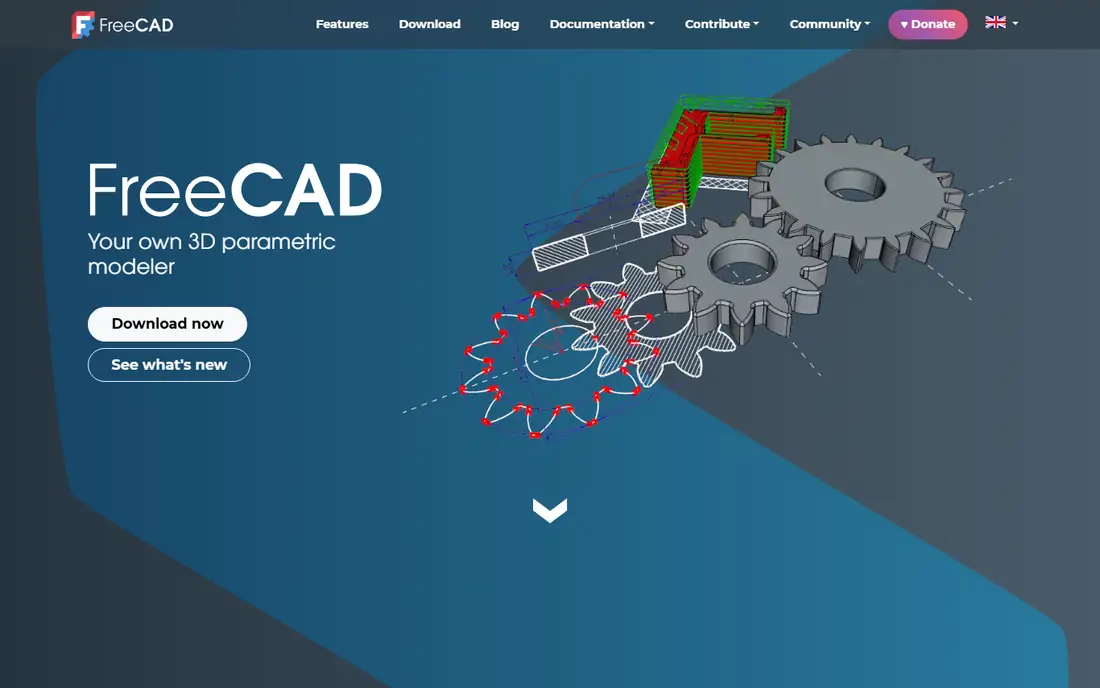
FreeCAD is the best free parametric CAD alternative to SketchUp, and it suits users who think in dimensions, constraints and engineering tolerances. It builds models from sketches and features that you can edit later, so changing one dimension updates the whole part. The TechDraw workbench produces dimensioned 2D drawings, and the spreadsheet workbench drives parametric designs from a table of values. FreeCAD reads and writes STEP, IGES, STL and DXF files, which matters for 3D printing and CNC work. The interface is rougher than SketchUp, and the learning curve is real, though the community forum answers most questions quickly. FreeCAD is free forever with no paid tier, and it runs on Windows, macOS and Linux.
What we like- Free forever, true parametric modeling, technical drawings, runs on Linux, active community
Watch out for- The interface feels rough next to SketchUp, and large assemblies can slow down
#3Rhino
Best for: Professionals who want a one-time license for precise free-form 3D modeling4.4/5 on
G2 (192 reviews, checked Oct 2026)
Visit rhino3d.com
Starting price995 dollars one-time
Free plan90-day free trial
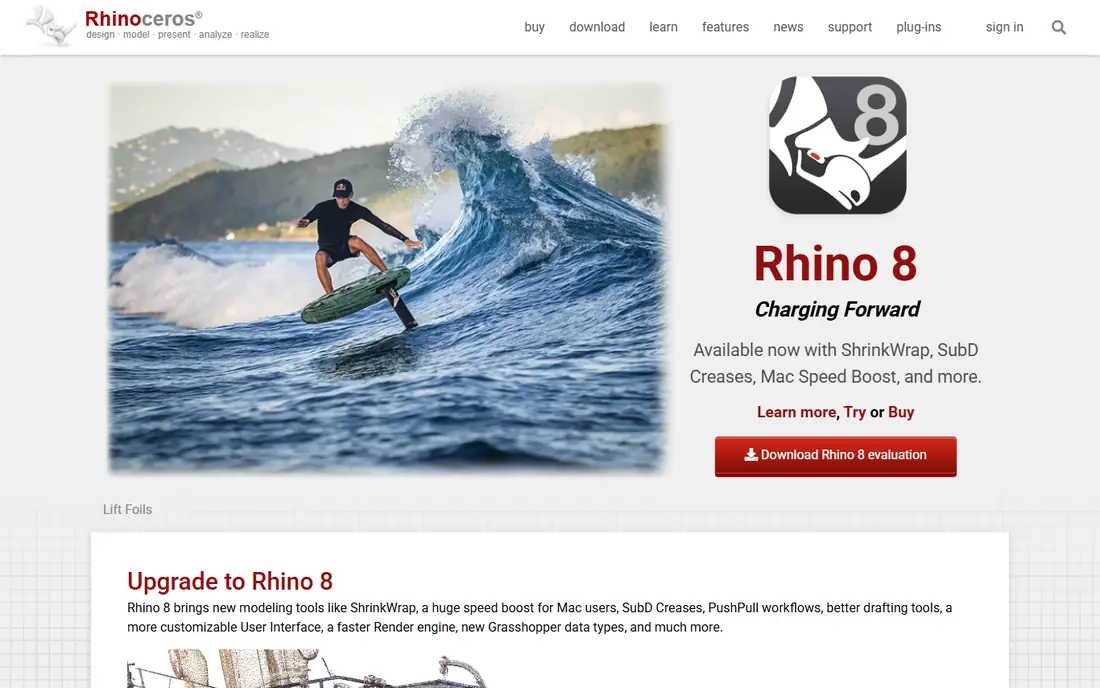
Rhino is the best paid alternative to SketchUp for professionals who want to pay once and own the software. Its NURBS modeling handles free-form curves and surfaces with precision that SketchUp cannot match, which suits product designers, jewelers and architects who design curved facades. Grasshopper adds visual parametric design, letting you build rules that generate complex geometry automatically. The license costs 995 dollars once for a single user, covers Windows and Mac, and never expires, with no maintenance fees. Upgrades to a new major version cost 595 dollars, and students pay 195 dollars. Rhino 9 is now the current version, and the 90-day trial is the full product with no credit card. The limits are real, since Rhino has no built-in BIM and needs a rendering plugin for photorealistic output.
What we like- Permanent license with no subscription, precise NURBS modeling, Grasshopper for parametric design, runs on Mac and Windows
Watch out for- No built-in BIM tools, and rendering needs a plugin for photorealistic results
#4AutoCAD
Best for: Firms that need industry-standard DWG drafting and documentation4.4/5 on
G2 (2,010 reviews, checked Oct 2026)
Visit autodesk.com
Starting price2,095 dollars per year
Free plan15-day free trial
AutoCAD is the industry standard for 2D drafting and documentation, and it remains the strongest SketchUp alternative for firms that exchange DWG files with engineers and consultants. It includes seven specialized toolsets for architecture, mechanical, electrical and mapping work, plus web and mobile apps for viewing and editing on site. The subscription costs 2,095 dollars a year, or 260 dollars a month, with AutoCAD LT at 540 dollars a year for 2D-only drafting. The price is the problem for small firms, since five years of AutoCAD costs more than 10,000 dollars, and the software stops working when you stop paying. AutoCAD suits firms that live on DWG files, while SketchUp users who only need occasional drafting should look at BricsCAD or FreeCAD instead.
What we like- Industry standard for DWG files, seven specialized toolsets included, web and mobile apps, huge plugin ecosystem
Watch out for- Subscription only with no one-time purchase, and the price is high for small firms
#5Fusion 360
Best for: Product designers who want cloud CAD with CAM and simulation in one app4.5/5 on
G2 (519 reviews, checked Oct 2026)
Visit autodesk.com
Starting price680 dollars per year
Free planFree personal tier for non-commercial use
Fusion 360 is the best cloud CAD alternative to SketchUp for product design, combining parametric modeling, CAM, simulation and PCB design in one subscription. It runs on Windows and macOS, with cloud storage that lets teams share designs and track versions without a server. The commercial subscription costs 680 dollars a year, or 85 dollars a month, with a free personal tier for hobbyists who earn under 1,000 dollars a year from their work. The personal tier limits you to 10 active documents and no commercial use, so small businesses need the paid plan. The app needs an internet connection for cloud features, and some users dislike Autodesk changing the price and the feature split between tiers. For makers and small product firms, Fusion 360 covers more ground than SketchUp at a similar price.
What we like- CAD, CAM, simulation and PCB design in one subscription, cloud collaboration, free personal tier
Watch out for- Subscription only, needs an internet connection for cloud features, and the personal tier limits documents and commercial use
#6Chief Architect
Best for: Residential builders and remodelers who need automatic framing and construction documents4.4/5 on
Capterra (68 reviews, checked Oct 2026)
Visit chiefarchitect.com
Starting price1,995 dollars per year
Free planFree trial
Chief Architect is the best SketchUp alternative for residential design, because it builds walls, roofs, cabinets and framing automatically from a floor plan. It produces construction documents, material lists and 3D renders from the same model, which saves the time SketchUp users spend on plugins and manual drafting. The Premier plan costs 1,995 dollars a year, which is high, though it replaces SketchUp Pro plus several paid extensions. The learning curve is real, since the automatic tools need setup before they produce clean plans. For a small residential practice, Chief Architect is the fastest route from a floor plan to a buildable set of drawings.
What we like- Automatic walls, roofs and framing, built-in material lists, strong rendering, made for residential work
Watch out for- High yearly price, focused on houses rather than general 3D modeling, and the learning curve is real
#7Onshape
Best for: Distributed teams who want browser-based CAD with built-in versioning4.7/5 on
G2 (724 reviews, checked Oct 2026)
Visit onshape.com
Starting price1,500 dollars per year
Free planFree tier for non-commercial use, documents are public
Onshape is the best browser-based CAD alternative to SketchUp, built by PTC for teams who work in different offices. It runs entirely in a web browser, with nothing to install, and several people can edit the same model at the same time. Versioning works like software code, with branches and merges that let you test design changes without breaking the main model. The Standard plan costs 1,500 dollars per user per year, and Professional at 2,500 dollars adds release management, simulation and rendering. The free tier is fully functional for CAD, but every document is public and non-commercial only, so it does not suit client work. For distributed hardware teams, it is the most modern CAD workflow in this guide.
What we like- Runs in a browser with nothing to install, real-time collaboration, automatic versioning, published pricing
Watch out for- High yearly price, needs an internet connection, and the free tier makes every document public
#8Sweet Home 3D
Best for: Homeowners and interior designers who want free room planning with instant 3D views4.3/5 on
G2 (20 reviews, checked Oct 2026)
Visit sweethome3d.com
Starting priceFree
Free planYes, the full app is free and open source
Sweet Home 3D is the simplest free alternative to SketchUp for interior design and room planning. You draw walls on a 2D plan, drag furniture from a built-in catalog, and see the room in 3D instantly. The app includes more than 1,000 furniture models, with thousands more free to download, and it exports plans as images, PDFs and videos. Sweet Home 3D runs on Windows, macOS and Linux, and a web version works in a browser with no install. The limits are clear, since it handles interiors and houses only, with no engineering tools, no parametric modeling and basic rendering. Homeowners and interior designers who find SketchUp too complex will finish a room plan faster here, at no cost.
What we like- Free forever, very easy to learn, drag-and-drop furniture, instant 3D view, runs on Linux
Watch out for- Limited to interiors and houses, with no engineering tools and basic rendering
Frequently asked questions
Is there a completely free alternative to SketchUp?
Yes, Blender and FreeCAD are completely free and open source, with no paid tier, no ads and no locked features. Blender covers general 3D modeling, rendering and animation, while FreeCAD covers parametric engineering and technical drawings. Sweet Home 3D is also free, for interior design and room planning. Start with Blender for general work and FreeCAD for measured engineering models.
Is Rhino better than SketchUp?
Rhino is better for precise free-form modeling, with NURBS curves and Grasshopper parametric design that SketchUp cannot match. SketchUp is better for fast concept massing and simple models, with a learning curve of hours rather than weeks. Rhino costs 995 dollars once with no subscription, while SketchUp Pro costs 399 dollars a year.
Can Blender open SketchUp files?
Blender cannot open SketchUp native SKP files directly, so you should export your models as COLLADA, FBX or OBJ before switching. Blender imports those formats with geometry intact in most cases, though materials and components may need cleanup. Export your important models while you still have SketchUp installed, and keep the original SKP files as backups in case you need them later.
Which alternative is best for beginners?
Sweet Home 3D is the easiest starting point for interiors, because it is free, simple and visual, with drag-and-drop furniture. Blender is the best free choice for general 3D work, though its interface takes a week to learn. FreeCAD is the best free choice for engineering, though it takes longer still. Beginners should try Sweet Home 3D for rooms and Blender for general modeling, since both are free, and buy Rhino later if they need professional precision.
Do I need to pay monthly for any of these alternatives?
No, only the paid subscriptions here bill monthly, and all of them offer annual billing that costs less. Blender, FreeCAD and Sweet Home 3D are free forever. Rhino is a one-time purchase of 995 dollars. SketchUp Pro, AutoCAD, Fusion 360, Chief Architect and Onshape are subscriptions, so the software stops working when you stop paying. If you want to avoid subscriptions entirely, Blender plus FreeCAD covers most modeling work for free.
How We Picked These Alternatives
We picked these eight tools by checking each vendor site on 16 November 2026, confirming the product is still sold and maintained, and verifying the starting price on the vendor pricing page or app store listing. We favored live products with active development, and we left out discontinued apps and tools whose official sites no longer load. Prices are US list prices unless stated otherwise, and they can change with sales and regional pricing. We did not run hands-on lab tests for this guide, and our findings rest on vendor documentation, pricing pages and public feature lists.
Sources we checked (9)
- https://www.blender.org
- https://www.freecad.org
- https://www.rhino3d.com
- https://www.autodesk.com/products/autocad/overview
- https://www.autodesk.com/products/fusion-360/overview
- https://www.chiefarchitect.com
- https://www.onshape.com/en/
- https://www.sweethome3d.com
- https://www.sketchup.com
Is your product missing or out of date?
We review this list regularly. Vendors can request a listing, send updated pricing or ask about featured placement.

Shihab Mia · Founder, Rankite
Shihab has 5+ years in B2B and SaaS SEO. He writes Rankite's software buying guides from pricing pages, documentation and public user reviews. More about Shihab.