How we make this list: we compare pricing pages, product documentation and public user reviews. Ratings come from G2, Capterra or Trustpilot, with the date we checked them.
RoboForm is a capable password manager, around since 2000, and Premium renews at $29.88 a year, one of the lower renewal prices in this category. Even so, many buyers look elsewhere. The free plan works on one device only. The interface feels dated next to newer rivals, with no monthly billing option. Some buyers want a free plan that syncs everywhere, open source code, or better passkey support.
The best RoboForm alternative for most people is 1Password, with the most polished apps and the strongest family sharing. Bitwarden is the best value pick: its free plan covers unlimited passwords on unlimited devices, and Premium costs $19.80 a year. Proton Pass is the best pick for privacy, with a strong free plan and Swiss jurisdiction.
Key takeaways
- 1Password is the best all-round RoboForm alternative, with the most polished apps and the best family plan.
- Bitwarden is the best value pick: its free plan is unlimited, and Premium costs $19.80 a year, up from $10 in January 2026.
- RoboForm Premium renews at $29.88 a year, with a first-year discount for new users reported at $19.90.
- Dashlane is the most expensive option here at $64.99 a year, but the only one that bundles a VPN.
- Enpass stores your vault outside any vendor cloud, and its three-year plan works out to about $16 a year.
- Every tool here supports passkeys and imports from RoboForm, so switching takes under an hour.
RoboForm Premium costs $2.49 a month billed annually, and it renews at $29.88 a year. New users are offered a lower first-year price, reported at $19.90. The Family plan renews at $47.75 a year for up to five accounts. These figures come from RoboForm's own personal pricing page, read on 15 November 2026. RoboForm also has a free plan, but it locks you to a single device, even though it stores unlimited passwords. Business plans start at $39.95 per user per year.
That renewal price matters, because many rivals advertise a low first-year price and charge far more after that. RoboForm is cheaper than 1Password at renewal ($47.88 a year) and Dashlane ($64.99 a year), but dearer than Bitwarden Premium ($19.80 a year) and Enpass ($23.99 a year). If you already pay for RoboForm and you are happy with it, there is no urgent reason to move.
Start with encryption: every tool here uses zero-knowledge encryption, which means the vendor cannot read your vault. Check passkey support next: all eight tools here store and fill passkeys. Then look at the free plan. Bitwarden and Proton Pass give you unlimited passwords on unlimited devices for free. LastPass limits its free plan to one device type, and Keeper limits it to 10 records on one phone.
Check the renewal price, not the first-year price: NordPass, 1Password and RoboForm all discount the first term and charge more after that. Every tool here imports a RoboForm CSV export, but import quality varies, so test a few logins before you delete your old vault. Finally, think about extras. Dashlane adds a VPN, Proton Pass adds email aliases, and Enpass lets you keep your vault in your own cloud storage.
Switching is a short job, and it is worth doing in one sitting so nothing gets lost. First, open RoboForm and export your logins as a CSV file. Keep that file on your own computer and delete it when you are done: it holds your passwords in plain text. Second, create an account with your new password manager and import the CSV. Third, open five or six of your most used sites and check the logins filled in correctly.
Fourth, turn on two-factor authentication on your new account and save the recovery codes somewhere safe. Fifth, install the browser extension and the mobile app on every device you use. Sixth, once everything works, delete the RoboForm vault data and cancel the subscription.
Quick comparison
| Tool | Best for | Starting price | Free plan |
|---|
 1Password | Households and small teams that want the most polished apps | $3.99 per month billed annually ($47.88 a year); $2.99 per month for the first year for new customers | No free plan; 14-day free trial |
 Bitwarden | Budget buyers and anyone who wants open source code | $19.80 a year ($1.65 a month) for Premium | Yes; unlimited passwords and unlimited devices, free forever |
 Dashlane | Buyers who want a password manager and a VPN in one subscription | $64.99 a year (about $5.42 a month), as shown at Dashlane checkout in November 2026; Dashlane does not publish personal prices on its pricing page, and some older listings still show $4.99 a month | No free plan; Dashlane ended its free tier on 16 September 2025. A 14-day trial is available |
 LastPass | Buyers who want a low cost paid plan with a free tier | $36 a year ($3 a month billed annually) for Premium | Yes, but limited to one device type (computer or mobile, not both) |
 Keeper | Businesses and compliance-heavy buyers | $42.99 a year ($3.58 a month billed annually) for Keeper Unlimited | Yes, but limited to 10 records on one mobile device |
 NordPass | NordVPN users and buyers who will commit to a two-year plan | $1.99 a month on the 1-year plan ($23.88 for the first year, renews at $35.88 a year); the 2-year plan starts from $1.39 a month for the first term | Yes, but limited to one active session, so it works on one device at a time |
 Enpass | Buyers who want their vault stored outside any vendor cloud | $23.99 a year ($1.99 a month billed annually) for Individual; a three-year plan costs $47.99 once | Yes; up to 25 items in one vault, with syncing across all platforms |
 Proton Pass | Privacy-focused buyers and Proton Mail or VPN users | $2.99 a month billed annually ($35.88 a year) for Pass Plus; $4.99 a month billed monthly | Yes; unlimited logins and unlimited devices, with 10 hide-my-email aliases |
Is your product missing or out of date?
We review this list regularly. Vendors can request a listing, send updated pricing or ask about featured placement.
Prices below were checked on 15 November 2026 against each vendor's own pricing page, except where noted.
#11Password
Best for: Households and small teams that want the most polished apps4.7/5 on
Capterra (2,132 reviews, checked Oct 2026)
Visit 1password.com
Starting price$3.99 per month billed annually ($47.88 a year); $2.99 per month for the first year for new customers
Free planNo free plan; 14-day free trial
1Password is the safest recommendation in this guide. Its apps are the most polished of the eight, on every major platform. Watchtower flags weak, reused and breached passwords, and Travel Mode hides selected vaults when you cross a border. The Families plan covers five people plus five guests, which is good value for a household. The drawback is price: no free tier, only a 14-day trial, and renewal costs more than double Bitwarden Premium.
What we like- Best in class apps, Watchtower breach alerts, Travel Mode, strong family sharing
Watch out for- No free plan at all, and the price rose in March 2026 from $35.88 to $47.88 a year at renewal
#2Bitwarden
Best for: Budget buyers and anyone who wants open source code4.6/5 on
G2 (1,475 reviews, checked Oct 2026)
Visit bitwarden.com
Starting price$19.80 a year ($1.65 a month) for Premium
Free planYes; unlimited passwords and unlimited devices, free forever
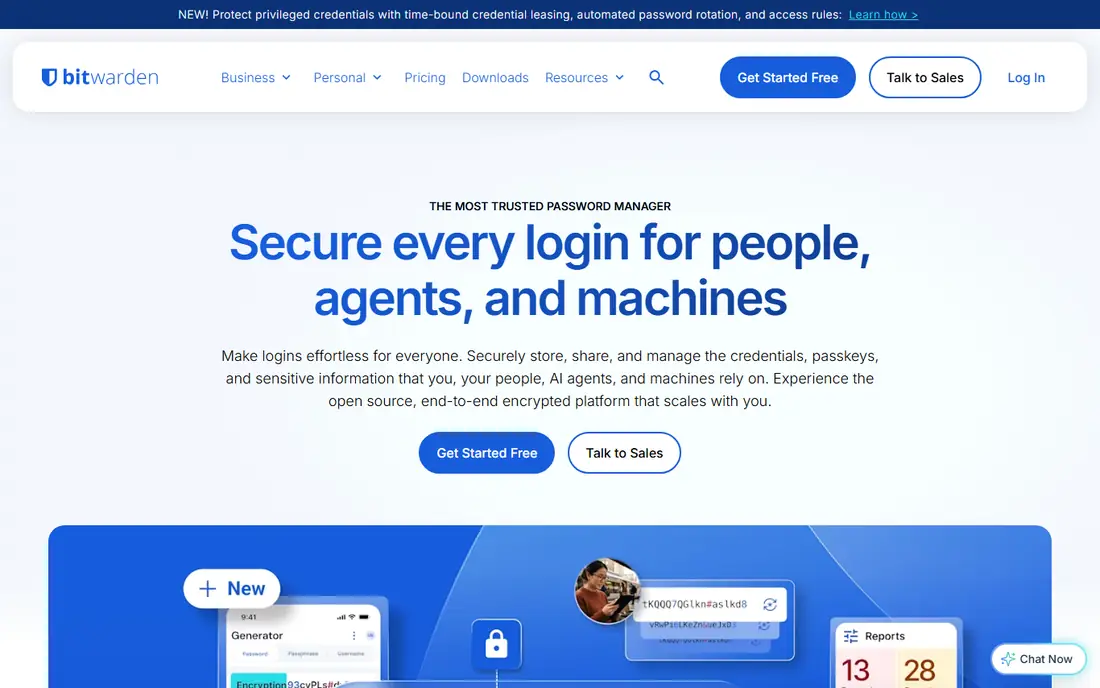
Bitwarden raised Premium in January 2026 from $10 to $19.80 a year, its first Premium rise in about a decade. Even after that rise, it is still the cheapest paid plan among the major password managers. The free plan is the real draw: unlimited passwords on unlimited devices, passkeys, and sharing with one other person, more than most paid plans offer. Premium adds a built-in authenticator, 5 GB of encrypted file attachments, emergency access and vault health reports. The code is open source, the clients have been audited, and you can self-host the server. The interface is functional rather than beautiful, and setup takes more patience than 1Password.
What we like- Best free plan here, open source code with published audits, self-hosting option, low flat price
Watch out for- The interface is plainer than 1Password or Dashlane, and vault health reports are paid-only
#3Dashlane
Best for: Buyers who want a password manager and a VPN in one subscription4.5/5 on
G2 (628 reviews, checked Oct 2026)
Visit dashlane.com
Starting price$64.99 a year (about $5.42 a month), as shown at Dashlane checkout in November 2026; Dashlane does not publish personal prices on its pricing page, and some older listings still show $4.99 a month
Free planNo free plan; Dashlane ended its free tier on 16 September 2025. A 14-day trial is available
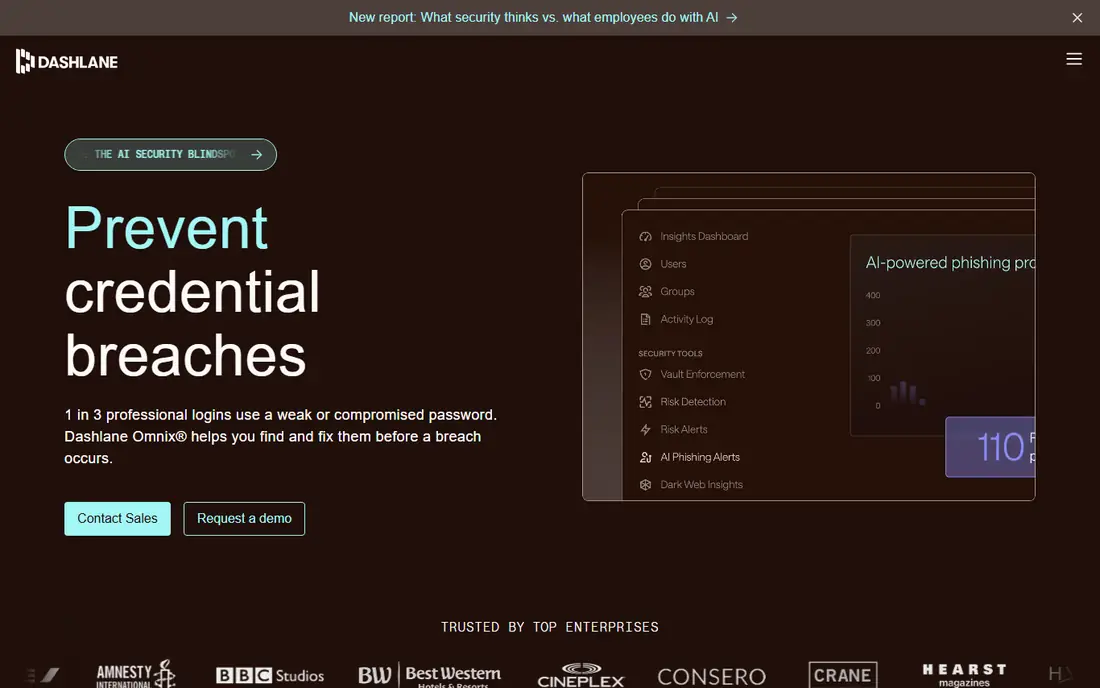
Dashlane is the premium bundle of this list: unlimited passwords and passkeys on unlimited devices, plus a VPN powered by Hotspot Shield, dark web monitoring and phishing alerts. That bundle can make sense if you would pay for a VPN anyway: a standalone VPN often costs $50 to $100 a year. The Friends and Family plan costs $97.49 a year for up to 10 members, though only the plan manager gets the VPN. At $64.99 a year it costs nearly twice as much as LastPass Premium and more than three times Bitwarden Premium. There is no free plan since September 2025, and personal plans are billed annually only.
What we like- Bundled VPN, dark web monitoring and phishing alerts included, clean interface, strong autofill
Watch out for- Most expensive pick here, no free plan, no monthly billing on personal plans
#4LastPass
Best for: Buyers who want a low cost paid plan with a free tier4.5/5 on
G2 (2,096 reviews, checked Oct 2026)
Visit lastpass.com
Starting price$36 a year ($3 a month billed annually) for Premium
Free planYes, but limited to one device type (computer or mobile, not both)
LastPass Premium costs $36 a year, in the middle of this list. It covers all devices, passkeys, emergency access, one-to-many sharing, dark web monitoring and 1 GB of encrypted file storage. The Families plan costs $48 a year for six Premium accounts. The free plan is usable for testing, but it only works on one device type, so most people will need to pay. The drawback is trust: in 2022, attackers took backups of customer vaults, and the website addresses saved in vaults were not encrypted. LastPass has rebuilt its security since then, but buyers who care about breach history should weigh that against the low price.
What we like- Low paid price, emergency access and dark web monitoring included, 1 GB of encrypted file storage
Watch out for- A 2022 breach saw attackers take backups of customer vaults, and the free plan is limited to one device type
Starting price$42.99 a year ($3.58 a month billed annually) for Keeper Unlimited
Free planYes, but limited to 10 records on one mobile device
Keeper Unlimited costs $42.99 a year for one person, with unlimited passwords, passkeys, devices and secure sharing. The Family plan costs $91.99 a year for five private vaults. Keeper stands out on compliance: its government cloud holds FedRAMP High authorisation, and it has FIPS 140-3 validated encryption. That matters for regulated work, but less for a home user. The catch is add-on pricing. BreachWatch dark web monitoring and secure file storage both cost extra, so the real cost can climb well above $42.99 a year. The free plan stores only 10 records on one phone.
What we like- Strong compliance record including FedRAMP authorisation, 24/7 support, unlimited devices and sharing
Watch out for- Dark web monitoring (BreachWatch) is a paid add-on, and the free plan is very limited
#6
NordPass
Best for: NordVPN users and buyers who will commit to a two-year plan
Visit nordpass.com
Starting price$1.99 a month on the 1-year plan ($23.88 for the first year, renews at $35.88 a year); the 2-year plan starts from $1.39 a month for the first term
Free planYes, but limited to one active session, so it works on one device at a time
NordPass comes from Nord Security, the company behind NordVPN, and it shows in the polish of the apps. Premium includes multi-device sync, a password health monitor, a data breach scanner, email masking, file attachments and emergency access. The pricing needs care: the headline rate of about $1.39 a month applies to the two-year plan for the first term only. On the one-year plan, Premium costs $1.99 a month for the first year and renews at $35.88 a year. The free plan allows a single active session, so you cannot stay signed in on your phone and laptop at once without paying.
What we like- Very low first-term price, XChaCha20 encryption, breach scanner and email masking included, clean apps
Watch out for- Headline price is a first-term promotion with a much higher renewal, and the free plan works on one device at a time
#7Enpass
Best for: Buyers who want their vault stored outside any vendor cloud4.6/5 on
G2 (27 reviews, checked Oct 2026)
Visit enpass.io
Starting price$23.99 a year ($1.99 a month billed annually) for Individual; a three-year plan costs $47.99 once
Free planYes; up to 25 items in one vault, with syncing across all platforms
Enpass works differently from every other tool here. It runs no servers and holds no customer data. Your vault lives on your own devices, and sync runs through cloud storage you already own. That is a real privacy advantage, and it means there is no vendor vault to breach. The Individual plan costs $23.99 a year, the three-year plan costs $47.99 once, and the Family plan costs $47.99 a year for six people. The trade-off is convenience: you set up sync yourself, and sharing is less smooth than in 1Password or Bitwarden. The lifetime plan left the Enpass pricing page in September 2026, though it is still listed as a $99.99 one-time purchase on the App Store.
What we like- Offline-first design, sync through your own cloud storage, three-year plan works out to about $16 a year
Watch out for- No cloud sync of its own, so setup takes more work, and the lifetime plan was removed from the pricing page in September 2026
#8Proton Pass
Best for: Privacy-focused buyers and Proton Mail or VPN users4.6/5 on
G2 (6 reviews, checked Oct 2026)
Visit proton.me
Starting price$2.99 a month billed annually ($35.88 a year) for Pass Plus; $4.99 a month billed monthly
Free planYes; unlimited logins and unlimited devices, with 10 hide-my-email aliases
Proton Pass is the youngest tool in this guide, and it has matured fast. The free plan is genuinely usable, with unlimited logins, unlimited devices, passkeys and 10 hide-my-email aliases. Pass Plus adds unlimited aliases, a built-in two-factor authenticator, secure vault and link sharing, dark web monitoring, file attachments and emergency access. Proton is based in Switzerland, its apps are open source, and the same account can carry Proton Mail, Calendar, Drive and VPN through the Proton Unlimited bundle at $9.99 a month billed annually. The drawback is that the best features sit behind the paid plan, and Pass Plus at $35.88 a year is not cheap next to Bitwarden.
What we like- Strong free plan, unlimited email aliases on paid plans, open source apps, Swiss jurisdiction, built-in authenticator on paid plans
Watch out for- Authenticator, vault sharing and emergency access are paid-only, and Pass Plus costs nearly twice Bitwarden Premium
Bitwarden Premium at $19.80 a year is the cheapest paid plan from a major vendor. Enpass is cheaper still over three years, at $47.99 once, which works out to about $16 a year. NordPass can beat both on a first-term two-year deal, but its renewal price removes that advantage. Dashlane at $64.99 a year costs more than three times Bitwarden, and Keeper Unlimited climbs higher once you add BreachWatch.
| Tool |
Starting paid price |
Free plan |
Best for |
| 1Password |
$47.88 a year |
No, 14-day trial |
Most polished apps |
| Bitwarden |
$19.80 a year |
Yes, unlimited |
Best value |
| Dashlane |
$64.99 a year |
No, 14-day trial |
Password manager plus VPN |
| LastPass |
$36 a year |
Yes, one device type |
Low cost paid plan |
| Keeper |
$42.99 a year |
Yes, 10 records |
Compliance and business |
| NordPass |
$23.88 first year |
Yes, one device at a time |
Lowest first-term price |
| Enpass |
$23.99 a year |
Yes, 25 items |
Offline vault control |
| Proton Pass |
$35.88 a year |
Yes, unlimited logins |
Privacy and email aliases |
Check the renewal price before you buy, not just the first-year price. NordPass, 1Password and RoboForm all charge more after the first term, while Bitwarden, LastPass and Keeper show one price with no separate renewal rate.
Frequently asked questions
What is the best RoboForm alternative overall?
1Password is the best all-round pick, with the most polished apps, the best family sharing, and breach alerts through Watchtower. It costs $47.88 a year after the first year, with no free plan. For the lowest cost, Bitwarden is the better pick: its free plan covers unlimited passwords on unlimited devices, and Premium costs $19.80 a year.
Is there a free alternative to RoboForm?
Yes. Bitwarden and Proton Pass both offer free plans with unlimited passwords on unlimited devices. Bitwarden also includes passkeys and sharing with one other person at no cost. Proton Pass includes 10 hide-my-email aliases for free. The other four also have free plans, but each one limits devices, records or items.
Can I import my passwords from RoboForm?
Yes. Export your logins from RoboForm as a CSV file, then use the import tool in your new password manager to load it. All eight tools here accept CSV imports. Keep the CSV on your own computer, check five or six logins after import, and delete the file when you are done: it holds your passwords in plain text.
Is RoboForm safe to use?
RoboForm uses zero-knowledge AES 256 encryption, and it has been independently audited. A lock-screen bypass flaw, tracked as CVE-2025-26700, affected versions before 9.7.4 and was fixed in February 2025. RoboForm is safe to keep using if you are on a current version. The reasons to switch are usually about price, the single-device free plan, or the dated interface. Whatever tool you choose, turn on two-factor authentication and keep the app updated.
Which RoboForm alternative is the cheapest?
Bitwarden Premium is the cheapest paid plan here at $19.80 a year, and its free plan costs nothing. Enpass is cheaper over three years, at $47.99 once, about $16 a year. NordPass can be cheaper still in its first two-year term, from $1.39 a month, but the renewal price is higher. Bitwarden and Proton Pass both offer free plans with unlimited passwords on unlimited devices.
Sources we checked (9)
- https://1password.com/pricing
- https://bitwarden.com/pricing
- https://www.dashlane.com
- https://www.lastpass.com/pricing
- https://www.keepersecurity.com
- https://nordpass.com/plans
- https://www.enpass.io
- https://proton.me/pass/pricing
- https://roboform.com/pricing-personal
Is your product missing or out of date?
We review this list regularly. Vendors can request a listing, send updated pricing or ask about featured placement.

Shihab Mia · Founder, Rankite
Shihab has 5+ years in B2B and SaaS SEO. He writes Rankite's software buying guides from pricing pages, documentation and public user reviews. More about Shihab.